
Marvel United/DC United Tokens
Print Profile(3)
Description
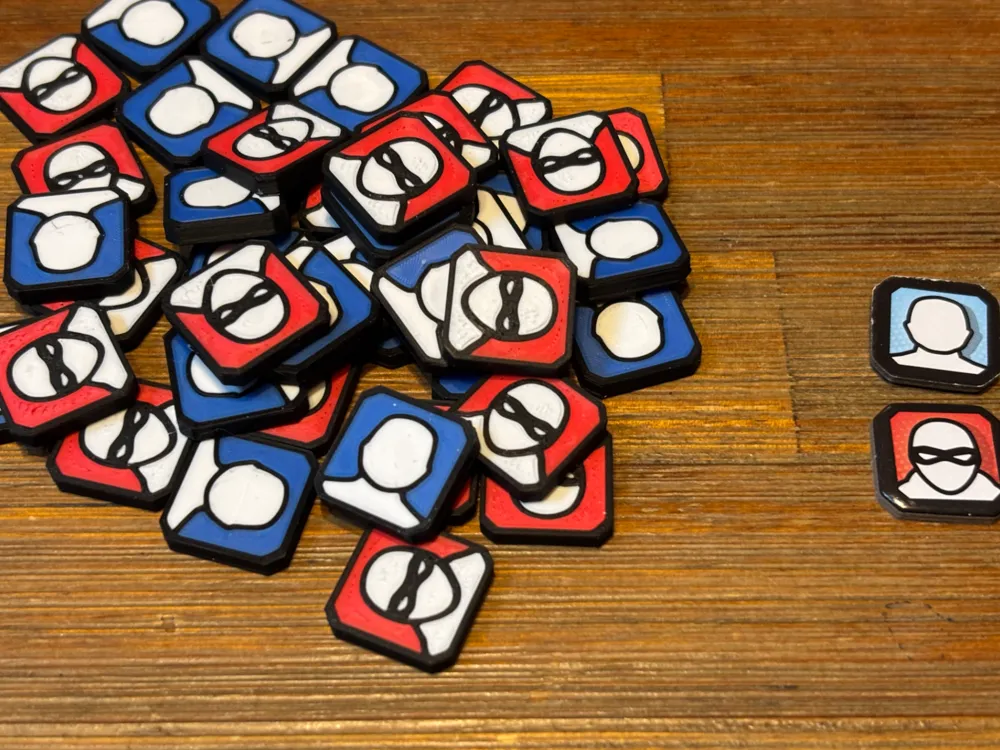
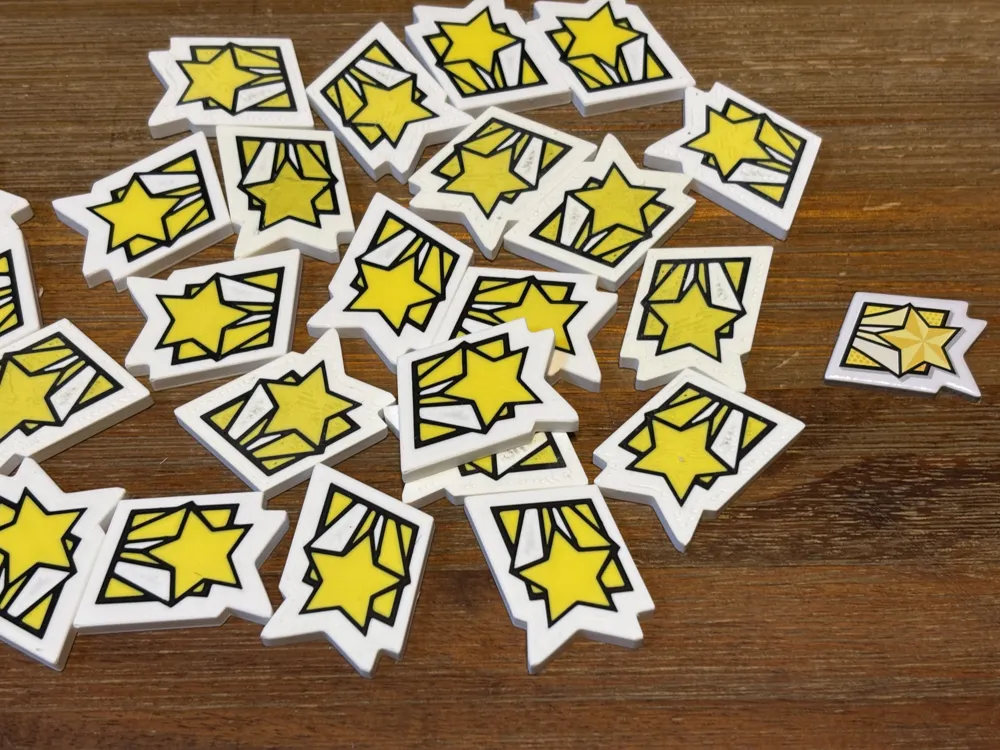
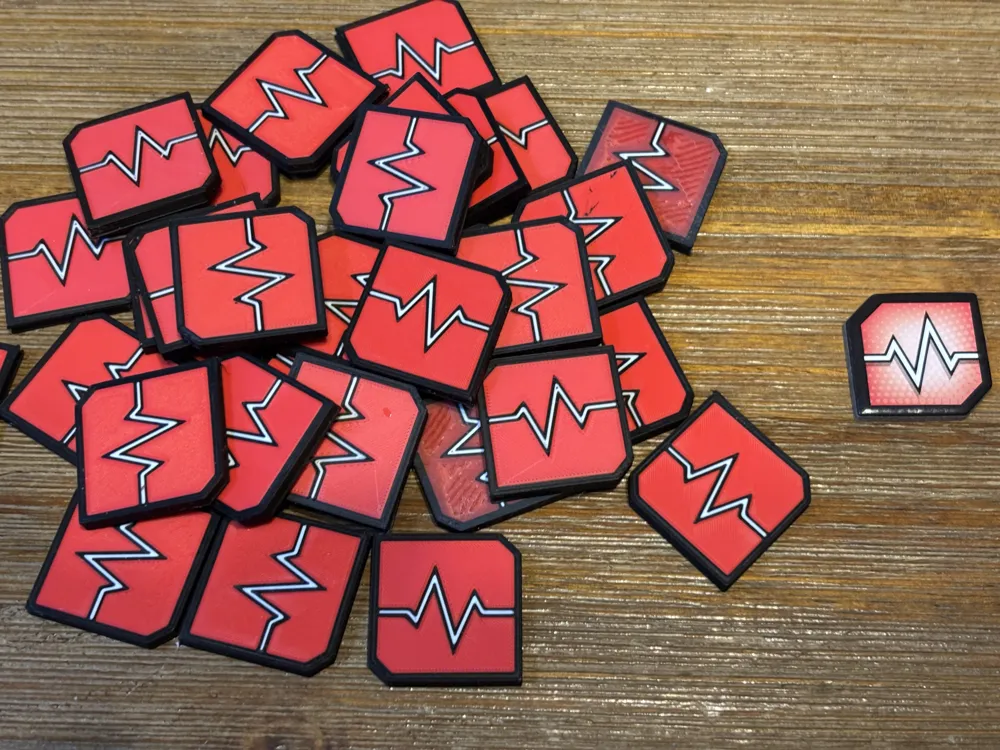
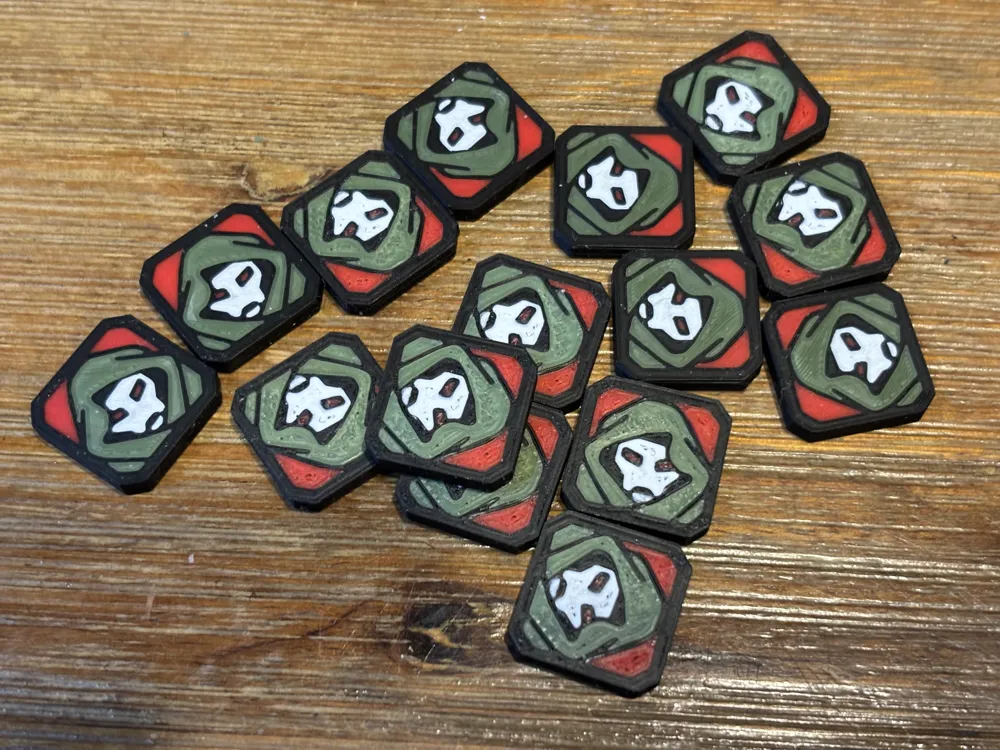
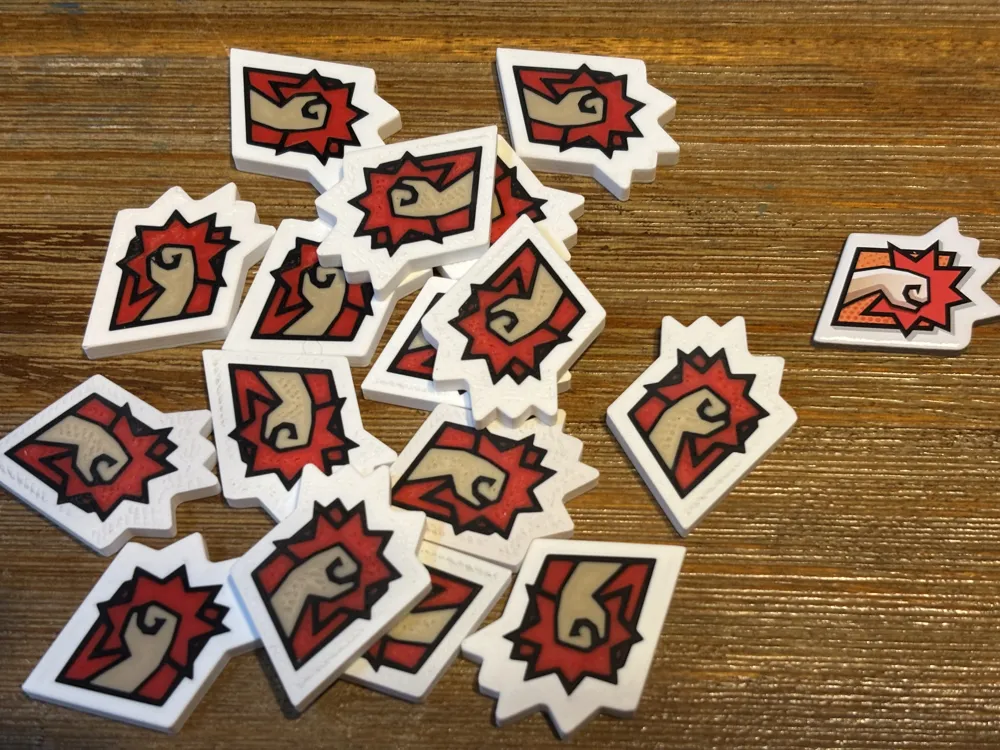
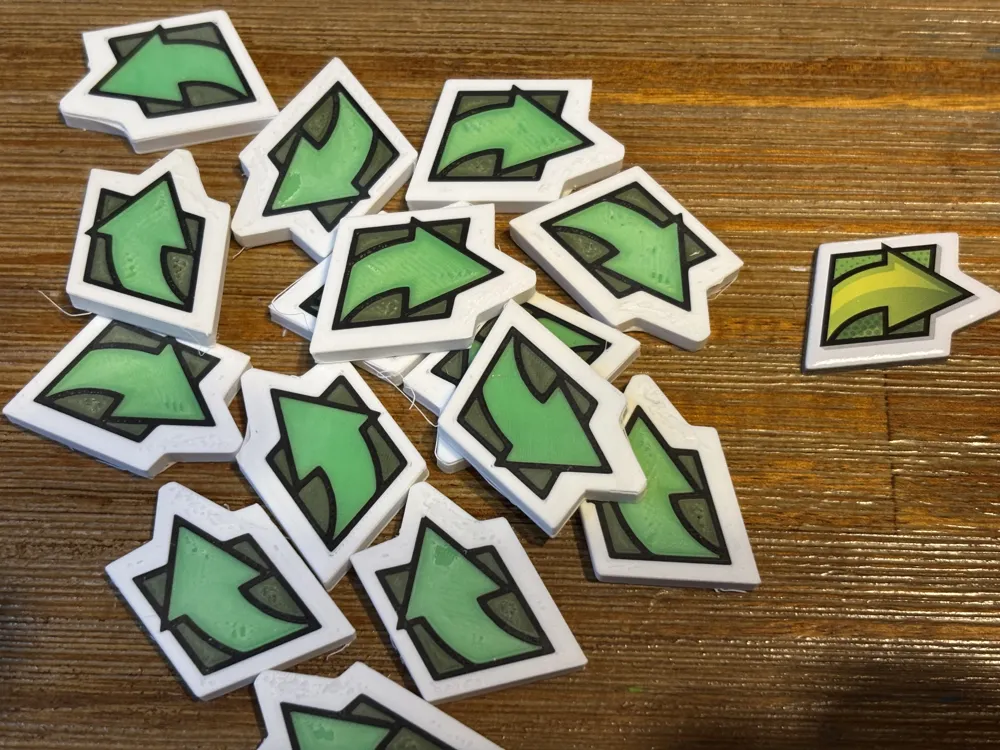
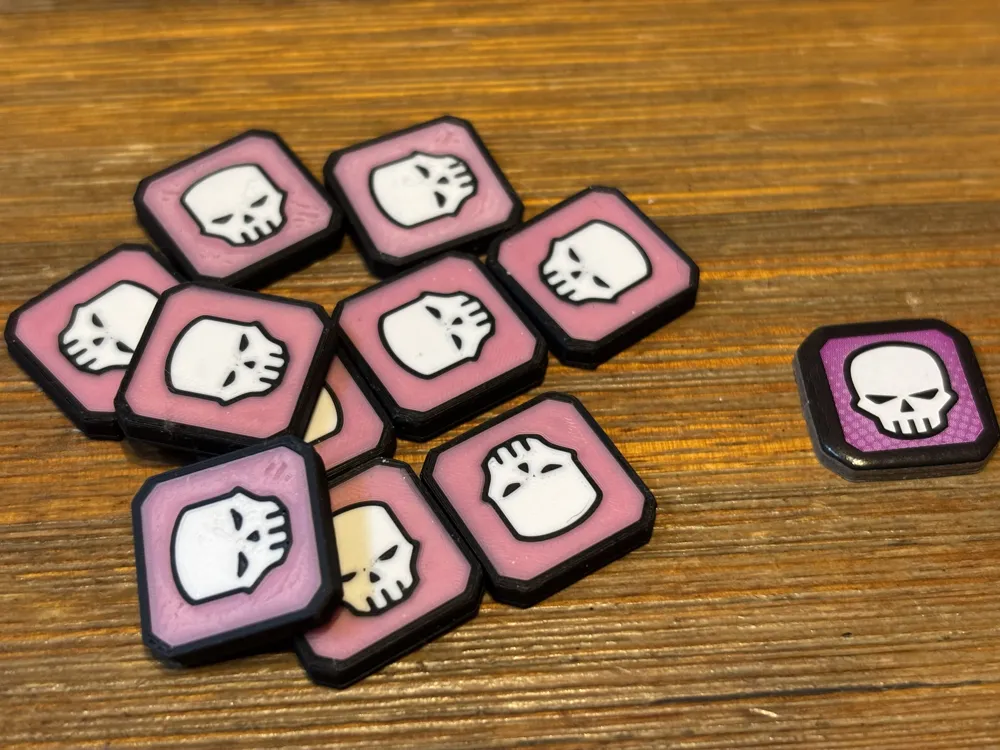
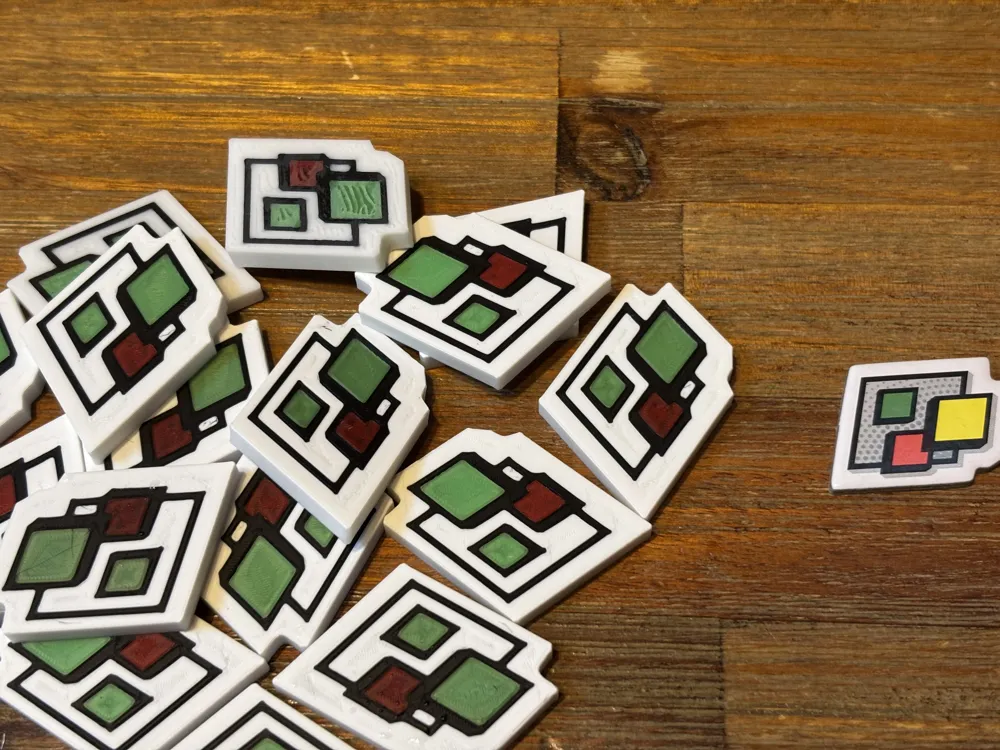
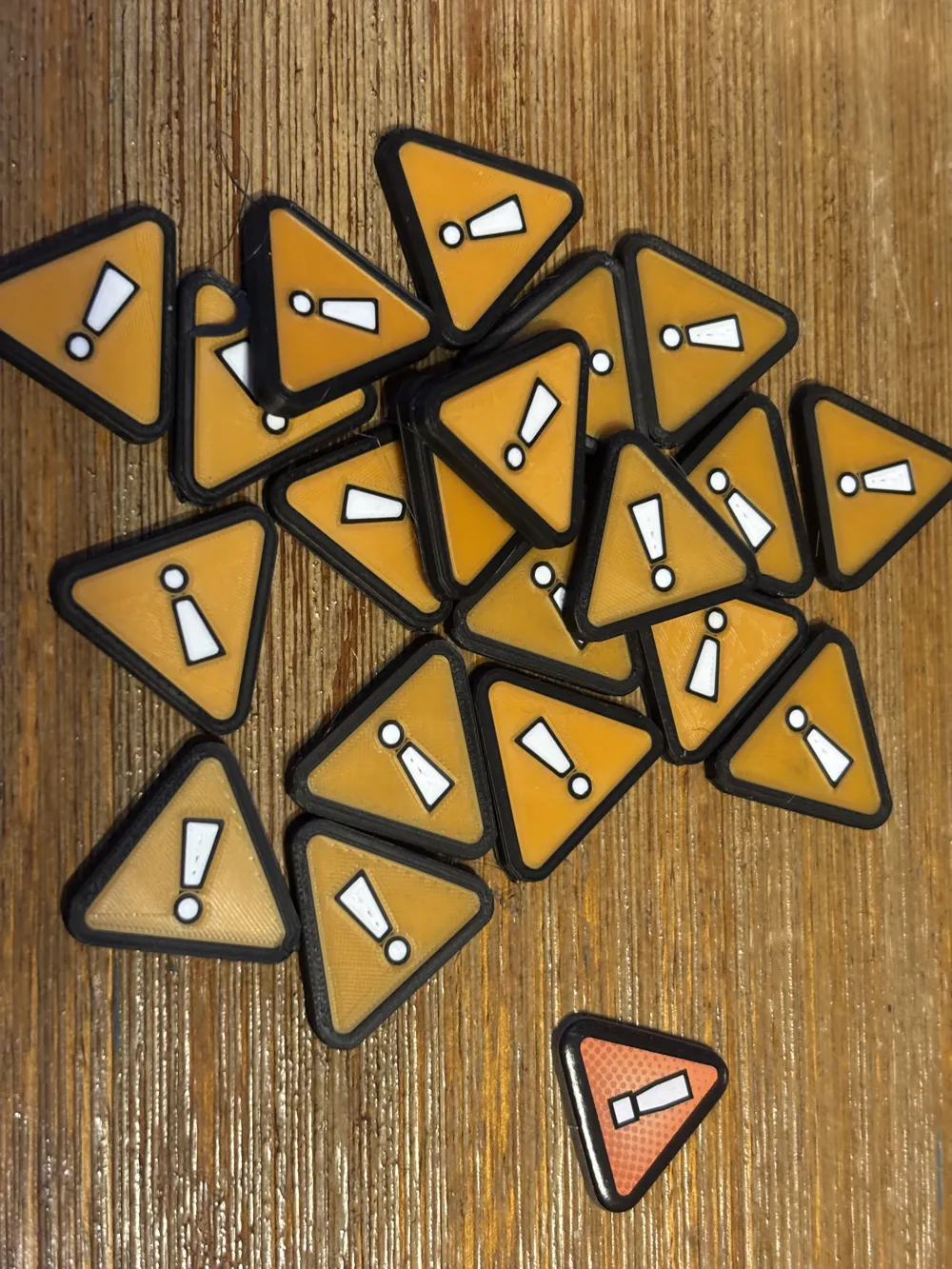
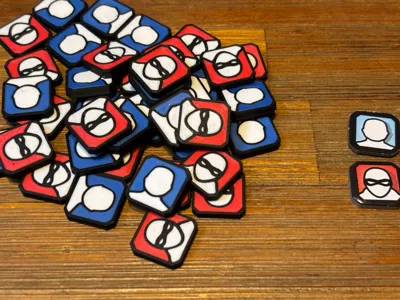
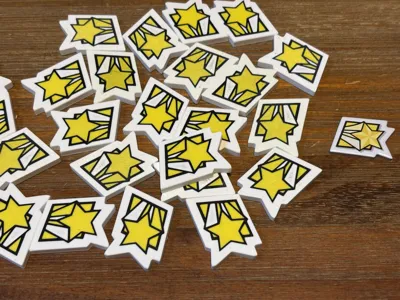
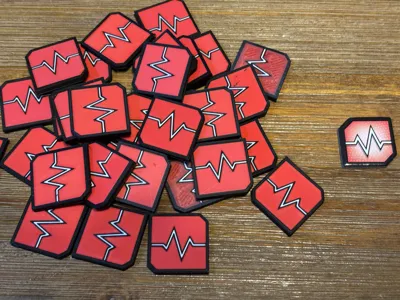
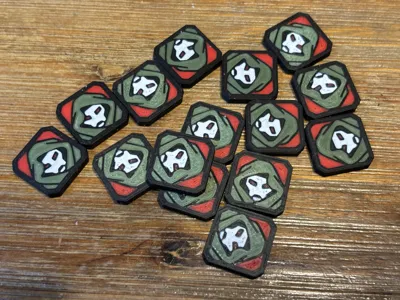
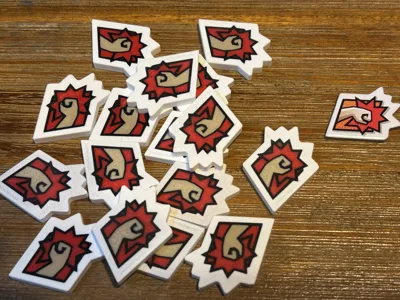
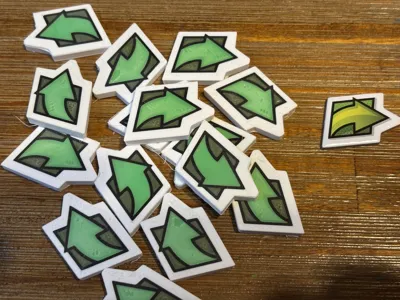
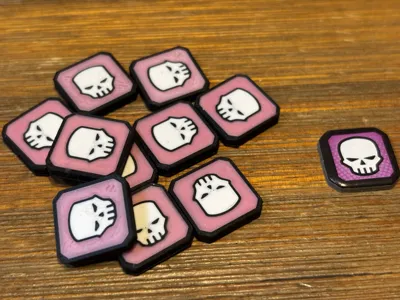
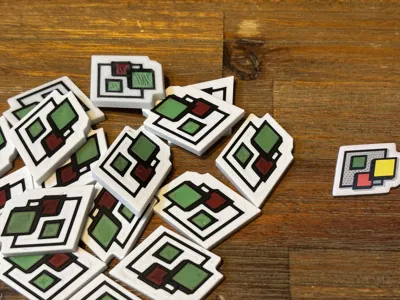
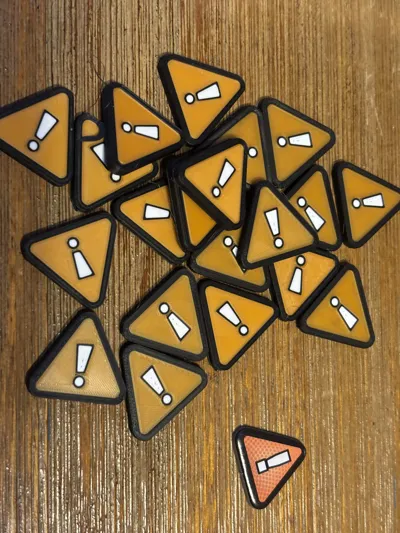
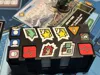
This project contains Marvel United/DC United 3D printed tokens to replace their cardboard equivalents. I limited the colors of each token to four (as I suspect few people will have access to more than a single AMS). This limit on colors had the greatest impact on the “wild” token as the original included 6+ colors (I had to jettison the yellow and gray), but seemed sufficient for most of the other tokens. Pictures show original cardboard tokens to the right for comparison.
In most cases, the 3D printed tokens are slightly larger than the originals and intentionally thicker (3 or 4mm thick). Obviously, you can re-scale their sizes if you wish. Each plate contains a couple of extra tokens to account for misprints.
These tokens can be challenging to print, due to adhesion issues. Make sure your filaments are completely dry and consider using glue on your smooth or cool plate. I used the Generic PLA setting for all of the filaments, but lowered the default nozzle temp of the first layer from 220 to 210. I think everything else is the default values.
While some of these tokens could be printed with a 0.4mm nozzle (e.g. Heroic, Attack, and Move), I chose to sacrifice time for better quality.
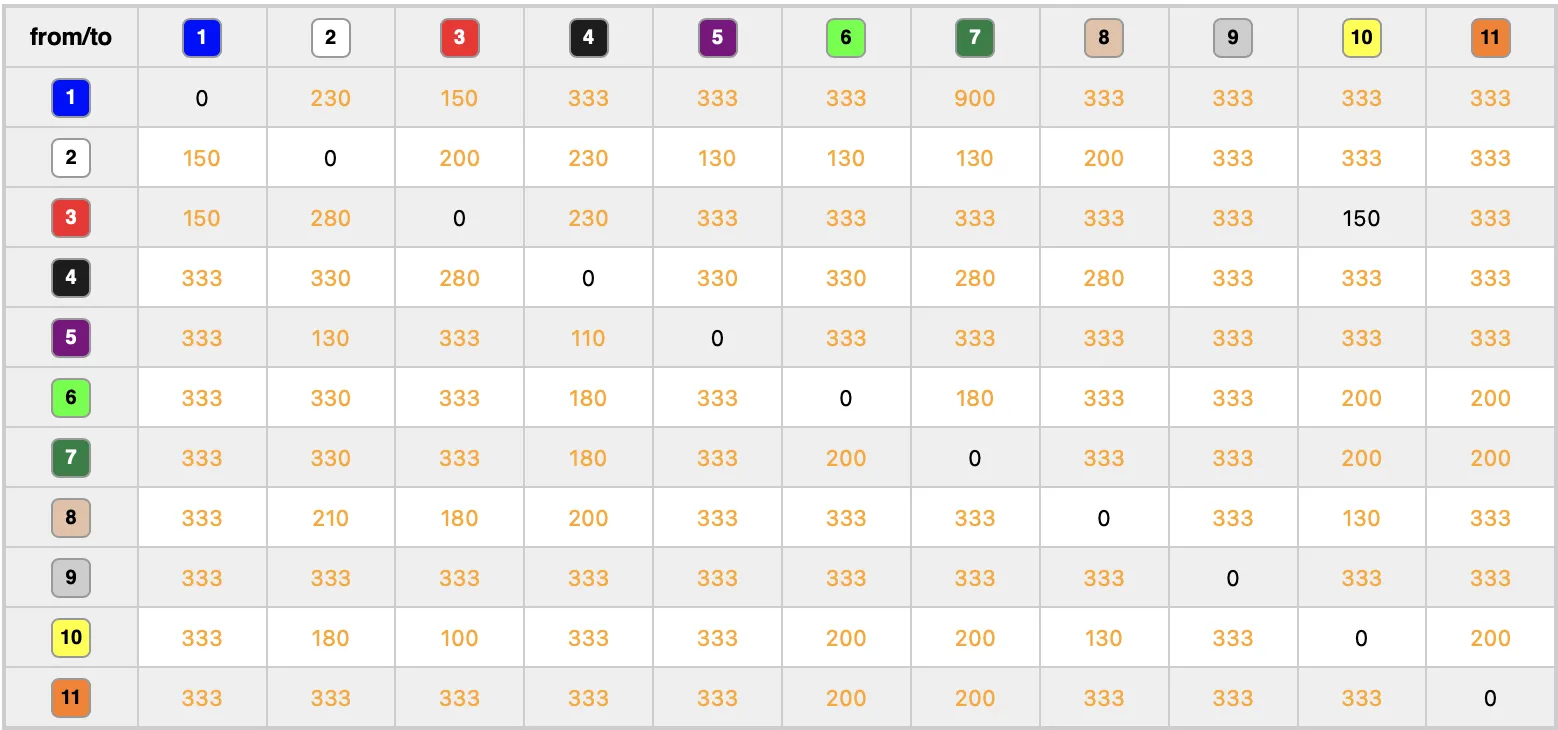
I'm not sure if the purging volumes that I set gets uploaded and downloaded with the project or not. I used a mix of Bambu Matte and SUNLU High Speed and PLA+ filaments and calibrated many of the purging volumes for the needed color combinations to minimize waste. If I didn't specifically calibrate a color combo, I set the value to “333”. Regardless, check the flushing volumes. Set the multiplier “1” (if in doubt) to set more conservative purging volumes.
License



Comment & Rating (2)