Search models, users, collections, and posts

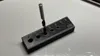
corner drilling guide
IP Report
Print Profile(1)
0.2mm layer, 2 walls, 15% infill
Designer
39 min
1 plate
Open in Bambu Studio
Boost
71
290
3
0
79
41
Released
Description
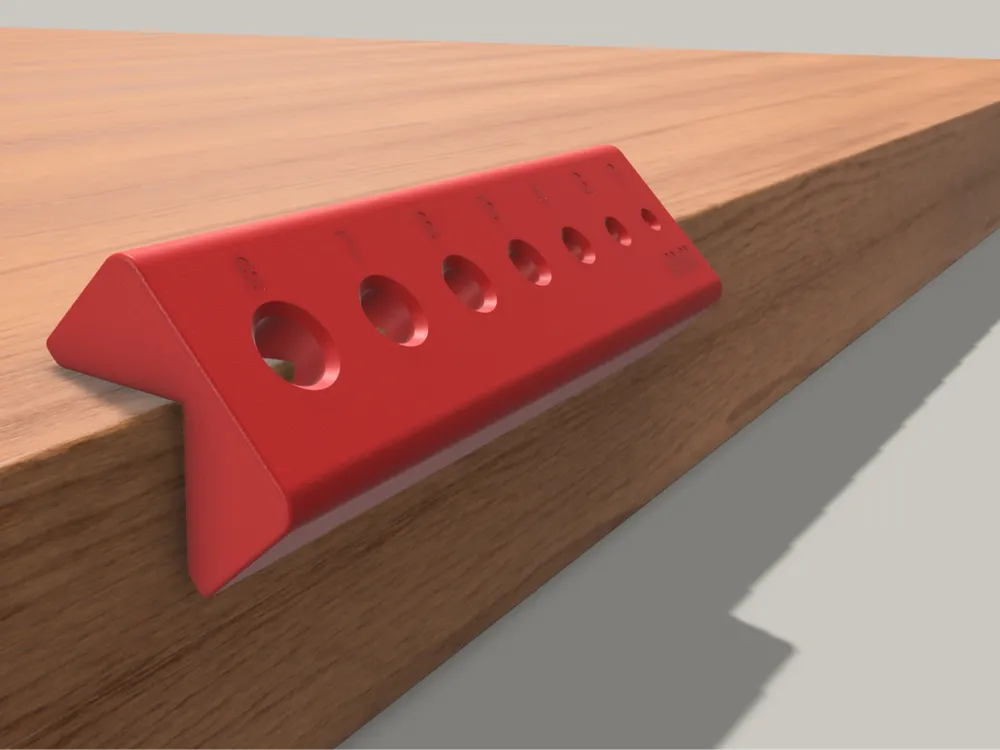
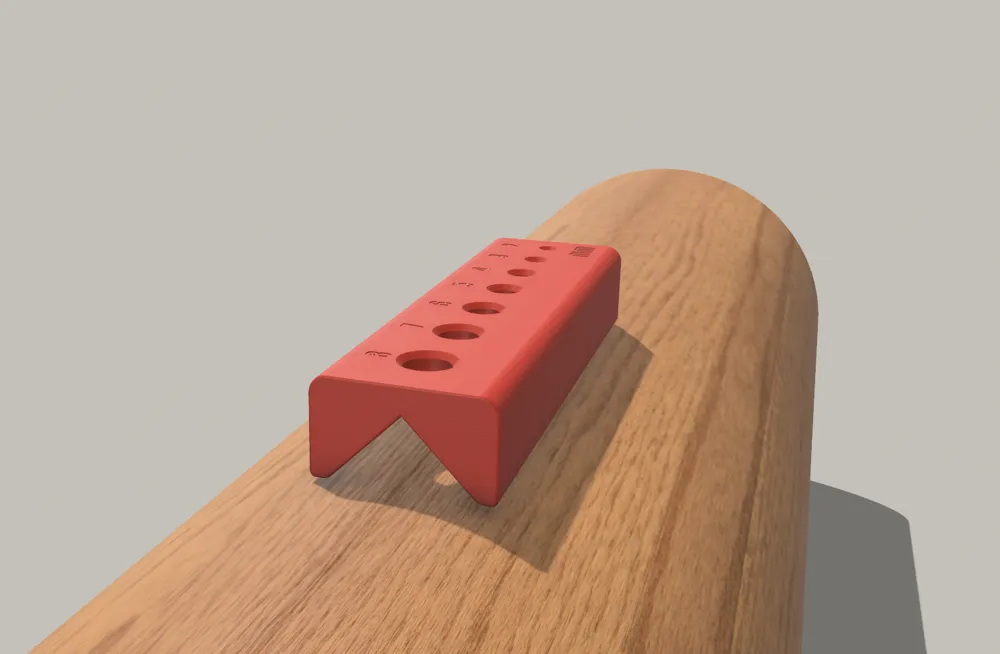
Easy-to-use drilling guide for your workshop. This tool features a V-shape base, allowing you to drill perfectly on round pipes, cylinders, or 90° corners.
Key Features:
- 7 Sizes: Designed for 2, 3, 4, 5, 6, 7, and 8mm drill bits.
- V-Block Base: Self-centers on tubes and board edges.
- Smart Spacing: Holes are placed progressively for better strength and look.
Important - Accuracy & Clearance: To prevent the plastic from melting or being damaged by the drill friction, each hole is 0.2mm larger than the drill size (ex: the 4mm hole is actually 4.2mm wide).
- Note: This is a visual guide. Do not force the drill bit against the walls. Keep your drill steady for the best results.
Print Settings:
- Walls: 4 loops (for strength).
- Infill: 40% or more.
- Material: PETG is best, but PLA works fine.
NOTE FOR PRINTING :
Optimized for Text Clarity
- Recommended Nozzle: For the best results and crystal-clear text labels (2mm to 8mm), I recommend using a 0.2mm nozzle.
- Standard 0.4mm Nozzle: This profile also works perfectly with a 0.4mm nozzle. The tool will be just as strong, but the small engraved numbers might be slightly less sharp or harder to read.
- Brim: If the corners of the part peel off the bed (warping), please use a 5mm Brim.
- Orientation Tip: If the part still peels off, try changing the print orientation (rotate it on the build plate).
- Supports: If you have trouble printing the V-shape or the internal holes, you can add supports. However, with a well-tuned printer, it should print fine without them if the flat side is on the bed.
Custom Sizing (Scaling Tip)
If you need larger or smaller holes, you can easily resize this tool using the Scale Tool in your slicer (Bambu Studio).
How it works: The holes will scale proportionally with the object. For example:
- To get a 10mm guide: Scale the model to 125% (The original 8mm hole will become 10mm).
- To get a smaller precision guide: Scale the model to 50% (The original 2mm hole will become 1mm).
Note: Remember that scaling will also change the overall length and the V-block size. Make sure it still fits your needs!
Documentation (1)
Other Files (1)
Drill Guide.pdf
License

This user content is licensed under a
Creative Commons Attribution-Noncommercial


Comment & Rating (3)