
Support Threshold Overhang Test (10-80 Degrees)


Print Profile(1)

Description
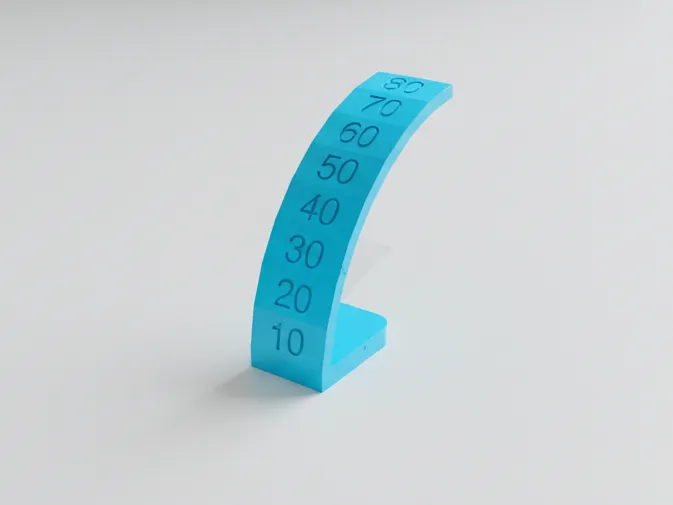
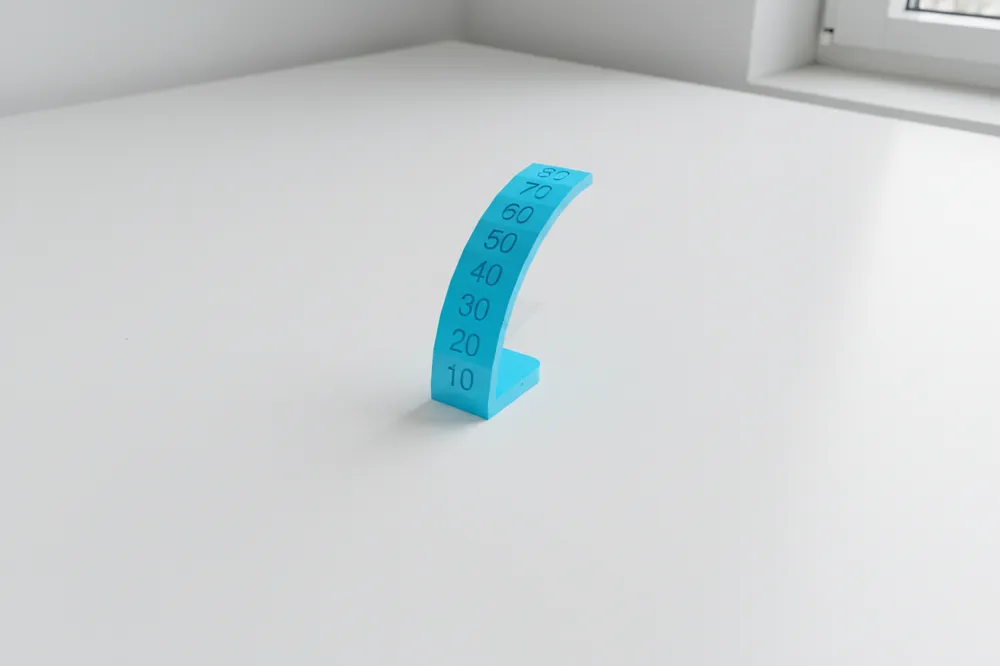
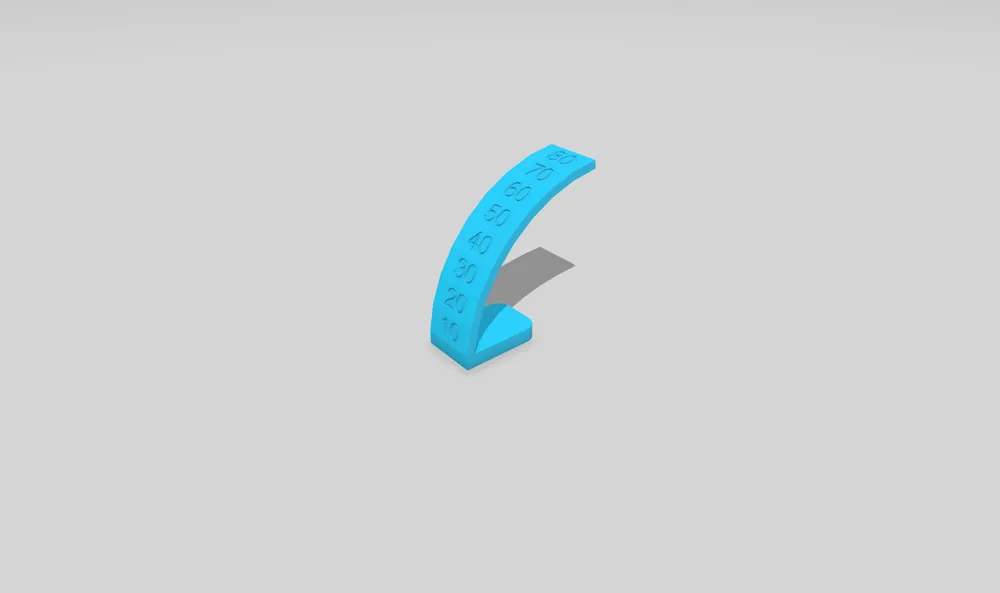
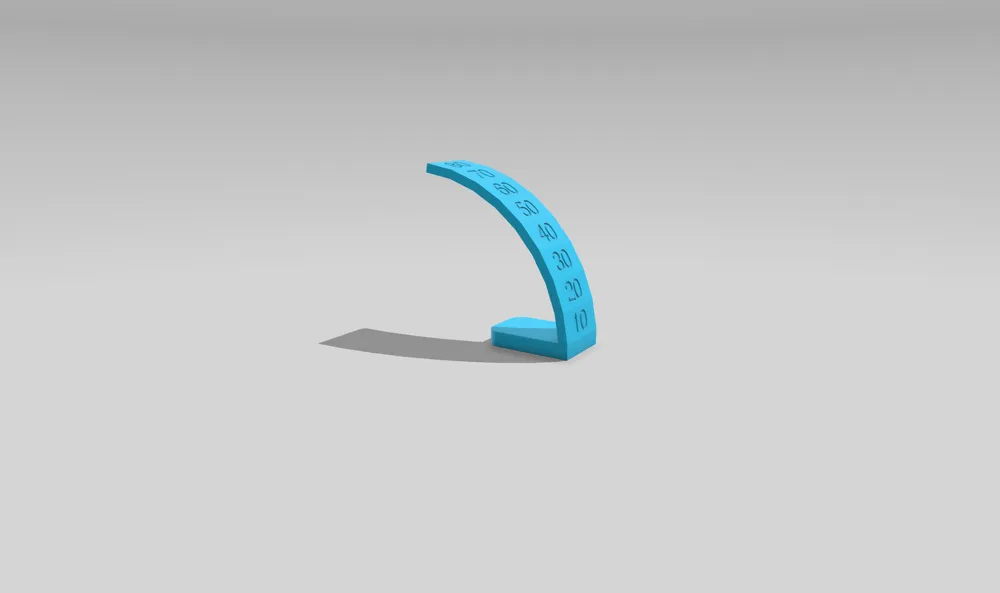
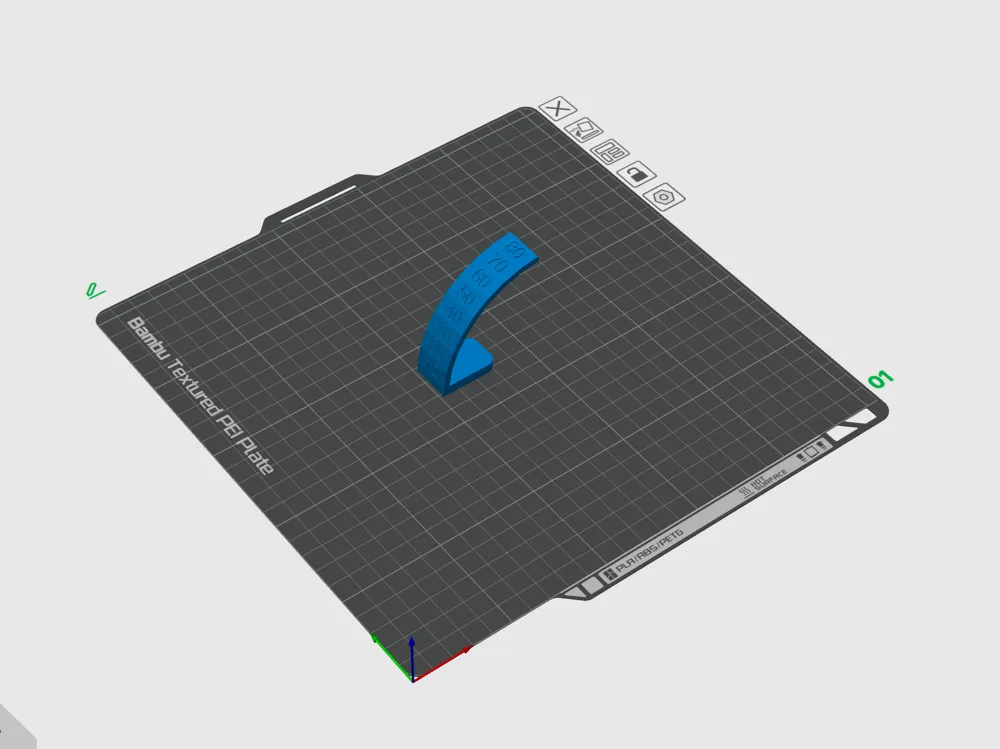
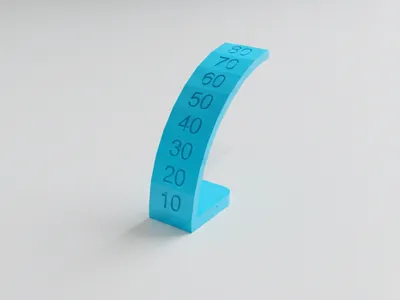
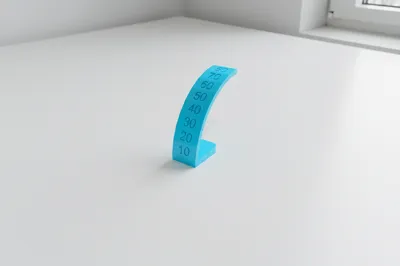
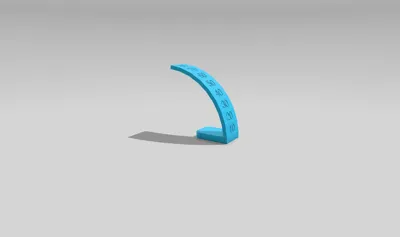
This model is a Support Threshold / Overhang Test designed to help you understand how steep an overhang your 3D printer can print cleanly without supports.
What do these angles mean?
- Overhang angle: the angle of a surface that leans outward with no material underneath
- Support threshold angle: the angle at which your slicer decides to add supports automatically
- 45° sweet spot: most FDM printers can handle around 45 degrees without supports. Below this angle prints are usually clean. Above it quality often starts to drop depending on cooling speed and filament
This test lets you see the real limit of your own printer, not just a theoretical number.
What this model includes
- One overhang arc from 10° to 80°
- 10° increments for fast and easy reading
How to print
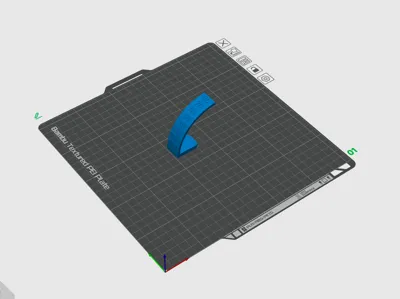
- Download the model, open it on Bambu Studio and Slice it with your normal profile
- Disable supports !
- Print normally and let it finish
How to read the result
- Low angles should look smooth and clean
- As angles increase you may see sagging drooping or messy layers
- The highest angle that still looks clean is your printer’s real support threshold / max overhang angle
It is completely normal if the print starts to fail or look bad at higher angles. That does not mean something is wrong with your printer. This test is supposed to show where the limit is.
Why this matters
Knowing your real overhang limit helps you:
- Set a better Support Threshold Angle in your slicer
- Decide when supports are really needed
- Improve surface quality on real prints
- Tune cooling speed and print speed more confidently
If you want a visual explanation of overhang and support angles, Bambu Lab has great beginner friendly videos on their official YouTube channel that explain this concept clearly.
⭐ Please consider leaving a review or a like
It really helps gain visibility and allows me to keep improving and releasing better calibration tools for the community. Thanks for the support and happy printing 🚀
License

You shall not share, sub-license, sell, rent, host, transfer, or distribute in any way the digital or 3D printed versions of this object, nor any other derivative work of this object in its digital or physical format (including - but not limited to - remixes of this object, and hosting on other digital platforms). The objects may not be used without permission in any way whatsoever in which you charge money, or collect fees.


Comment & Rating (3)