
Playstation 5 PS5 Anti-Vibration vibration damper
Print Profile(4)


Description
Boost Me (for free)
Support me :)
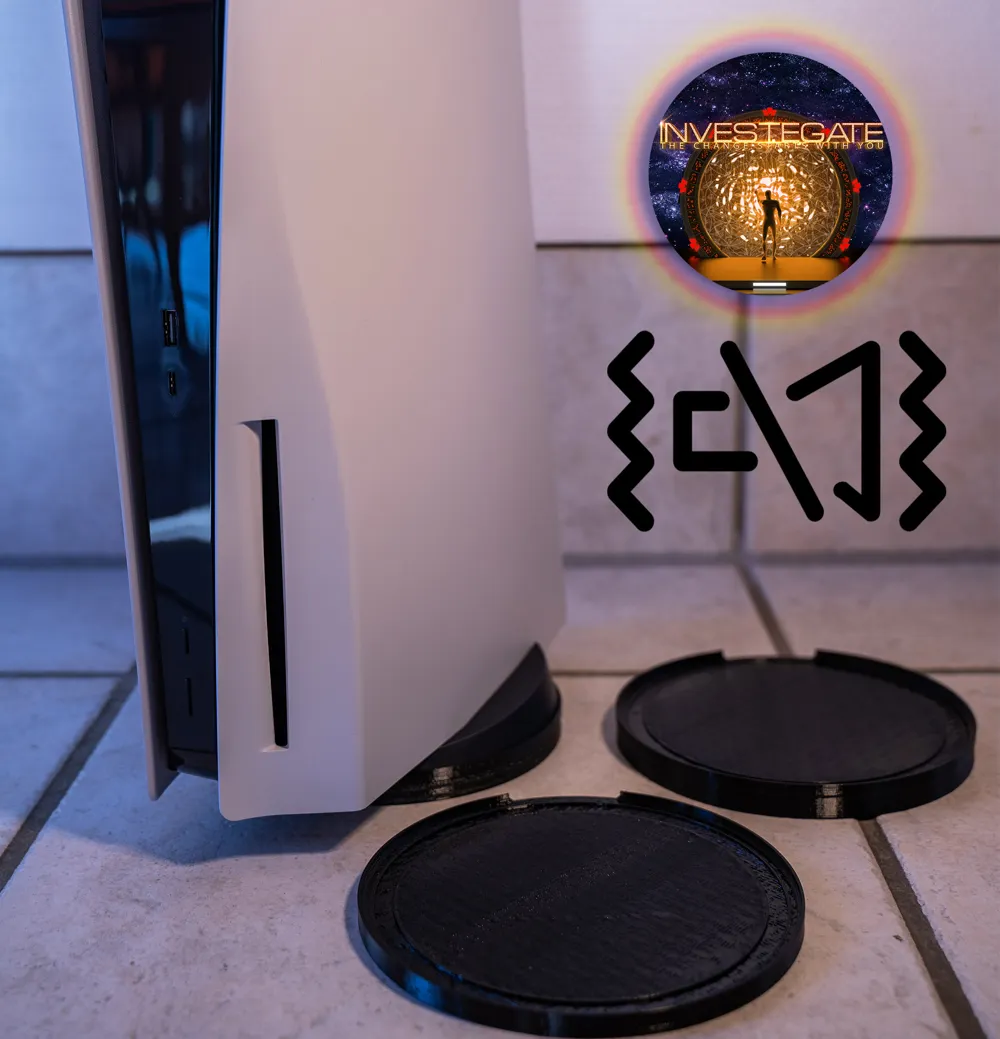
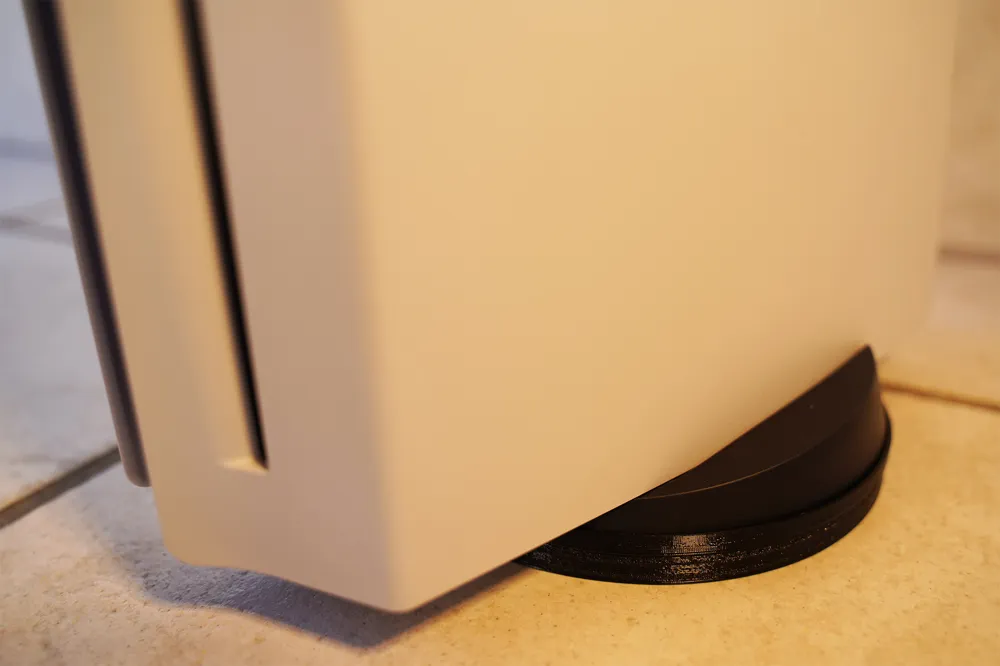
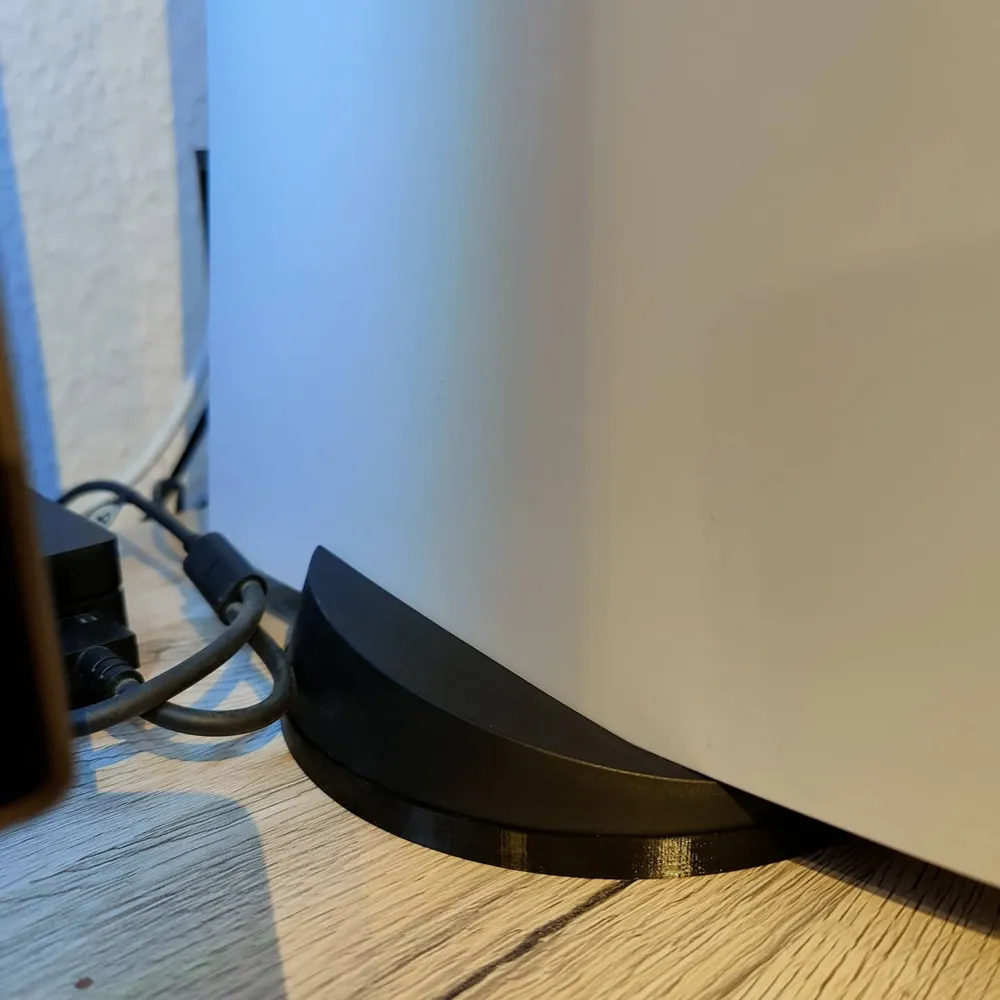
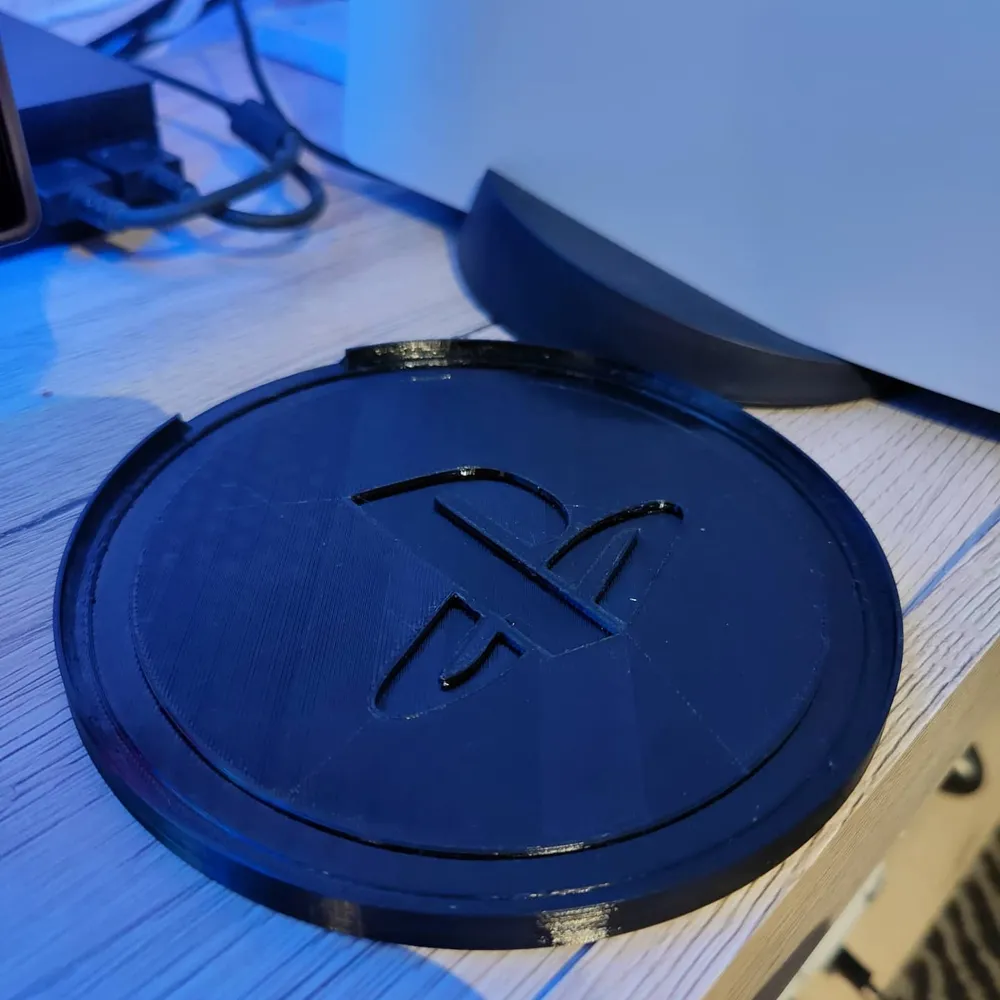
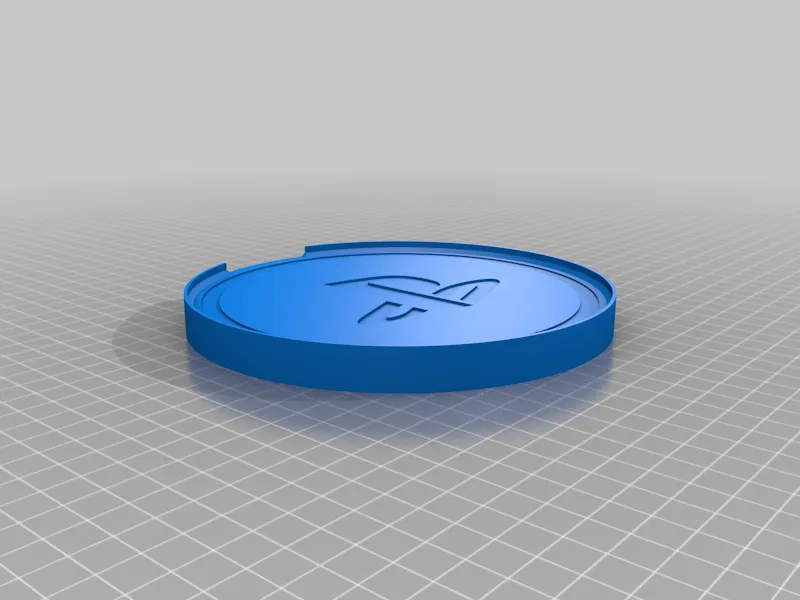
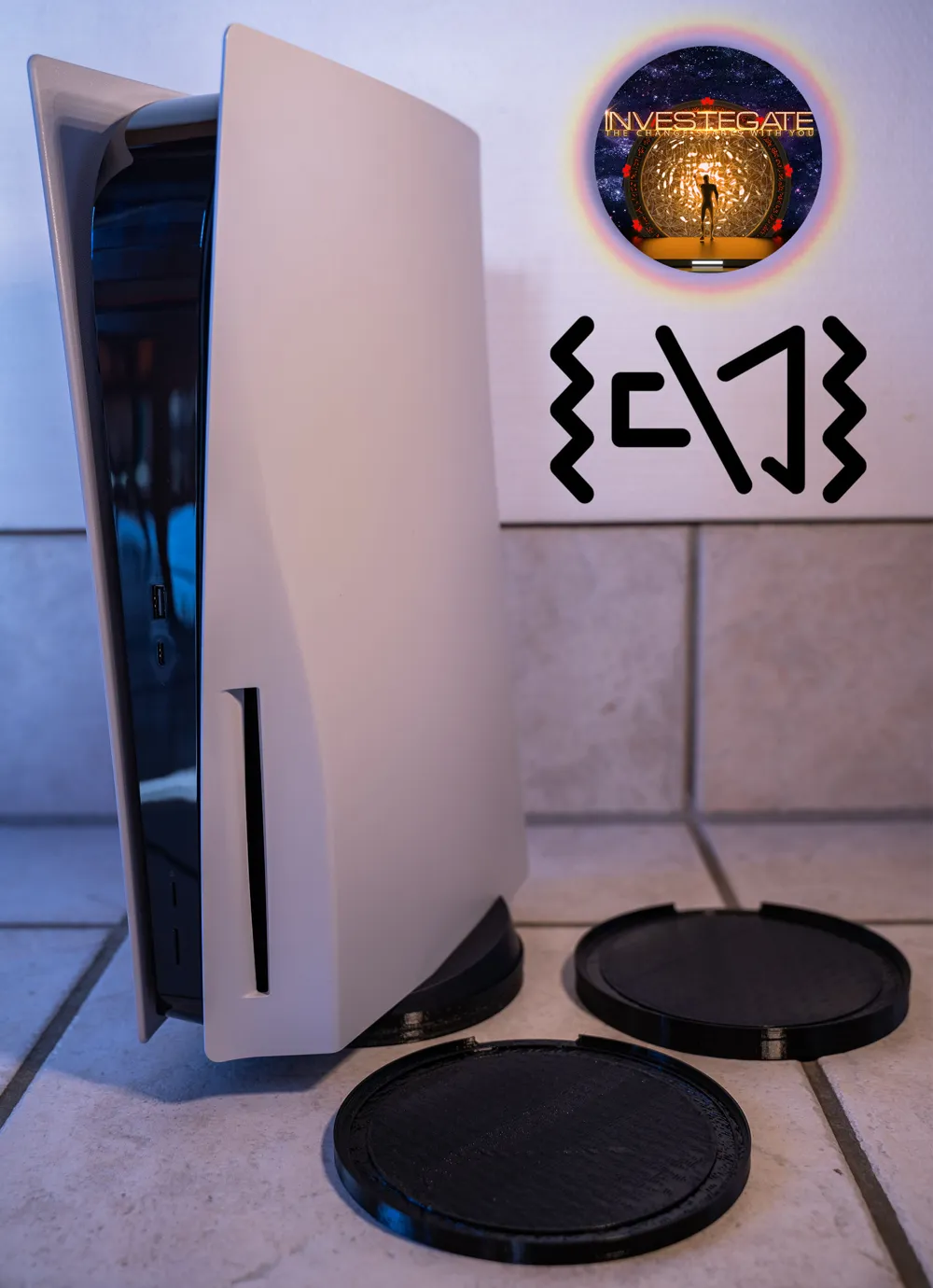
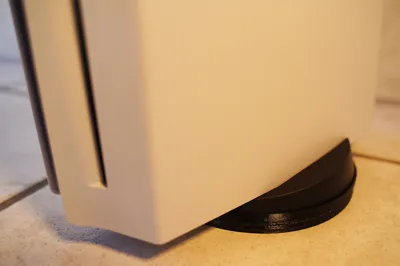
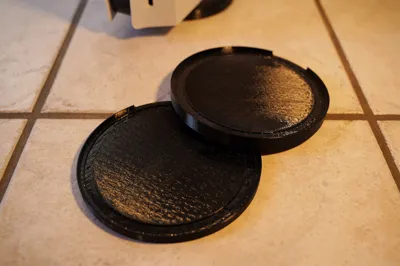
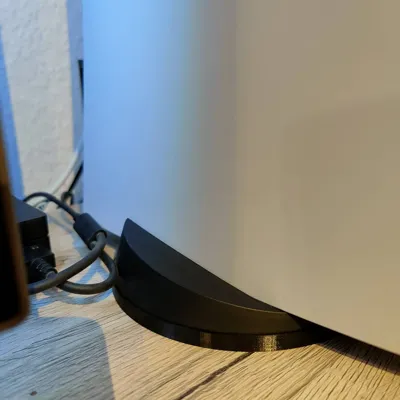
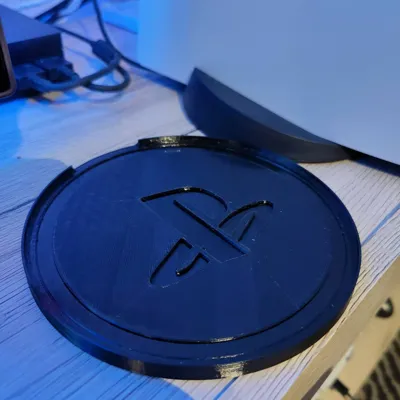
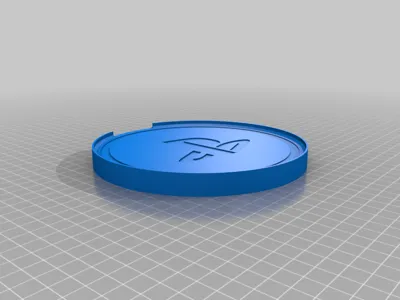
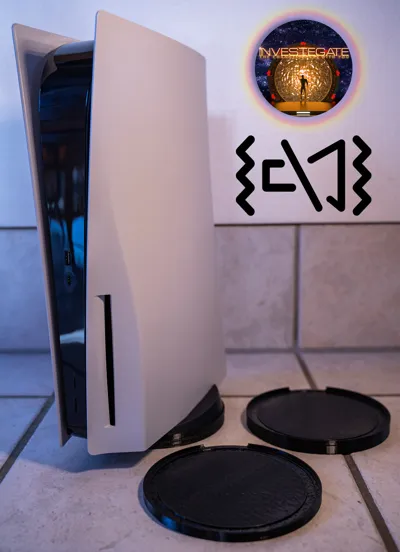
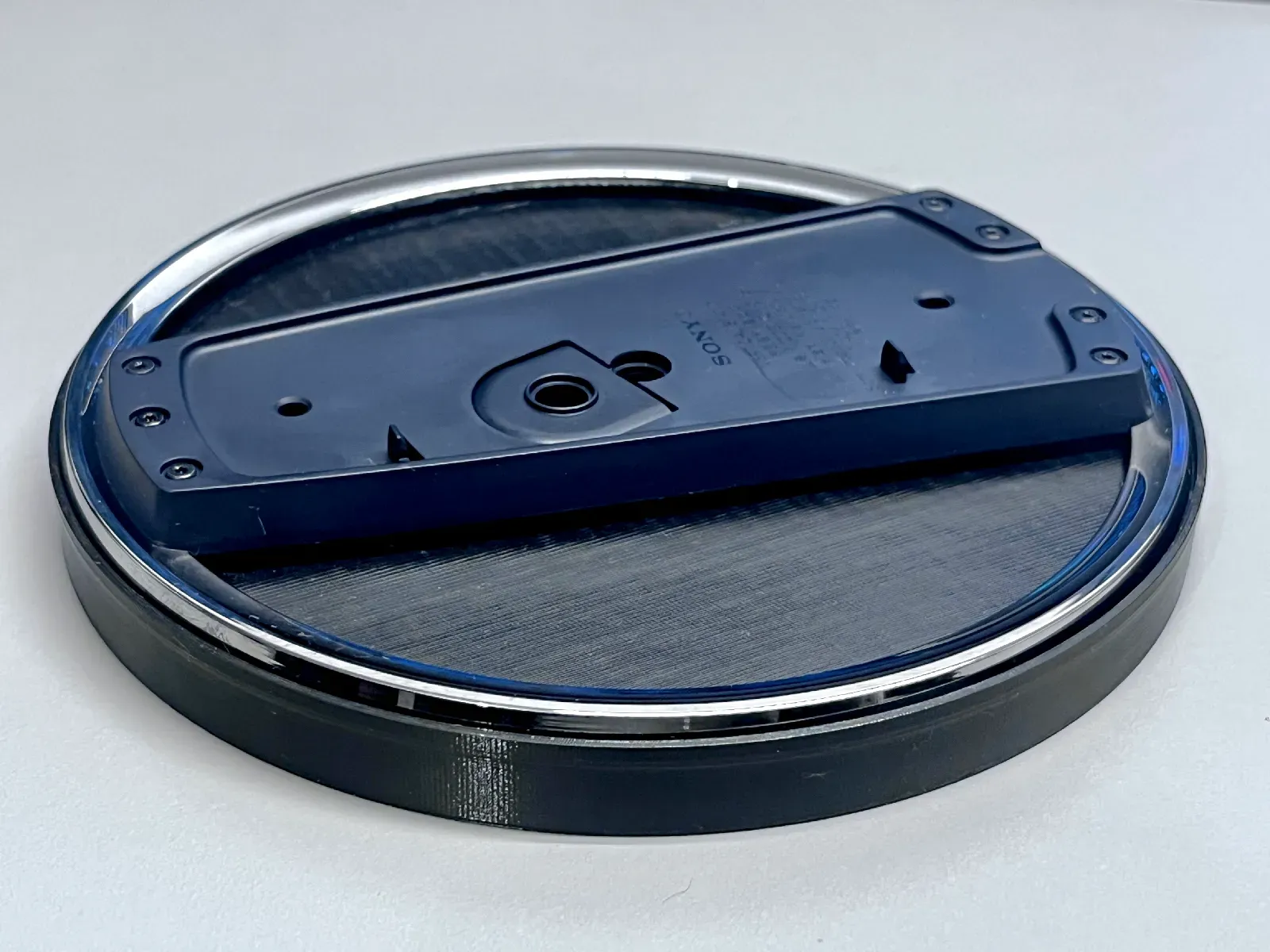
I designed a vibration damper for the base of the Playstation 5.
Increasing the base also improves airflow and thus cooling.
You can choose:
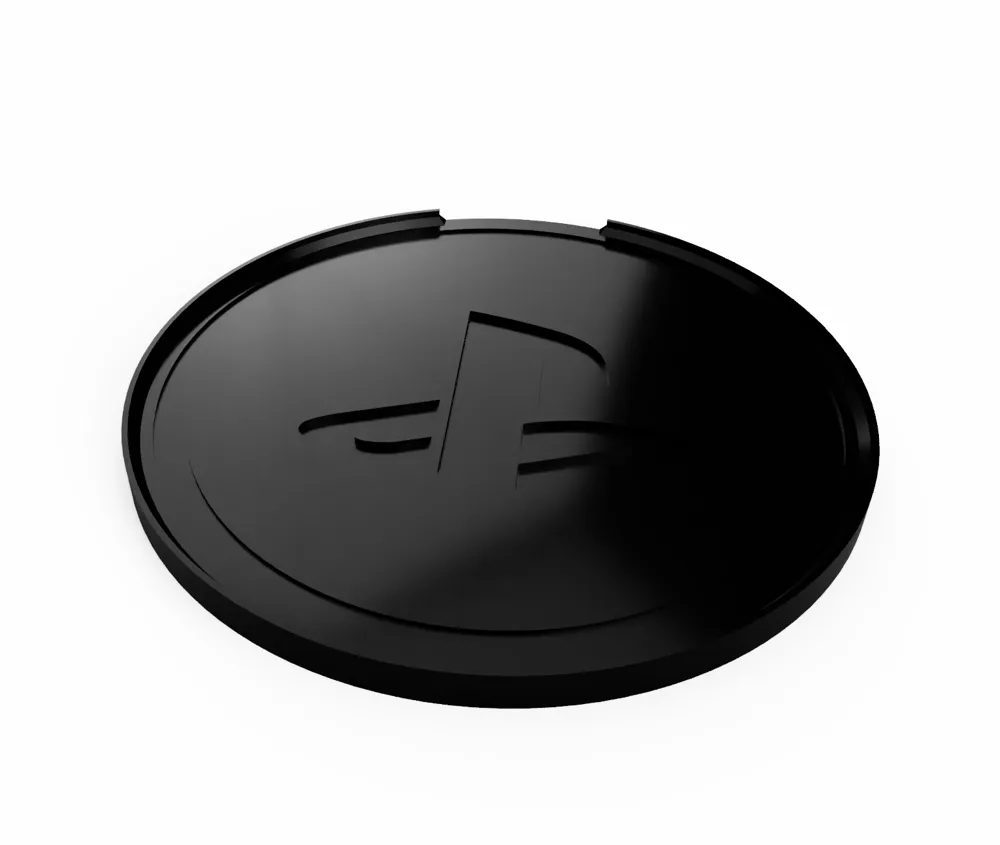
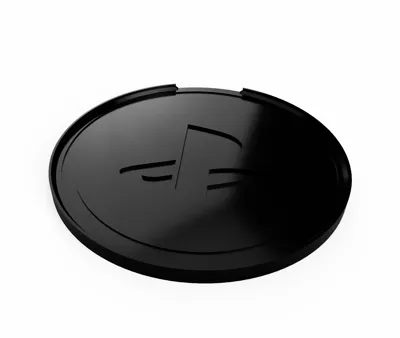
- 10 mm thick with logo
- 10 mm thick without logo
- 5 mm thick with logo
- 5 mm thick without logo
(I recommend to print without logo for better vibration damper at 5 mm thickness.)
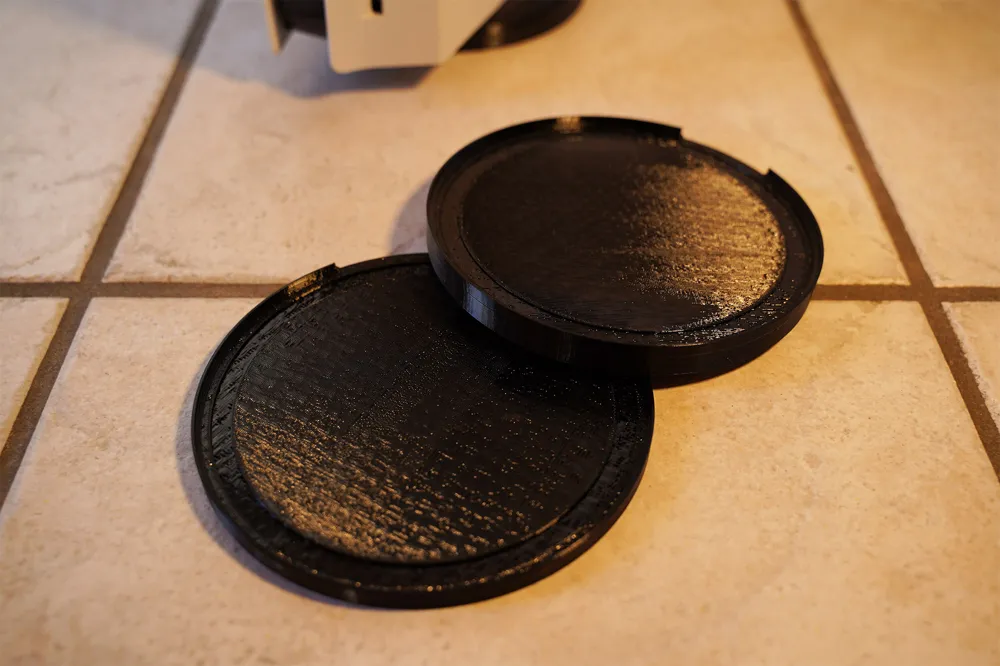
I printed booth. The 10mm and 5mm damper without logo. It fits 100% perfect.
I recommend the 10mm without logo version :)
UPDATE:

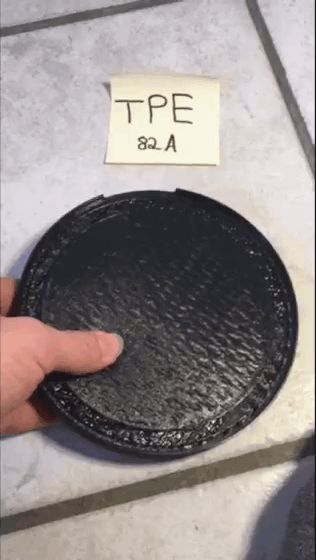
- I print another one with 10mm with TPE (82A). This is so awesome and much better then TPU :D
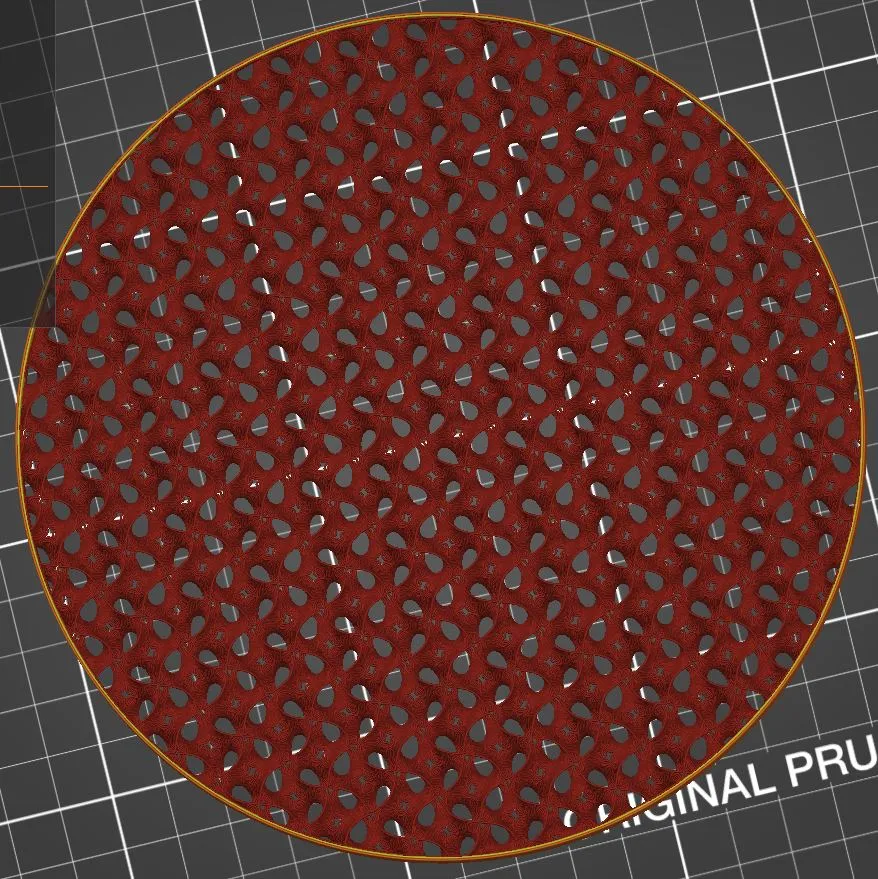
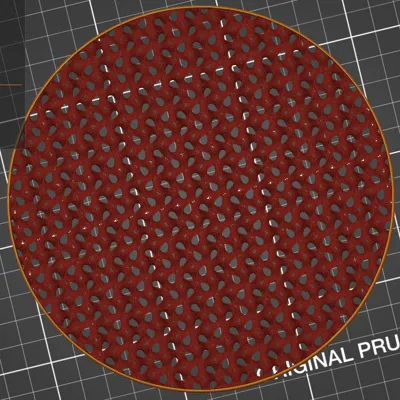
- The best infill pattern for vibration absorbing is GYROID.
I can produce this for you:
https://www.etsy.com/de/listing/963956109/sony-playstation-5-ps5-anti-vibration
=== ENJOY AND LEAVE A LIKE :) ===
Print instructions
The GCODES are for MK3s with TPU. Turn your filament sensor off and Release the pressure from the retraction of the filament (bondtech gears)
Print Settings
Printer Brand: Prusa
Printer: I3 MK3S
Rafts: No
Supports: No
Infill: 7% GYROID
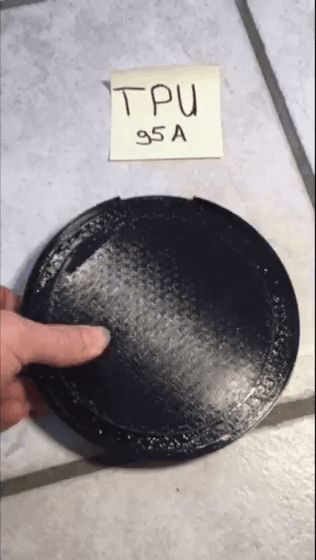
Filament: TPU or TPE
Notes:

I used TPU(95A) and TPE(82A). TPE is better for that!
Infill 7%.
TPU or TPE is not easy to print for beginners. Use the right settings in your slicer!!
Also very important is:
- Release the pressure from the retraction of the filament (bondtech gears)
- Increase the nozzle temp if you encounter issues (235C is just perfect)
- No retractions!
- Print with slow speed! 20-40mm/s
- If you have problems with the filament sensor, deactivate it.
If you want to print often softs and flexible filaments, you should choose an extruder like Bondtech LGX Shortcut. Much easier with that ;)
__________________________________________________
I also did a version for the PS5 PRO & SLIM:
https://makerworld.com/de/models/1105456-playstation-5-ps5-pro-slim-anti-vibration-damper
License

You shall not share, sub-license, sell, rent, host, transfer, or distribute in any way the digital or 3D printed versions of this object, nor any other derivative work of this object in its digital or physical format (including - but not limited to - remixes of this object, and hosting on other digital platforms). The objects may not be used without permission in any way whatsoever in which you charge money, or collect fees.


Comment & Rating (0)