
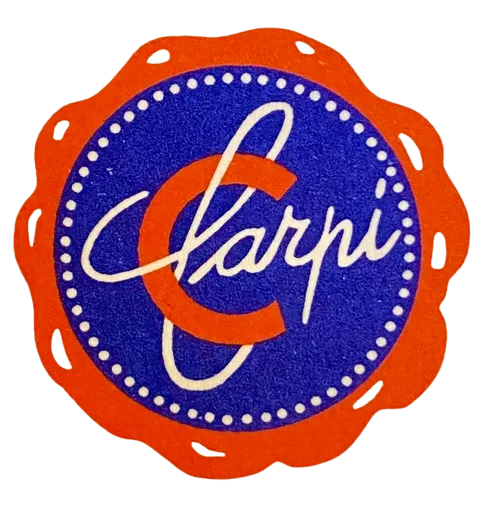
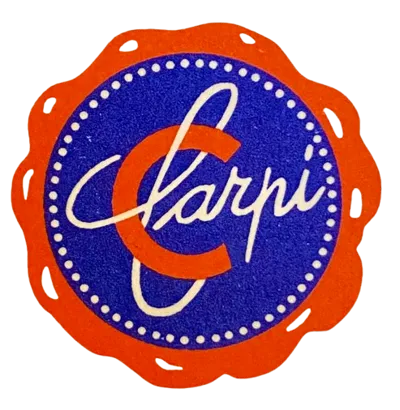
Carpi logo studio pixel


Print Profile(1)

Bill of Materials






Description
🧩 Pixel Frame Logo – Modular and Multicolor
This logo is made in the Pixel Frame style, a grid composed of many small squares (“pixels”) which, once assembled, recreate the final image precisely and cleanly
Each pixel is printed separately and inserted into the base using dedicated slots
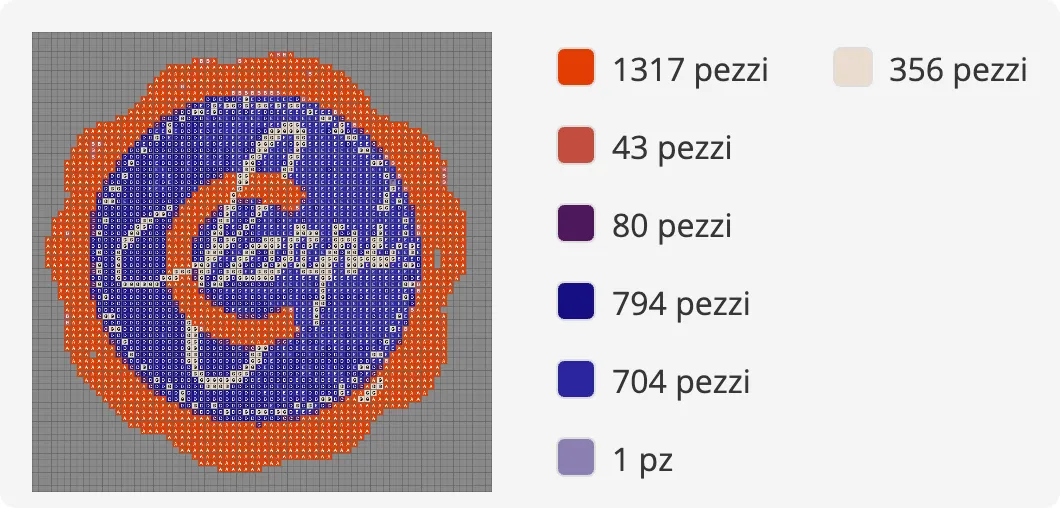
The project includes a color-coded map that indicates exactly which color to use in each grid position, to achieve the same result shown in the images
Attached you will find:
• Reference images with the color palette
• Filament recommendations (e.g. Bambu Store) to achieve the most faithful shades possible
• A support tool for correctly positioning the squares
• Connecting pins to join the base modules
🎨 Perfect for custom logos, decorations, signs, and displays
🖨️ Ideal for PLA / PETG with multicolor printing or separate printing for each pixel
🔧 How to build the Pixel Frame
1️⃣ Print the parts
Print:
• The modular base
• The squares (pixels) in the indicated colors
• The connecting pins
• The positioning tool
2️⃣ Follow the color map
Use the image with the numbered/coded grid:
Each square has a code that corresponds to a specific color
3️⃣ Inserting the pixels
Place the base on a flat surface
With the help of the positioning tool, insert the squares one by one into the correct slots
4️⃣ Joining the modules
If the base is composed of multiple blocks, use the pins to firmly join them together
5️⃣ Final check
Ensure all pixels are well inserted and flush with the surface
🎯 Result: a modular, stable, and perfectly colored logo as per design
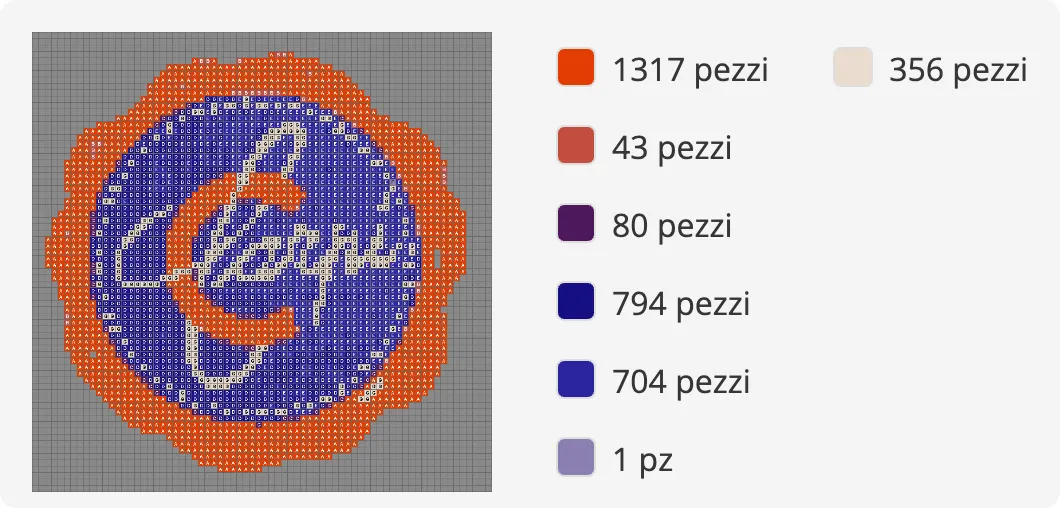
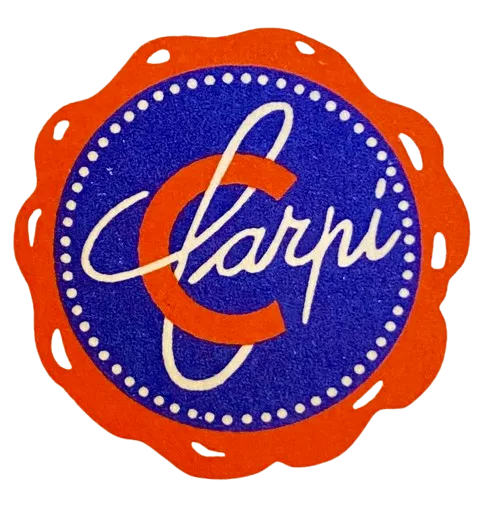
Powered by MakerWorld-Pixel Puzzle Maker (https://makerworld.com/makerlab/pixelPuzzleMaker)
License

You shall not share, sub-license, sell, rent, host, transfer, or distribute in any way the digital or 3D printed versions of this object, nor any other derivative work of this object in its digital or physical format (including - but not limited to - remixes of this object, and hosting on other digital platforms). The objects may not be used without permission in any way whatsoever in which you charge money, or collect fees.


Comment & Rating (0)