
Dodge & Burn Darkroom Tools
Print Profile(2)

Description
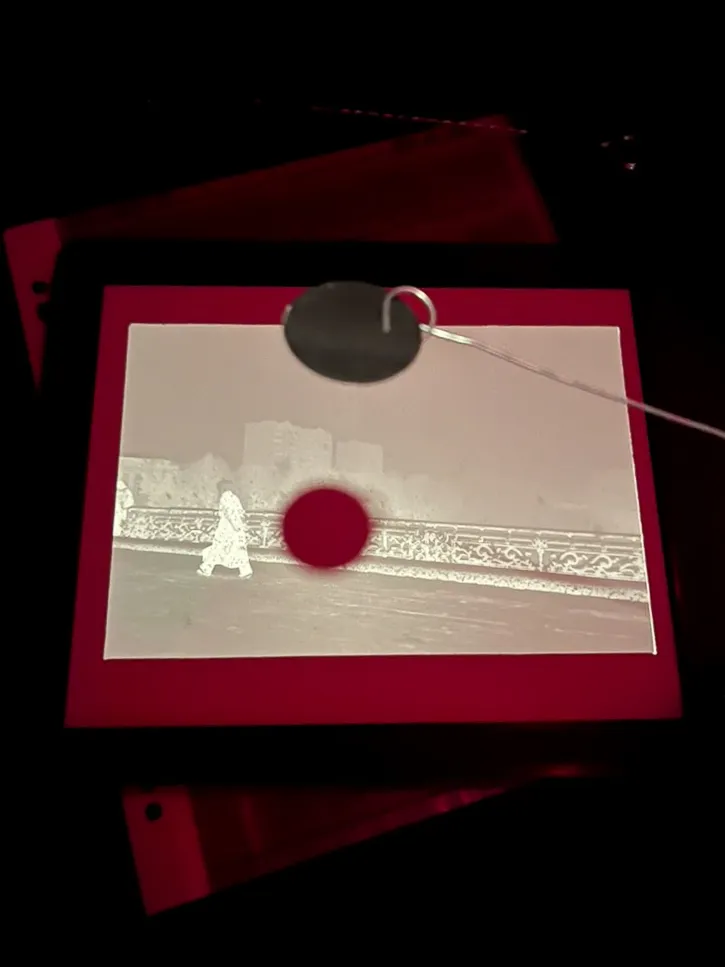
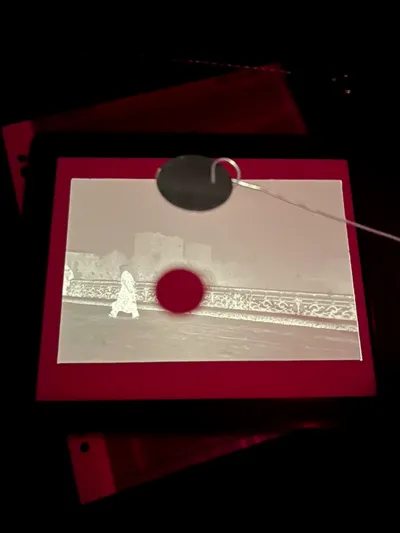
In analog printing, dodge and burn is a technique commonly used to darken or lighten certain parts of the image by playing with light and shadows.
The Dodging Tools
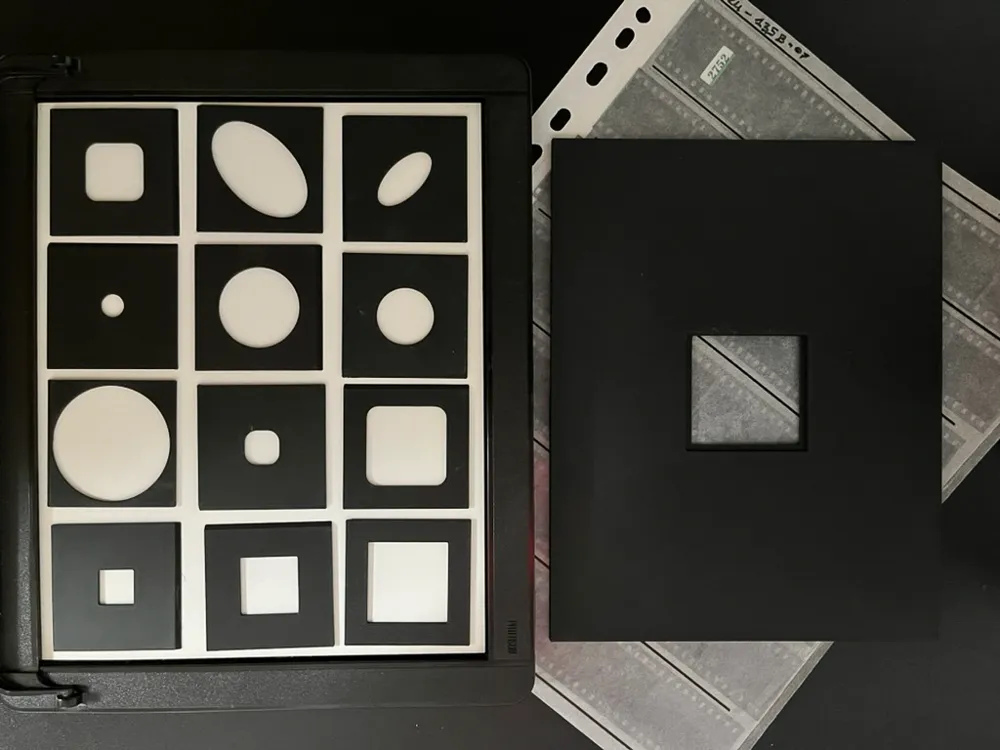
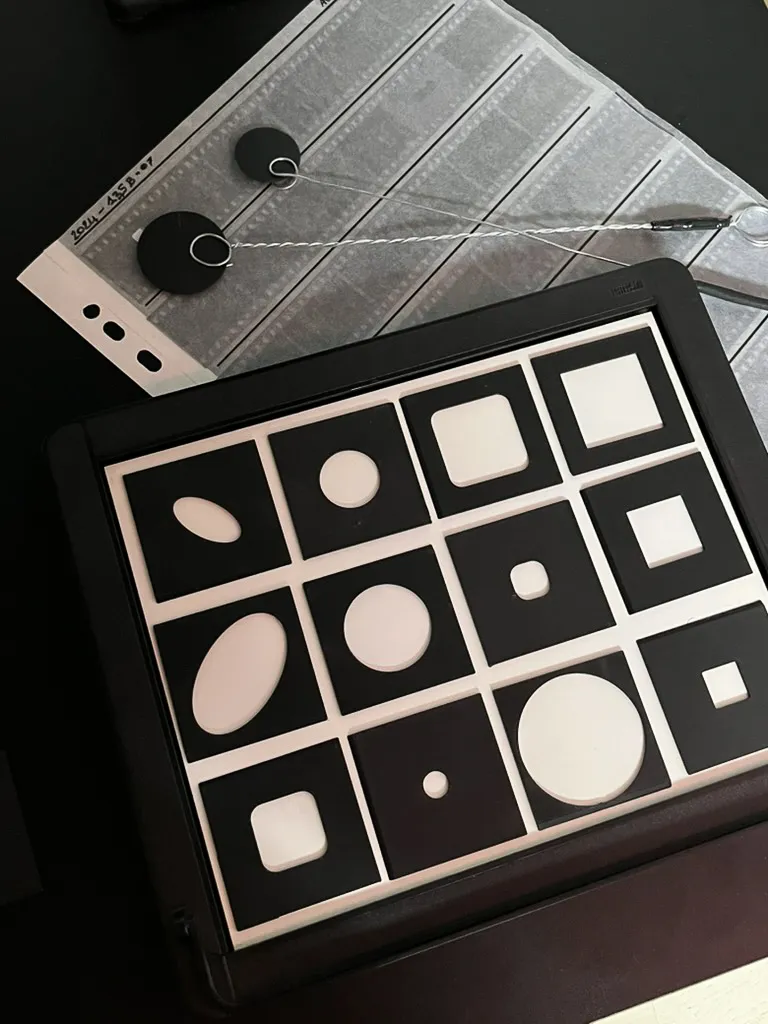
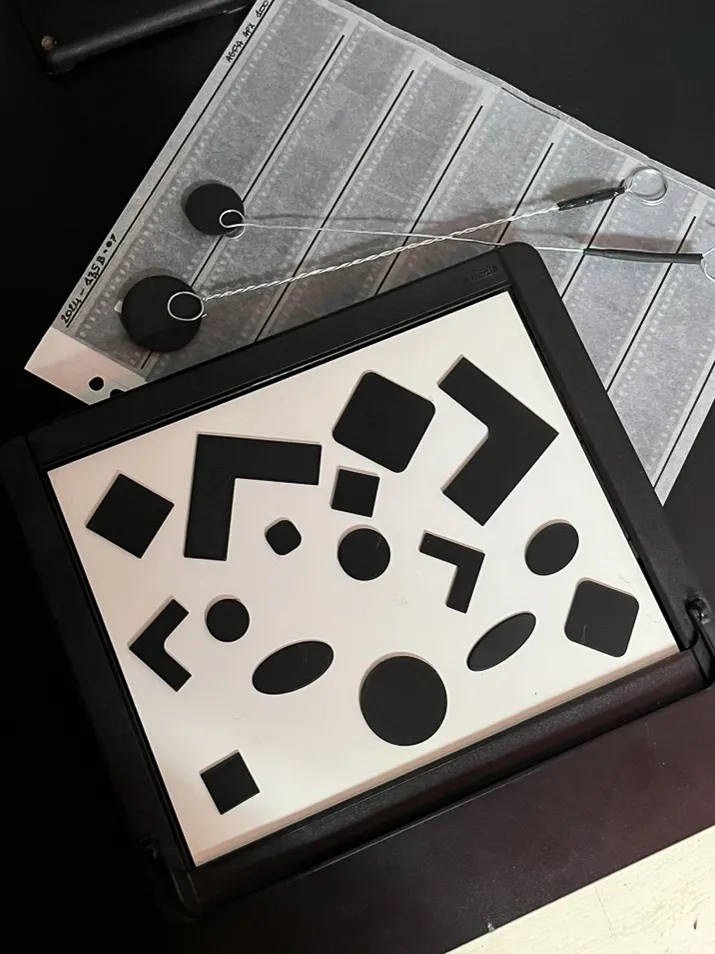
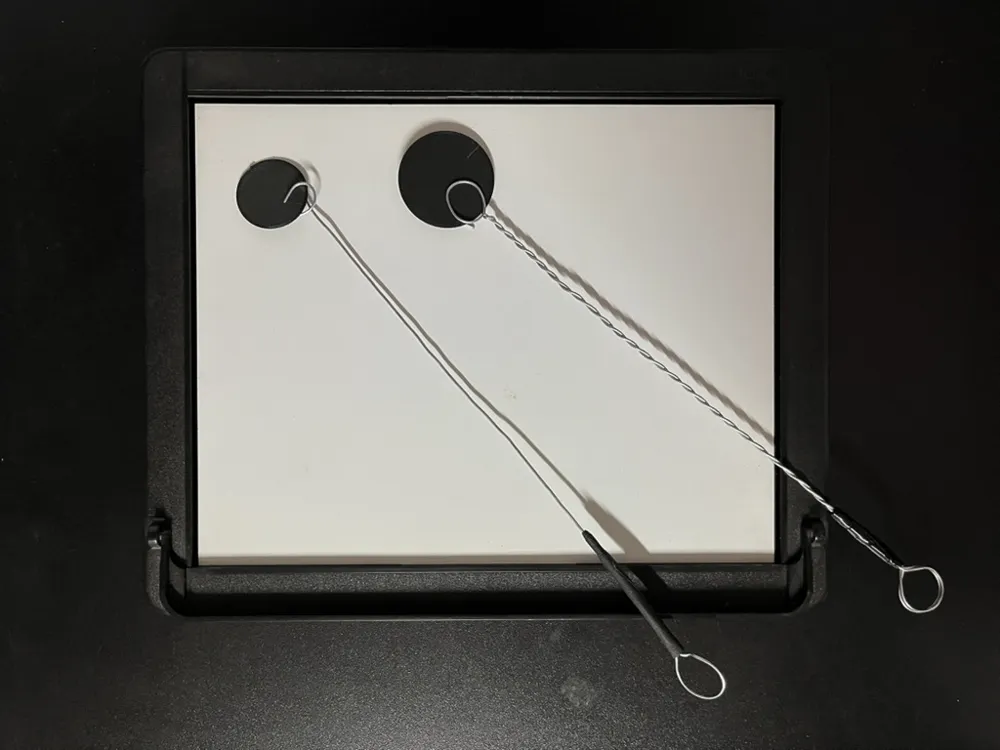
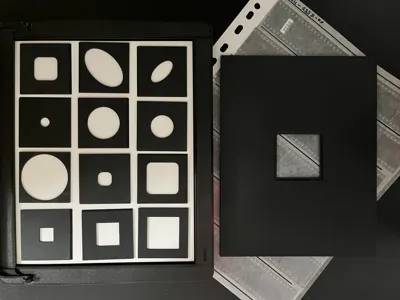
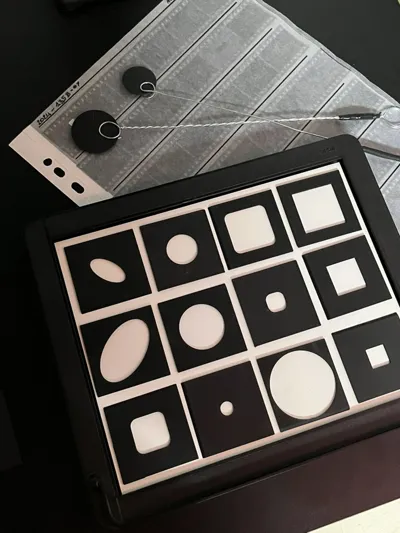
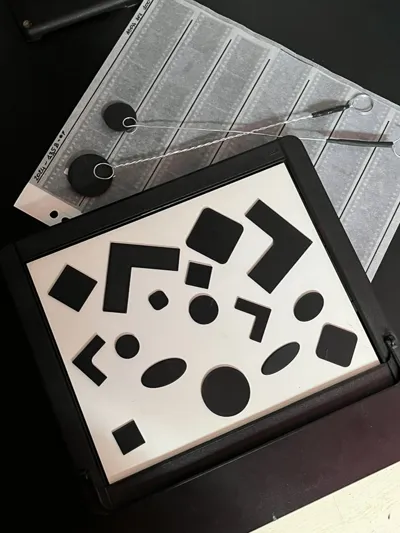
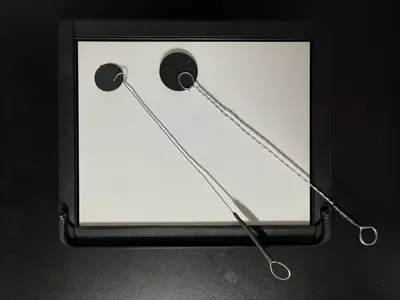
The “Dodging Tools” plate includes various shapes of various sizes intended to be fixed at the end of a dodging “wand”.
To build this “wand”, use a fine but rigid metal wire (around 1mm) and twist it on both sides using large pens. On one side, make 2 turns loop to be able to hold the printed shapes like with a paper clip. On the other side, the loop can be secured with some electric tape and be used to hang the wand.
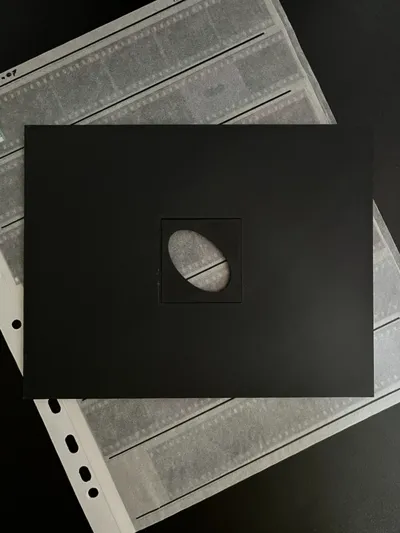
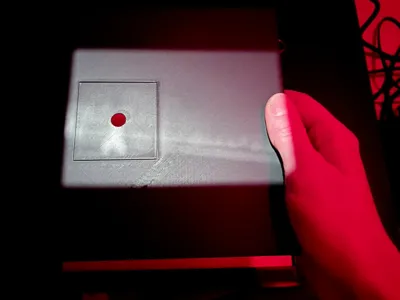
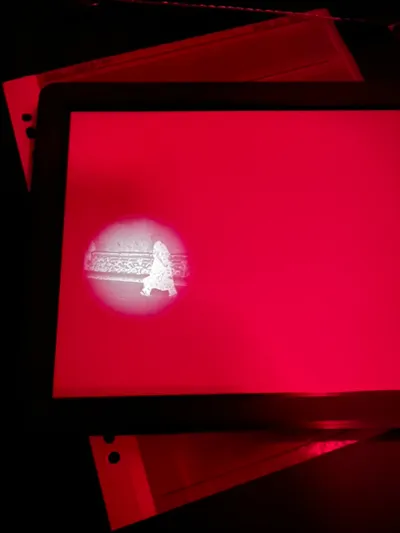
The Burning Tool
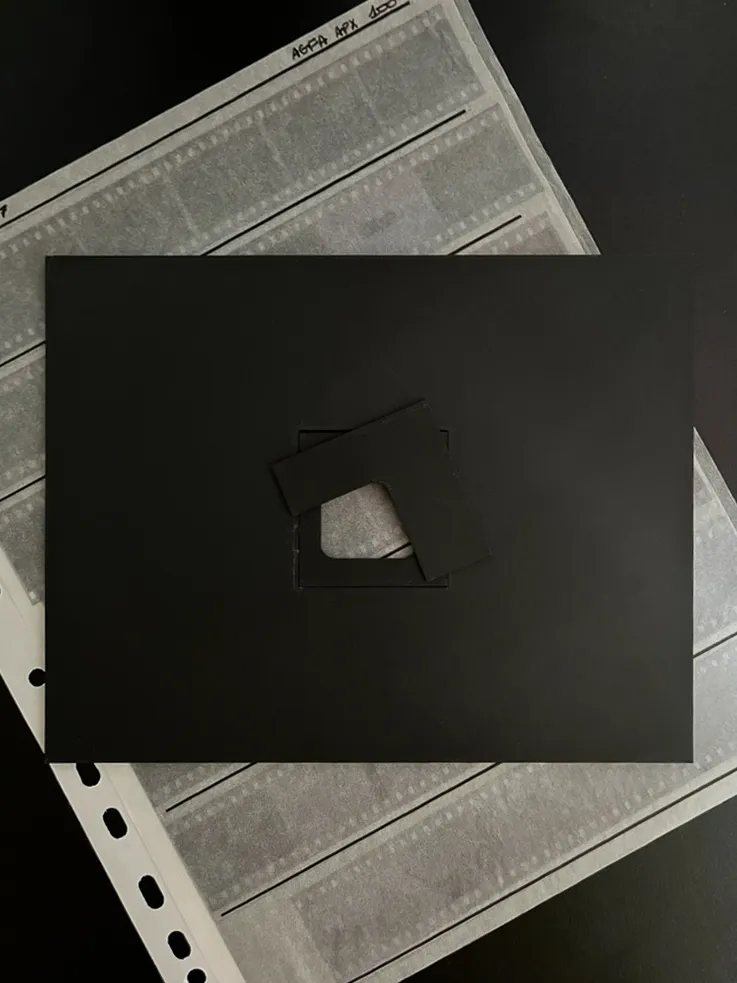
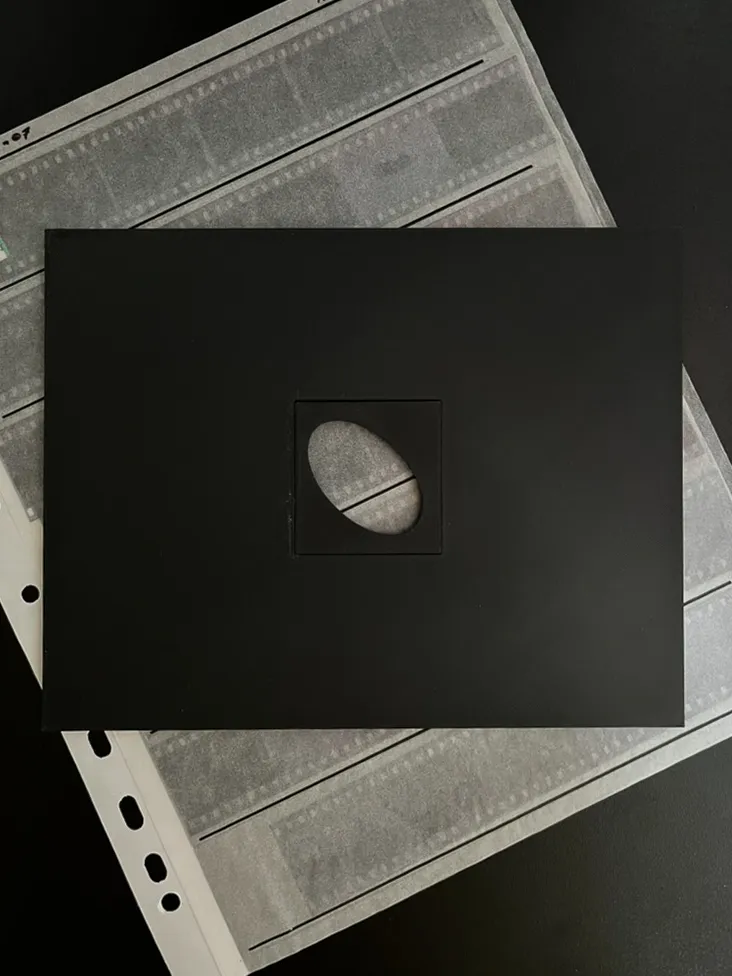
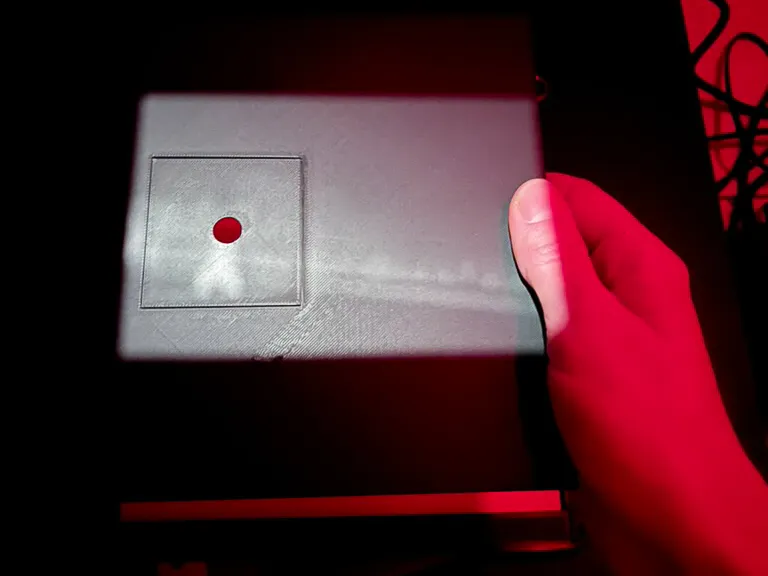
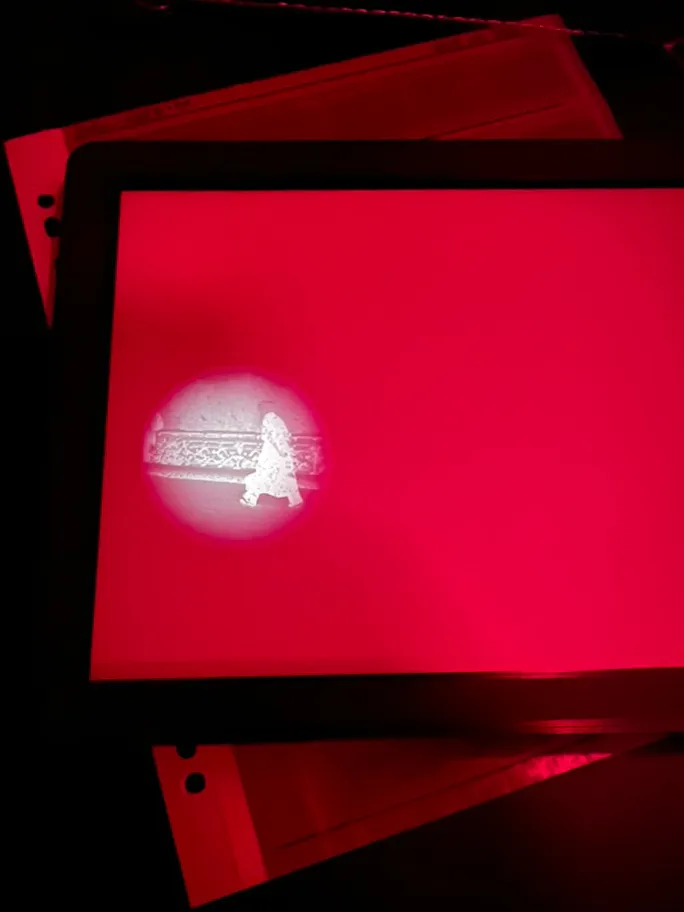
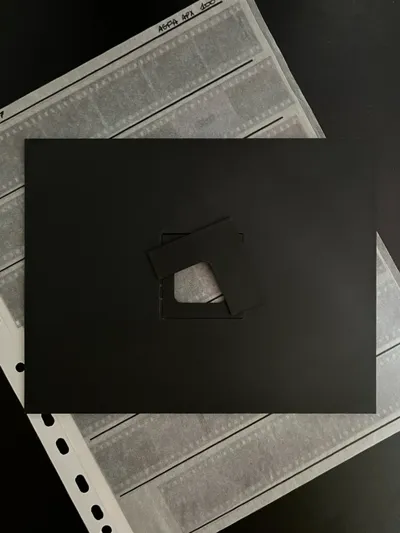
This tool allows you to create shadows of various shapes and sizes to darken certain parts of the photograph.
You can choose a mask and slide it into the slanted edge of the mask holder, then all you need is a small piece of tape to hold it in place.
The black and white version allows you to see the image projected onto the mask more clearly, while avoiding reflections on the paper side.
Boost Me (for free)
If you liked this model and want more darkroom 3D print tools, feel free to boost this model !
License



Comment & Rating (3)