
CNC A Sketch: Etch A Sketch Drawing Machine
Print Profile(1)
Description
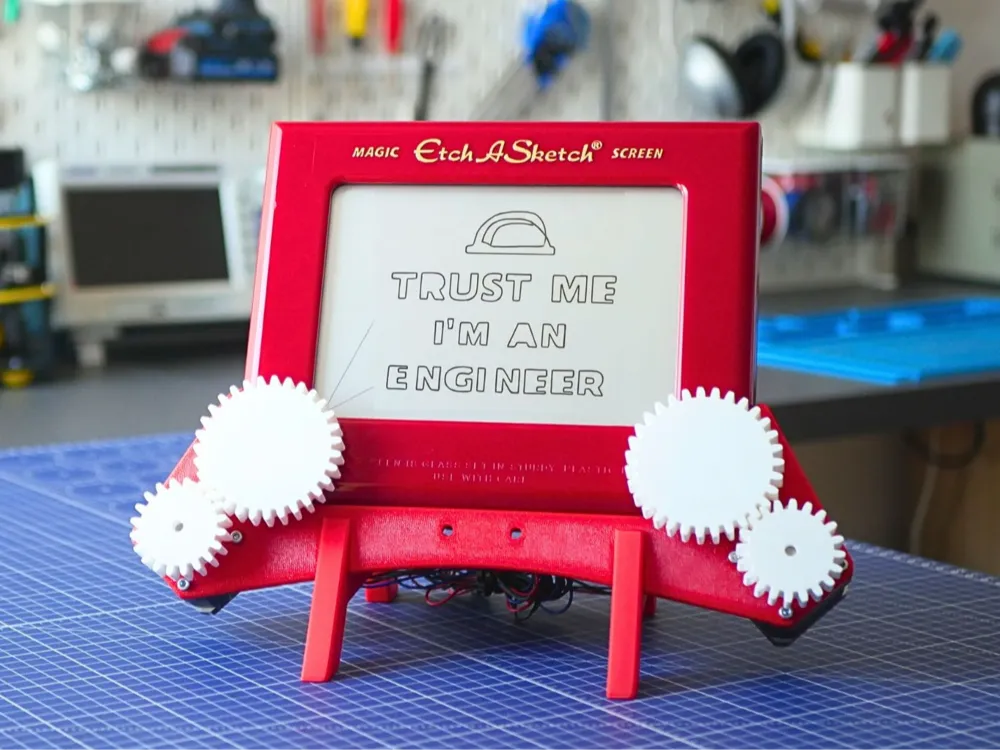
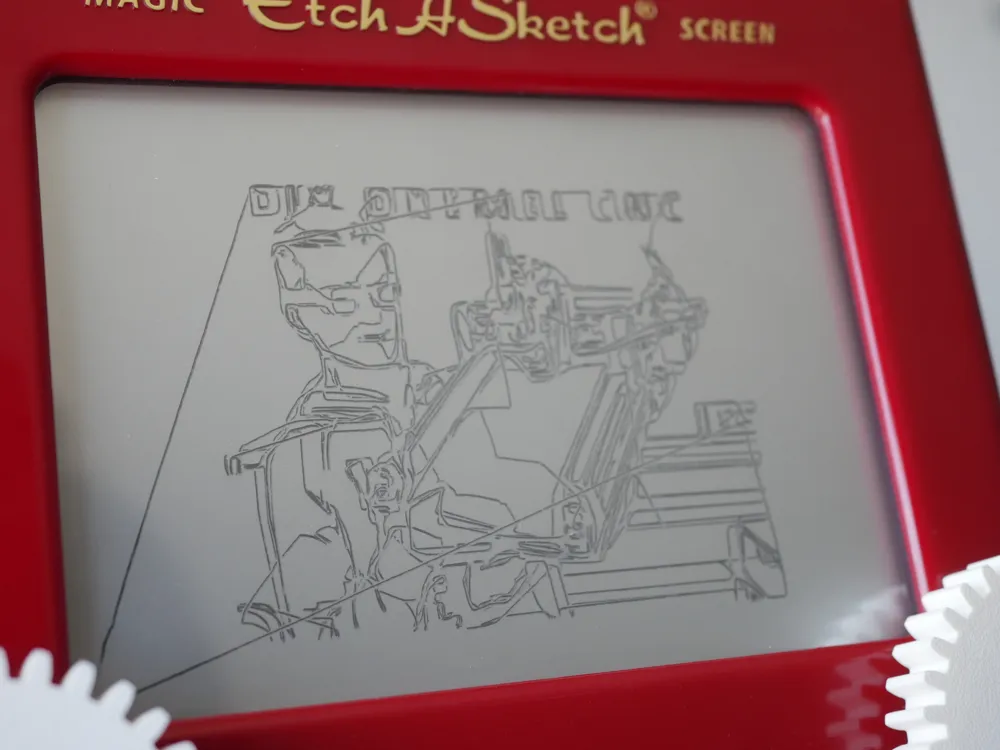
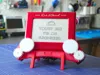
Turn your classic Etch A Sketch into a fully automated CNC plotter! This project is a non-permanent docking station that uses stepper motors to "drive" the iconic white knobs, allowing the machine to draw intricate vector art and photos with robotic precision.
Watch the project in action here: https://www.youtube.com/watch?v=s8SagELiqrM
Project Overview
- No Modifications Required: The entire assembly uses a press-fit system that slides onto the toy. You can return to manual drawing at any time.
- Universal Controller Support: Designed to work with the Raspberry Pi Pico or Arduino Uno.
- Desktop Control: I developed a custom application that handles image-to-vector conversion and sends G-code directly to the machine.
Get the Complete Build Guide
If you want to skip the guesswork and get your machine running perfectly, I have prepared a Complete Build Bundle which includes:
- An 18-page step-by-step PDF instruction manual.
- Plug-and-play Firmware for Pico and Arduino.
- The Desktop Controller App (Windows/Source).
- Wiring diagrams and troubleshooting tips.
👉 Download the Complete Bundle here: https://indystry.cc/product/cnc-a-sketch-complete-build-guide/
Print Settings
- Material: PLA or PETG (Red for base, White for gears recommended).
- Infill: 30%.
- Perimeters: 3 walls.
Supports: None! All parts are designed specifically for 3D printing without the need for supports.
Parts List:
Electronics:
- Pi Pico: https://amzn.to/4rtJpVD
- Stepper motor driver: https://amzn.to/4rtJpVD
- 12V power supply: https://amzn.to/4qTJCl1
- Cables: https://amzn.to/46p4rfI
- Breadboard: https://amzn.to/3OcS5B4
3D Printed:
- 2x support.stl
- 1x connector.stl
- 1x PCB holder.stl
- 2x gear small.stl
2x gear big.stl
Developer Links
The project files are also available on GitHub for community contributions and the latest updates: https://github.com/NikodemBartnik/CNC-Docking-Station-For-Etch-A-Sketch
Happy making!
License



Comment & Rating (4)