
Print Profile(1)
Description
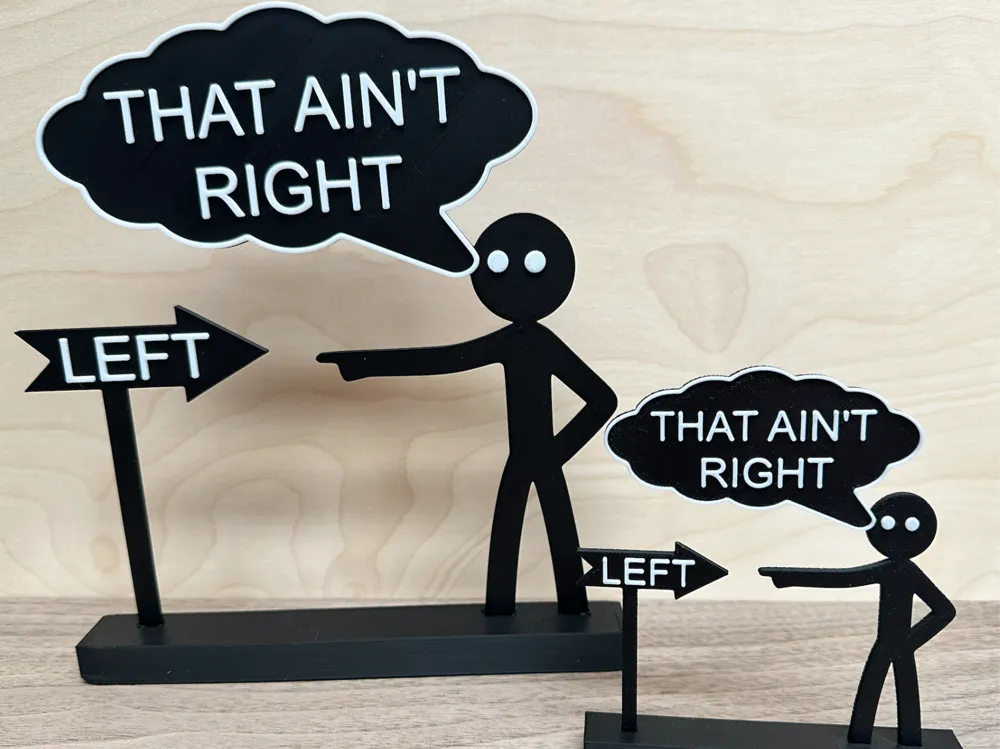
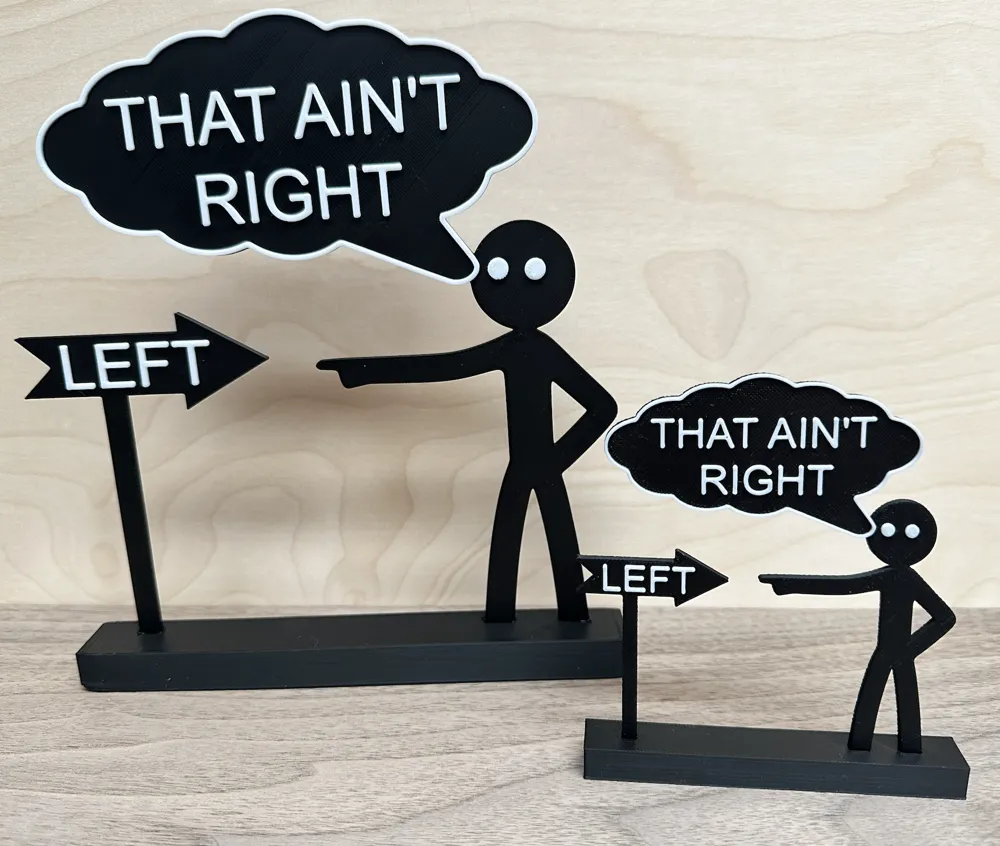
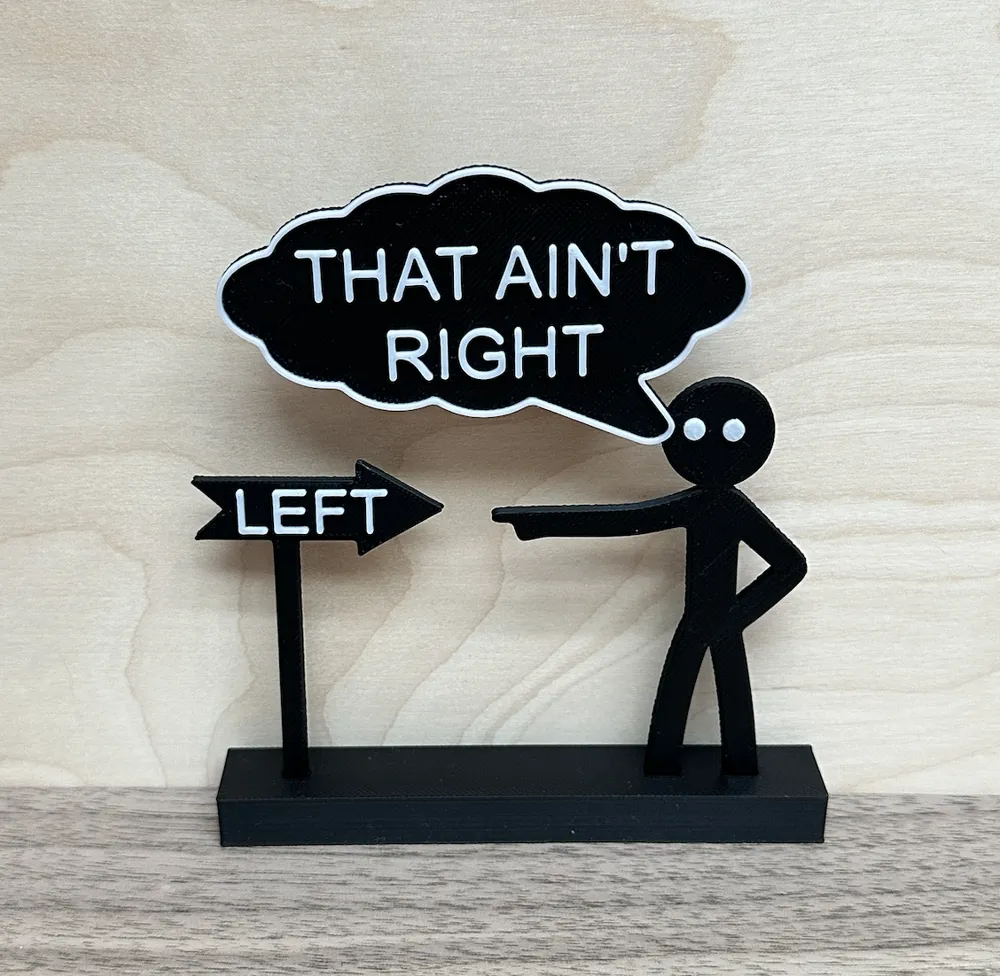
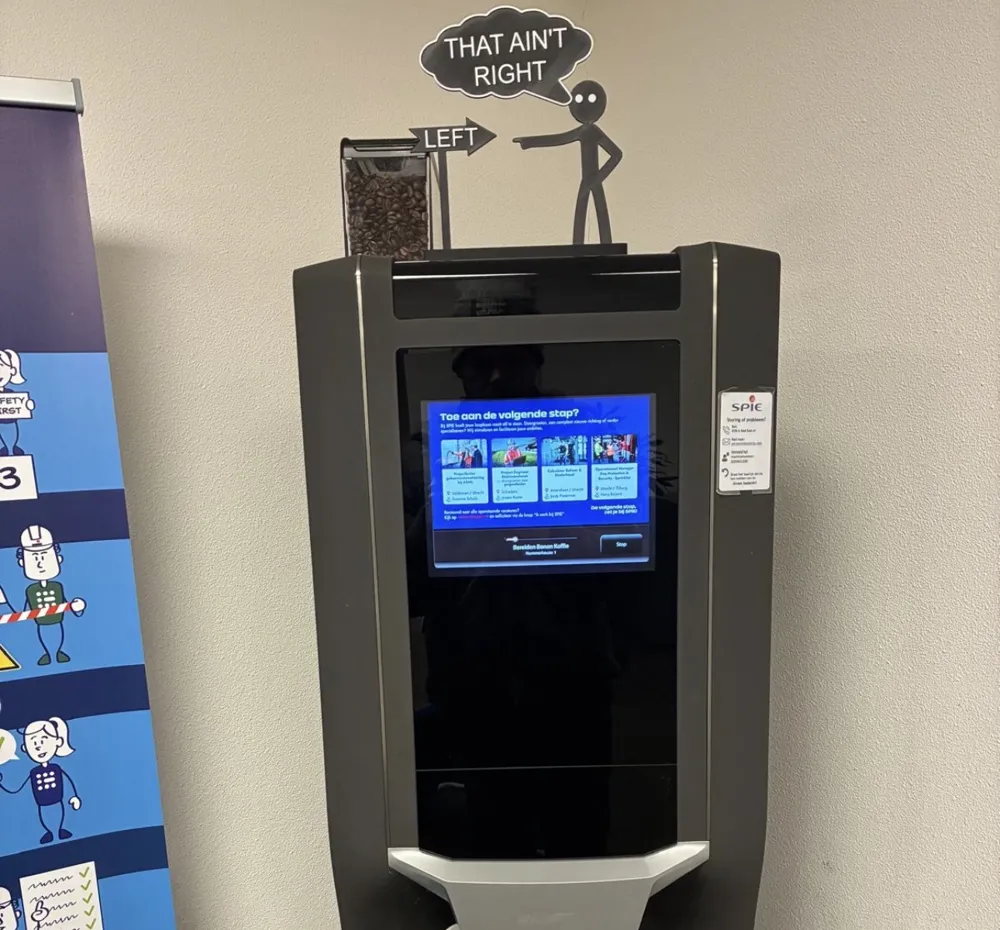
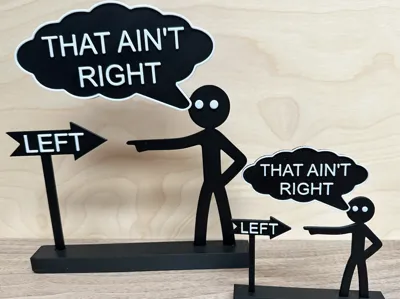
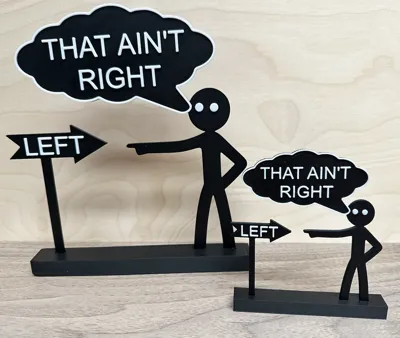
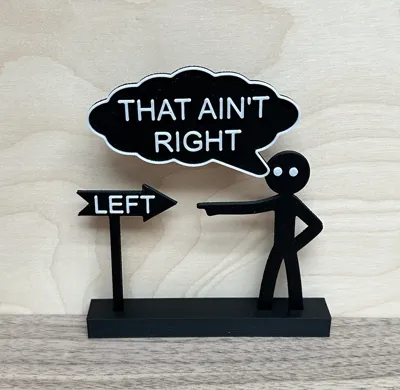
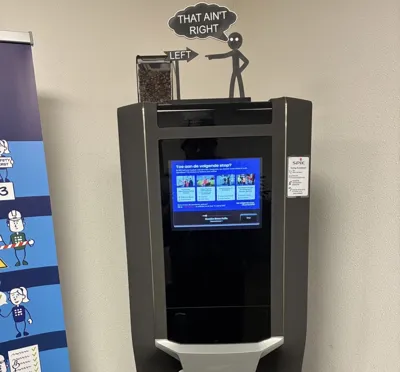
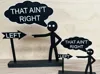
Add a touch of sarcasm to your desk or workshop with this "That Ain't Right" stickman sign! Perfect for those moments when things just aren't adding up, or when someone is pointing in the wrong direction (literally).
It is a quick, easy, and satisfying print that looks great in any dual-color combination. Designed to be printed without any waste, whether you have an AMS or not!
- Easy to print: No supports or brims required.
- Multi-color ready: Optimized for AMS users or manual filament swaps.
- Flat base: Stable design that stays upright on your desk or shelf.
Hier is een pakkende, professionele beschrijving en een duidelijk printprofiel voor je MakerWorld-upload. Dit is zo geschreven dat het zowel voor beginners als ervaren printers aantrekkelijk is.
Description: "That Ain't Right" - Desk Sign / Office Humor
Add a touch of sarcasm to your desk or workshop with this "That Ain't Right" stickman sign! Perfect for those moments when things just aren't adding up, or when someone is pointing in the wrong direction (literally).
It is a quick, easy, and satisfying print that looks great in any dual-color combination. Designed to be printed without any waste, whether you have an AMS or not!
Features:
- Easy to print: No supports or brims required.
- Multi-color ready: Optimized for AMS users or manual filament swaps.
- Flat base: Stable design that stays upright on your desk or shelf.
How to Print in Two Colors:
Option 1: With AMS (Bambu Lab)
Option 2: Without AMS (Manual Swap) You can easily achieve the two-tone look by adding a pause or filament change in your slicer:
- Slice the model at 0.16 mm layer height.
- Add a Filament Change (M600) or Pause at Layer 16.
- When the printer pauses, swap your filament (e.g., from Black to White) and resume.
- Note: Always double-check the preview in your slicer to ensure Layer 16 is the start of the text/outline for your specific setup.
Boost Me (for free)
If you think this print is awesome, you're right. If you think it’s not, well... the sign says it all! 😉
I had fun designing this one! If it brought a smile to your face, I’d truly appreciate a Like and a Boost! It helps me keep the creative ideas flowing.
License

You shall not share, sub-license, sell, rent, host, transfer, or distribute in any way the digital or 3D printed versions of this object, nor any other derivative work of this object in its digital or physical format (including - but not limited to - remixes of this object, and hosting on other digital platforms). The objects may not be used without permission in any way whatsoever in which you charge money, or collect fees.


Comment & Rating (15)