
Dacia Remote Key Replacement Button

Print Profile(1)
Description
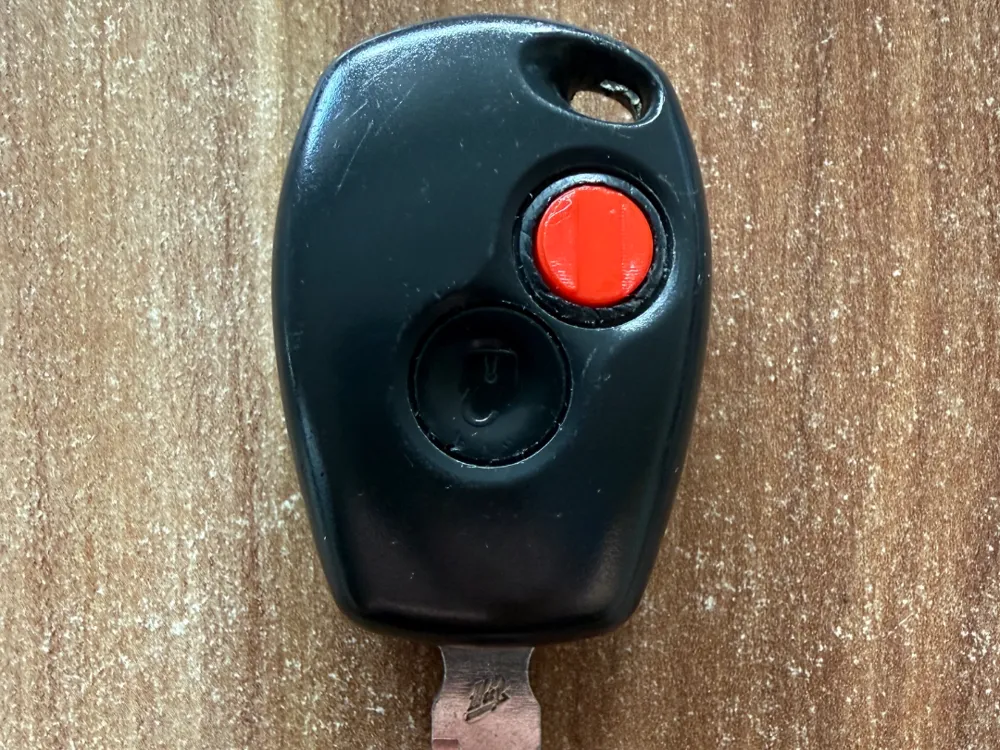
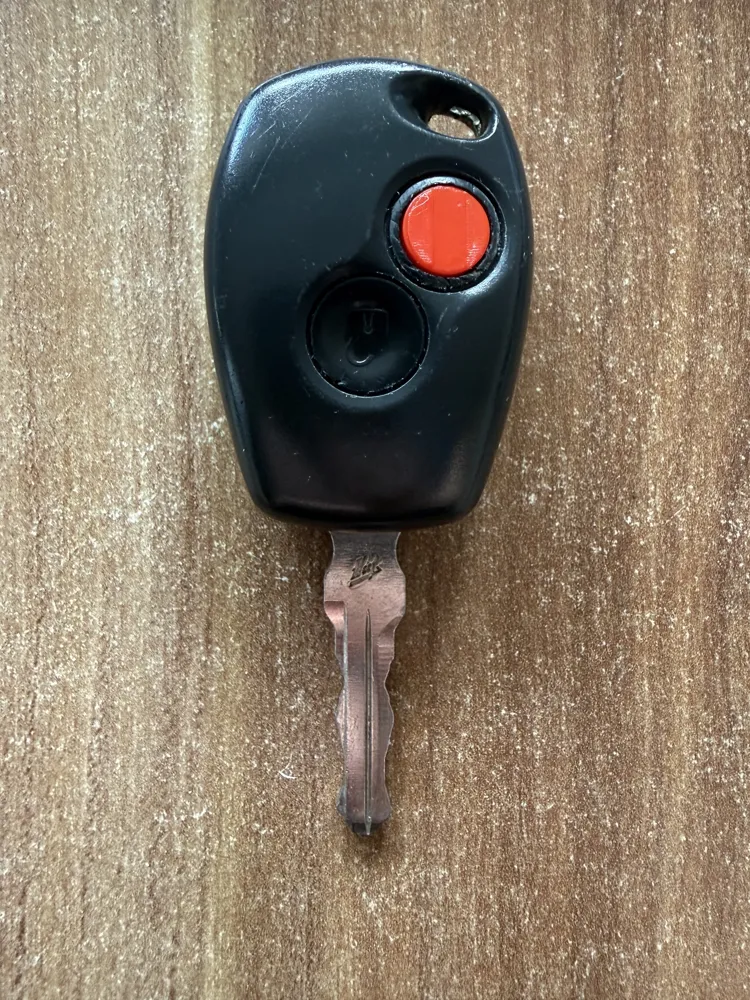
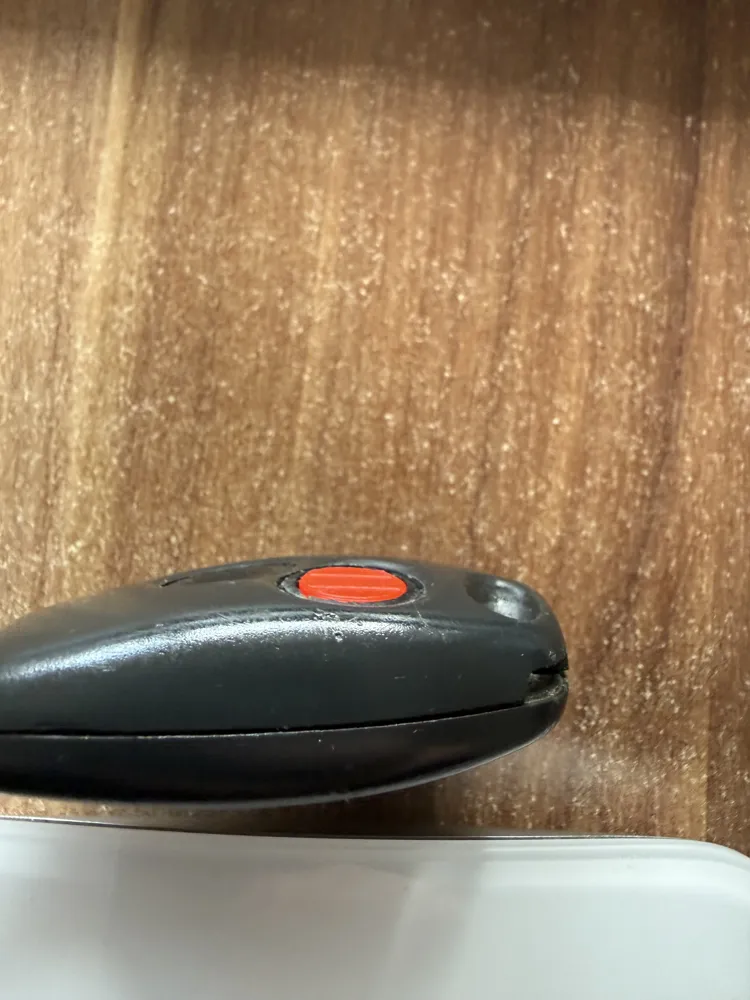
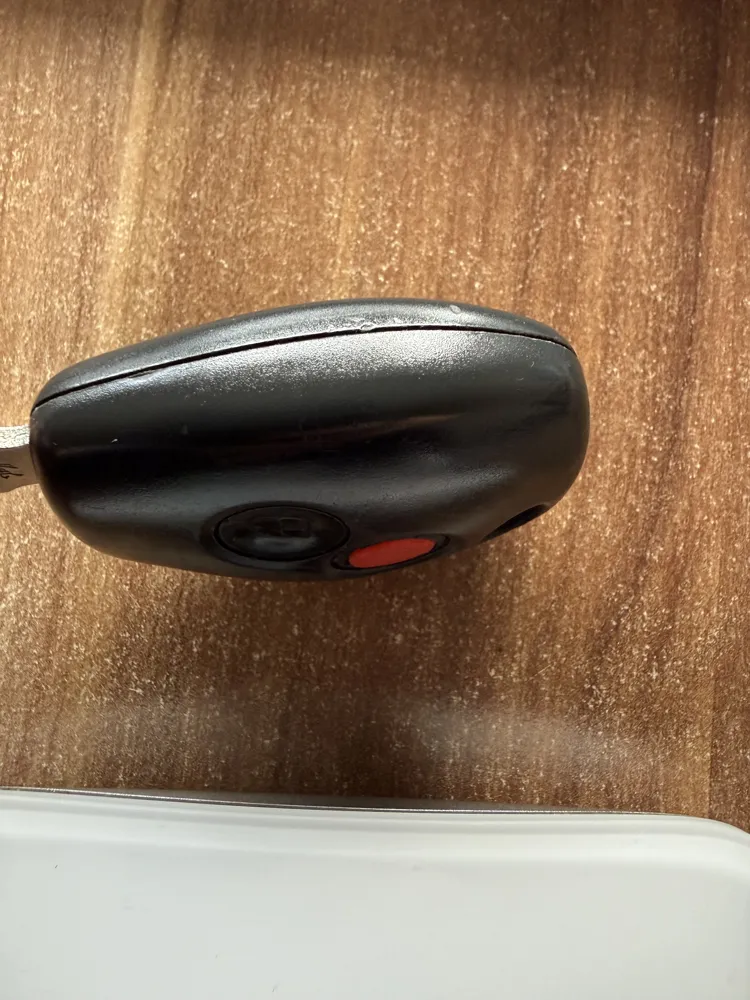
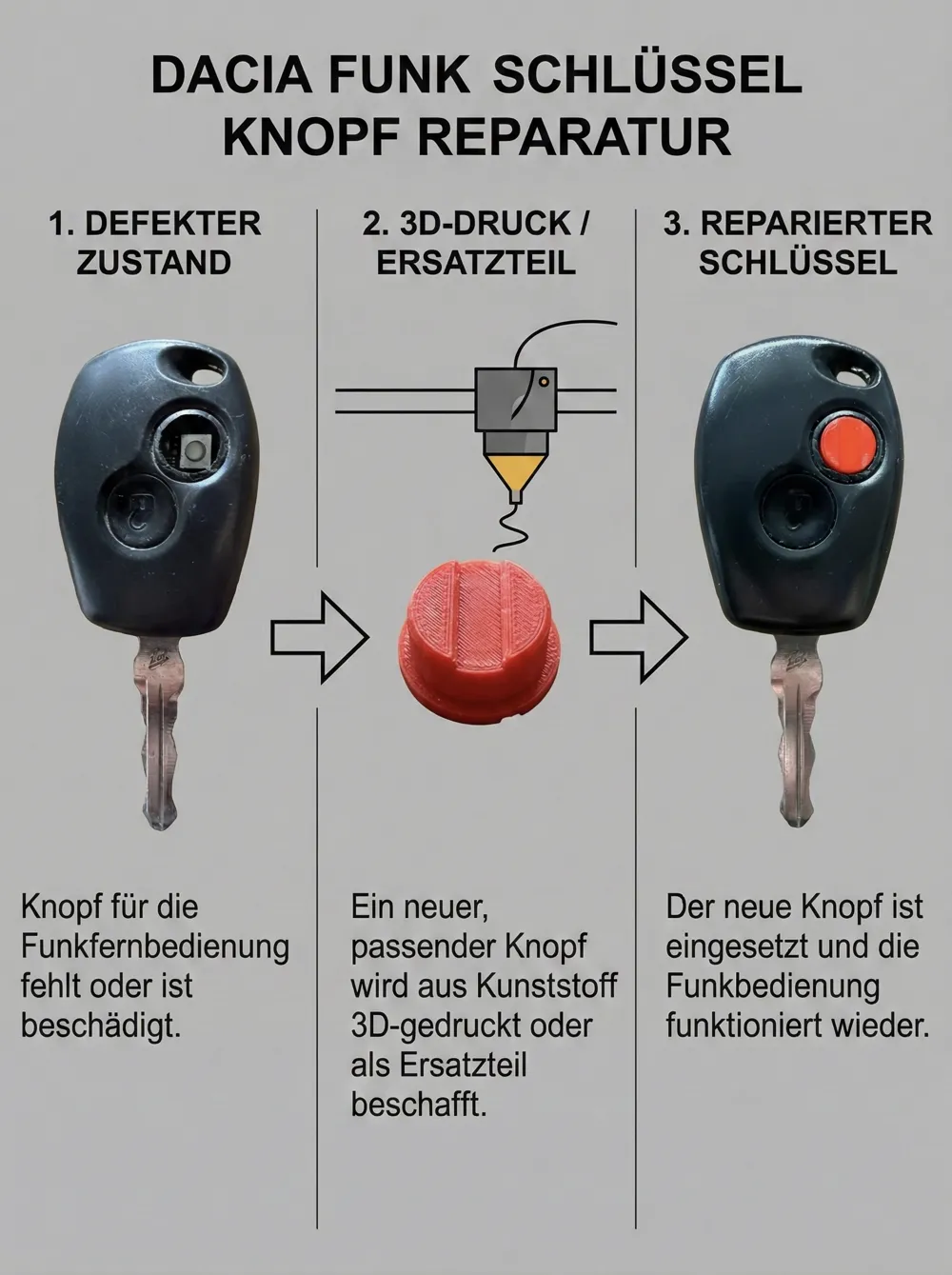
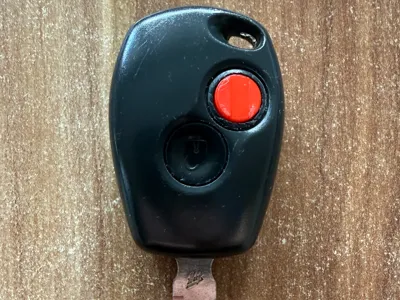
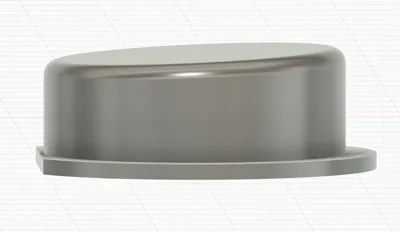
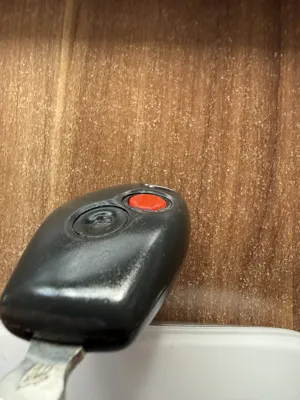
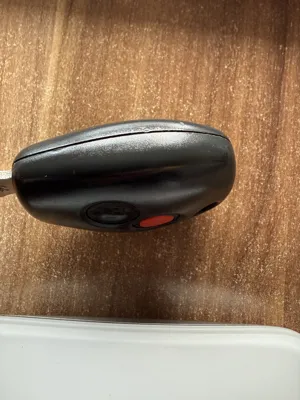
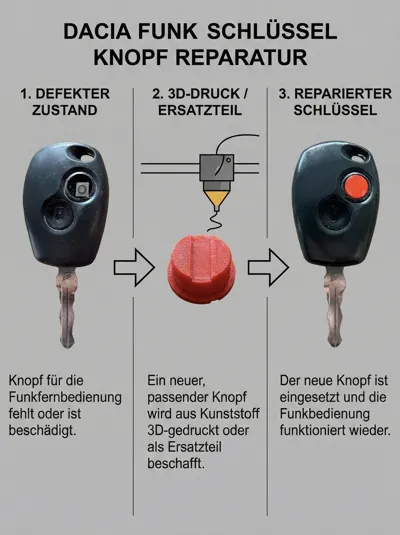
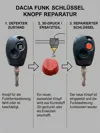
I designed this replacement button for a friend because the original rubber button had fallen out of his Dacia key. Instead of buying a new case, here's a quick 3D printed solution.
✨ Design & Dimensions:
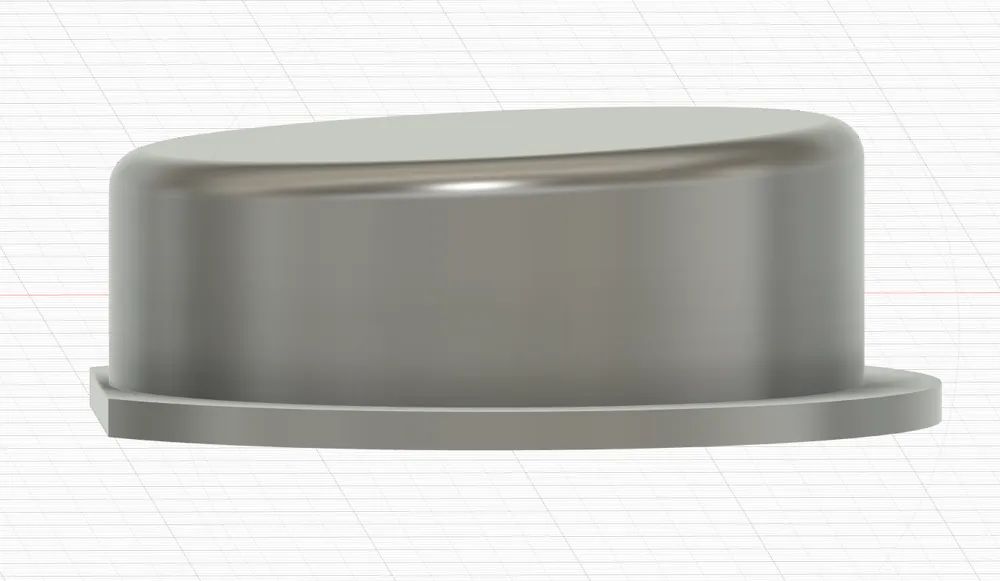
- Precise Fit: The cutout in the key housing is a maximum of 9.9mm. I therefore designed the button to an exact 9.8mm outer diameter. This maximizes the space usage, and the button sits neatly guided without much play.
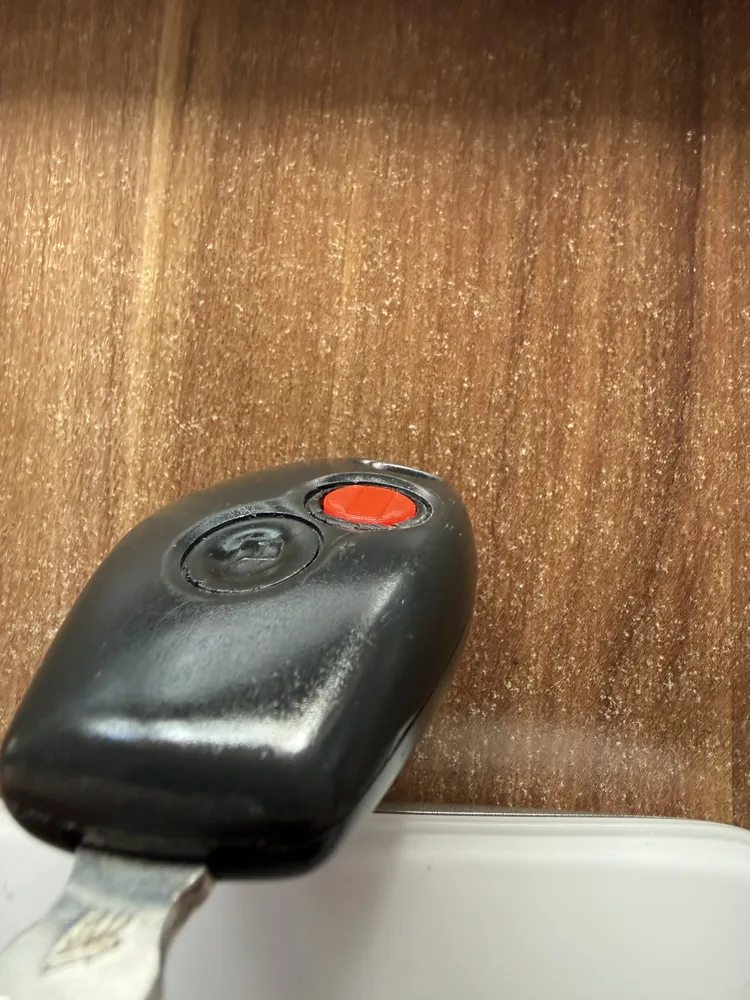
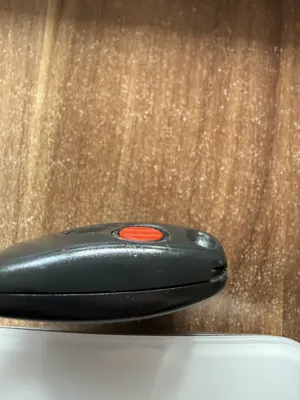
- Curvature: The button is not flat but has a curvature so that it does not protrude unpleasantly but adapts perfectly to the contour of the housing.
🚀 Print Statistics:
- Print Time: Only approx. 12 minutes.
- Material Usage: Tiny 0.6g filament.
⚙️ Material Recommendation:
- My Print: I used red PLA (or PETG) here because the signal color looks good and is stable.
- Pro-Tip (TPU): Actually, TPU would be the best choice for the haptics (feels more like the original). Unfortunately, I only had white TPU available, which didn't match aesthetically. If you have colored TPU -> that's certainly the ultimate solution!
🔧 Installation: Completely remove the old, broken rubber and insert the printed button. Due to the 9.8mm fit, it should sit well and directly actuate the microswitch.
Good luck with the repair! Photos of your makes are very welcome. 📸
Boost Me (for free)
Have fun repairing! If this part helped you, I would be thrilled with a Like 👍 or a Boost 🚀 on MakerWorld!
Documentation (1)
License

You shall not share, sub-license, sell, rent, host, transfer, or distribute in any way the digital or 3D printed versions of this object, nor any other derivative work of this object in its digital or physical format (including - but not limited to - remixes of this object, and hosting on other digital platforms). The objects may not be used without permission in any way whatsoever in which you charge money, or collect fees.


Comment & Rating (6)