
Handle-Top-Spool A1 mini Auto build plate Changer
Print Profile(1)

Description
German
Description:
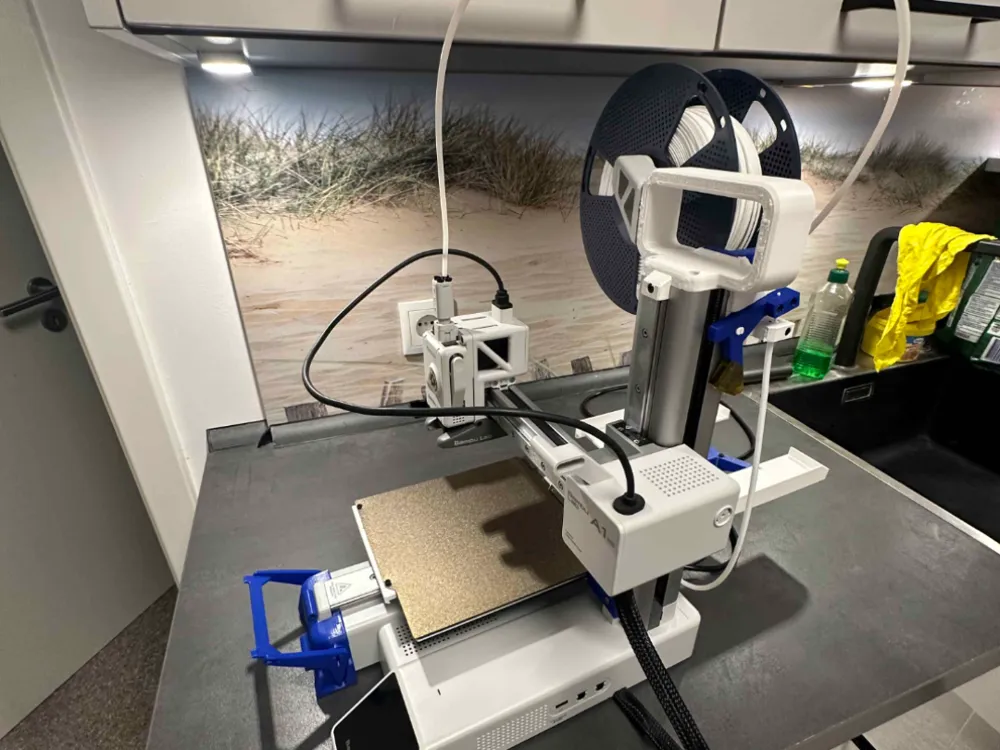
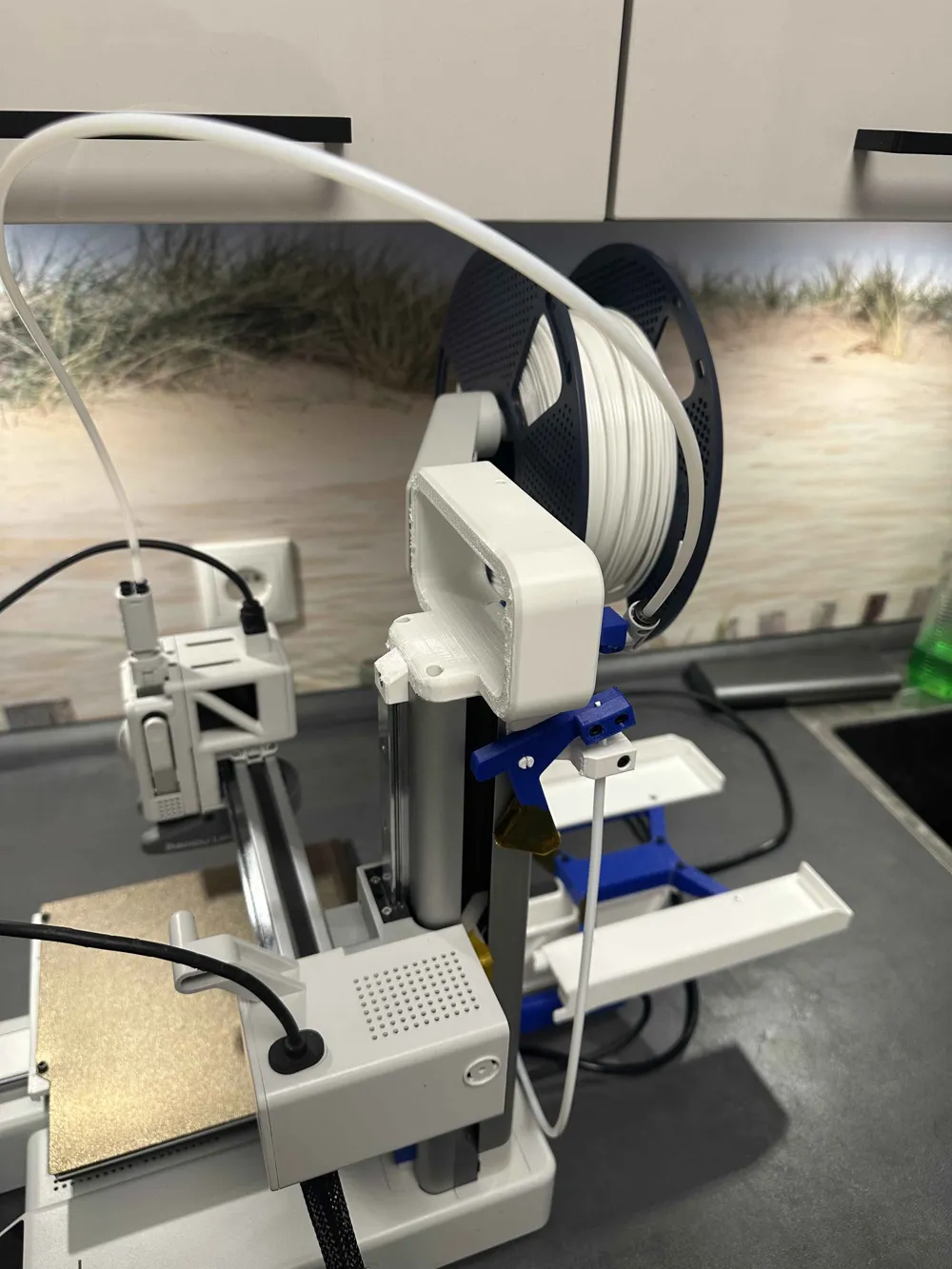
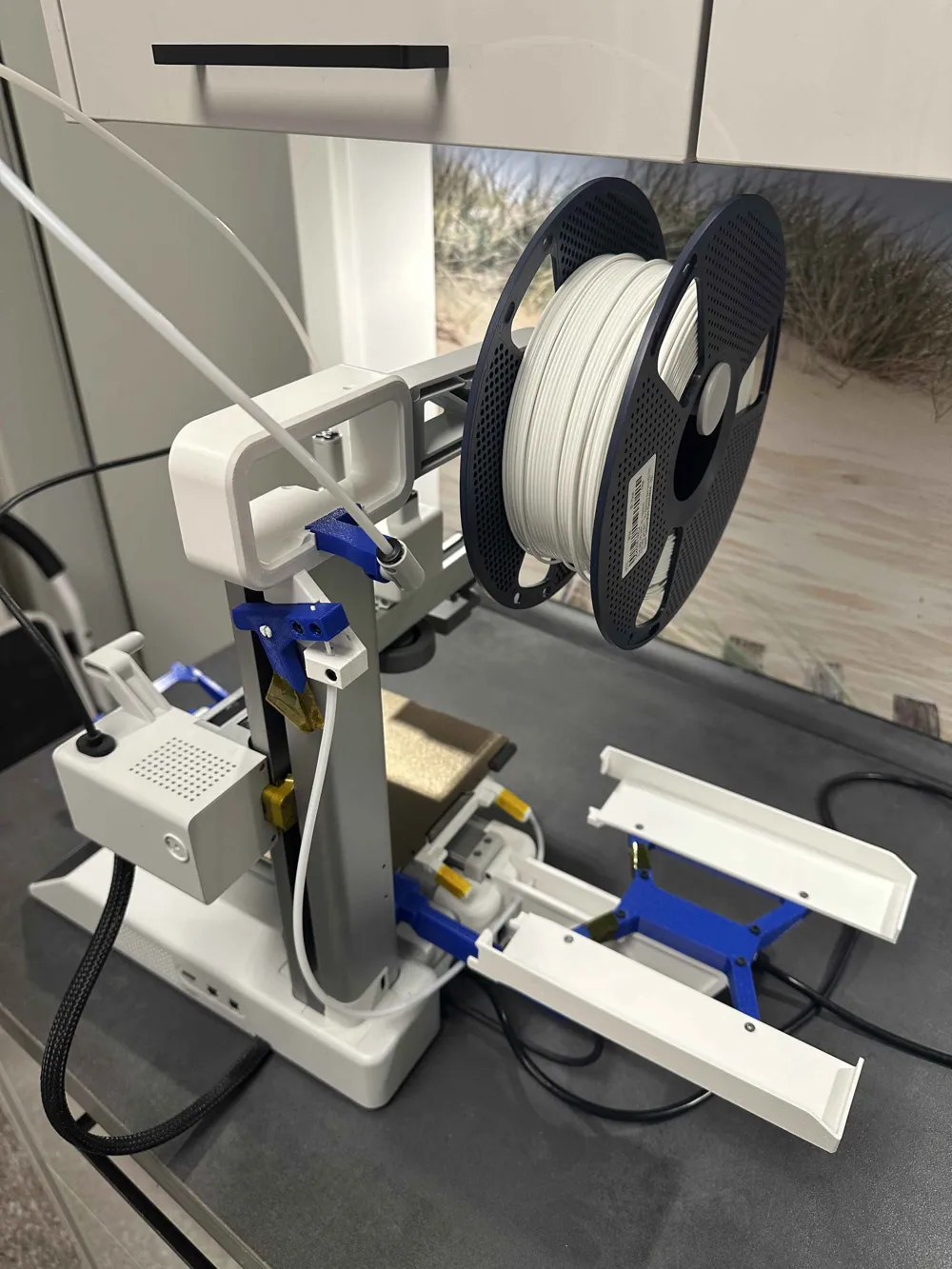
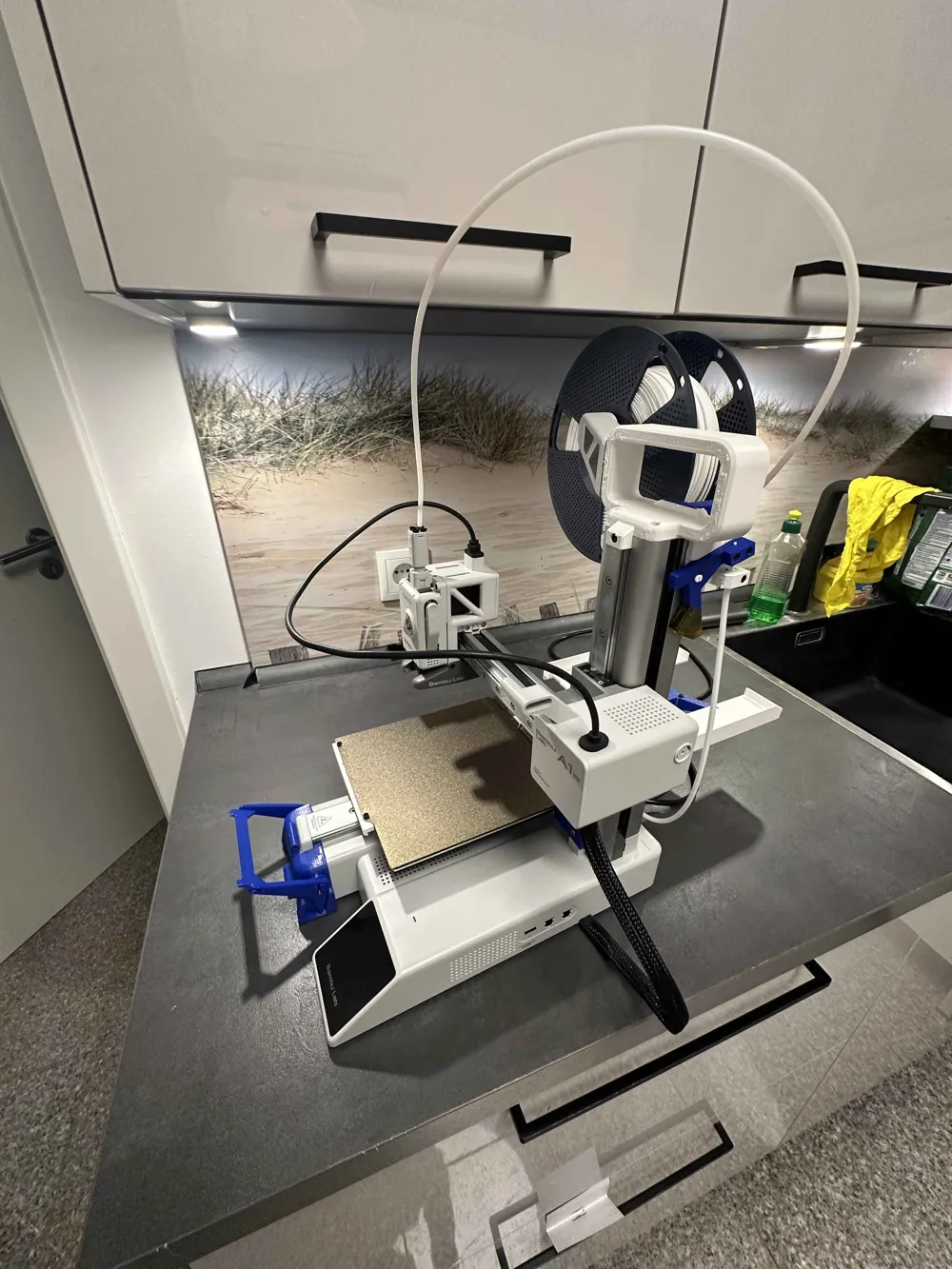
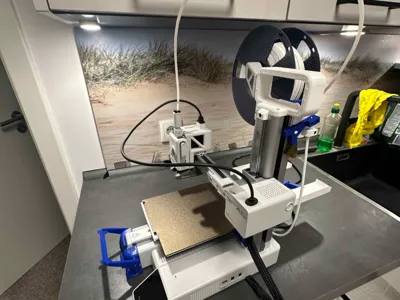
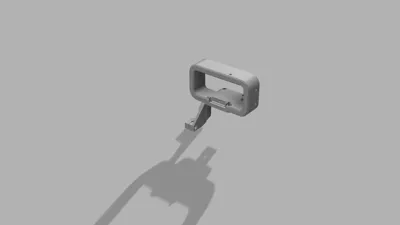
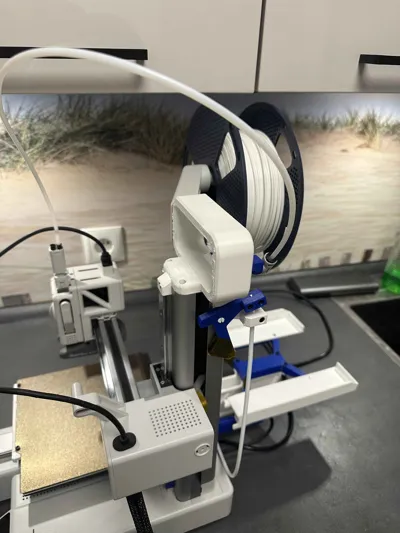
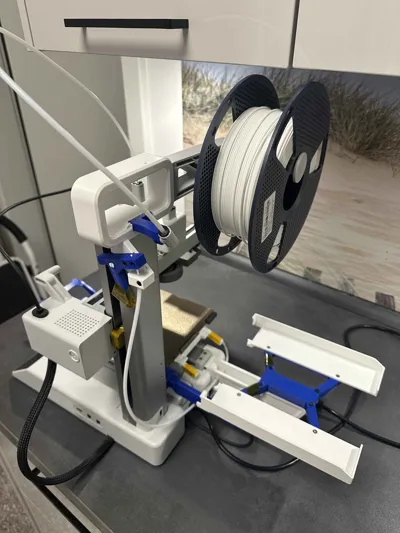
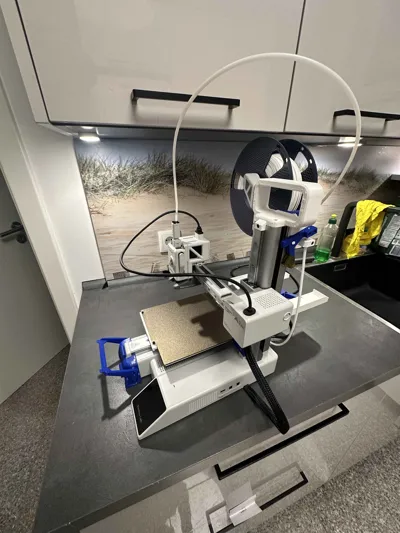
This handle is specially designed for the A1 Mini and allows the filament spool to be mounted above the 3D Printer. This keeps the back clear, and the filament is neatly guided through the filament guide to the extruder. The design offers a space-saving and practical solution for a tidy printing area.
Assembly Instructions:
- Pull the original A1 Mini spool holder upwards – it will detach by pushing it slightly upwards.
- Remove the two small screws from the gray plastic plate.
- Use these screws to attach the plate to the designated holes on the handle.
- Slide the original spool holder into the handle until it sits firmly.
- Insert the filament guide into the provided opening.
Printing Note:
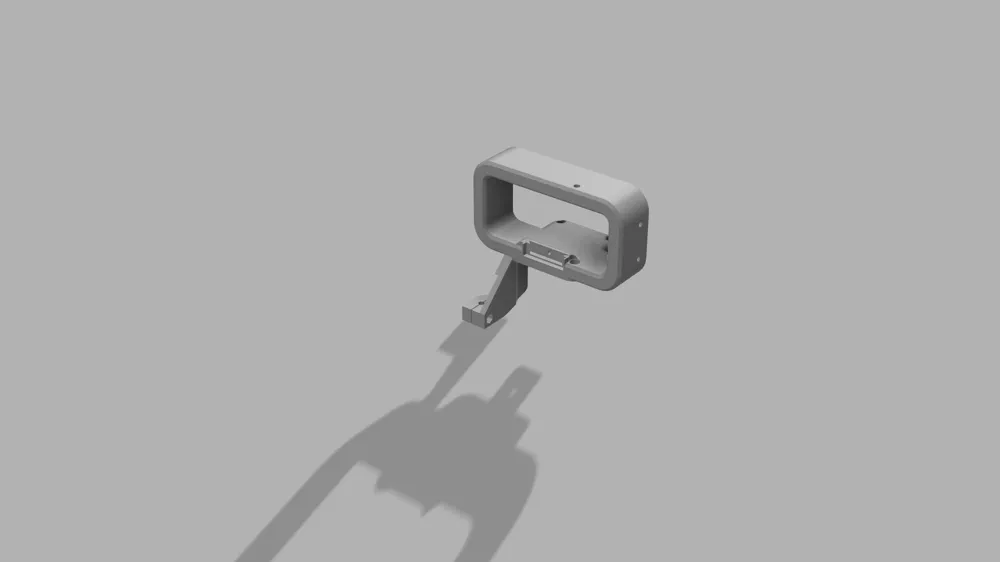
Please print the handle in the orientation shown in the 3MF file. A vertical print orientation can weaken the structure and reduce stability.
Recommended Print Settings:
- Material: PETG
- Infill: 15 %
- Wall lines: 3
- Supports: Enabled
Boost Me (for free)
English
Description:
This handle is designed for the A1 Mini and allows the filament spool to be mounted above the printer. This keeps the back side clear and guides the filament neatly through the filament guide into the extruder. The design provides a compact and practical setup for a tidy printing area.
Assembly Instructions:
- Pull the original A1 Mini spool holder upwards – it will detach when pushed slightly upward.
- Remove the two small screws from the gray plastic plate.
- Use these screws to attach the plate to the designated holes on the printed handle.
- Slide the original spool holder into the handle until it sits firmly.
- Insert the filament guide into the provided opening.
Printing Note:
Please print the handle in the orientation shown in the 3MF file. A vertical print orientation can weaken the structure and reduce stability.
Recommended Print Settings:
- Material: PETG
- Infill: 15 %
- Wall lines: 3
- Supports: Enabled
This remix is based on


License



Comment & Rating (2)