Search models, users, collections, and posts

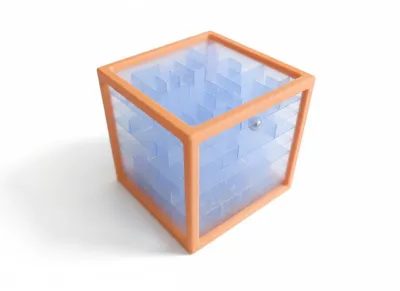
3d Maze Cube - Translucent Puzzle
IP Report
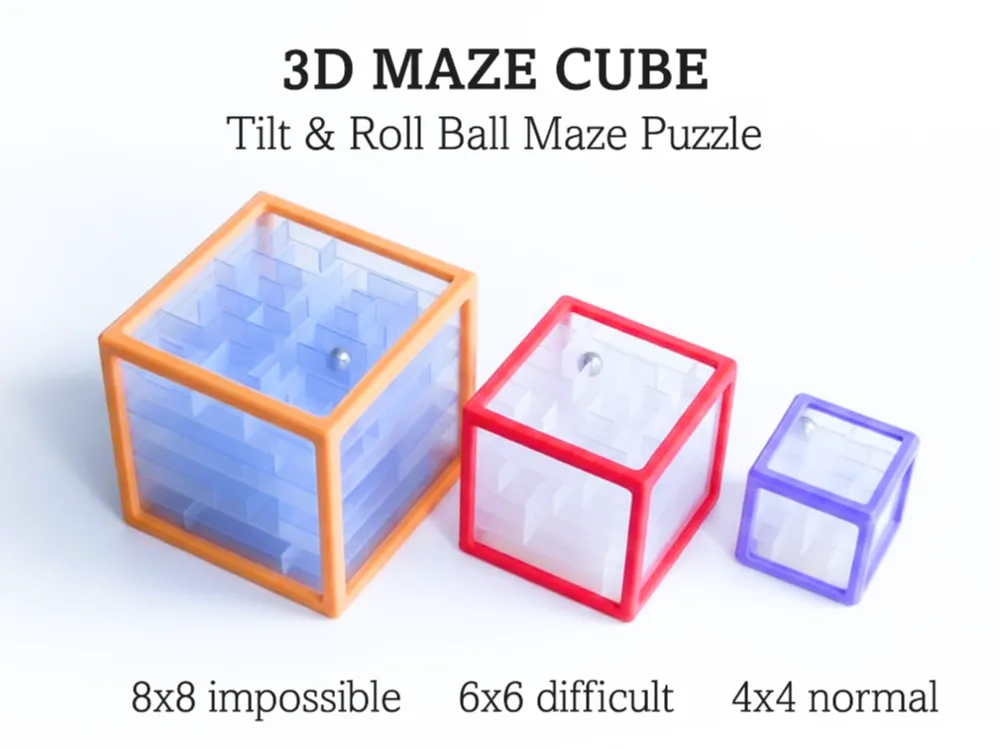

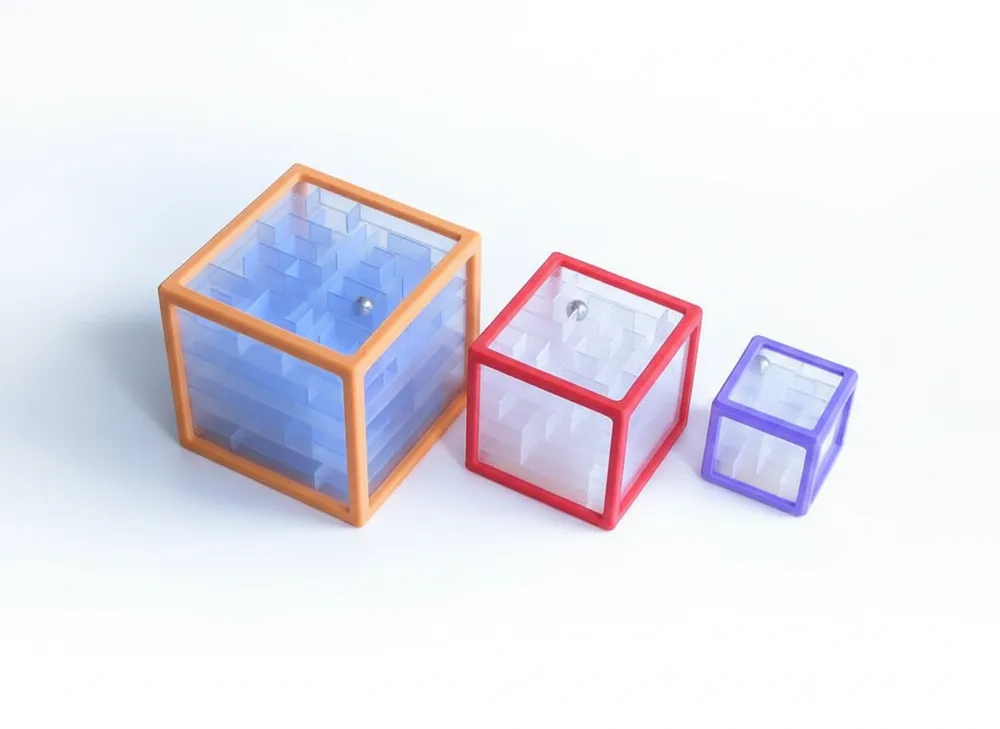
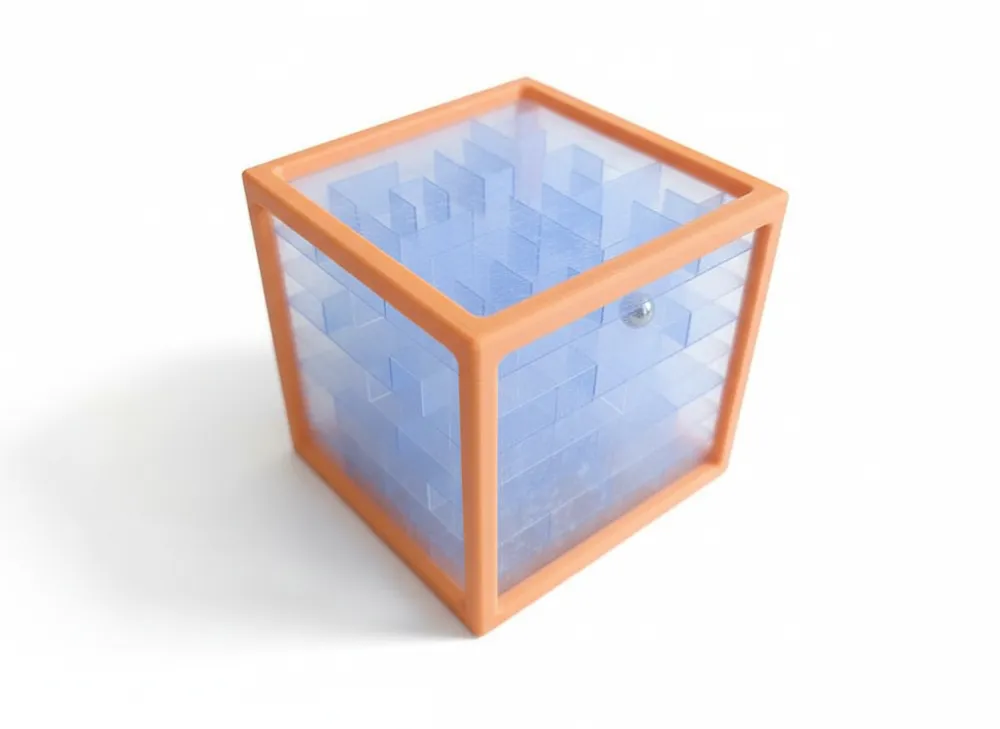
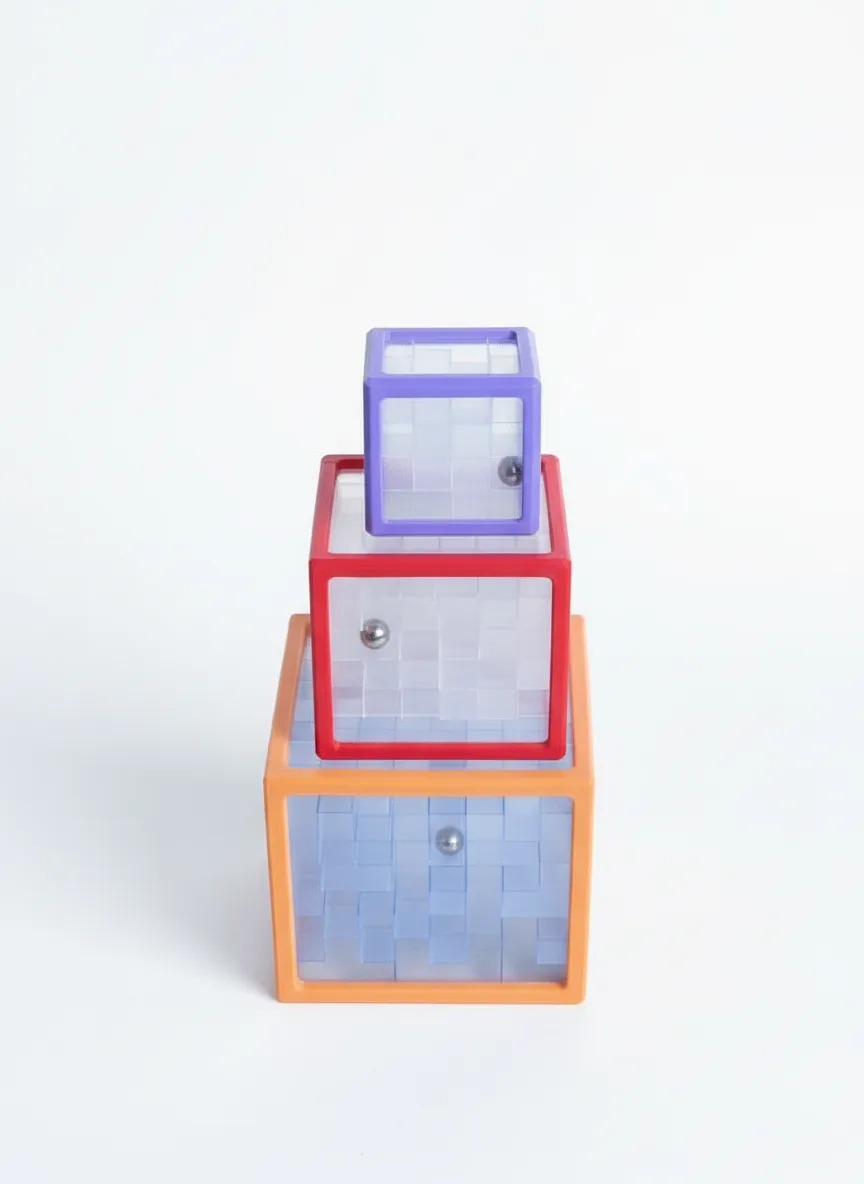
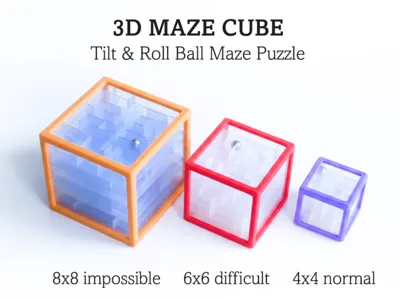
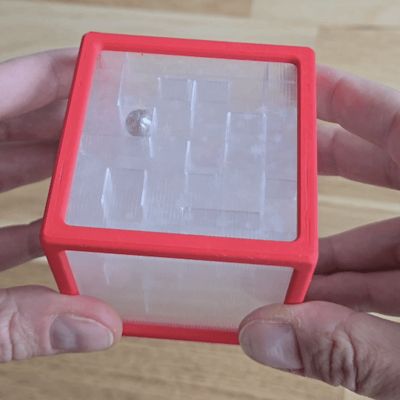
GIF
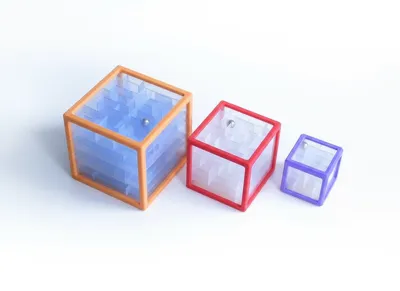
Print Profile(4)
4x4 Maze Cube
Designer
3.8 h
2 plates
6x6 Maze Cube
Designer
9.5 h
2 plates
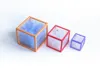
8x8 Maze Cube
Designer
19.3 h
4 plates
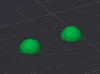
8mm ball - Adaptive layers
Designer
10 min
1 plate
Open in Bambu Studio
Boost
195
625
34
12
183
101
Released
Bill of Materials
Maker's Supply Kits and Parts
Select all

Bambu Filaments
Select all


Description
Update 2026 Feb 16: Added a separate profile to print 8mm sphere, if you don't have a metal ball (two halves to be glued). Thank you for your feedback!
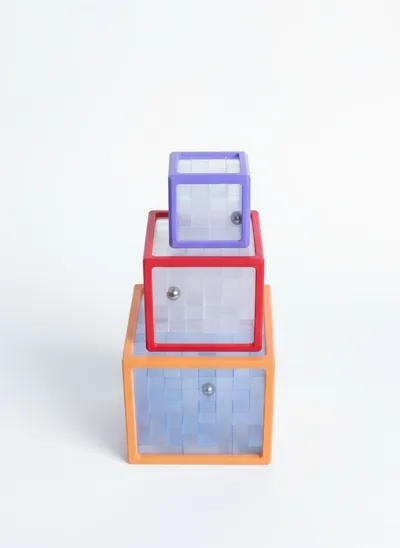
This stylish transparent 3d Maze will challenge your solving skills!
Challenge yourself starting from small one and see, how fast you can solve the biggest one.
Key features:
- All you need is Translucent material and a 8mm steel ball (or simply print a sphere).
- Extremely easy to print and assemble:

- Available in three sizes: 4x4, 6x6 and 8x8
- The limited visibility in the core of the puzzle is not a bug, but a feature, increasing the challenge. Make sure you have enough time and patience, especially for 8x8. And if not, you can always print a replacement for a broken toy.
- Be creative to mix Translucent laysers of different shades, as I did with 8x8 model on attached pictures.
- Feel free to mix and rotate layers as you want - only first layer is fixed due to missing exit. No guarantee all combinations are equally interesting. For first experience I recommend to use the assembly guide.
- Feel free to glue case part together for more stability
- Print profiles are optimised for Bambulab PETG Translucent - printing slow but reliably. I recommend to use project settings, if you do not have your own optimised profile. For case you can use project settings or simply switch to preferred printing settings for your material.
Boost Me (for free)
Have any suggestion or ideas? Please share!
Check other toys I designed here:
Toy
puzzle
maze
Game
transparent
translucent
3D
PETG
noams
joy
fun
kids
gift
challenge
difficult
motoric
motorskills
sensory
tactile
control
patience
maze cube
labyrinth
Fidget
desk
family game
education
Documentation (1)
Assembly Guide (1)
Puzzle Cube Manual.pdf
License

This user content is licensed under a Standard Digital File License.
You shall not share, sub-license, sell, rent, host, transfer, or distribute in any way the digital or 3D printed versions of this object, nor any other derivative work of this object in its digital or physical format (including - but not limited to - remixes of this object, and hosting on other digital platforms). The objects may not be used without permission in any way whatsoever in which you charge money, or collect fees.


Comment & Rating (34)