Search models, users, collections, and posts

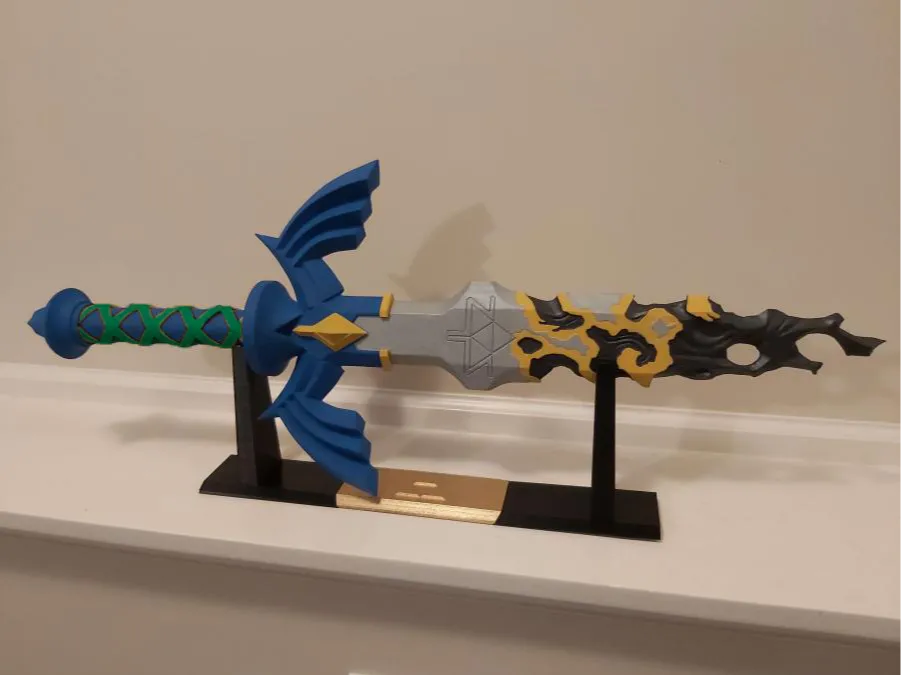
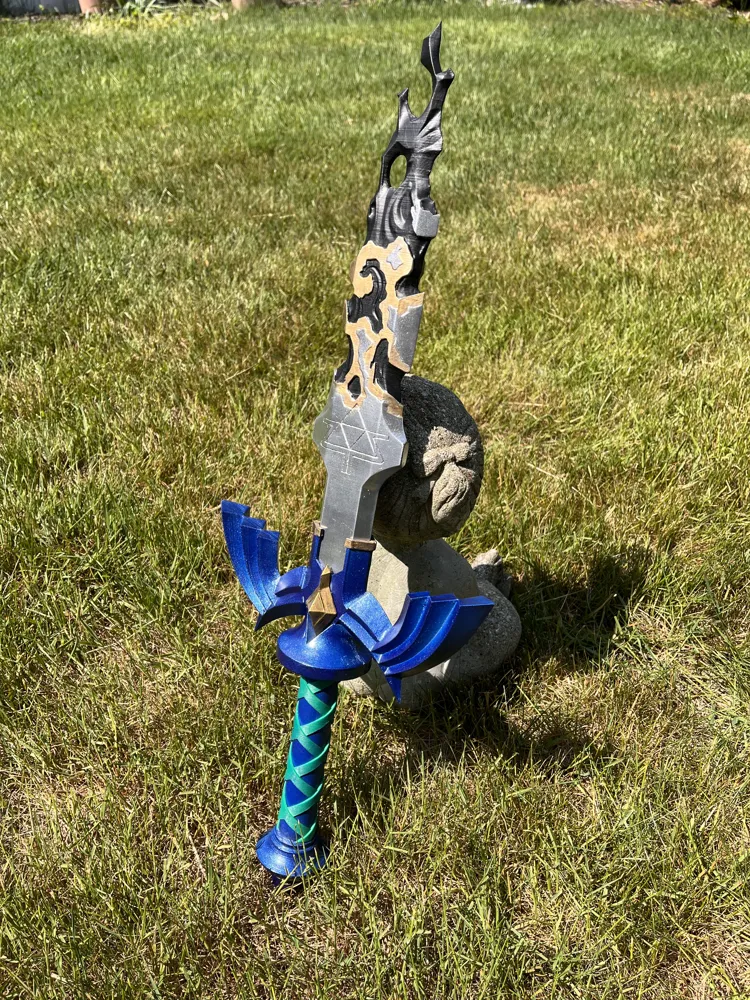
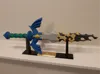
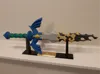
Decayed Master sword the legend of Zelda TOTK

Print Profile(4)

All
P1S
P1P
A1
X1
H2D Pro
X1 Carbon
H2C
H2S
X1E
H2D
P2S
X2D
A2L
A1 mini

(fixed) Decayed Master Sword extra supports
Designer
33.1 h
9 plates
5.0(4)

(fixed) Decayed Master Sword
Designer
31.8 h
9 plates
5.0(1)

(fixed colour) Decayed Master Sword A1 mini
Designer
36.7 h
9 plates

0.2mm layer, 2 walls, 15% infill
23.5 h
4 plates

Open in Bambu Studio
Boost
320
994
23
18
475
116
Released 

Description

📜 Description

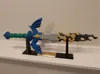
Decayed Master Sword inspired by The Legend of Zelda: Tears of the Kingdom.
Features a broken, weathered design with a matching display stand. Designed for easy printing and simple assembly, ideal for display or collection builds.

🗡️ Decayed Master Sword — Assembly Instructions

Sword Assembly

  1. Apply a small amount of glue inside the grip, then slide the grip onto the handle so it does not move.
  2. Apply glue to the first pin and insert it through the grip into the handle.
  3. Slide the crossguard onto the exposed pin and apply glue to secure it.
  4. Apply glue to the second pin and insert it into the blade connector.
  5. Apply glue to the exposed end of the second pin, then insert the blade into the handle.
  6. Allow all glued parts to fully dry.

Stand Assembly

  1. Take one edge piece (left or right — either works).
  2. Insert and glue the center core into the edge piece.
  3. Glue the middle piece onto the center core.
  4. Attach the remaining edge piece to the middle piece.
  5. Let the stand fully dry before placing the sword on it.


Comment & Rating (23)

(0/1000)

Print Profile
(fixed) Decayed Master Sword
I love this print! had a few set backs while printing but in the end it ended up amazing! Thank you so much for this amazing model.
0
Reply
Boosted
Print Profile
(fixed) Decayed Master Sword extra supports
I love this model, uploaded a profile for the H2C just so it used less plates
0
Reply
The print profile is no longer public
Support Issue:I tried printing the sword multiple times but sadly it doesn't print, tried different supports. The blue part also had support issues
The profile uploader has replied
0
Reply
Sorry to hear that. Maybe you could add extra support using the support feature in the top bar.
(Edited)
0
Reply
I added a print profile with more supports, so it should work better.
(Edited)
1
Reply
can you pls make an stl file for this. would be very helpful
(Edited)
The designer has replied
0
Reply
you can download the .stl on a computer to the right of the "open in bambu studios" there is a arrow click that then download .stl.
0
Reply
Replying to @KSM808 :
the files in that area are 3mfs they dont work in cura
0
Reply
Replying to @dfin :
I am not sure why it does not work for you, can you send me a screen shot of the "open in bambu studios" button?
0
Reply
Boosted
I love your design but I am unable to print on A1 (not mini) it doesn't fit on the bed and when angled the print fails due to the angle I have tried all kinds of supports, slowing down etc. I cant cut it because it looses the color. Are you able to upload a print that has the blade in two parts or is this too much work? I would really like to print this :)
The designer has replied
0
Reply
I’ll make an A1 Mini version even though you don’t have one, so people with A1 Minis can print it. Print the blade and the pins from the A1 Mini version, and print everything else from the normal version. The pins need to be from the A1 Mini version because the blade is split and the second piece doesn’t have a pin hole, so I had to make the pins larger to fit. It should be done in about 5 days since I still need to recolor it.
0
Reply
I added a print profile, I'd love to see a photo if you print it.
0
Reply
Boosted
Replying to @KSM808 :
This is a mix of the "Lightening Zelda Master Sword 100cm " @卡卡 for the hilt. I wanted the two swords to have a similar design given they are supposed to be the same sword. There is a few minor flaws in coloring I can DM Vortex if they would like to know where but Makerworld is limiting me to replying only. I am so happy that you made a print file for A1. Thankyou so very much!
0
Reply
Boosted
Very helpful, responsive to messages. Made a new version for A1 when i commented that i was having issues. Thanks for all your help!
0
Reply
The print profile is no longer public
Just printed the stand, great.
0
Reply
Nice design
0
Reply
great model! :)
0
Reply
Print Profile
(fixed) Decayed Master Sword extra supports
0
Reply

License

This user content is licensed under a Standard Digital File License.

You shall not share, sub-license, sell, rent, host, transfer, or distribute in any way the digital or 3D printed versions of this object, nor any other derivative work of this object in its digital or physical format (including - but not limited to - remixes of this object, and hosting on other digital platforms). The objects may not be used without permission in any way whatsoever in which you charge money, or collect fees.