
Print Profile(1)
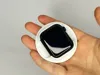
Description
BackSCREEN for iPhone
Powered by Apple Watch
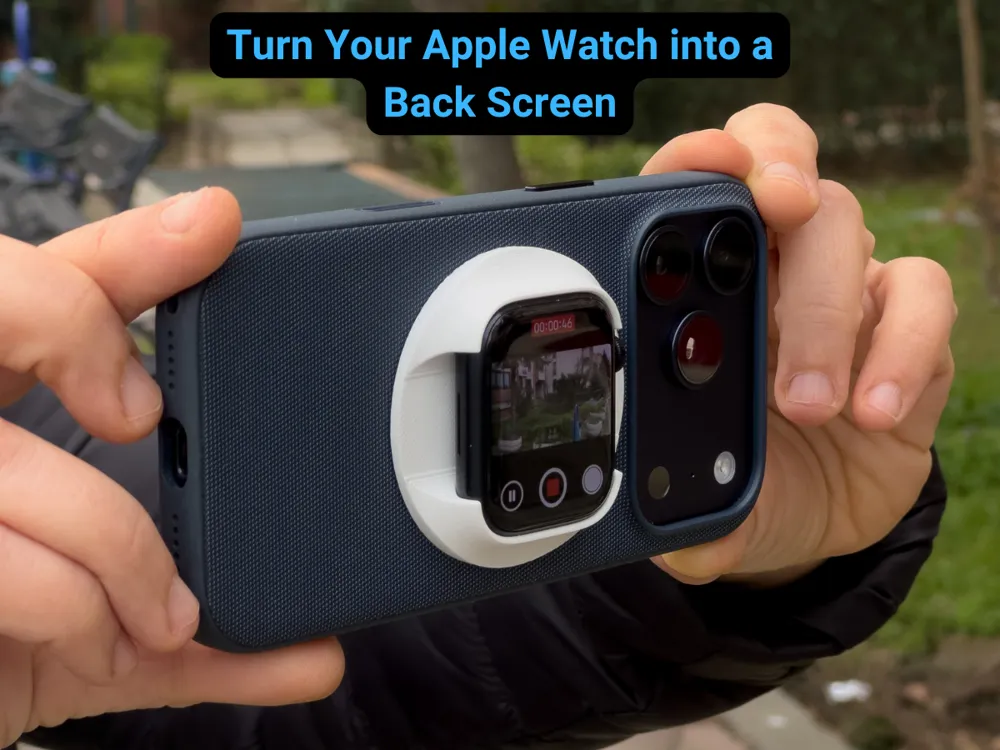
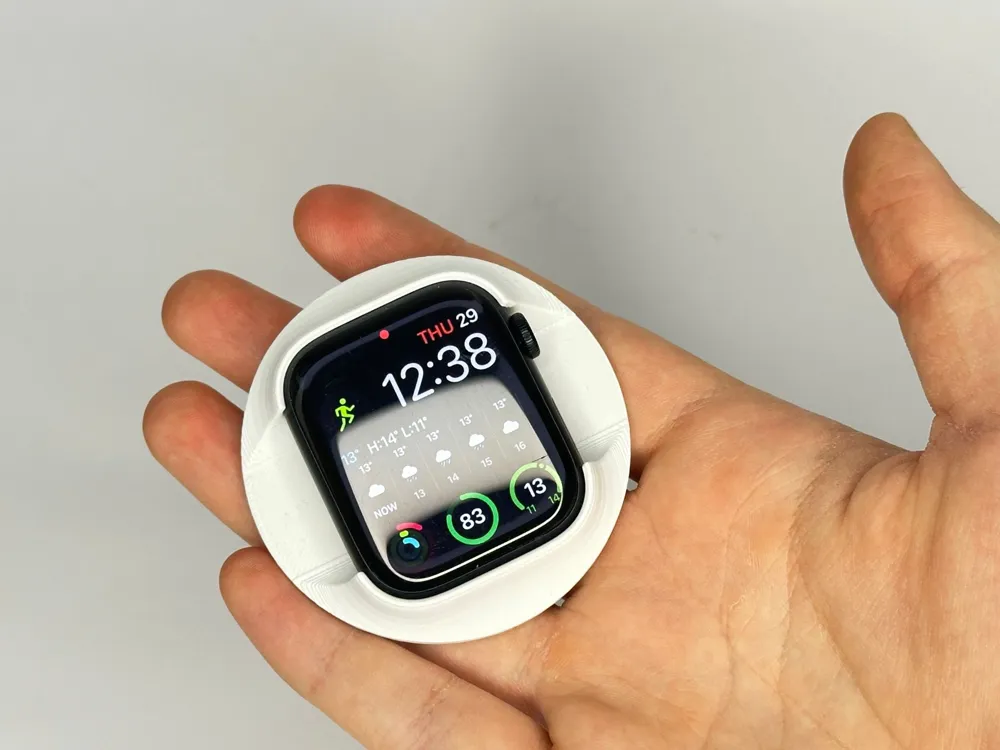
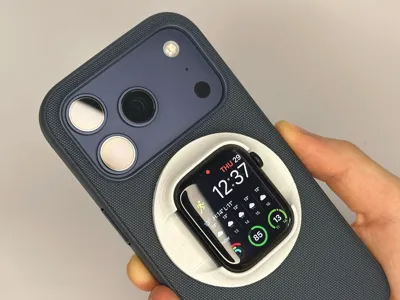
BackSCREEN is a 3D-printable accessory designed for vloggers, content creators, and mobile photographers who want to use the high-quality rear camera of the iPhone while still seeing themselves in real time.
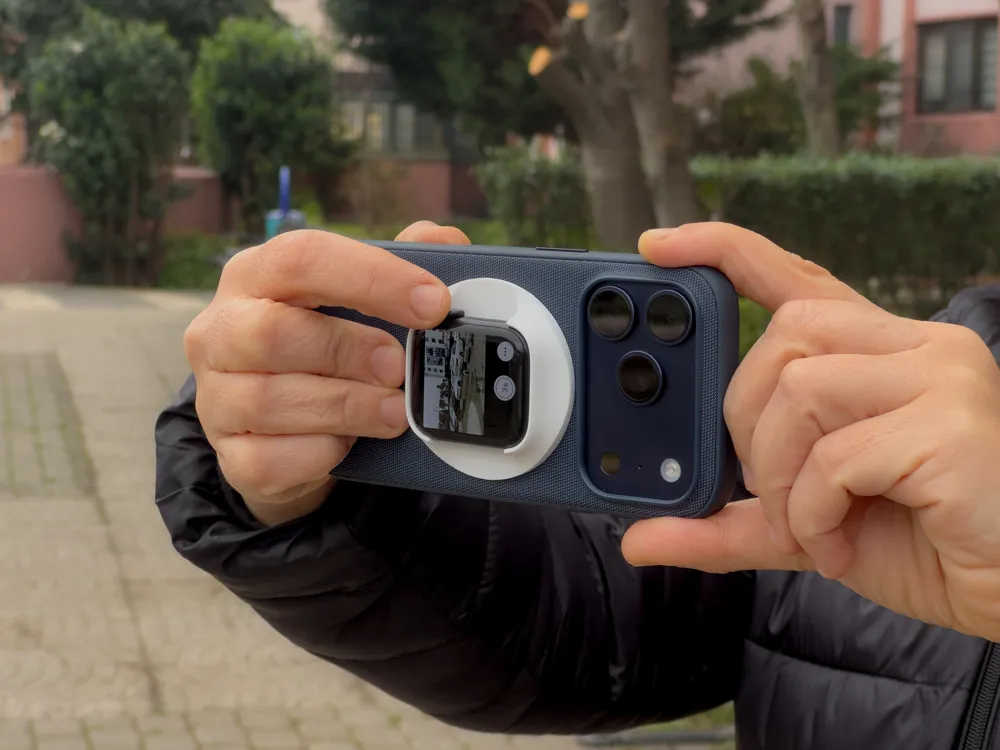
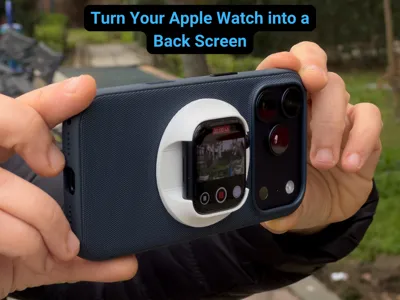
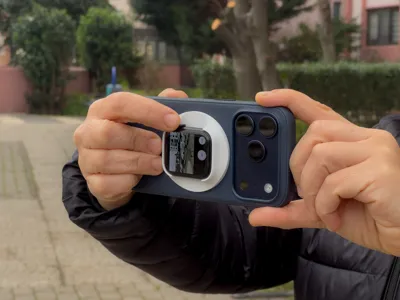
By mounting an Apple Watch on the back of the iPhone, BackSCREEN turns the watch into a live viewfinder and camera controller, enabling professional-level self-recording with full control.
Key Features
- 📱 Live preview while using the iPhone rear camera
- ⌚ Camera control directly from Apple Watch
- 🎥 Ideal for vlogging & self-recording
- 🔍 Zoom control via Digital Crown
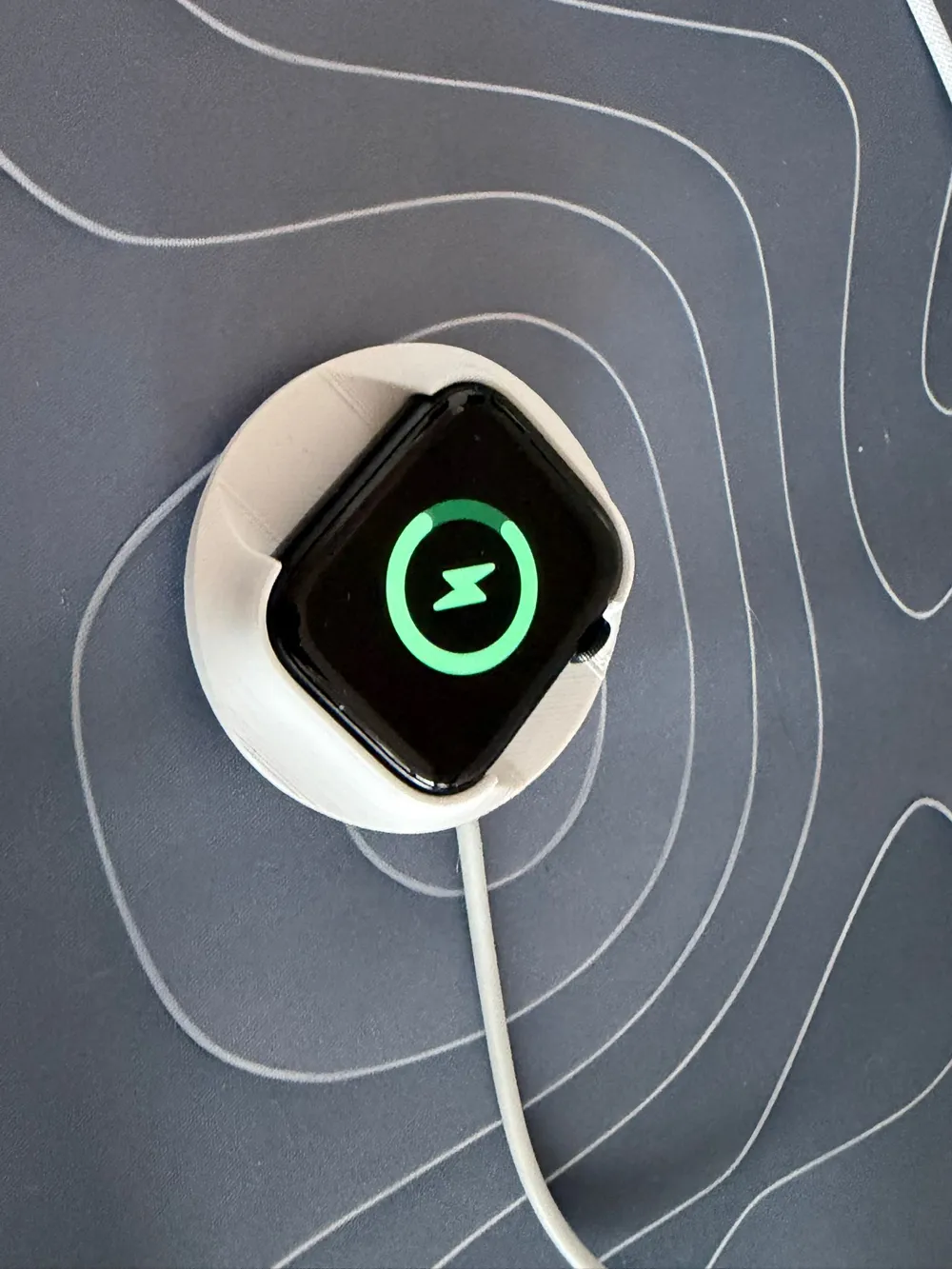
- 🔋 Charging possible while the accessory is attached
- 🖨 Fully 3D printable design
Compatibility
- iPhone: Models with a flat back surface
- Apple Watch: All Apple Watch models supporting watchOS Camera app
- Software: Native iOS & watchOS Camera app
⚠️ Note: No third-party apps required. The system uses Apple’s built-in Camera + Apple Watch integration.
How It Works
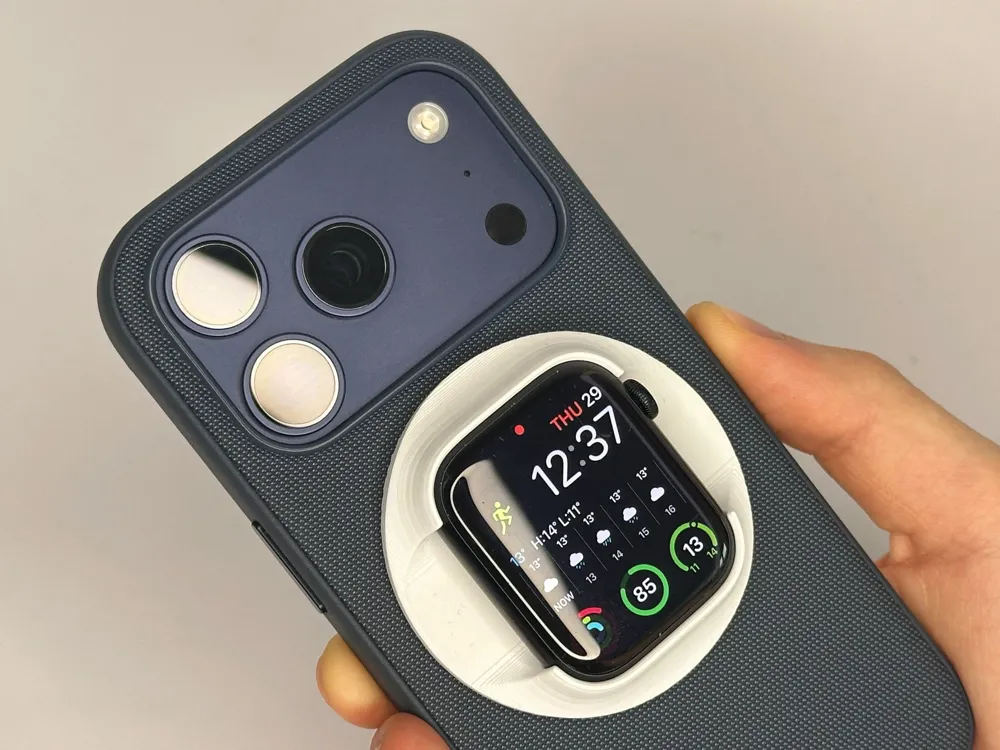
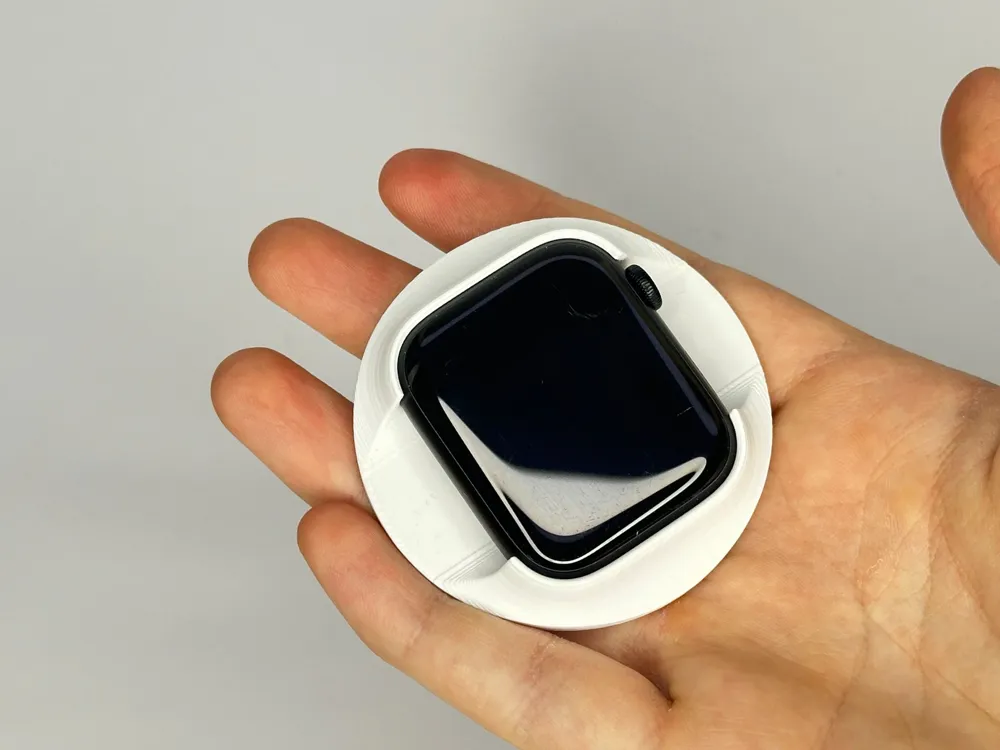
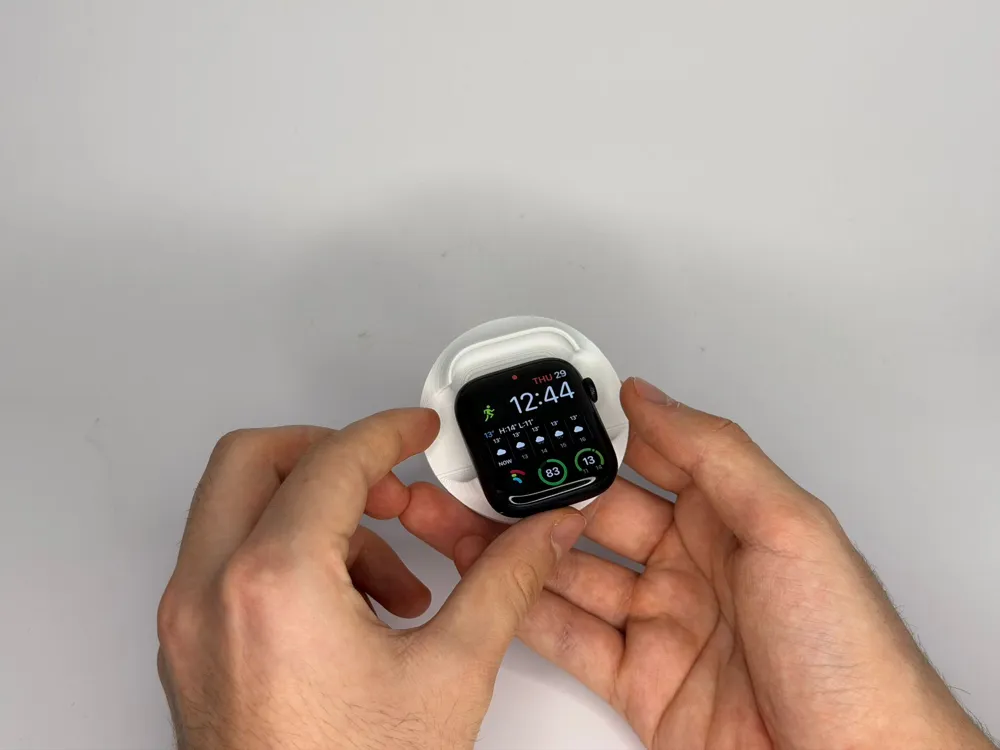
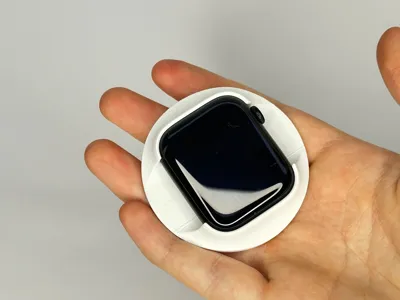
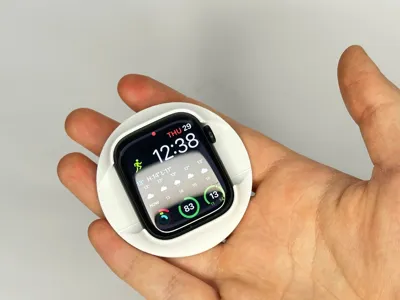
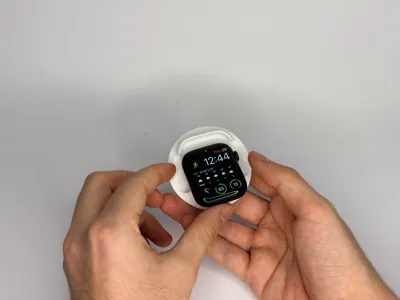
- Mount your Apple Watch into the BackSCREEN holder
- Attach the BackSCREEN to the back of your iPhone
- Open the Camera app on the Apple Watch
- The iPhone rear camera activates automatically
- Use the Apple Watch to:
- View live camera feed
- Take photos or start/stop video
- Zoom smoothly using the Digital Crown
This allows creators to:
- Always see themselves while recording
- Benefit from the superior quality of the rear camera
3D Printing Guide
Recommended Print Settings
- Nozzle: 0.4 mm
- Layer Height: 0.2 mm Adaptive
- Infill: 20–30%
- Supports: Not required
- Print Orientation: Flat surface facing the build plate
Material Suggestions
- PLA: Easy printing, good rigidity
- MAGSAFE RING: Any magsafe ring with decent power will work
Assembly Instructions
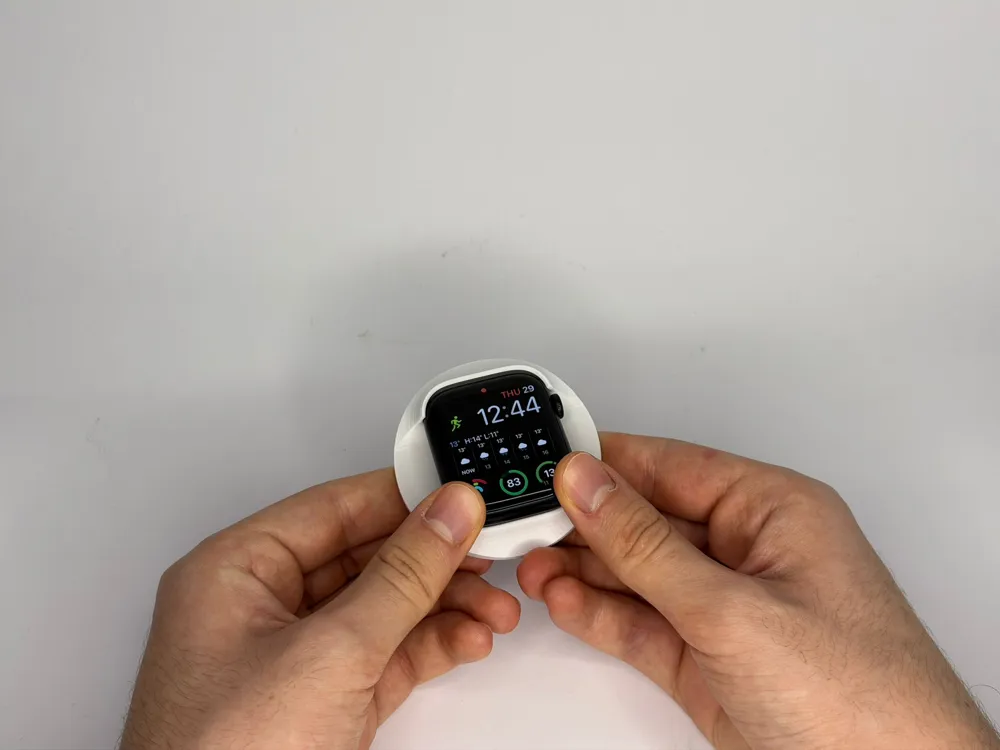
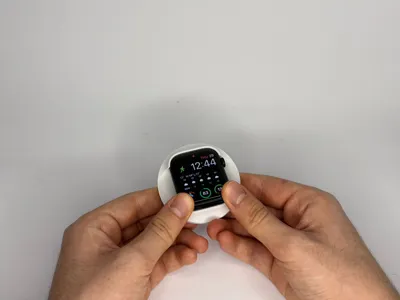
Step 1 – Insert the Apple Watch
- Place the Apple Watch into the holder with the screen facing outward
- Press gently until the watch sits securely in the slot
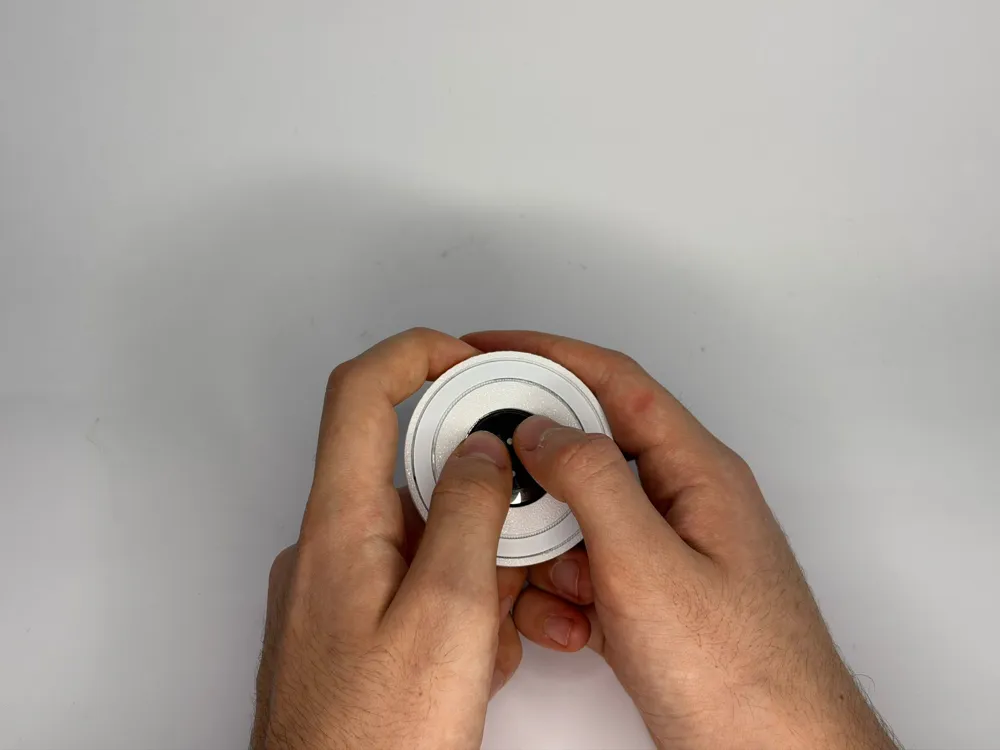
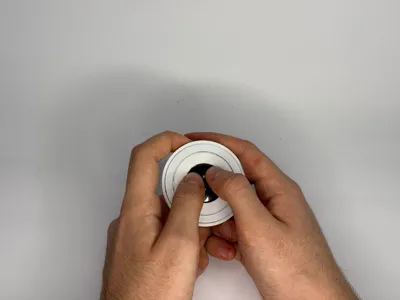
Step 2 – Mount to iPhone
- Align the accessory with the back of the iPhone
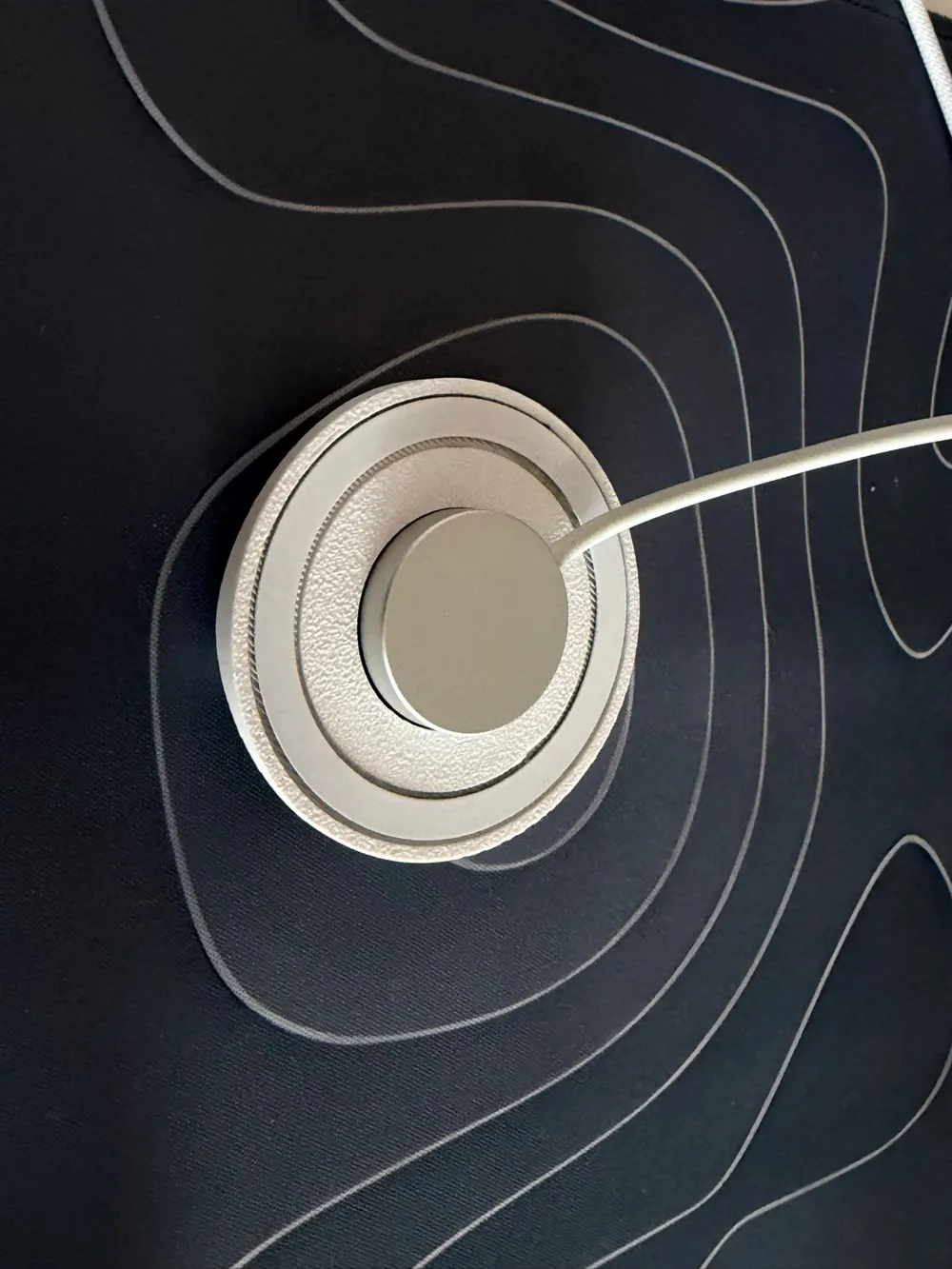
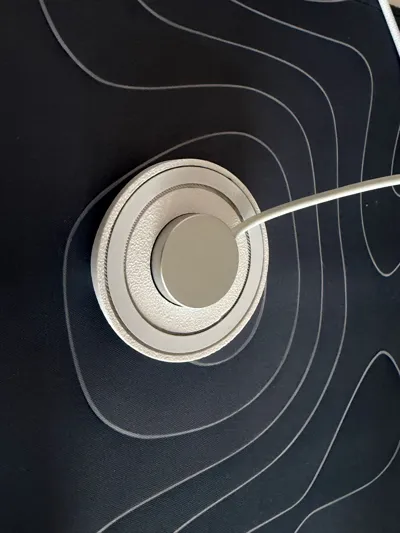
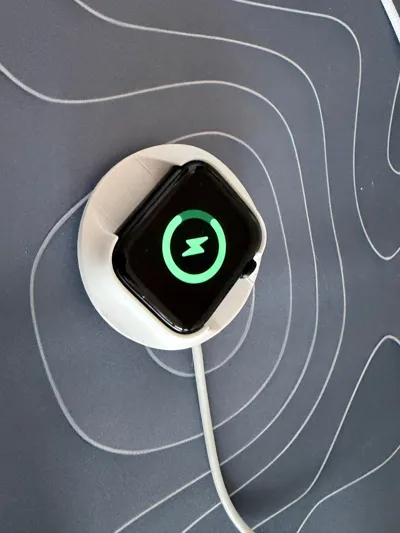
Step 3 – Charging Support
- The design allows charging while attached, depending on your charging method
📷 White background images show the mounting process.
📷 The blue background image demonstrates charging compatibility while using the accessory.
Usage Tips
- Rotate the Digital Crown slowly for smooth zoom transitions
Ideal Use Cases
- Vlogging
- YouTube / Shorts
- Instagram Reels & TikTok
- Mobile product photography
- Solo content creation
License & Notes
This project is intended for personal use and community sharing.
For commercial use, please contact the project owner.
License

You shall not share, sub-license, sell, rent, host, transfer, or distribute in any way the digital or 3D printed versions of this object, nor any other derivative work of this object in its digital or physical format (including - but not limited to - remixes of this object, and hosting on other digital platforms). The objects may not be used without permission in any way whatsoever in which you charge money, or collect fees.


Comment & Rating (39)