
Search models, users, collections, and posts

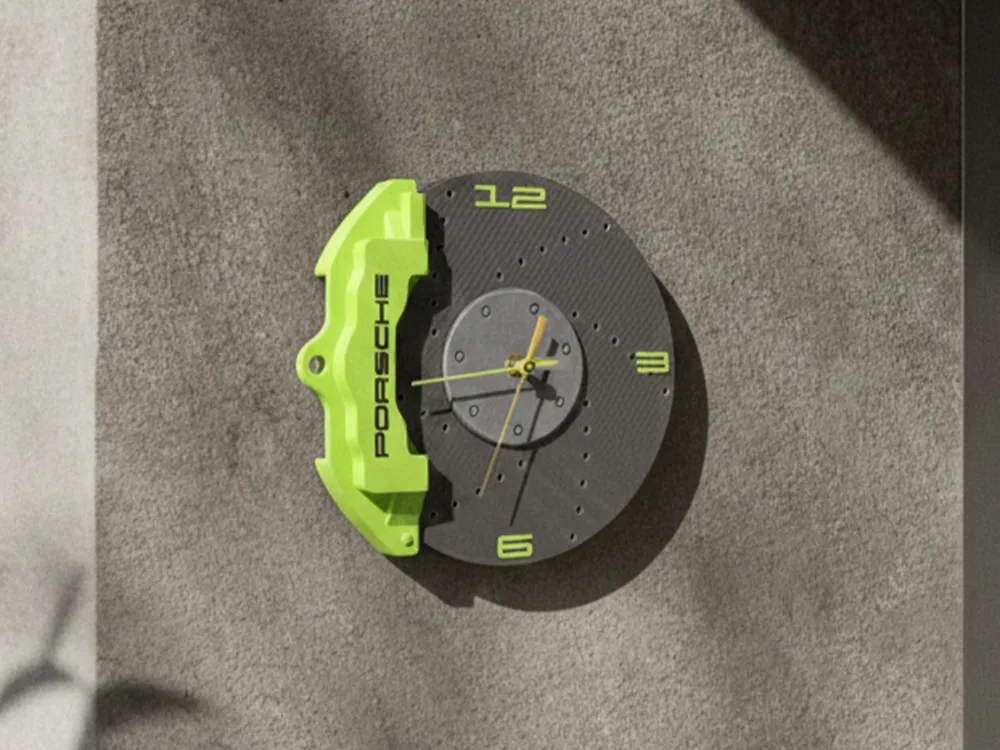
Porsche Wall Clock

IP Report

Print Profile(2)

All
P1S
H2D
H2S
X1E
X1 Carbon
X1
P2S
H2C
H2D Pro
P1P
X2D
A2L
A1

0.2mm layer, 3 walls, 12% infill
Designer
14.3 h
6 plates
5.0(9)

Toyota Brake Caliper
3.5 h
1 plate

Open in Bambu Studio
Boost
354
920
39
0
254
83
Released 

Description

Content has been automatically translated.
Show original

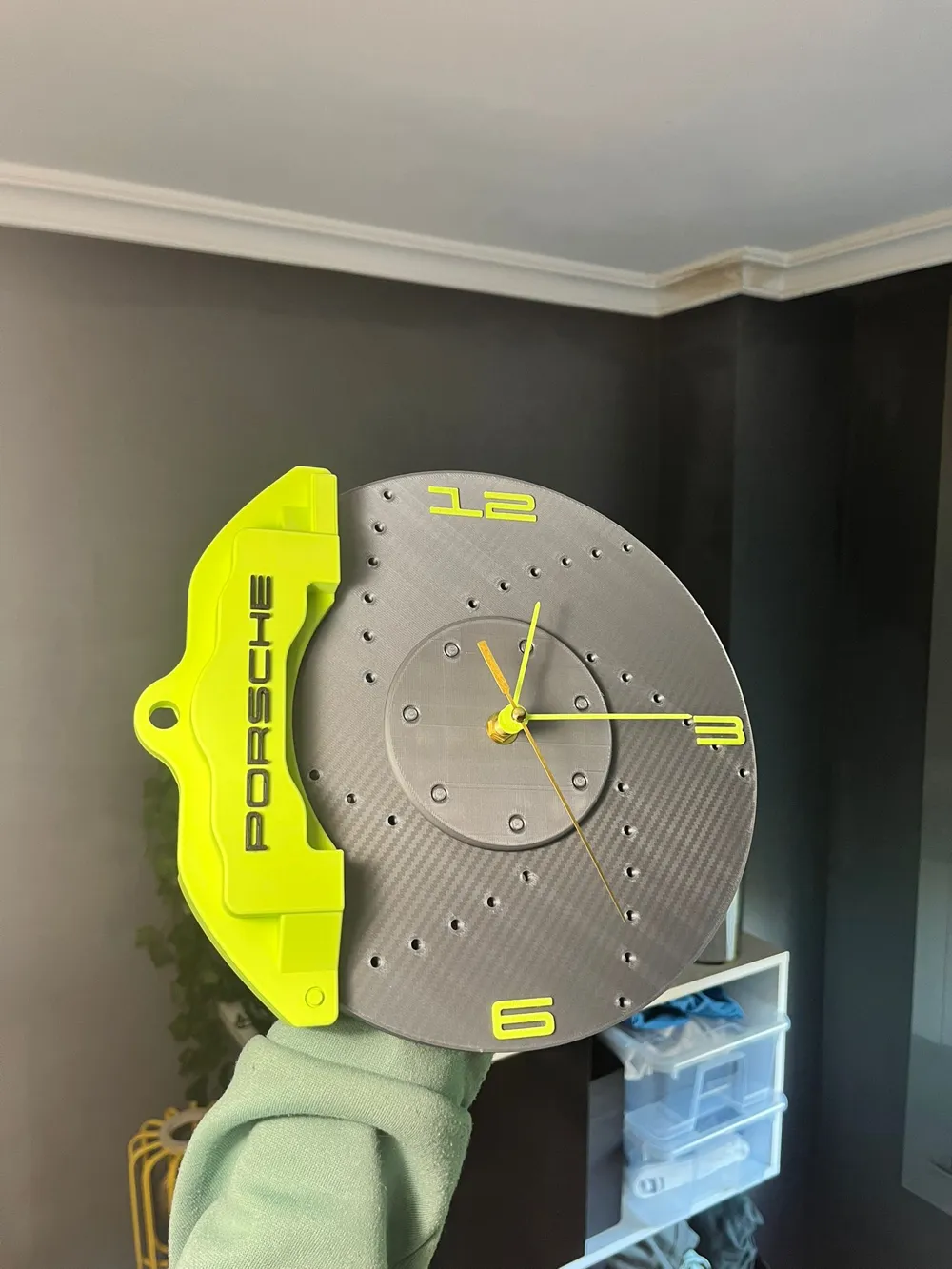
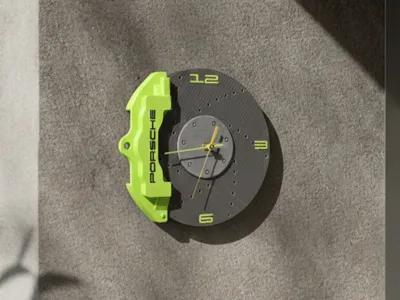
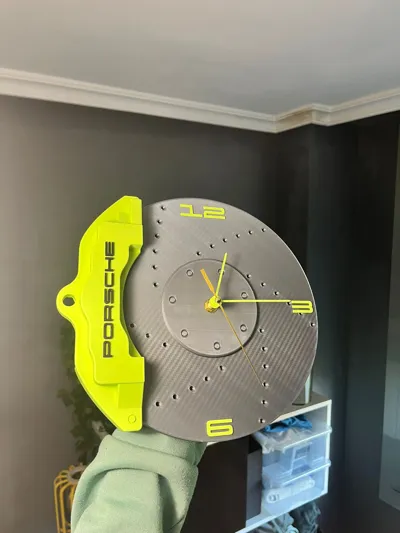
Sports wall clock.

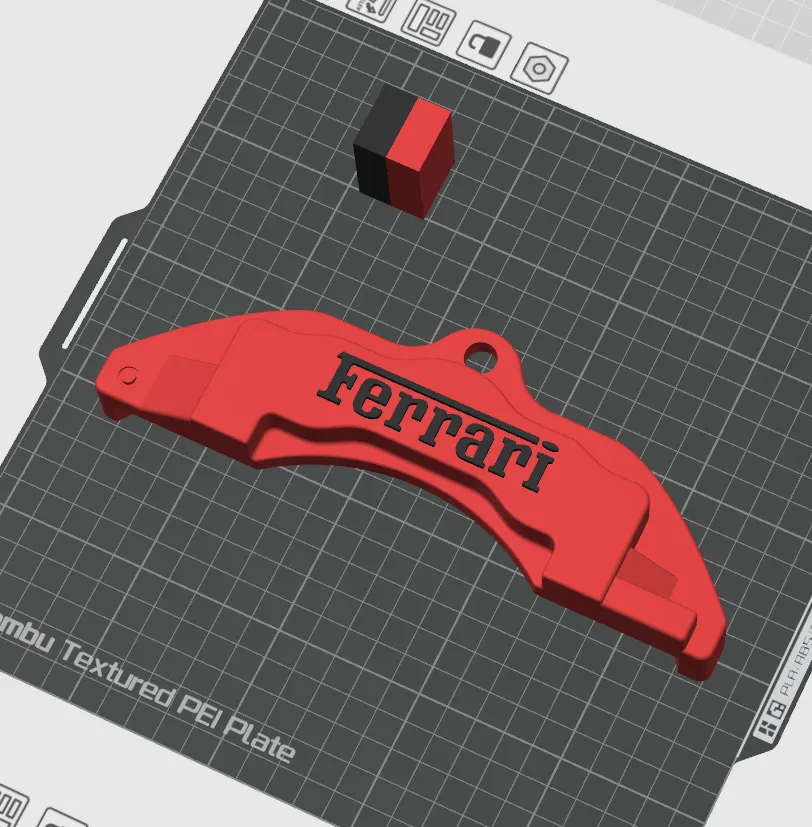
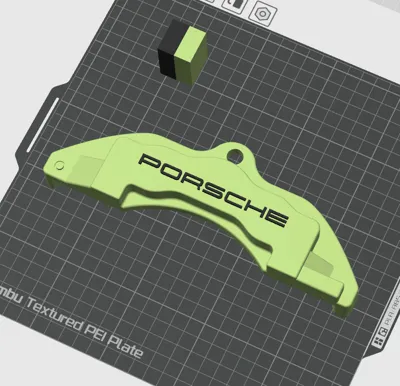
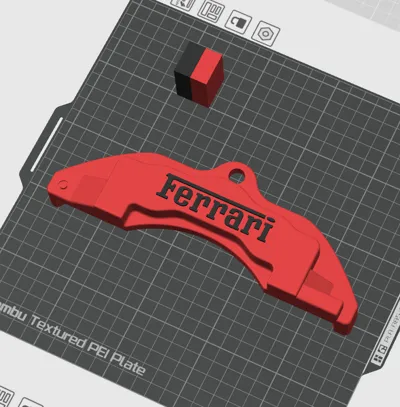
Currently there are two versions, Porsche and Ferrari. Each features its version of the caliper and disc with its corresponding typography.

I opted to use the carbon fiber effect build plate but the standard effect might give cleaner results.

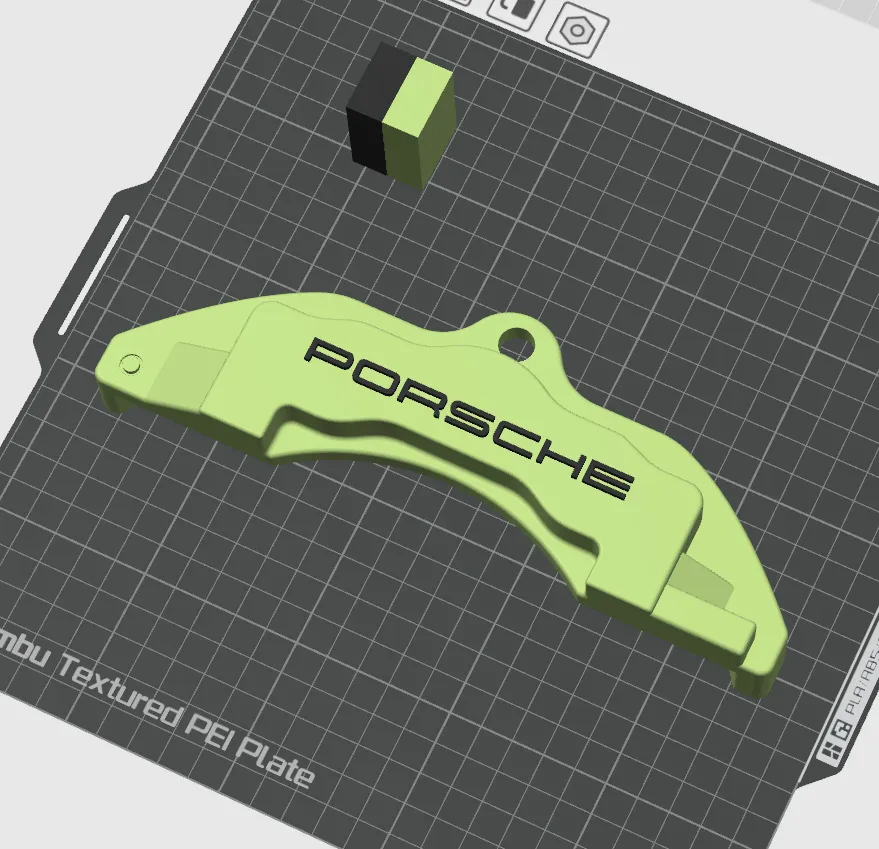
Only support for the caliper is needed.

Comment & Rating (39)

(0/1000)

I printed it without AMS by making the numbers protrude, I love the model
Show original
designer
3
Reply
Did you print the numbers seperate and stick it ? if protrude , it requires a small support right ?
(Edited)
1
Reply
Replying to @user_1546090313 :
yes exactly 👍
Show original
1
Reply
Replying to @Gusti01 :
Sorry , could you explain again , is that printed seperate or protude ?
1
Reply
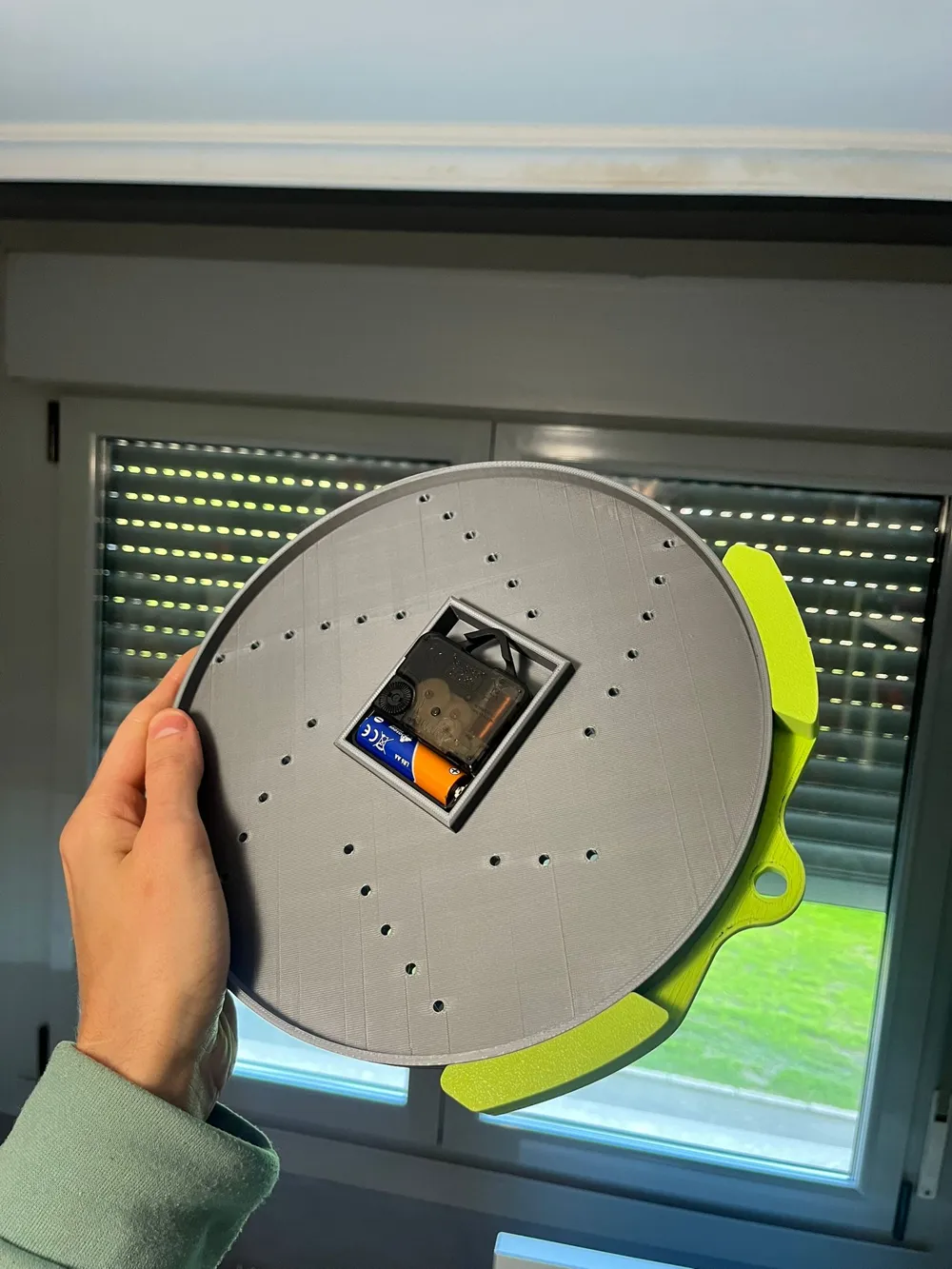
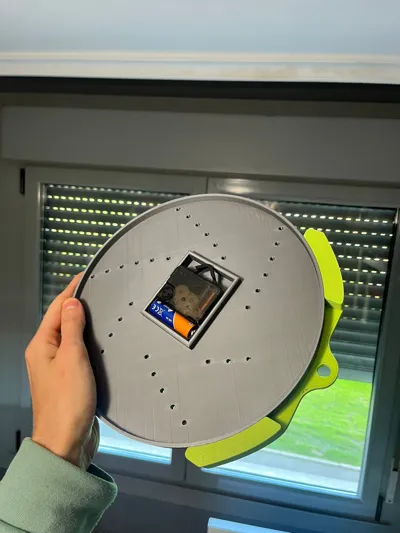
Hey hi , can you also show the back side of it . As my clock is tilting on the left because of the calipher's weight . How it is staying straight for you . Thanks
The designer has replied
0
Reply
Hello! I no longer have the example watch, however, you have to support the watch right on the thin and elongated platform that is designed above the watch cavity, you will be able to correctly adjust the balance point that way! Greetings
Show original
0
Reply
Replying to @morimakes :
i have figured that out by designing and printing this hanger.
1
Reply
Replying to @user_1602535494 :
good job! that was a good solution
Show original
1
Reply
idk what I did wrong.. any help?
The designer has replied
0
Reply
Hello! It's strange, the problem seems to be with the red filament. Although I also notice that the bed leveling is uneven. Try adding glue or hairspray to the bed if leveling doesn't work and you want to use that same color!
Show original
1
Reply
Replying to @morimakes :
Thank you! I was able to fix this.. i am new to 3d printing. I love this design! well done!! My issue is the clock mechanism that i got does not fit the pieces that you made. Is there to edit the size of the clock minute and hour etc. of the diameter? Do you have a mechanism that you recommend using? I am in USA and i bought one on Amazon but of course does not fit your print. Thanks so much!!
0
Reply
me gustó
1
Reply
Print Profile
0.2mm layer, 3 walls, 12% infill
The disc in the middle is not very suitable, I removed it and attached a painting, and the overall effect is very good
Show original
0
Reply
Print Profile
0.2mm layer, 3 walls, 12% infill
profile
1
Reply
So, I'm likely missing this... but is there a link to the clock mech that's used for this design? Amazon I assume?
The designer has replied
0
Reply
I have bought them on Amazon and AliExpress, the mechanisms are standard
Show original
0
Reply
Replying to @morimakes :
Do you have a link for the amazon one? I got 2 but they didnt work with the print. I dont know how to modify the file or i would try. this is the one i got that did not work Amazon.com: TIKROUND Quartz DIY Wall Clock Movement Mechanisms Battery Powered DIY Repair Parts Replacement with 4 Sets Hands,3/10 Inch Maximum Dial Thickness,29/32 Inch Total Shaft Length. : Tools & Home Improvement Amazon.com: TIKROUND Include Hands Quartz DIY 12888 Wall Clock Movement Mechanism Battery Operated DIY Repair Parts Replacement : Tools & Home Improvement
0
Reply
Print Profile
0.2mm layer, 3 walls, 12% infill
This was a great print. the clock mechanism I bought didn’t fit exactly so I had to modify the hands but it is an awesome design! Thanks
The profile uploader has replied
profile
1
Reply
I'm glad you liked it and that you were able to figure it out!
Show original
0
Reply
Can i use the bambu lab clock kit?
The designer has replied
0
Reply
It should work because I used a standard measurement for the mechanism, however I cannot assure you with complete certainty
Show original
0
Reply
where can I find the clock numbers
The designer has replied
Show original
0
Reply
Hello! The numbers are located on the corresponding brake discs, at the bottom, so that they print on the first layer. Greetings!
Show original
0
Reply

License

This user content is licensed under the MakerWorld Exclusive License.

You may create derivative works based on this object, provided that all such derivative works are published exclusively on the MakerWorld platform and include proper attribution to the original creator. You may not share, upload, host, distribute, or publish this object—or any derivative work of this object—on any other digital platform, marketplace, or distribution channel. Commercial use of this object and any derivative works is strictly prohibited. This includes, but is not limited to, selling, renting, sublicensing, or using the object in any context in which you receive monetary compensation or other financial benefits.
