
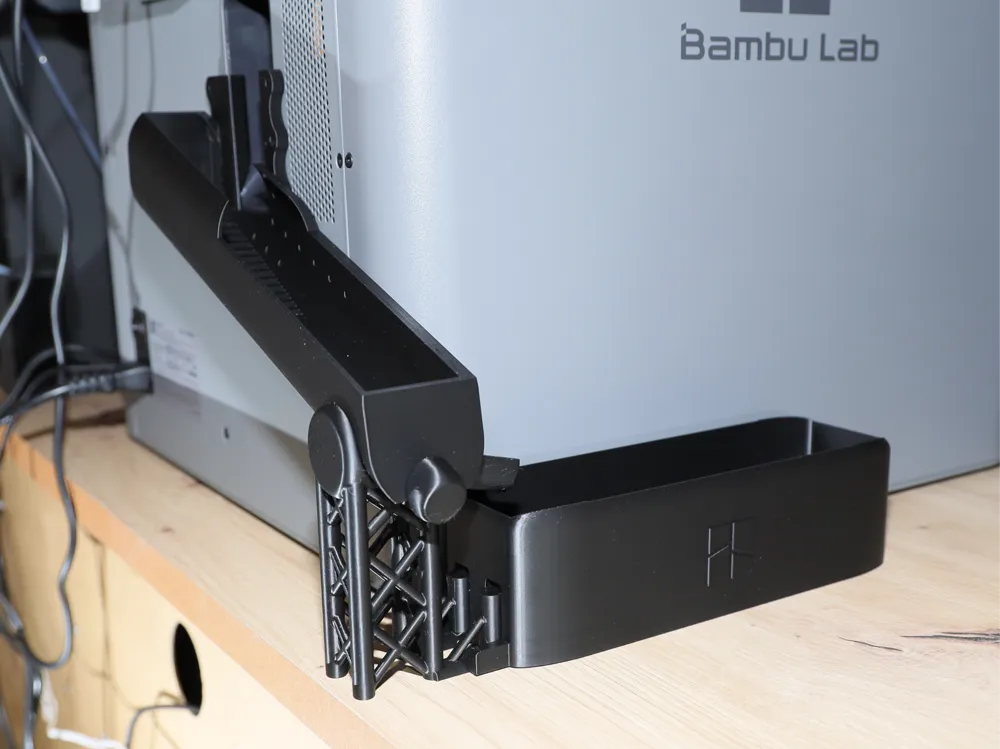
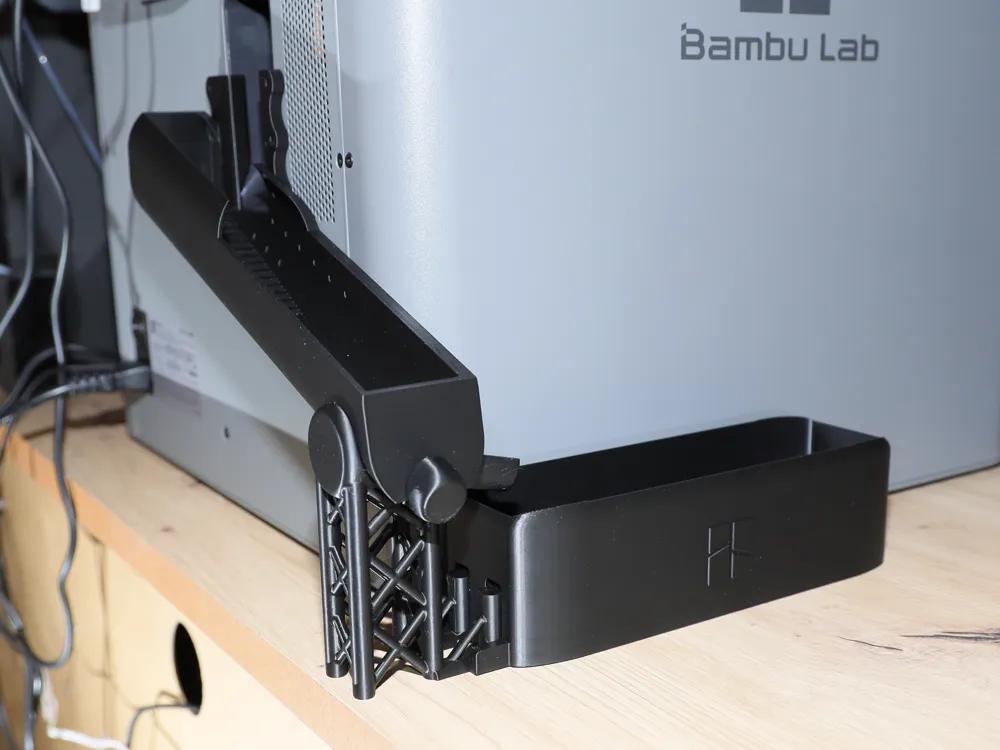
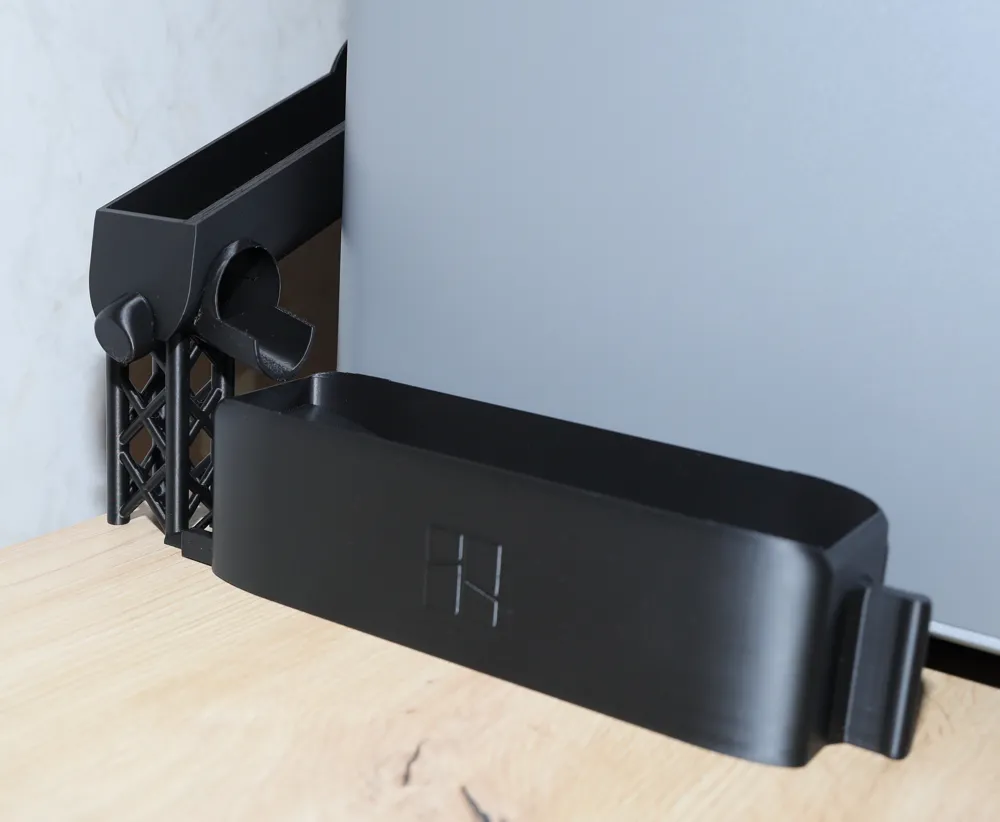
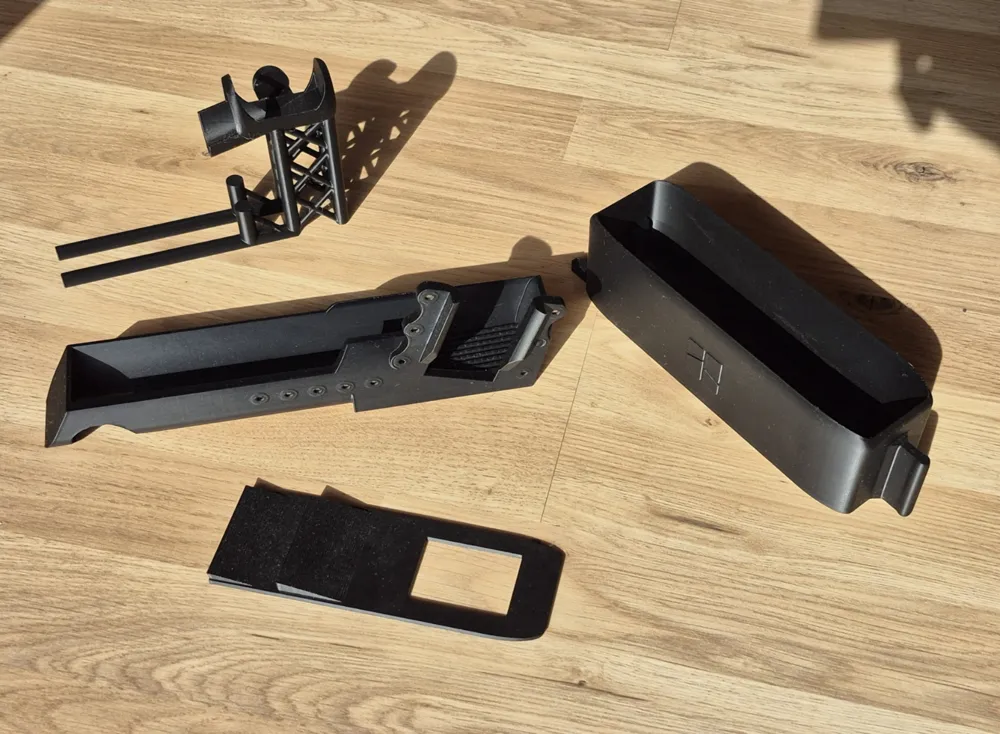
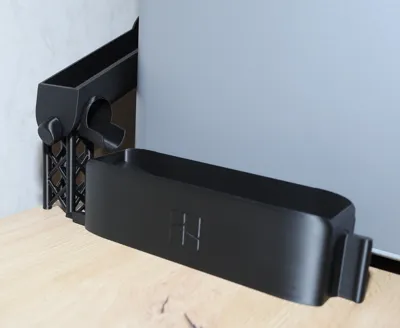
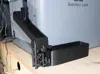
P2S waste chute with collection bin and two bottoms.
Print Profile(1)
Description
P2S Purge Chute with Double-Bottom Collection Bin, V2
The purge chute has been redesigned, and the magnets are now secured from the inside, preventing them from slipping out
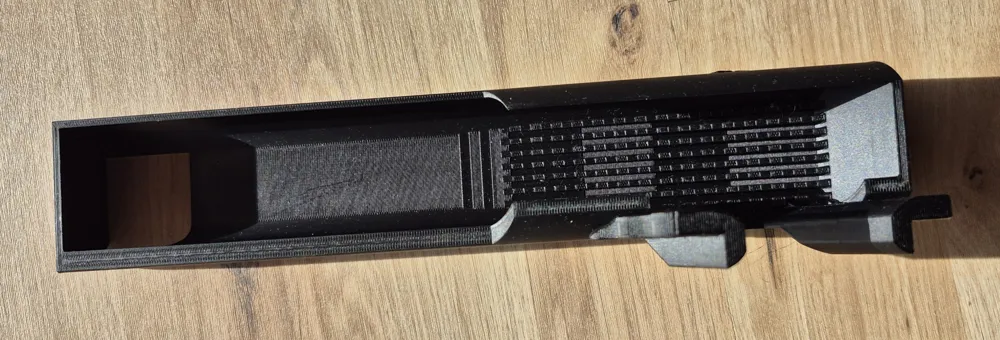
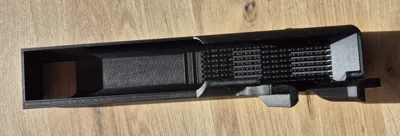
The main chute has been supplemented with grooves so that the warm filament can cool better and detach more easily from the bottom
To insert the magnets into the holes, it's best to connect the magnets first. Then, push the first magnet into the hole with a slight rocking motion, pull the remaining magnets aside, and repeat the process
10 magnets of size 6x3 mm are required, which can be ordered from Amazon
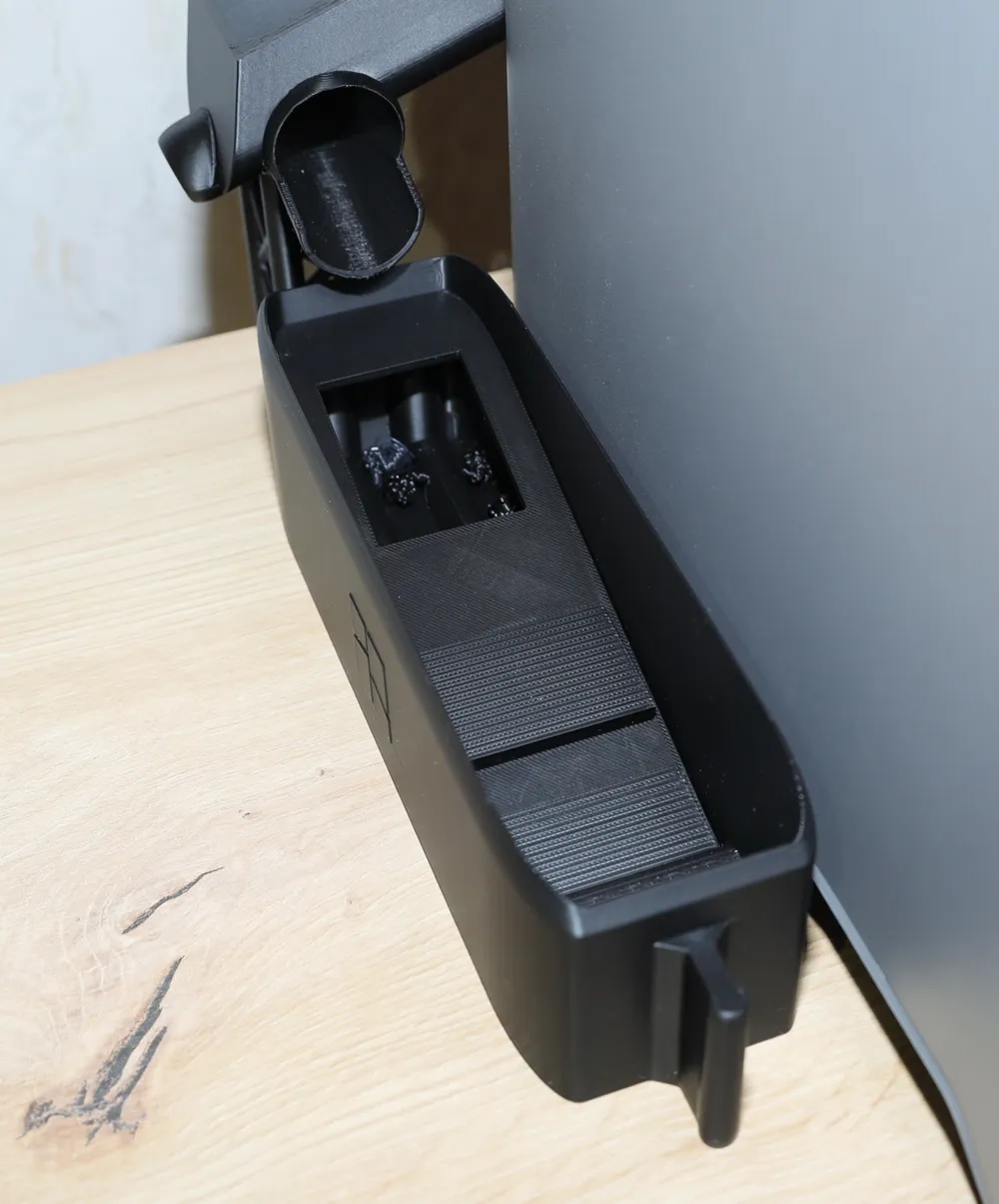
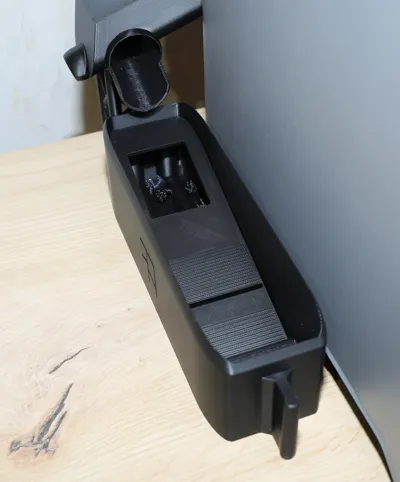
The collection bin features a double bottom. The second bottom acts as a chute, allowing the purged material to slide through and enabling the bin to be filled more efficiently. The hole is designed to fill the cavity between the two bottoms, ensuring no space is wasted. The second bottom is removed when emptying the bin
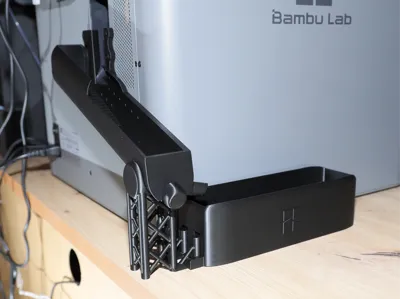
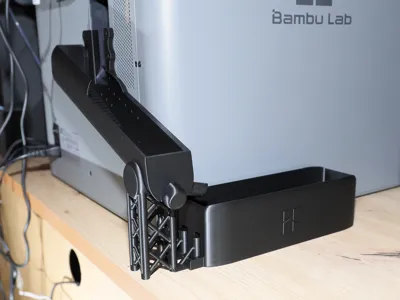
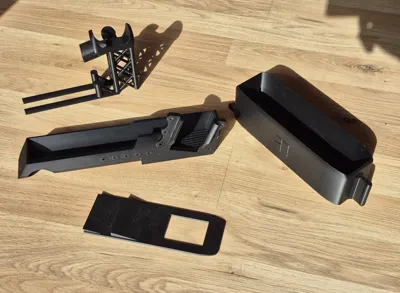
First, attach the main chute to the printer, slide it slightly upwards, and position the tower correctly. Then, slide the main chute downwards to connect the two parts
Next, insert the small chute into the collection bin, ensuring the recess is at the top and it is inserted in the correct orientation
Then, place the collection bin onto the rails and slide it towards the tower without applying force
Enjoy your new waste management system, cheers
License

You shall not share, sub-license, sell, rent, host, transfer, or distribute in any way the digital or 3D printed versions of this object, nor any other derivative work of this object in its digital or physical format (including - but not limited to - remixes of this object, and hosting on other digital platforms). The objects may not be used without permission in any way whatsoever in which you charge money, or collect fees.


Comment & Rating (11)