
ZTE U50 Desktop Station
Print Profile(1)
Description
DESCRIPTION
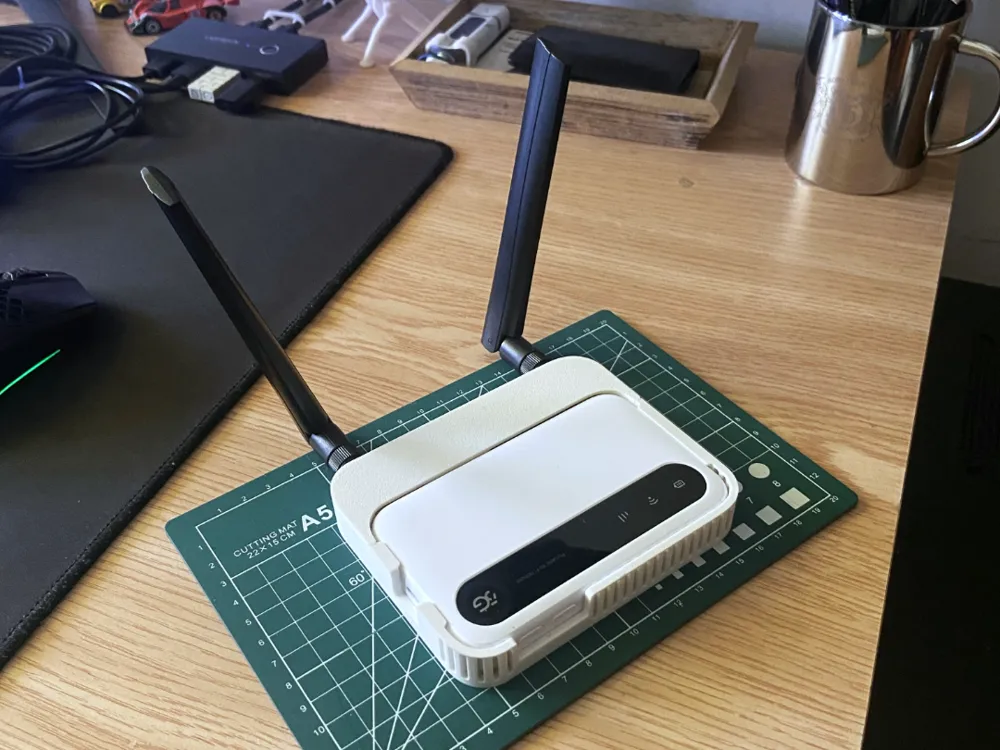
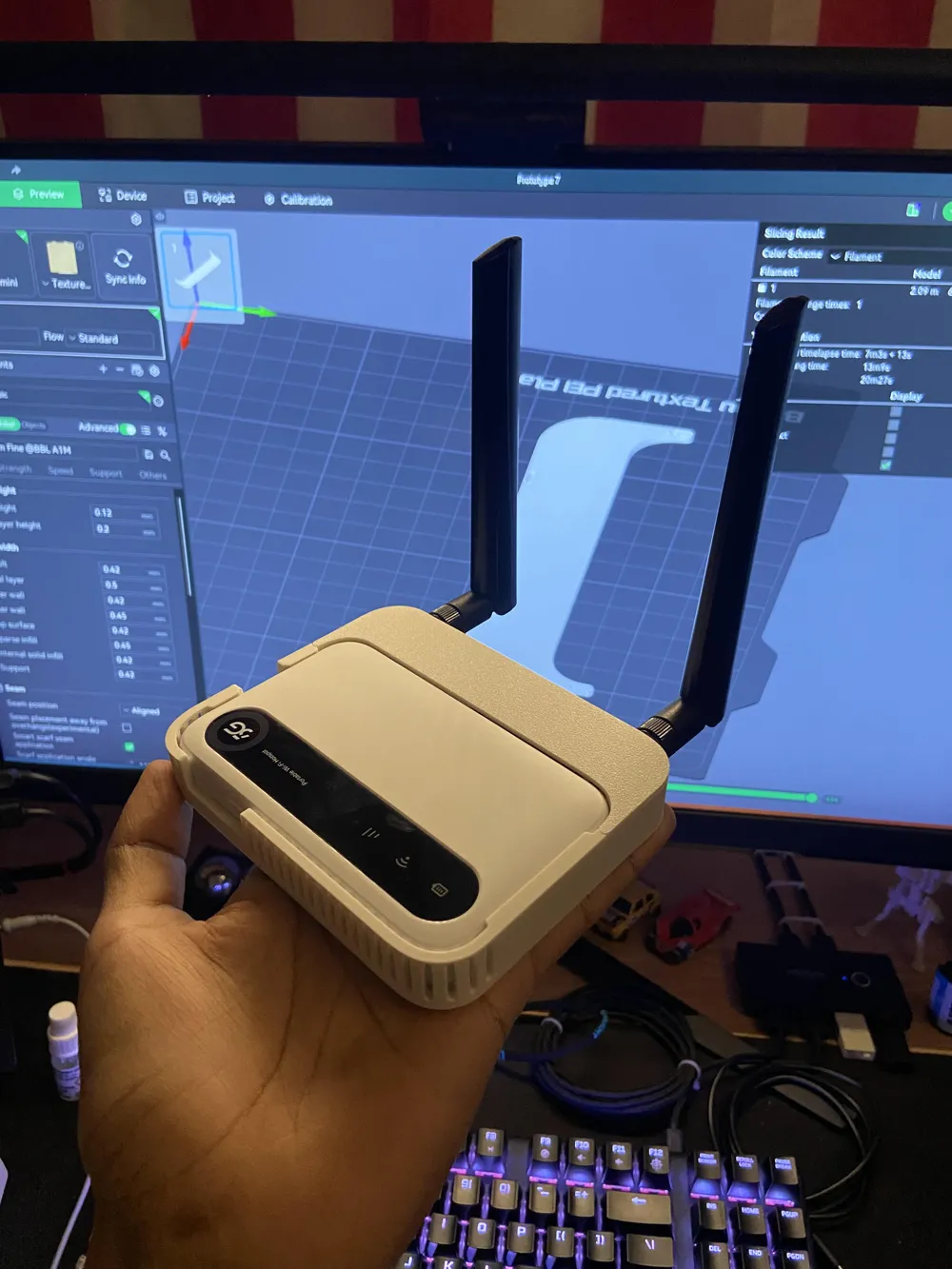
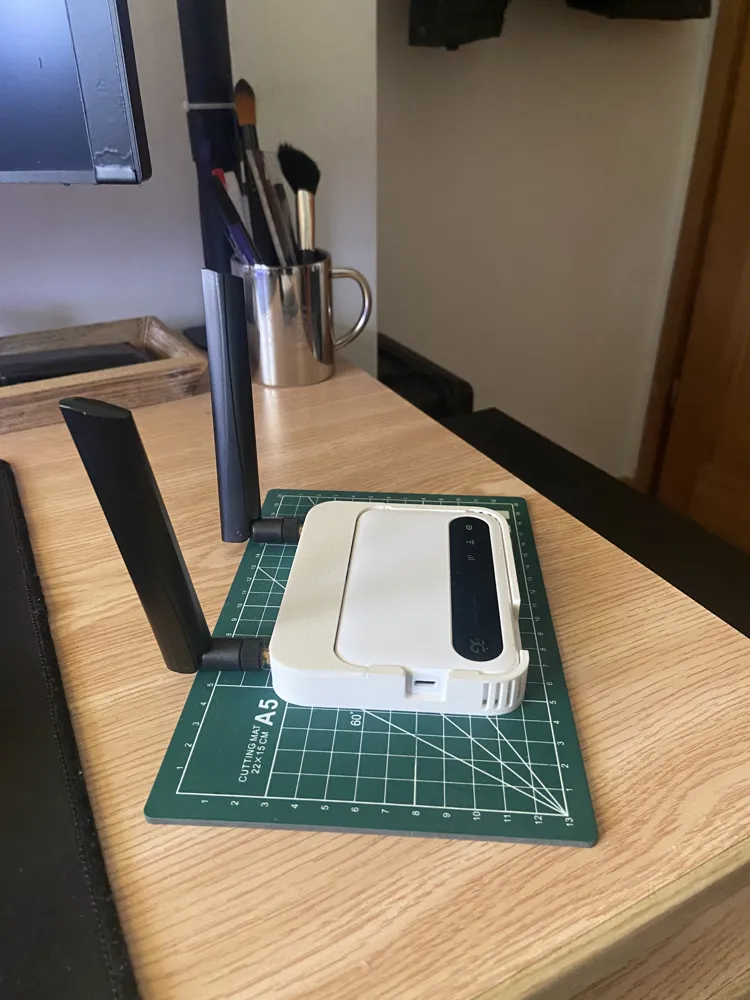
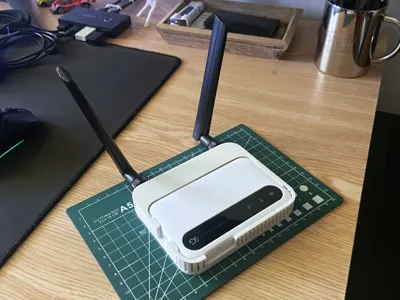
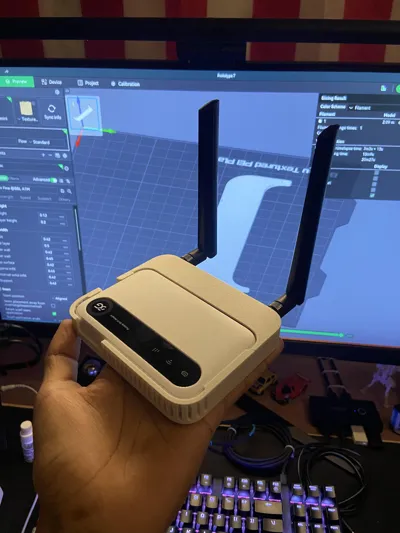
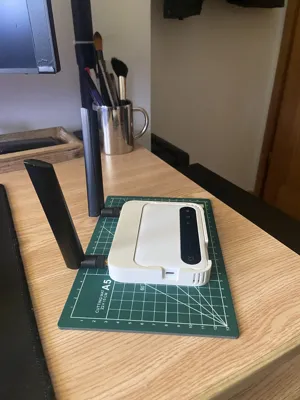
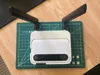
This custom desktop station transforms the ZTE U50 5G Hotspot into a high performance mobile router. It features several design optimizations to improve long-term reliability and connectivity:
- Integrated Antenna Ports: Built in mounts for external SMA antennas, allowing you to bypass the limited internal range and maximize 5G/LTE signal stability.
- Thermal Management: Features a series of vertical cooling vents to dissipate heat during operation, preventing thermal throttling.
- Precision Friction Fit: The cradle is modeled with tight tolerances to securely hold the U50.
- Port Protection: The TS9 ports on the U50 are soldered directly to the motherboard and are extremely fragile. By using a pigtail, the mechanical stress and torque from the antennas are transferred to the 3D-printed frame instead of the device's internal circuitry.
- Standardization: Converting to SMA allows you to use professional-grade, high-gain antennas that wouldn’t otherwise fit a mobile hotspot.
PERFORMANCE (Real-World Testing)
Testing was conducted in Central Warsaw, Poland, where 5G signal interference can be high due to building density. NOTE: The U50 has a feature where it will favor whatever network is fastest and most stable, meaning it bounces between 4G LTE and 5G frequencies regularly. With the Desktop Station I have found that it tends to favor the 5G network more often while offering a significant leap in stability and speed.
| Metric | Internal Antennas | ZTE U50 Desktop Station |
|---|---|---|
| Download Speed | 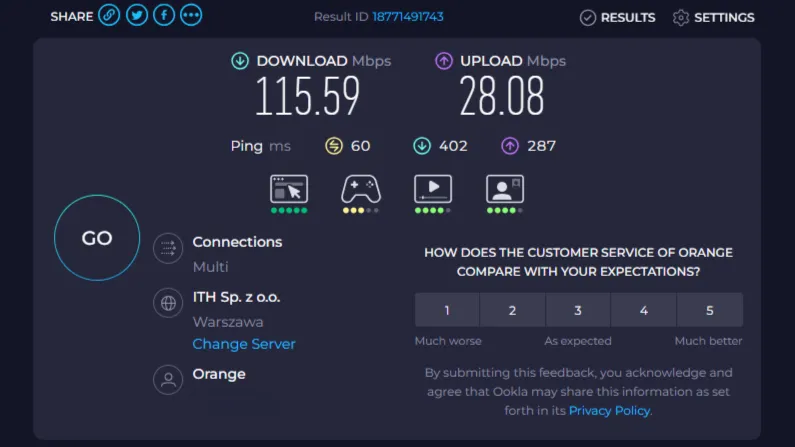 |
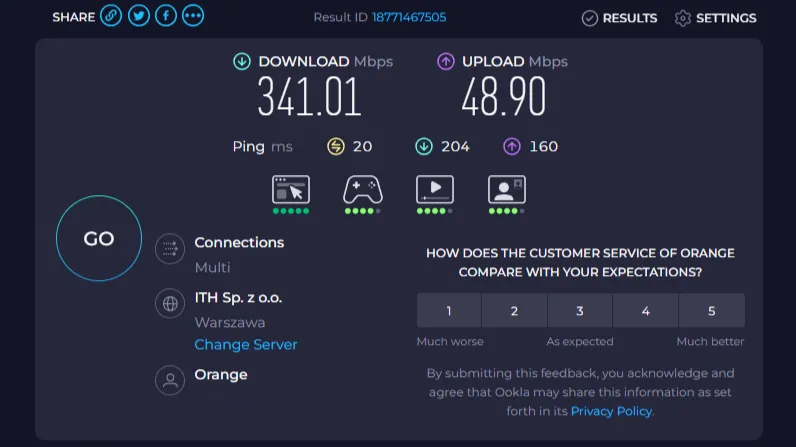
|
| Signal Strength (Higher is Better) | -115 to -120 dBm | -80 to -90 dBm |
REQUIRED PARTS
To achieve these results, you will need the following hardware. Note: Links provided are for Amazon Poland.
- Antennas: High-Gain 5G/LTE External Antennas
- Cables: SMA to TS9 Pigtail Adapters (Connects the device to the housing ports)
PRINT INFO
- Printer: Bambu Lab A1 Mini
- Filament: SUNLU PLA Classic (HS Matte)
- Print Time: Approx. 1.45 hours
- Filament Usage: Approx. 33.64g
ASSEMBLY & INSTALLATION GUIDE
To ensure a perfect fit and to protect your hardware, please follow this specific assembly order:
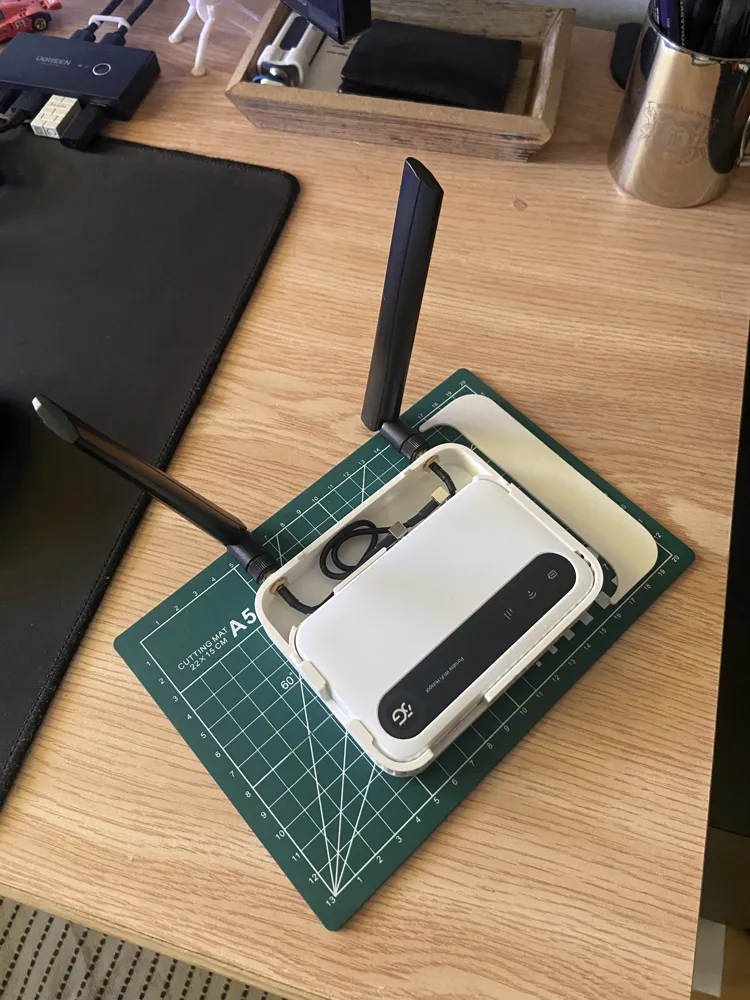
- Mount the Pigtails: Thread your SMA-to-TS9 pigtails through the holes in the 3D-printed housing from the inside out. Secure them tightly using the provided hex nuts and washer on the exterior.
- Prep the ZTE U50 (Port Doors): Open the two rubber doors covering the TS9 antenna ports. To get a clean fit in the cradle, you will need to remove these doors. Don't worry: They are attached by a small, flexible rubber tether. Simply give them a firm, steady pull and they will pop out of the chassis. This is non-destructive and they can be pushed back, make sure to put them in a safe place so you don't lose them!
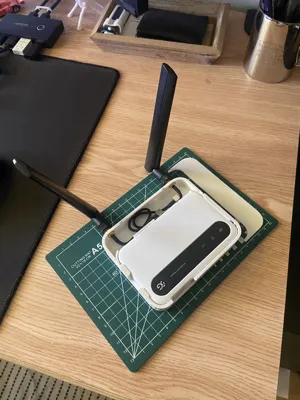
- Cable Management: Gently tuck the excess wire into the base of the cradle. Note: There are no internal clips; the natural tension from the cables "bunching up" inside the base is sufficient to keep them secure and rattle-free.
- Inserting the ZTE U50 (CRITICAL): * Connect the TS9 ends to your device.
- Insert the side opposite the charging port first.
- Pivot the device down into the cradle while applying a gentle flex to the frame.
- If you try to insert the charger side first, the tolerances will be too tight and it will not seat correctly.
License

You may create derivative works based on this object, provided that all such derivative works are published exclusively on the MakerWorld platform and include proper attribution to the original creator. You may not share, upload, host, distribute, or publish this object—or any derivative work of this object—on any other digital platform, marketplace, or distribution channel. Commercial use of this object and any derivative works is strictly prohibited. This includes, but is not limited to, selling, renting, sublicensing, or using the object in any context in which you receive monetary compensation or other financial benefits.


Comment & Rating (0)