
Rack Snap-in system (8 bay Raspberry Pi Cluster)

Print Profile(11)


Description
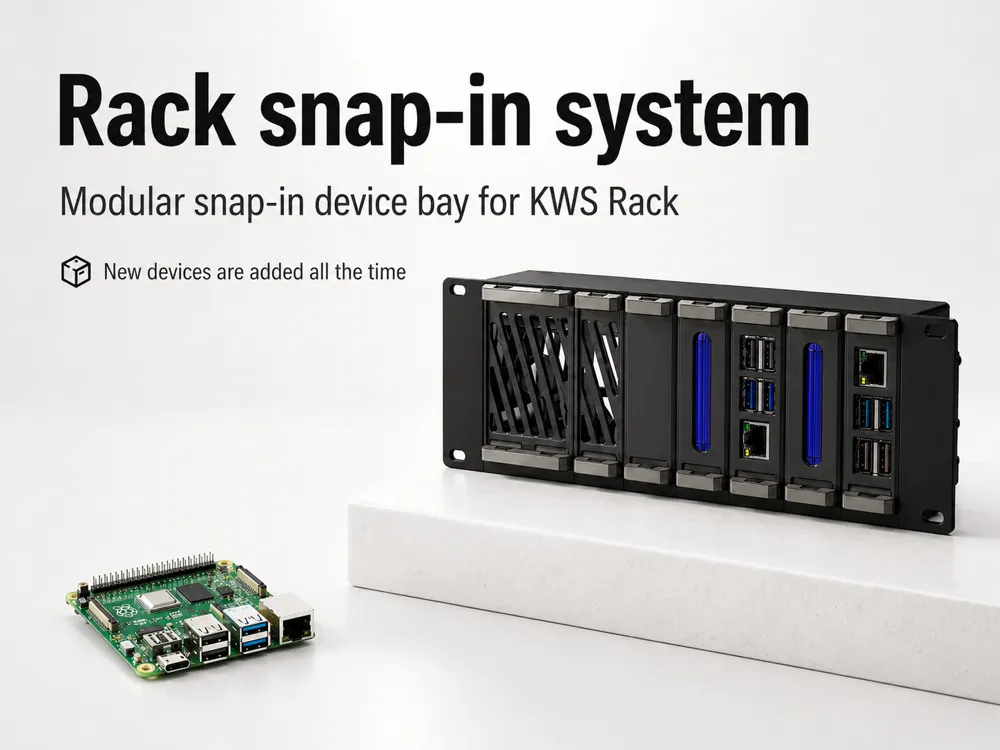
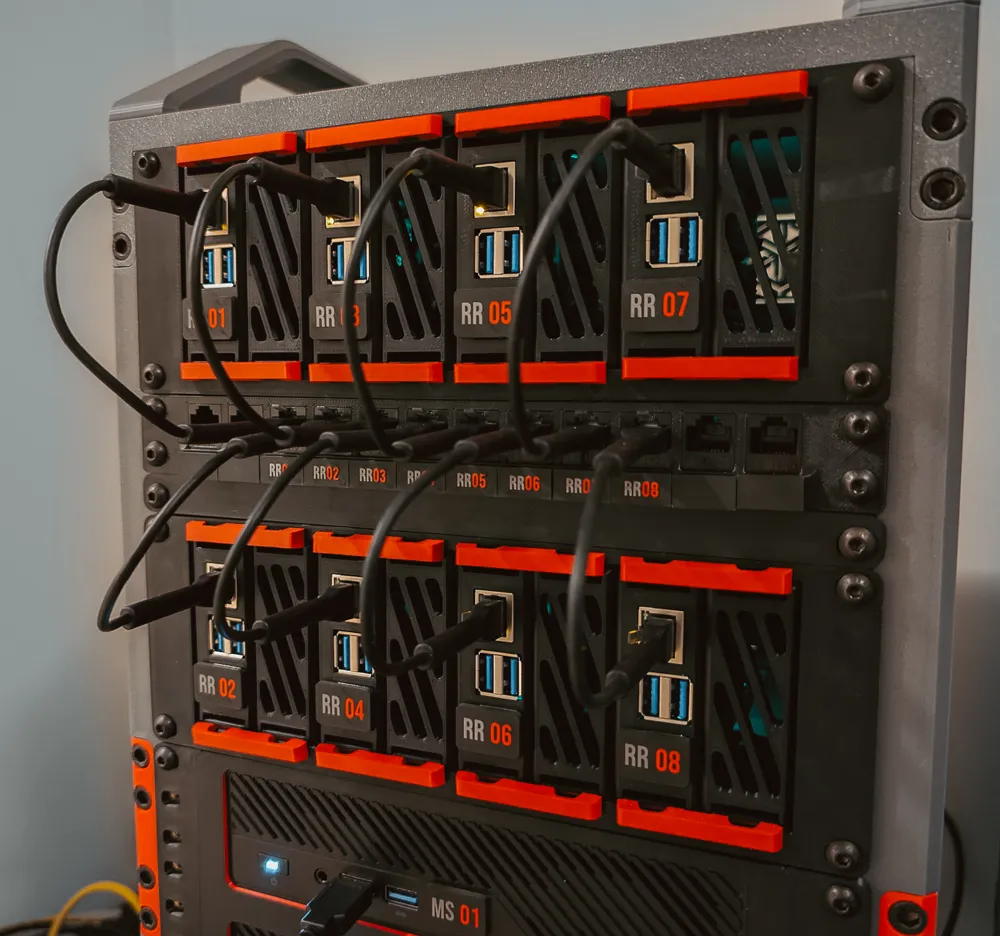
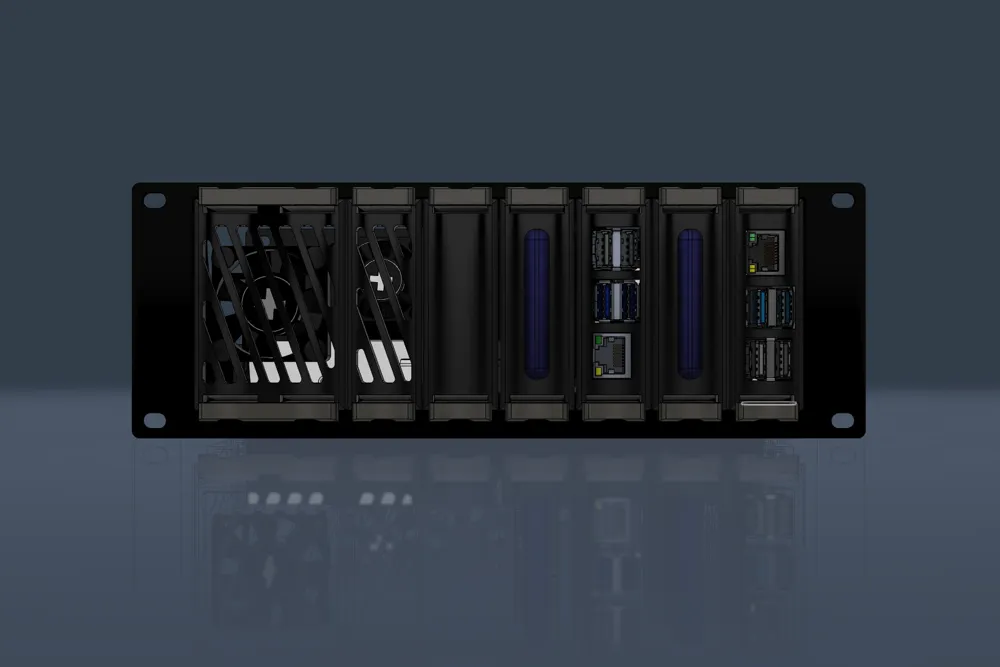
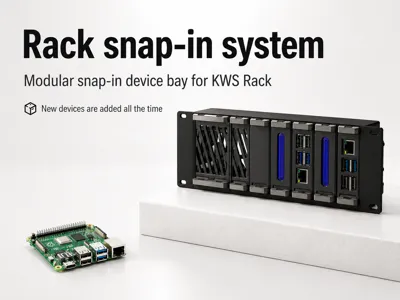
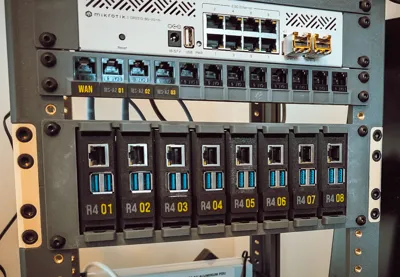
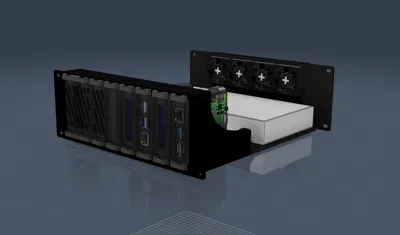
A snap‑in rack module that lets you mount up to 8 devices (most commonly Raspberry Pi 4/5) into a 10‑inch rack, and with an easy “push‑to‑lock / pull‑to‑release” workflow.
This is part of the KWS Rack system
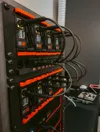
if you’re building a compact homelab rack
make sure to check the main KWS Rack model and the rest of the ecosystem modules.
Why this module exists
I wanted a clean and fast way to mount a small “cluster” of things in a 10" rack:
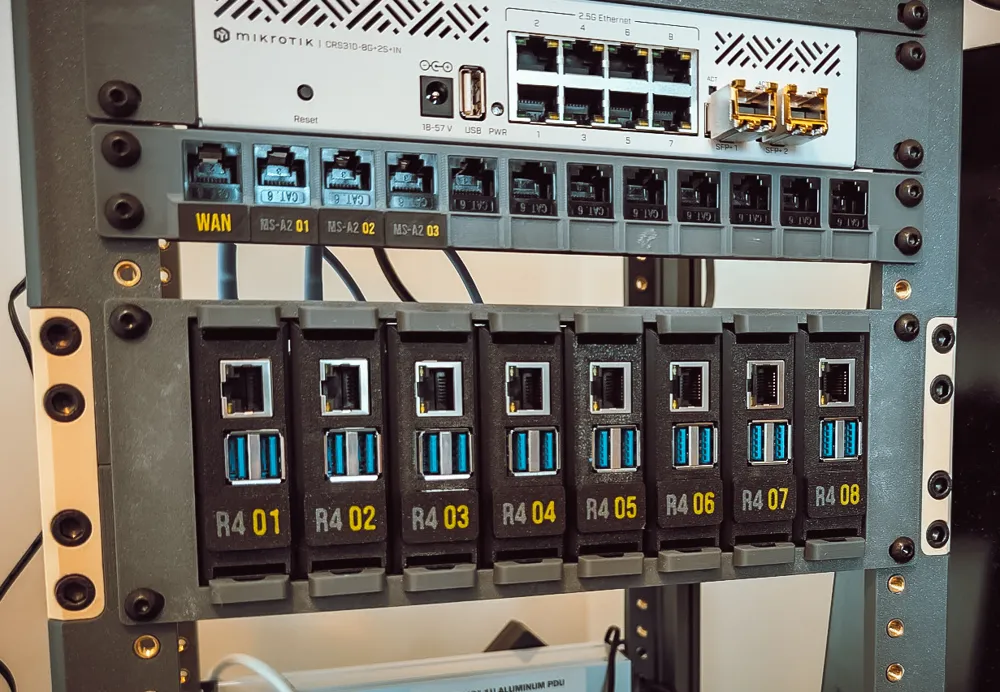
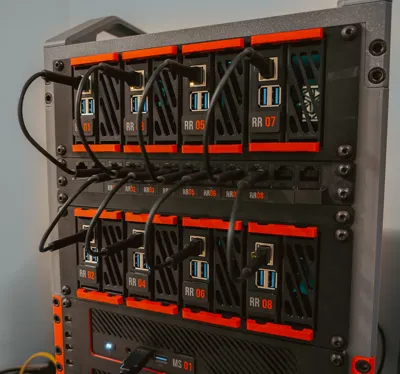
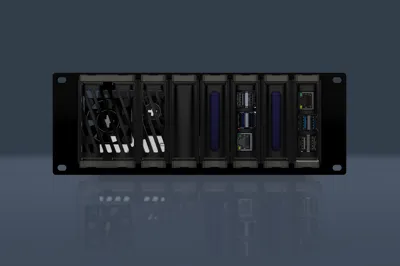
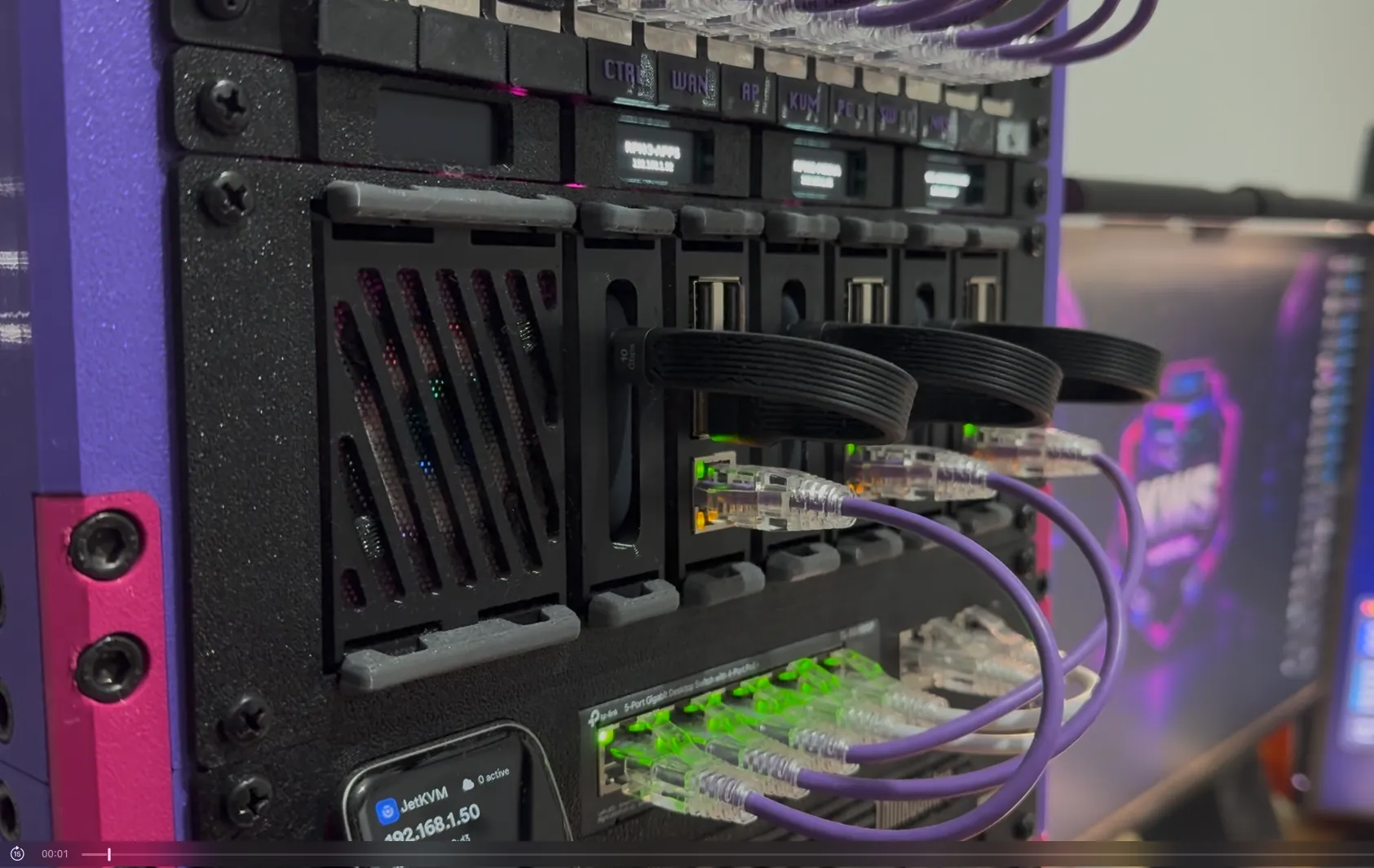
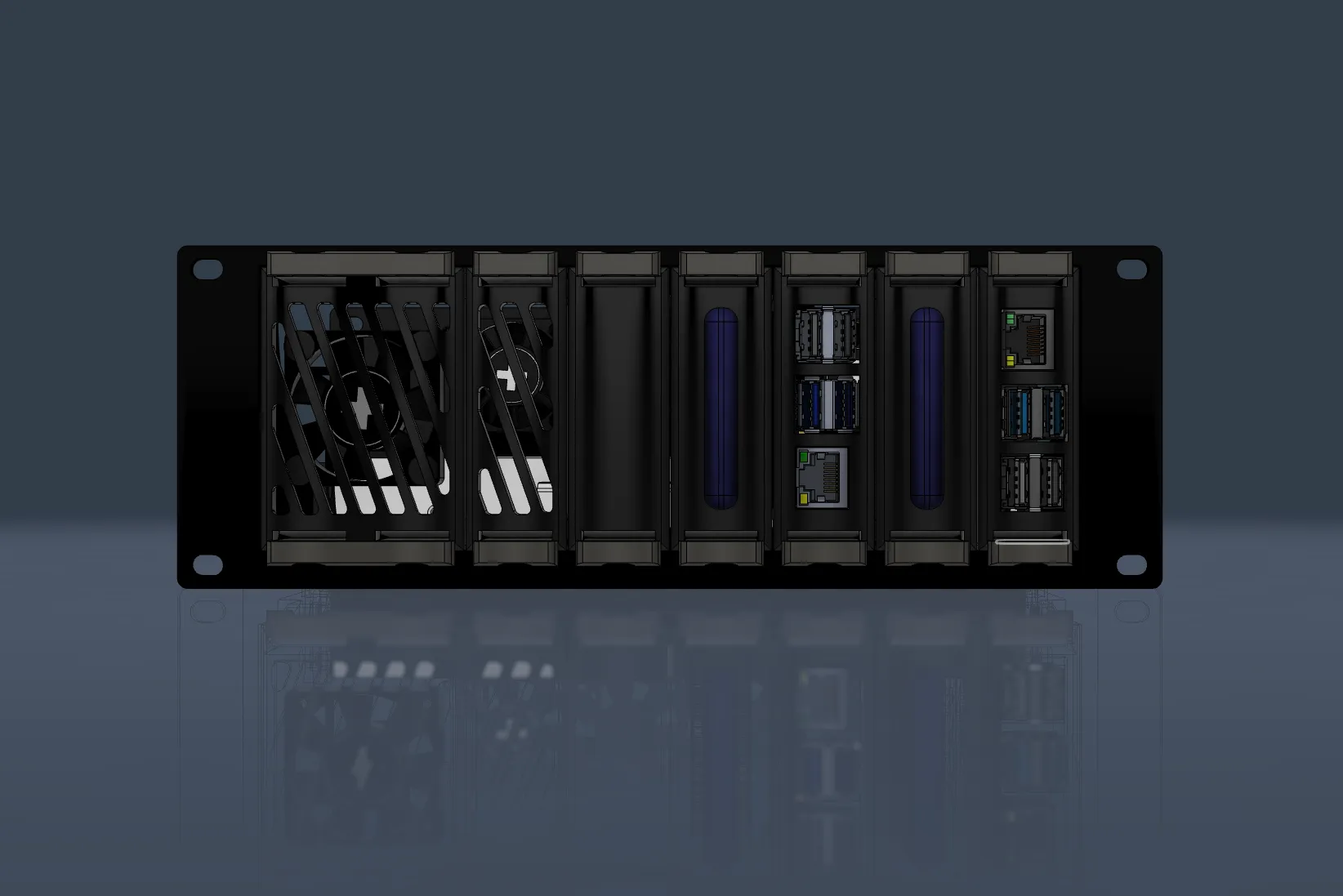
- 8 snap‑in slots (this module holds up to 8 devices like Raspberry Pis - while other modules hold up to 7)
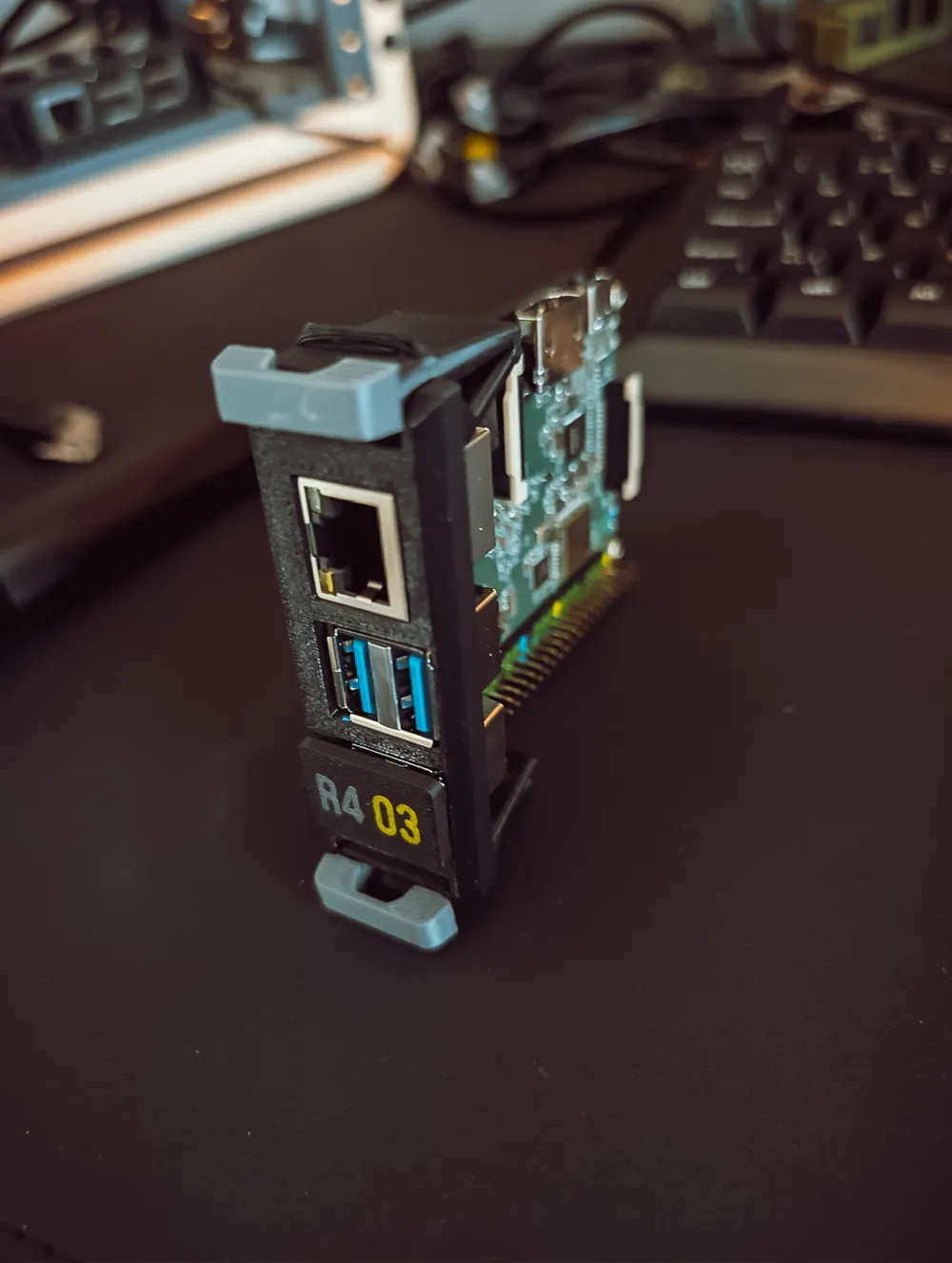
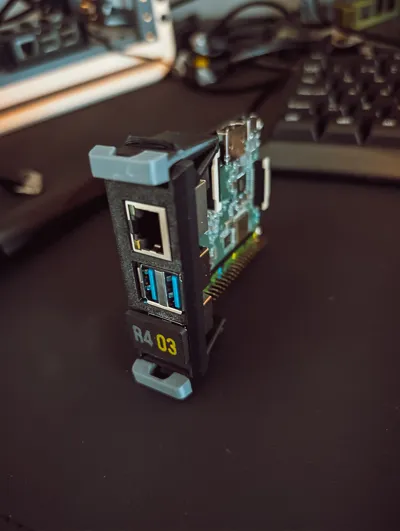
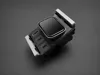

- Each slot takes a Snap‑In Carrier: insert, click, done

- Carriers have two side handles that act like springs - push them in, the carrier locks; squeeze/pull to release
- Designed to be remix‑friendly: I’m including a blank carrier STEP so you can design mounts for your own devices and share them in print profiles
Build Options
Option 1 - Front‑Only Module (fits all 10 inch racks)
Best if you only need a clean snap‑in rack front and you’ll power things elsewhere.
Print:
- Front Slot Panel (non‑expandable) (no shelf connection holes)
- Your chosen Snap‑In Carriers + Snap Handles
Note: I still recommend printing the expandable front panel if you think you might upgrade to Option 2 later.
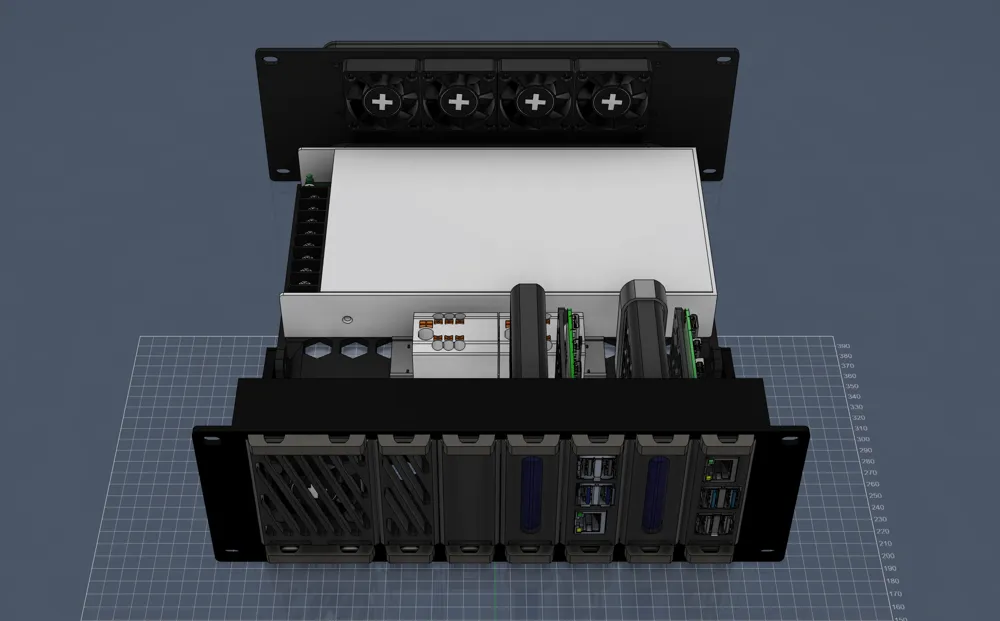
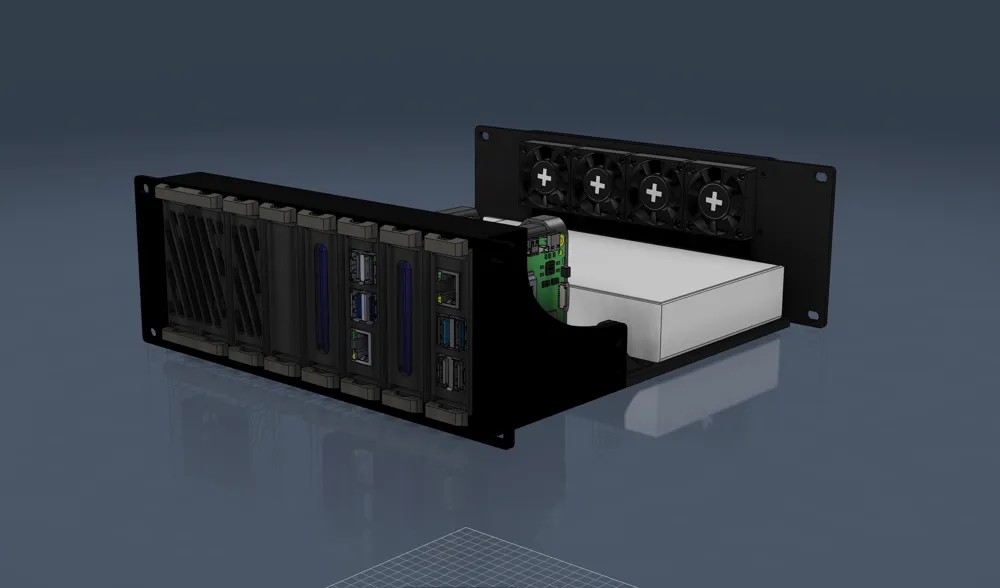
Option 2 - Power + Cooling Extension (full build) - for KWS Rack ONLY
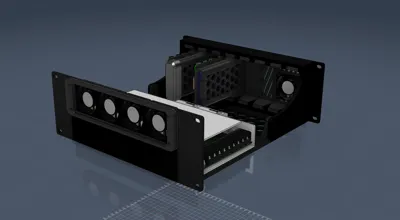
Best if you want this module to be a self‑contained cluster bay with tidy power distribution and active cooling.
Print (fits KWS Rack only):
- Front Slot Panel (expandable)
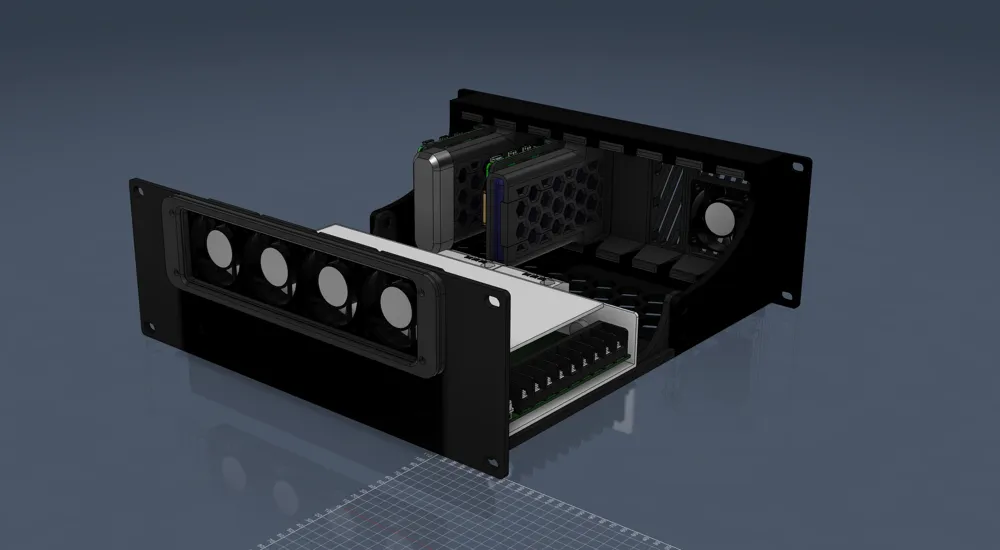
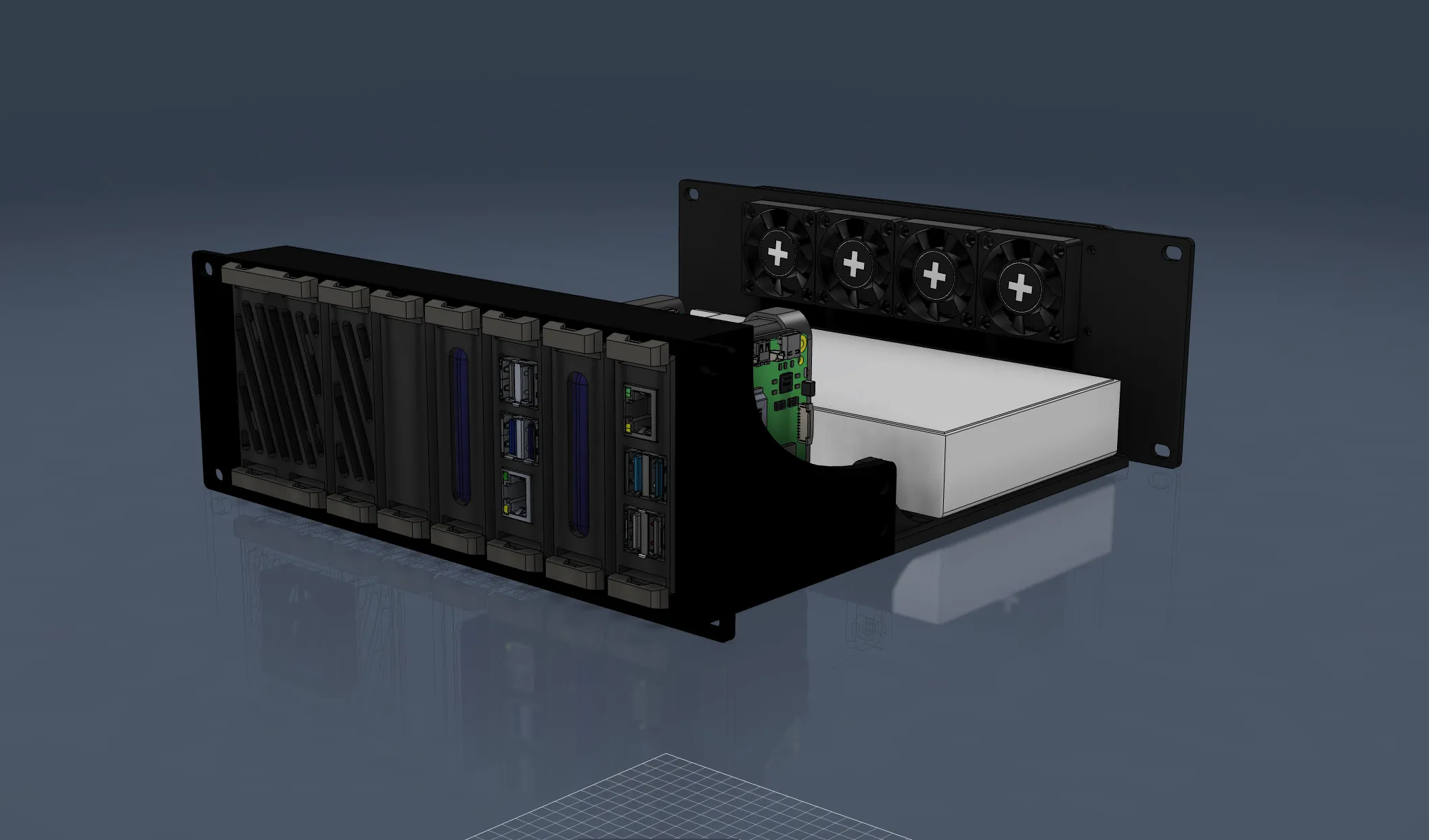
- Extension Shelf (supports a Mean Well power brick + optional power distribution blocks)
- Rear Power + Fan Panel
- Fan Grill Assembly (x1):
- Fan Grill Spacer (keeps the net offset from the fan blades)
- Fan Grill Net (3D printed mesh)
- Fan Grill Frame (mounts the net/spacer to the rear panel)
- Your chosen Snap‑In Carriers + Snap Handles
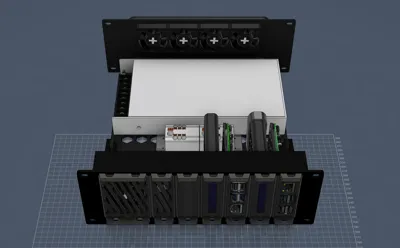
What it holds / supports (Option 2):
- A Mean Well power brick mounted to the shelf
- A Mean Well PDU held in place by the rear panel
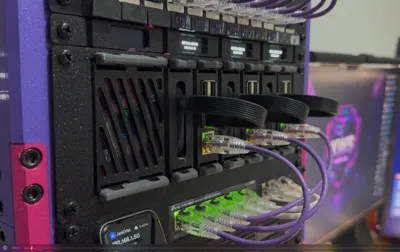
- 4× 40mm fans above the PDU for exhaust/airflow
- Optional: 3× PTFIX power distributors mounted to the shelf
Bill of Materials
Required
- M4×6mm screws ×4 + M4 nuts ×4 (to mount the Extension Shelf to the Front Slot Panel (expandable))
- M4 screws ×2 (20–24mm length) (to mount the Mean Well to the PDU / power assembly as designed)
Optional
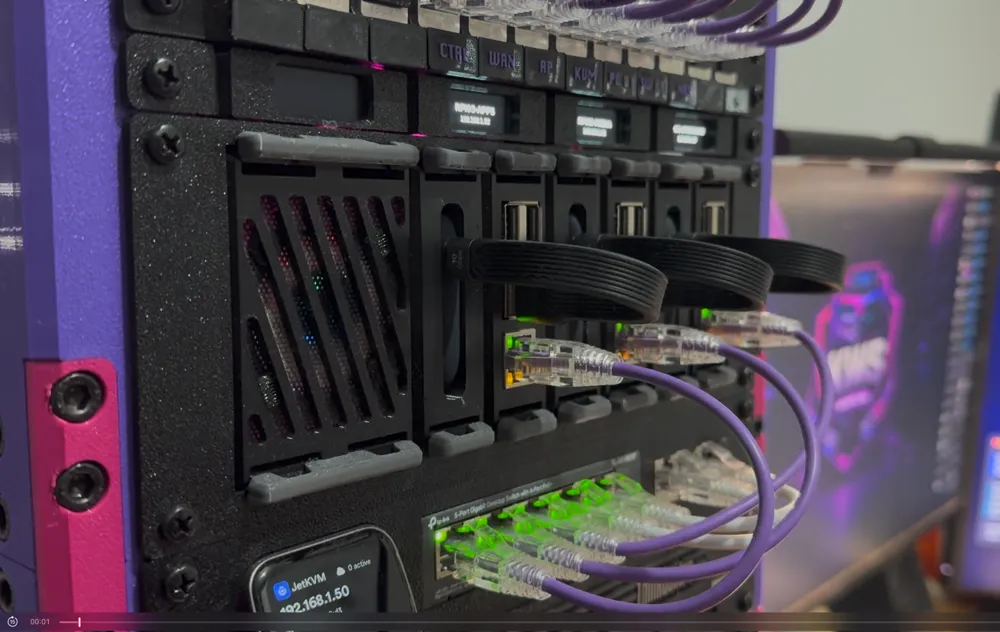
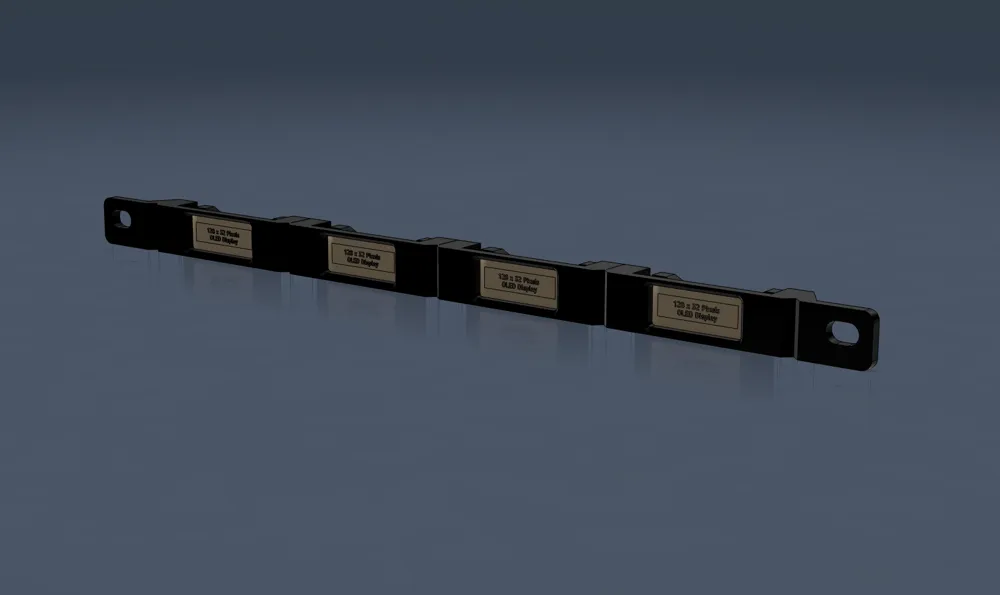
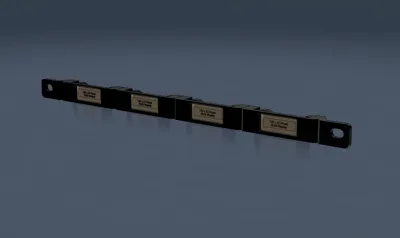
- 0.91" OLED screens ×4 (for the optional 1/3U OLED Display Strip add‑on panel)
- 40mm fans ×4 (if you want active cooling on the back plate)
- Mean Well PDU (model: LRS-200, 5V)
- PTFIX power distributors ×2 (optional)
- Fan screws (often included with fans, otherwise M3 depending on the fan type)
- Cable connectors / ferrules / terminals (depending on how you wire your Mean Well & PTFIX)
Printing Recommendations
Material: PETG is recommended for the Snap Handles (and ideally the carriers) because the snap mechanism benefits from a bit of elasticity.
Assembly Overview
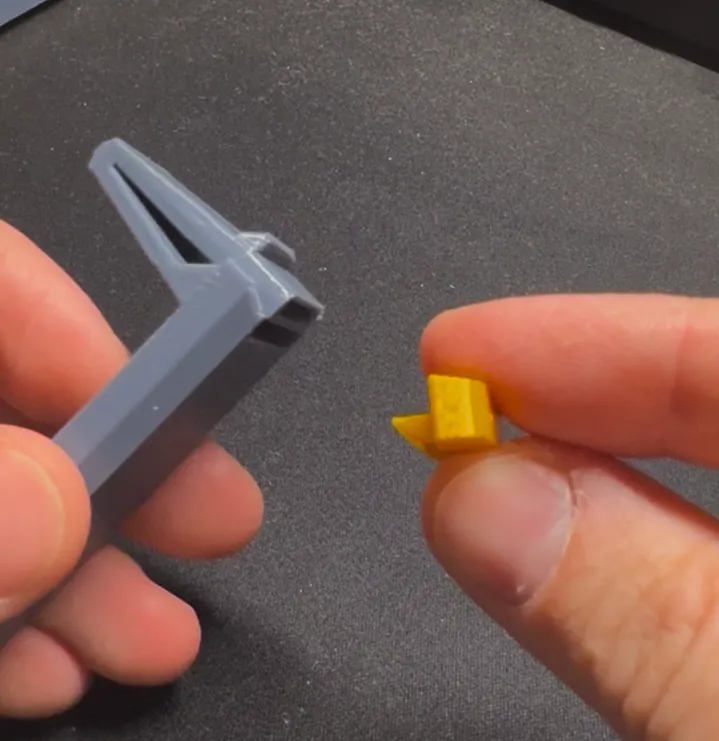
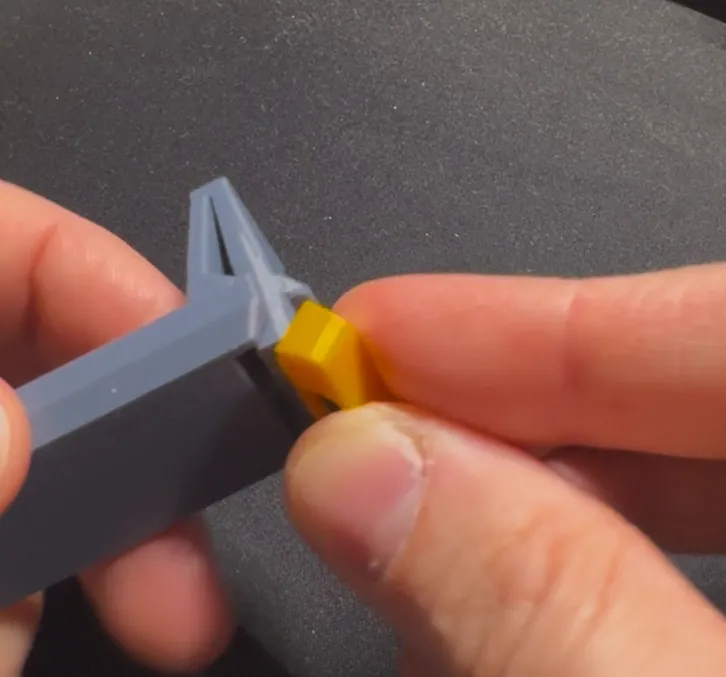
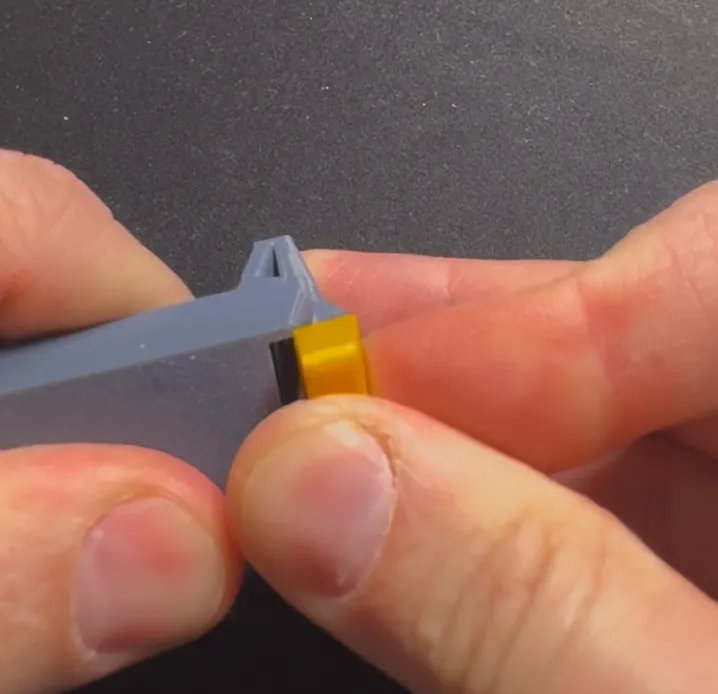
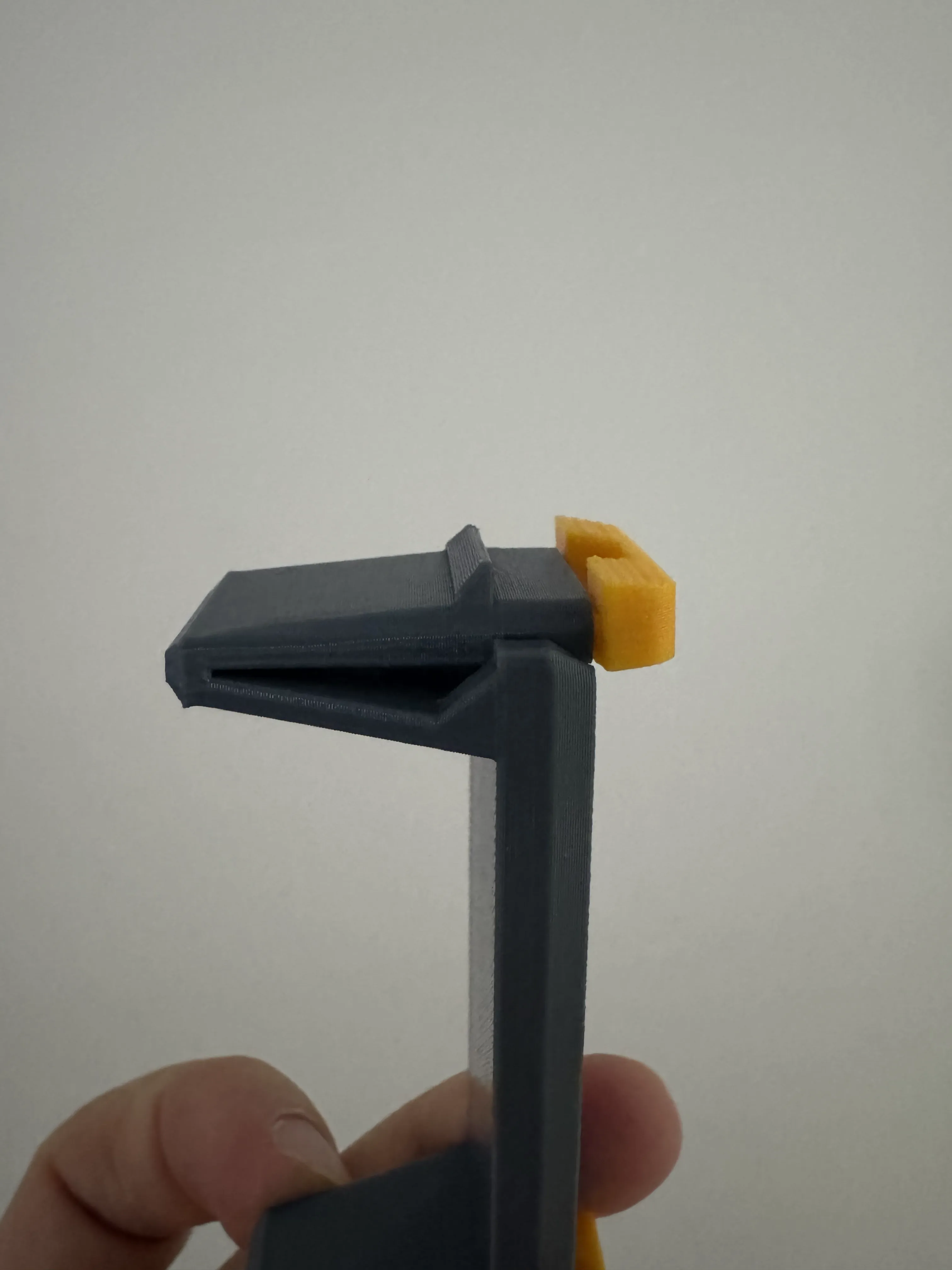
1) Assemble each Snap‑In Carrier
- Mount the device into the Device Mount Insert (method differs per device carrier)
- Snap the two handles into the carrier - they should click in firmly
2) Insert carriers into the Front Slot Panel
- Slide the carrier in from the front
- Push until it clicks
- To remove: squeeze/pull the handles
3) Option 2 only - build the Power + Cooling Extension
- Attach Front Slot Panel (expandable) to the Extension Shelf using 4× M4×6mm screws + 4× M4 nuts
- Mount the Mean Well power brick to the shelf
- Install optional PTFIX blocks (x3)
- Attach the Rear Power + Fan Panel
- Mount 4× 40mm fans
- Install the Fan Grill Assembly (Spacer + Net + Frame)
Remixing & Community Expansion (please add yours!)
I’m intentionally treating this as a mini snap‑in ecosystem.
- I’m including a blank carrier STEP so you can create mounts for new devices
- If you design a new carrier: please share it in your print profile (and ideally upload the STL/STEP in your remix) so the system grows into a library of snap‑ins
Ideas for the community:
- NVMe/USB enclosures
- Zigbee / Thread dongles
- SBCs (Orange Pi / Rock Pi / etc.)
- Audio DACs, small amps, KVMs
all the community remixes can be found HERE
Designed for the KWS Rack ecosystem
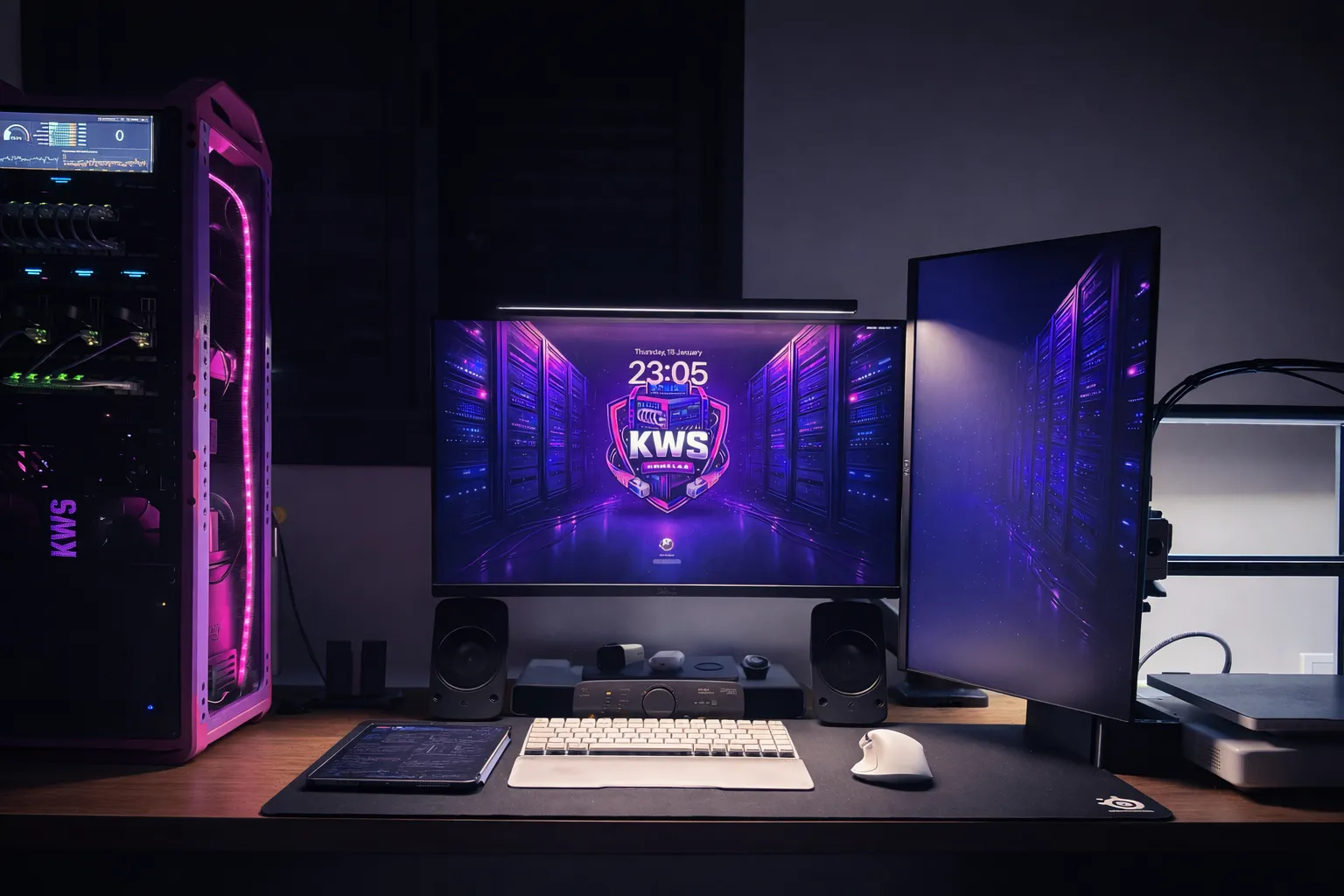
This module is part of the KWS Rack v.2 modular ecosystem
Check out the full rack system here

Share your MAKES ❤️
Boost Me (for free)
💜 KWS Rack will always be free!
If you like the model and want to support my work,
feel free to give it a BOOST 🚀
License

You may create derivative works based on this object, provided that all such derivative works are published exclusively on the MakerWorld platform and include proper attribution to the original creator. You may not share, upload, host, distribute, or publish this object—or any derivative work of this object—on any other digital platform, marketplace, or distribution channel. Commercial use of this object and any derivative works is strictly prohibited. This includes, but is not limited to, selling, renting, sublicensing, or using the object in any context in which you receive monetary compensation or other financial benefits.


Comment & Rating (120)