
Mac Mini M4 - 10" Rack Mount With Power Button
Print Profile(4)
Description
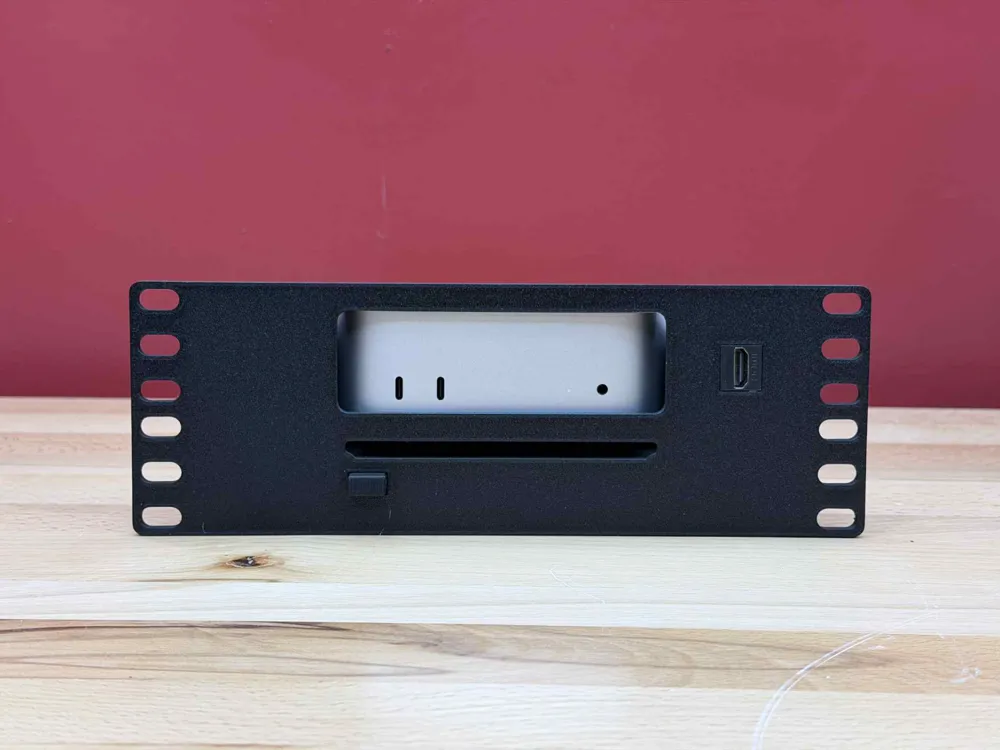
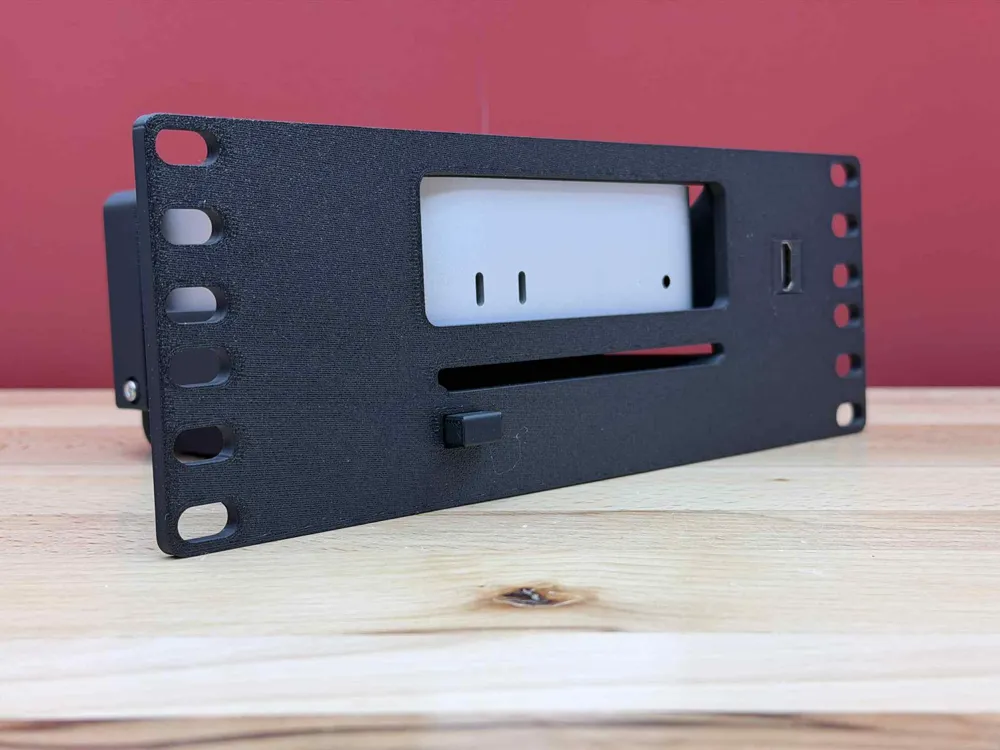
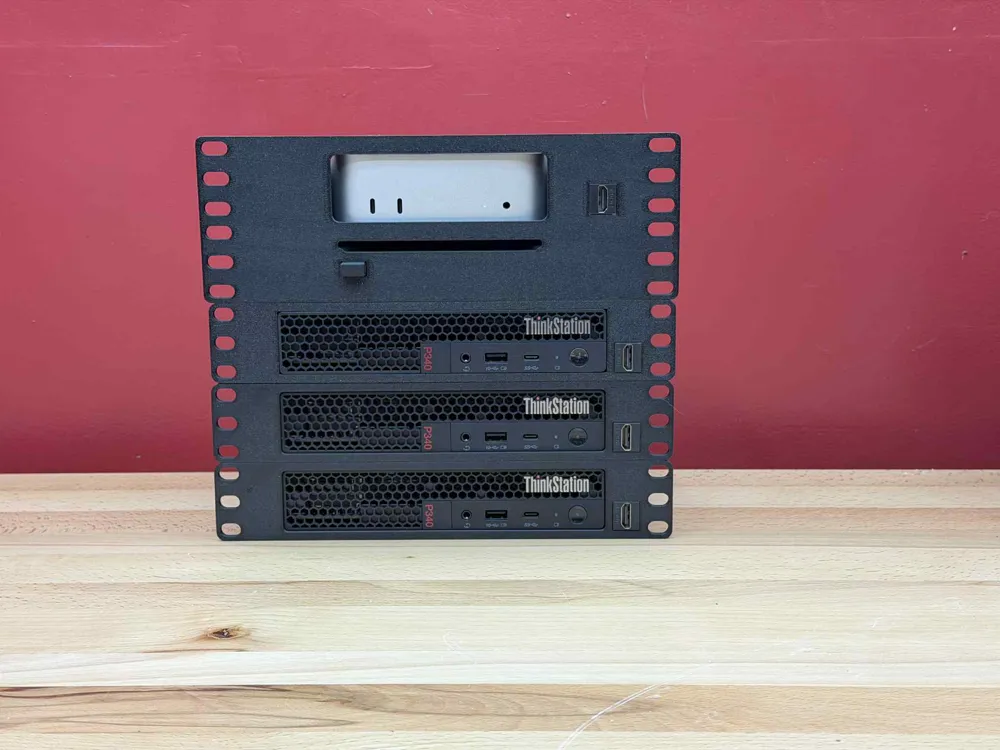
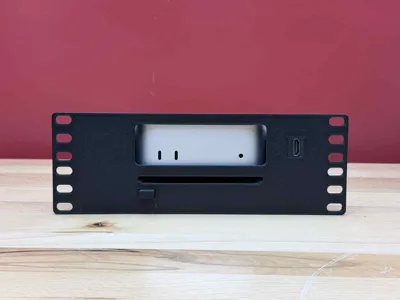
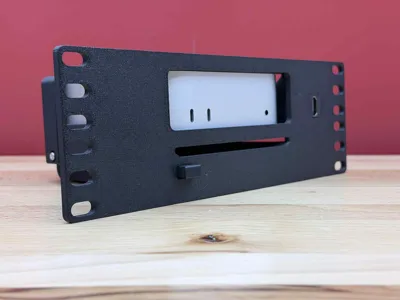
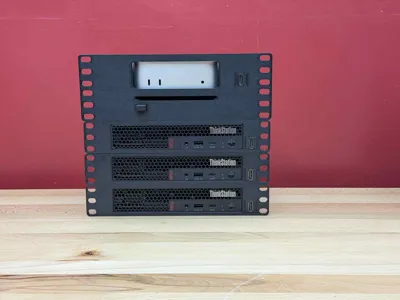
Finally, a Mac Mini M4 mount for a 10-inch rack with a power button.
Hardware needed:
- (2x) M3x24mm screw
- Used for cam pivot
- Used for rear over-travel screw
- (2x) M3x8mm screw
- Used for Rear Bracket
- (2x) M3 heat insert
- Used for Rear Bracket
- (1x) M3 hex nut
- Used for cam pivot
Assembly:
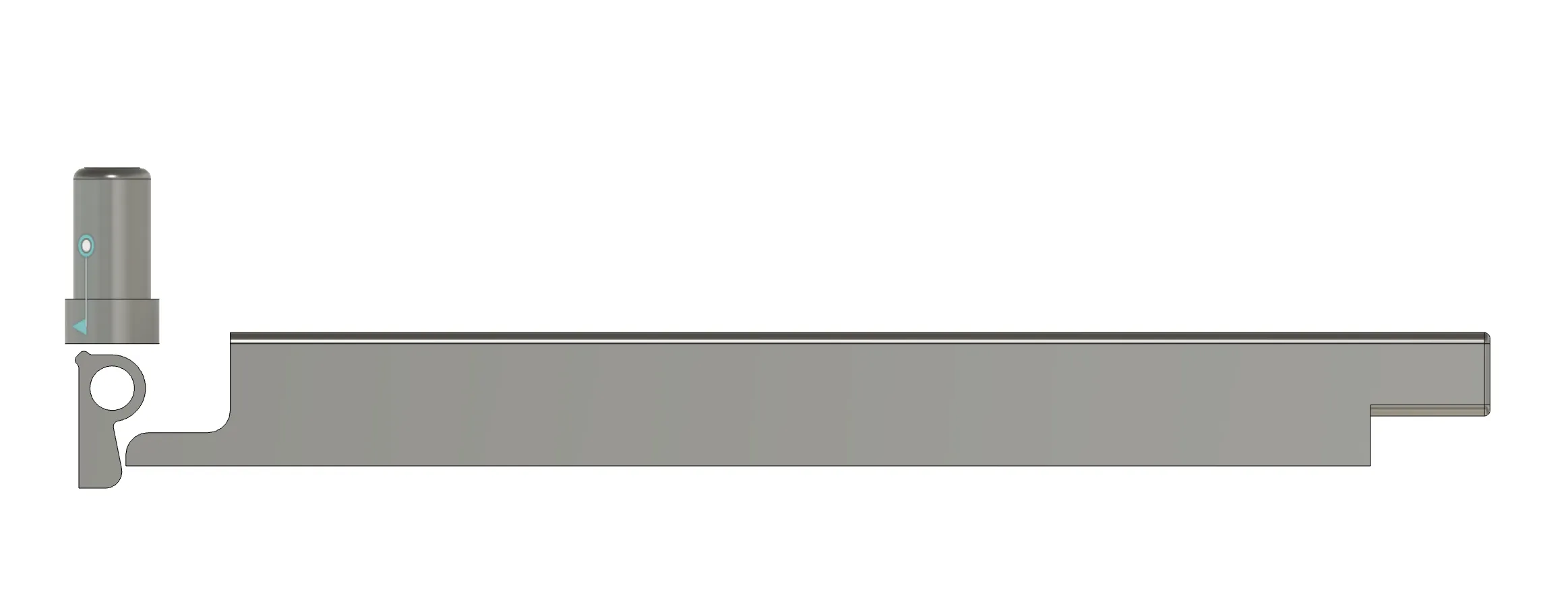
- Drop “Plunger” into hole near the Mac Mini's power button
- Place “Power Button” bar into the mount
- Press the hex nut into mount
- Tip: If it's hard to get in, use the longer M3 screw to “pull” it in. Be careful not to over-tighten so you don't crack the power button channel
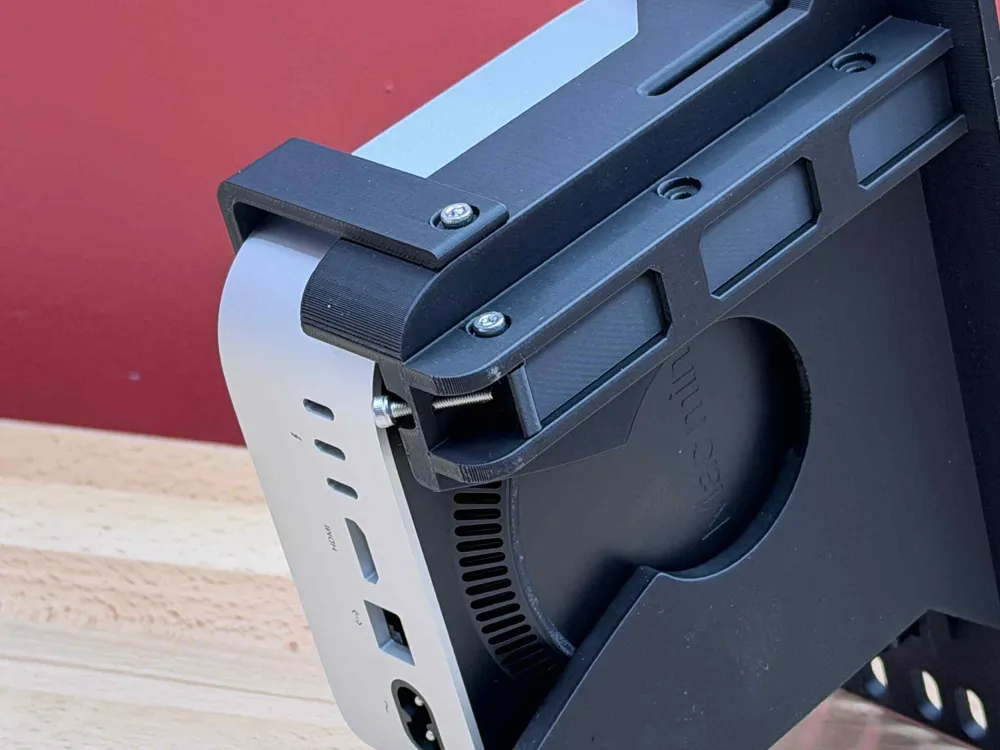
- Place the cam into the power button channel and push the M3 screw through the cam
- Snug the M3 screw to hold the cam in place
- Thread in the over-travel screw to ensure that the button assembly stays in place
- You may need to back this out and “tune” the position for proper functionality
Power Button Assembly:
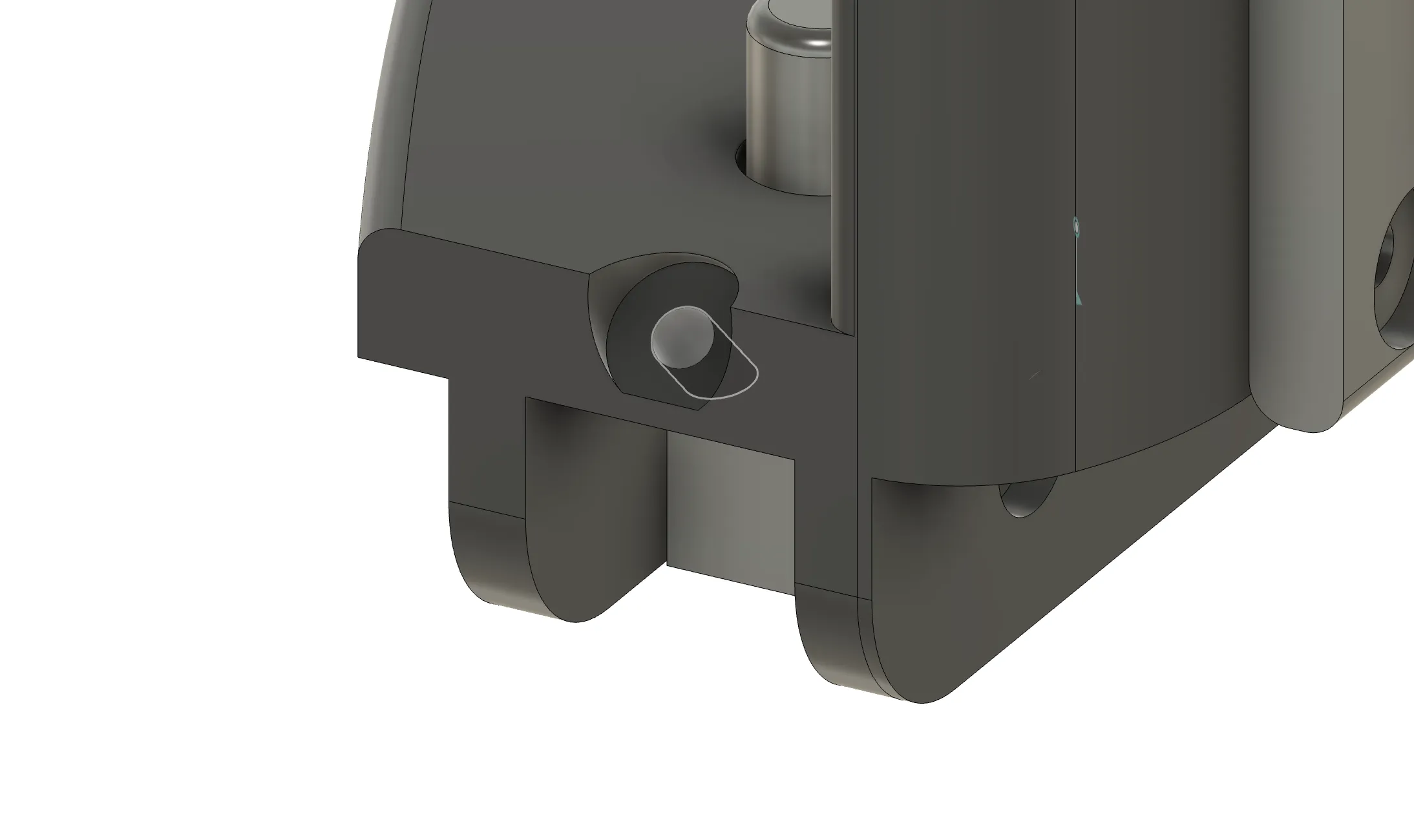
Orientation (Side View)
Cam Position
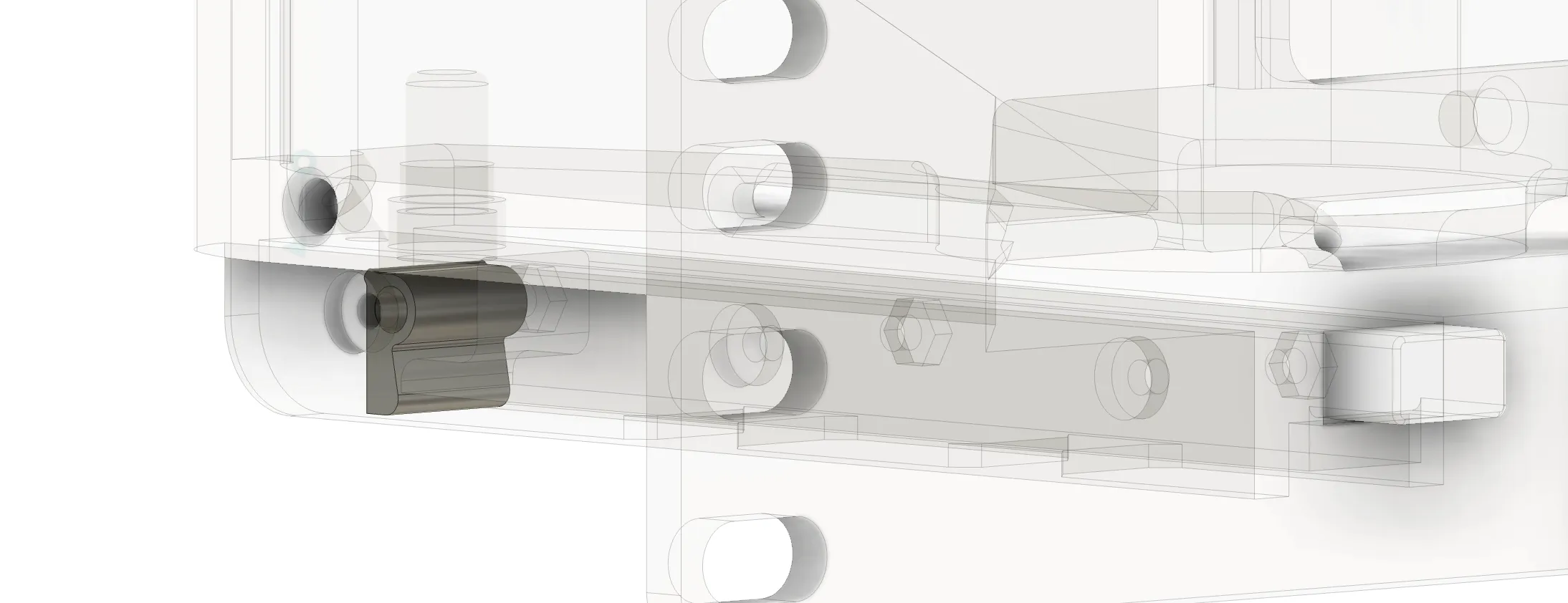
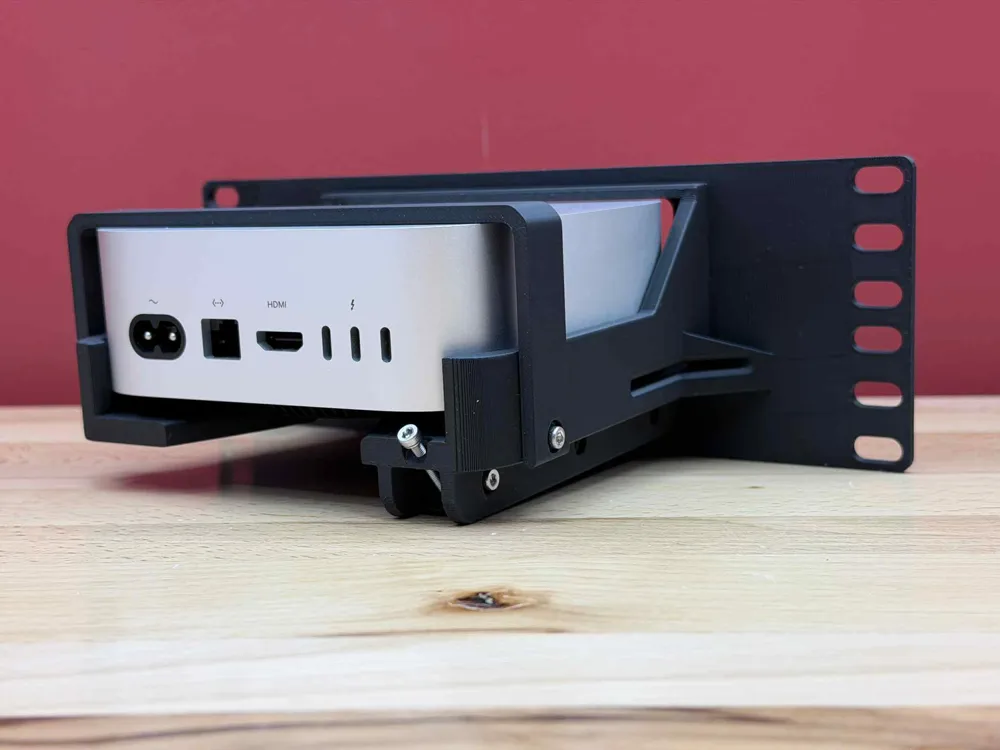
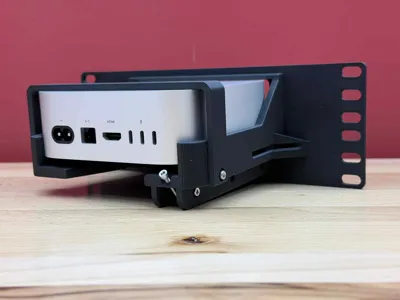
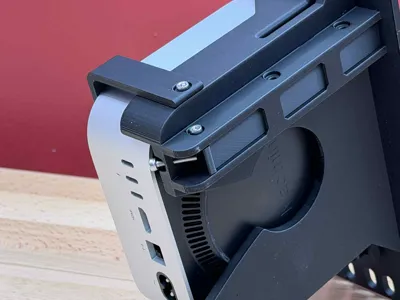
Rear over-travel screw - used to prevent the cam from over-extending when the power button is pressed
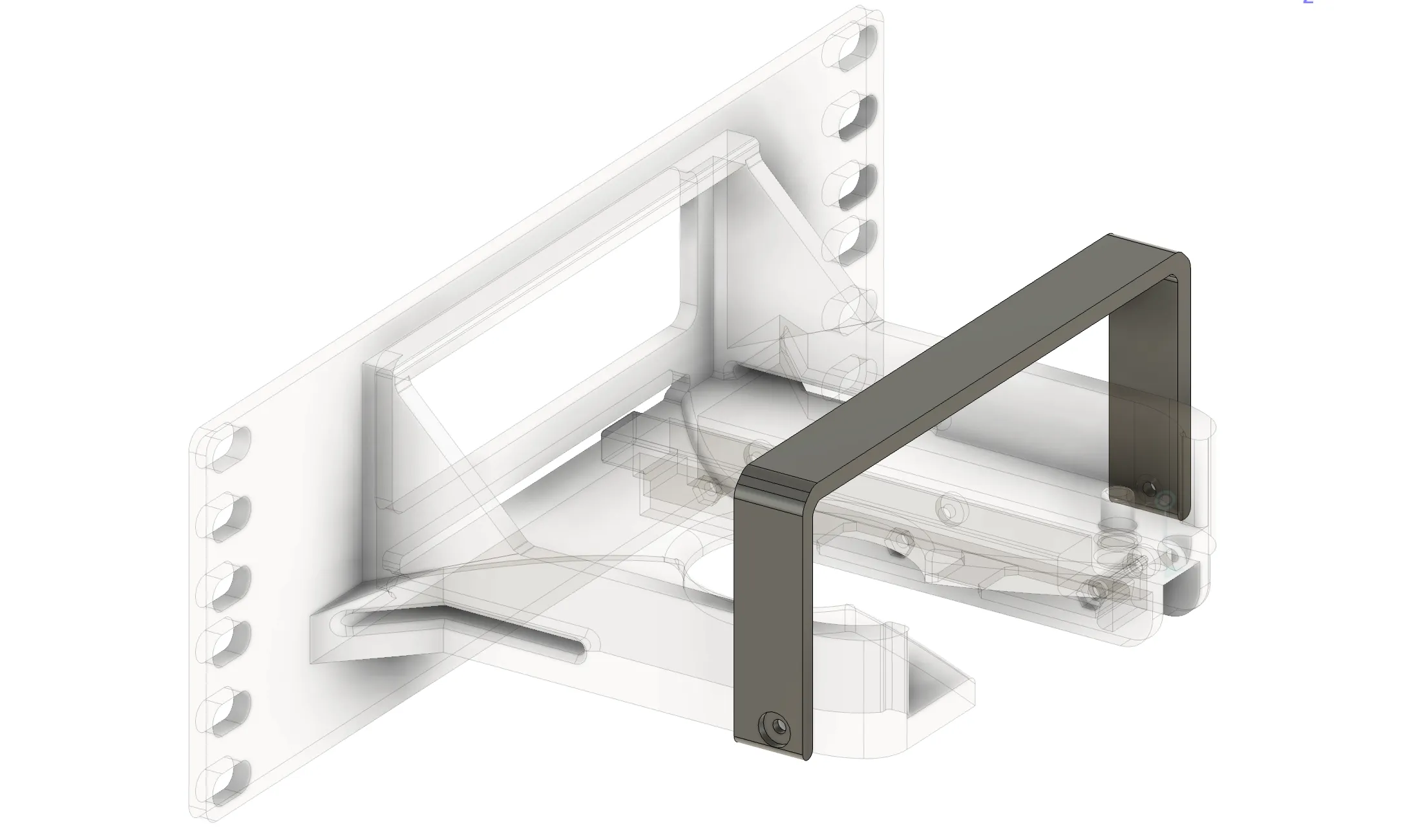
Rear Retaining Bracket - This must be installed to keep the M4 in place while you press the power button. Otherwise, it will just lift the M4 up and over extend the cam.
License

You shall not share, sub-license, sell, rent, host, transfer, or distribute in any way the digital or 3D printed versions of this object, nor any other derivative work of this object in its digital or physical format (including - but not limited to - remixes of this object, and hosting on other digital platforms). The objects may not be used without permission in any way whatsoever in which you charge money, or collect fees.


Comment & Rating (5)