
Spheal Fidget Roller (No AMS!)





Print Profile(3)


![Hybrid [AMS+Glue] Version](https://makerworld.bblmw.com/makerworld/model/USc04984dffe2599/586259709/instance/33947e514b3db509.jpg?x-oss-process=image%2Fresize%2Cw_100%2Fformat%2Cwebp)
Description
Spheal #363:
"Spheal always travels by rolling around on its ball-like body. When the season for ice floes arrives, this Pokémon can be seen rolling about on ice and crossing the sea." ~Sapphire Pokedex entry
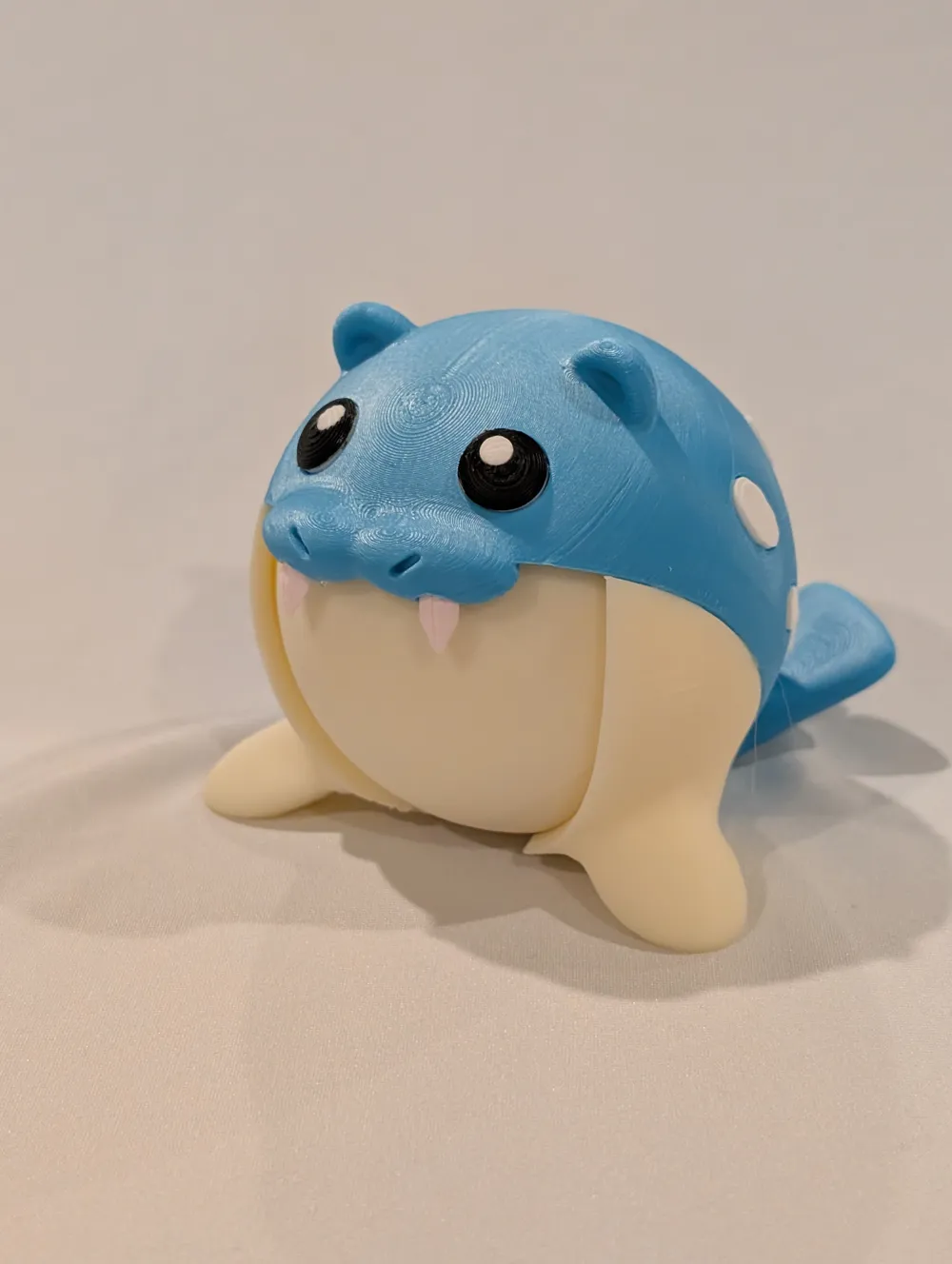
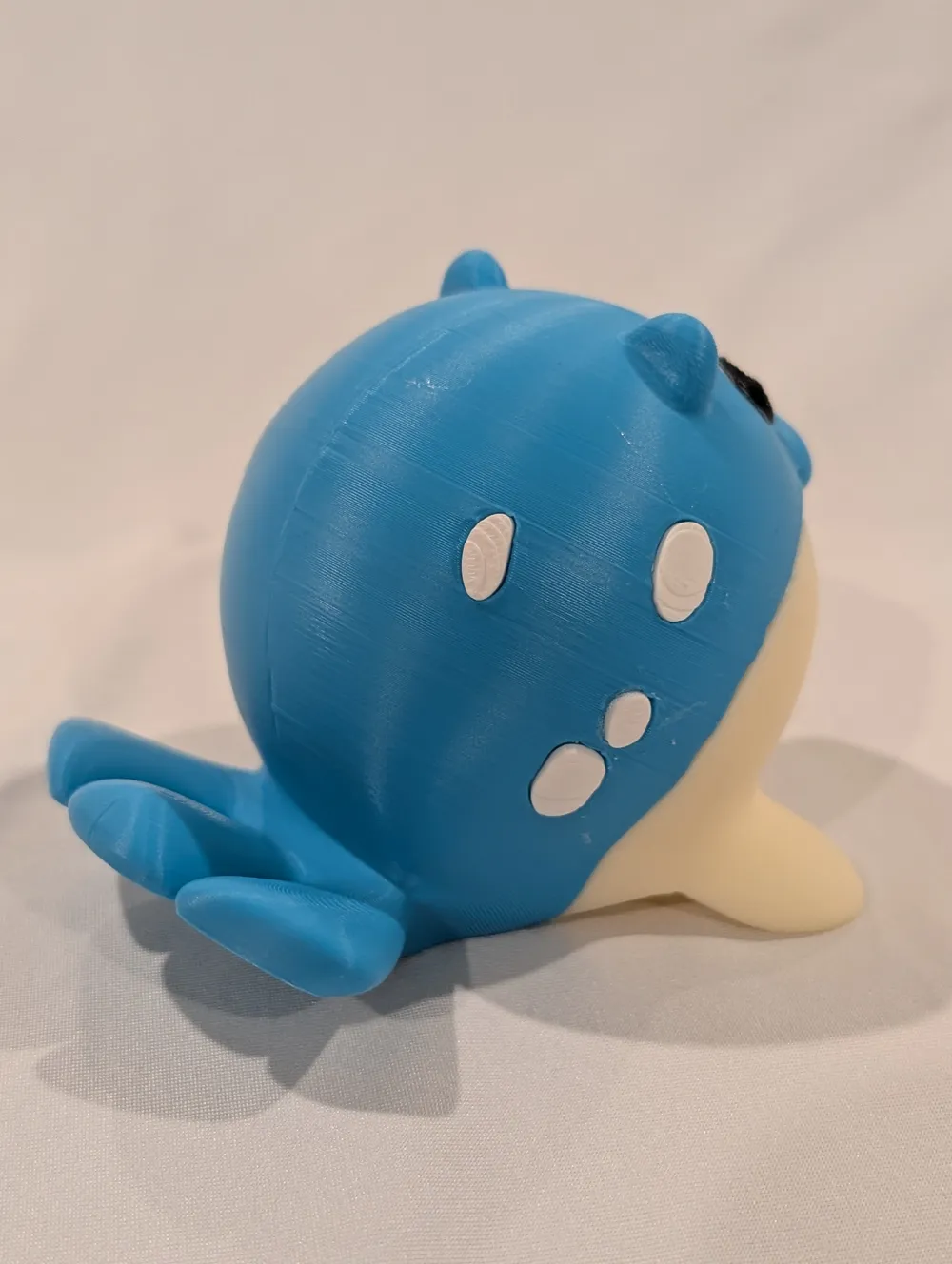
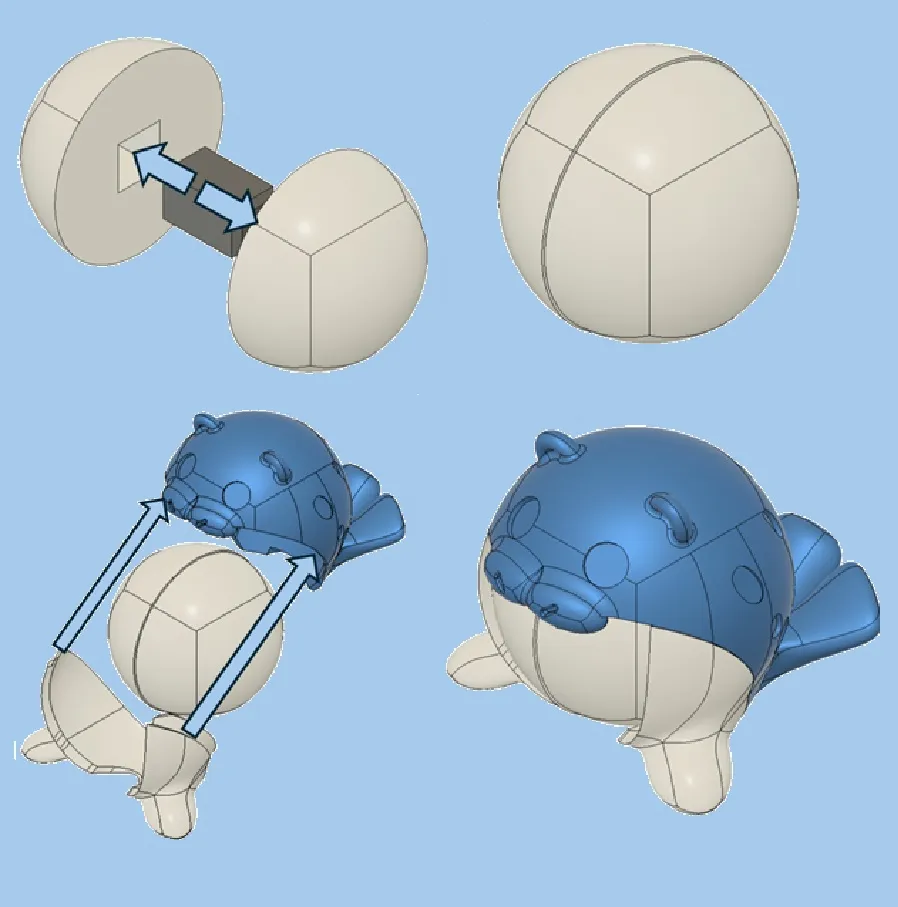
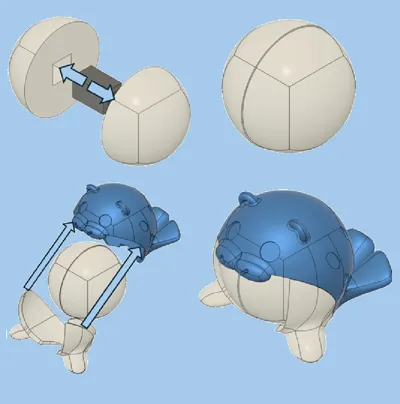
This roundboi has a belly that can freely rotate in any direction! The inner sphere is completely contained between the blue and white parts of its body. The print profiles use the adaptive layer height settings for a smooth finish and easy rolling. Each color part can be printed separately enabling AMS-free printing. If you'd rather not have to deal with glue though, I've also included an AMS version where the spots and eyes are printed on the main body and tight tolerances between the teeth and their slots are enough to hold them in place (Note, I've found holding the teeth using needlenose pliers makes it easier to fit them into the slots). There's also a third hybrid print profile where the white spots are printed on the body, but the eyes are separated to avoid excessive purge between black and white.
Spheal is one of my favorites and one of the few I used in every one of my Sapphire playthroughs. However you decide to print him, I hope you enjoy your new round friend!
IMPORTANT NOTE:
When prototyping I frequently switch back and forth between 2 different printer types and I've noticed when this happens that the print speed settings revert back to the BambuStudio standards. These speeds are too fast for the round blue body and this consistently results in bed adhesion failure at ~75% completion. All speeds should be 60 mm/s. This print profile uses the A1-Mini printer type (easier to scale up to larger print beds than scaling down) but if this is printed on another printer type, ensure the speed settings are all set to 60 mm/s. If you do run into bed adhesion issues, check the speeds in Bambu Studio.
License

You shall not share, sub-license, sell, rent, host, transfer, or distribute in any way the digital or 3D printed versions of this object, nor any other derivative work of this object in its digital or physical format (including - but not limited to - remixes of this object, and hosting on other digital platforms). The objects may not be used without permission in any way whatsoever in which you charge money, or collect fees.


Comment & Rating (13)