
RC bomb dropper
Print Profile(3)
Bill of Materials

Description


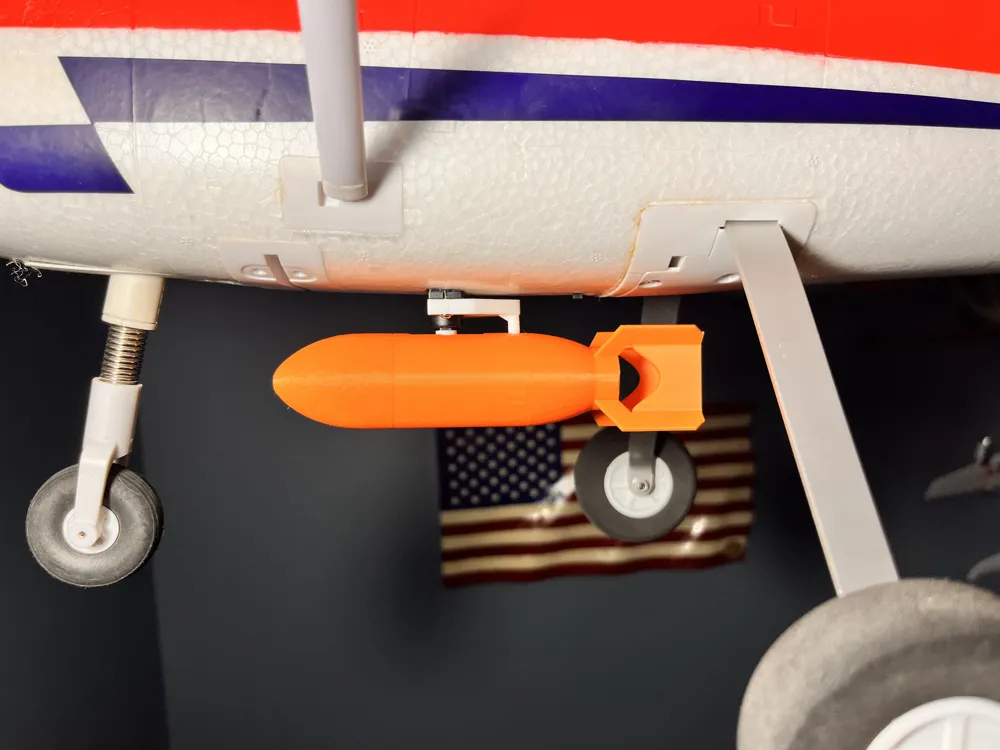
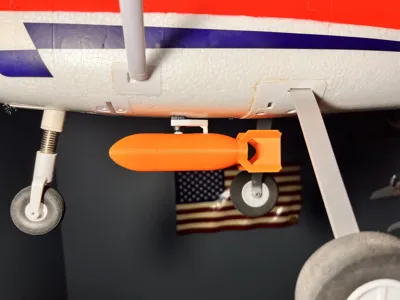
RC Airplane Payload Dropper (CyberBrick 180° Servo)
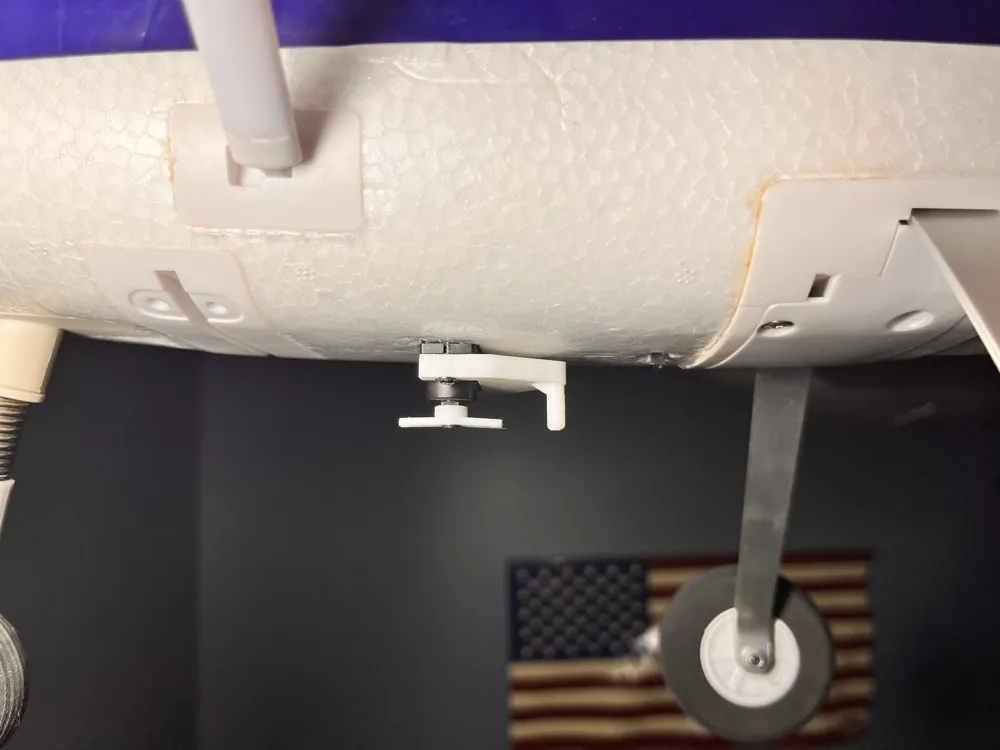
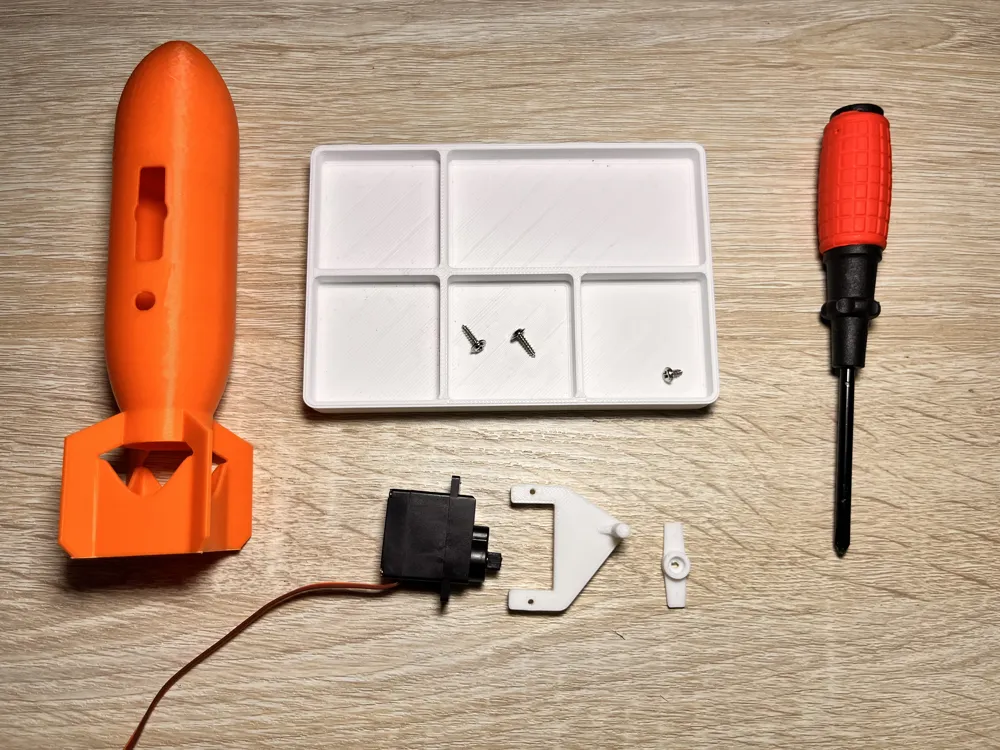
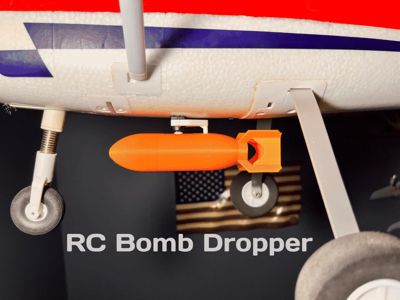
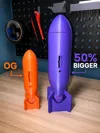
This RC airplane payload dropper is designed to work with the CyberBrick 180° 9g Servo from Bambu Lab. The servo installs cleanly into the model and connects to an unused channel on your receiver.
Once assigned to a switch on your transmitter, flipping the switch rotates the servo and releases the payload smoothly and reliably. The design is compact and lightweight, making it easy to mount on most RC airplanes without adding unnecessary weight.
This dropper is simple, dependable, and made for RC hobbyists who want a clean release mechanism that works well with CyberBrick hardware.
Hardware Required
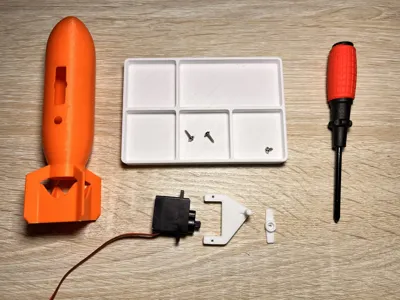
- CyberBrick 180° 9g Servo
- RC receiver with an open channel
- Standard servo mounting hardware
Assembly
Step 1
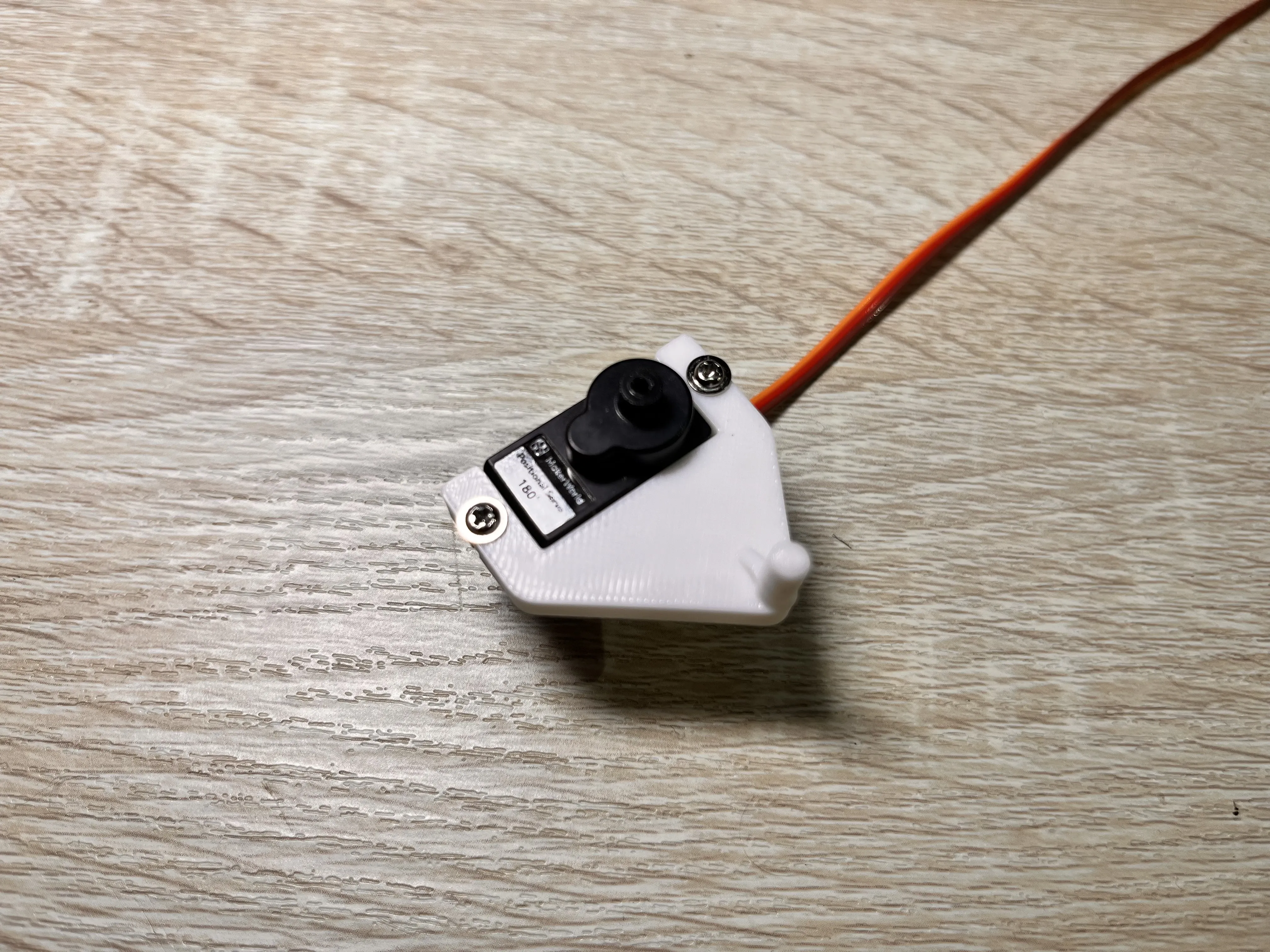
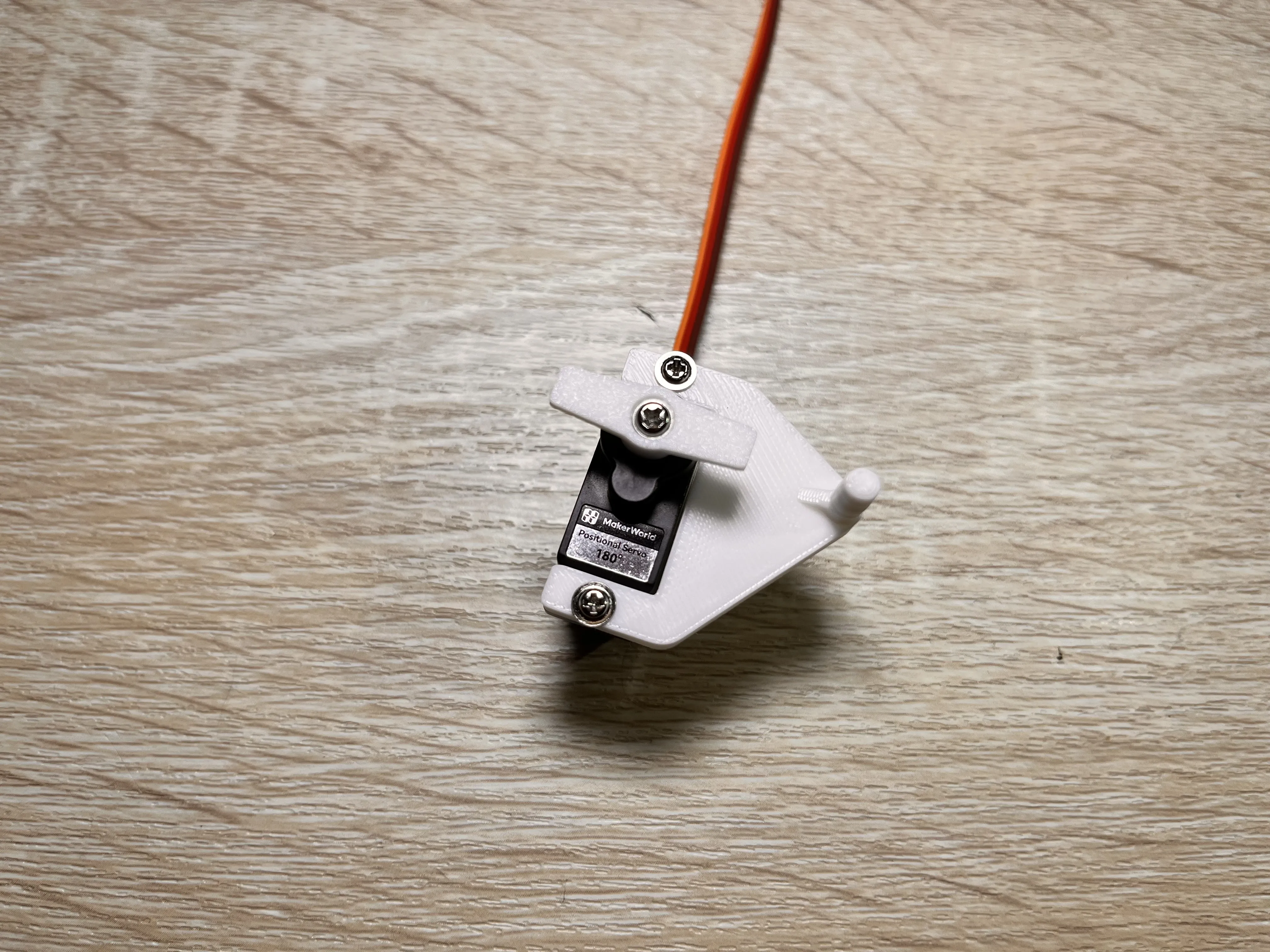
Place the servo horn lock onto the servo, making sure the servo output shaft lines up correctly with the horn. Once aligned, use the two longer screws that came with the servo and tighten them into the two outer holes to secure the horn lock in place.
Step 2
Take the servo arm and align it with the horn on the other piece. Once aligned, secure it using the shorter screw that came with the servo.
Step 3
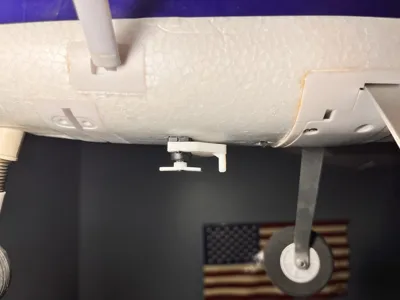
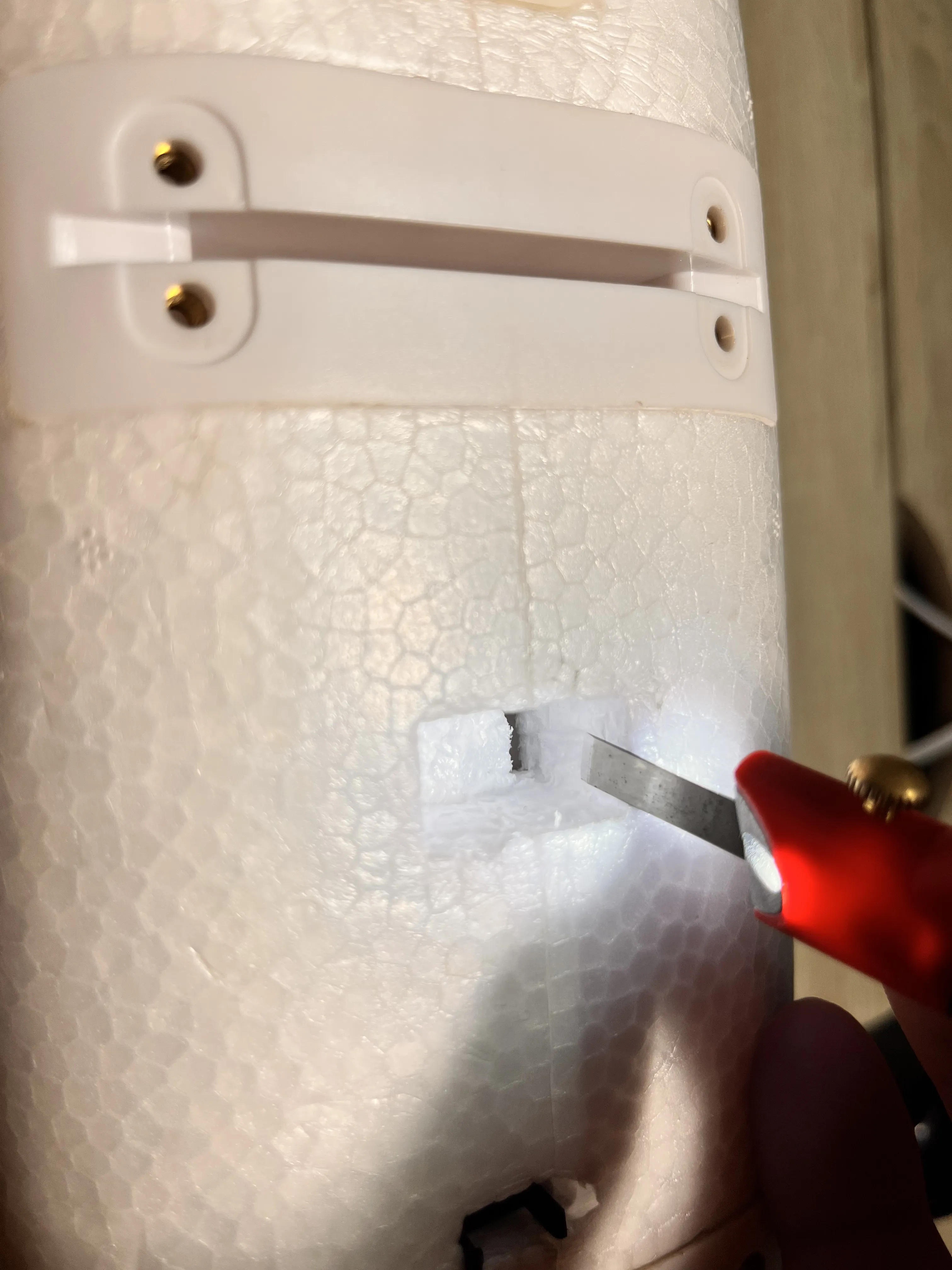
Cut an opening in the bottom of the RC airplane sized to fit the servo. Also cut a small slot for the servo wire so it can pass through the airframe to where the receiver is located.
Step 4
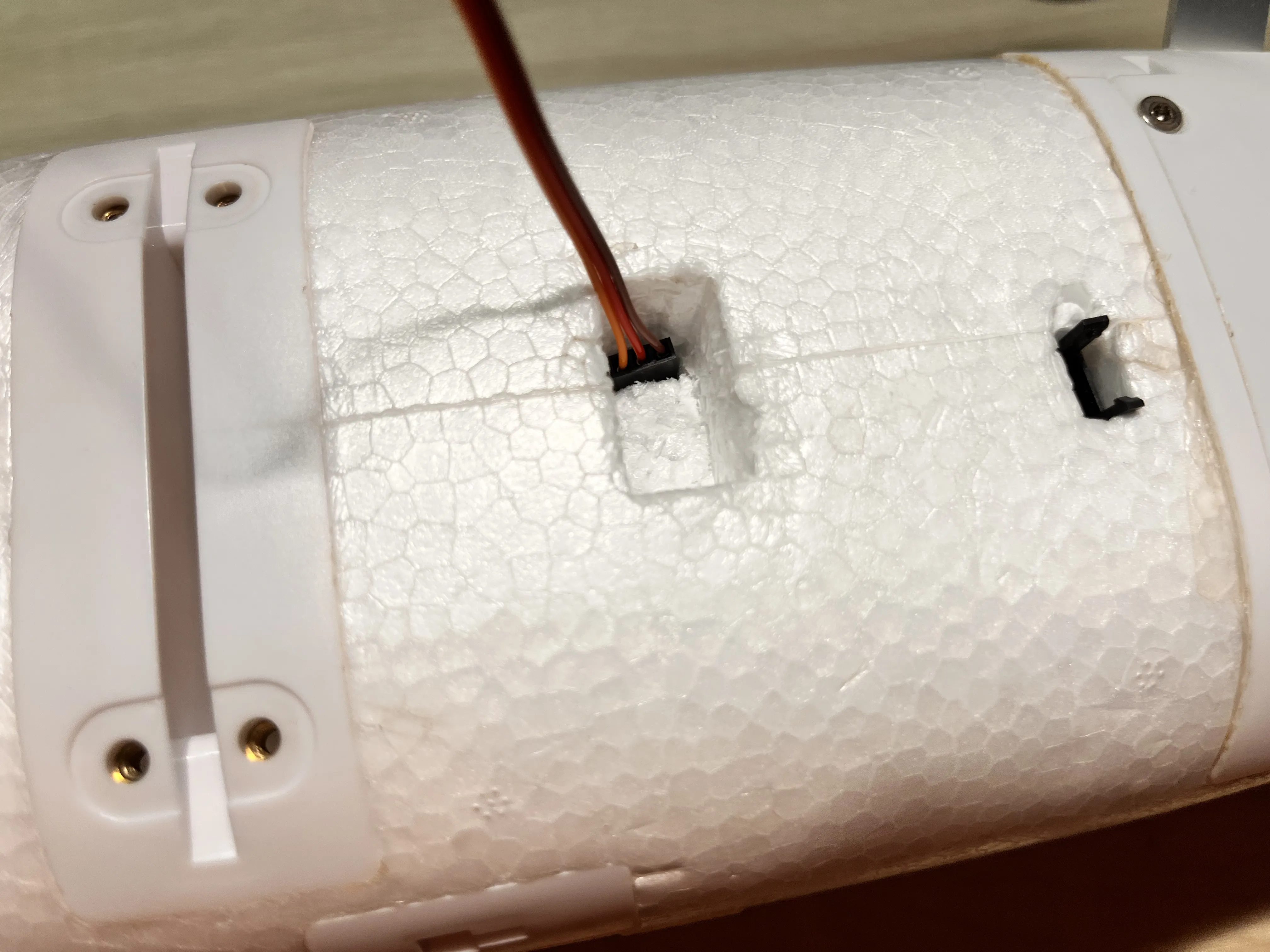
Feed the servo wire through the hole you just made and route it to the receiver inside the airplane.
Step 5
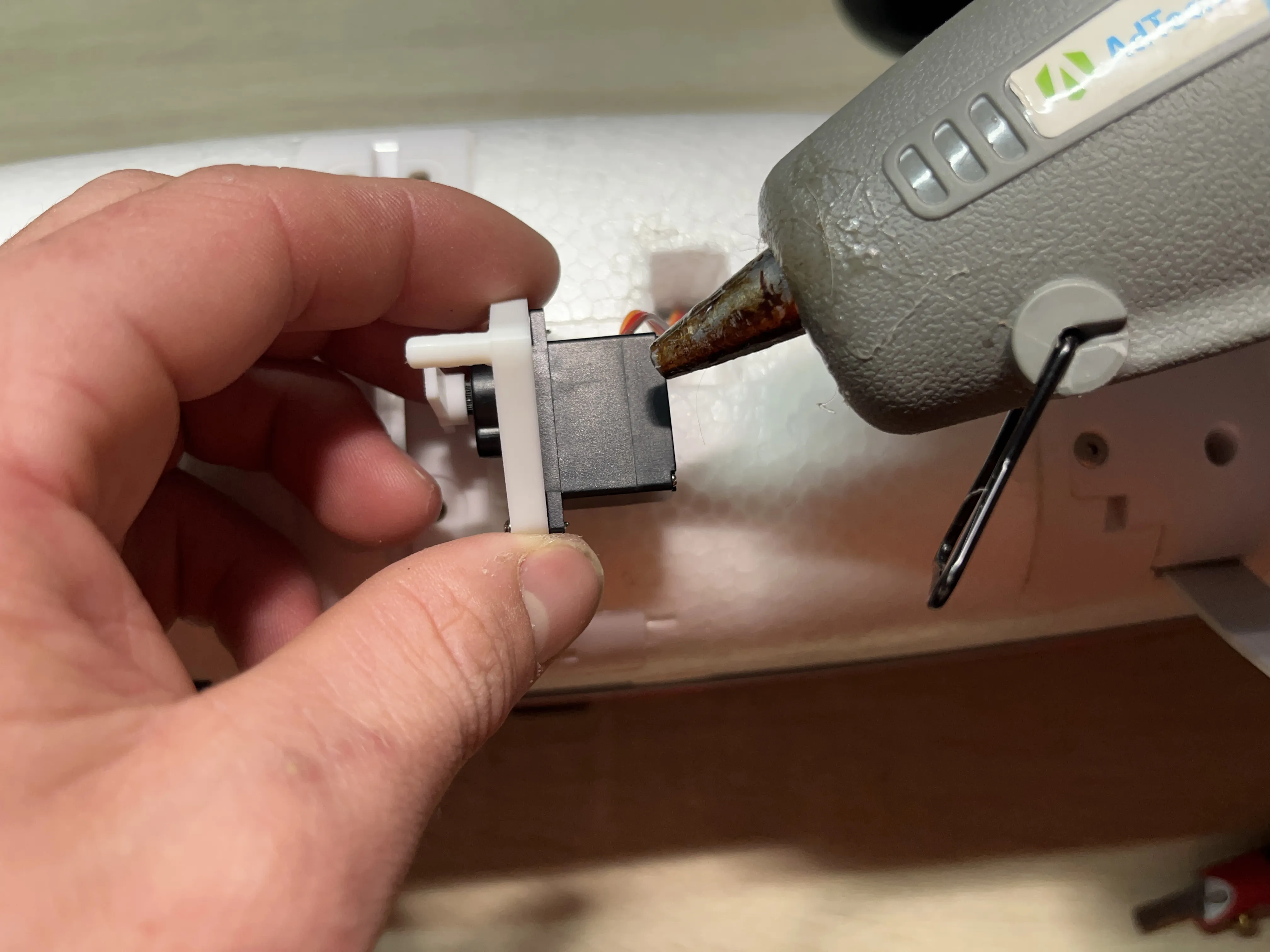
Hot glue the servo into the opening you made, making sure all slack from the servo wire is routed inside the airplane.
Step 6
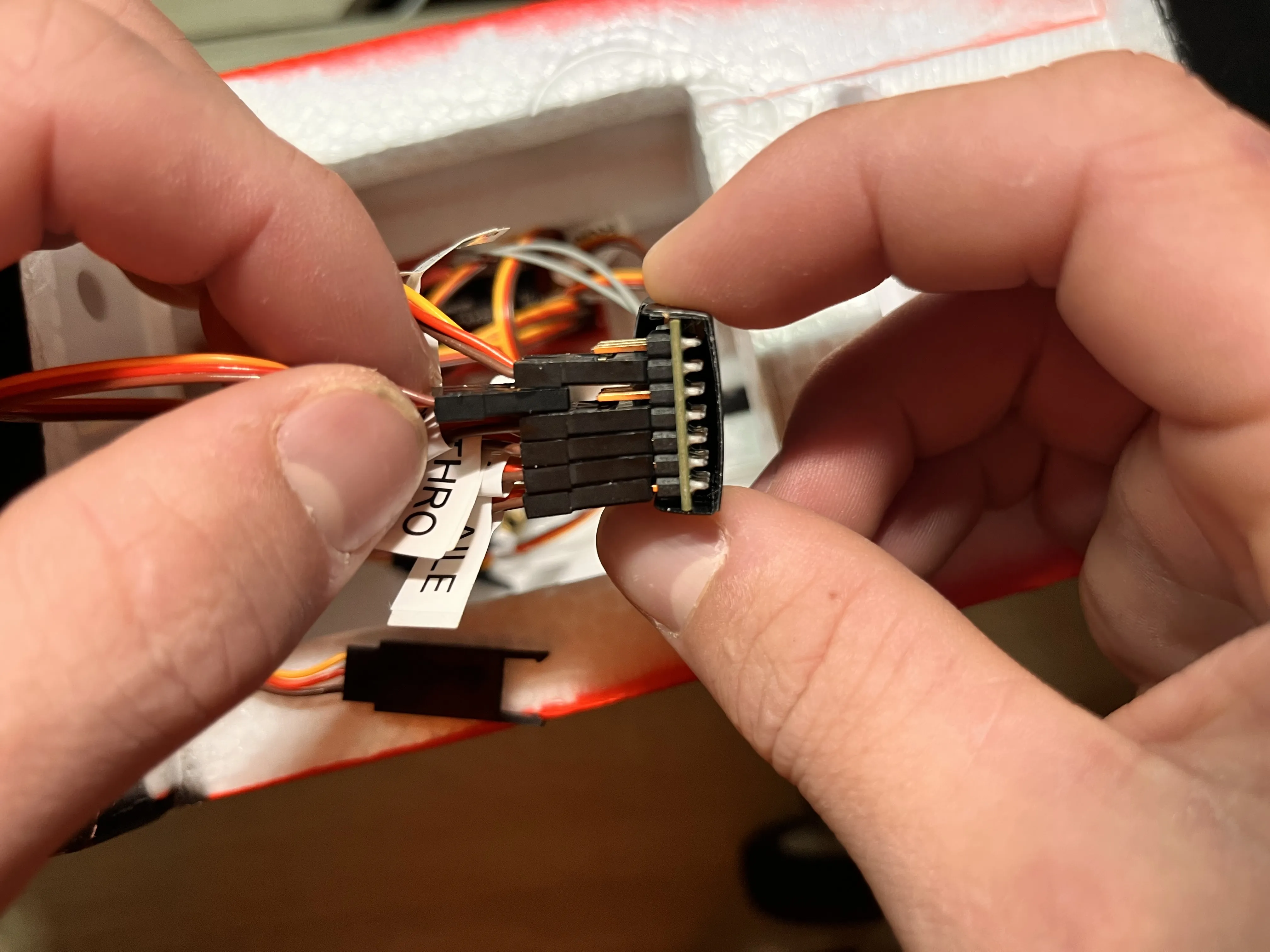
Plug the servo wire into any available channel on your airplane’s receiver.
Boost Me (for free)
Thanks for Your Support!
Thank you for checking out my RC Airplane Payload Dropper! Your support helps me keep designing and sharing fun, useful RC accessories. I really appreciate every download and hope you enjoy building and flying with it!
Membership
Turn this model into profit! Join my Commercial License membership for this + many more designs!
Disclaimer
This model is intended for responsible RC hobby use only. Always follow local laws, safety guidelines, and club rules when operating RC aircraft.
License

You shall not share, sub-license, sell, rent, host, transfer, or distribute in any way the digital or 3D printed versions of this object, nor any other derivative work of this object in its digital or physical format (including - but not limited to - remixes of this object, and hosting on other digital platforms). The objects may not be used without permission in any way whatsoever in which you charge money, or collect fees.


Comment & Rating (73)