
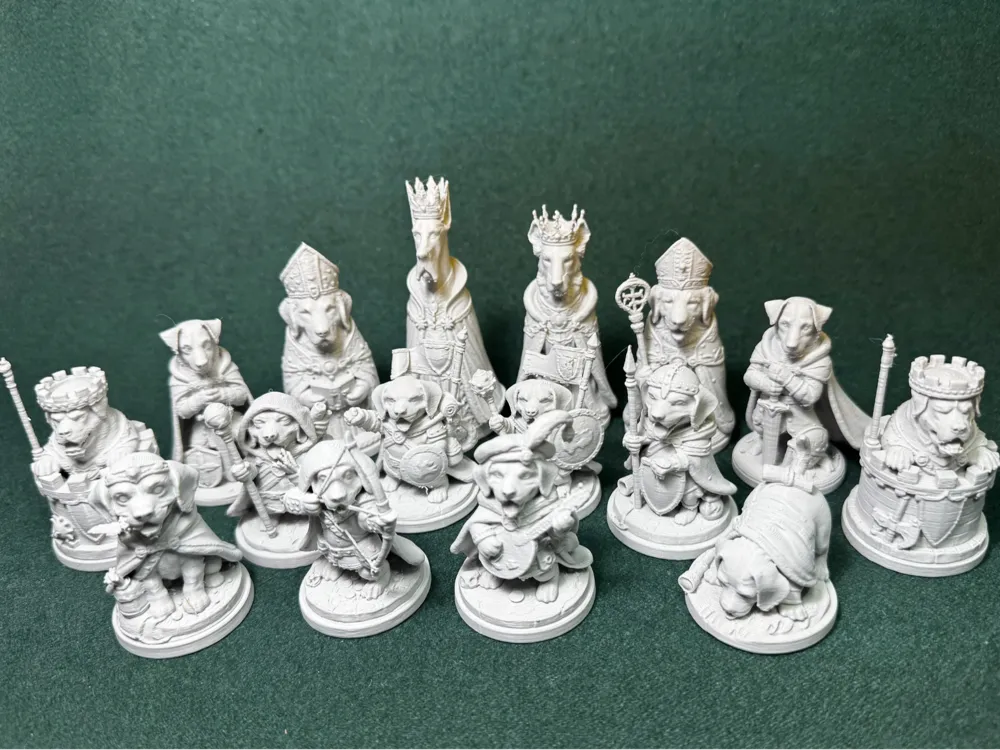
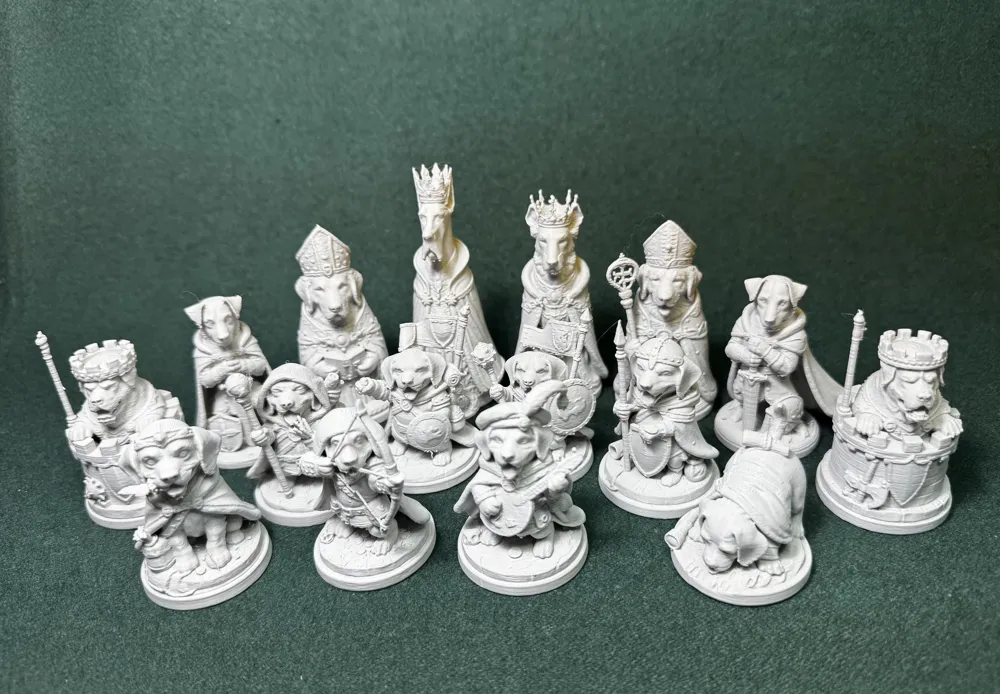
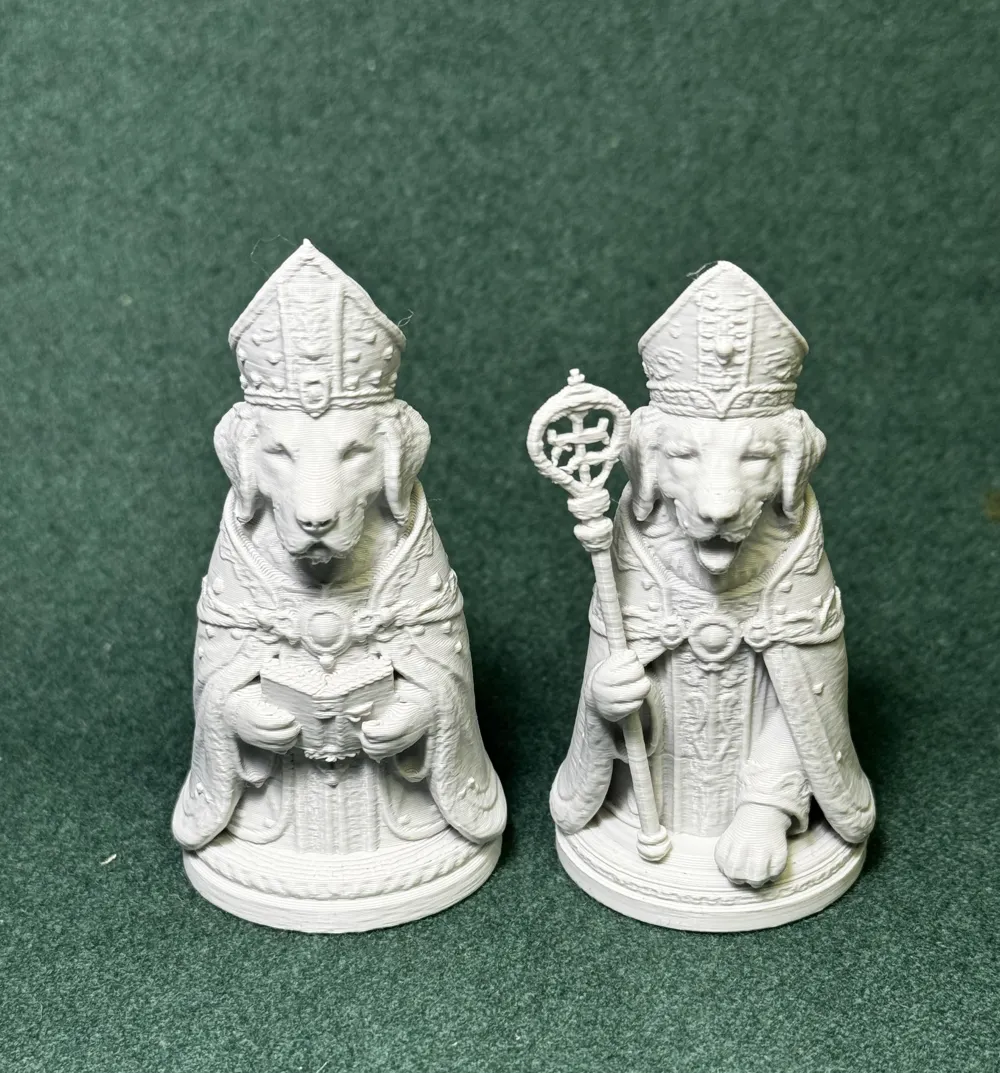
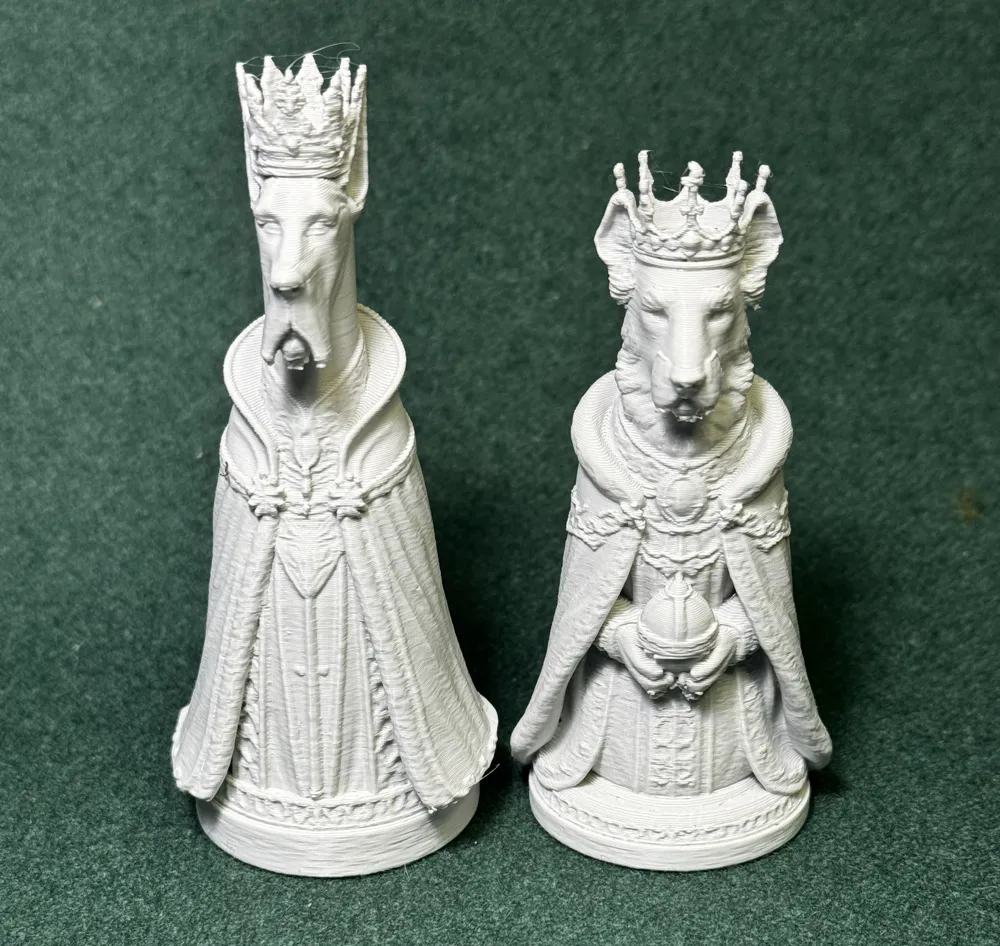
Dogs ~ Double Eights ~ Canine vs Feline: #19
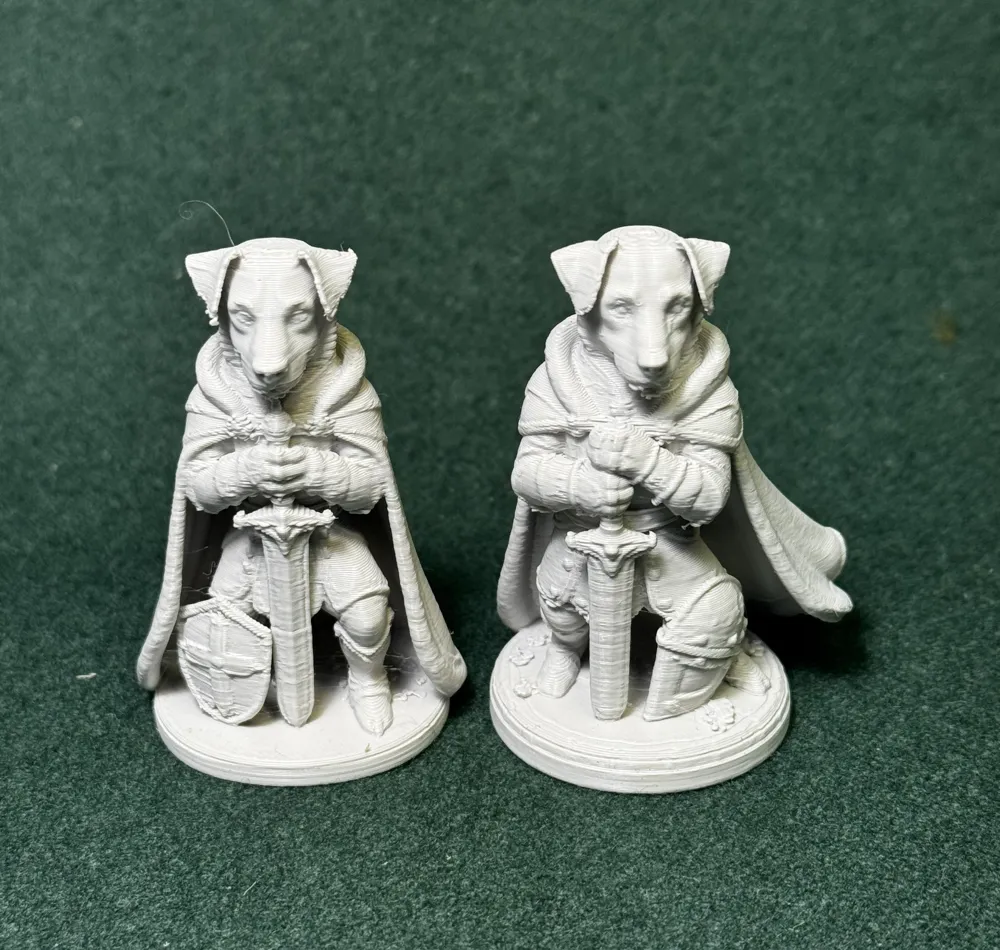
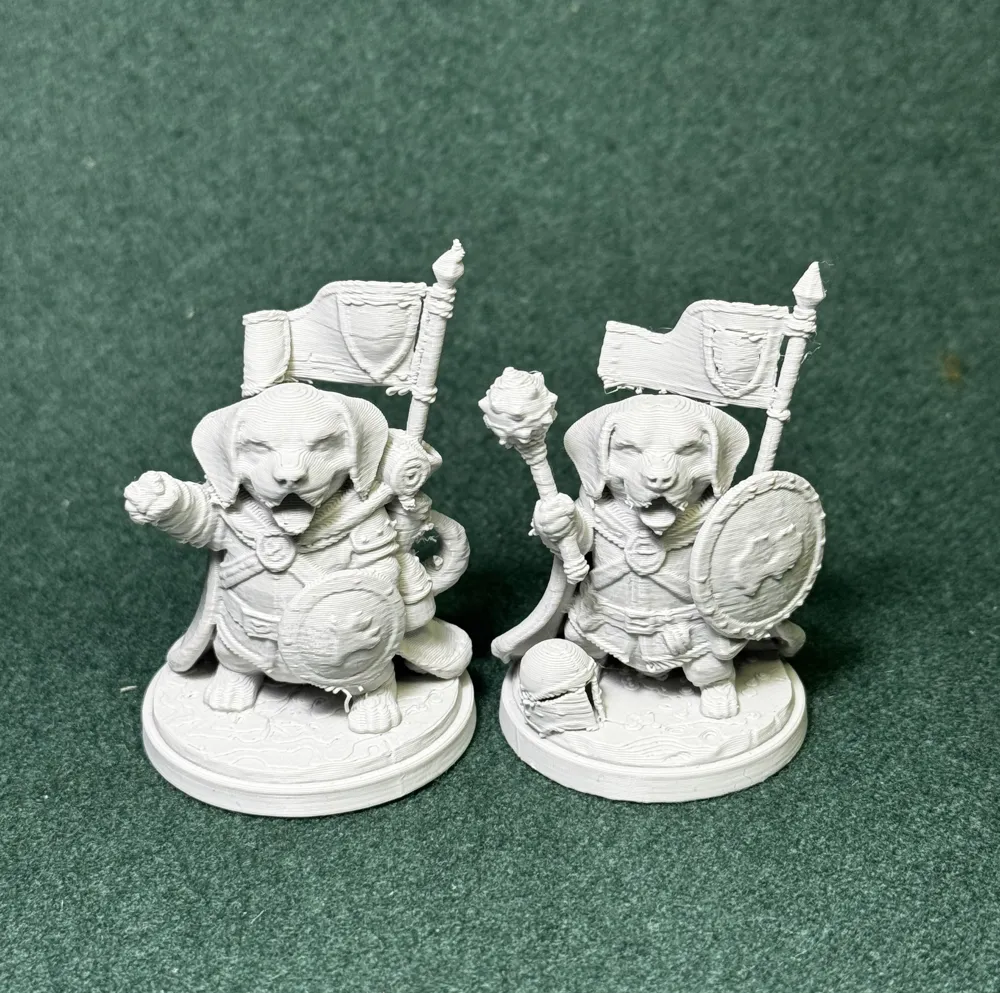
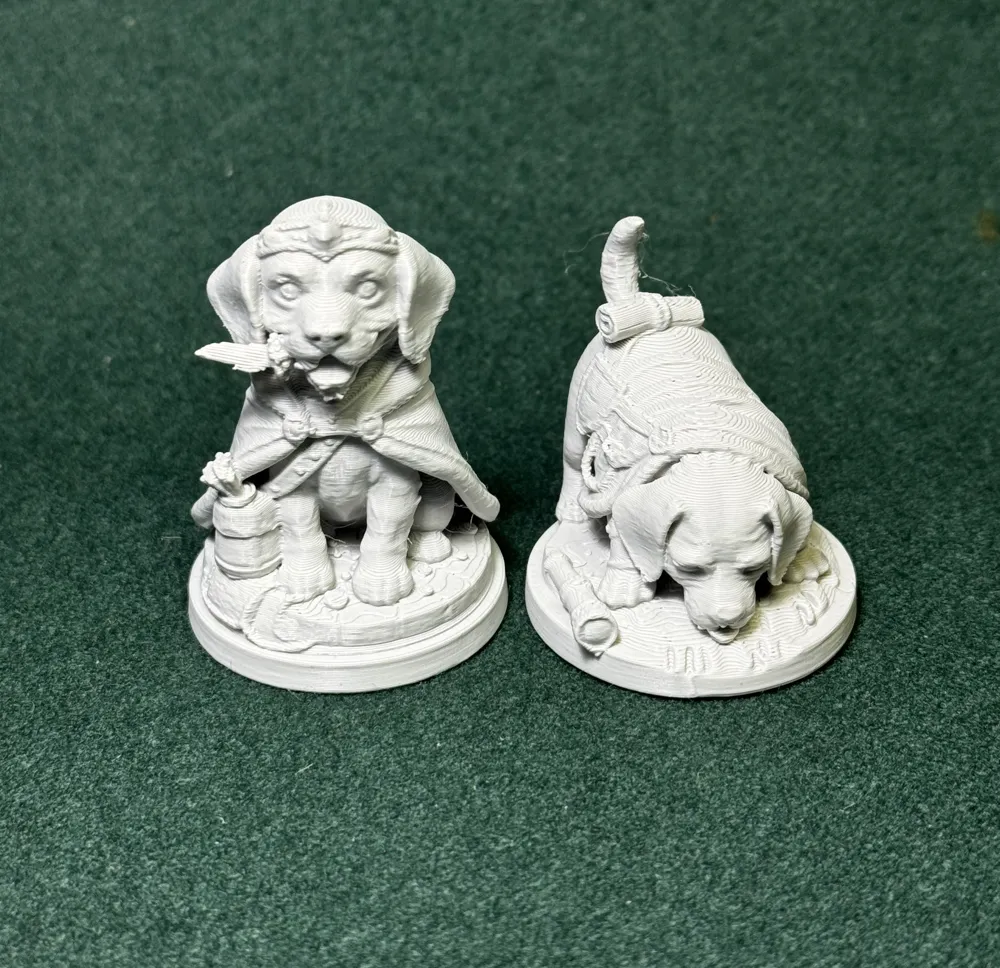
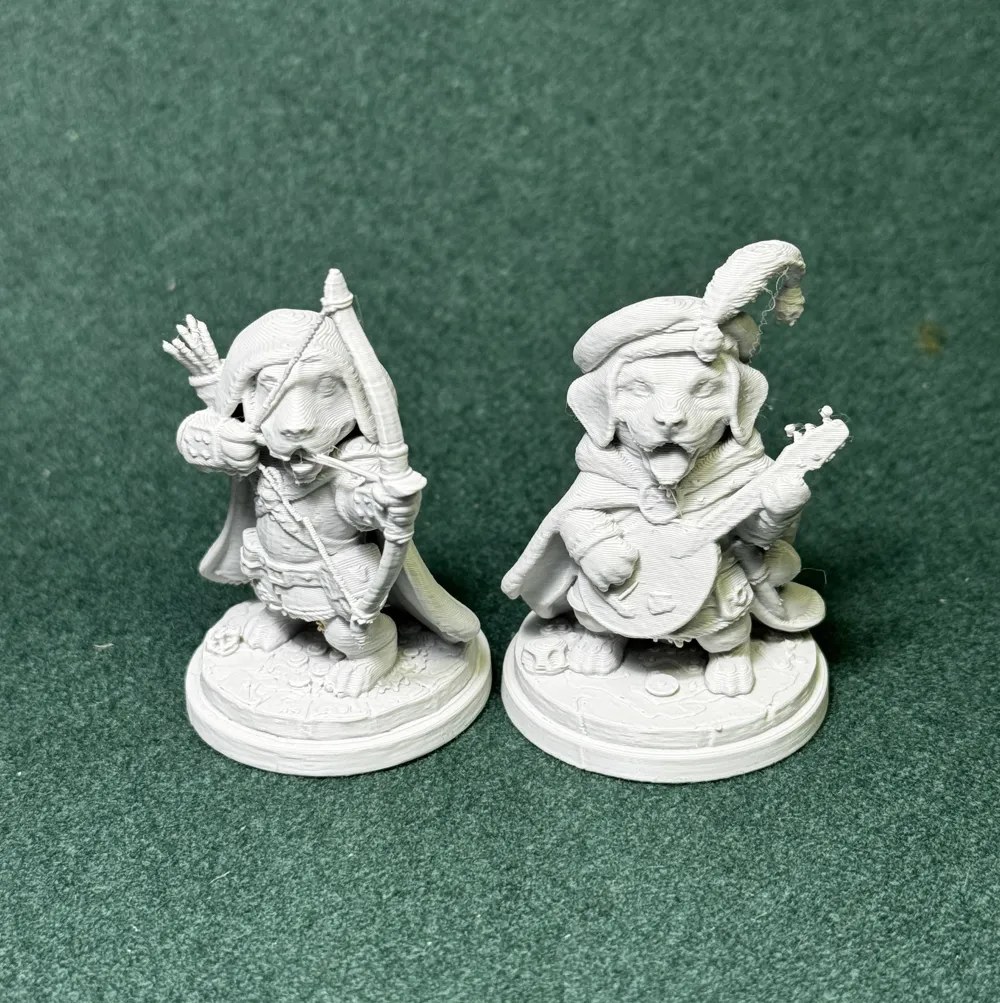
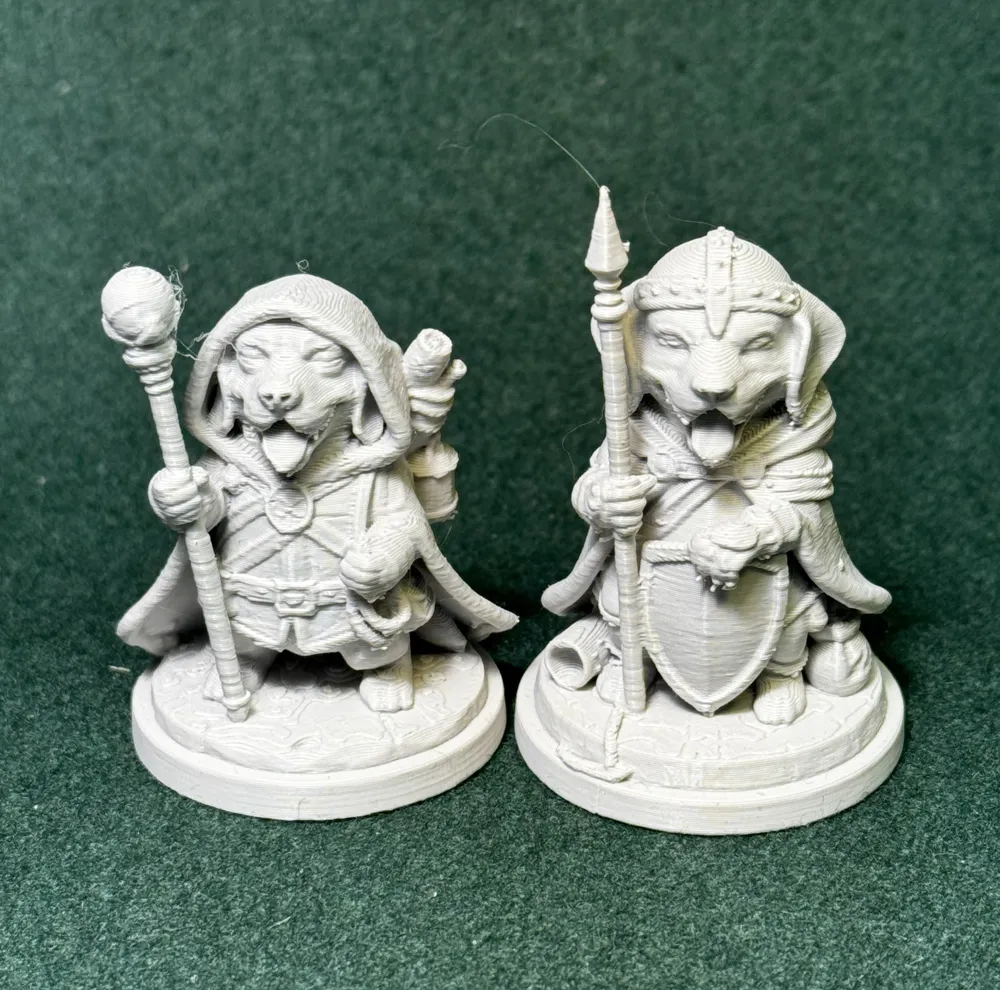
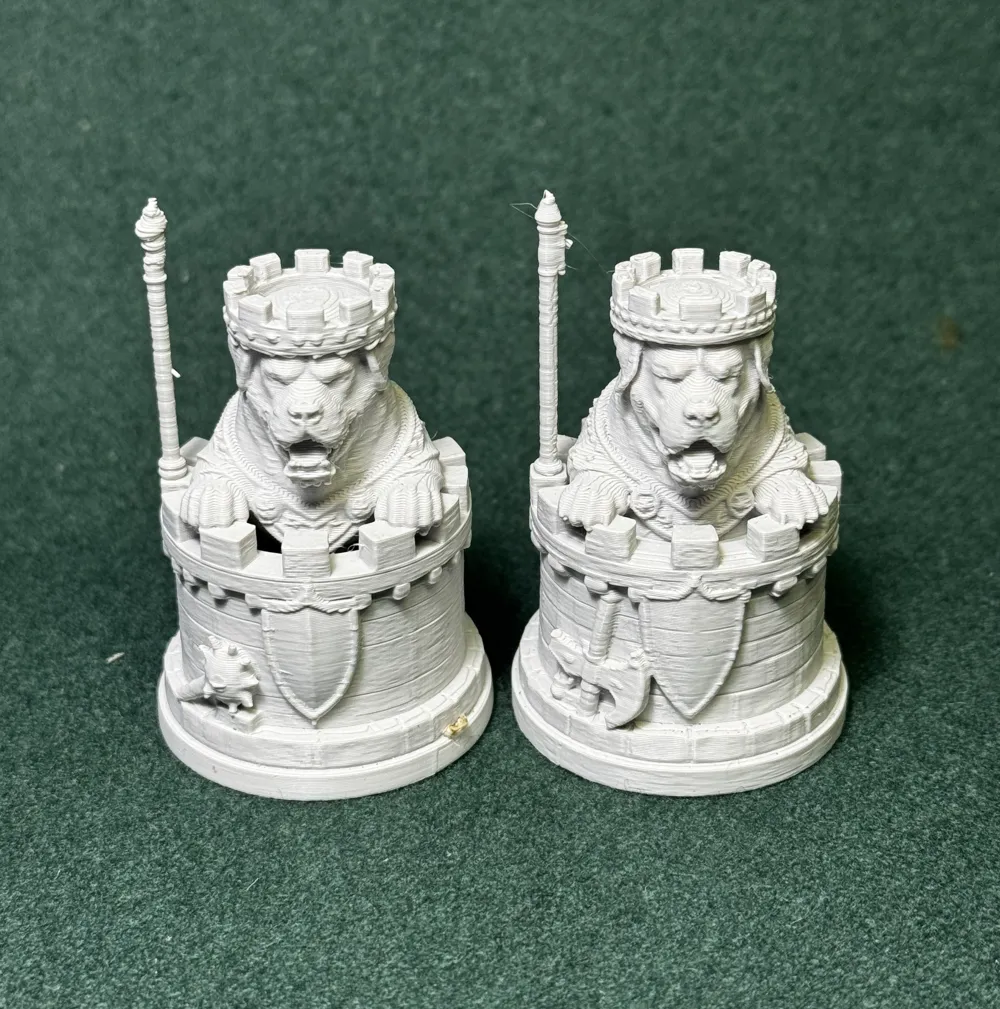
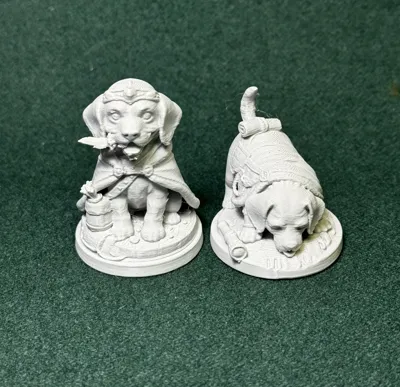
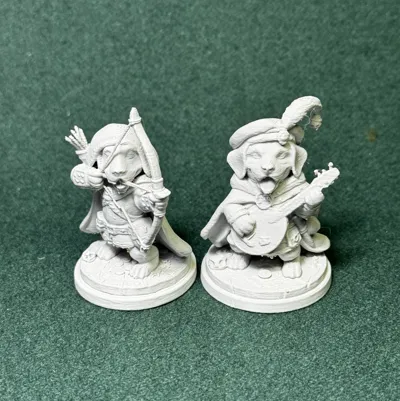
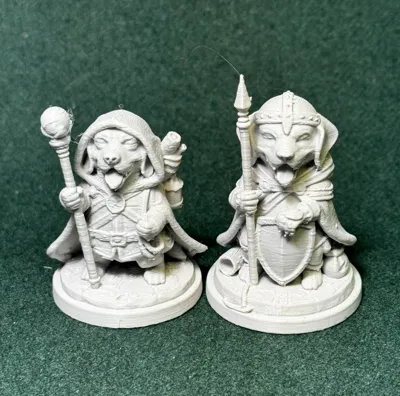
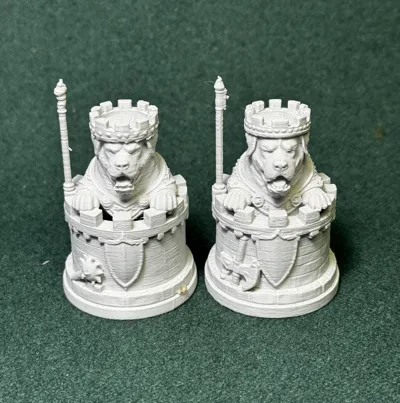
Print Profile(1)
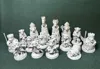
Description
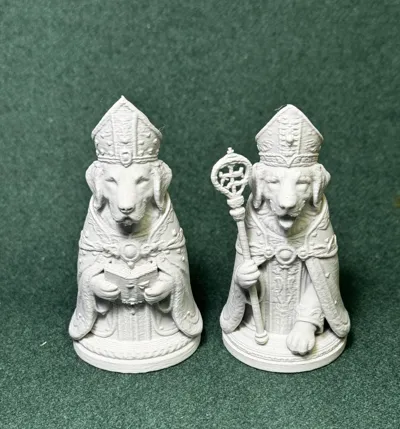
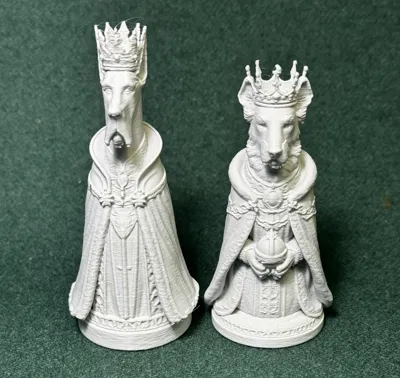
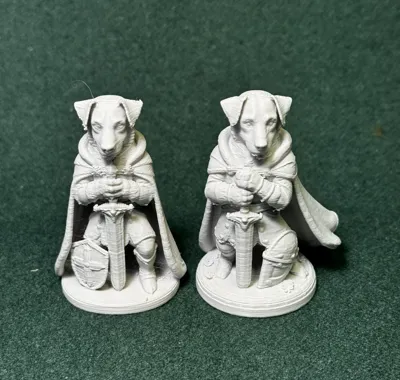
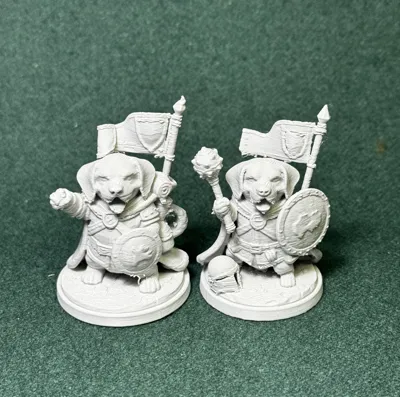
Dogs ~ Double Eights ~ Canine vs Feline: #19
The Battle eventually HAD to happen . . .
Not because of hatred.
Not because of rivalry.
But because there was nothing else left to do between shows.
It all began at the final event of the International Dog Show.
Two champions waited at ringside — one celebrated for his clever mind, the other for his unmatched agility. As handlers adjusted leads and judges shuffled papers, the Clever One leaned toward his companion and quietly asked:
“Be honest… what do we do for the other fifty weeks?”
The Agile One didn’t hesitate.
“Practice is fine,” he said, “but I want a game. Something with rules. Strategy. Consequences.”
The Clever One paused. Then smiled.
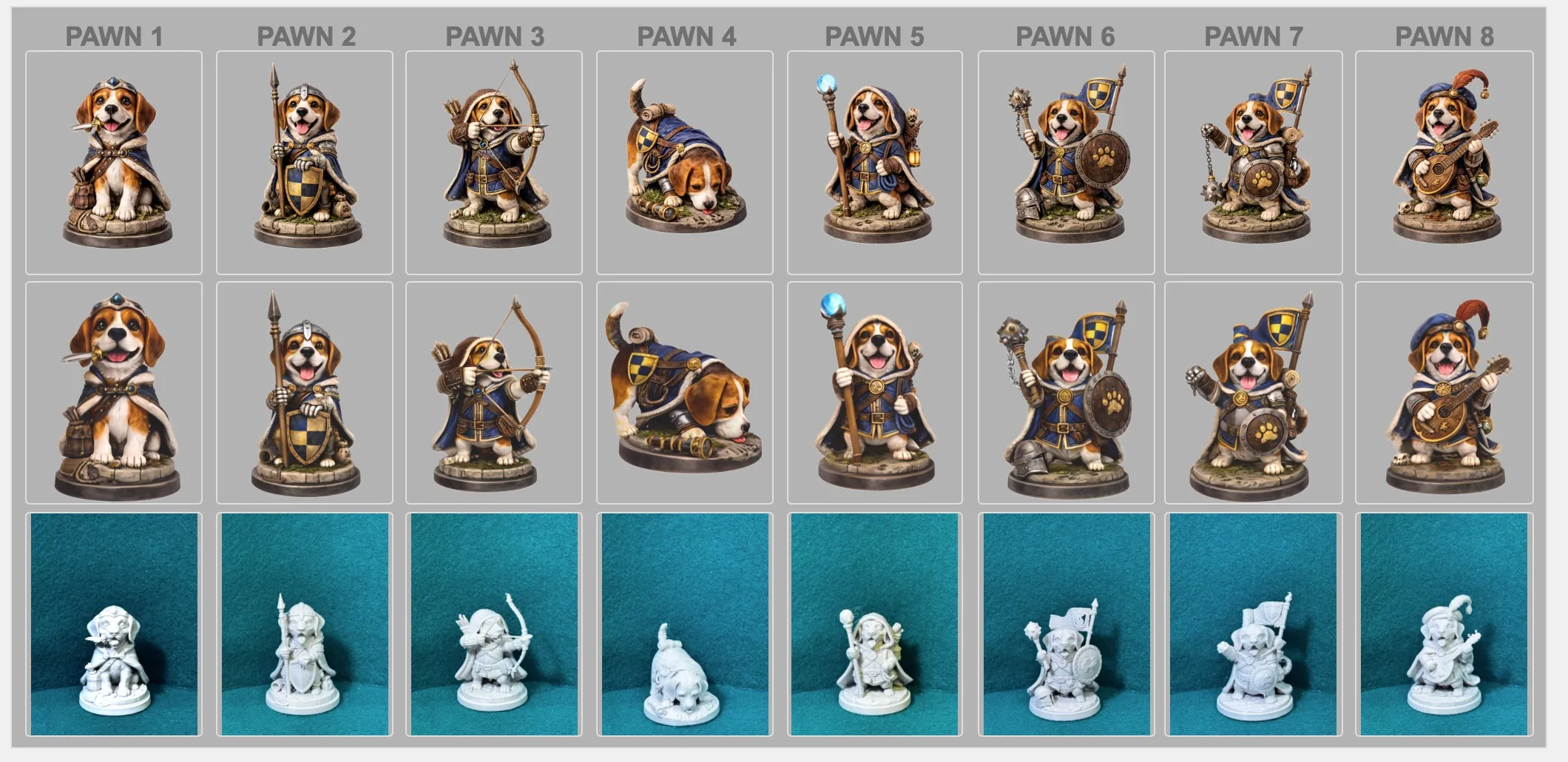
“What if we formed a team? Sixteen of us. King to Pawn.”
A beat.
“What if we played chess?”
And just like that…
Double Eights was born.
They didn’t yet know the cats were watching.
OTHER SETS IN THIS CANINE vs FELINE SERIES
“Double Eights” ~ Show dogs bred for perfection… who quietly wanted more than ribbons.
https://makerworld.com/en/models/2309773-dogs-double-eights-canine-vs-feline-19
“Maybe” ~ West Side cats who didn’t envy dogs—only the attention they received.
https://makerworld.com/en/models/2310608-cats-maybe-canines-vs-felines-18c
"East Side Cats" If they are doing it, so will we.
https://makerworld.com/en/models/2320143-cats-east-side-cats-canine-vs-feline2-20
“East Side Ruffians” ~ Shelter-saved dogs who weren’t looking for status… just someone to play with.
https://makerworld.com/en/models/2339030-dogs-e-side-ruffians-canine2-vs-feline-21
“Second Rates” ~ Varmints: Skunks, possums, raccoons, and other self-aware opportunists who insist on joining the game.
https://makerworld.com/en/models/2343034-varmint-second-rates-vs-dogs-cats-humans-22
Human Authority Collective—H.A.C.—exists to organize, regulate, and maintain order in a world that keeps insisting on becoming complicated.
https://makerworld.com/en/models/2350028-humans-hac-dogs-vs-cats-vs-varmints-24#profileId-2570043
Printer Settings:
Take time to use these settings for optimal prints. Note: Smartphones and tablets cannot print with Tree supports, so use a PC for these settings.
Bambu Studio Settings
Printer Settings
• Nozzle Diameter → 0.4 mm
• Compatible Material → PLA+
Filament Settings
• Nozzle Temperature (first layer) → 205 °C
• Nozzle Temperature (others) → 200 °C
• Bed Temperature (first layer) → 60 °C
• Bed Temperature (others) → 50–55 °C
• Cooling Fan:
◦ Layer 1–2 → OFF
◦ Layer 3+ → 100%
Quality
• Layer Height (Standard) → 0.20 mm
• Initial Layer Height → 0.20 mm
• Line Width → 0.45 mm
• Elephant Foot Compensation → 0.15 mm
Speed
• First Layer Speed → 20 mm/s
• Outer Wall Speed → 35 mm/s
• Inner Wall Speed → 50 mm/s
• Infill Speed → 50 mm/s
• Travel Speed → 120 mm/s
Acceleration / Jerk
• Default Acceleration → 1000 mm/s²
• Outer Wall Acceleration → 500 mm/s²
• First Layer Acceleration → 300 mm/s²
• Travel Acceleration → 2500 mm/s²
• Jerk (XY) → 8 mm/s
Strength / Infill
• Wall Loops → 3
• Top Layers → 4
• Bottom Layers → 4
• Infill Density → 20%
• Infill Pattern → Gyroid
• Sparse Infill Anchor Length → 5 mm (🔔 Note: increase to 10 mm if you see weak infill connections)
Skirt & Brim
• Skirt Loops → 3
• Skirt Distance → 2 mm
• Skirt Layers → 1
Retraction
• Retraction Distance → 4 mm
• Retraction Speed → 40 mm/s
• Z-Hop → 0.2 mm
• Wipe While Retracting → Enabled
• Retract on Layer Change → Disabled
• Minimum Travel Before Retraction → 1.0 mm
Supports
• Support Style → Tree
• Top Contact Z Distance → 0.25 mm (detachable, fixed)
• Support Density → 15%
• Support Interface Pattern → Grid
• XY Distance → 0.5 mm
• First Layer Support Gap → 0.3 mm
Consider 'Annealing' your chess set.
Annealing your PLA models can improve strength by 10–20%. If you plan to use the set regularly, I highly recommend it. For display or occasional play, annealing is optional, and the appearance and finish remain unchanged.
🔗 More info: [Annealing PLA Prints for Strength — Easy Ways (All3DP)]
https://all3dp.com/2/annealing-pla-prints-for-strength-easy-ways/
Also . . .
You may want to alter the size of these chess pieces. Here is some information I found for that:
Chess Piece Size Comparisons:
• King = 100%
• Queen = 88% to 92% of King
• Bishop = 78% to 82% of King
• Knight = 75% to 78% of King
• Rook = 70% to 72% of King
• Pawn = 53% to 55% of King


License

You shall not share, sub-license, sell, rent, host, transfer, or distribute in any way the digital or 3D printed versions of this object, nor any other derivative work of this object in its digital or physical format (including - but not limited to - remixes of this object, and hosting on other digital platforms). The objects may not be used without permission in any way whatsoever in which you charge money, or collect fees.


Comment & Rating (3)