
XR Glasses Joycon 2 Insert (Viture, Xreal, etc)
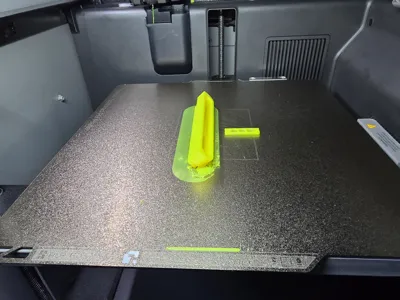
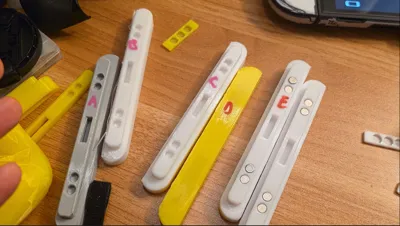
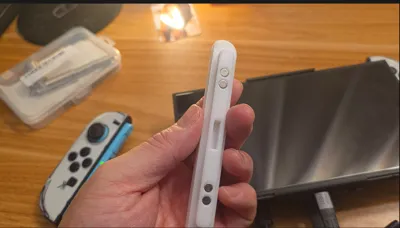
Print Profile(1)
Description
AYO! This is my first ever remix/mesh mod (please go easy on me).
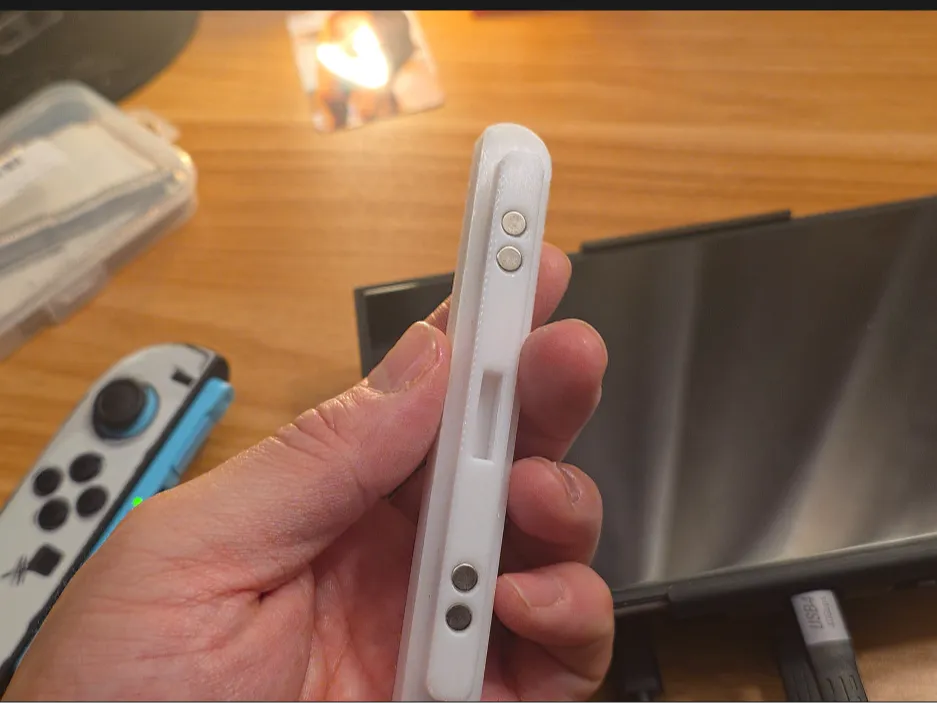
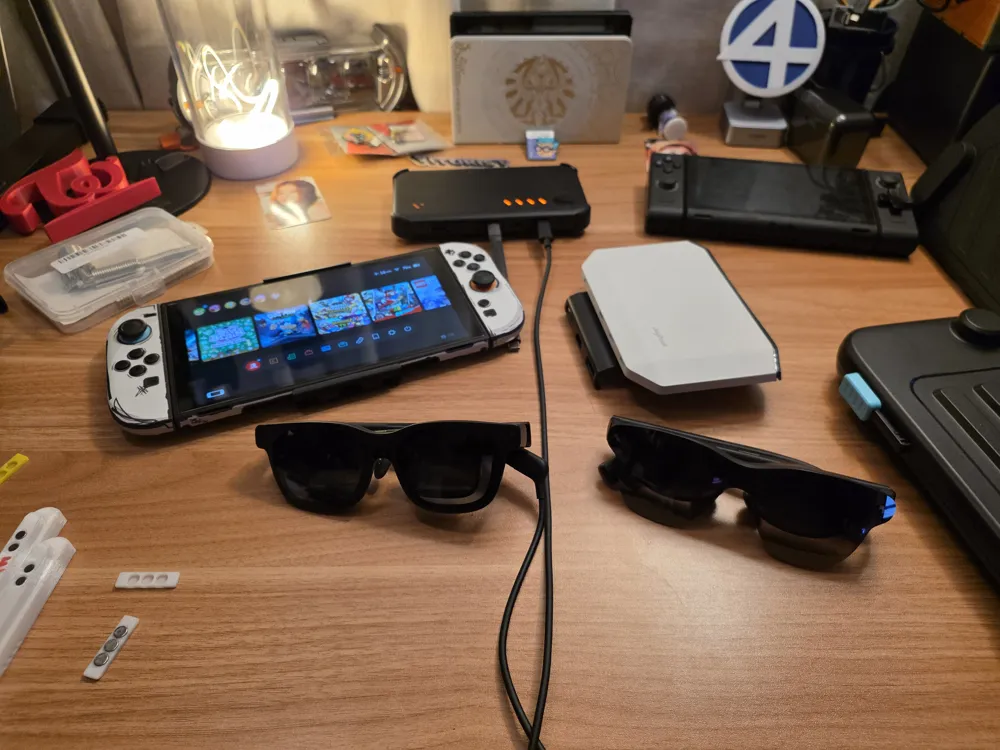
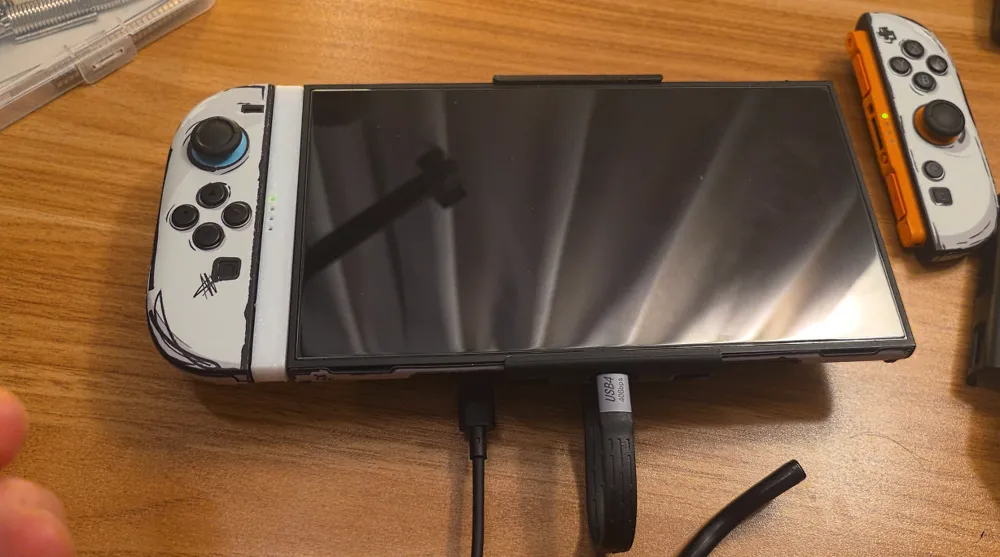
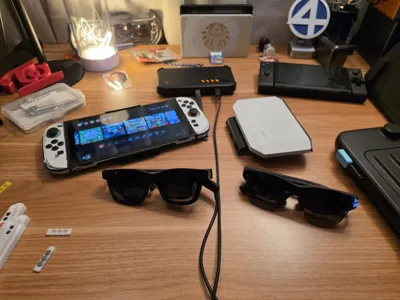
Basically the purpose of this is to allow for XR Glasses like the Viture Luma, Viture Beast, Xreal One, Xreal One Pro, RayNeo Air 3s, and all the other glasses that use either the Viture Pro Mobile Dock, RayNeo JoyDock, or Xreal Neo to use the Switch 2 Joycons while in a “handheld mode”.
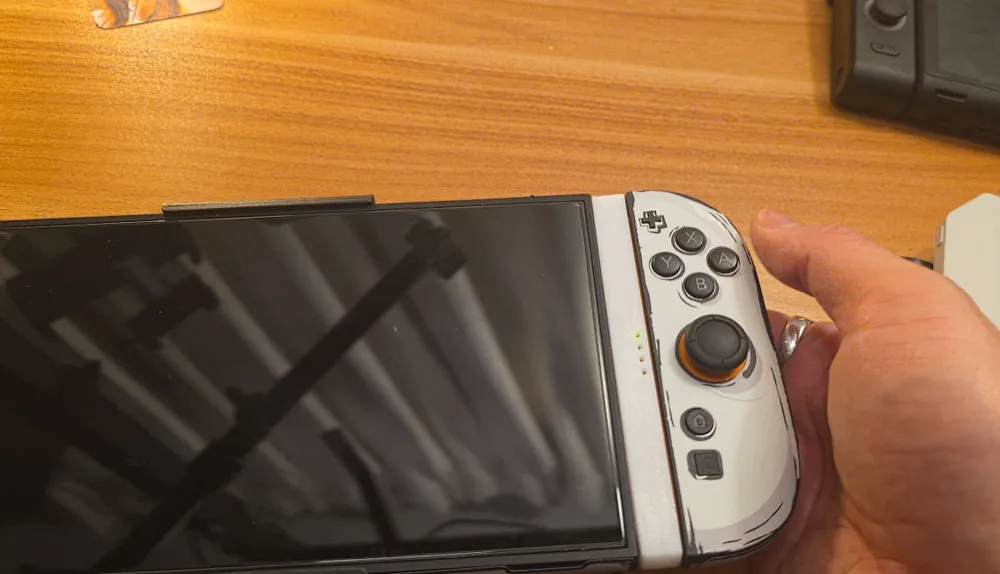
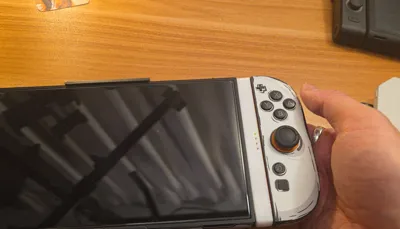
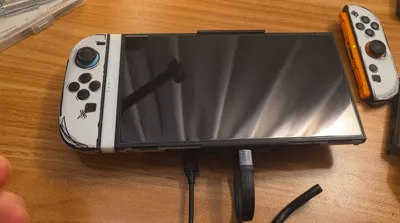
How it works is super simple, maybe too simple. Because the Switch 2 needs to be docked in order to send the video signal to the XR Glasses (this is a Nintendo limitation), those battery packs or bridge devices act as a dock to send enough power to the Switch 2 (and Switch 1) to then retrieve the video output for the connected XR glasses, but the problem there is that the Joycons do not work while docked. So, this insert is a workaround to let you use the handheld “normally” by disconnecting the Joycons from the main tablet but remaining in a "handheld form".
HOW TO USE:
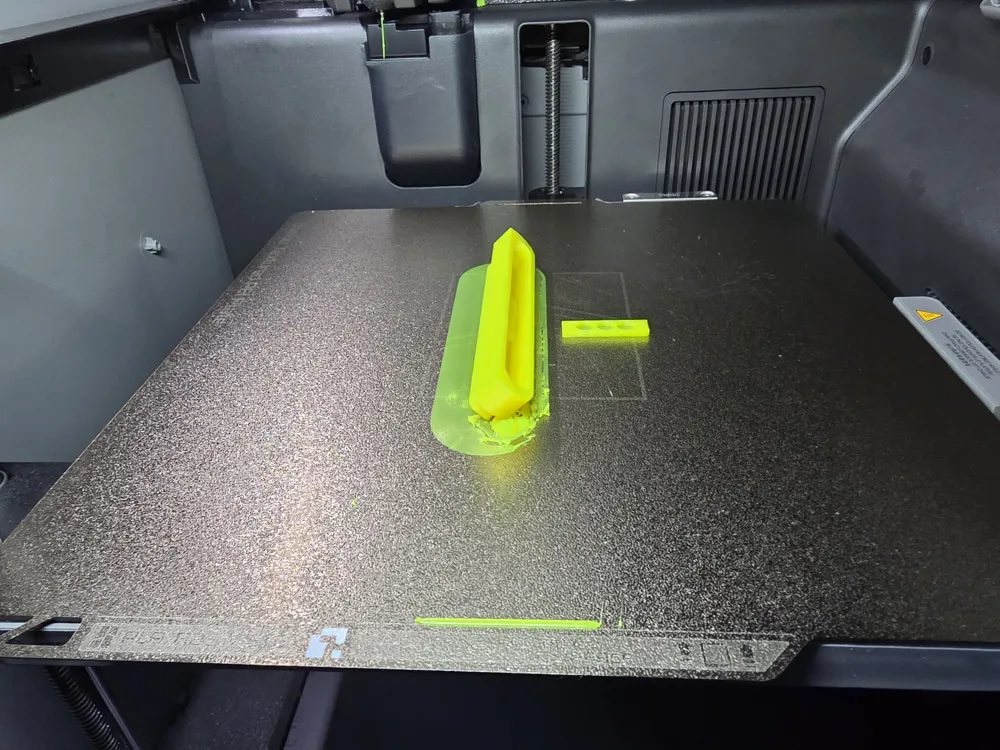
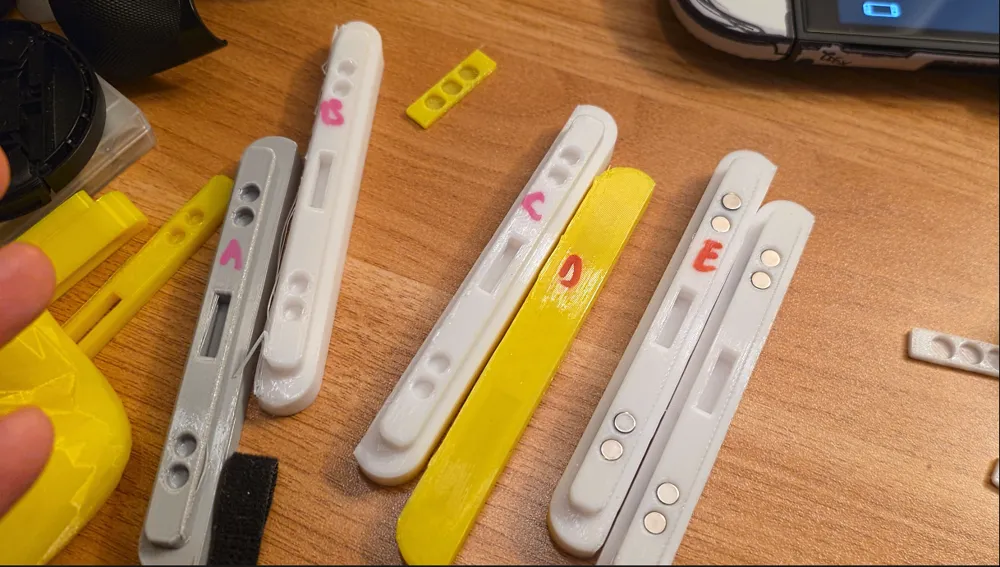
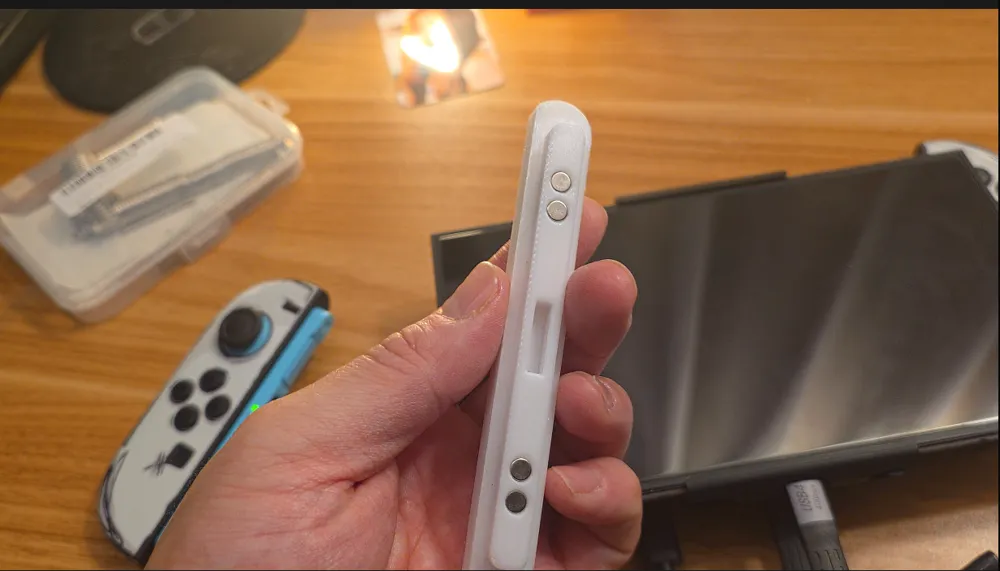
1. Print the inserts, use magnets 6x3mm magnets on the Joycon side and 5x3mm magnets on the tablet side. Affix the Joycon magnet cover using an adhesive.
2. Attach your Joydock or Pro Mobile Dock and then detach the Joycons.
3. Insert these XR Inserts (give me a better name if you have one please!)
4. Have fun!
Why is this model so terrible? It looks dangerous. You're right, it's still in the experimental phase, the detachment possibility (the Joycons or the insert from the tablet) is real. So if you're going to use this, I recommend EXTRA CARE WHEN HANDLING and DO NOT HOLD THE SWITCH 2 ONE-HANDED. I am working on a version 2, which should address this as well as a separate model for the Viture Pro mobile dock specifically… but I'm a complete newbie here and it'll take time.
Your feedback and suggestions are welcome, thanks everyone!
Here's the video explainer:
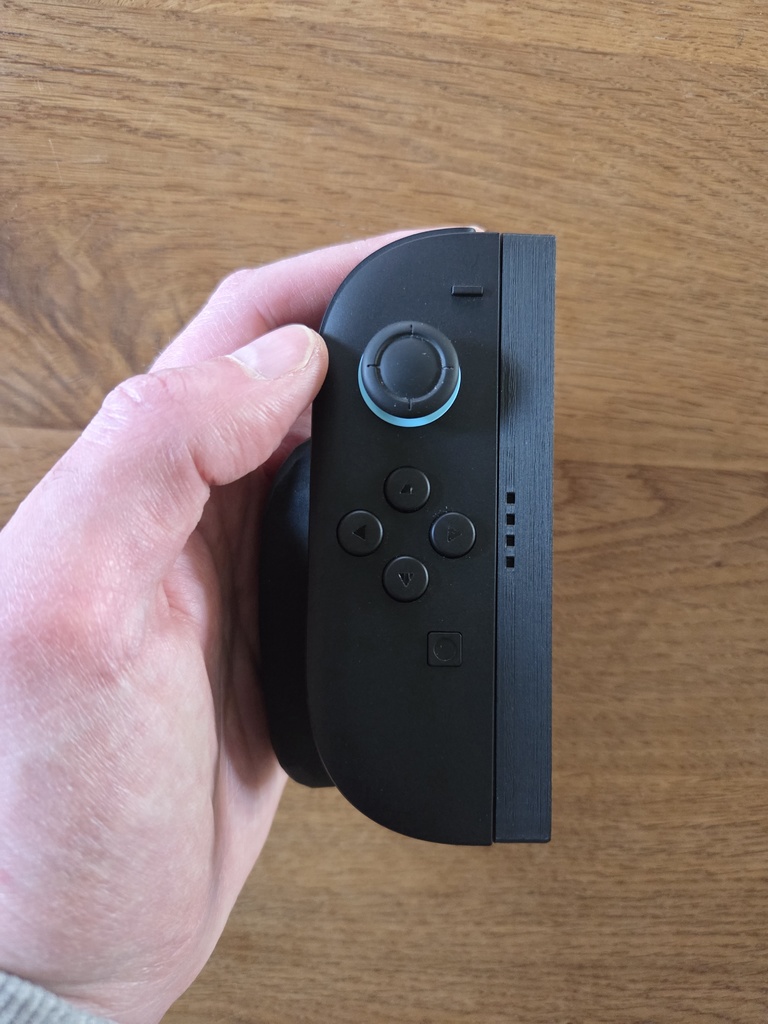
This remix is based on

License



Comment & Rating (2)