
iPhone 14 Case
Print Profile(2)
Bill of Materials

Description
Boost Me (for free)
Hello! If you like my work, please consider giving me a boost, it would really help me keep improving. <3
Membership
Support my work and unlock a Commercial License to legally sell 3D prints of my models!
iPHONE 14 CASE
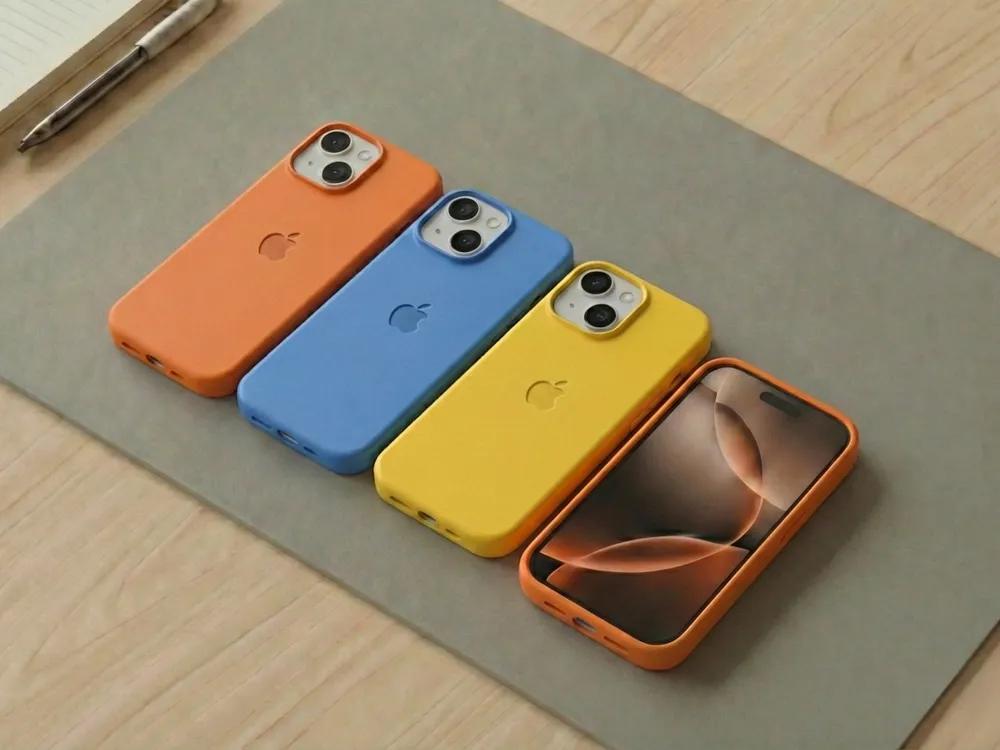
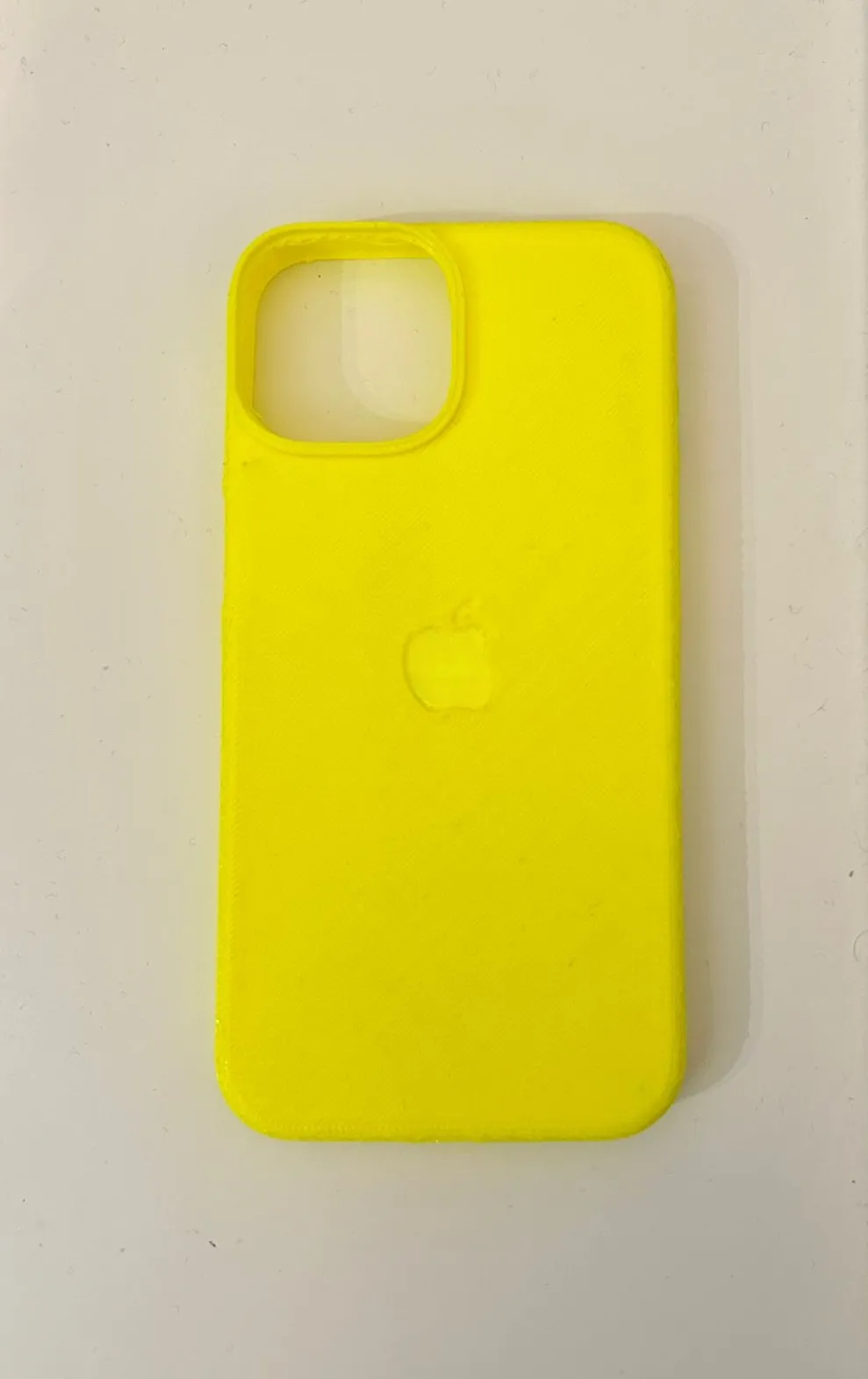
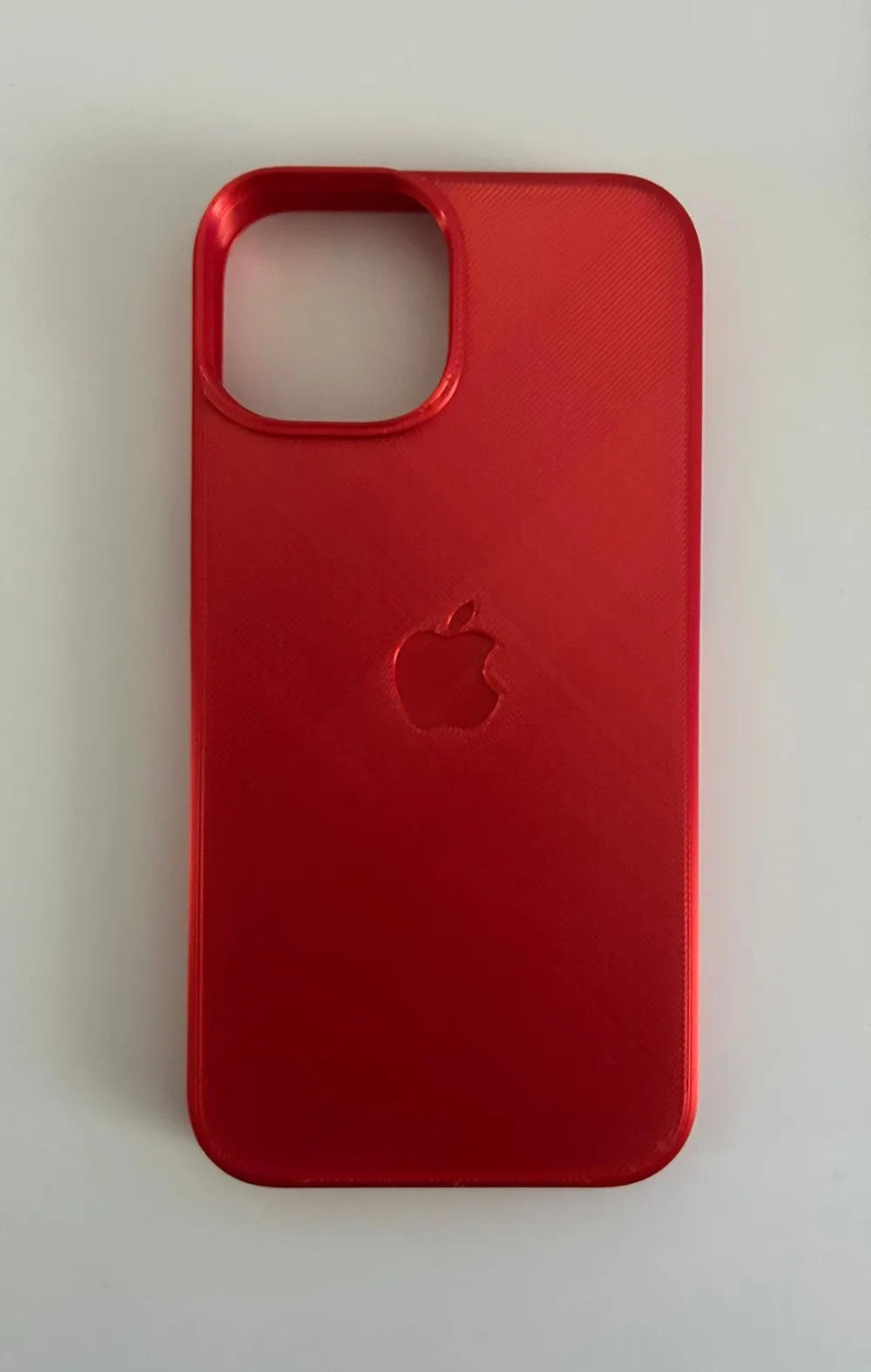
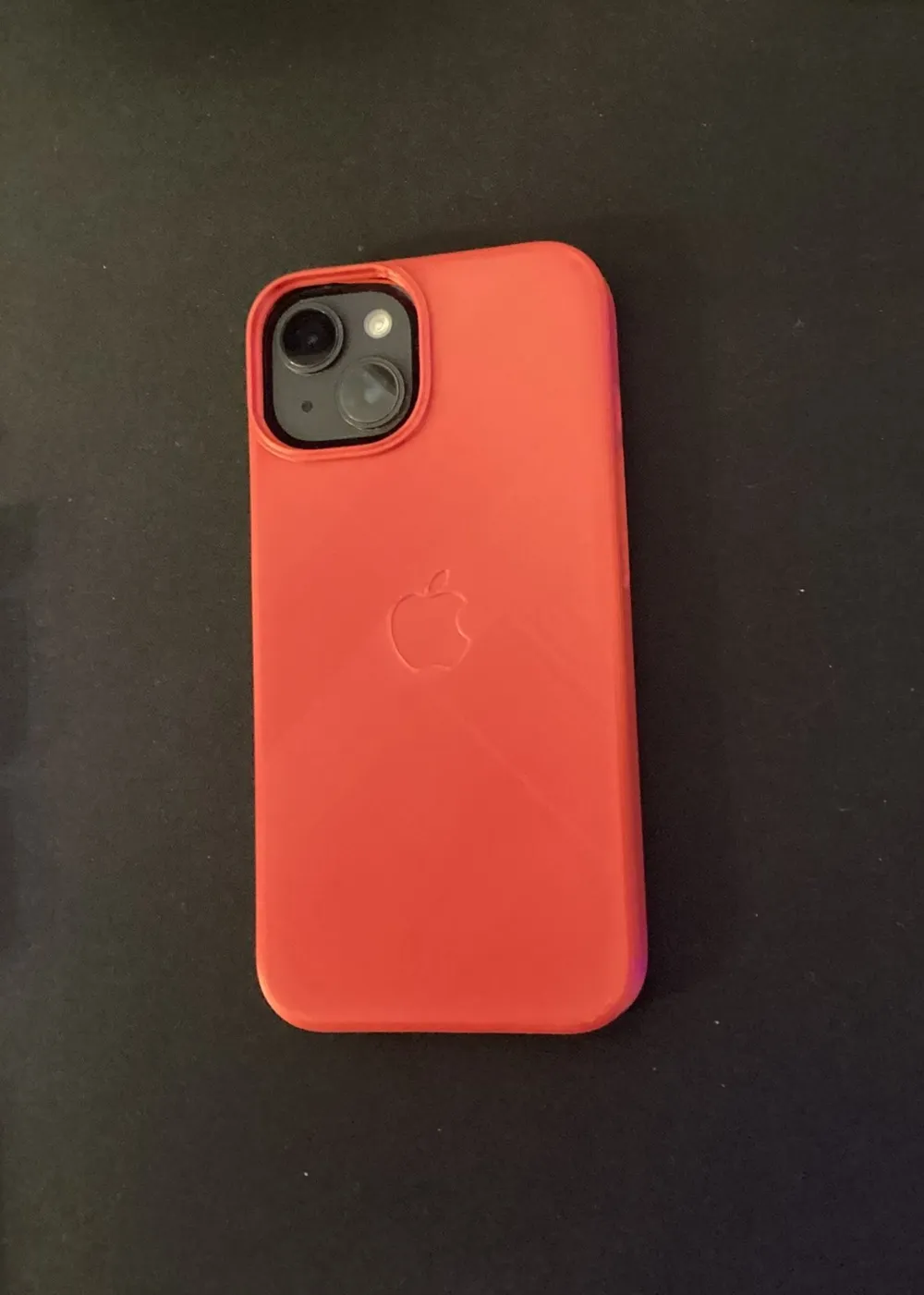
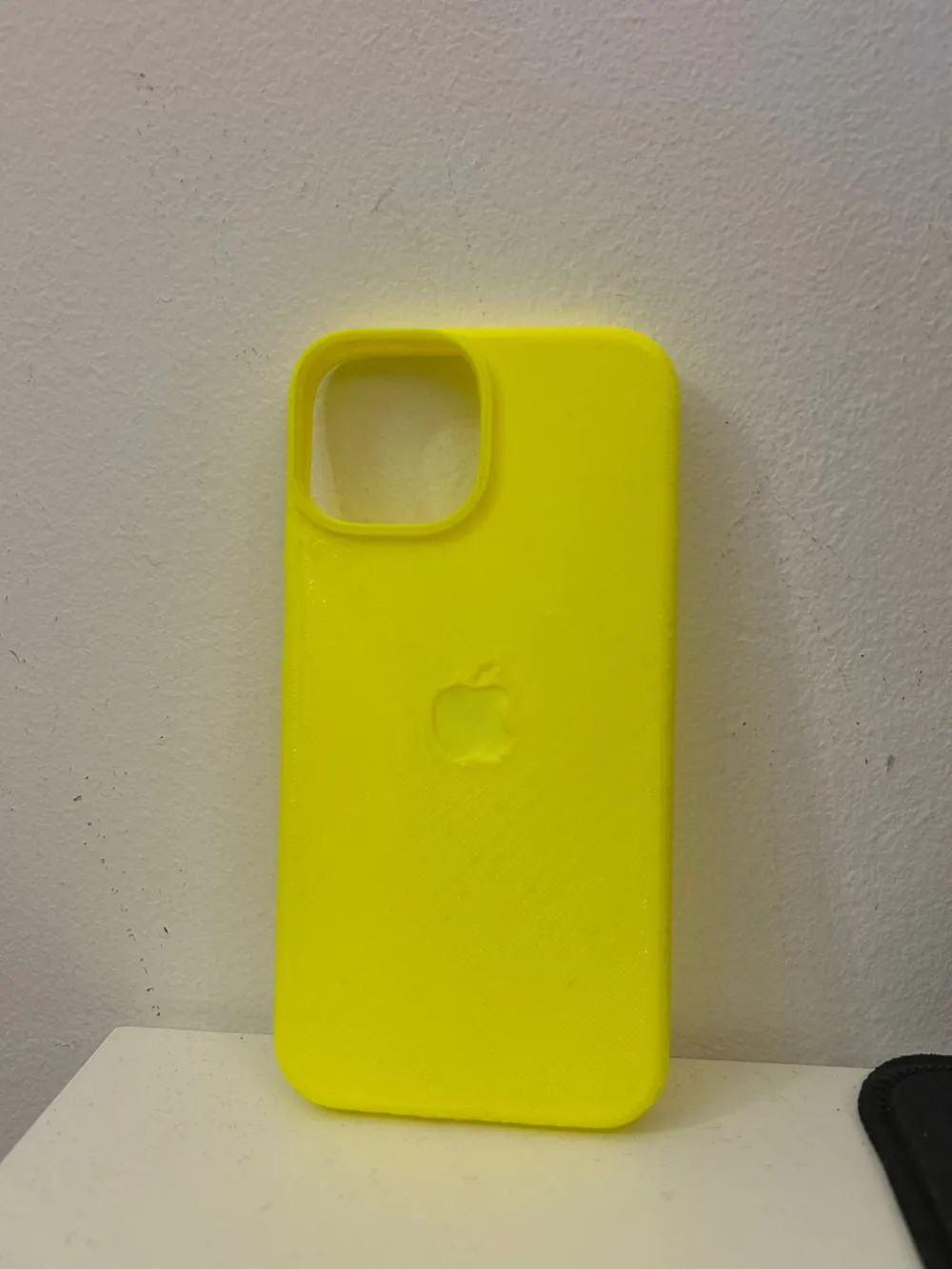
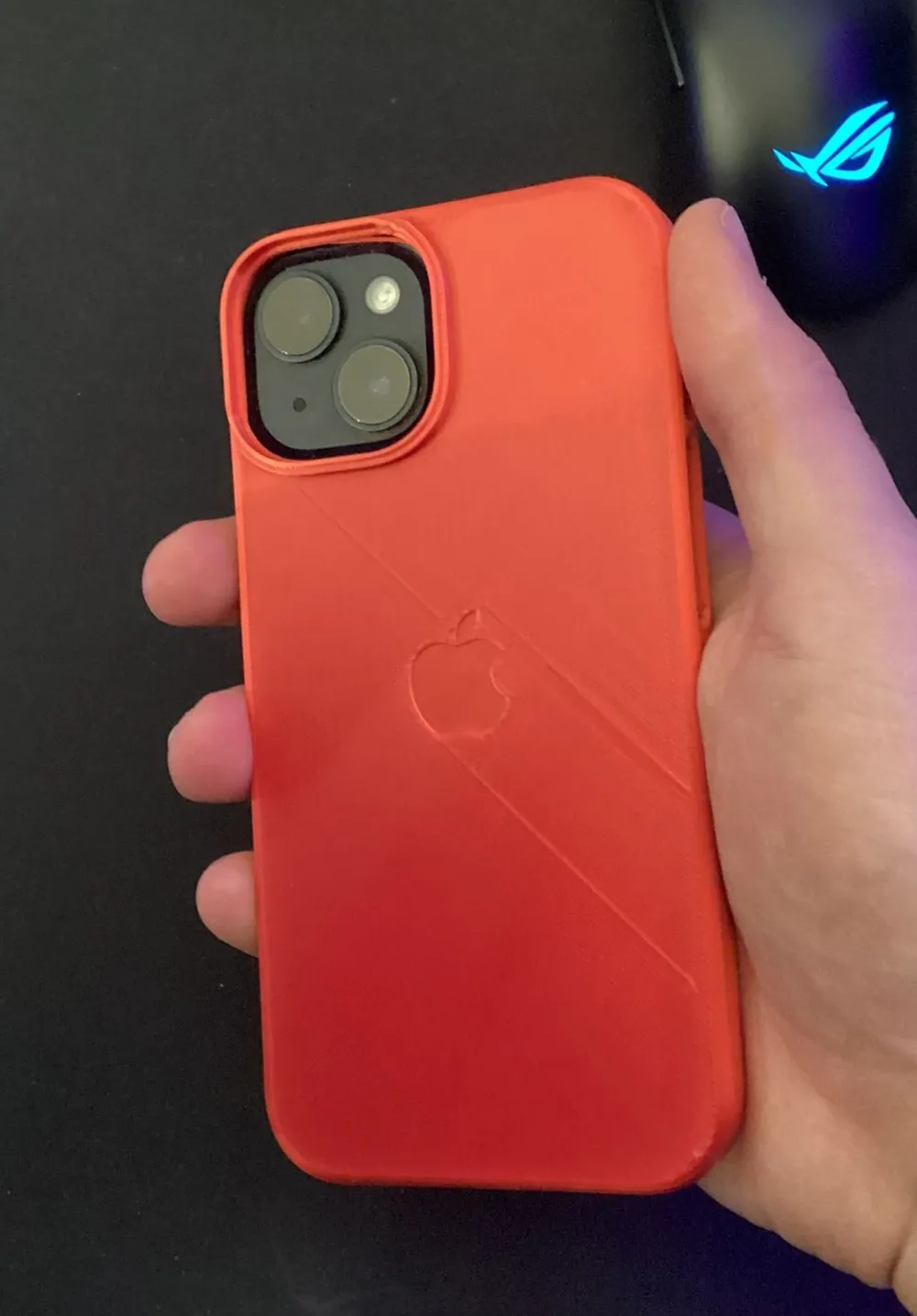
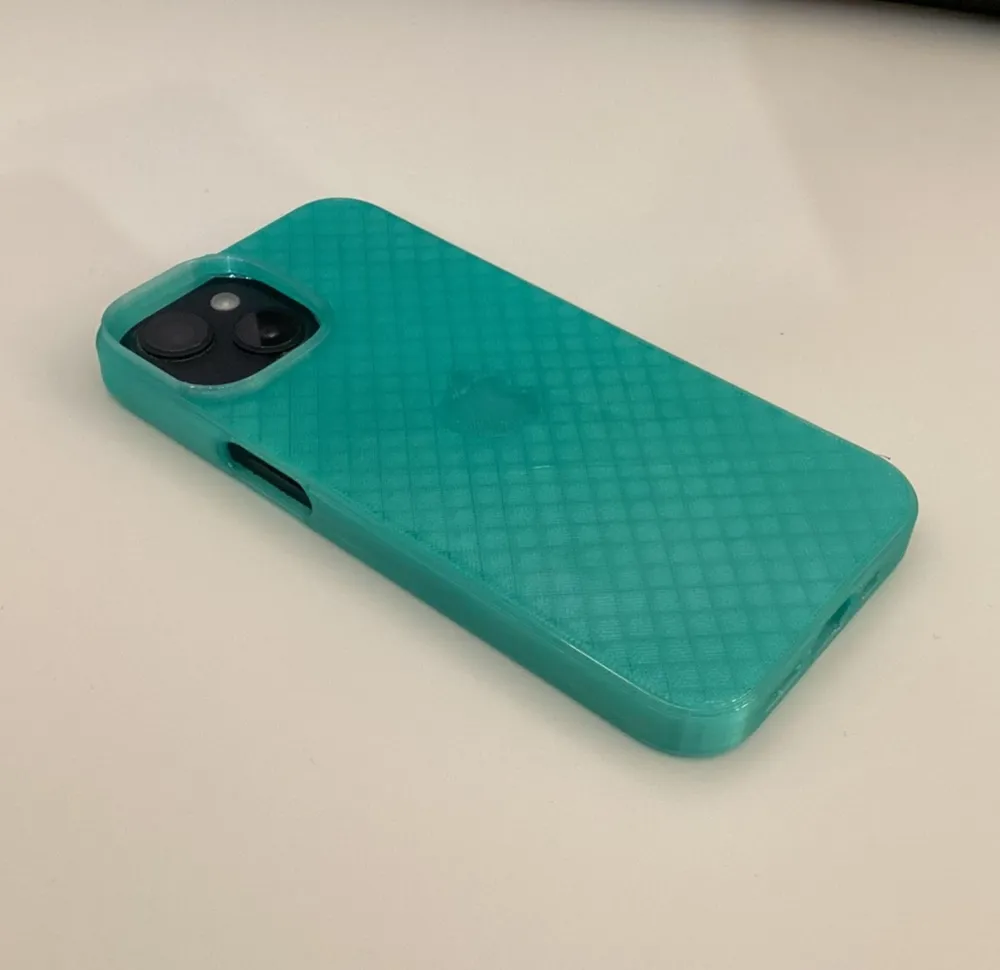
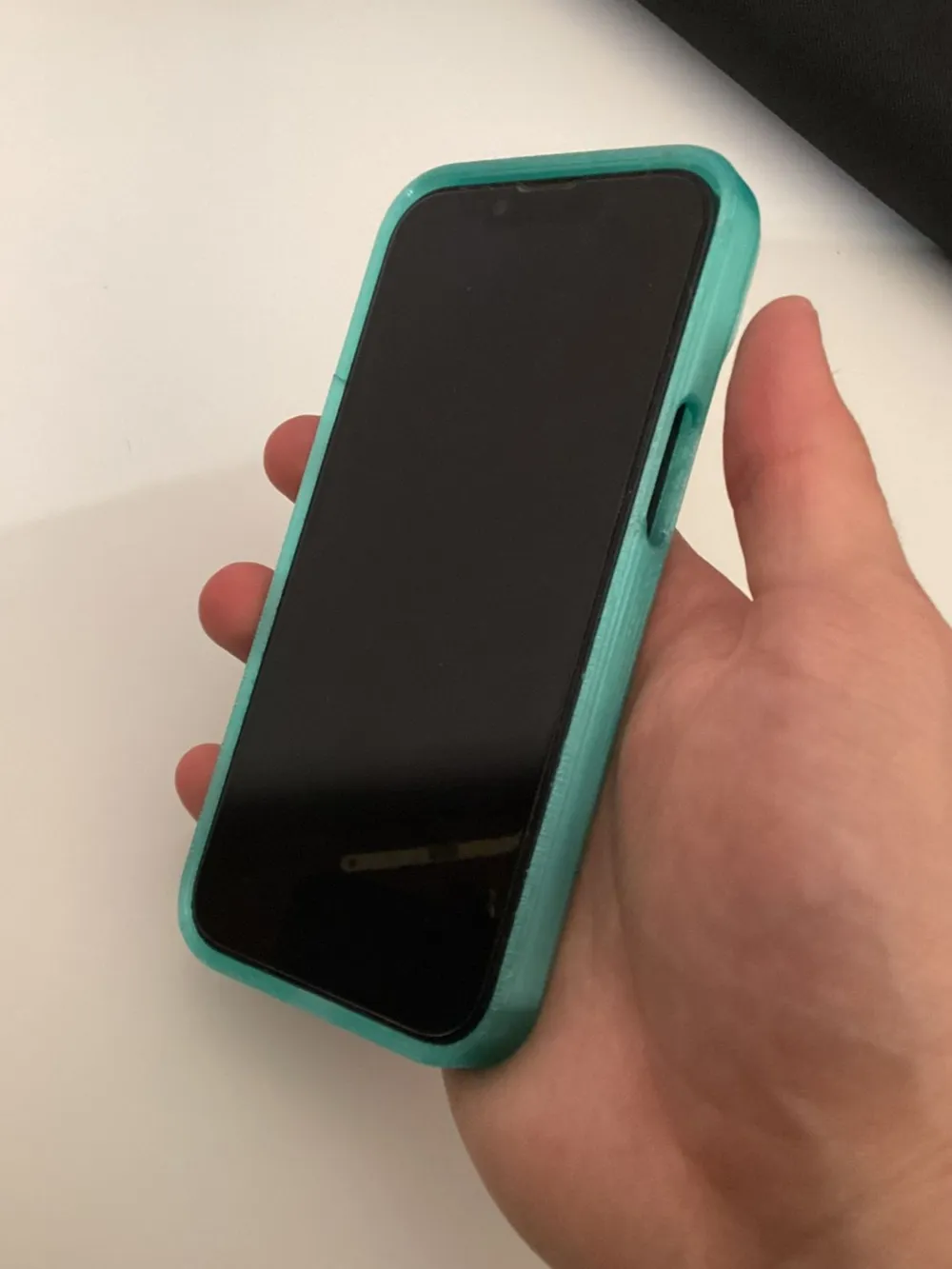
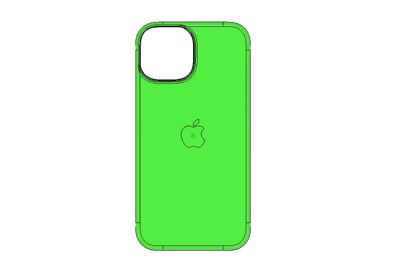
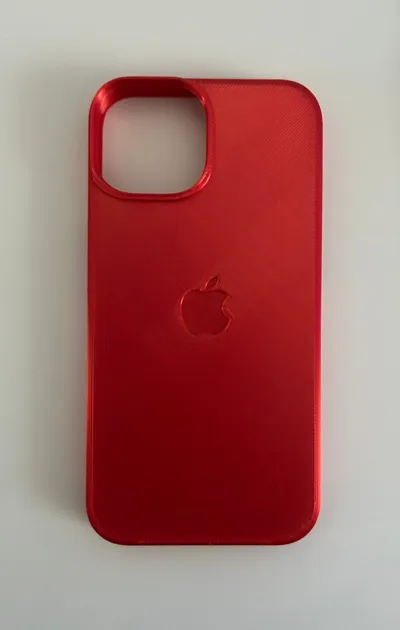
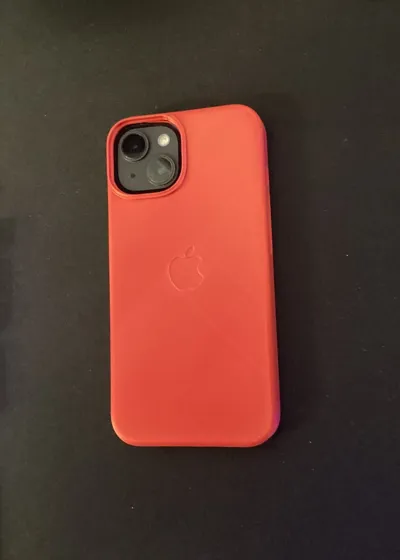
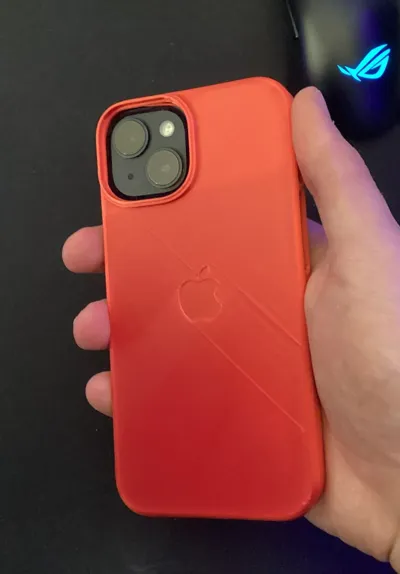
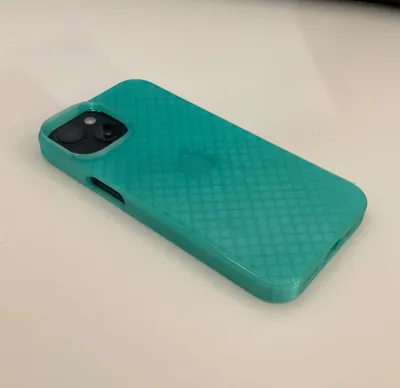
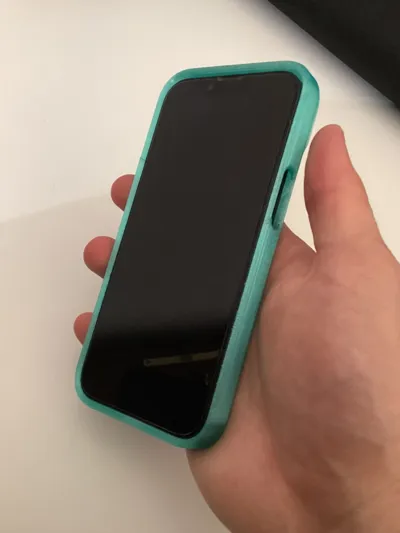
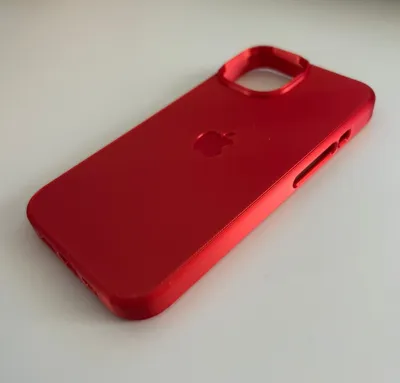
I designed this iPhone 14 cover myself, with a strong focus on both camera and screen protection.

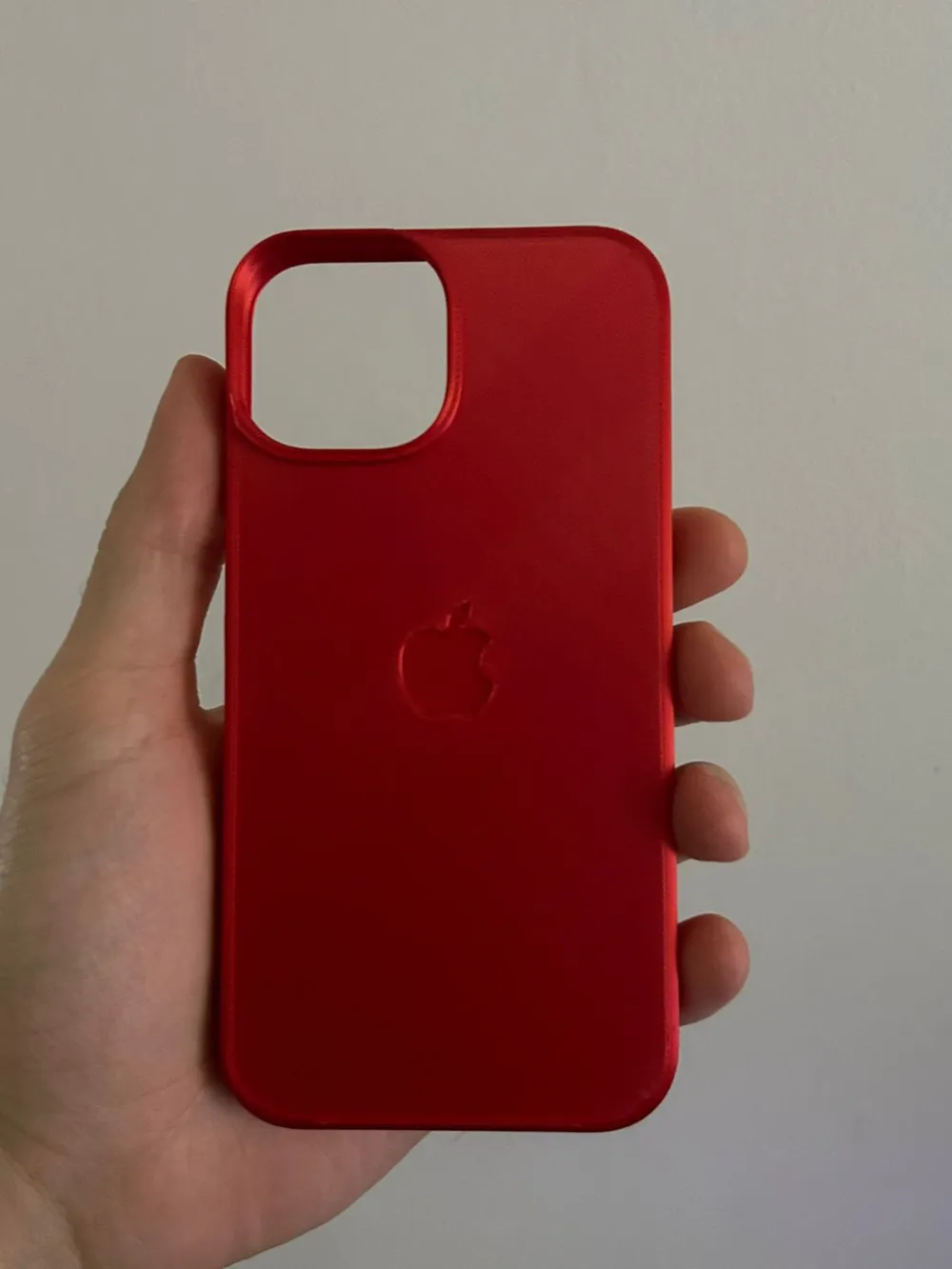
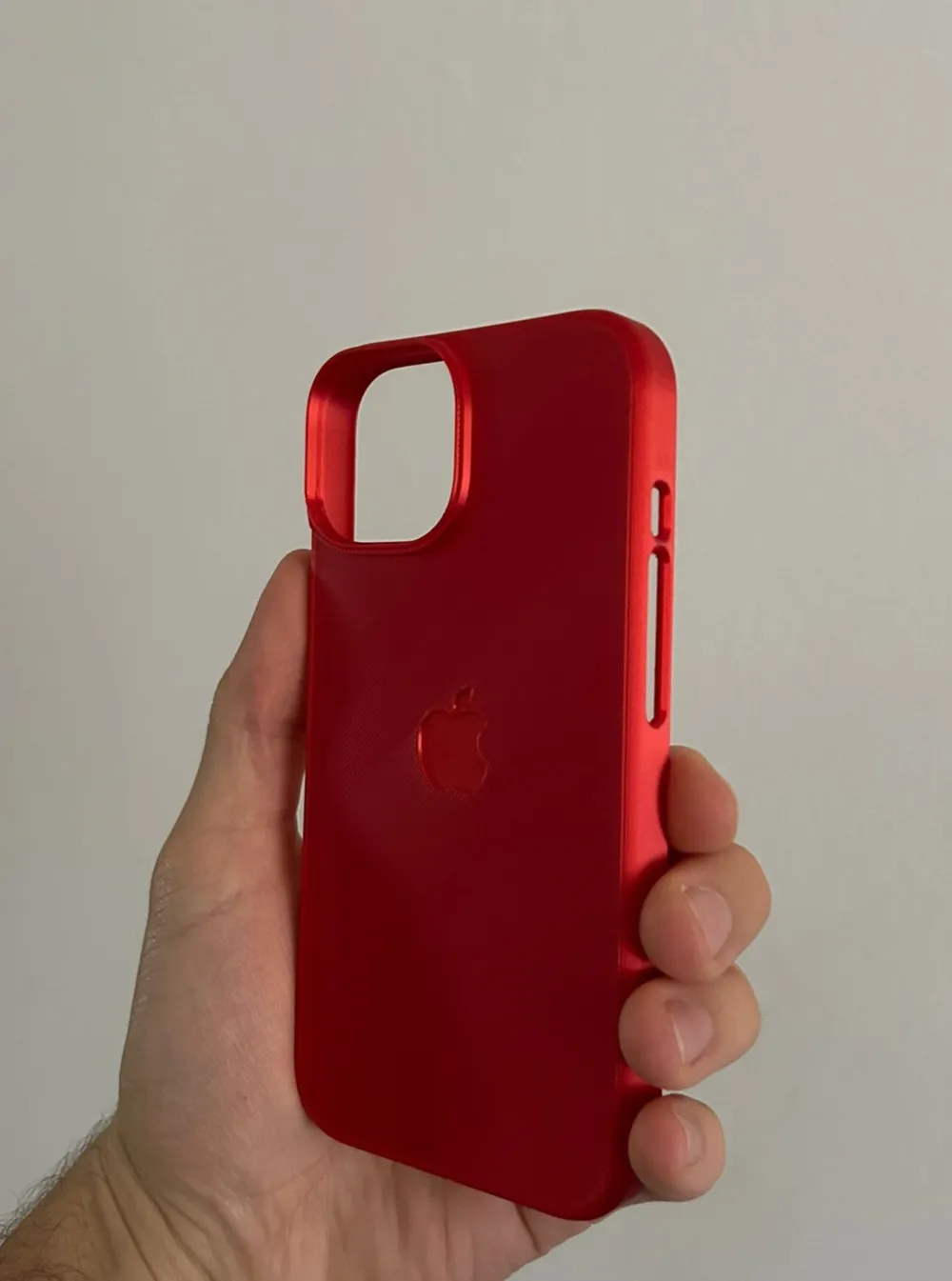
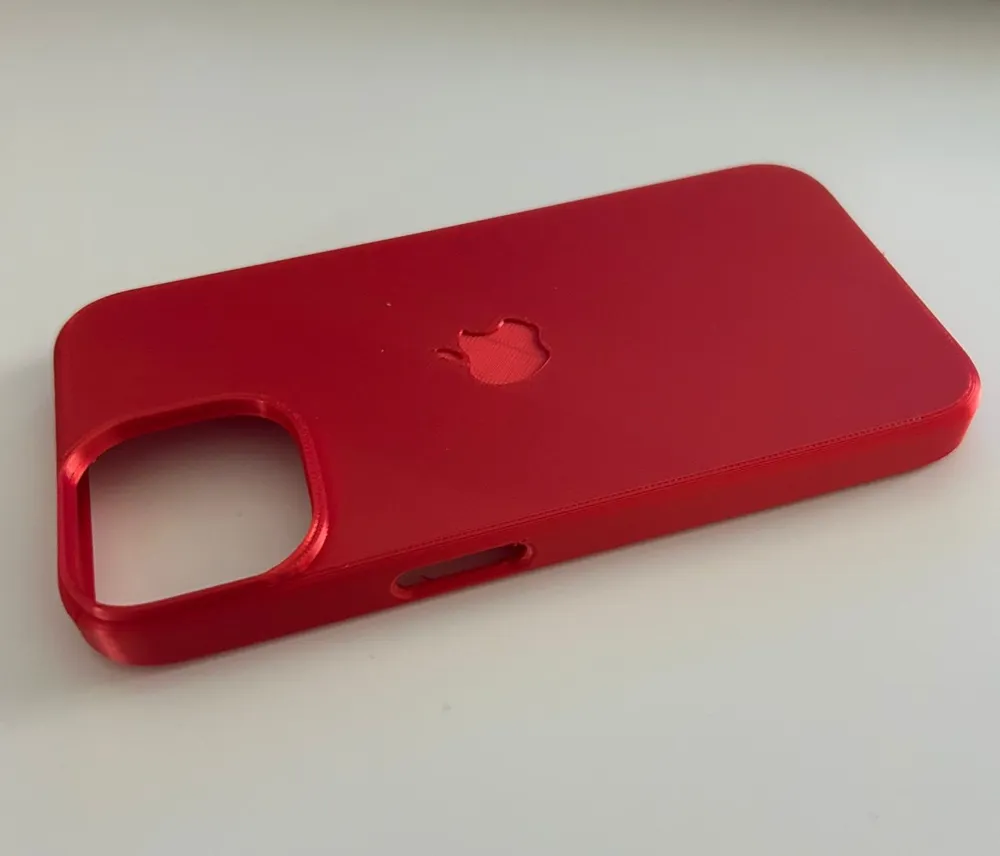
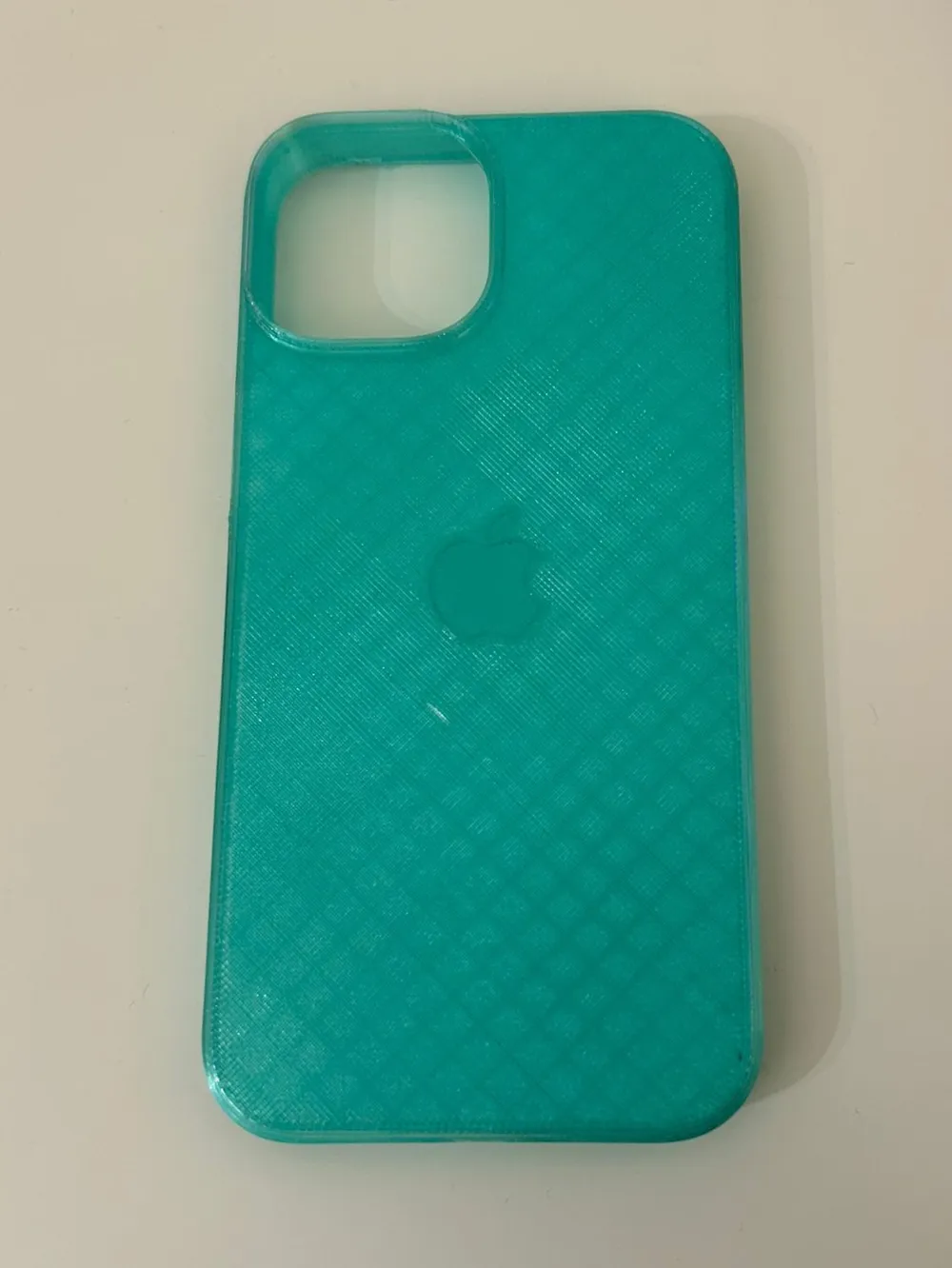
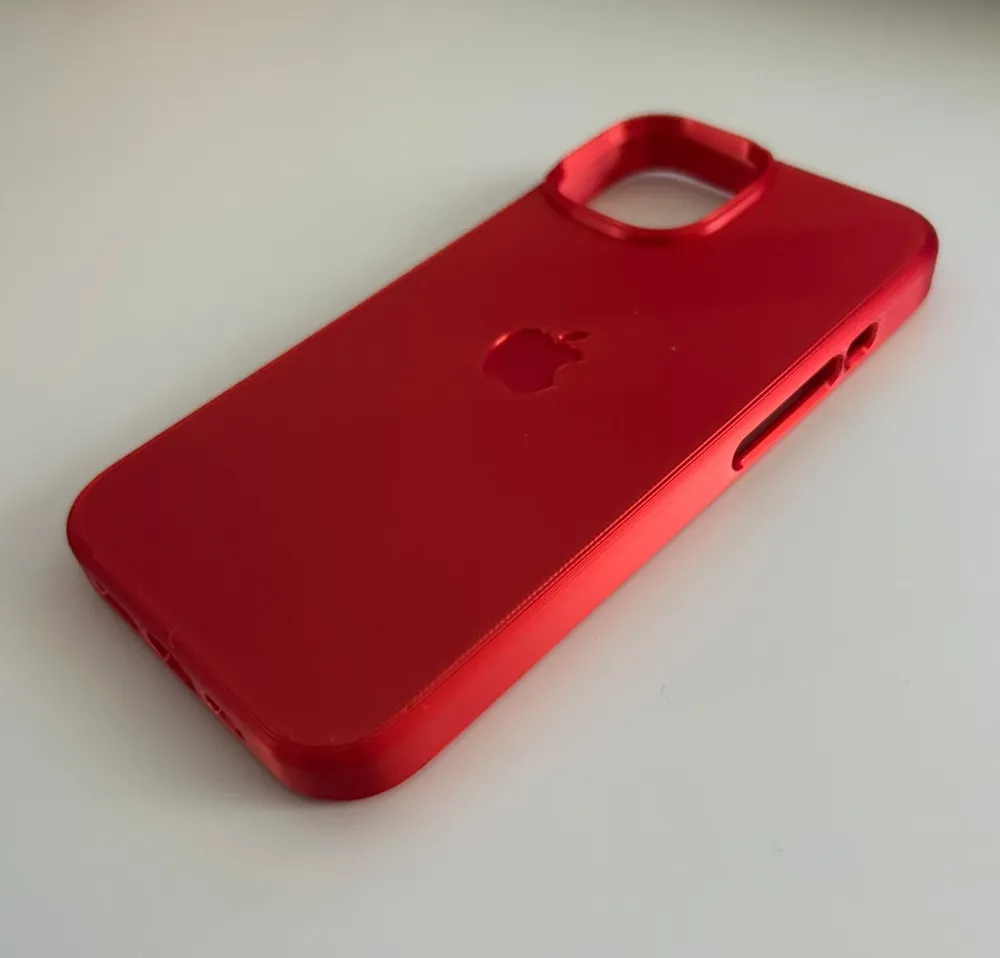
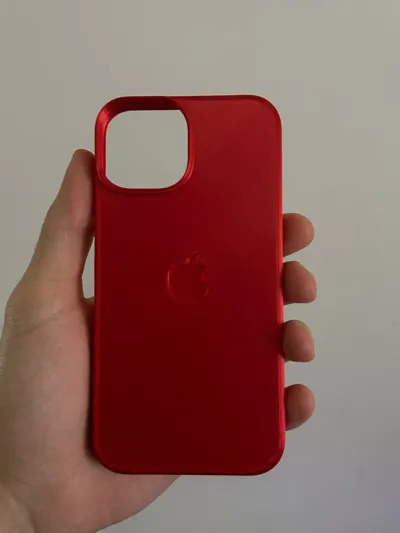
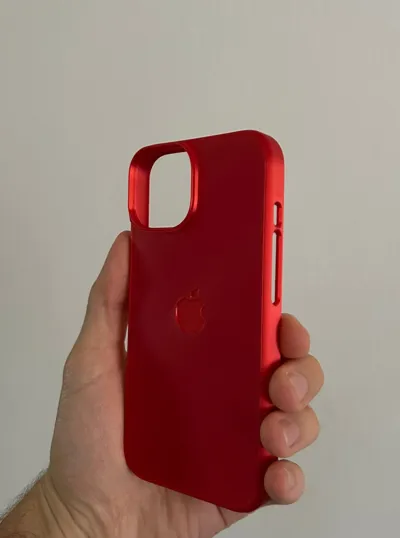
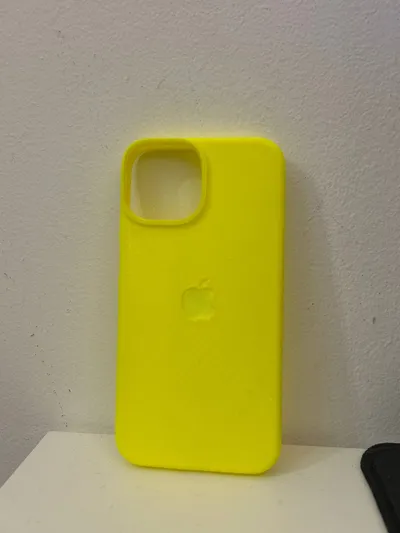
As you can see in the pictures, the case features raised bumpers around the camera and the edges, helping to protect the phone from impacts and scratches when placed on flat surfaces.
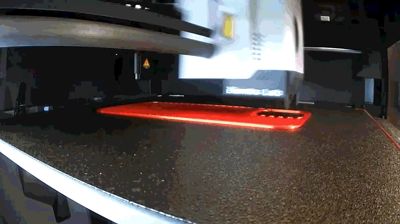
You can print it using the material you prefer. In the files you will find two dedicated print profiles:
- one optimized for TPU
- one for PLA, PETG, or rigid materials in general
The model has about 0.3 mm of tolerance, which is perfect for TPU prints.
For PLA and PETG, the corresponding print profile includes a 1% upscale, allowing you to fit the phone correctly. Keep in mind that removing the phone from PLA or PETG cases may require a bit of effort, the fit is very snug and secure.
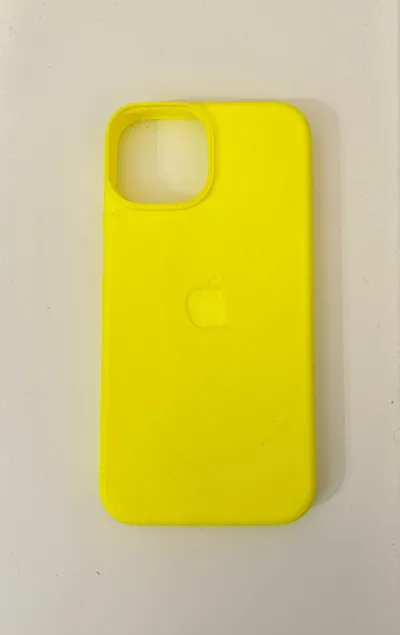
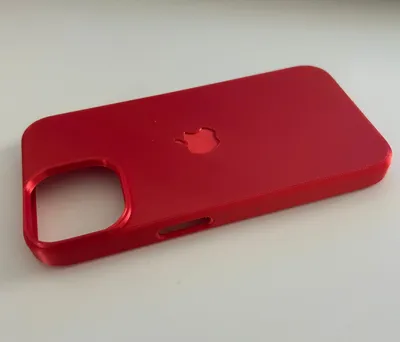
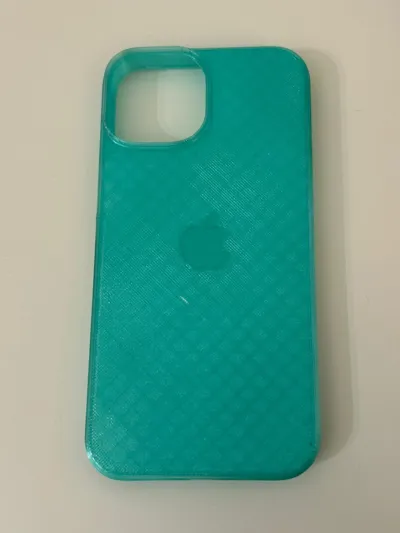
Among the photos, you can see the two prototypes I printed:
- the red one made in PLA Silk+
- the green one made in translucent PETG, where the internal layers are visible
The supports I set are Normal supports (instead of Tree supports), as they allow you to save more than one hour of print time. They are configured with a Z offset of 0.25 mm to help with removal. At first, they may seem difficult to remove, but I recommend starting from the camera cutout, begin there and you’ll be able to remove the supports in one piece by applying some force.
Pay a bit of attention around the more fragile areas, such as the button cutouts, and everything should come off cleanly.
For TPU prints, you may need to clean the holes using a blade or hobby knife. TPU has strong layer adhesion, and supports don’t always detach perfectly, so a small manual cleanup may be necessary.
Check also my other Iphone cover:
Iphone 14 Pro https://makerworld.com/it/models/2288724-iphone-14-pro-case#profileId-2497003%20
Iphone 15 https://makerworld.com/it/models/2299828-iphone-15-case#profileId-2509920
Iphone 16 https://makerworld.com/it/models/2092066-iphone-16-cover#profileId-2261599
Iphone 16 Pro https://makerworld.com/it/models/2288670-iphone-16-pro-cover#profileId-2496937
Iphone 17 Pro https://makerworld.com/it/models/2292411-iphone-17-pro-case#profileId-2501420%20
Iphone 17 https://makerworld.com/it/models/2292352-iphone-17-case#profileId-2501353

Printed on a Bambu Lab P1S with a hardened steel nozzle and designed in Fusion 360.
MD
License

You shall not share, sub-license, sell, rent, host, transfer, or distribute in any way the digital or 3D printed versions of this object, nor any other derivative work of this object in its digital or physical format (including - but not limited to - remixes of this object, and hosting on other digital platforms). The objects may not be used without permission in any way whatsoever in which you charge money, or collect fees.


Comment & Rating (61)