
Customizable 3D Name Keychain & Bag Tag
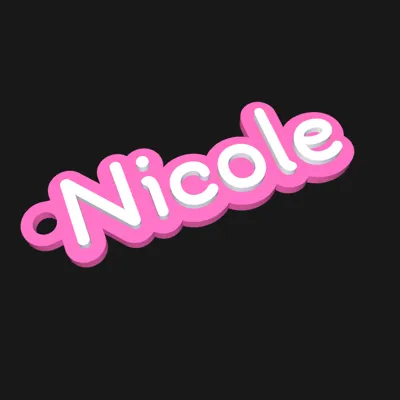
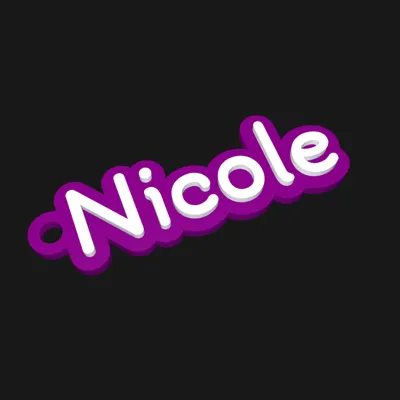
Print Profile(1)
Description
Customizable 3D Name Keychain & Bag Tag
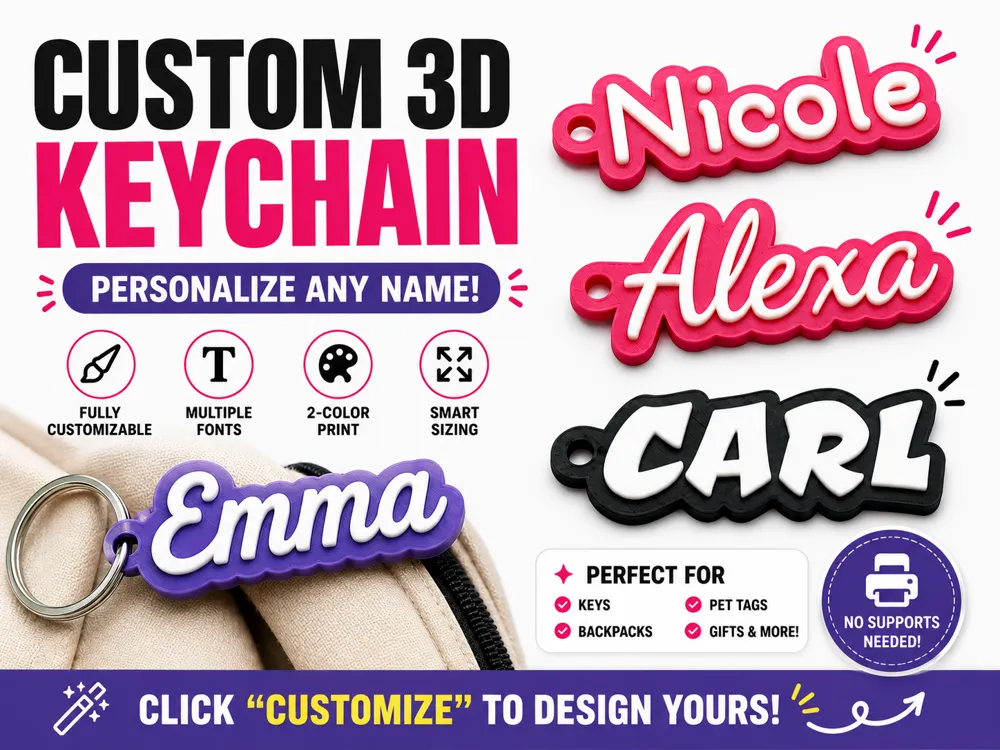
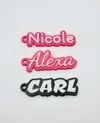
Make personalized gifts in seconds! This parametric model allows you to generate custom 3D printed keychains, backpack tags, and pet tags with just a few clicks. No 3D modeling skills required!
✨ Click the "Customize" button to start designing yours! ✨
Key Features
- Fully Parametric: Type any name, choose your font, and pick your colors.
- Smart Sizing: The "Lock Size" feature ensures your keychain is always the perfect length (e.g., 60mm), regardless of how long the name is.
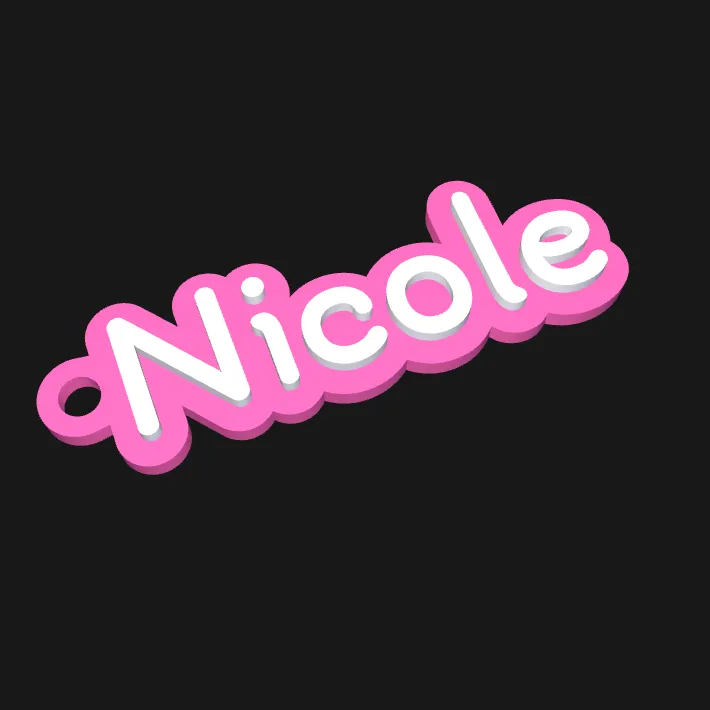
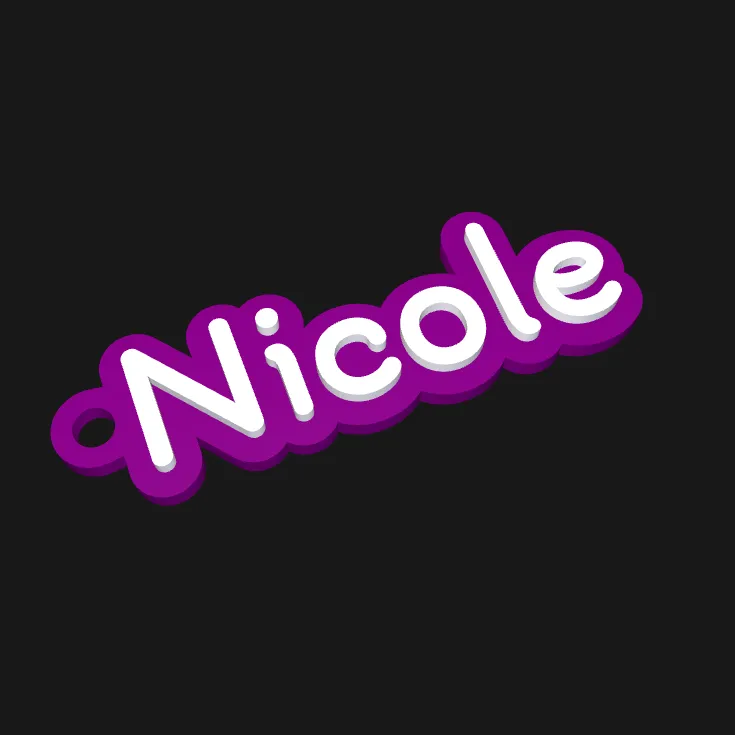
- Perfect Multi-Color: Designed for easy 2-color printing. The text is raised and distinct from the base.
- Robust Keyring Hole: The hole position automatically adjusts to fit your text perfectly, or you can manually move it exactly where you want it.
How to Customize
- Click the "Customize" button.
- Text: Enter the name or word you want.
- Font: Choose from fun styles like Chewy (Bubble), Bangers (Comic), Press Start (Pixel), or standard Bold fonts.
- Colors: Select your preview colors for the Base and the Text.
- Download: Click "Generate" and download your customized STL or 3MF!
Printing Instructions
- Material: PLA, PETG, or ABS.
- Layer Height: 0.20mm (Standard) or 0.16mm (High Quality).
- Infill: 15% to 100% (100% is recommended for a heavy, durable feel).
- Supports: 🚫 No supports needed. Print flat on the plate.
Color Changing (For AMS or Manual)
- Bambu Lab AMS: simply paint the "Text" object one color and the "Base" object another color in Bambu Studio.
- Manual Swap (No AMS): The text starts at 2.0mm height. You can add a "Pause at Height" at layer #11 (if using 0.2mm layers) to swap filament manually.
License

You may create derivative works based on this object, provided that all such derivative works are published exclusively on the MakerWorld platform and include proper attribution to the original creator. You may not share, upload, host, distribute, or publish this object—or any derivative work of this object—on any other digital platform, marketplace, or distribution channel. Commercial use of this object and any derivative works is strictly prohibited. This includes, but is not limited to, selling, renting, sublicensing, or using the object in any context in which you receive monetary compensation or other financial benefits.


Comment & Rating (2)