
SD Card Storage Bookshelf - Multiple Book covers



Print Profile(3)

Description
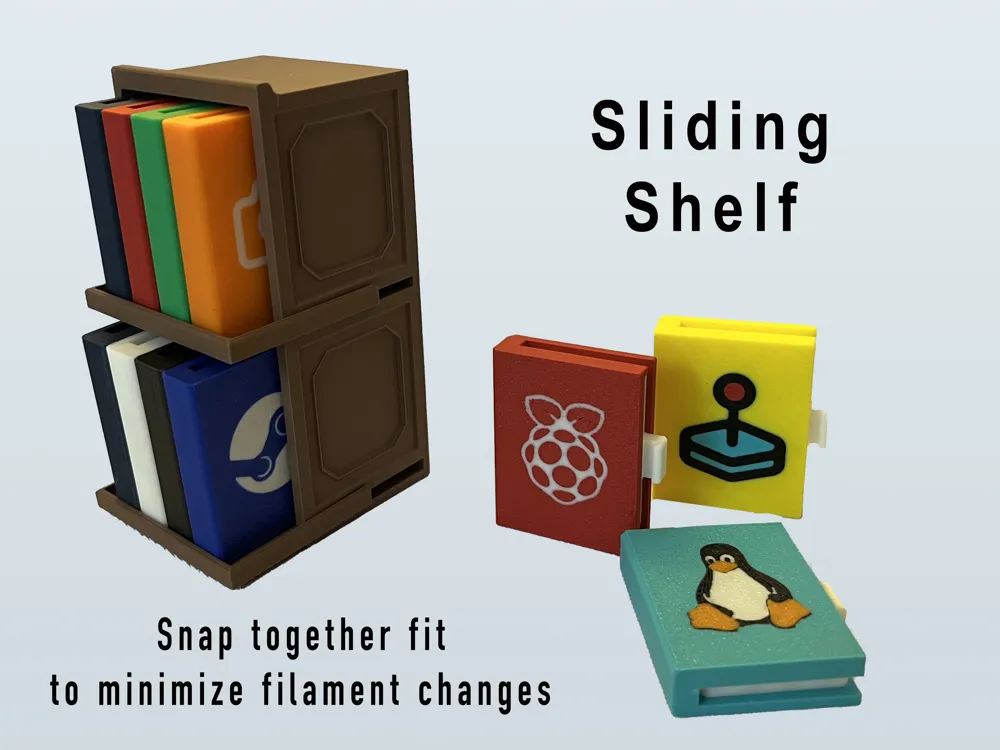
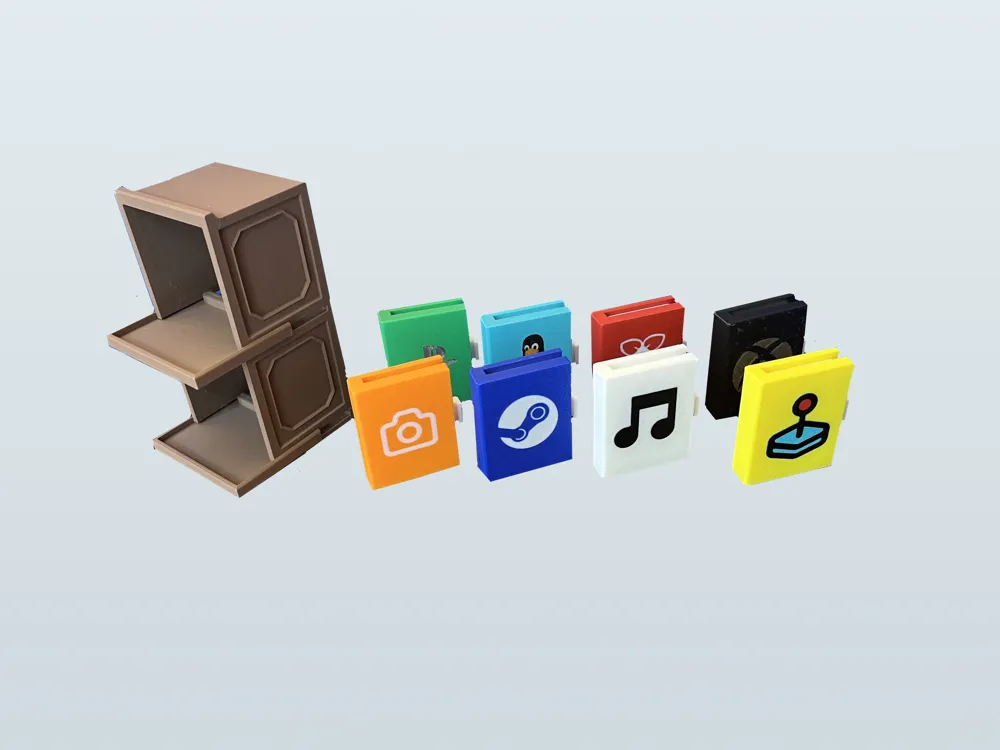
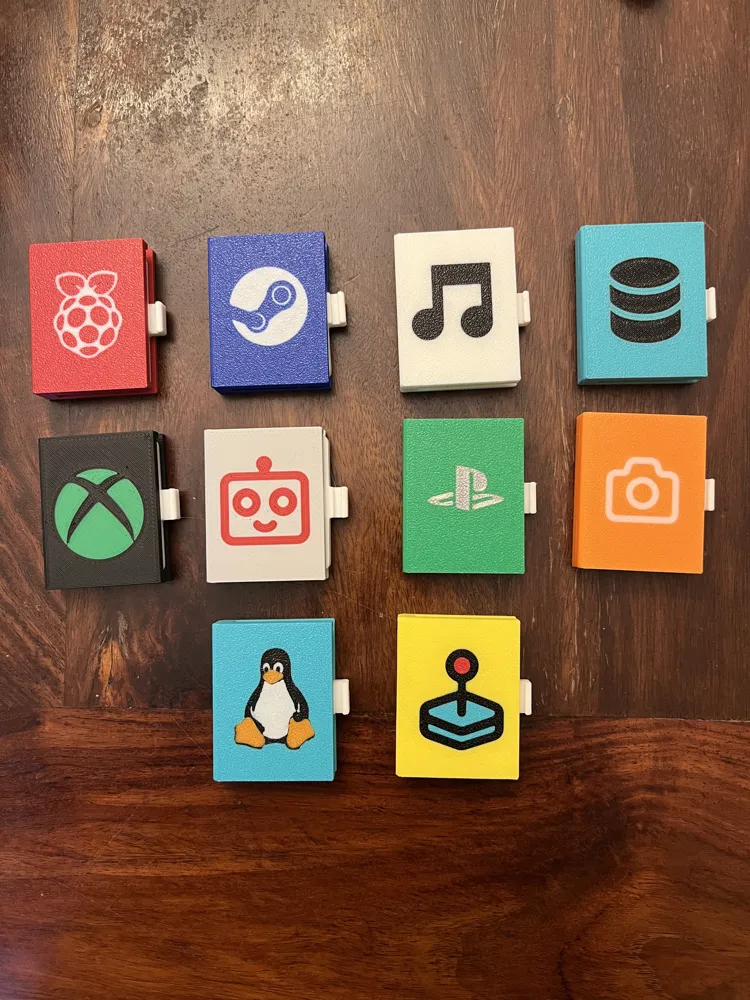
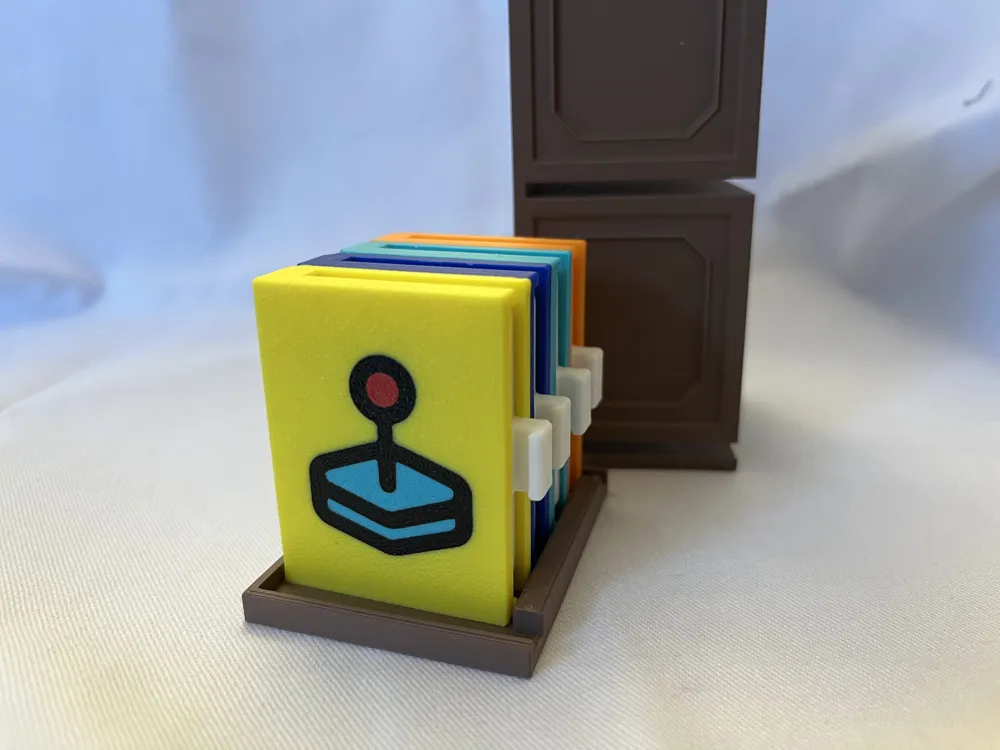
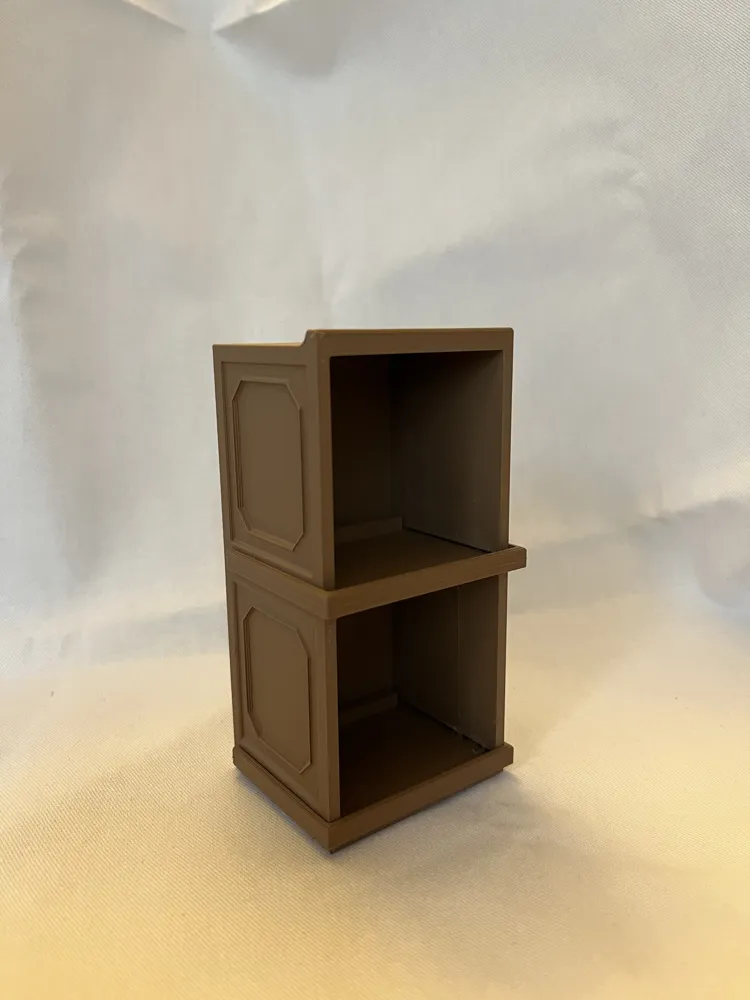
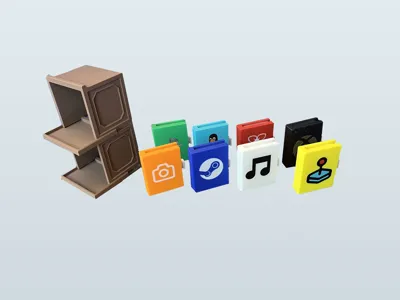
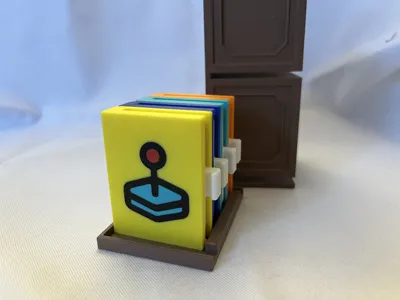
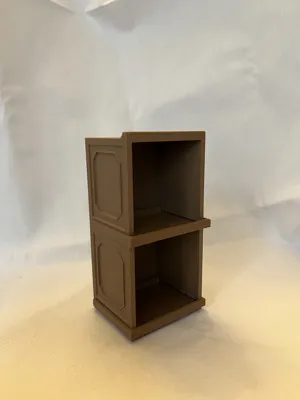
An SD card storage system that looks great on your desk with multiple options for book covers! The shelves pull out like drawers to keep the books in place and allow for easier access. I made multiple book covers using popular logos and icons related to what a person might store on an SD card. 3 separate tolerance options for the back of the book are included, pick the ones that works best to snap to your covers.
2 different book designs are included with blank options for both styles:
- Snap together cover + back for multi color printing
- Complete book with embedded text on the spine or cover, no assembly necessary, just slide in the card holder
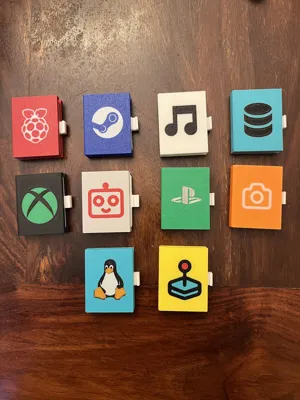
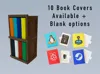
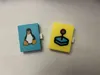
Cover Logo Options: Raspberry PI, Steam, Linux, Xbox, Playstation
Cover Icon Options: Camera, Music Note, Joystick, Database, Robot
2 Special covers (Linux logo/Joystick icon) are included that use AMS painting. These are on the separate file called “AMS painted Books”
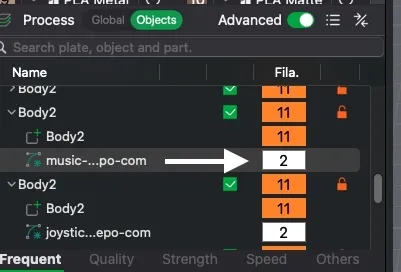
IMPORTANT! The main file includes only dual color book covers with the Logos/Icons added as SVG modifiers. Logos are blue/white, Icons are orange/white. To change the color you will need to make sure the filament color is properly selected in the object level settings (See screenshot). If you don't see 2 color options when slicing the plate check that you have a separate filament defined within the object body. The idea is that you can customize your color combinations, so I uploaded with a default dual color scenario.
Tolerances/Build Plates:
The back cover has 3 tolerance levels for snapping on the decorated side.
I printed books using PLA basic, PLA Matte, PLA metal on both a textured PEI plate and a cool plate super tack.


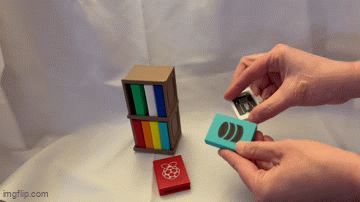
The best “snap together” results were on the textured PEI plate with the .2 tolerance. Because these snap together, a tiny visible seam is a present, but I did my best to minimize it. A tap or two with a rubber mallet does make it almost invisible. Once they snap together they are likely not coming apart. I included gif of me awkwardly trying to put together the books without directly looking at them.
If you are using a cool plate super tack then you will either need a drop of glue for the middle tolerance or snap fit the 0.1 tolerance and tap with a rubber mallet to minimize the seam. At least this was my experience - the cover art looked great, but the seam was harder to hide. I went with glue for the ones printed on the cool plate.
If you are not using logos/icons and want to print the upright full book you should get a good snug fit with the card holder included using the provided settings, which are basically the default settings just slightly slowed down.
If you customize your own covers with different things please post a pic, I would love to see them along with other color combinations! SvgRepo is a great online resource to find options.
Boost Me (for free)
If you like this model a boost is a wonderful way to say thanks!
License

You may create derivative works based on this object, provided that all such derivative works are published exclusively on the MakerWorld platform and include proper attribution to the original creator. You may not share, upload, host, distribute, or publish this object—or any derivative work of this object—on any other digital platform, marketplace, or distribution channel. Commercial use of this object and any derivative works is strictly prohibited. This includes, but is not limited to, selling, renting, sublicensing, or using the object in any context in which you receive monetary compensation or other financial benefits.


Comment & Rating (4)