
Whirligig Spinner Fidget - 4 Rings
Print Profile(2)


Description
Membership
Love printing my models? Grab a membership and unlock unlimited commercial rights to sell as many physical copies as you want! Whether you’re running a small shop, hustling at craft fairs, or just funding your filament addiction, this is the easiest way to turn your printer into a money machine. Plus, your support helps me keep creating even more awesome models for the community. Win-win!
Boost Me (for free)
Like what you see? Boost me! More FREE Boosts = More FREE Models!
Boost Me (for free)
Like what you see? Boost me! More Boosts = More Free Files!



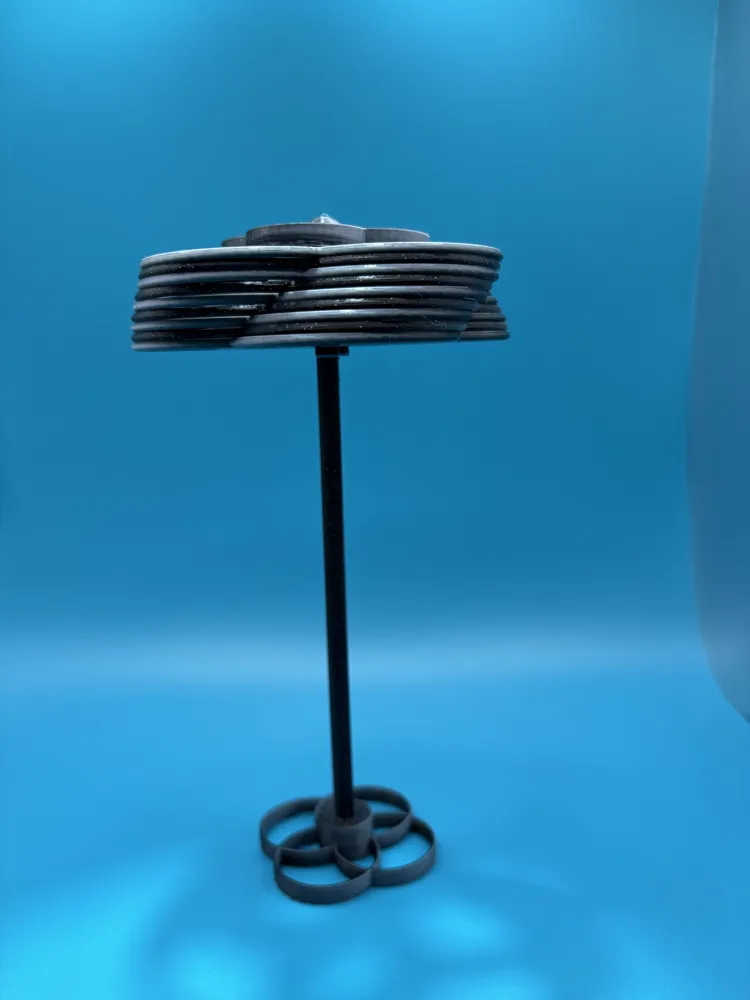
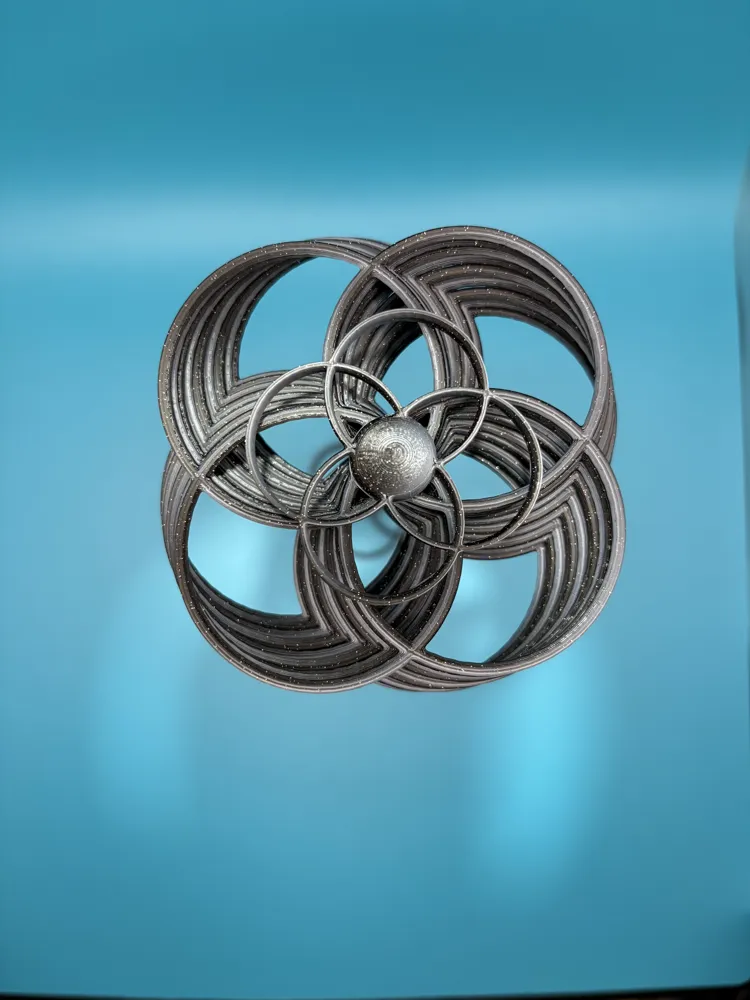
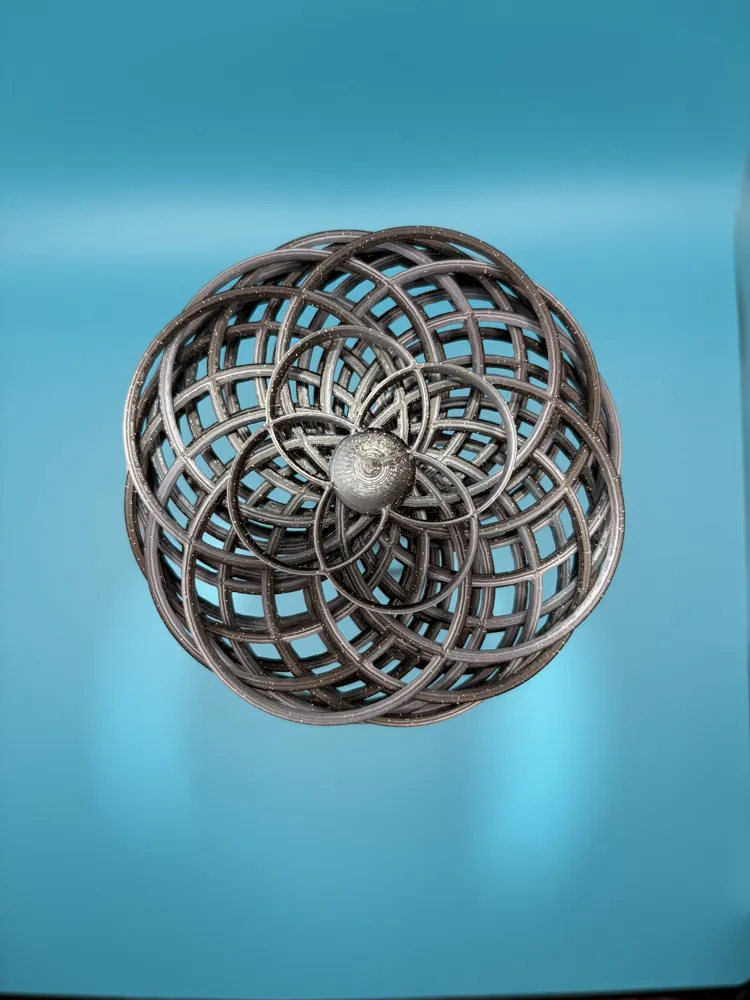
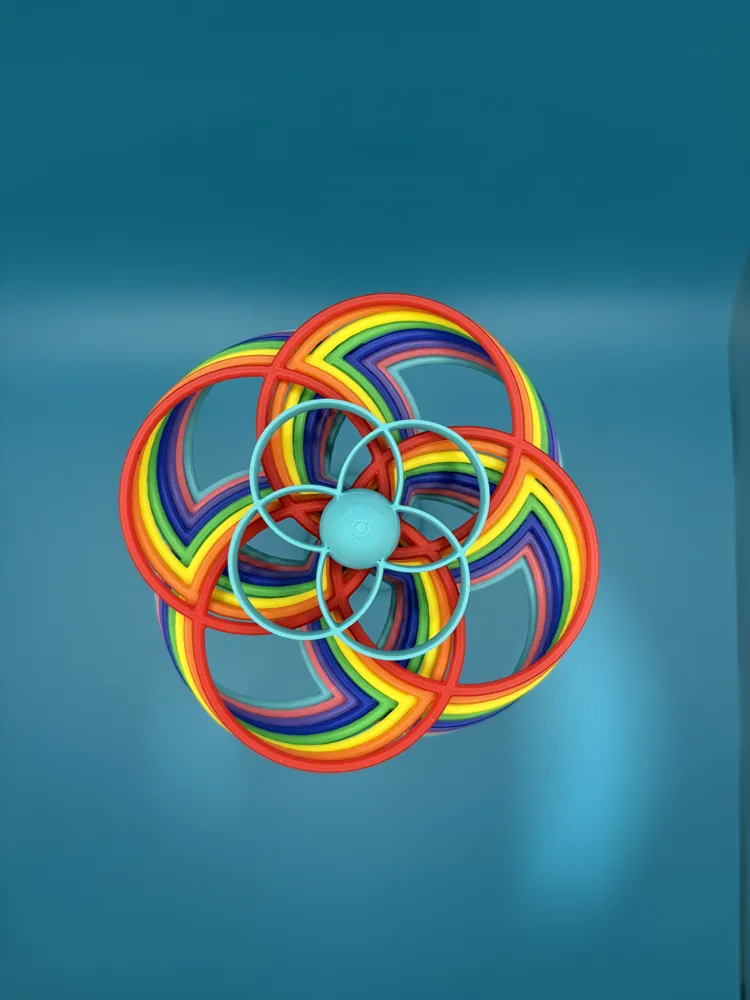
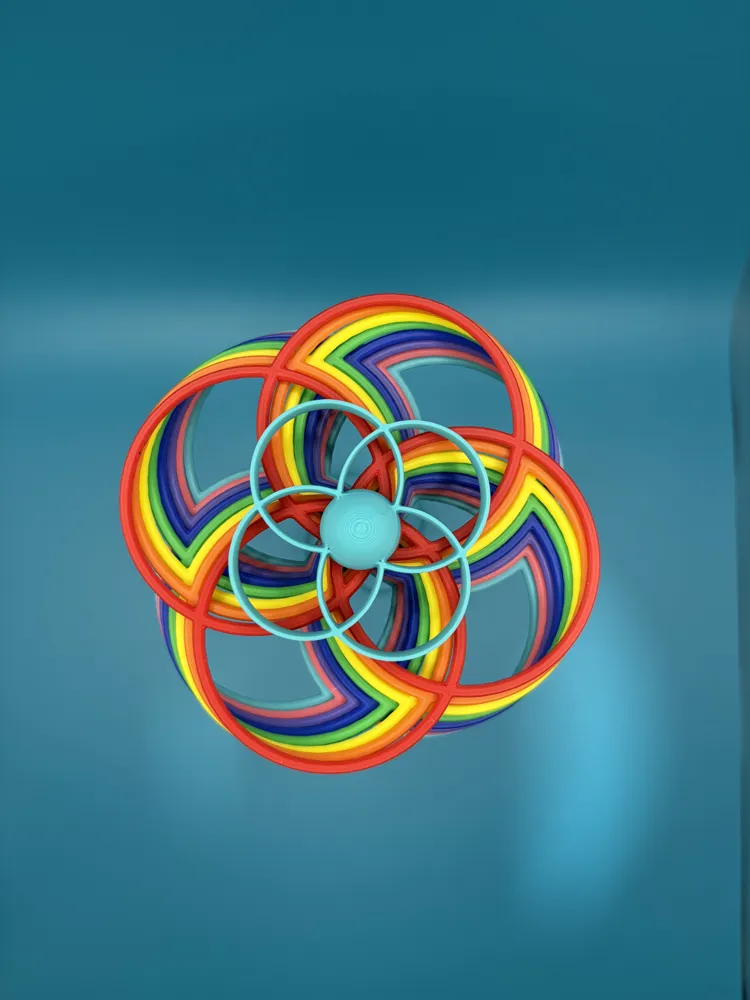
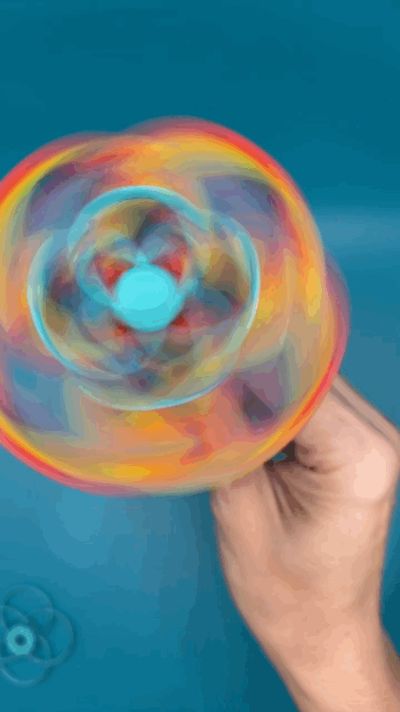
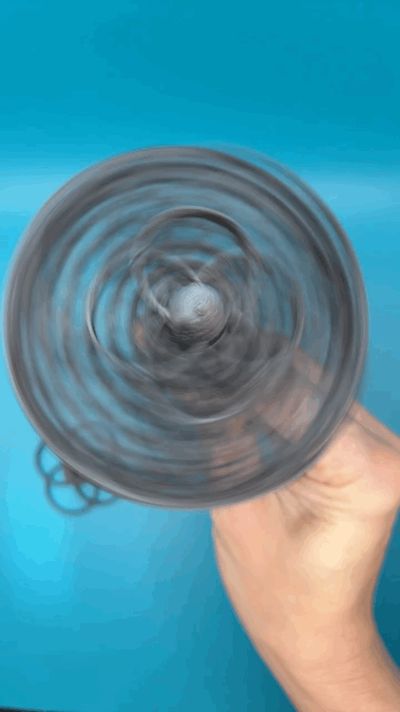
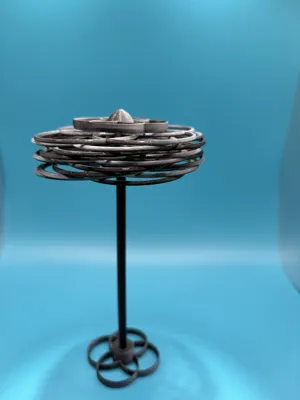
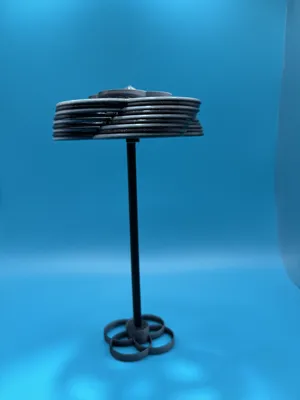
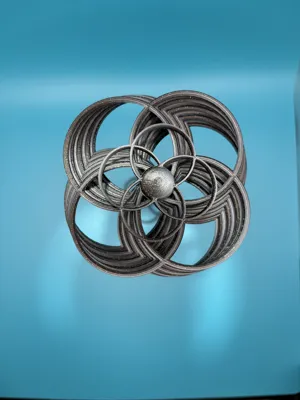
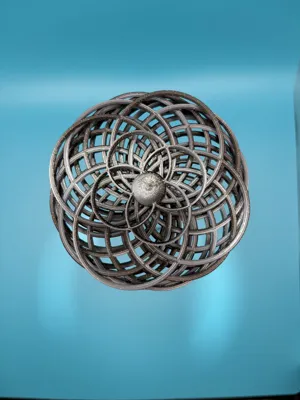
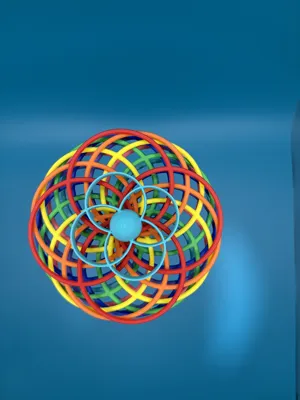
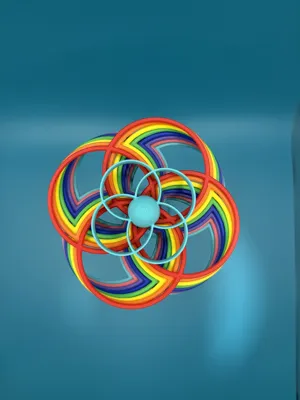
Easy to assemble and quick to master, this whirligig is sure to make you smile!
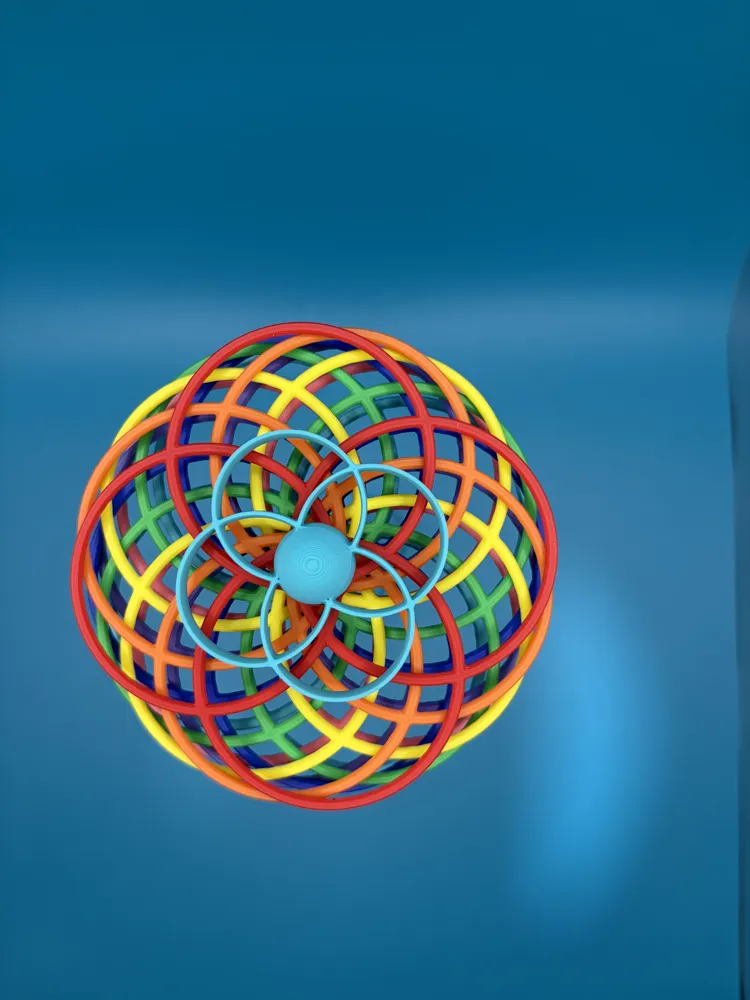
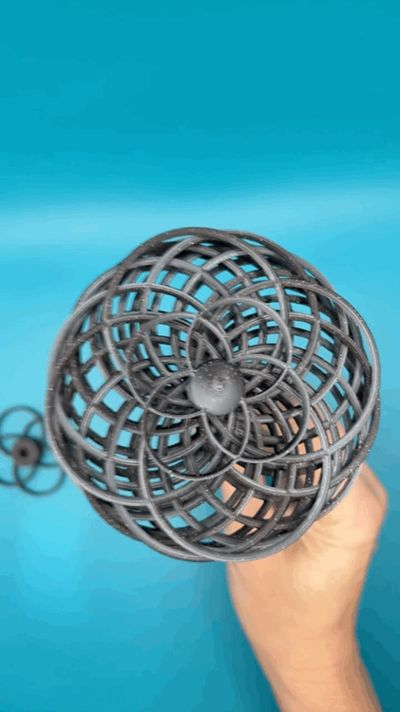
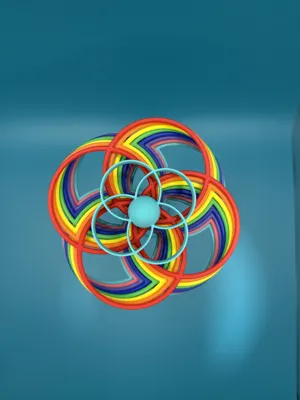
In my rainbow model I used all Bambu Basic PLA colors. The black looking one I used dual color filament by Panchroma (formerlly known as Polyterra) called Yin-Yang. In person, you can see the two colors, but the pictures didn't pick it up.
NO AMS REQUIRED!
If you like this “Flip Flap Spinner”, check out my others: https://makerworld.com/collections/10569526
A couple of tips:
- Good bed adhesion is important for this print. I recommend using a smooth PEI plate or effects plate.
- Make sure the plate is cool before removing the circles. If they bend, they won't spin as well.
- The circles and stem can warp if there is a draft or poor bed adhesion. Please check each set of circles BEFORE you glue anything.
- Depending on the filament you use, and how accurate your printer is, you might need to use a de-burring tool or sand paper to slightly shave down the stem where the propellers rest.
- If your filament is stringy due to humidity (or poor quality) you'll need to use a round file to smooth out the grooves for the stem and propellers.
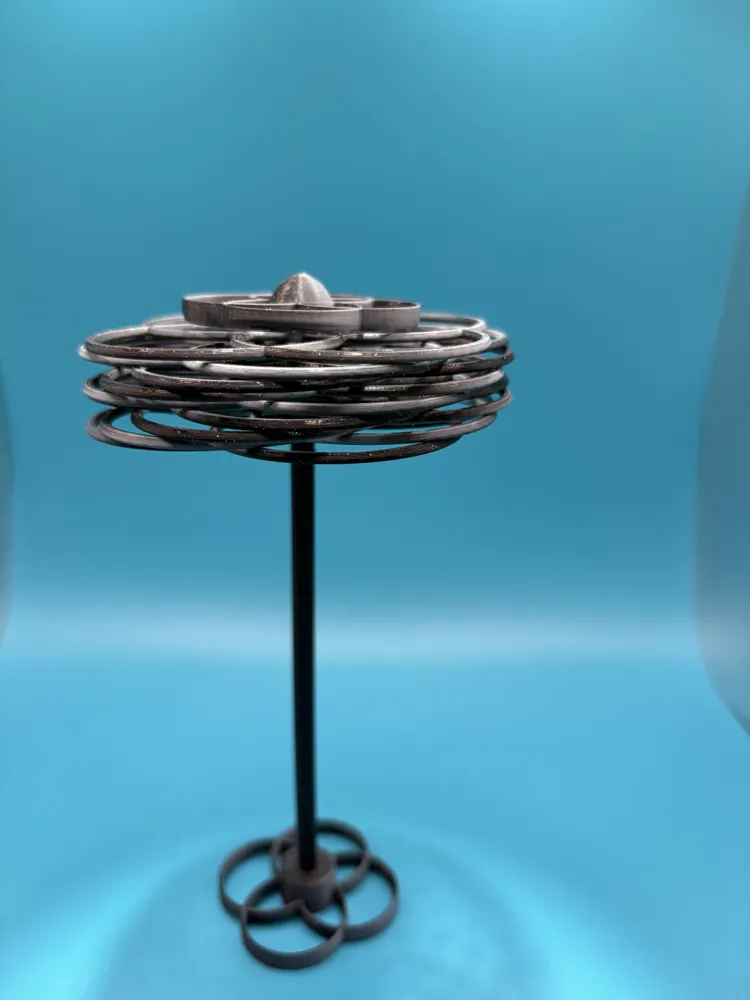
- You'll need to use a drop of glue to attach the topper. DO NOT get any glue on the top set of circles.
- Make sure to leave about a paper width of space between the top propeller and the topper. If you don't, it won't spin.
- If there is too much space (more than 2mm) between the top most set of circles and the cap, print one more set of circles. Too much space between the topper and the circles can lead to improper spin and breakage.
- I have added a brim to the stem to help with bed adhesion.
- All of the circles are the same size, so order doesn't matter. If it doesn't spin with them all loaded, remove just one set of circles.
- Due to humidity, machine accuracy and tolerances, and filament brand, you might find the need to add or remove a set of circles to get this toy to work properly. The circles should spin freely without jumping out of the grooves.
Disclaimer: This toy contains small parts that may pose a choking hazard. It is not intended for young children, or for people who may put non-food items into their mouth.
Looking for my other models?
License

You shall not share, sub-license, sell, rent, host, transfer, or distribute in any way the digital or 3D printed versions of this object, nor any other derivative work of this object in its digital or physical format (including - but not limited to - remixes of this object, and hosting on other digital platforms). The objects may not be used without permission in any way whatsoever in which you charge money, or collect fees.


Comment & Rating (46)