
P2S: Brücken kalibrieren - Calibrate bridge
Print Profile(1)

Description
English version below
Addendum: Before using this test, you should calibrate your filament (flow dynamics - K-value, flow rate, temperature) and deactivate the P2S auto-calibration during printing!
********************** English Version: ***********************************
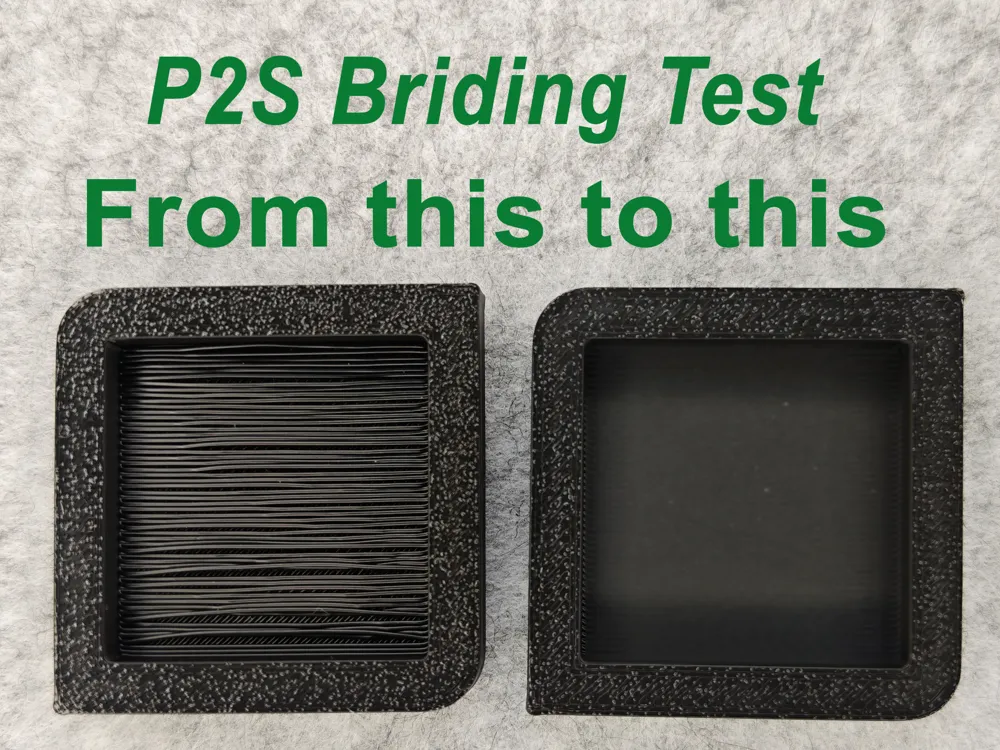
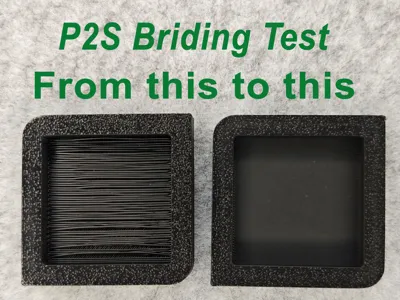
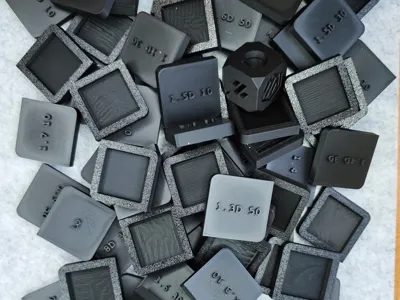
Test to determine the optimal settings for printing smooth bridges with regard to bridge flow rate and bridging speed. Supportless printing.
Description:
This test aims to determine the optimal bridge flow and bridging speed for the P2S using the "SUNLU PLA + 2.0" filament. I assume the results can also be used on other printers and filaments.
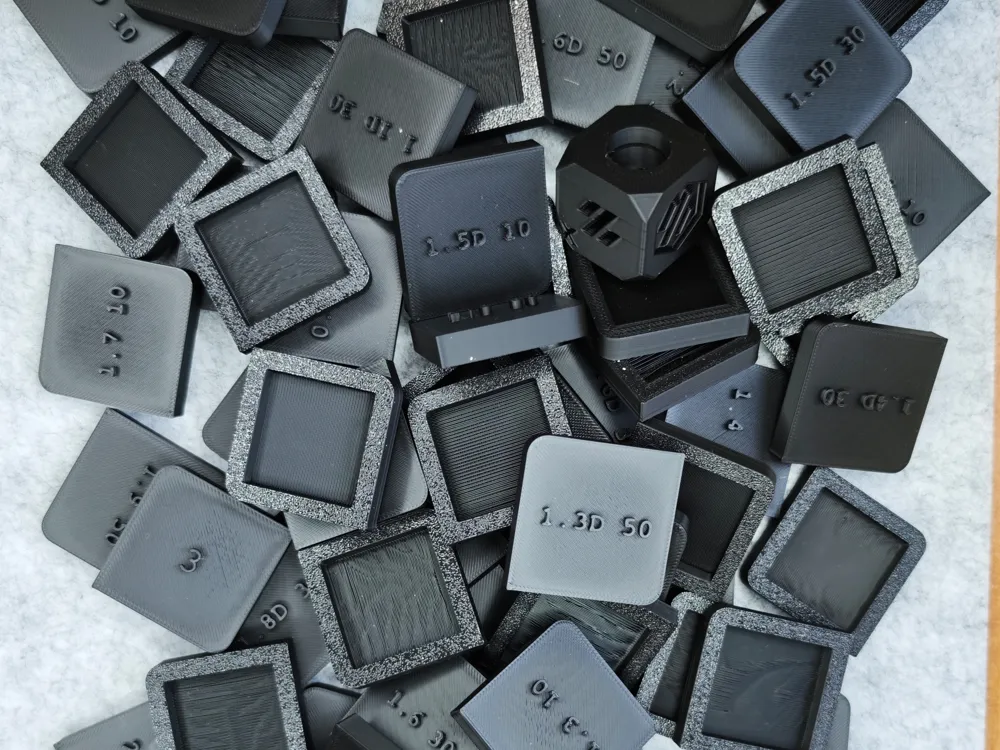
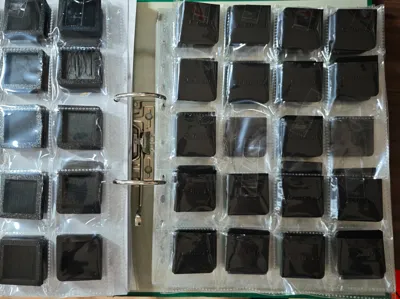
A single print of all test pieces should then be helpful when using other filaments for assessing or approximating the settings. I am keeping the test pieces to be able to trace the differences at a later time.
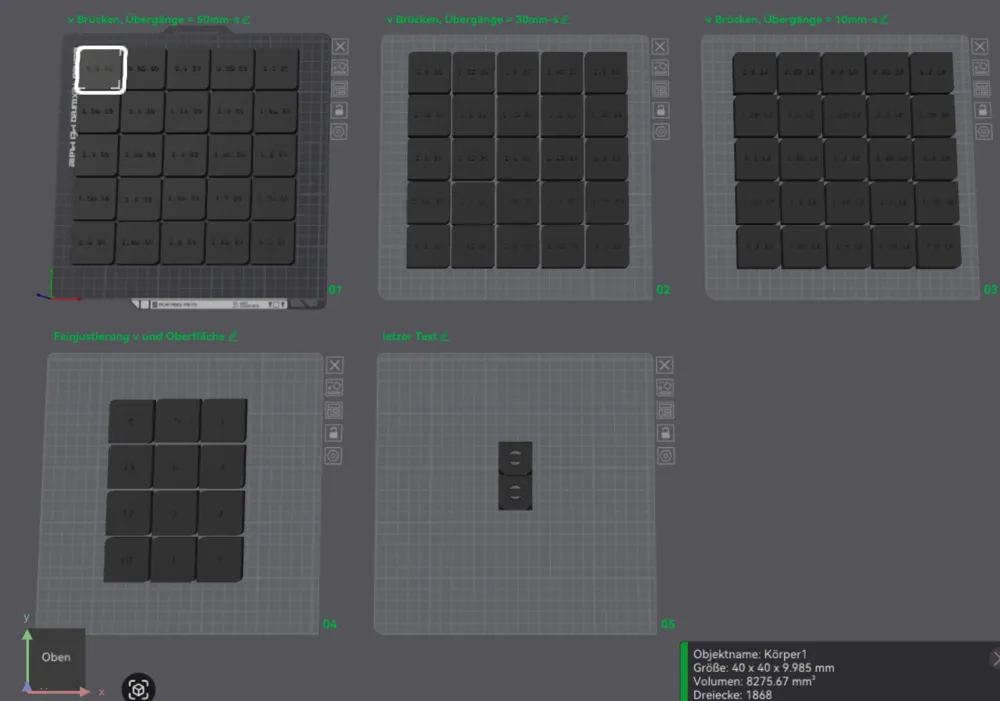
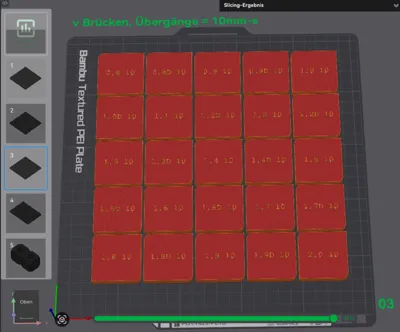
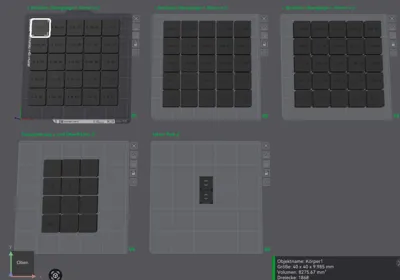
The test file consists of 5 plates.
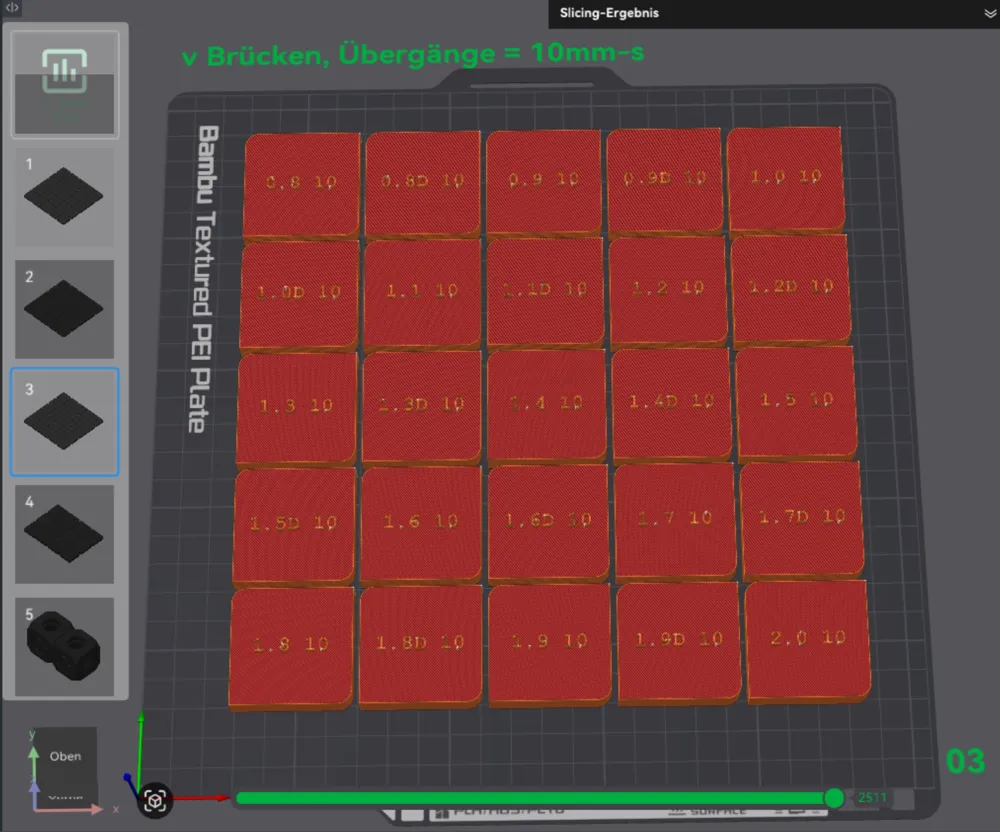
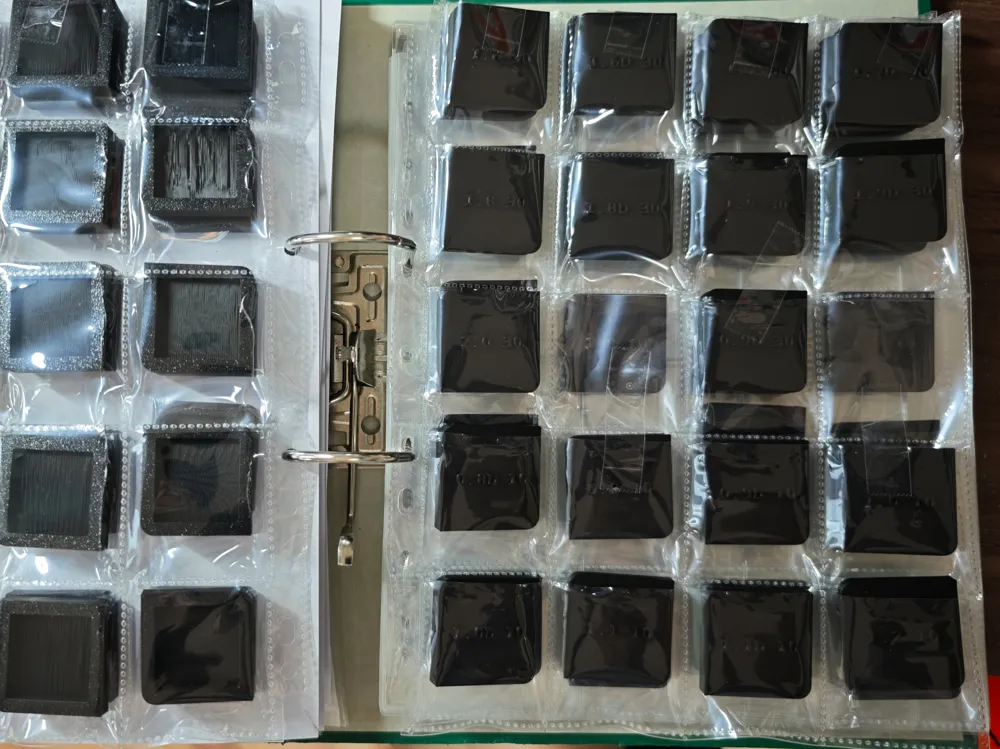
On the first three plates, 25 3x3cm test pieces are each tested with a bridge flow rate of 0.8 to 2.0, both with and without the "Thick Bridges" setting. Samples printed with this option are additionally marked with the letter "D". The three plates differ in their bridging speed settings. Plate 1 is set to the default speed of 50 mm/s. Plate 2 prints at 30 mm/s, and plate 3 at 10 mm/s.
From plates 1 through 3, the two best-performing test pieces are selected.
Plate 4 contains only 12 test pieces, numbered 1 through 12. This plate is used to determine the test pieces with the best results. The speed varies according to the table below. Of course, these values must be adjusted to your own results.
Plate 5 contains two Voron cubes onto which the settings can be transferred and tested again.
Printing this test requires material and time. I recommend using your preferred material, even if it's a bit of a hassle. This will give you the best opportunity to better evaluate your results with other filaments. If you're present during printing or observing the process, you can simply skip test prints where you see "this isn't going to work" via the printer menu. This saves time and money.
On my P2S, I was able to determine the following test prints as ideal settings:
a) Bridge flow 0.8 / speed 10
b) Bridge flow 0.8 / speed 12
c) Bridge flow 0.8 / speed 15
d) Bridge flow 1.4 / speed 10
{Please don't ask why the results don't match between 0.8 and 1.4 - I can't figure it out; it's probably due to the interplay of several factors and a parabolic function}
In addition to the bridge test, I've also included a test with different surface textures (under line width), but it doesn't seem to have any effect. If anyone would like to add different surface texture tests, please let me know.
I was inspired to start this project by the poor results I had with my previous printer and by @Gkmo, who allowed me to rework his model. You can find his work here: https://makerworld.com/en/models/2050964-bridge-test-no-supports#profileId-2213509
Thanks Gkmo!
@Plate 4
No | Bridge Flow | Bridging Speed | Top Layer |
1 | 0,8 | 15,0mm/s | 0,43mm |
2 | 1,4 | 15,0mm/s | 0,43mm |
3 | 0,8 | 19,0mm/s | 0,44mm |
4 | 1,4 | 19,0mm/s | 0,44mm |
5 | 0,8 | 21,0mm/s | 0,45mm |
6 | 1,4 | 21,0mm/s | 0,45mm |
7 | 0,8 | 25,0mm/s | 0,46mm |
8 | 1,4 | 25,0mm/s | 0,46mm |
9 | 0,8 | 27,0mm/s | 0,47mm |
10 | 1,4 | 27,0mm/s | 0,47mm |
11 | 0,8 | 12,0mm/s | 0,48mm |
12 | 1,4 | 12,0mm/s | 0,48mm |
Documentation (1)
License

You shall not share, sub-license, sell, rent, host, transfer, or distribute in any way the digital or 3D printed versions of this object, nor any other derivative work of this object in its digital or physical format (including - but not limited to - remixes of this object, and hosting on other digital platforms). The objects may not be used without permission in any way whatsoever in which you charge money, or collect fees.


Comment & Rating (12)