
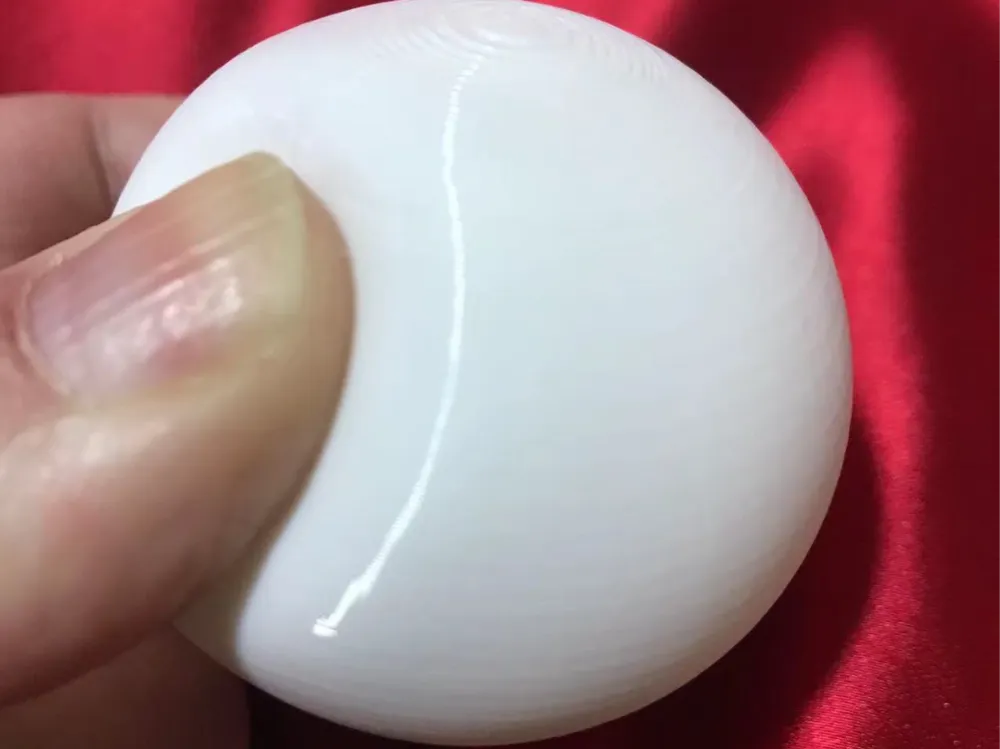
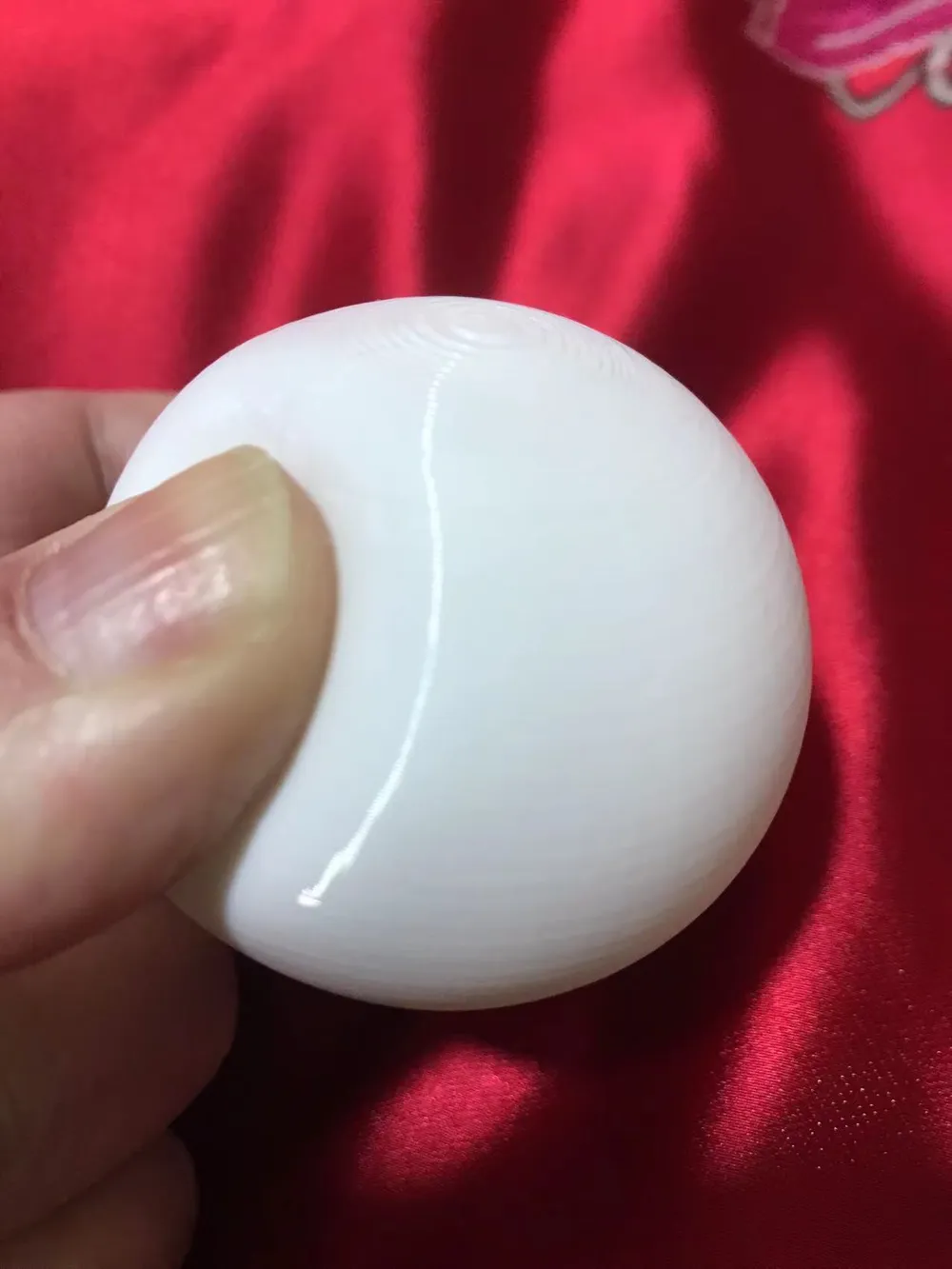
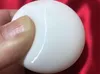
TPU hollow ball pit balls, no supports, no deformation, no warping, low Z-seam, perfect printing at 0-10°C room temperature
Print Profile(1)
Description
After more than 20 printing tests, various issues with printing hollow TPU balls in winter have been resolved, and the printed result has the texture of a ball pit ball
Summary of problems encountered when printing TPU in winter and their solutions (personal summary log):
1. First layer appears uneven with bumps, which can later cause TPU to jam with layer lines, or even lead to PETG or PLA jamming and spaghetti: Low ambient temperature causes uneven extrusion, so the printing temperature should be increased by 20-40 to ensure consistent temperature of the freshly extruded filament
2. Printing extra-large TPU models causes wobbling at height: Change tree supports to normal supports; add painted supports to prevent the model from leaning or having overhangs; arrange supports vertically as much as possible to reduce wobbling of the Y-axis build plate; reduce acceleration to below 500, ideally below 100
3. When printing a hollow TPU ball halfway, one side warps upwards: This is caused by the fan cooling and shrinking the expanded area, so just set the fan to 0 or 10
4. When printing the ball halfway, there's yellowing or blackening, accompanied by slight layer breaks: This means either the fan speed exceeded 10, or the printing temperature needs to be increased by 10
5. When printing the top of the ball, layers don't adhere: Bridging sag causes each layer to sink, so you must set the top shell layers to 5 or 6, and ensure strong cooling for bridging
6. Z-seam is too prominent, even thin enough to be translucent: Restore all adjusted Filament Pull Back and seams to default, then lower the printing temperature as much as possible
License

You shall not share, sub-license, sell, rent, host, transfer, or distribute in any way the digital or 3D printed versions of this object, nor any other derivative work of this object in its digital or physical format (including - but not limited to - remixes of this object, and hosting on other digital platforms). The objects may not be used without permission in any way whatsoever in which you charge money, or collect fees.


Comment & Rating (4)