
Nozzle Scraper: Fix "AI Clumping" Errors & Clean
Print Profile(1)
Description
Hi, I’m Filip! 👋 Welcome to your safe printing harbor.
With over 400+ models in my library, I know exactly what you need: prints that just work. 🛡️ I run a print farm, so I test my designs in the real world, not just on a screen.
Whether you are printing from your mobile app 📱 or slicing on a PC, my goal is to give you a stress-free experience. No tinkering, no failed prints – just choose a profile and hit Print with confidence. ✅
Explore the collection below and let’s make something awesome! 👇
🛑 Stop False AI Alerts & Keep Your Nozzle Clean!
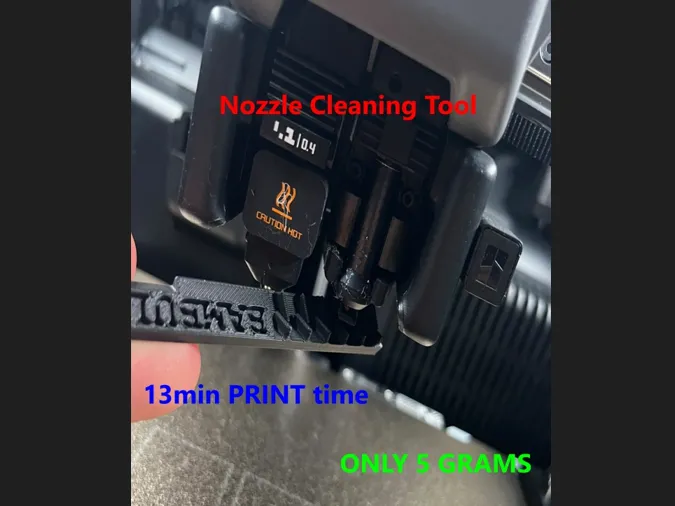
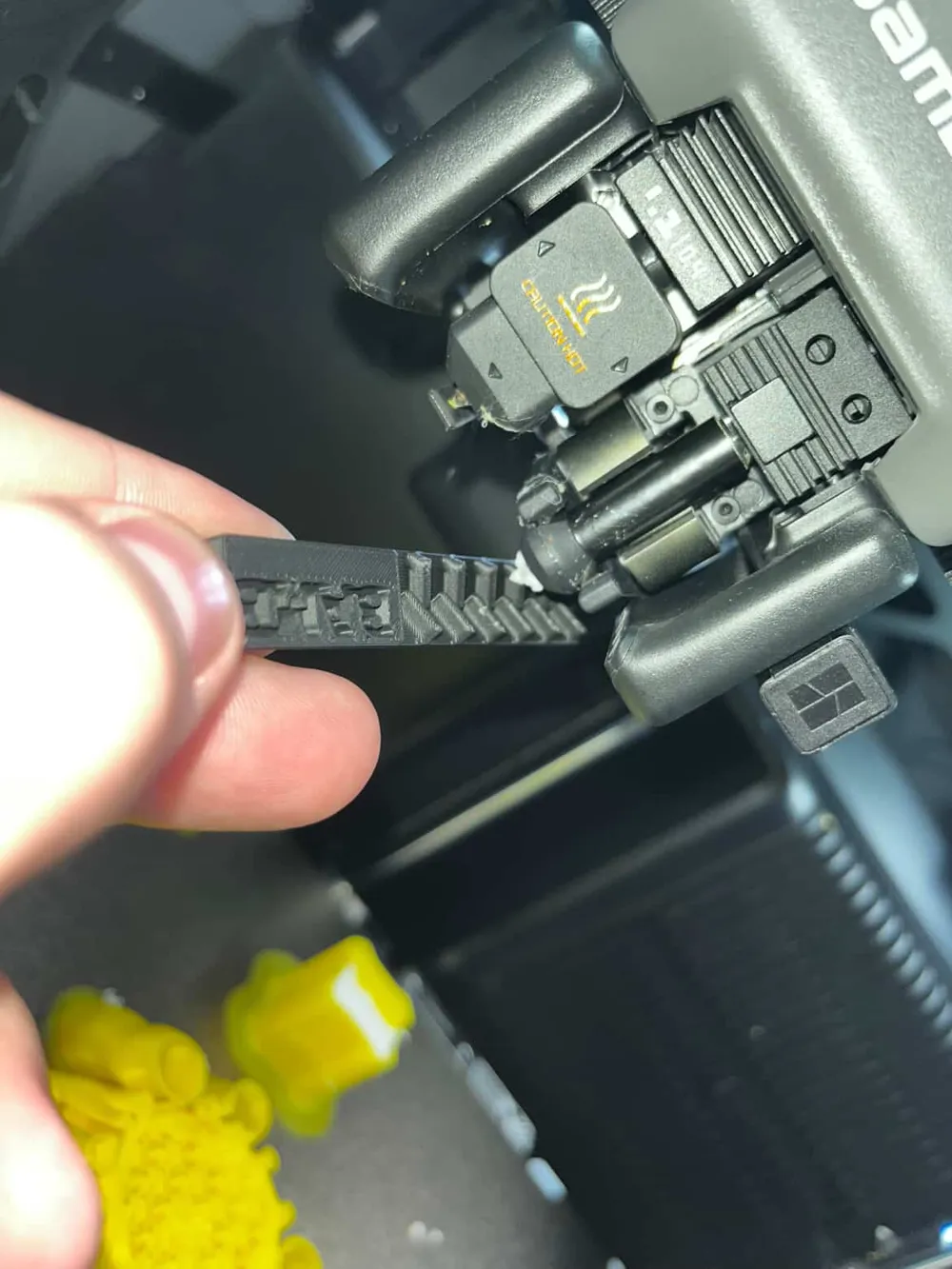
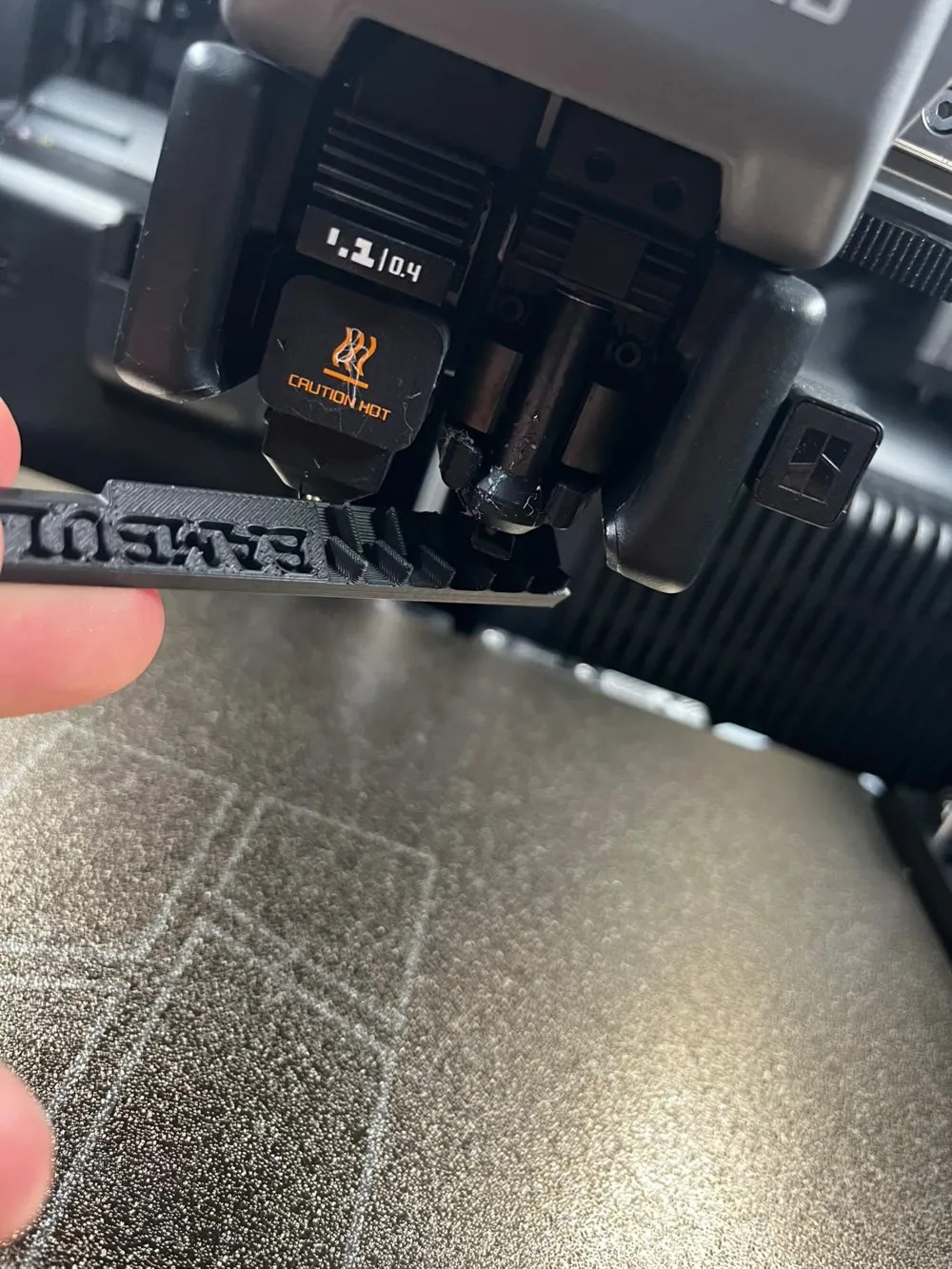
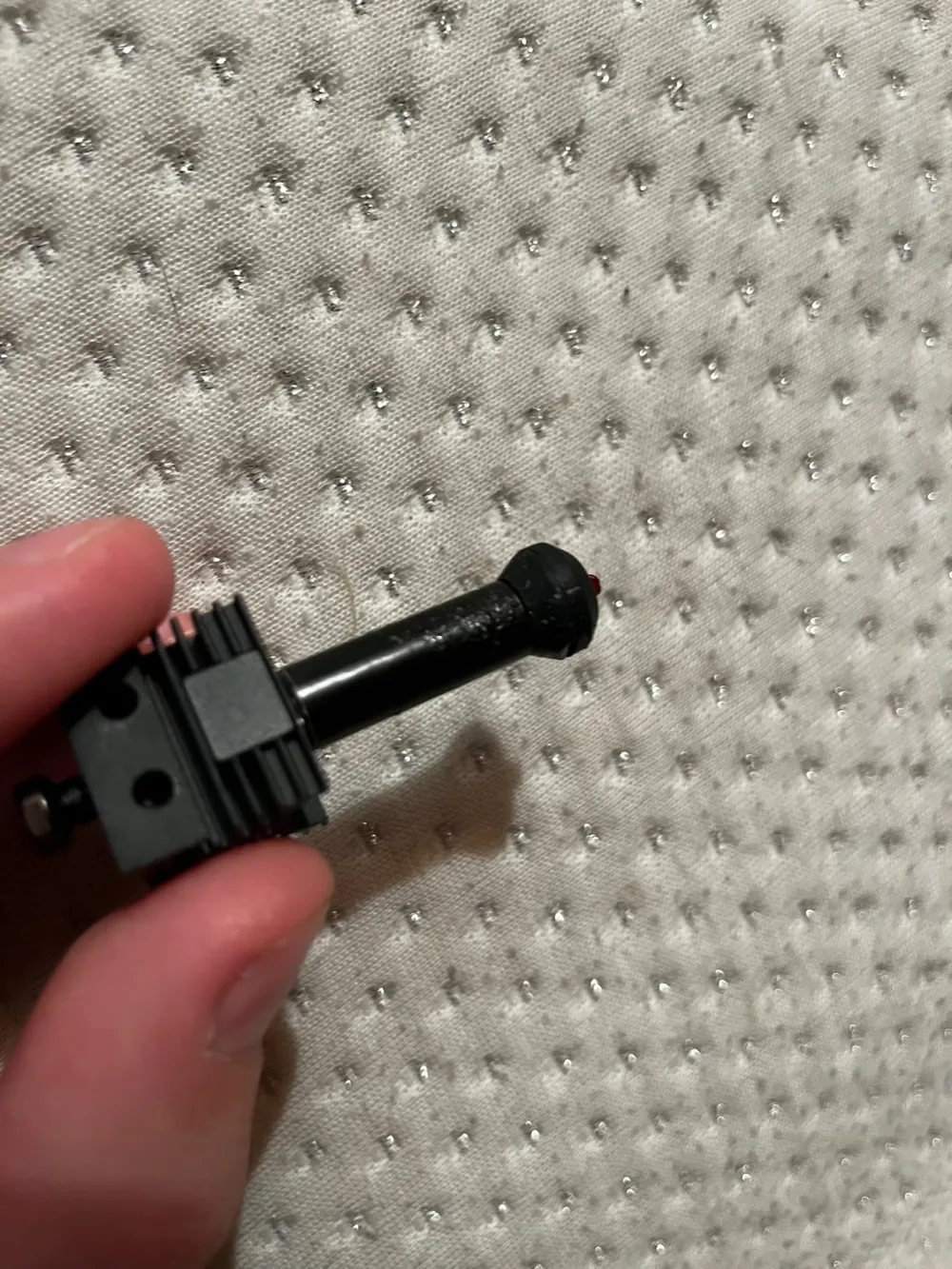
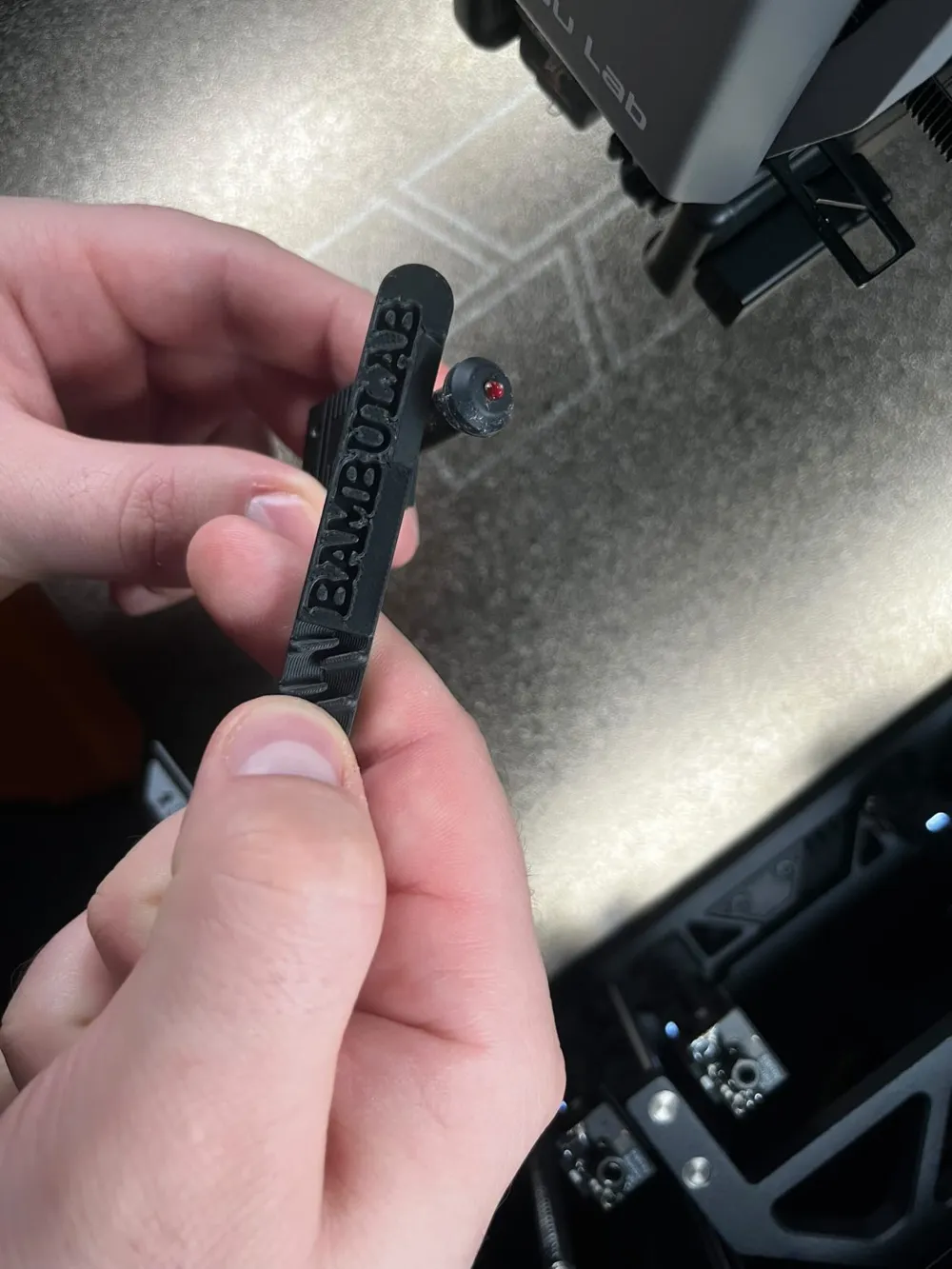
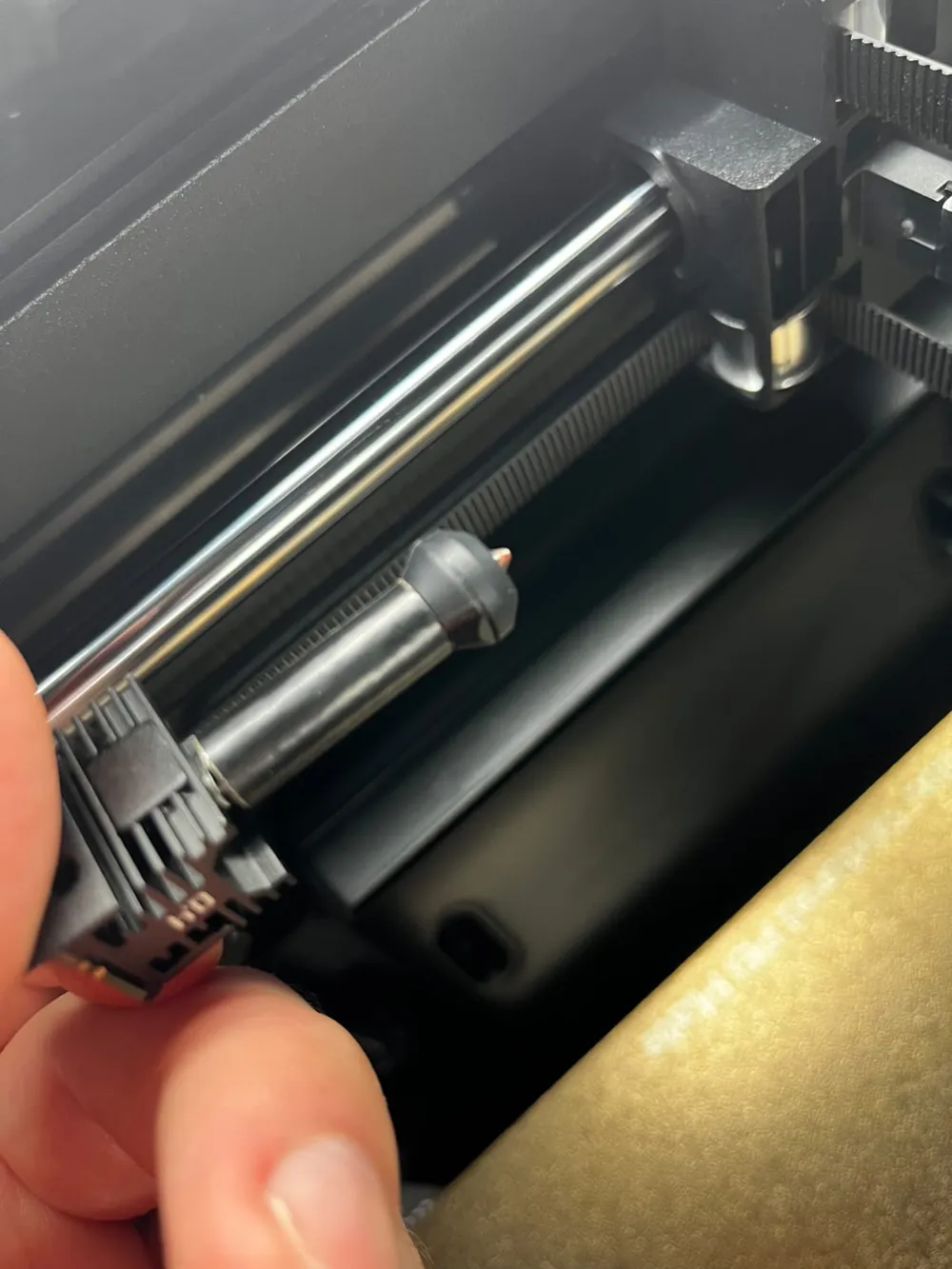
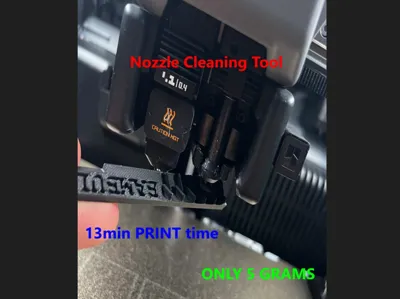
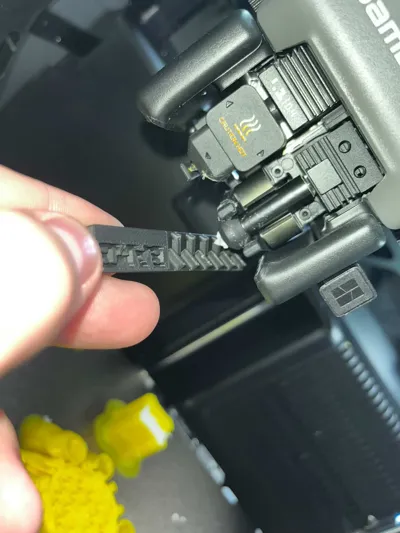
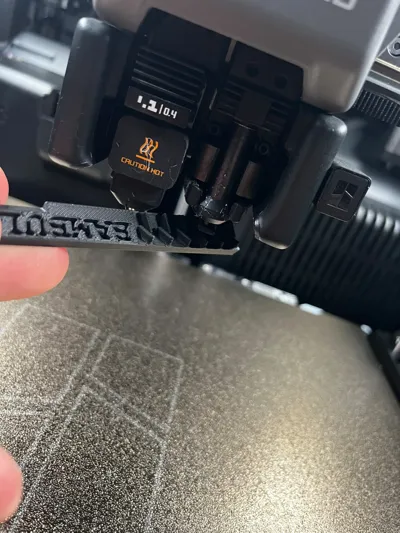
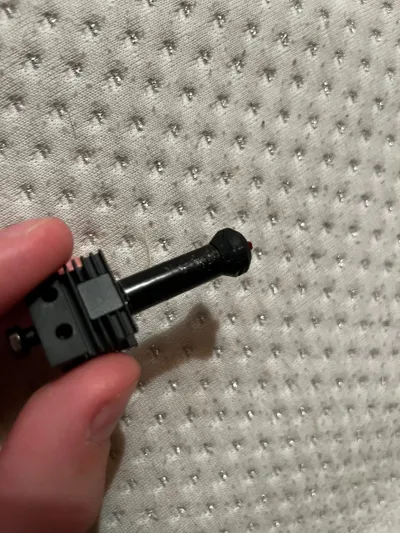
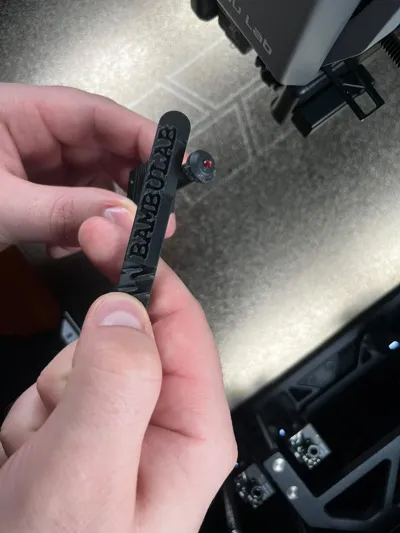
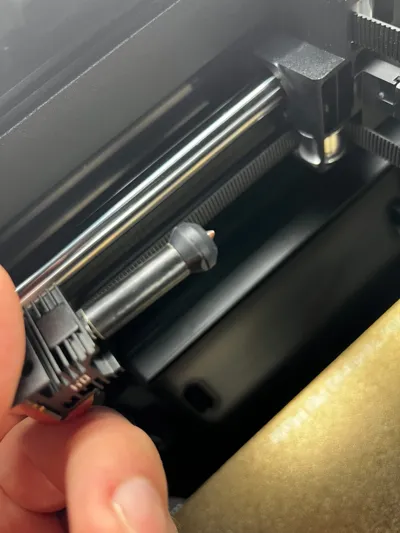
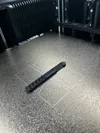
Are you tired of your printer pausing with the "AI detected nozzle clumping" error? Often, this isn't a print failure. It’s simply a dirty nozzle tip with a bit of leftover filament confusing the AI vision system (as seen in the photos).
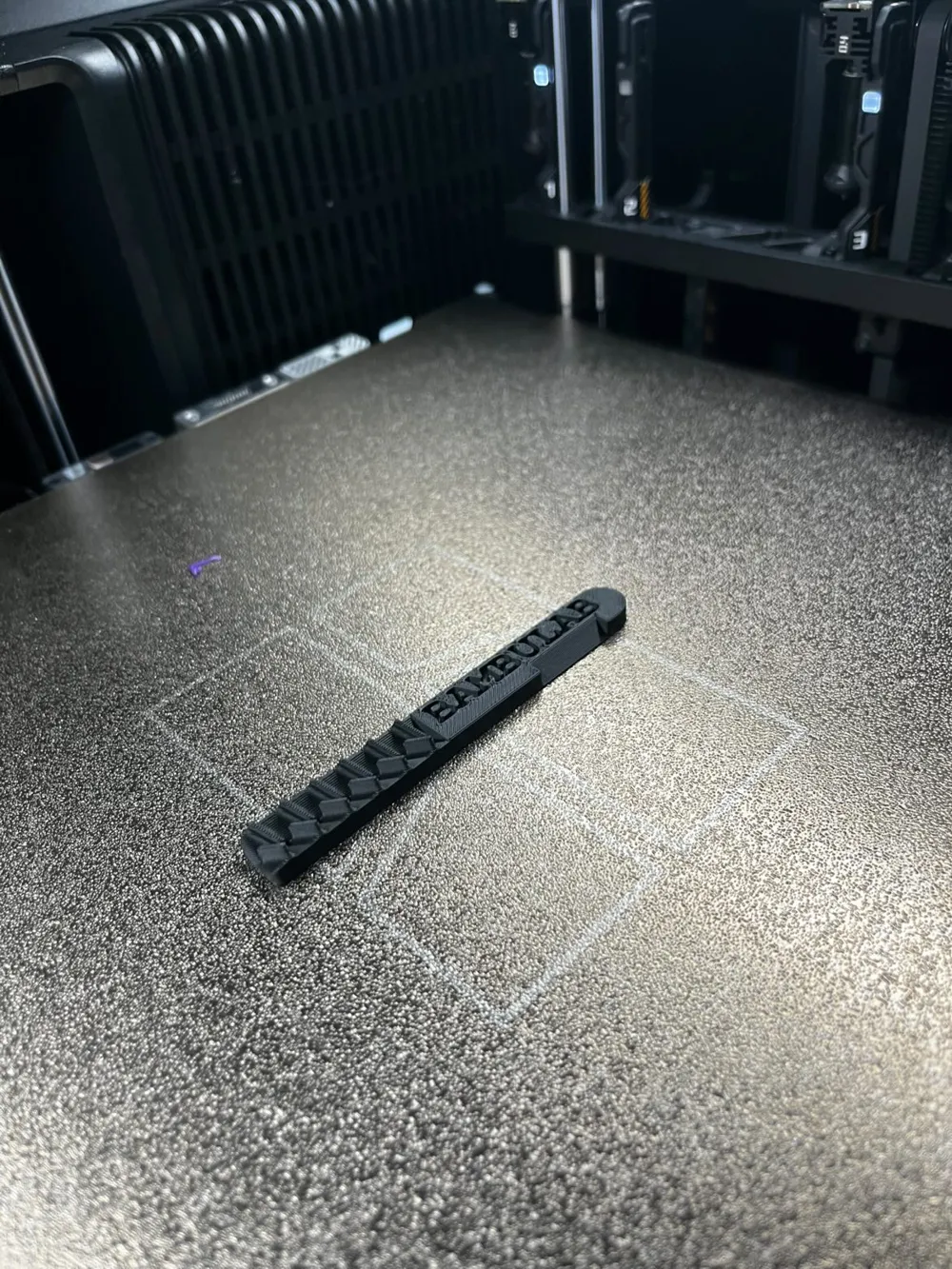
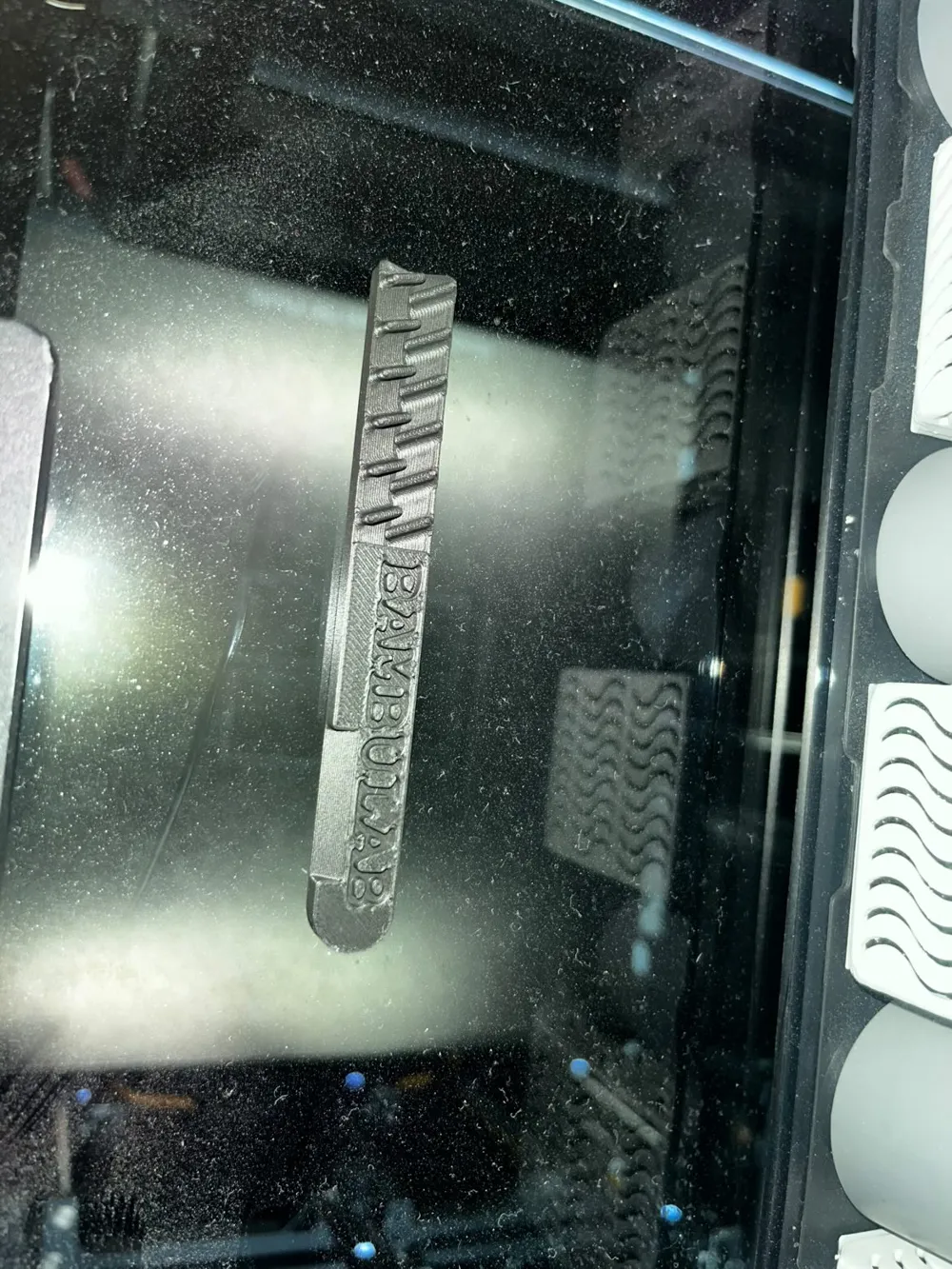
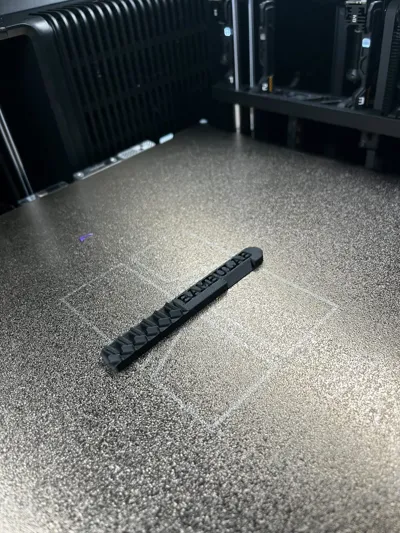
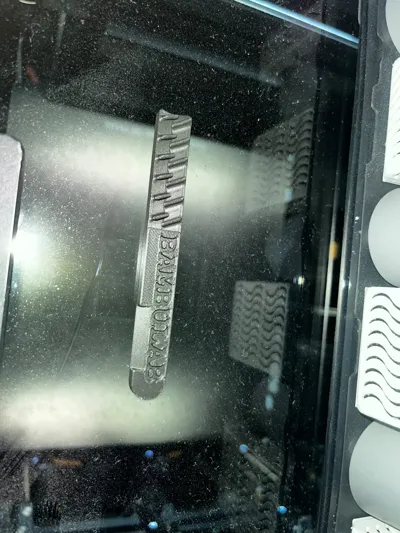
I designed this Precision Nozzle Scraper to solve this specific problem. It is a "must-have" utility for every 3D printer owner, from the A1 Mini to large industrial machines.
⚡ Why you need this:
- Solves the AI Error: By cleaning the tip, the AI no longer sees "ghost" debris and lets you print uninterrupted.
- Universal Fit: Works on Vortek nozzles, standard Bambu Lab hotends, and almost any other 3D printer nozzle.
- Super Fast Print: Prints in just a few minutes with very little filament.
- Cold Cleaning: Great for scraping off cold ooze before a print, or carefully removing molten blobs.
🛠️ How to use:
- Print the tool: Use PLA, PETG, or ABS (PETG/ABS recommended for longevity if cleaning nozzles).
- Inspect your nozzle: If you see black gunk or filament hanging off the tip, the AI might flag it.
- Gently Scrape: Use the textured teeth of the tool to grab and pull the debris off the metal tip.
⚠️ IMPORTANT SAFETY NOTE:
Be Gentle! When cleaning, focus only on the metal tip of the nozzle.
- Do NOT scrape aggressively against the silicone sock (insulation).
- Do NOT pull on the thermistor or heater wires.
- This tool gives you the precision to clean the tip without touching the sensitive parts.
Thank you for bringing my ideas to life! ❤️
Without you, my models would be nothing more than digital files on a computer. 🖥️ Seeing your finished prints on the build plate is the ultimate reward for me. 🏆 I personally read every single comment over my morning coffee ☕ – your insights and feedback are what truly keep me going. 📈
Looking for something specific that’s missing on MakerWorld? 🧐 Let me know in the comments! I’m here for you, and I love designing things that either solve a real problem or just bring a bit of joy to your day. 🛠️😊
If you enjoy this model, you can support my work most by giving it a Boost 🚀 or sharing it with fellow makers. 📢 Every "thank you" in the form of a photo of your print gives me the energy to keep on designing! 📸⚡
We’re in this together! 🤝
Boost Me (for free)
❤️❤️❤️❤️Thank you! ❤️❤️❤️❤️
License

You shall not share, sub-license, sell, rent, host, transfer, or distribute in any way the digital or 3D printed versions of this object, nor any other derivative work of this object in its digital or physical format (including - but not limited to - remixes of this object, and hosting on other digital platforms). The objects may not be used without permission in any way whatsoever in which you charge money, or collect fees.


Comment & Rating (6)