
Optical Drive Bay Hard Drive Bracket Compatible with 3.5-inch and 2.5-inch
Print Profile(1)
Description
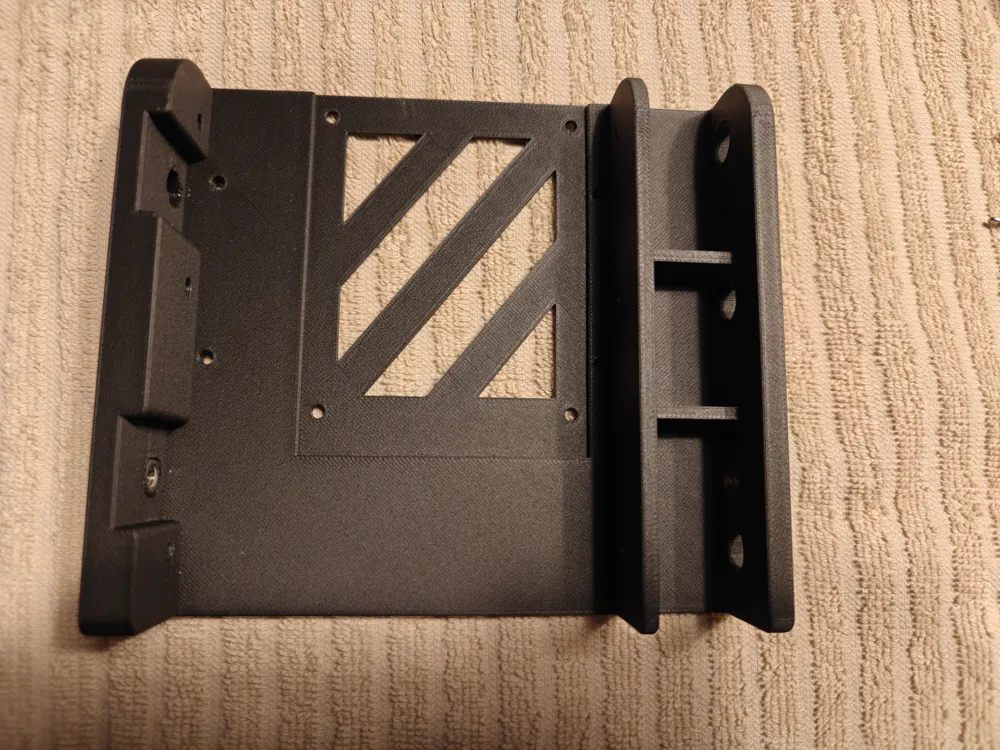
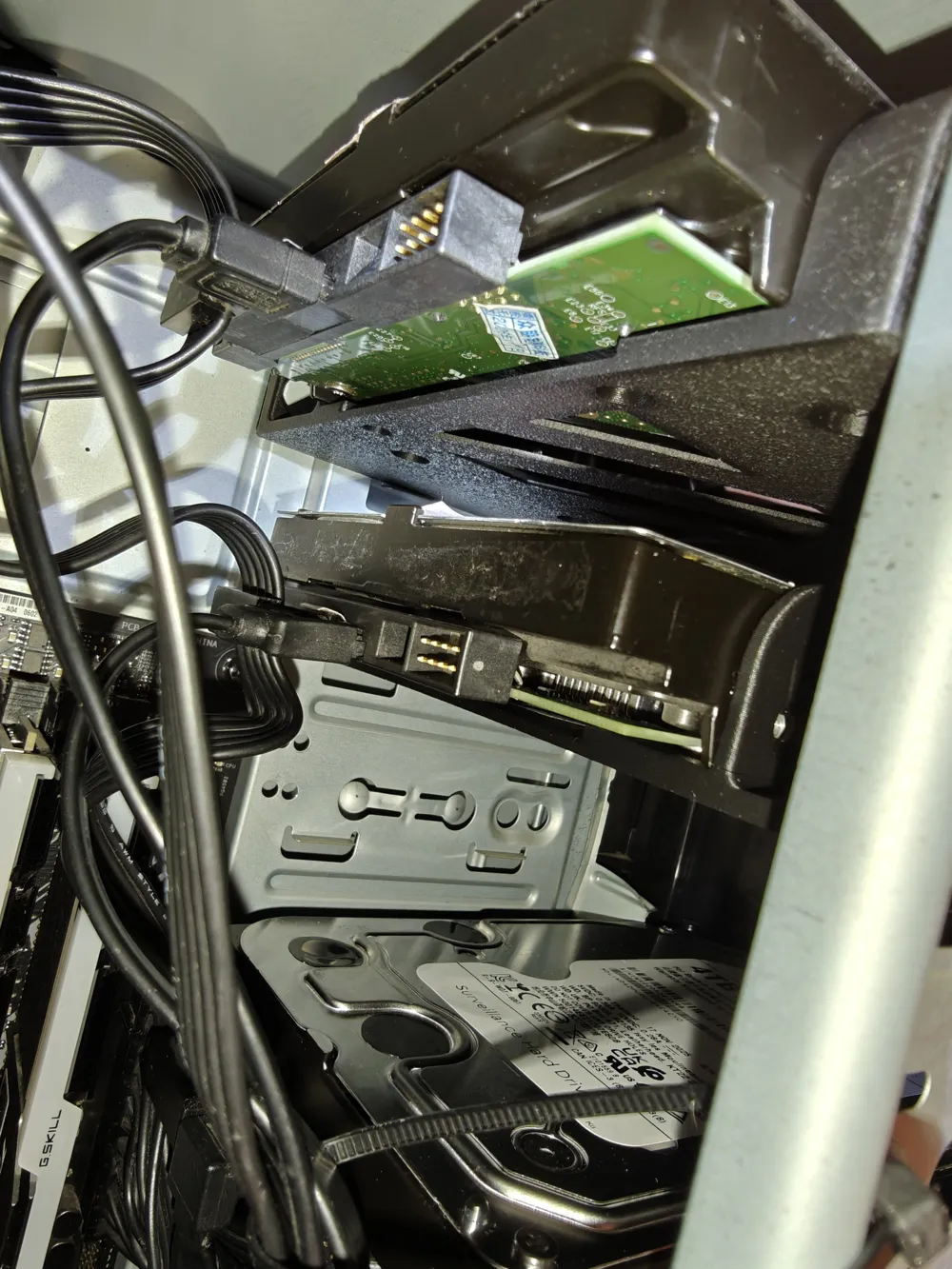
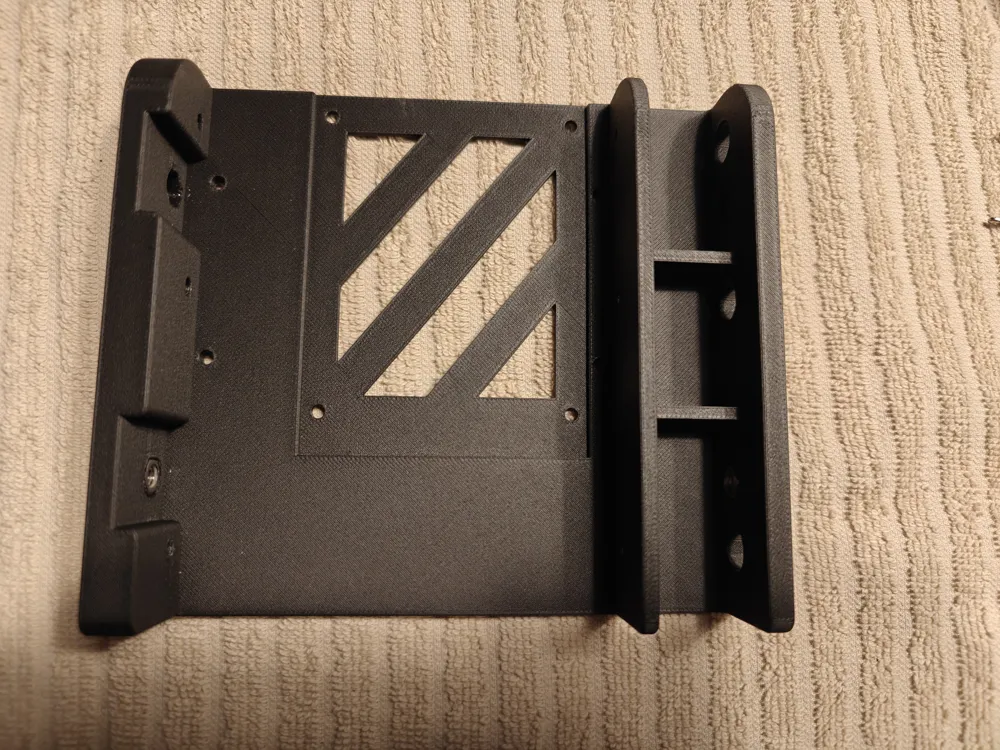
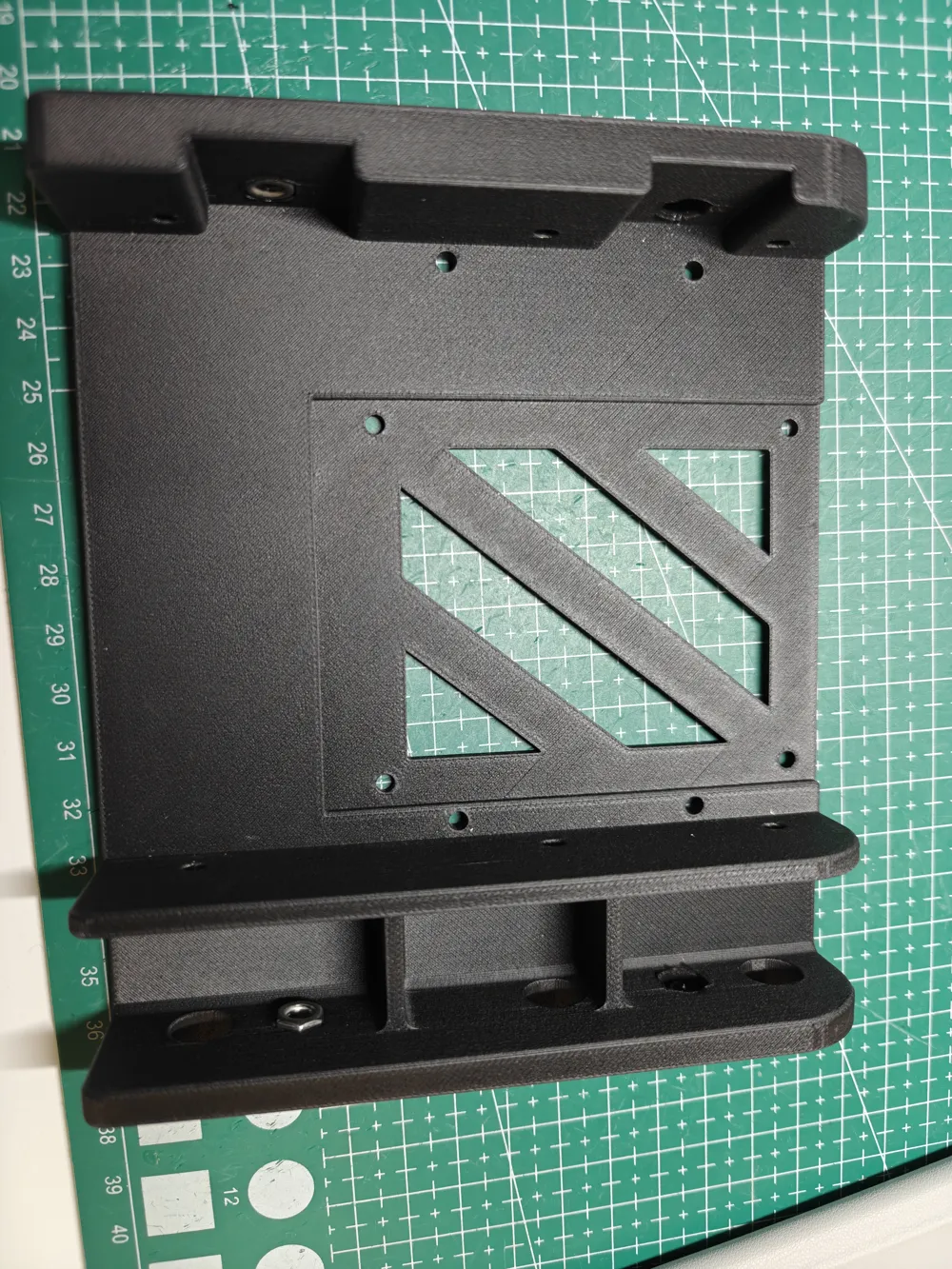
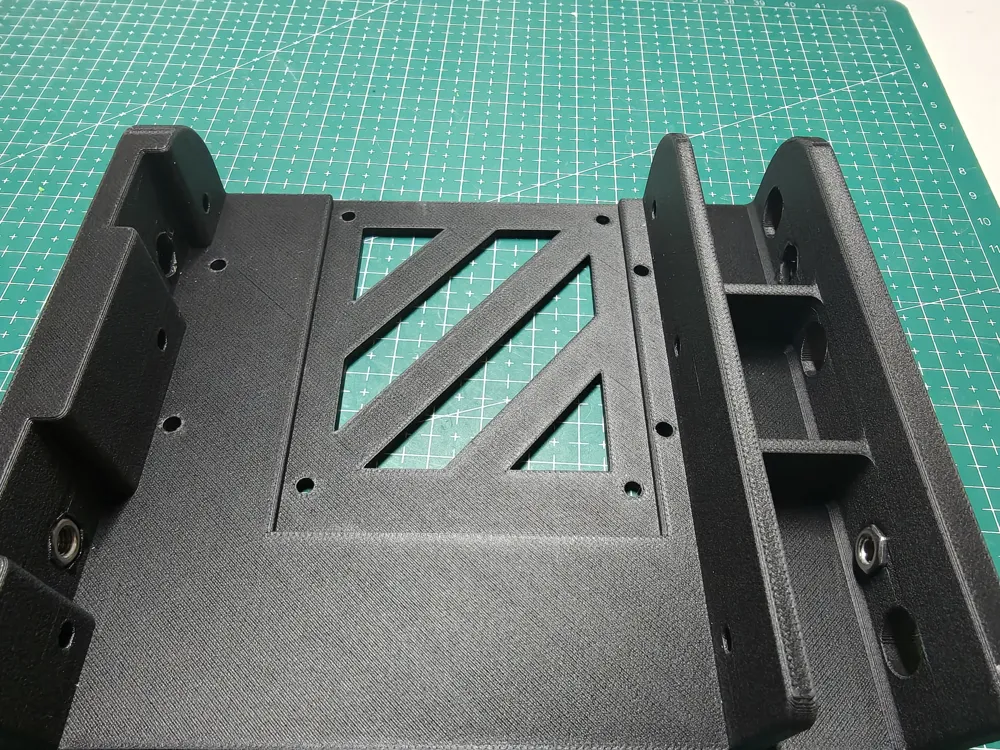
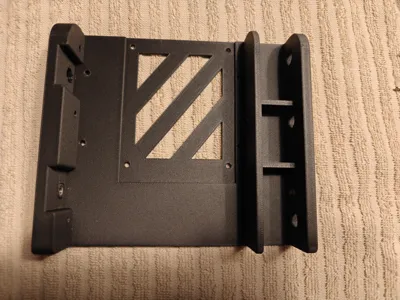
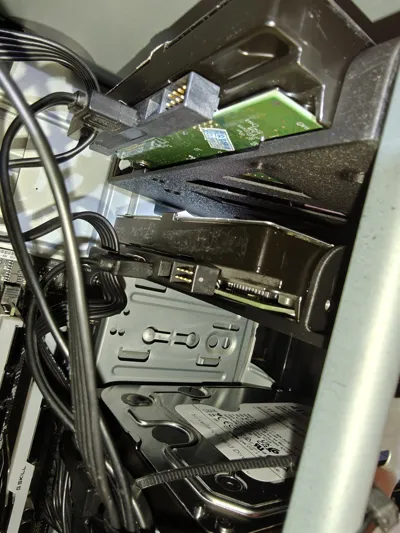
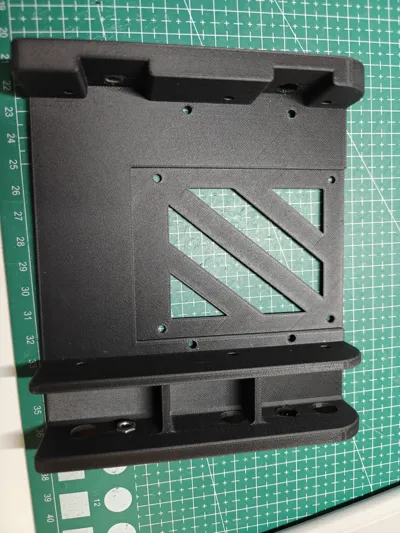
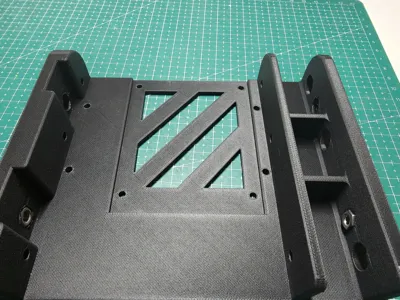
This bracket allows for installing 2.5-inch and 3.5-inch mechanical hard drives in the optical drive bay of old computers. The left-offset design facilitates wiring, and the screw holes align with the side holes on the optical drive bay, making it easy to remove.
2.5-inch hard drives are fixed using bottom holes, and the bracket needs to be removed when replacing the hard drive;
3.5-inch hard drives have two fixing methods: bottom holes and side holes, allowing replacement without removing the bracket.
Hardware required for installation:
1. M4 nuts, 4 pieces: When embedding, use tweezers to hold and slightly heat with a lighter, then place into the side hexagonal nut holes;
2. M4-10 thumbscrews, 4 pieces;
3. M4-1 washers, 3 pieces (or print your own washers with a 4mm inner diameter; the front right one does not require a washer);
4. M3.5-6 countersunk screws, 4 pieces (used to secure mechanical hard drives; usually included when purchasing a case, motherboard, or hard drive).
Boost Me (for free)
If you like it, feel free to give me a boost, and you can also leave comments if you have any questions
License

You shall not share, sub-license, sell, rent, host, transfer, or distribute in any way the digital or 3D printed versions of this object, nor any other derivative work of this object in its digital or physical format (including - but not limited to - remixes of this object, and hosting on other digital platforms). The objects may not be used without permission in any way whatsoever in which you charge money, or collect fees.


Comment & Rating (0)