
Weather E-Ink 7.5inch Display
Print Profile(2)
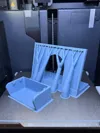
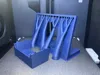
Bill of Materials

- Raspberry Pi Zero 2 WH x 1:
- Waveshare 7.5inch E-Ink display HAT for Raspberry Pi x 1:
Description
Boost Me (for free)
If you printed this model and love the design, feel free to boost me!
E-Ink Weather Display Frame (Github Link)
Features
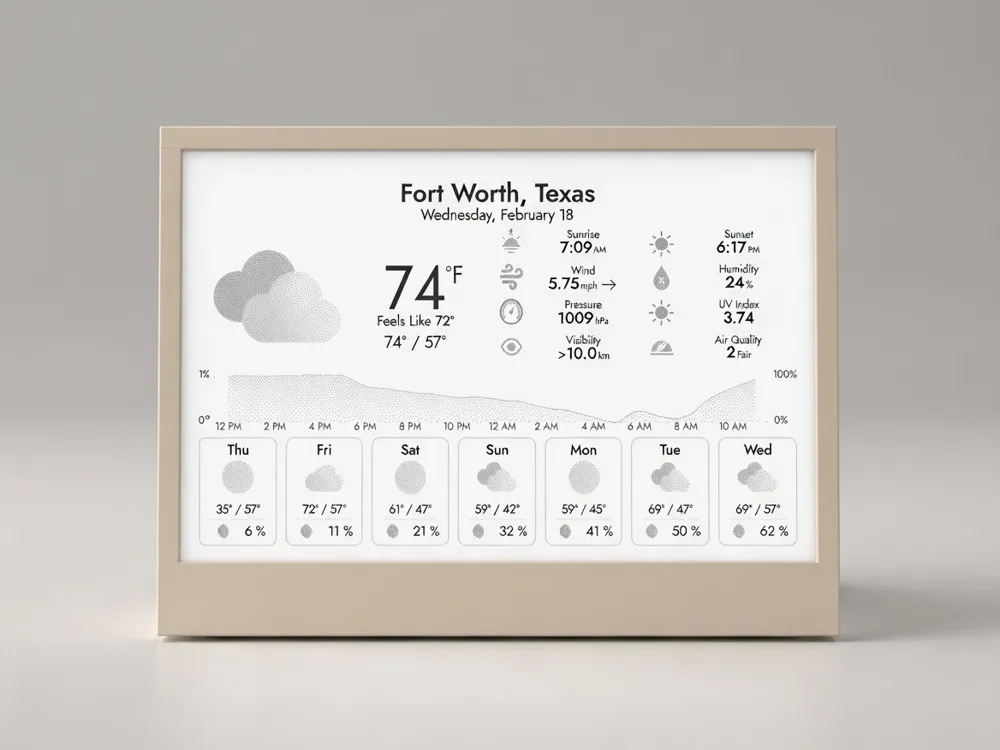
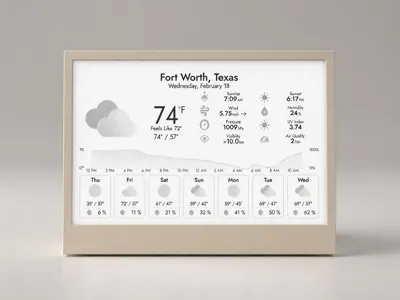
- 🌡️ Current conditions, feels-like temp, high/low
- 📊 24-hour temperature graph
- 📅 7-day forecast
- 🌅 Sunrise/sunset, UV index, air quality
- 💨 Wind, pressure, humidity
- 🌐 Web-based configuration UI
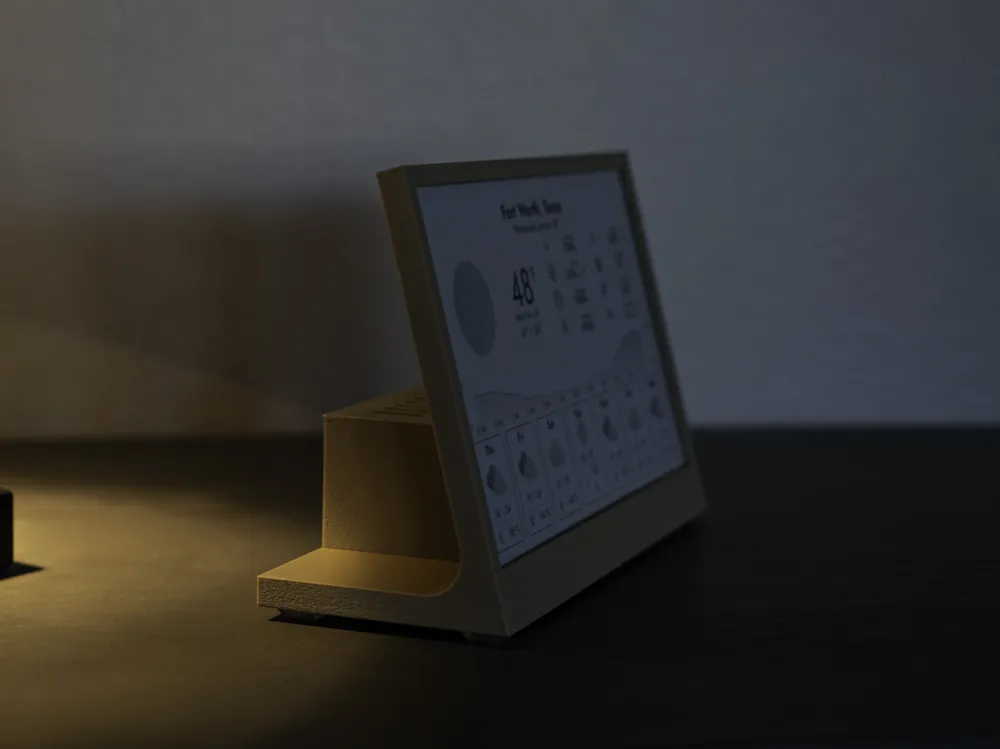
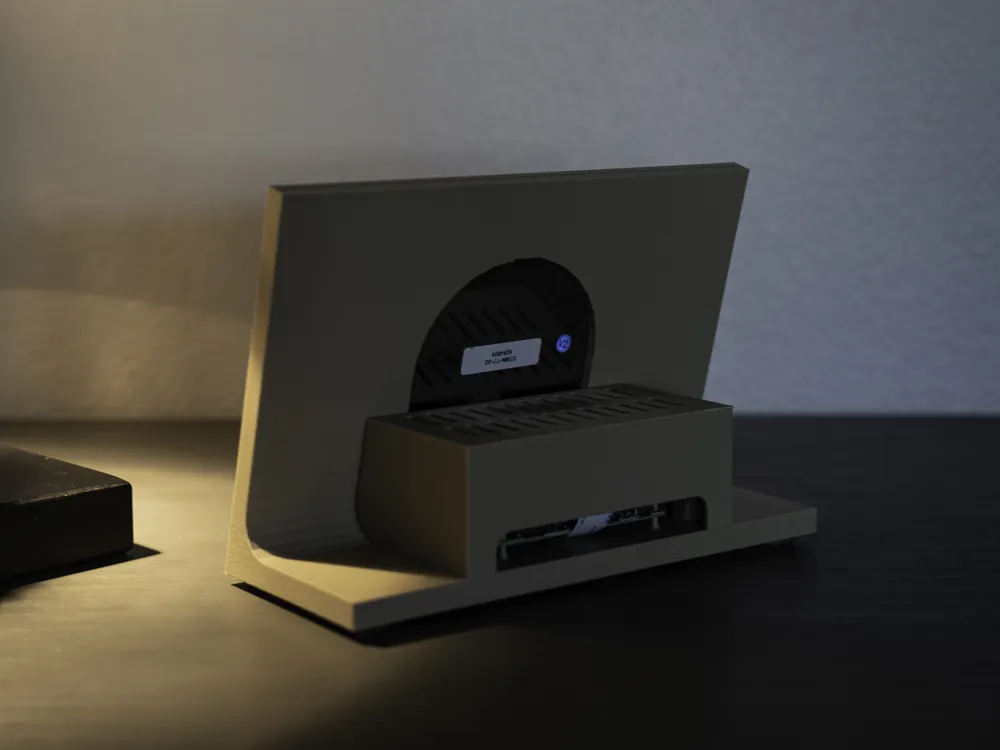
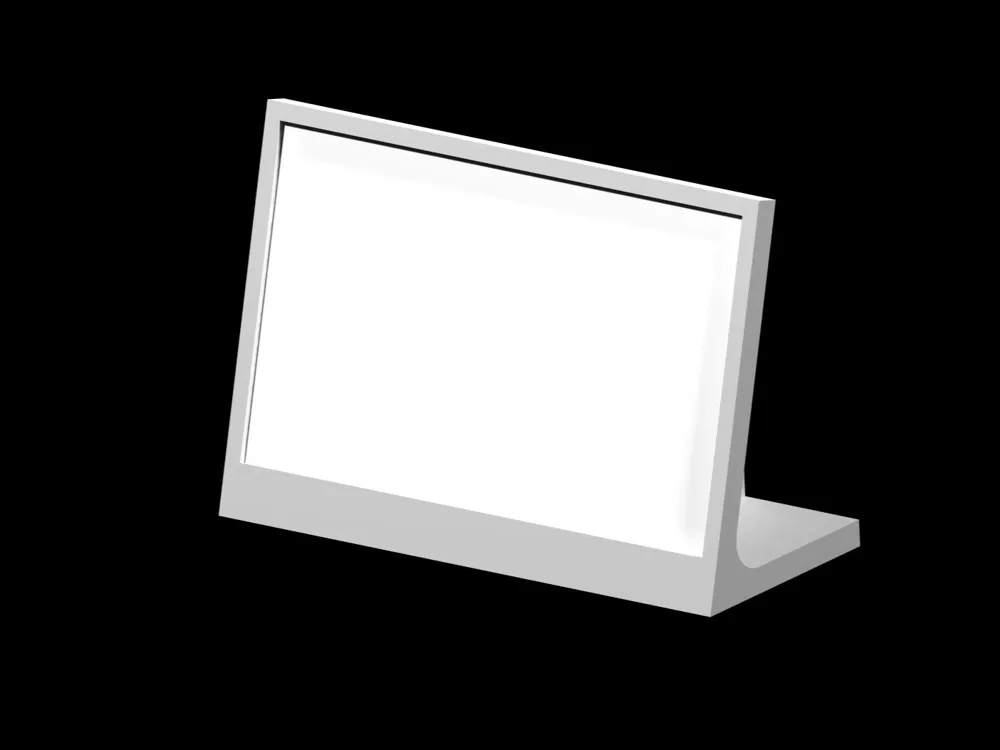
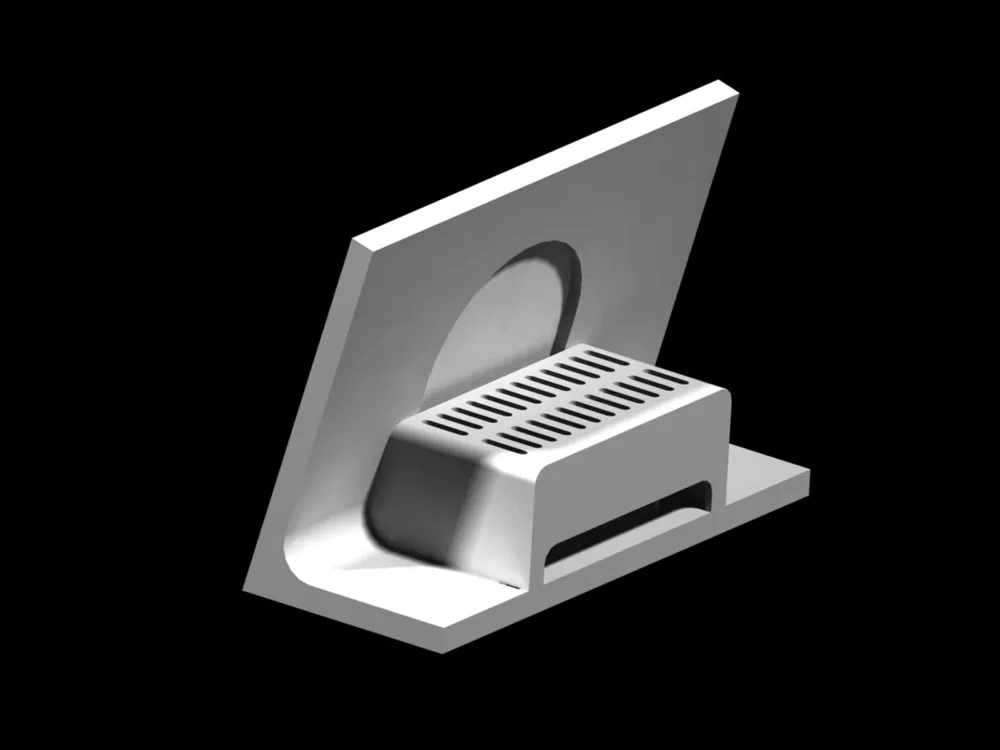
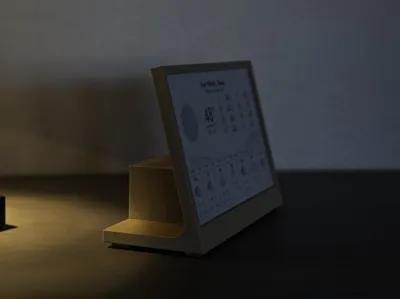
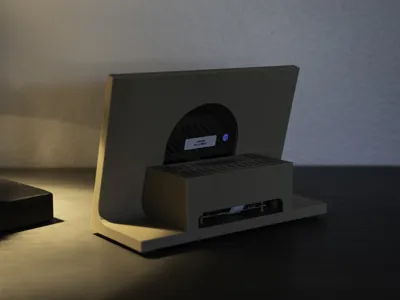
This is a housing for a DIY e-ink weather display using:
Raspberry Pi Zero 2 W
Waveshare 7.5” E-Ink Display
InkyPi by fatihak
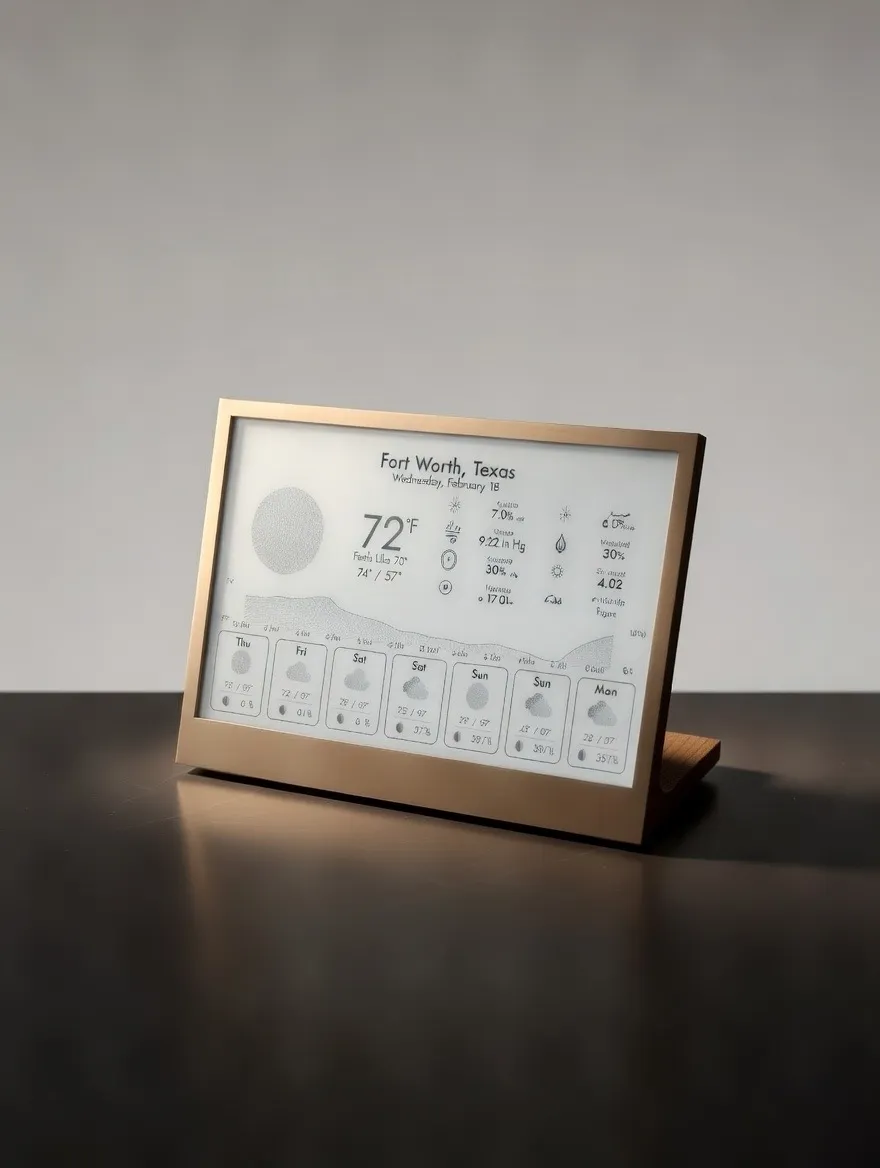
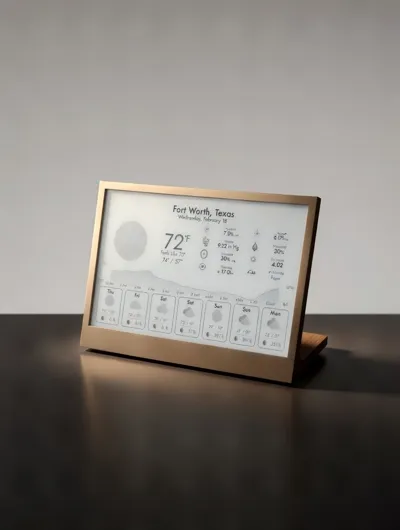
A minimal desk frame for a Raspberry Pi-powered e-ink weather station. Clean design, easy assembly, tool-less, no additional fees or subscriptions. The display shows current weather, 7-day forecast, and a 24-hour temperature graph. Update every 5 minutes via WiFi. Powered by InkyPi, a fully open source framework.
InkyPi is a e-display alternative, open-source framework with a clean, EASY web UI with various plugins - such as Calendar, Images, Clock, and several more. For this project, I will focus on Weather, however you can have multiple displays run through the day!
Why build this?
- No subscription fees — one-time hardware cost
- Open source software
- Clean, minimal aesthetic
- Tool-less design
- Low power (~0.4W idle)
Bill of Materials
- Raspberry Pi Zero 1/2 WH (or solder your own headers)
- Waveshare 7.5inch E-Ink Display HAT Compatible with Raspberry Pi, 800x480 SPI Interface
- 5V micro-USB Power
- +8GB microSD Card
My Print Settings
- PLA came out best, fine pre-setting, painted Fuzzy skin (0.1 / 0.1) and custom supports
Files Included
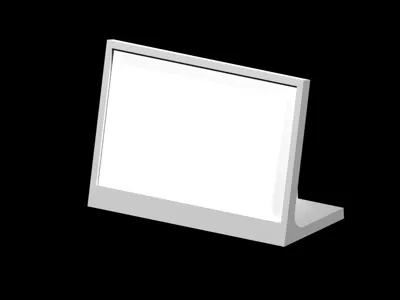
- Display bezel/frame
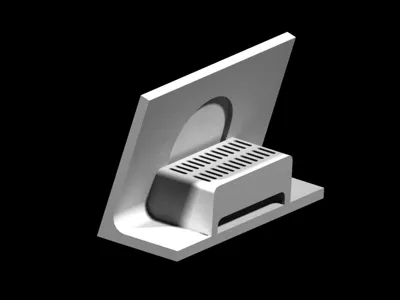
- Rear housing/lid
Assembly
- Print all parts
- Set HAT switches before attaching to Pi:
- Display Config: B
- Interface Config: 0
- Slide Display through the top slit (be careful with the fpc cable)
Connect fpc cable to the e-Paper Adapter
- To seat the cable, push the black part in, insert the cable, and pull black clip away from the inserted cable
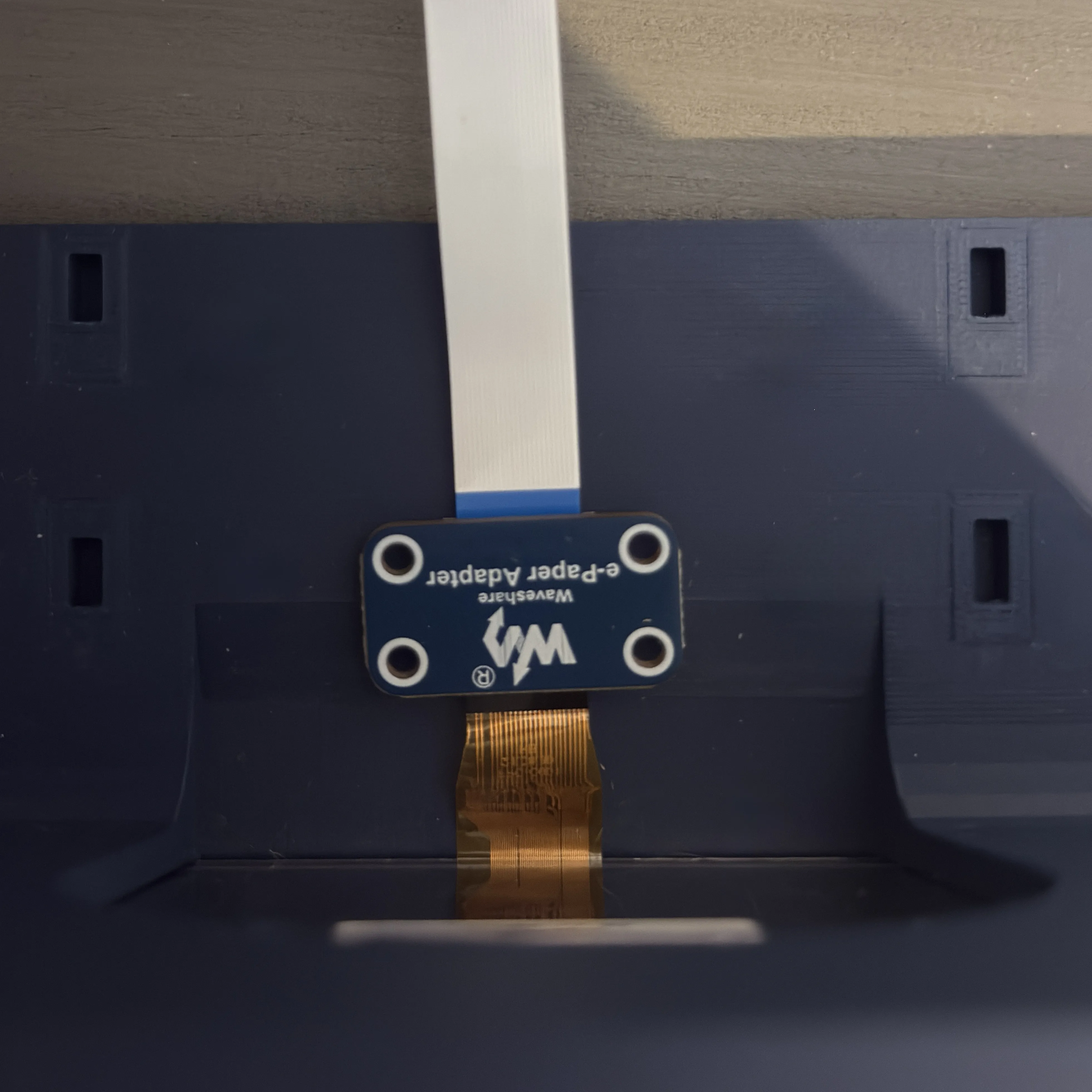
Tip: Connect adapter first, and slide into display slot (detach from white cable) 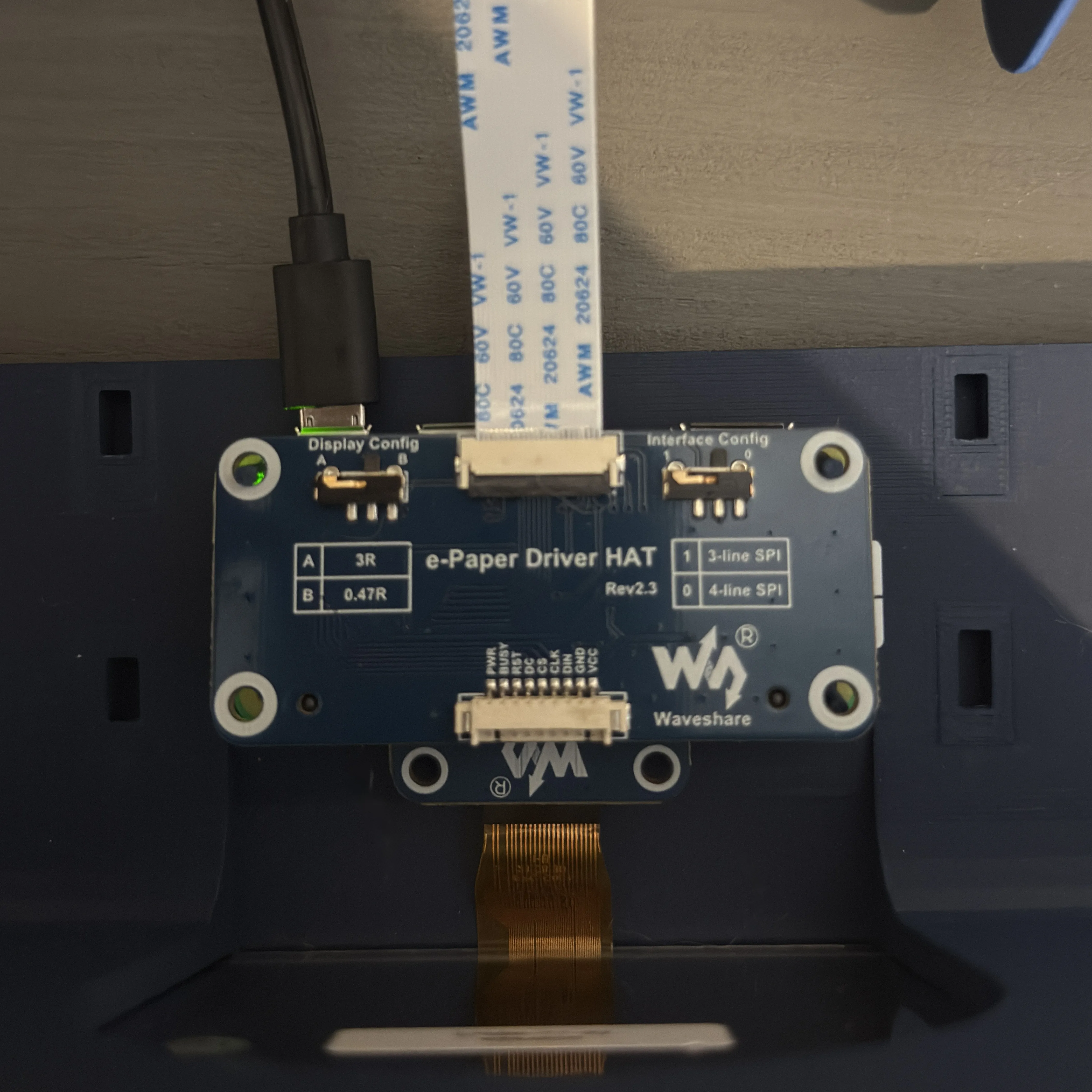
Stack your Pi Zero 2 WH under the HAT, loop white cable around underneath stack. 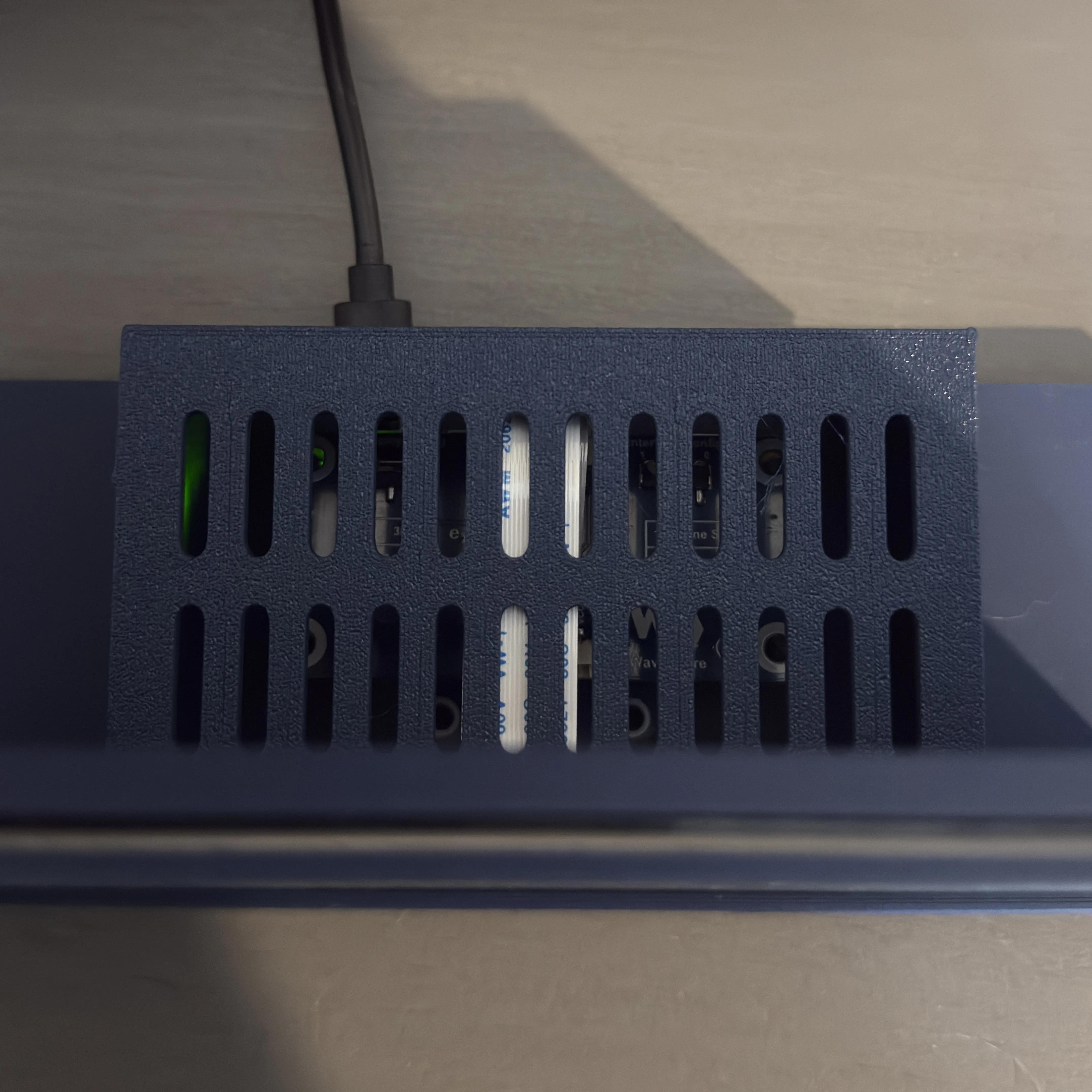
Gently bend cable over stack and slide on the lid.
Software Setup (Summary)
Full instructions: GitHub Repository
- Flash Raspberry Pi OS Lite (64-bit) with WiFi configured
- SSH into Pi: ssh <user>@weather.local (or IP address)
Install InkyPi:
sudo apt update && sudo apt install -y git git clone https://github.com/fatihak/InkyPi.git cd InkyPi sudo bash install/install.sh -W epd7in5_V2
- Reboot, then open http://weather.local in browser
- Configure Weather plugin with your location
Weather API Options:
- Open-Meteo — Free, no API key required
- OpenWeatherMap — Free tier (1,000 calls/day), requires account
Display Features
- Current temperature + feels like
- High/low temps
- Sunrise/sunset
- Wind, humidity, pressure
- UV index + air quality
- 24-hour graph
- 7-day forecast
- All in crisp black and white e-ink
Tips
- The magnet-utilized print is HIGHLY RECOMMENDED over the non-magnetic version.
- WH model strongly recommended — Saves headaches with GPIO connections
- Safe shutdown — Always run sudo shutdown now before unplugging
- 5 to 15-min weather refresh — Good balance of current data vs. API limits
- Set overall system refresh to at least once every 24 hours
Credits (see for more information)
License
STL files: CC BY-NC-SA 4.0 Enjoy your new weather display!
If you enjoyed this model and want to support my work, feel free to Buy Me a Coffee!
Boost Me (for free)
If you printed this model and love the design, feel free to boost me!
License

You may create derivative works based on this object, provided that all such derivative works are published exclusively on the MakerWorld platform and include proper attribution to the original creator. You may not share, upload, host, distribute, or publish this object—or any derivative work of this object—on any other digital platform, marketplace, or distribution channel. Commercial use of this object and any derivative works is strictly prohibited. This includes, but is not limited to, selling, renting, sublicensing, or using the object in any context in which you receive monetary compensation or other financial benefits.


Comment & Rating (12)