
Light Saber Blades

Print Profile(1)
Description
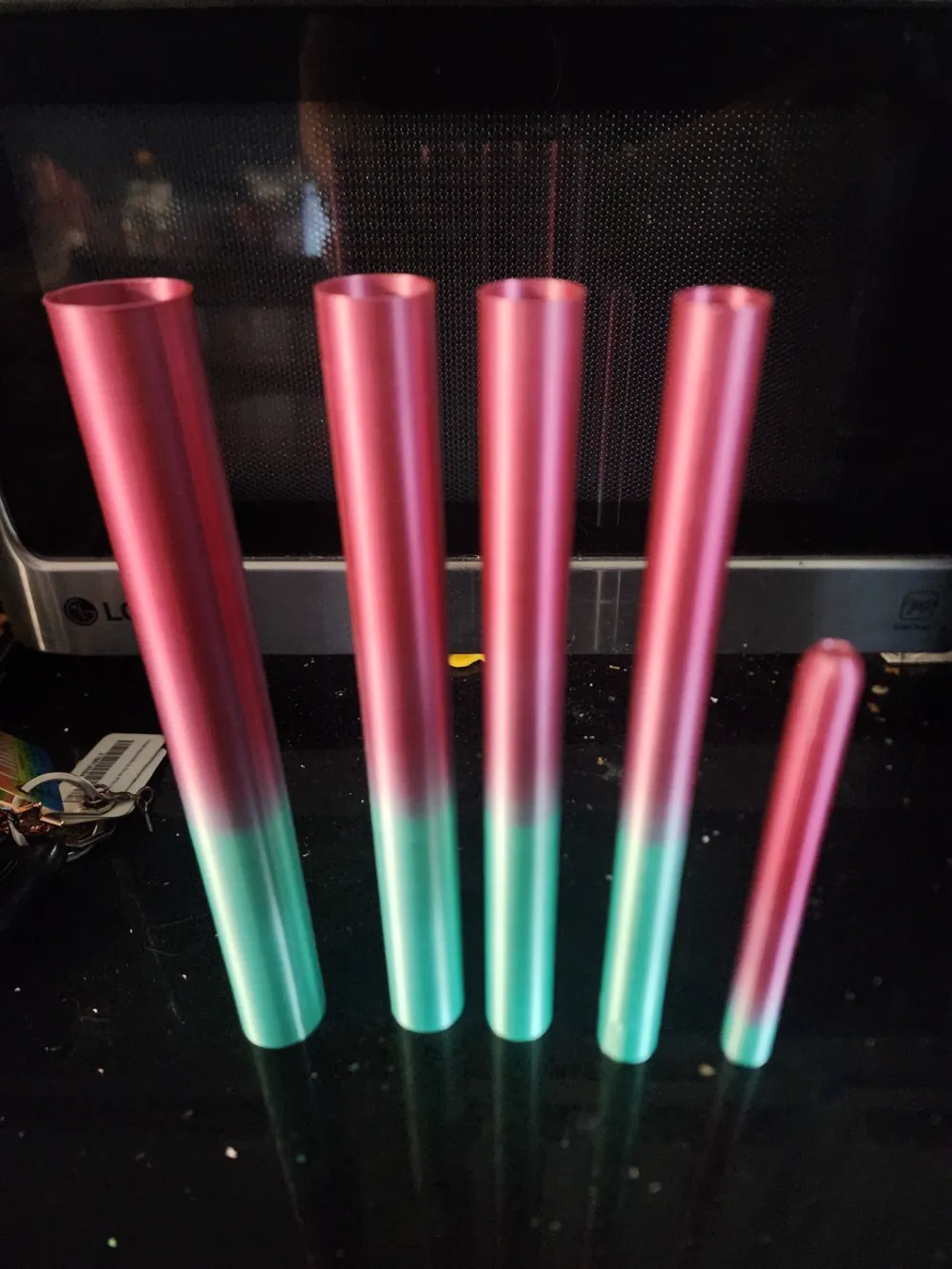
I've been having issues getting lightsabers to work and print properly so I decided to create my own based off versions I have seen online and in stores. Make sure when you print the files, that they are in vase mode. You will need to print each file one at a time so it doesn't create a seam line.
I would not recommend using a brim on the first blade as it could attach to the tip and when you try to remove the brim, it may pull it apart. I also recommend using 6 layers on the tip for strength. You can modify this if you want. Also make sure when printing parts 2 through 5 that you turn off top and bottom layers. For all parts make sure your infill is at 0%. Also set your line width to .90mm. If the sections don't catch, then up your line width by .2mm. If they catch too soon, then try reducing your line width.
Feel free to use what ever colors you want for your blades.
License



Comment & Rating (5)