
Customizable baby photo frame
Print Profile(7)


Description
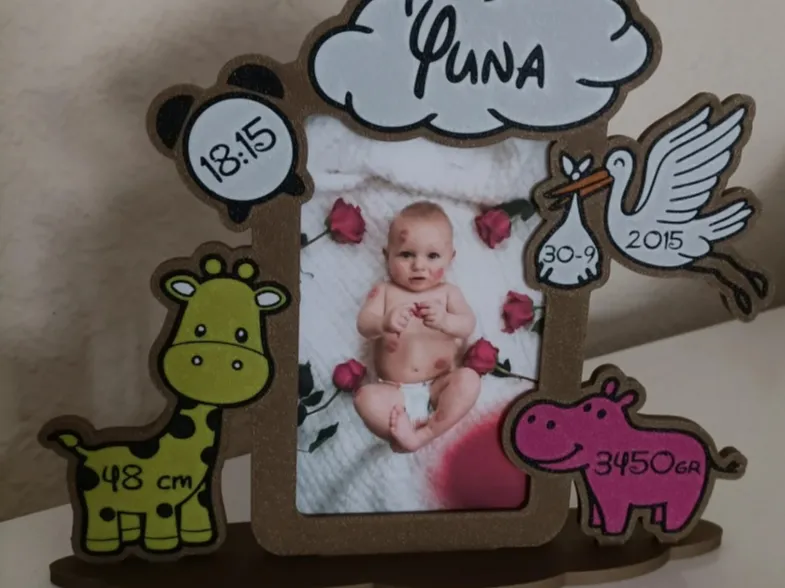
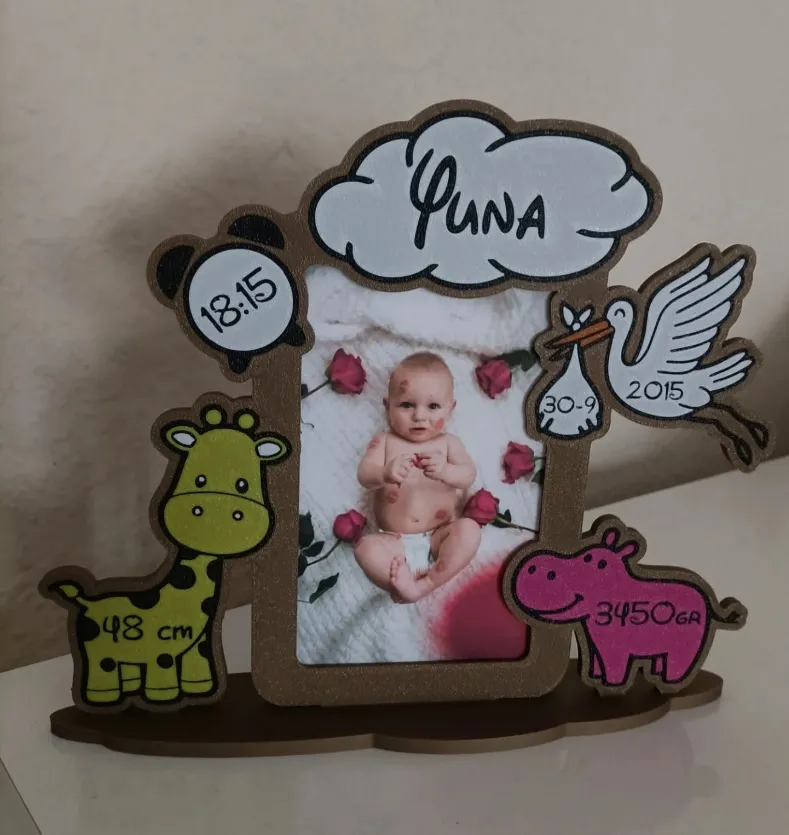
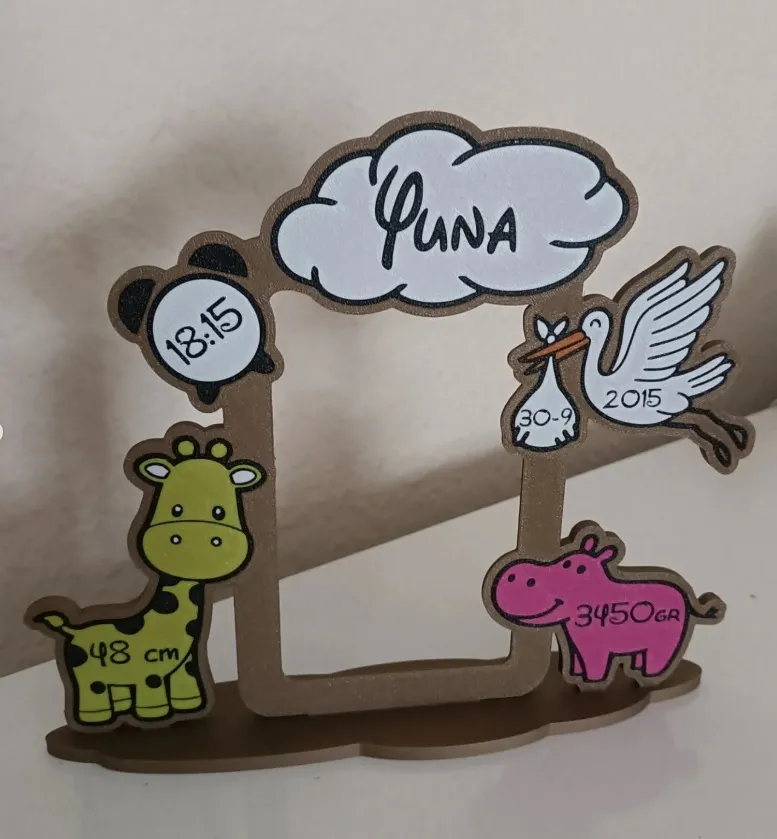
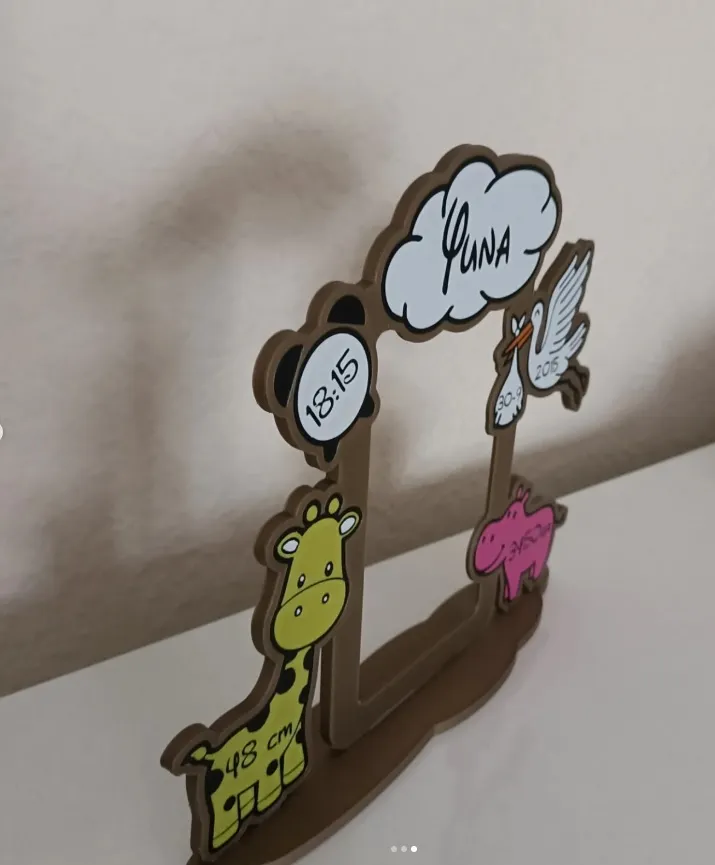
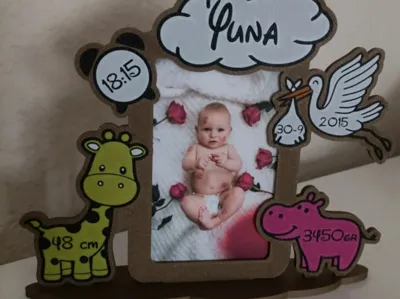
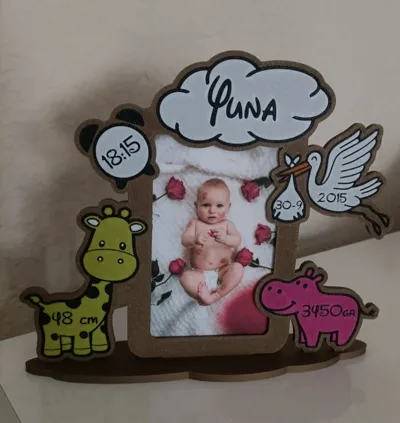
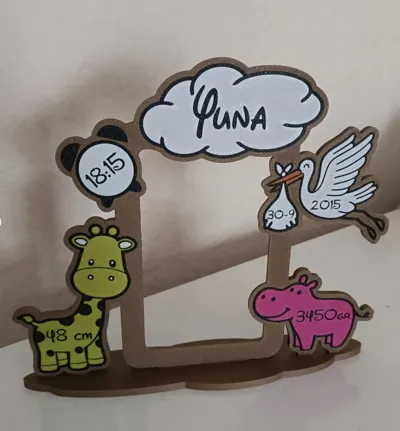
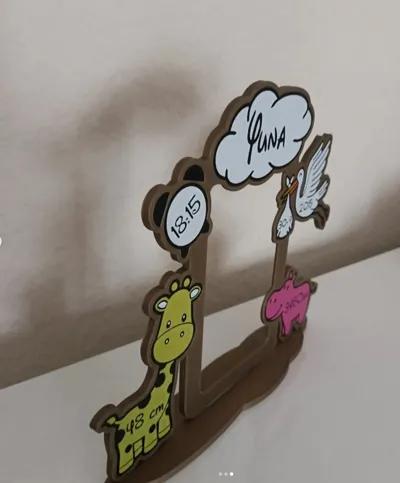

Personalized Baby Photo Frame – 3D Printed
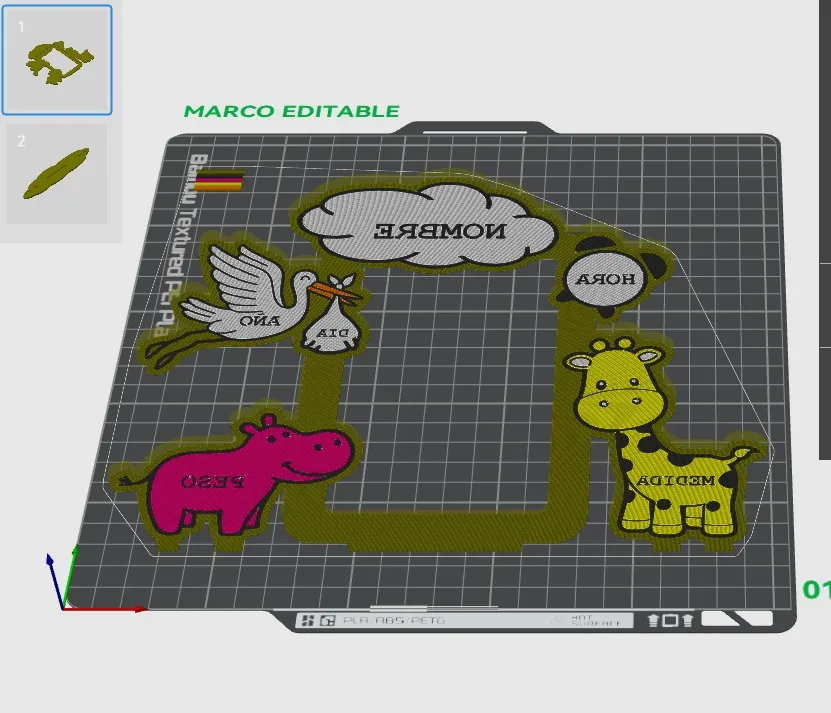
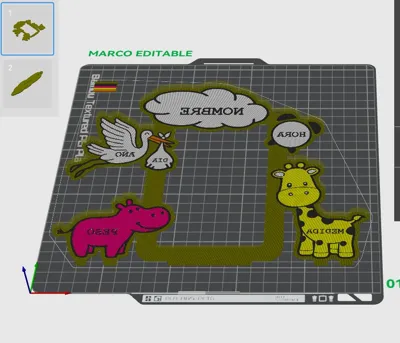
Photo frame specially designed for babies, perfect as a birth keepsake or personalized gift. The model allows you to personalize the baby's name, weight, height, date, and time of birth, creating a unique and meaningful piece
It is optimized for PLA printing, with a 0.28 mm layer height, allowing for fast printing while maintaining a good level of detail
The design does not require supports, making it easy to print even for beginner users
Perfect for decorating children's rooms or for gifting at baby showers and births
Boost Me (for free)
Please, if you like the design, do not hesitate to give me a boost, it helps me a lot. Thank you!!
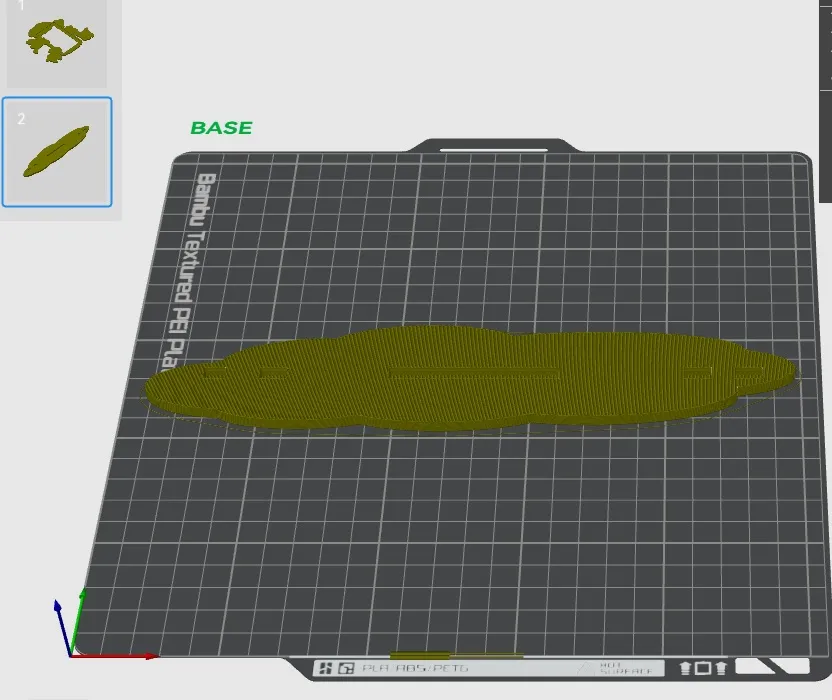
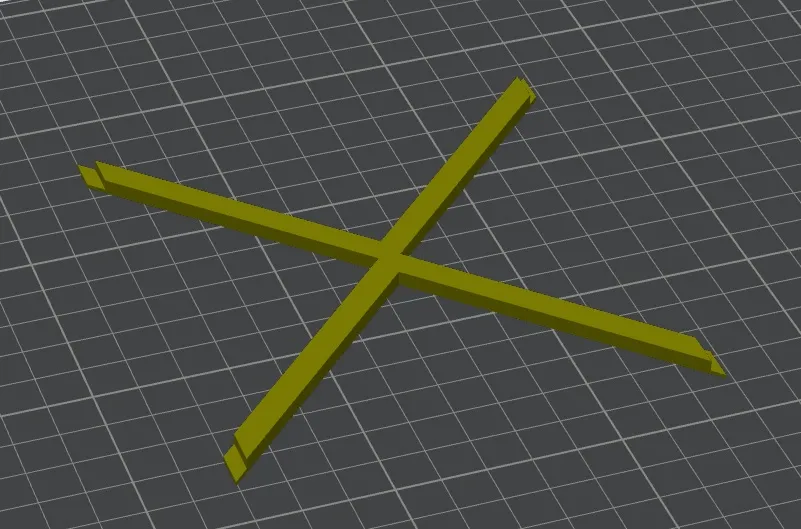
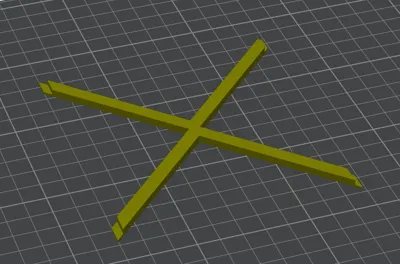
*A file has been uploaded for the back part to hold the photo
** A new profile has been uploaded, modifying the text modifier type to avoid problems when editing
print profile “CORRECTION FOR EDITING TEXT CORRECTLY”
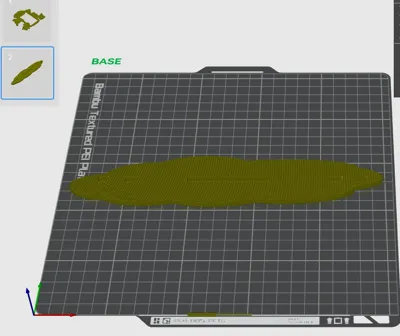
There are more than 4 colors but you can change the filament in the AMS, for example, start with white. Once it finishes with white (there are only color changes in the first layer), you can put the 5th color there, and similarly, when it finishes with the second color, you can put the sixth color there
EXPLANATION
The following color order is configured: 1-white, 2- yellow, 3-Pink, 4-Orange, 5 black and 6 bronze. You will have the AMS with 4 colors: 1-white, 2- yellow, 3-Pink, 4-Orange. When you click print, you will have to configure all 6 colors; the first 4 will already be correct, and for the missing 2, you will have to choose BLACK to be taken from the position where white is, and BRONZE to be taken from the position where yellow is. When printing starts, it will begin with white. Once it finishes printing white, you wait, and when it starts with yellow, you manually remove the white spool and replace it with the BLACK spool (you don't need to insert the filament all the way to the extruder, just put it in about 10 cm; you will see the AMS indicator light up). Then wait for yellow to finish, and when it starts with pink, in the position where you have yellow, insert the BRONZE
Printing recommendations:
- Material: PLA
- Layer height: 0.28 mm
Supports: No
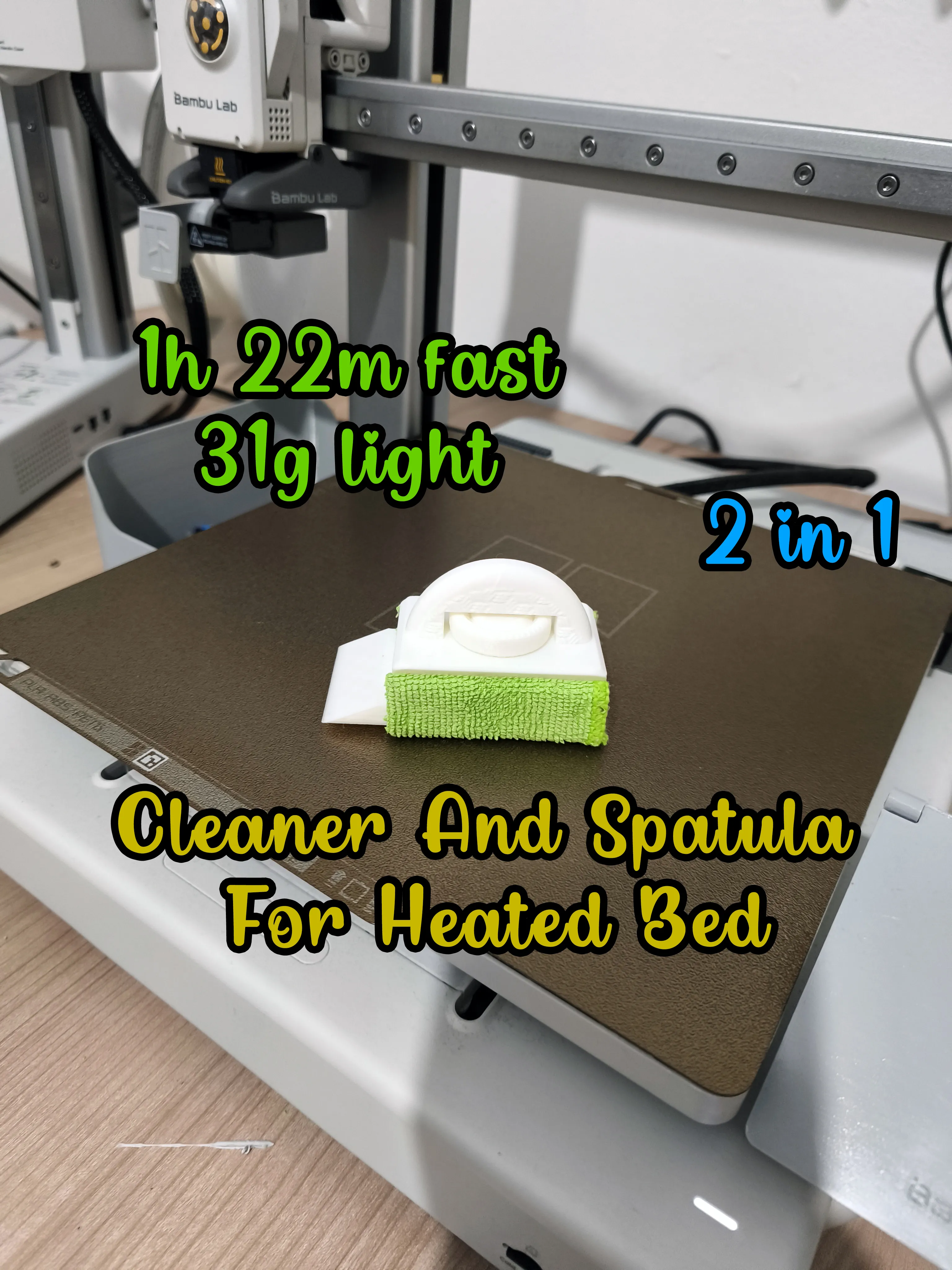
Please check out my 2-in-1 heated bed cleaner and spatula design
https://makerworld.com/en/models/2370157-heated-bed-and-plate-cleaner-and-spatula#profileId-2594053
Please check out my profile, there are many interesting things to download, Thank you!!
https://makerworld.com/en/@user_1219299901/upload
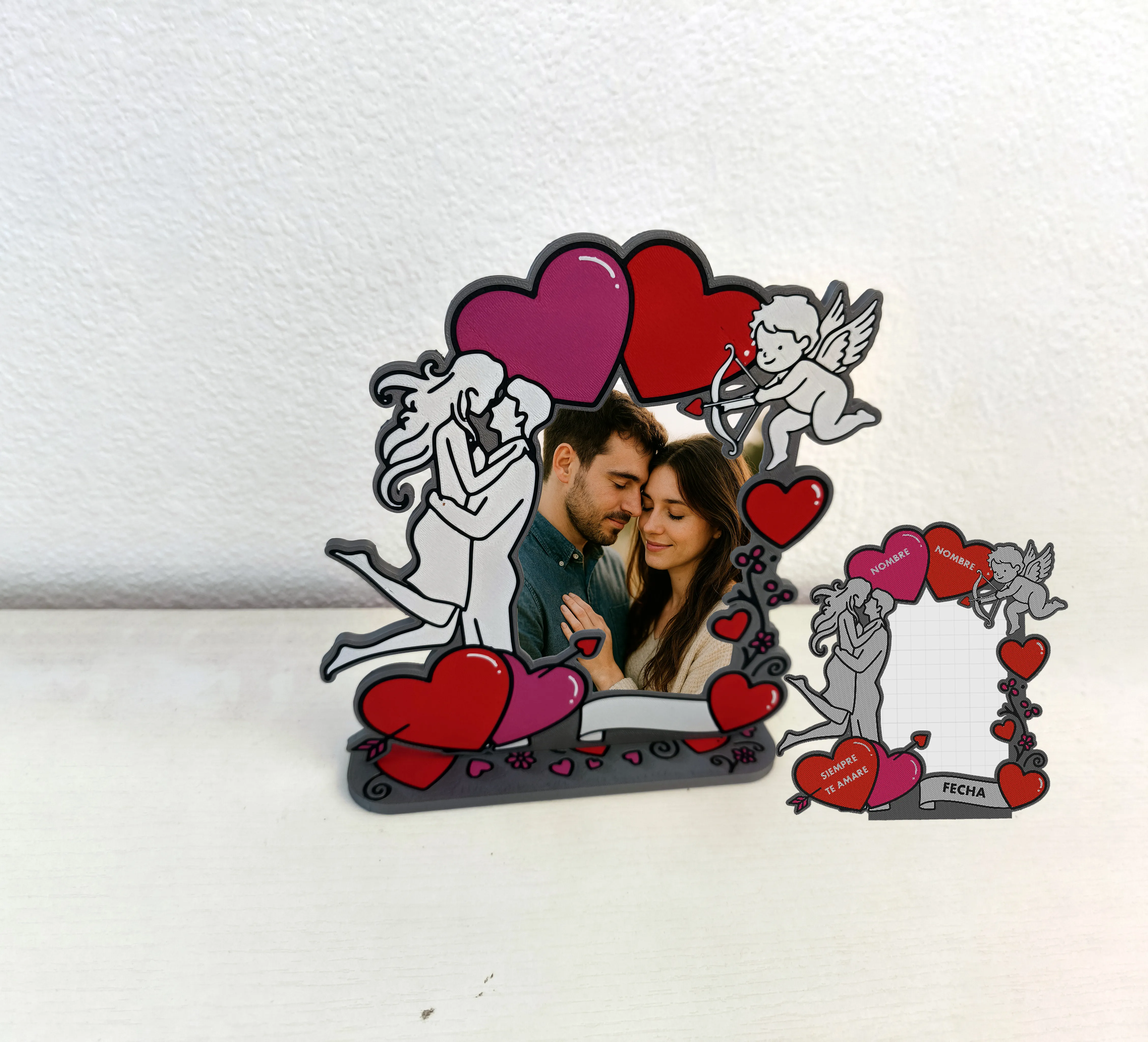
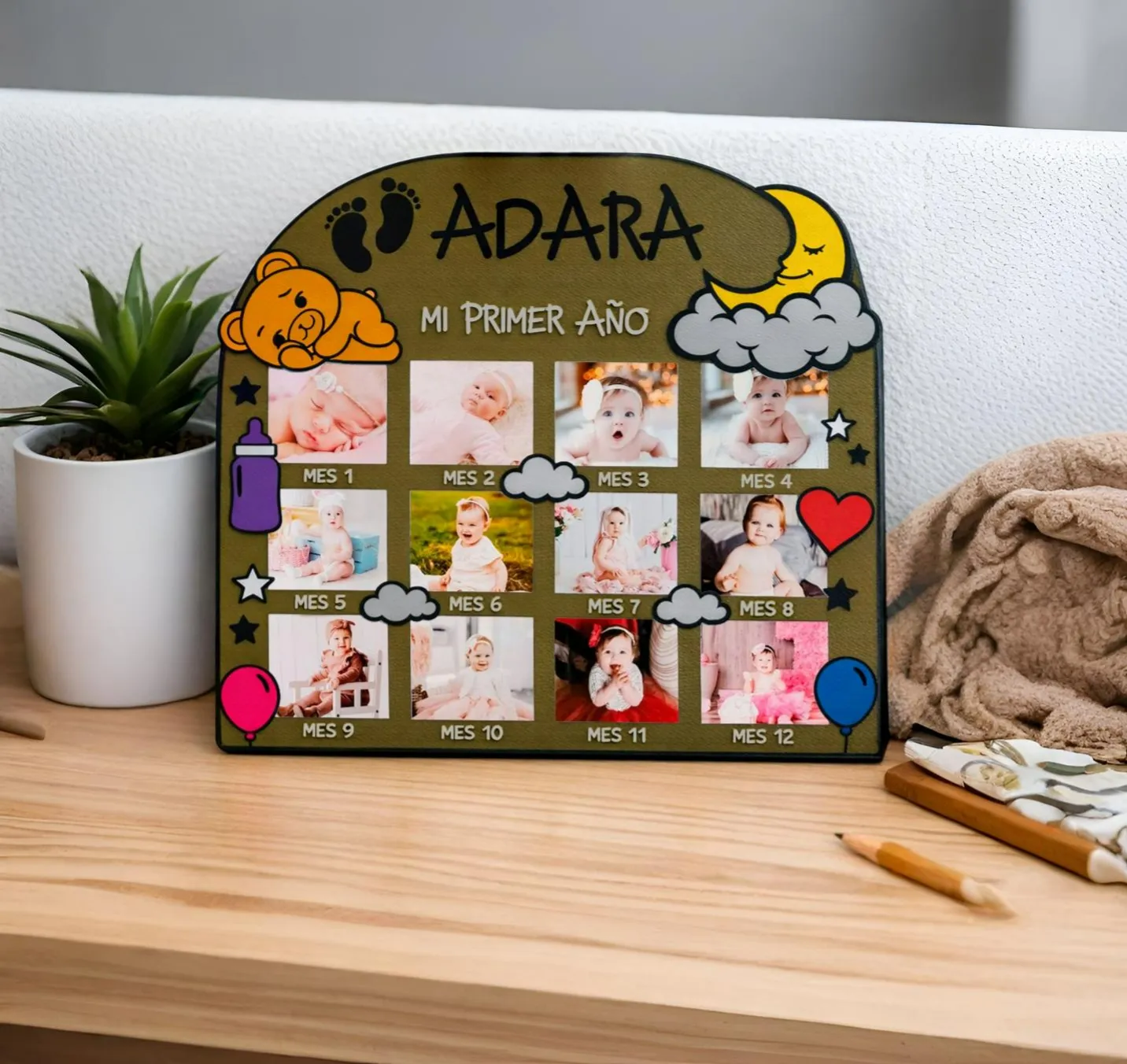
Please also check out my photo frames!
https://makerworld.com/en/models/2343857-personalized-valentine-s-day-photo-frame#profileId-2562395
https://makerworld.com/en/models/2388040-personalized-12-month-baby-photo-frame#profileId-2615736
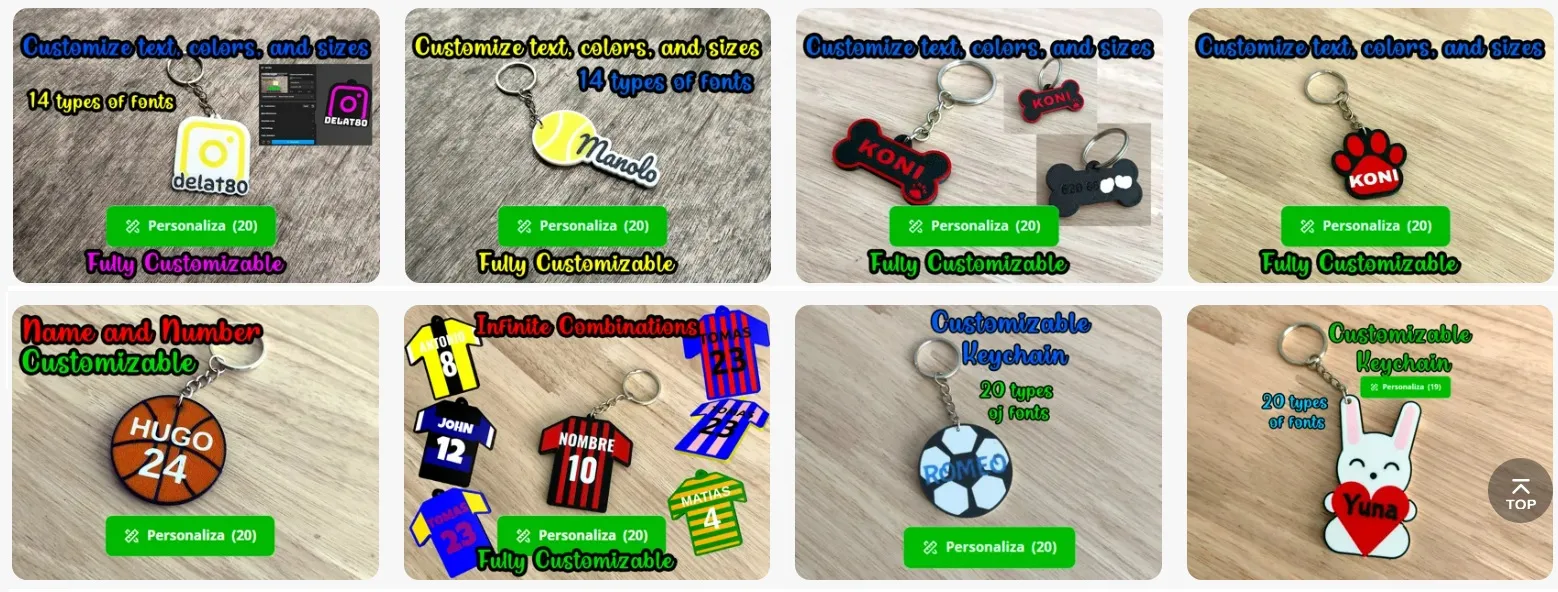
Please check out my collection of customizable keychains
https://makerworld.com/en/collections/21756405-keychains
License



Comment & Rating (61)