
Heart Flower Vase (Anatomically Accurate)
Print Profile(2)
Description
Membership
All Commercial License Memberships are currently SOLD OUT. The next opportunity to join is expected in 2027, unless availability changes earlier. Thank you for your interest and support.
Follow me on MakerWorld for more of my designs, drops, and future releases! : makerworld.com/en/@3DMakerSpace/upload
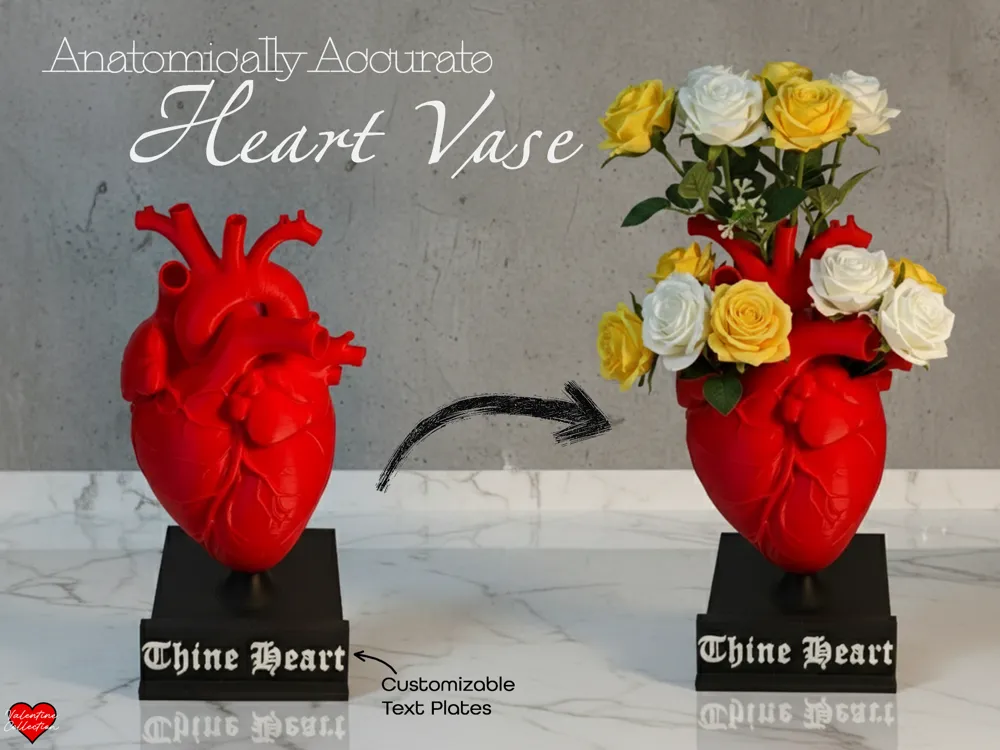
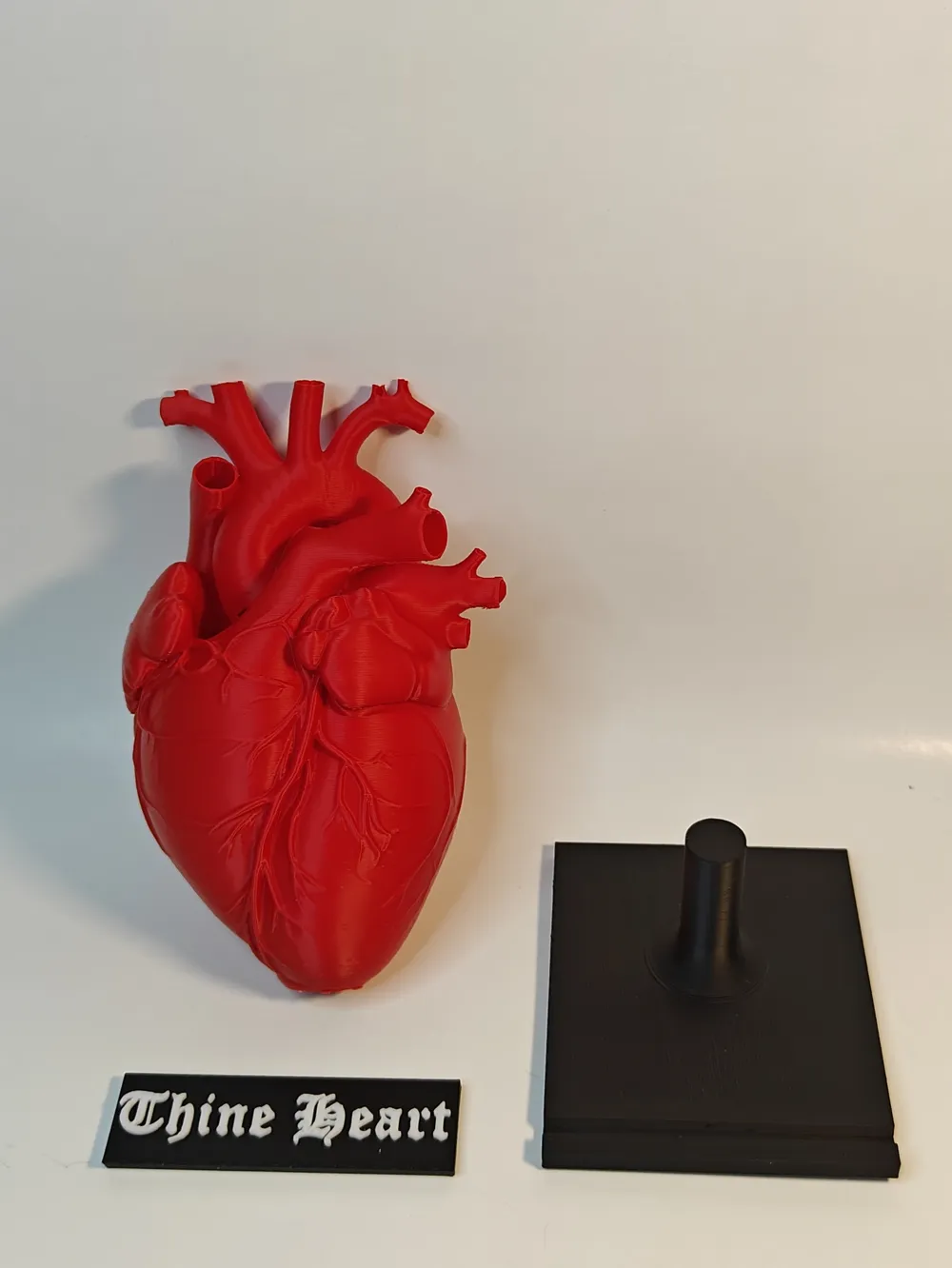
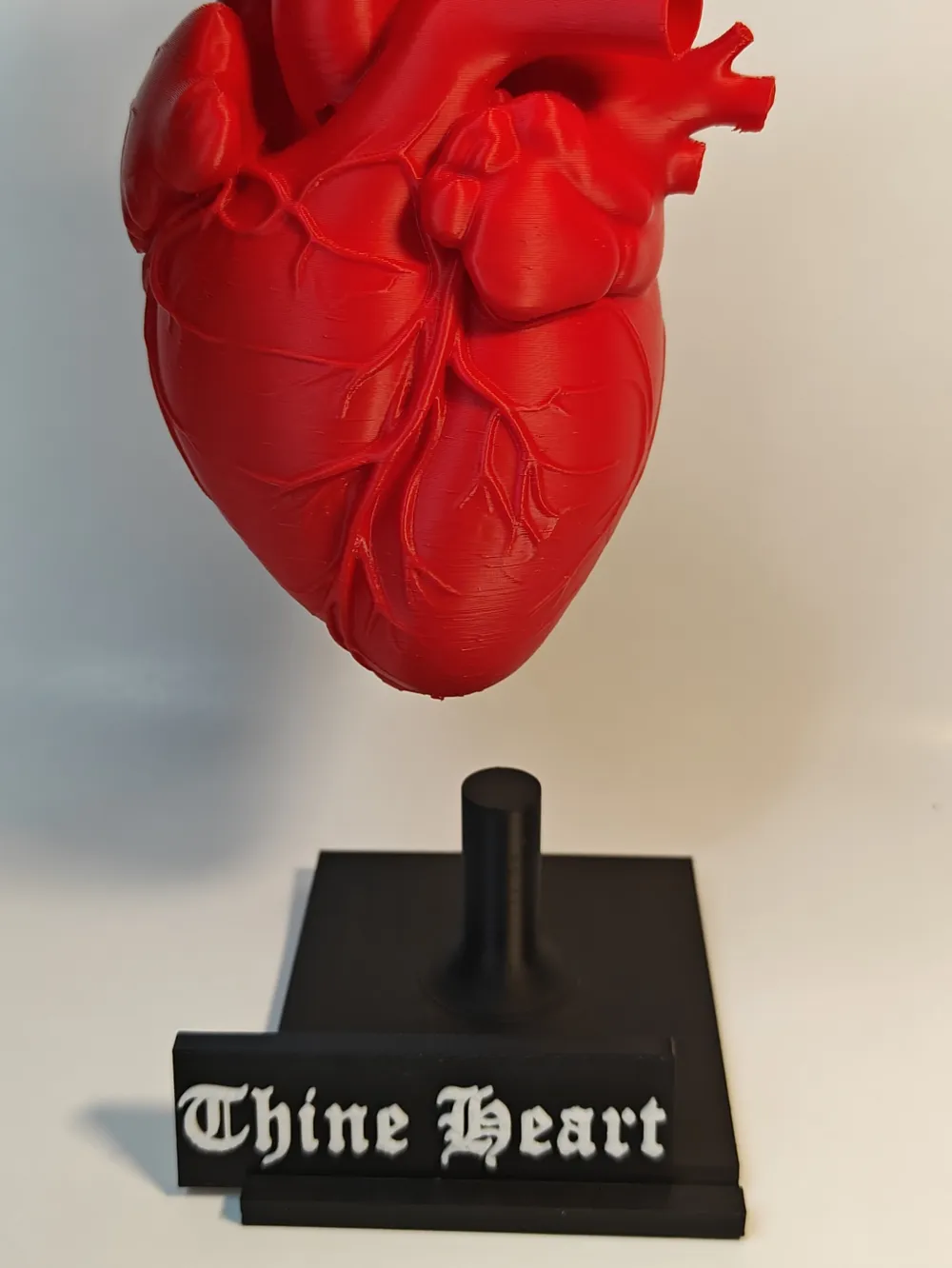
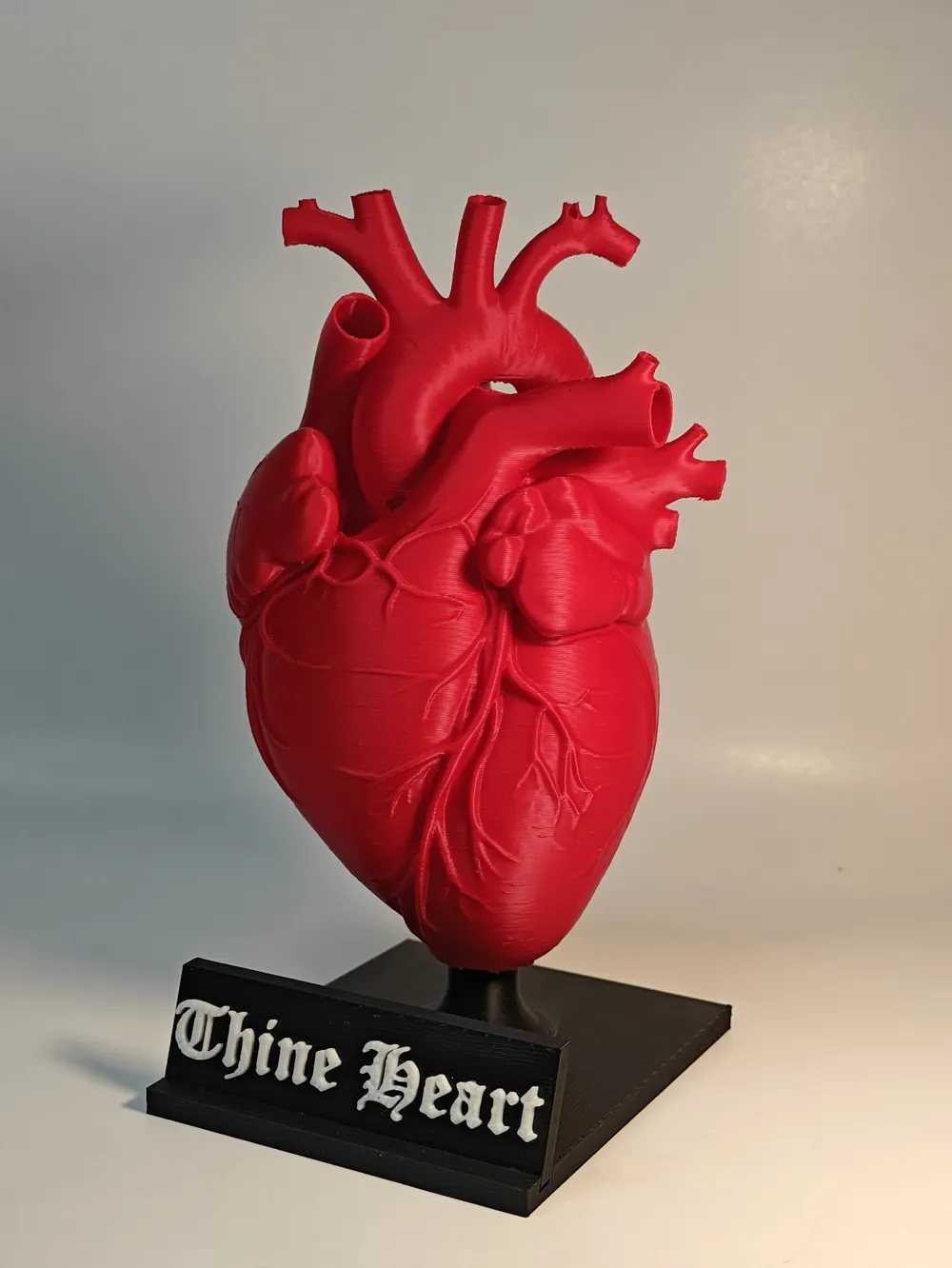
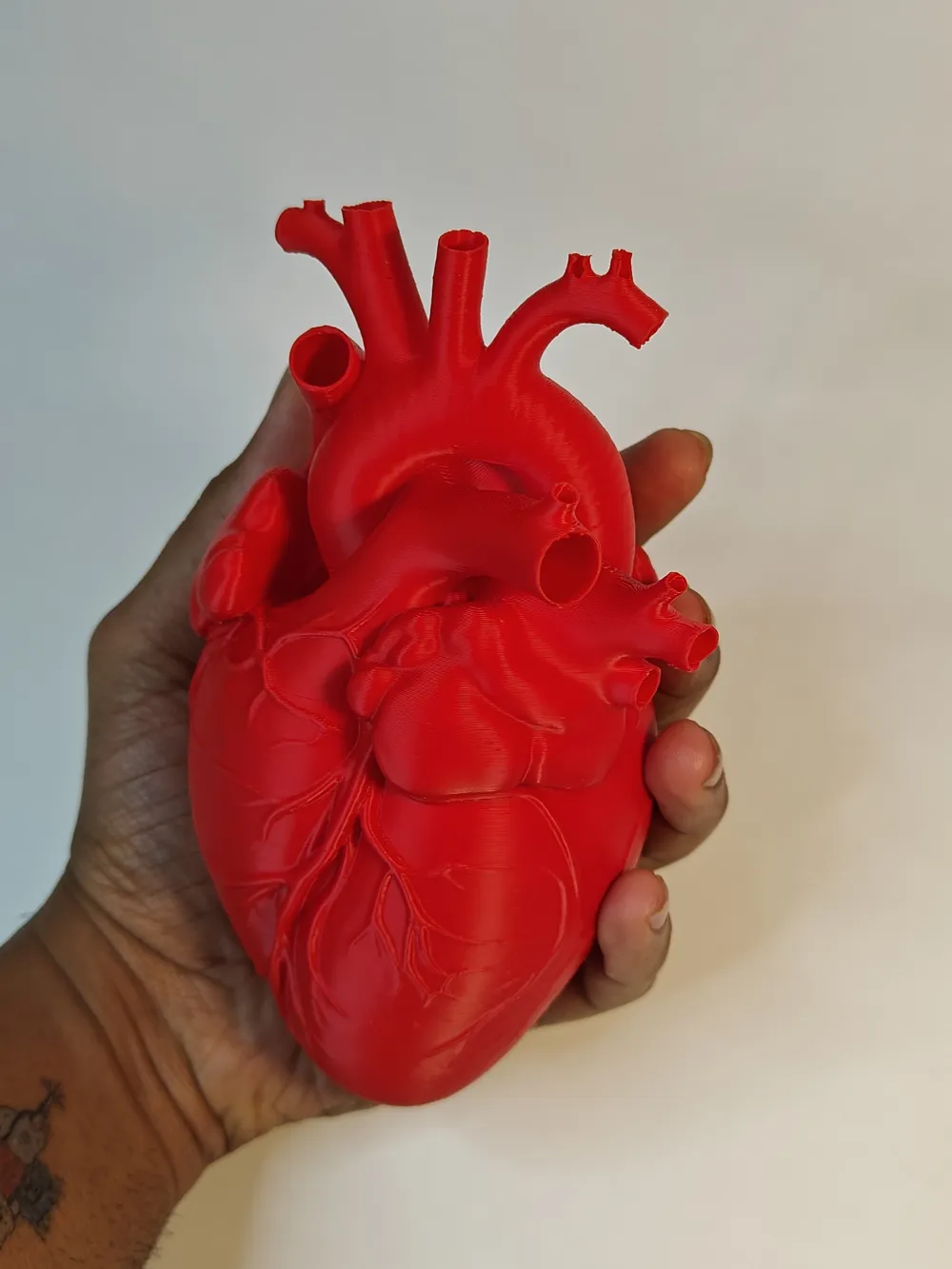
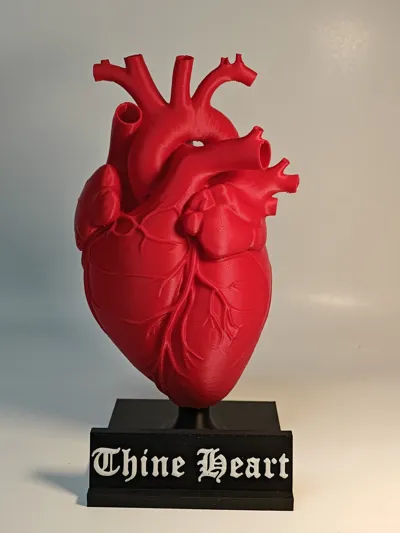
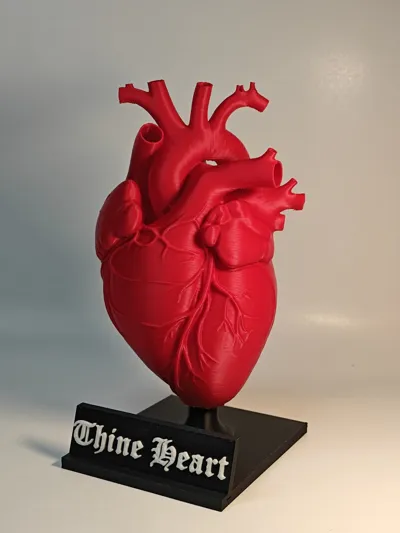
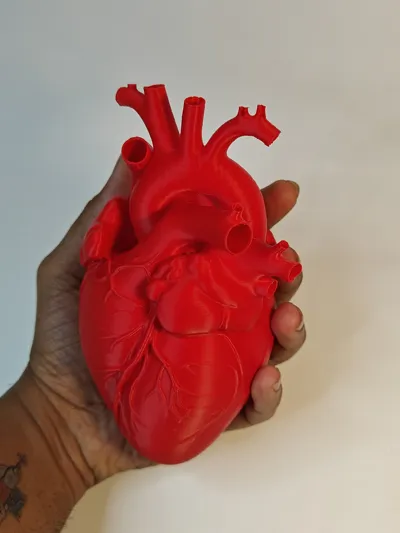
💓Anatomically Accurate Heart Vase 💓
Roses are red,
Violets are blue,
This heart holds water…
And flowers for you 🌹
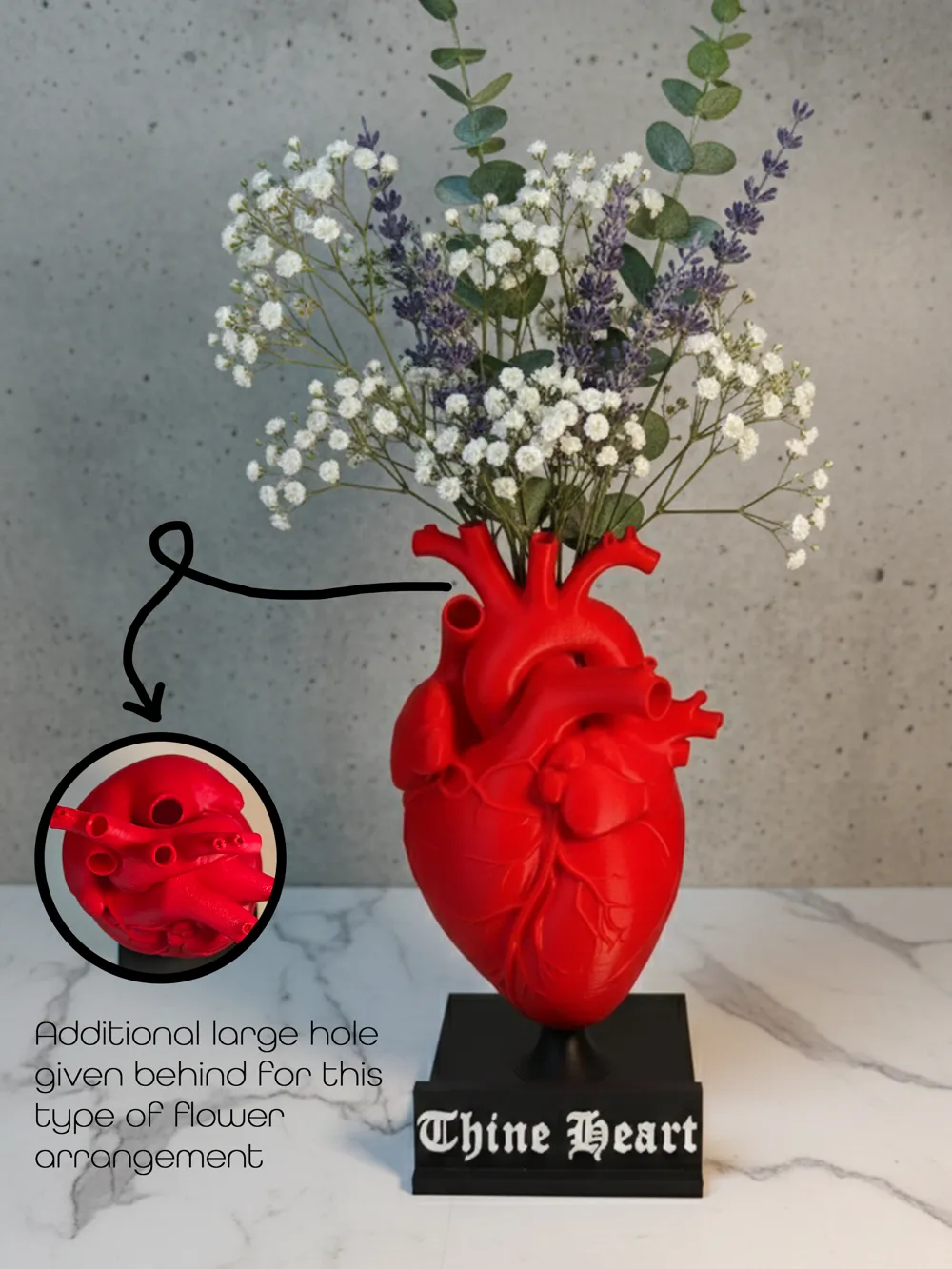
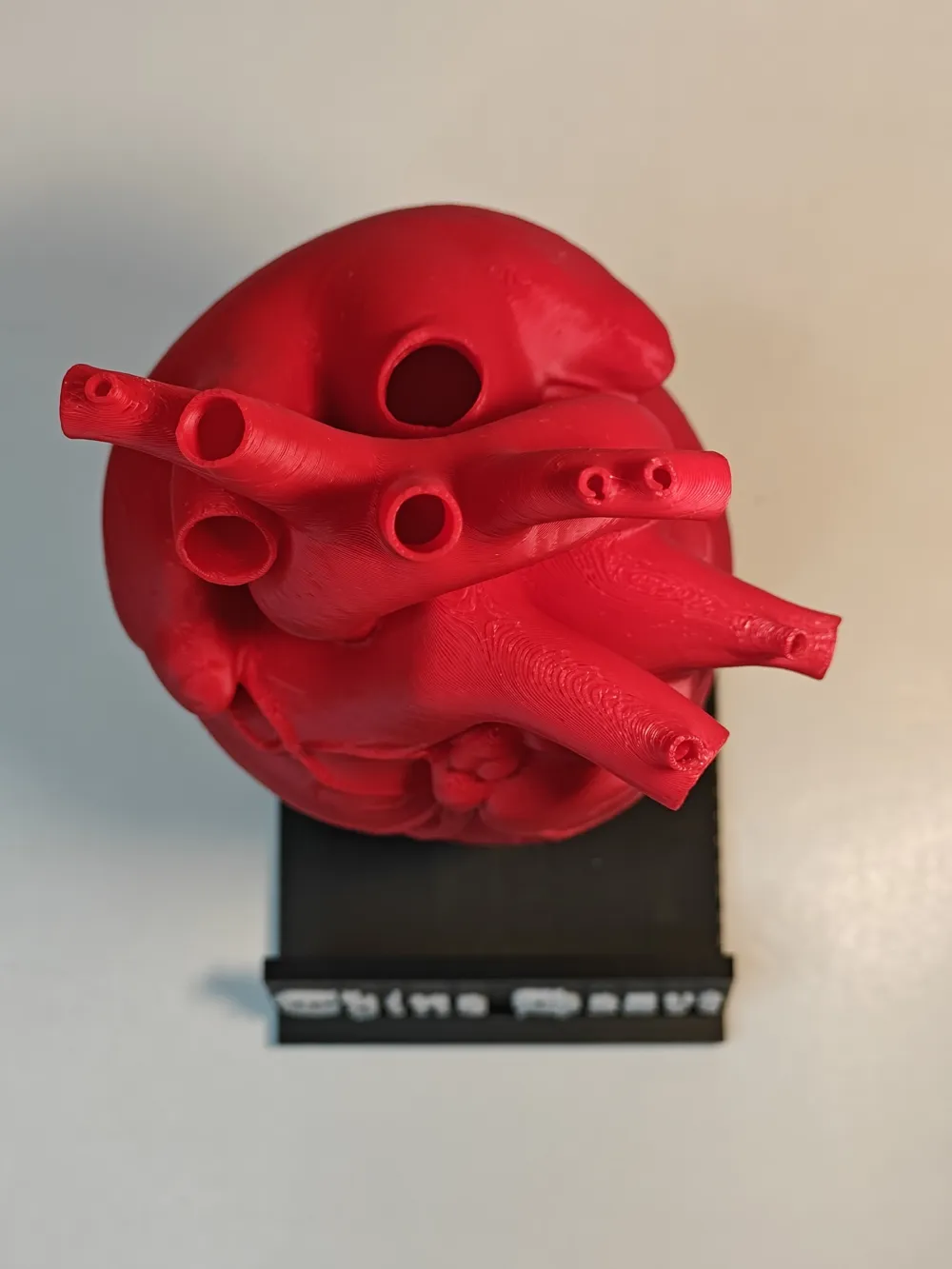
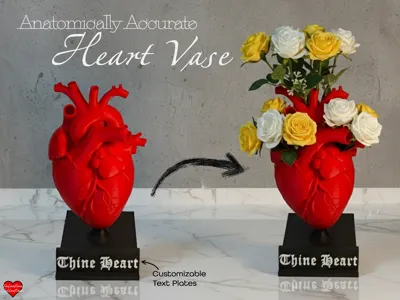
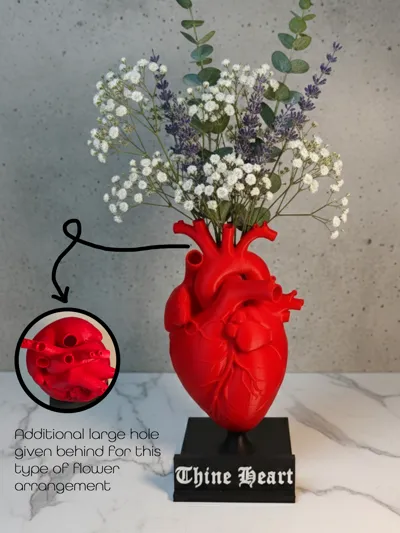
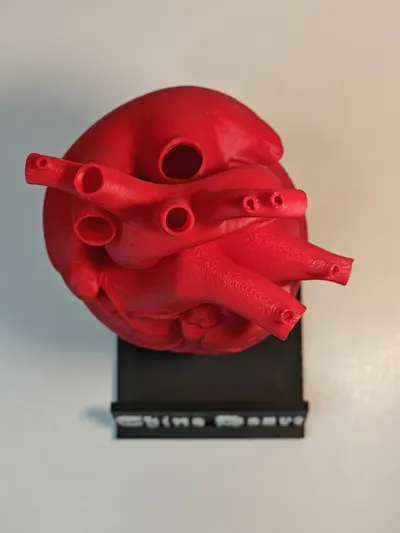
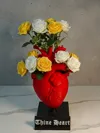
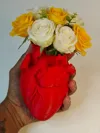
Say “I love you” in the most literally heartfelt way possible. Or maybe give your loved one flowers ‘from the bottom of your heart’! This anatomically accurate heart vase is a bold, funny, and surprisingly romantic gift - because nothing says devotion like giving someone your heart… as a flower vase. Each vessel/tube in the heart opening acts as a flower stem port, so your bouquet looks like it’s blooming straight from the heart. Fill it with real water, add fresh flowers, and watch your loved one question both your creativity and sanity (in a good way).
Boost Me (for free)
Boost this model if you’ve ever wanted to give someone your heart… And never knew how until now? Your boost keeps new designs pumping. Thank you :)
Features That Make Hearts Flutter
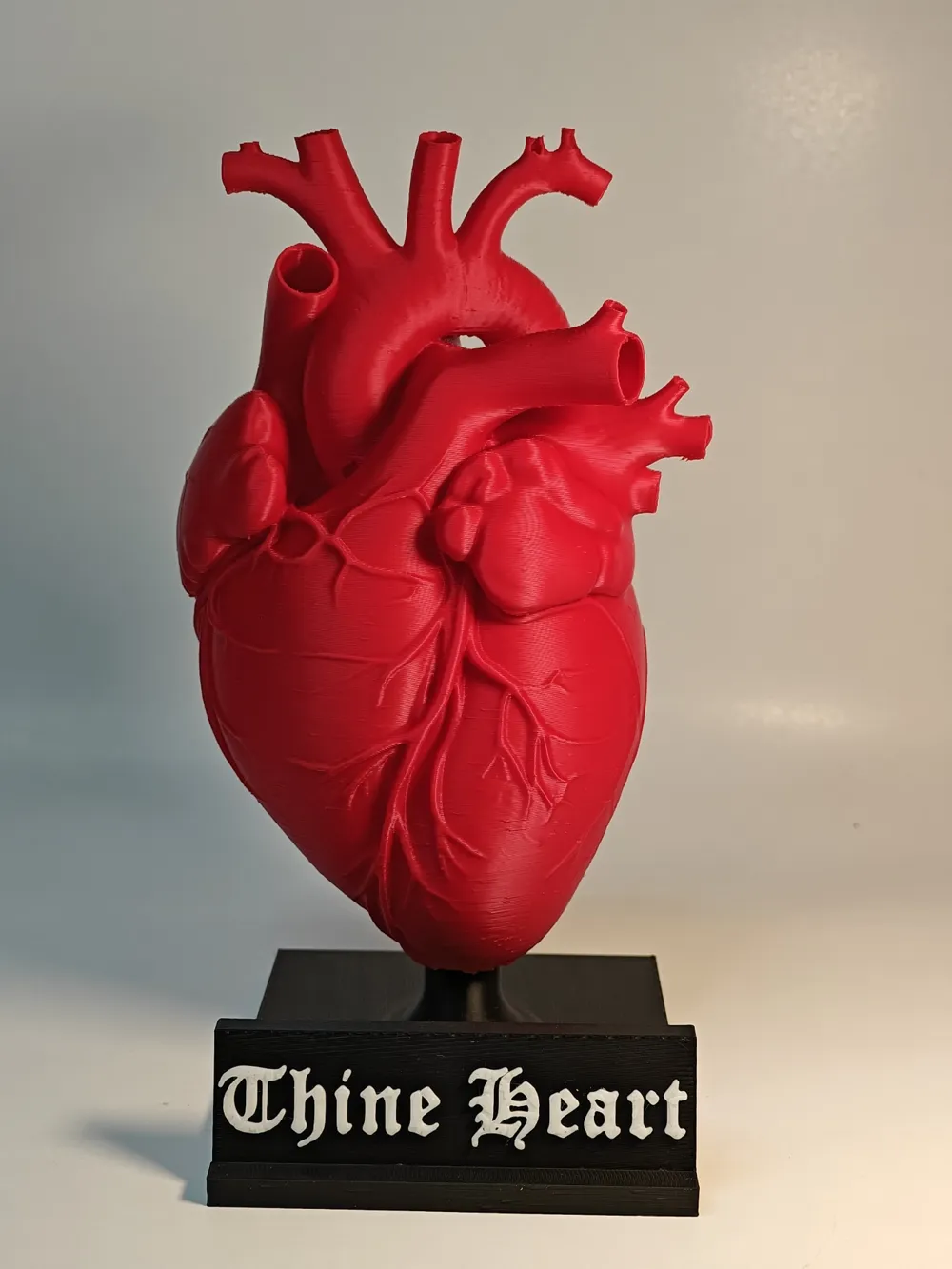
- Realistic anatomical heart design
- Water-tight: yes, you can pour real water inside
- Every vessel hole is a flower stem entrance
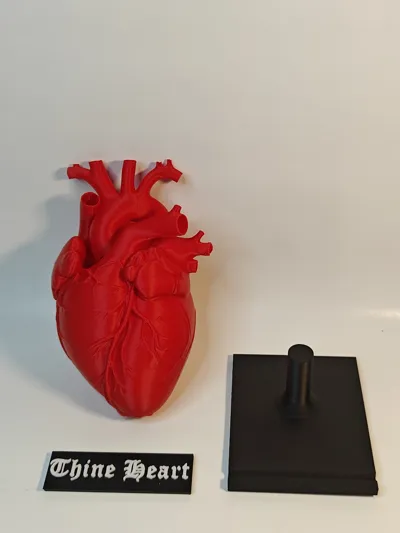
- Prints in separate parts - no AMS needed (for text, just add a pause in the slicer if you don't have an AMS and switch the filaments)
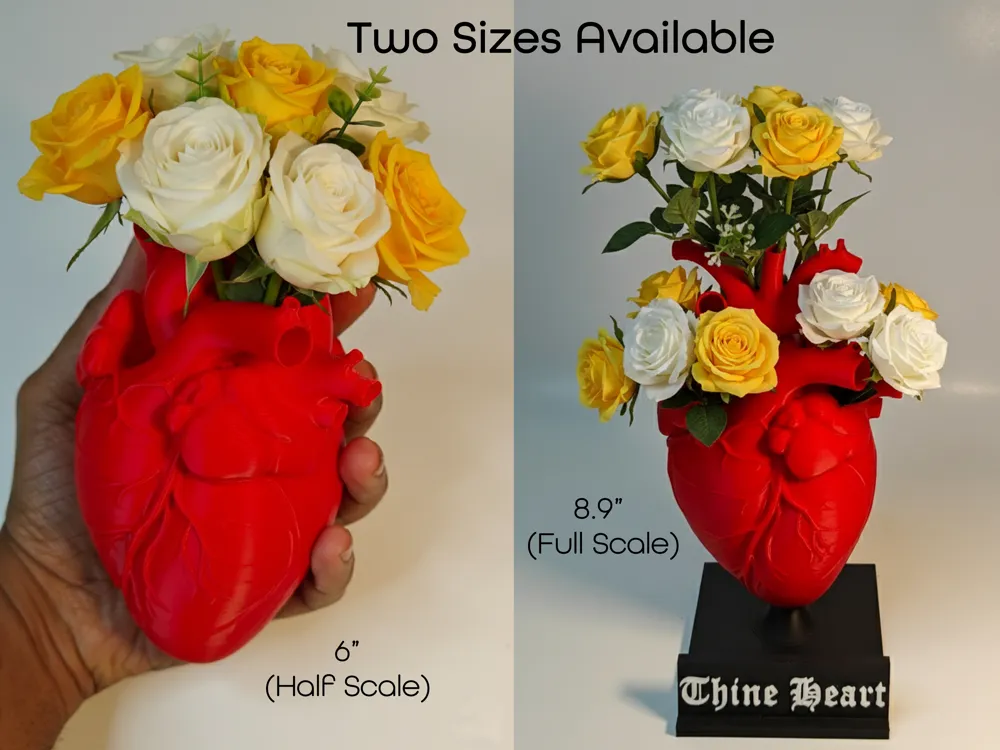
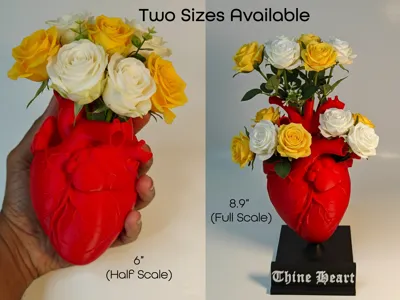
- Two sizes available:
- Half scale (~6")
- Full scale (~8.9")
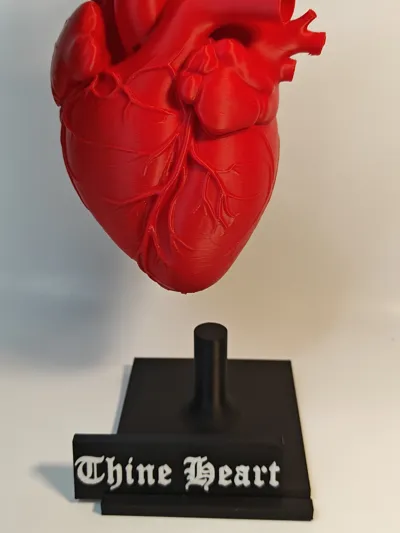
Customizable nameplate - put quotes, or a simple ‘I Love You’, your lover’s name, or your own… to claim ownership 😏
💘 Perfect As:
- Valentine’s Day gift
- Anniversary surprise
- Wedding centerpiece
- “I love you but also enjoy weird science art” statement piece
⚠️ Warning⚠️
Giving someone your heart may result in:
- Excessive smiling
- Sudden hugs
- Questionable but lovable life partner choices
- or a brief heart attack ……Proceed with love ❤️
How To Add Text To The Blank Piece?
Step 1: Click and select the piece.
Step 2: While selected, click on the ‘text tool’ on the top ribbon.
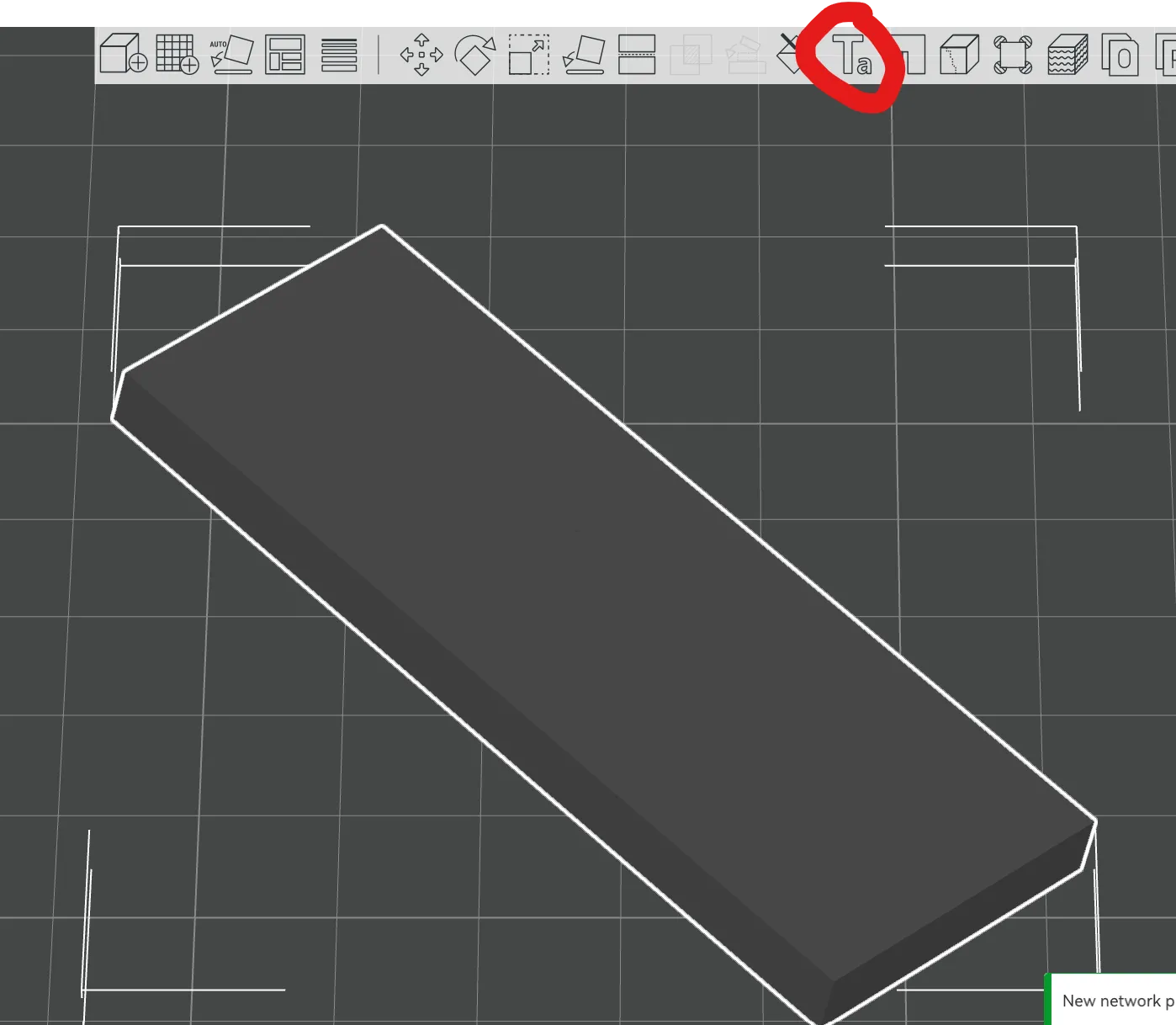
Step 3: Add text to the surface you want and adjust the orientation and depth according to your liking.
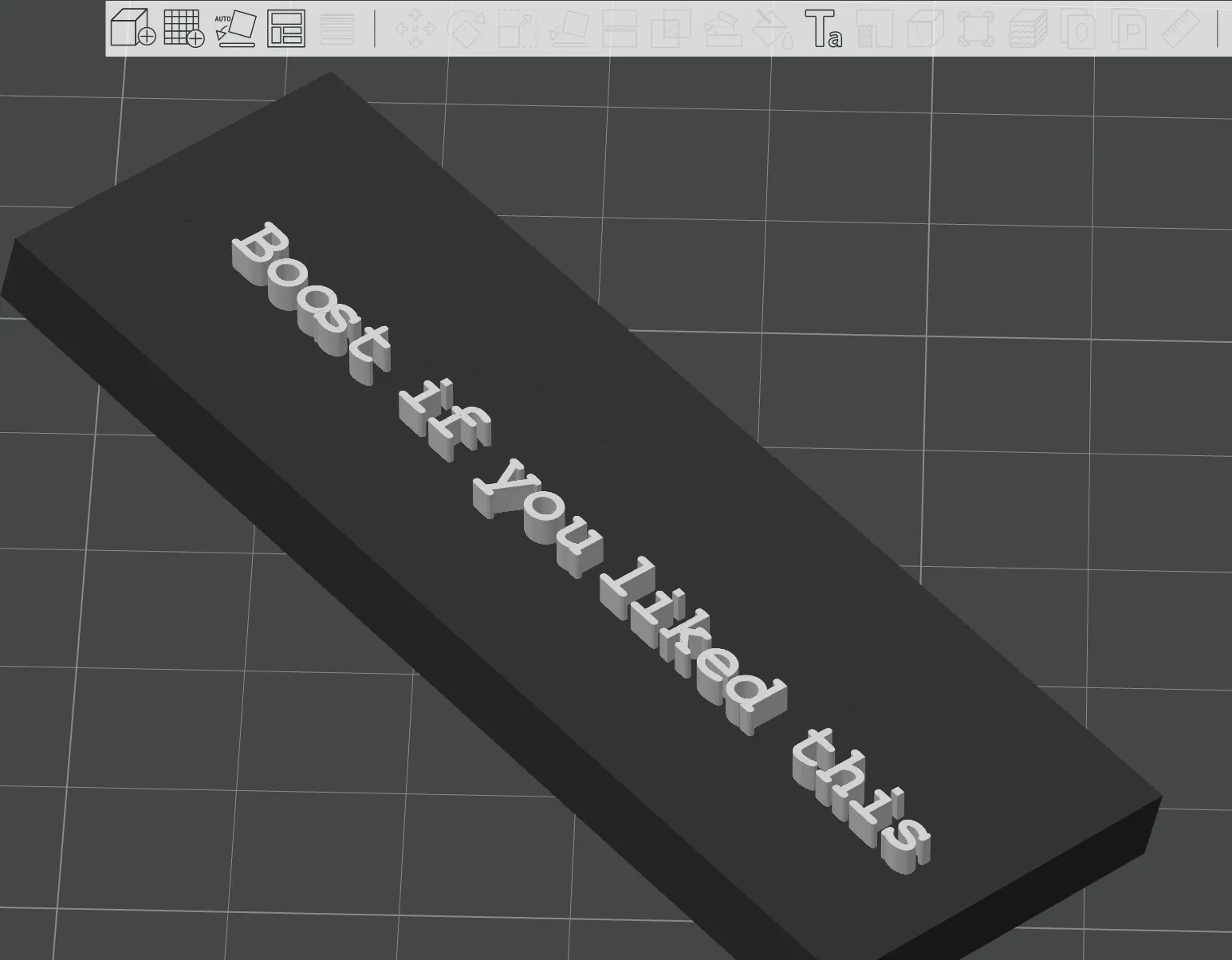
Step 4: Change the color of the text and slice and print!
Boost Me (for free)
Please consider boosting this model if you liked it!
License

You shall not share, sub-license, sell, rent, host, transfer, or distribute in any way the digital or 3D printed versions of this object, nor any other derivative work of this object in its digital or physical format (including - but not limited to - remixes of this object, and hosting on other digital platforms). The objects may not be used without permission in any way whatsoever in which you charge money, or collect fees.


Comment & Rating (97)