
Silent & Customizable Infinity Cube (PLA + TPU)
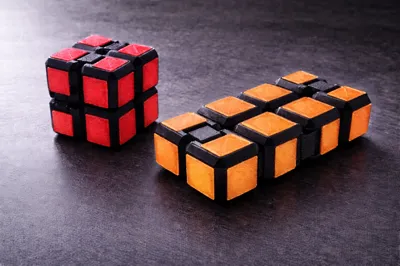
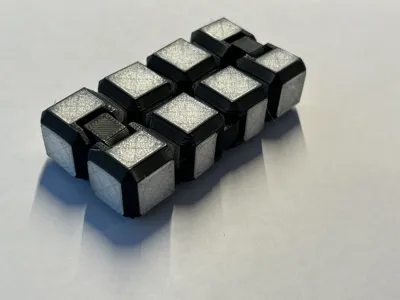
Print Profile(1)

Description
🤫 Silent & Customizable Infinity Cube (PLA + TPU)
The first Infinity Cube designed specifically for silence.
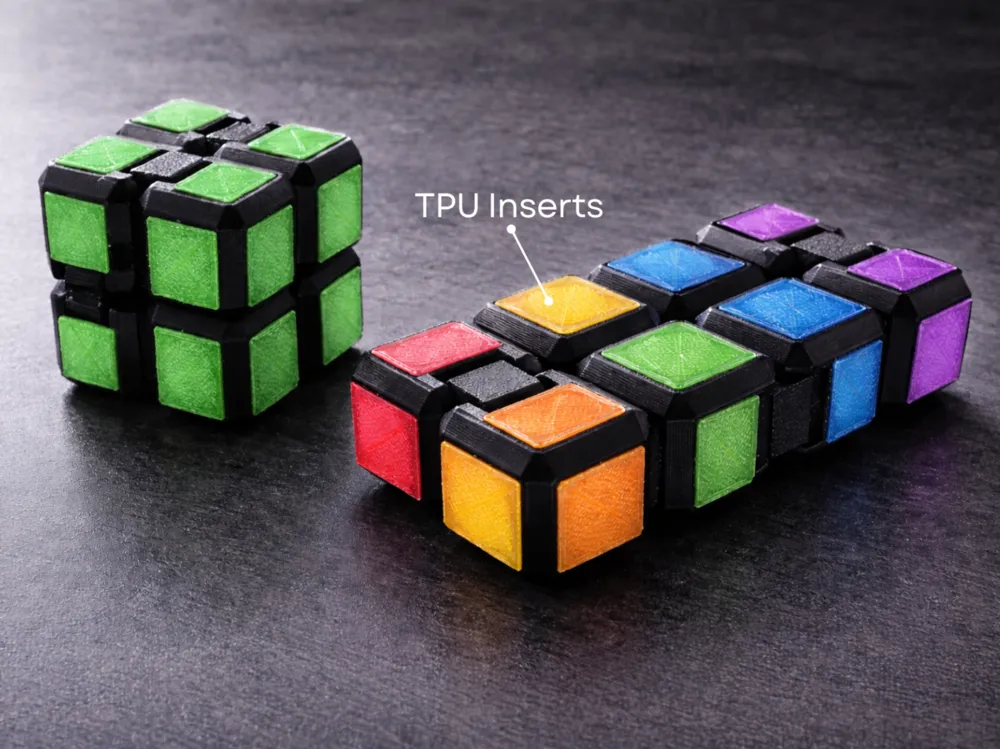
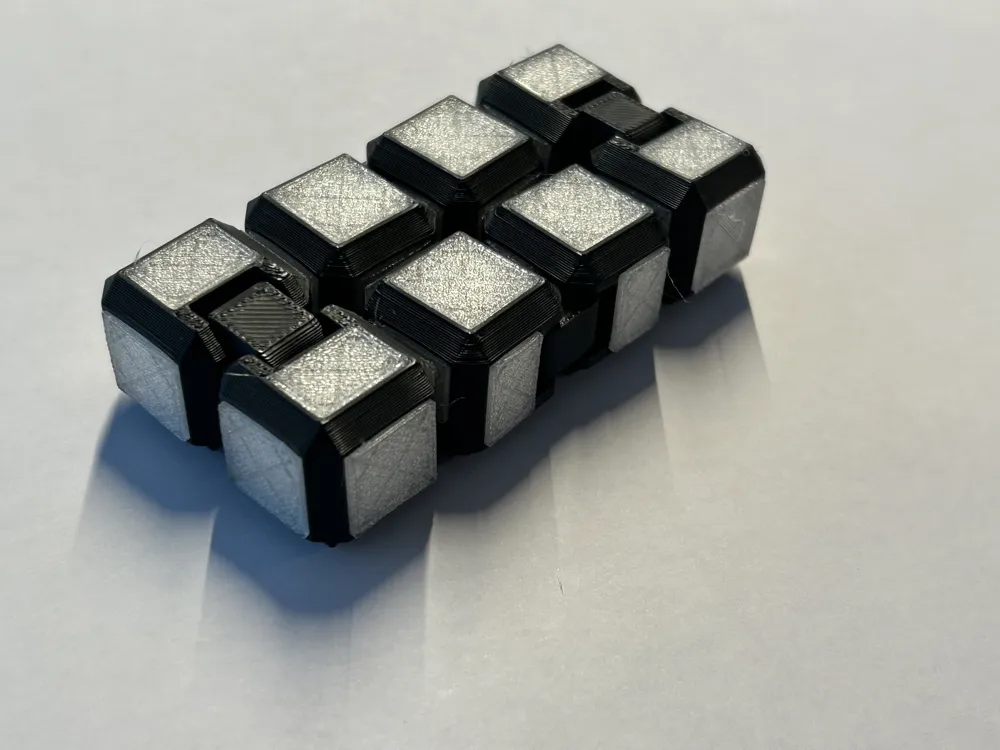
Most 3D-printed infinity cubes are loud and "clack" with every flip, making them distracting in offices or classrooms. This design solves that by using recessed damping zones for custom TPU inserts. By combining a rigid PLA frame with soft TPU "bumpers," you get a premium, tactile fidget toy that is virtually silent.
✨ Key Features
- 100% Print-in-Place: The main body prints as one piece with no assembly or supports required.
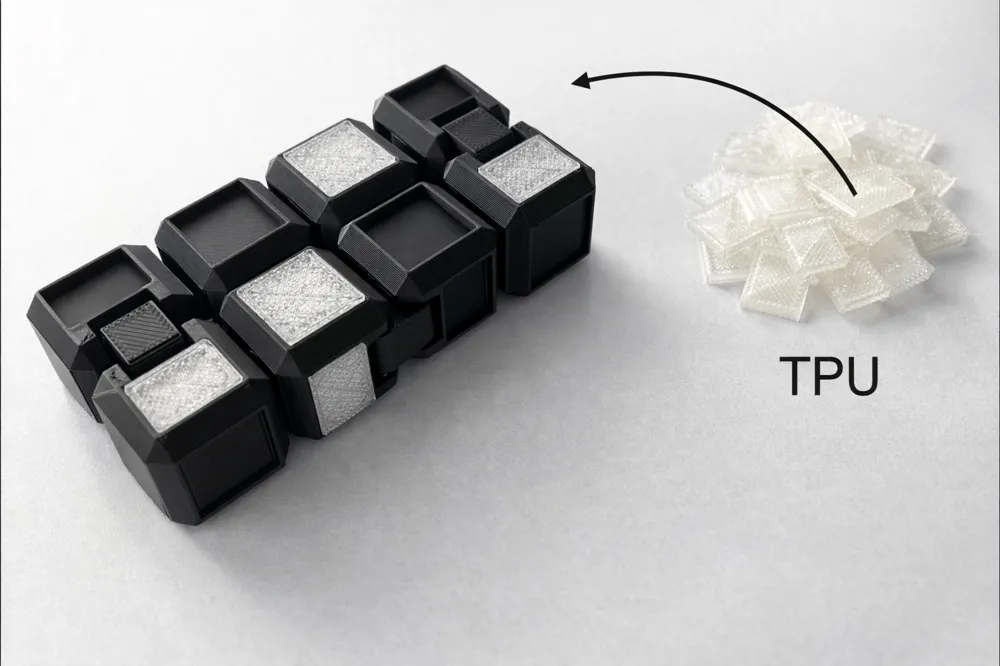
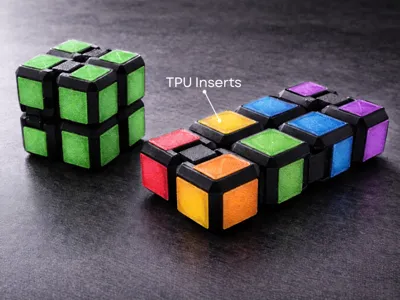
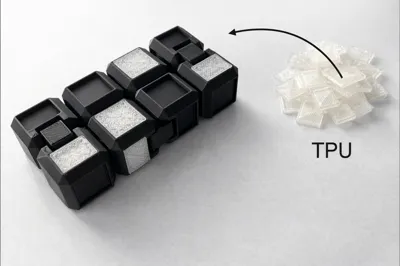
- Silence Technology: Features 24 recessed inlay spots for TPU squares and rectangles to muffle all plastic-on-plastic contact.
- Satisfying Tactile Feel: The soft-touch TPU inserts provide a "squishy" grip that feels much better than standard hard plastic.
- Optimized for Bambu: Fits all build plates, including the A1 Mini.
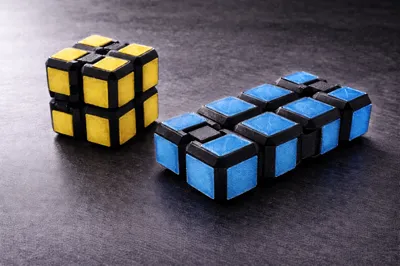
- Customizable Colors: Chose how it looks.
🛠️ Assembly Guide: Silent Infinity Cube
1. Component Check
- Before starting, ensure you have all the necessary parts printed:
- 1x Main Cube Frame: Printed in PLA or PETG (ensure all hinges move freely).
- 16x TPU Squares (File Has 18 just in case)
- 32x TPU Rectangles (File Has 34 just in case)
2. Prepare the Frame
- Flex the Hinges: Gently work each hinge back and forth. If there is any "stringing" or "blobs" from the print process, use a craft knife to clear them so the motion is 100% smooth.
- Clean the Pockets: Ensure the recessed rectangular and square pockets are free of debris so the inserts sit flush.
3. Installing the TPU Silencers (Rectangles)
- Identify the 32 narrow rectangular slots located near the hinge points.
- Press Fit: Align the TPU rectangle and press firmly into the slot.
- Note: These are designed with a tight tolerance to stay in without glue. If your printer over-extrudes, you may need to trim the edges slightly. If they are loose, a tiny drop of superglue (CA glue) will secure them.
4. Installing the Face Plates (Squares)
- Locate the 16 large square pockets on the exterior faces of the cube.
- Press the TPU squares into place.
- Pro Tip: These inserts provide the "grip" and the primary sound dampening when the cube is fully folded.
5. Final Testing
- Perform a "Break-in Flip." Flip the cube continuously for 30 seconds.
- The TPU should now be "seated," and the clacking sound of the plastic should be replaced by a soft, muffled thud.
🔧 Troubleshooting & Tips
- Stiff Hinges: If the hinges feel tight immediately after printing, gently "work" them back and forth for 30 seconds. The friction will smooth out any minor 3D printing artifacts.
- Loose TPU Inserts: Since different TPU brands have different shrinkage rates, a tiny drop of superglue will permanently secure any loose pieces.
- Tight TPU Inserts: If the rectangles are too hard to press in, check for "elephant's foot" on the bottom layer of your TPU print and trim it with a hobby knife.
- Bed Adhesion: If the small cube corners lift, use a brim in Bambu Studio to ensure the print stays flat.
🎨 Customizable Colors & Themes
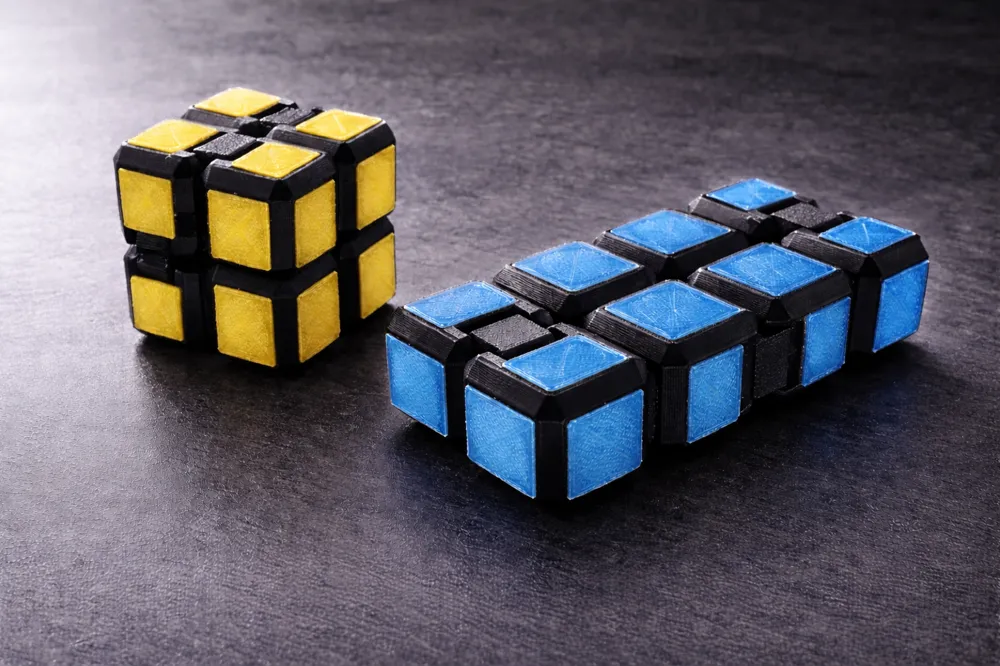
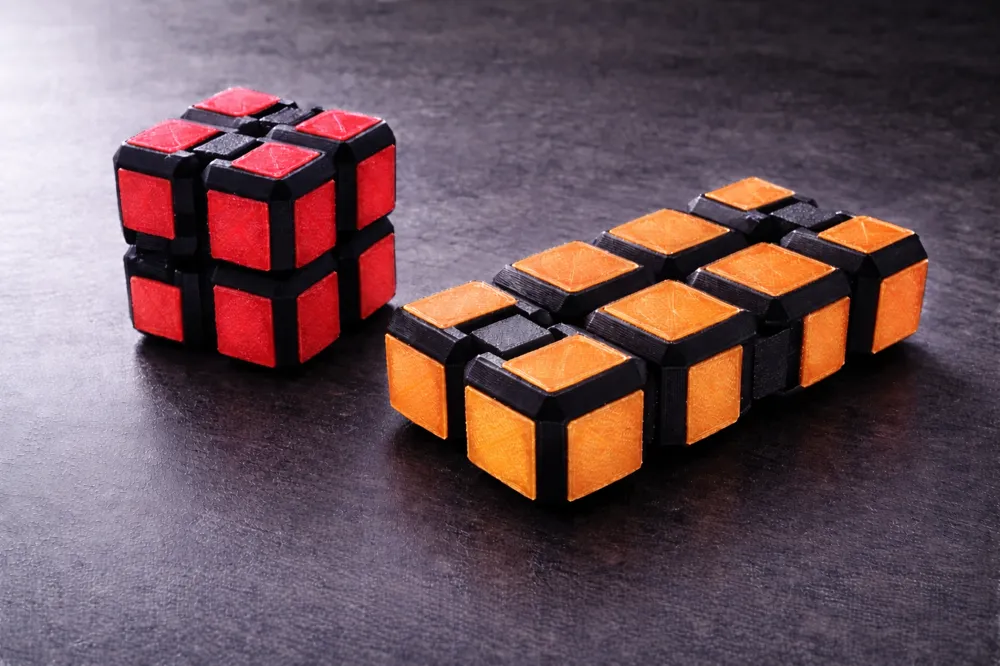
- Because the Silent Infinity Cube uses a modular insert system, you can customize the look of your fidget toy to match your style, workspace, or favorite sports team.
License

You shall not share, sub-license, sell, rent, host, transfer, or distribute in any way the digital or 3D printed versions of this object, nor any other derivative work of this object in its digital or physical format (including - but not limited to - remixes of this object, and hosting on other digital platforms). The objects may not be used without permission in any way whatsoever in which you charge money, or collect fees.


Comment & Rating (28)