
Stag in the forest - HueForge
Print Profile(4)
Description

Boost Me (for free)
Click “Follow” so you don’t miss the next models. Share your photos in the comments and, if you found it useful, leave a like 👍 or a boost 🚀. Every suggestion is always welcome.
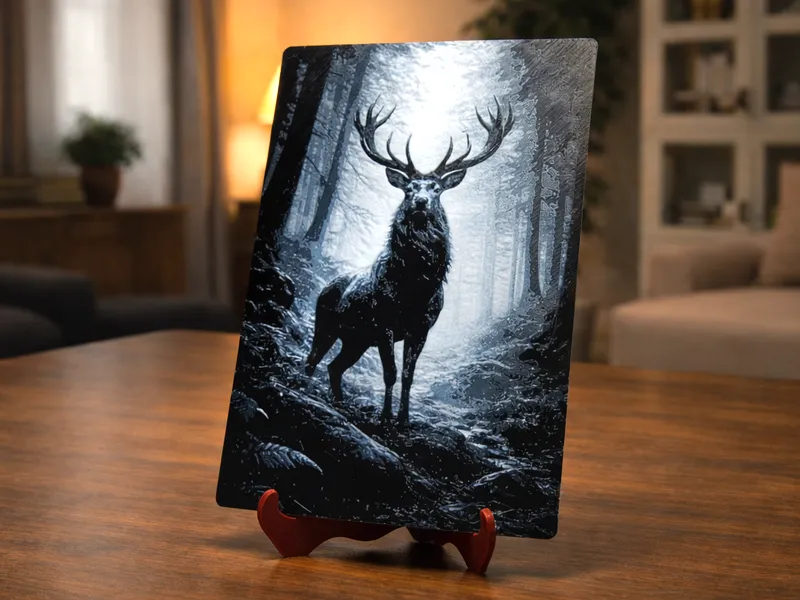
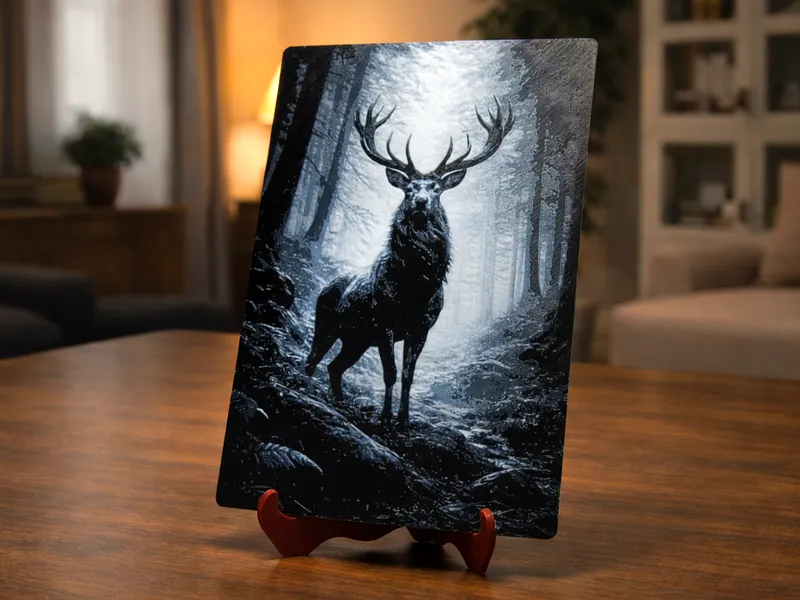
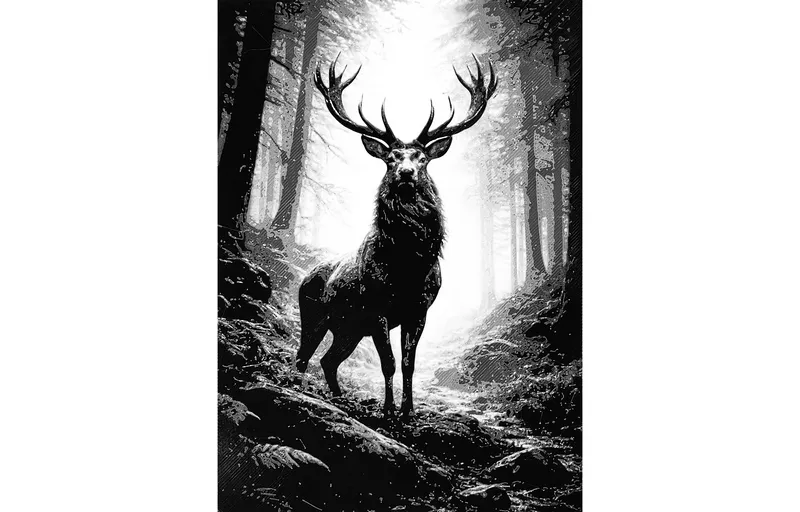
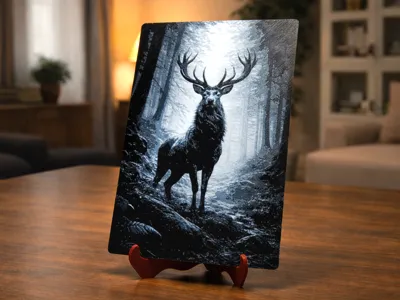
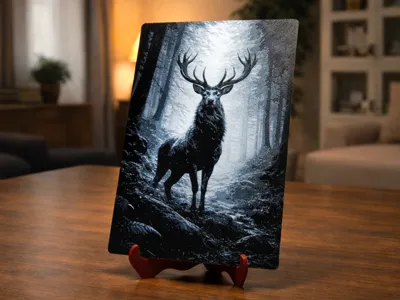
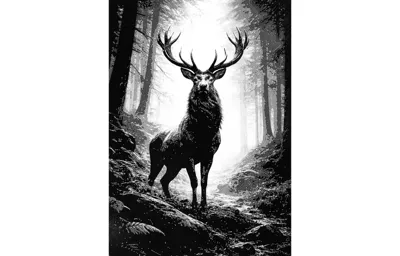
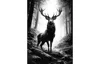
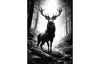
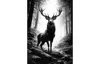
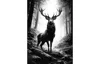
An evocative scene featuring a majestic stag immersed in the silent magic of the forest.
This HueForge-style bas-relief was created using only 2 colors.
🔹 Colors
- Black: no special requirements. Any black PLA is suitable.
- White: 💡 The result shown in the photos was achieved using Sunlu PLA White (standard PLA).
Highly opaque or matte white PLAs may produce a bas-relief with too much white and less defined shading.
For best results, use a white PLA with slight translucency.
🔹 Model Dimensions
- Standard: 180 × 130 mm – approx. 30 g
- XL: 220 × 160 mm – approx. 45 g
🔹 Print Profiles (3MF)
- (AMS): Automatically handles all color changes. You only need to load the AMS with the two filaments (black and white).
- (NO AMS): Pauses are already included for each required color change. Start the print using black filament. When the printer pauses, replace the black filament with the white one and resume the print.
🔹 Want to use the STL file? - Layer height = 0.08mm - Start the print using black filament. |
🔹 Printing Notes
|
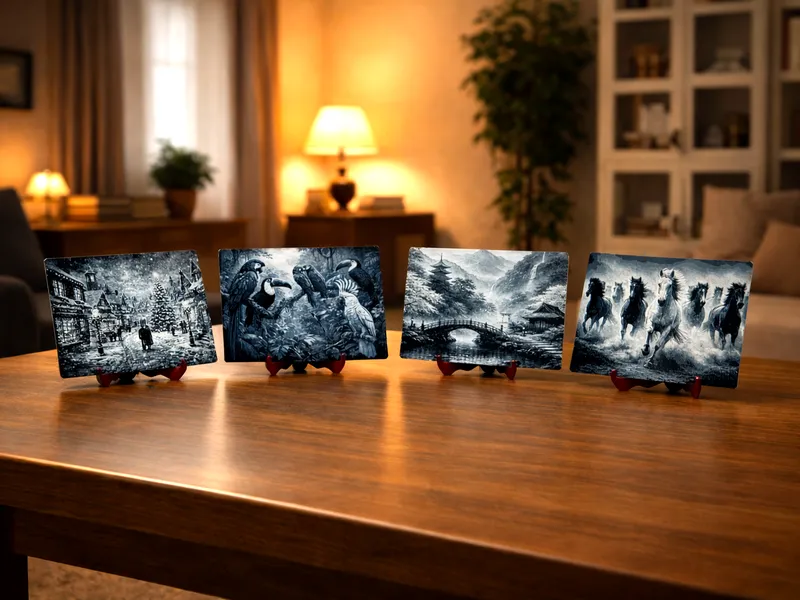
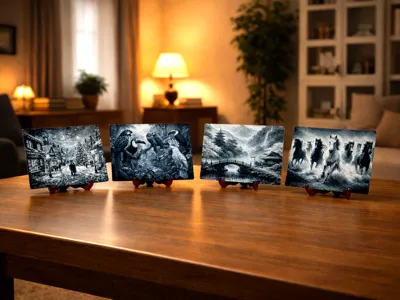
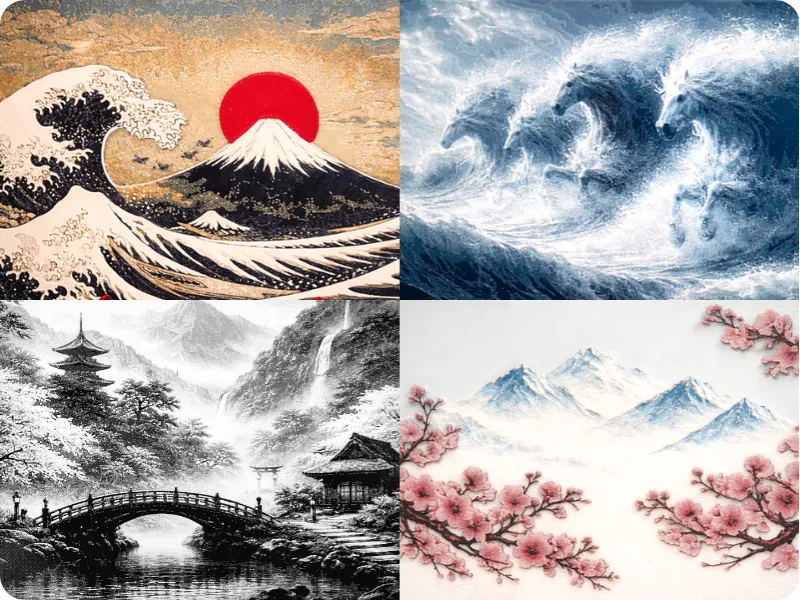
Click on this image to view the Full HueForge Style collection:
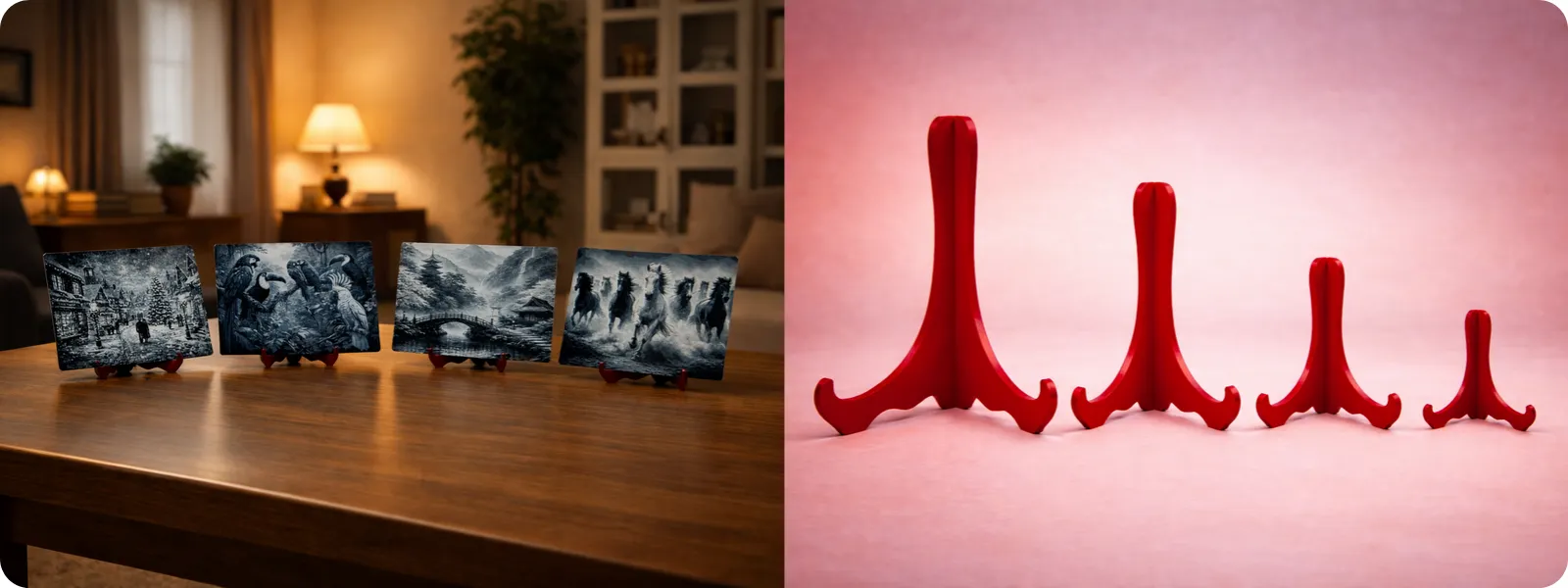
🖼️ Complete your creation!
Download the dedicated stand project to showcase your HueForge bas-relief at its best.
Click on this image and choose: 01 – Standard (120–200 mm).
Questions or doubts? Send me a message using the button  on my profile.
Boost Me (for free)
Click “Follow” so you don’t miss the next models. Share your photos in the comments and, if you found it useful, leave a like 👍 or a boost 🚀. Every suggestion is always welcome.
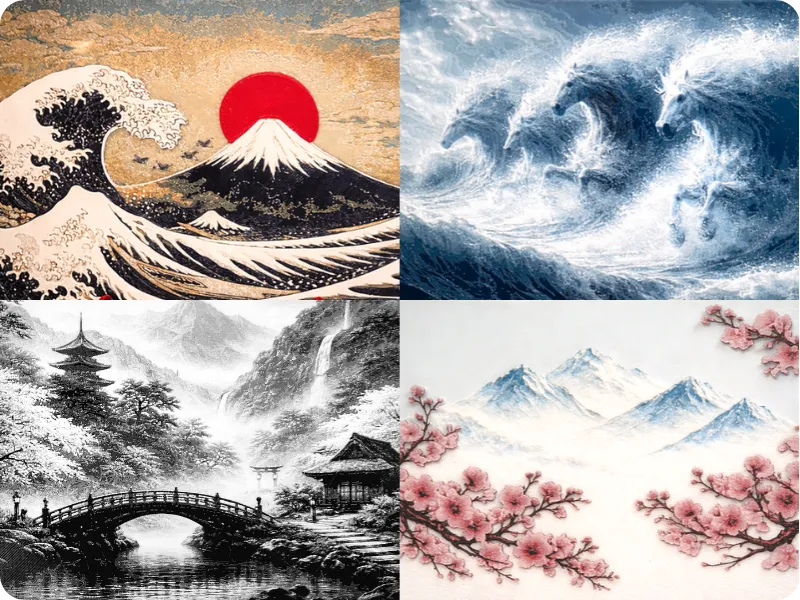
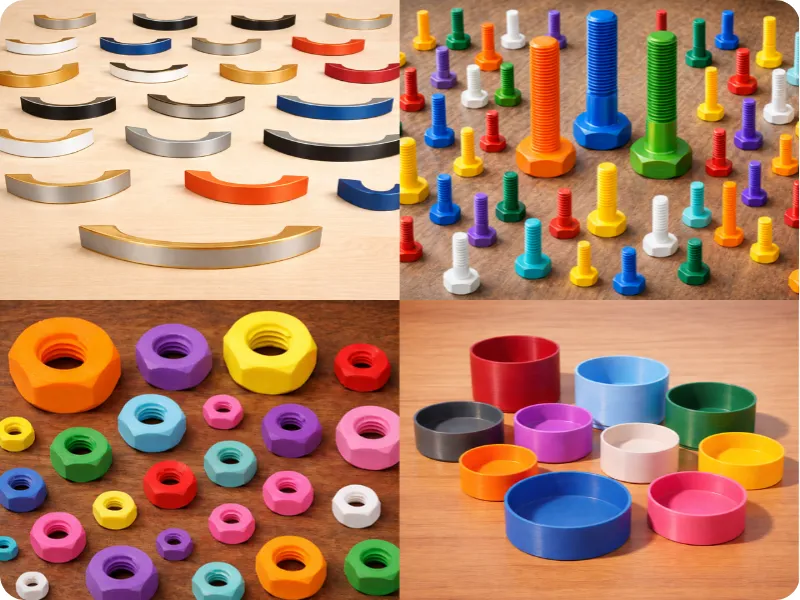
My collections:
License

You shall not share, sub-license, sell, rent, host, transfer, or distribute in any way the digital or 3D printed versions of this object, nor any other derivative work of this object in its digital or physical format (including - but not limited to - remixes of this object, and hosting on other digital platforms). The objects may not be used without permission in any way whatsoever in which you charge money, or collect fees.


Comment & Rating (16)