
Universal MacBook & iPad Dock - Yenkee YTC 081

Print Profile(1)

Description
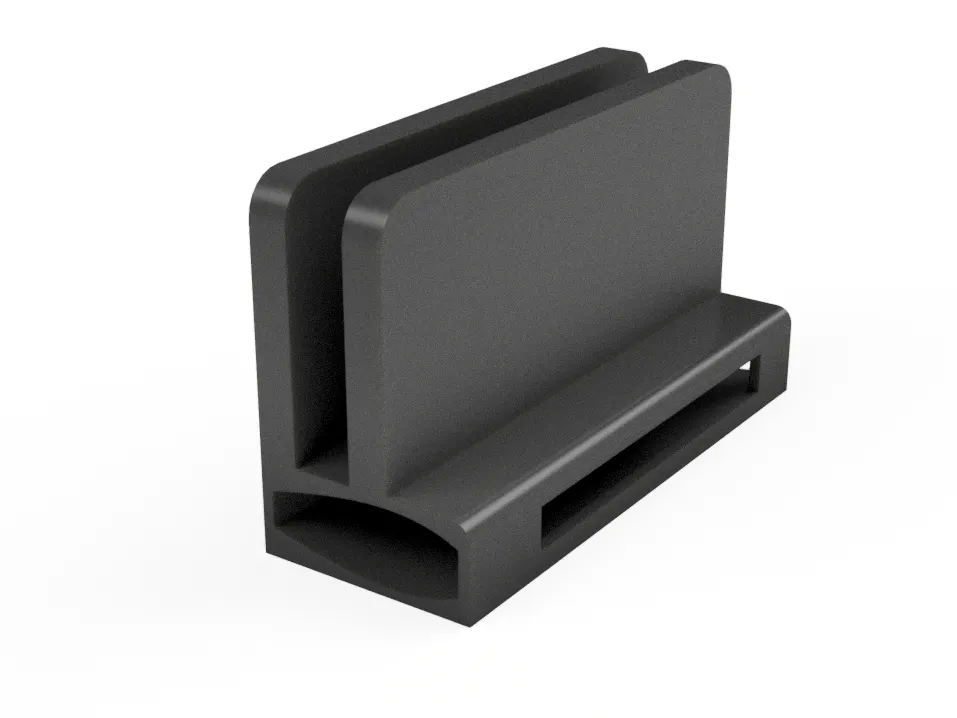
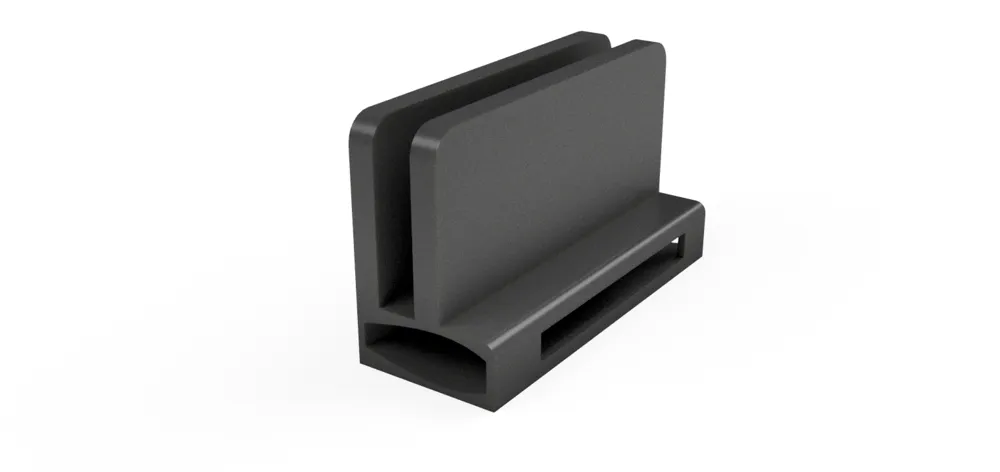
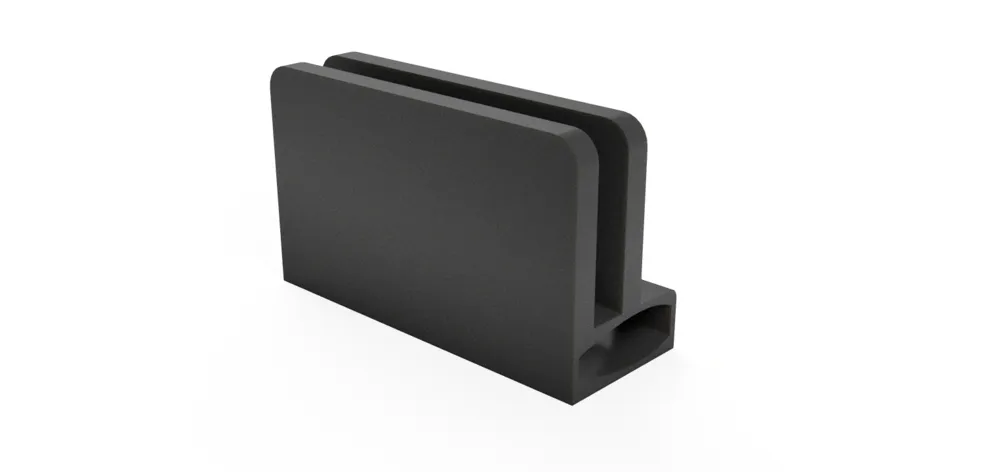
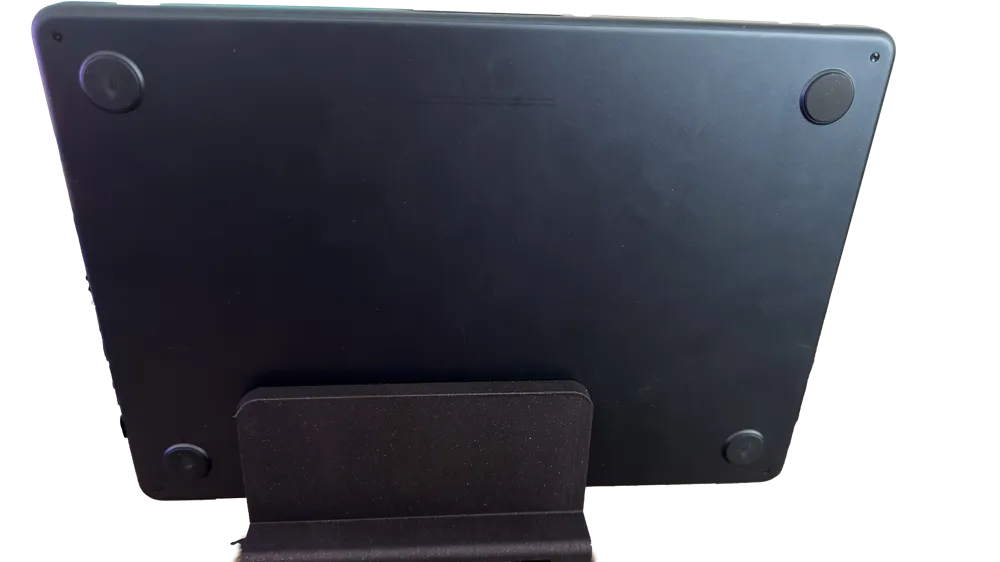
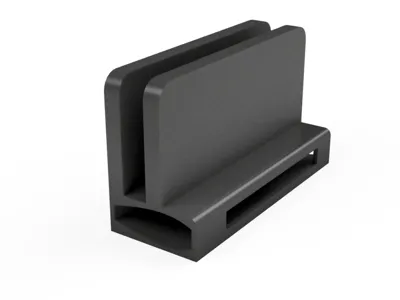
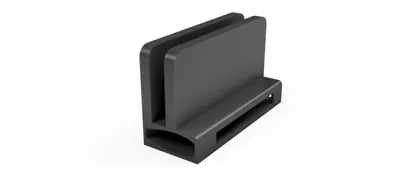
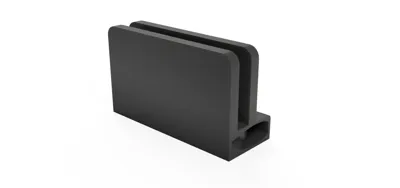
Universal Desktop Dock & Stand (MacBook Air & iPad)
Integrated for Yenkee YTC 081 Hub
Clean up your workspace with this versatile Ho
Boost Me (for free)
If you like my work, please consider giving me a Boost!
rizontal Desktop Dock. Originally designed for the MacBook Air (13" & 15"), this stand also works perfectly with iPads (11" & 13" / Pro / Air).
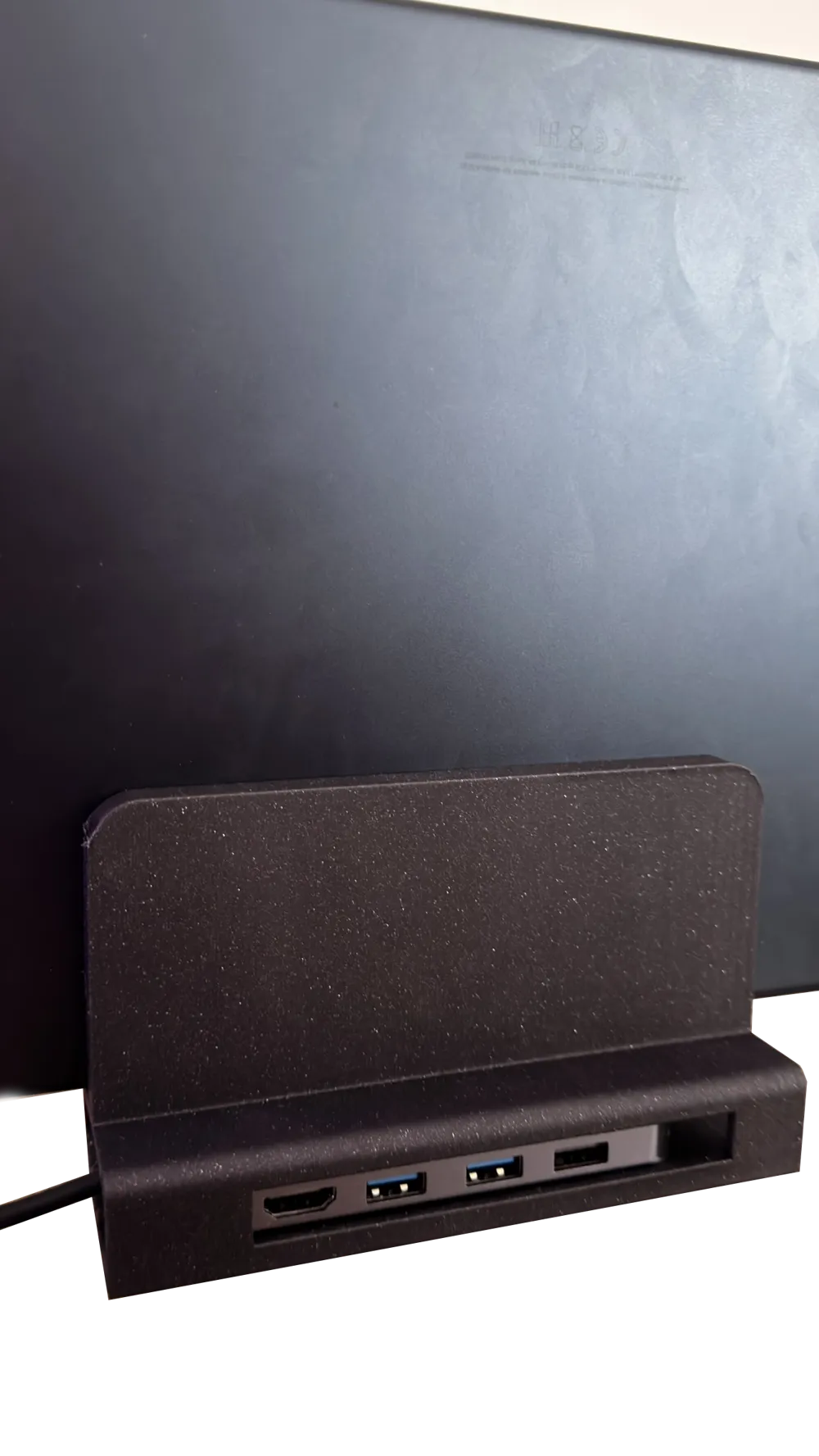
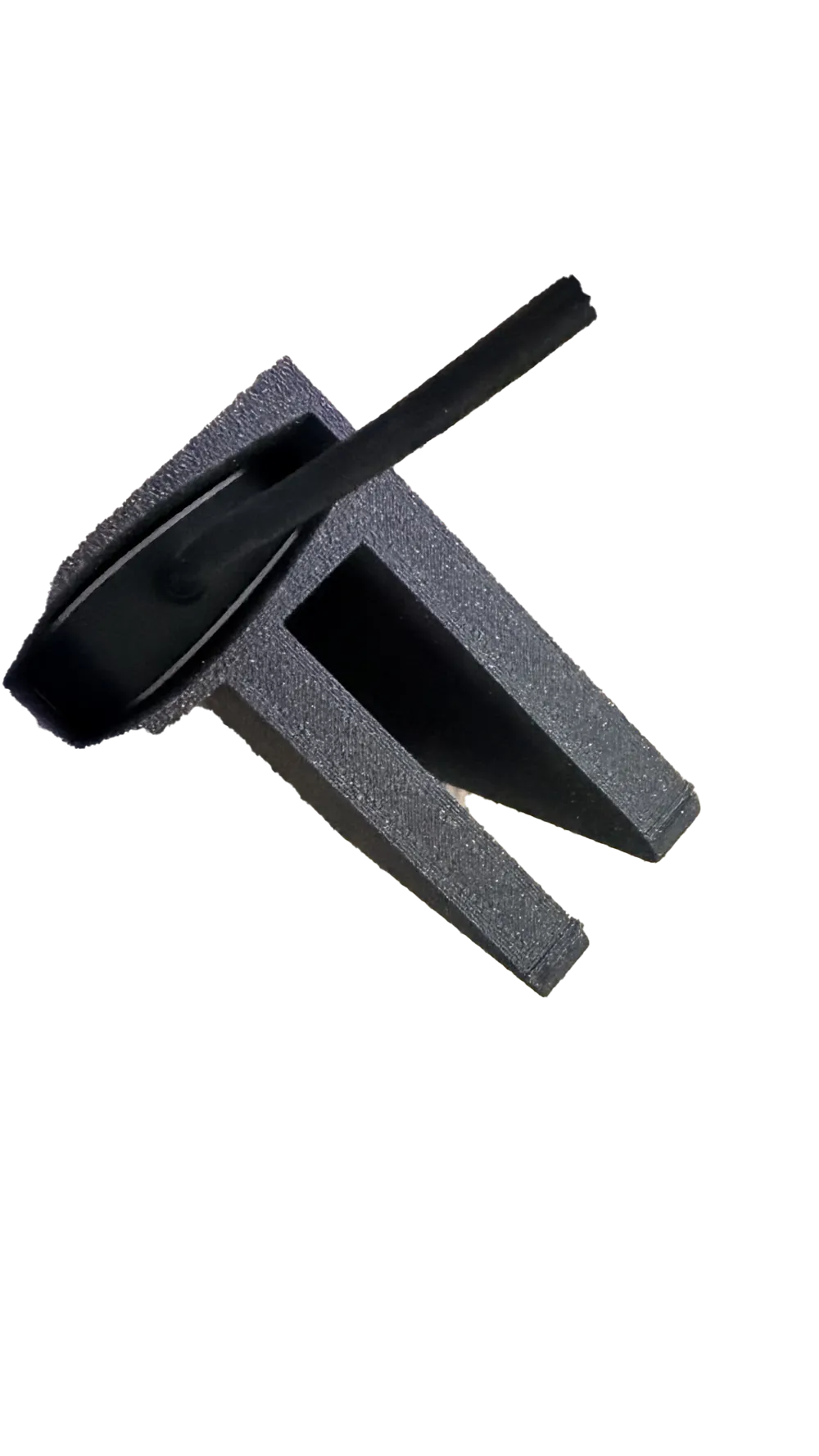
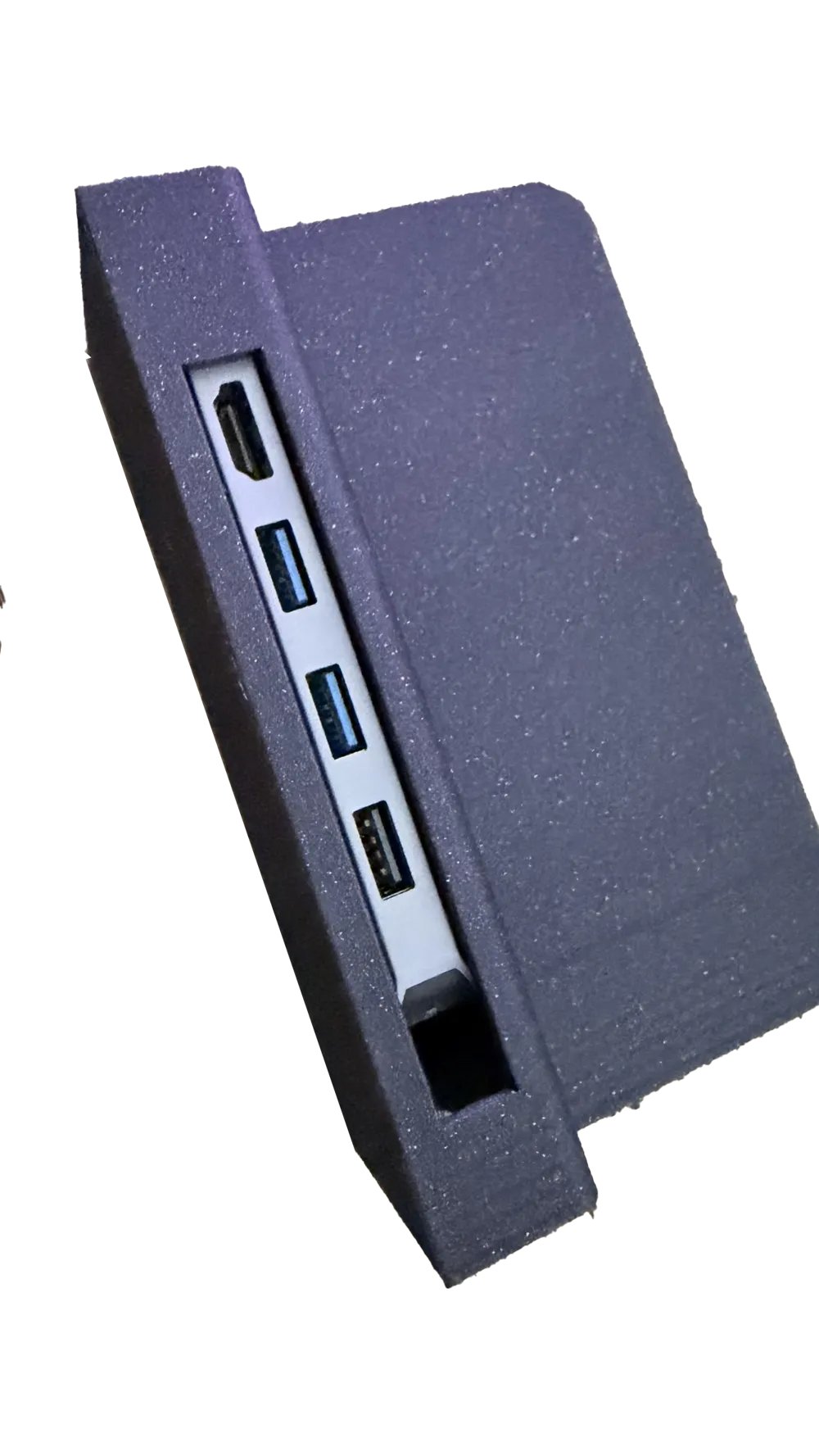
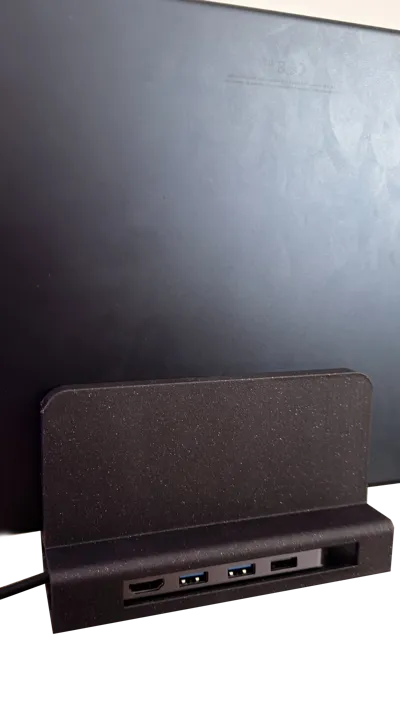
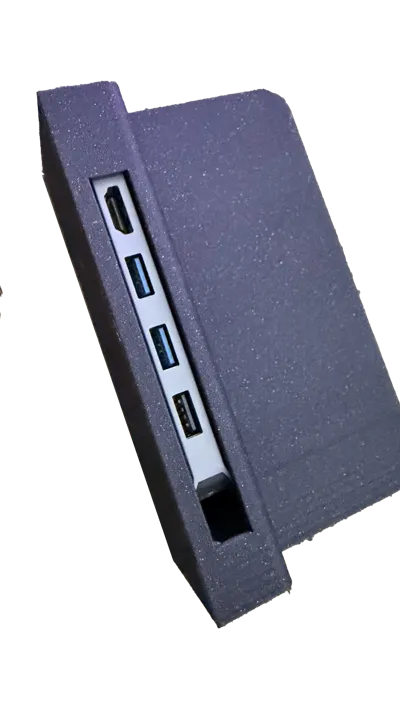
The core feature is a precision-fit internal compartment for the Yenkee YTC 081 USB-C hub. This allows you to hide the hub and all connected cables (monitors, SSDs, peripherals) inside the stand, leaving only one clean cable to connect to your device.
🌟 Key Features
- Multi-Device Compatibility: One stand for your MacBook Air (13/15-inch) or your iPad Pro/Air (11/13-inch).
- Hidden Yenkee YTC 081 Hub: Dedicated slot to turn your mobile device into a full desktop workstation instantly.
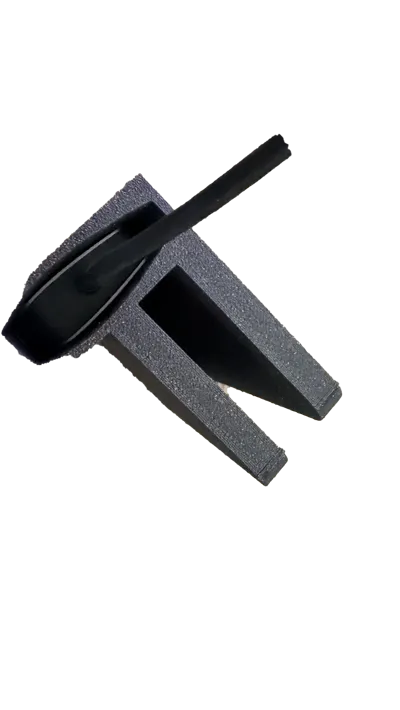
- Cable Management: Store cable slack inside the base for a truly "invisible" cable look.
- Horizontal Ergonomics: Keeps your desk flat and organized without the bulk of vertical towers.
🛠️ Customization (STEP File Included)
I have included the STEP file for this project. If you are using a different USB-C hub, you can easily modify the internal dimensions or the cable cutouts to fit your specific hardware.
💻 Compatibility
- Laptops: MacBook Air 13" & 15" (M1, M2, M3 models).
- Tablets: iPad Pro 11" & 12.9"/13", iPad Air (all USB-C models).
- The Hub: Specifically designed for the Yenkee YTC 081 multi-port adapter.
🖨️ Print Settings
- Material: PLA (works great), PETG (recommended for better heat resistance if your hub gets warm).
- Supports: YES
- Walls/Perimeters: 4 or more for good strength.
- Infill: 20% or more (Gyroid is best for stability).
🔧 Instructions
- Slide the Yenkee YTC 081 hub into the internal cavity.
- Route the cables through the back/side openings.
- Place your MacBook or iPad onto the stand.
- Plug in the single USB-C connector and you're ready to work!
License

You may create derivative works based on this object, provided that all such derivative works are published exclusively on the MakerWorld platform and include proper attribution to the original creator. You may not share, upload, host, distribute, or publish this object—or any derivative work of this object—on any other digital platform, marketplace, or distribution channel. Commercial use of this object and any derivative works is strictly prohibited. This includes, but is not limited to, selling, renting, sublicensing, or using the object in any context in which you receive monetary compensation or other financial benefits.


Comment & Rating (1)