
Bambulab X1 bedclamps for big prints.

Print Profile(3)
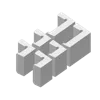
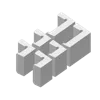
Description
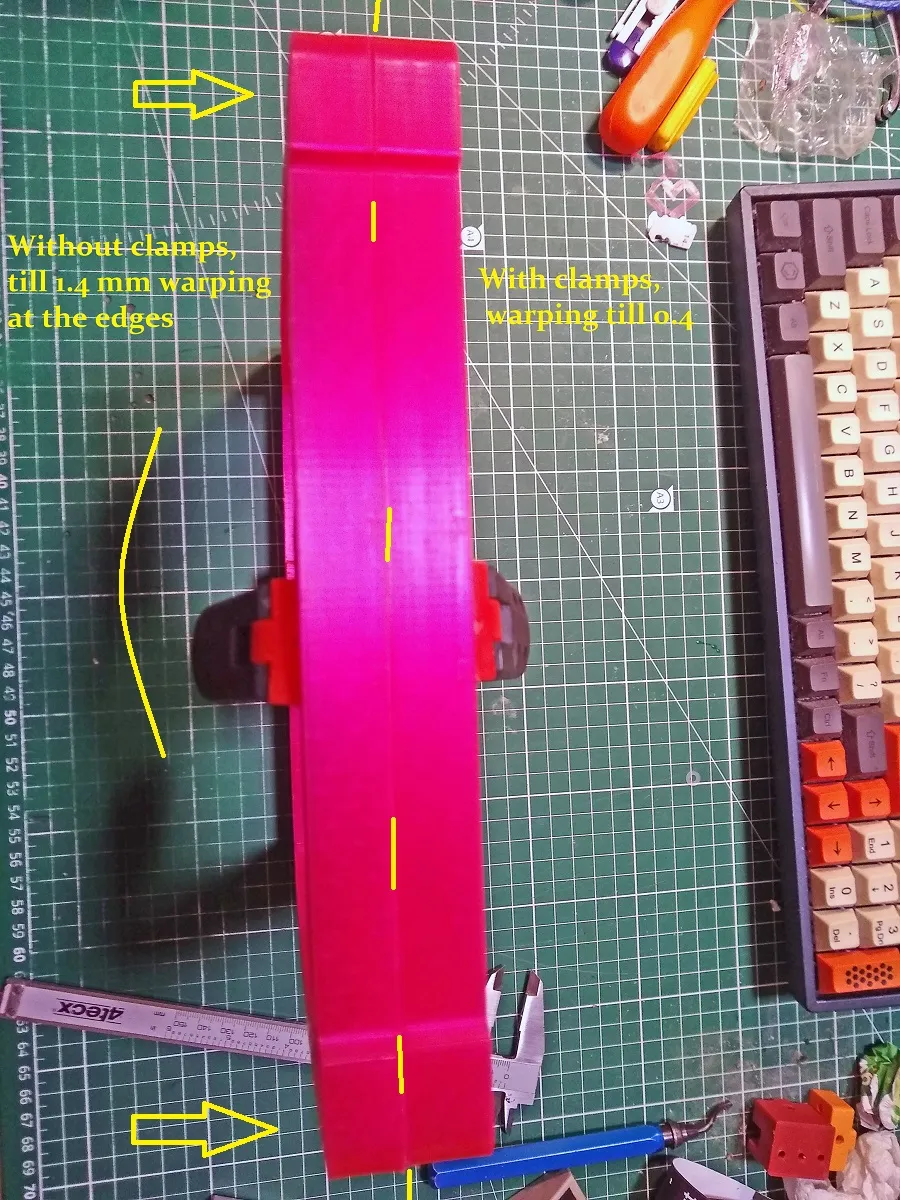
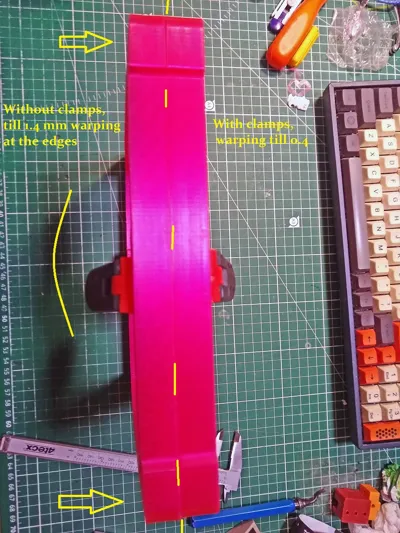
When your model is close to the corners of the bed, the magnetic force is too weak to hold the magnetic sheet down against the warping. If the model has good adhesion, the sheet just curls up.
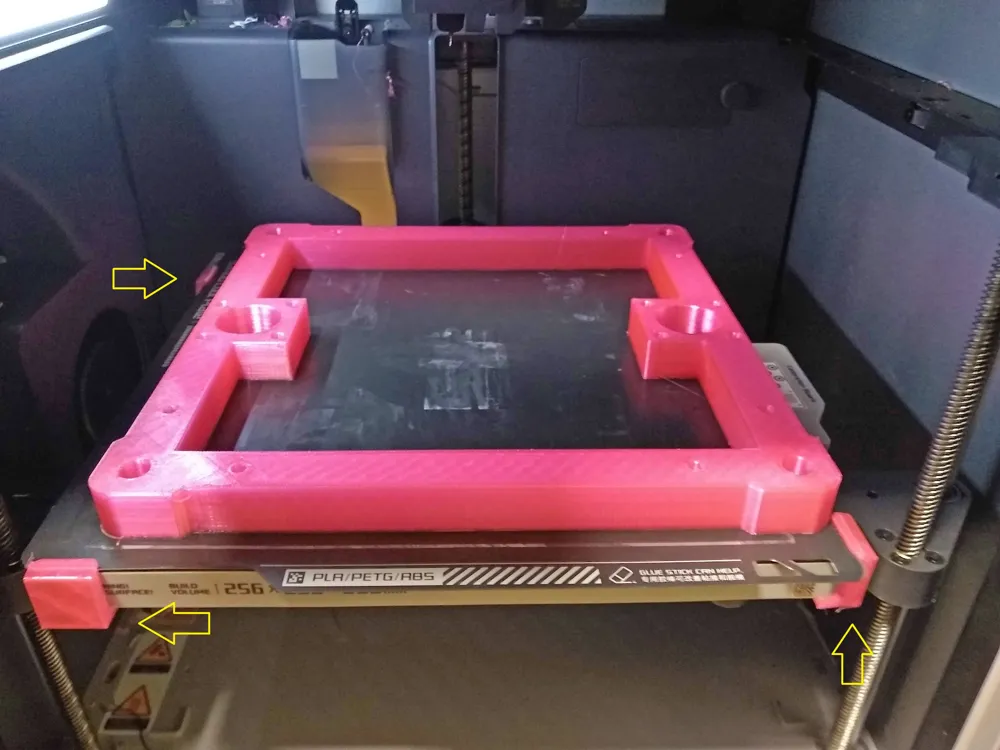
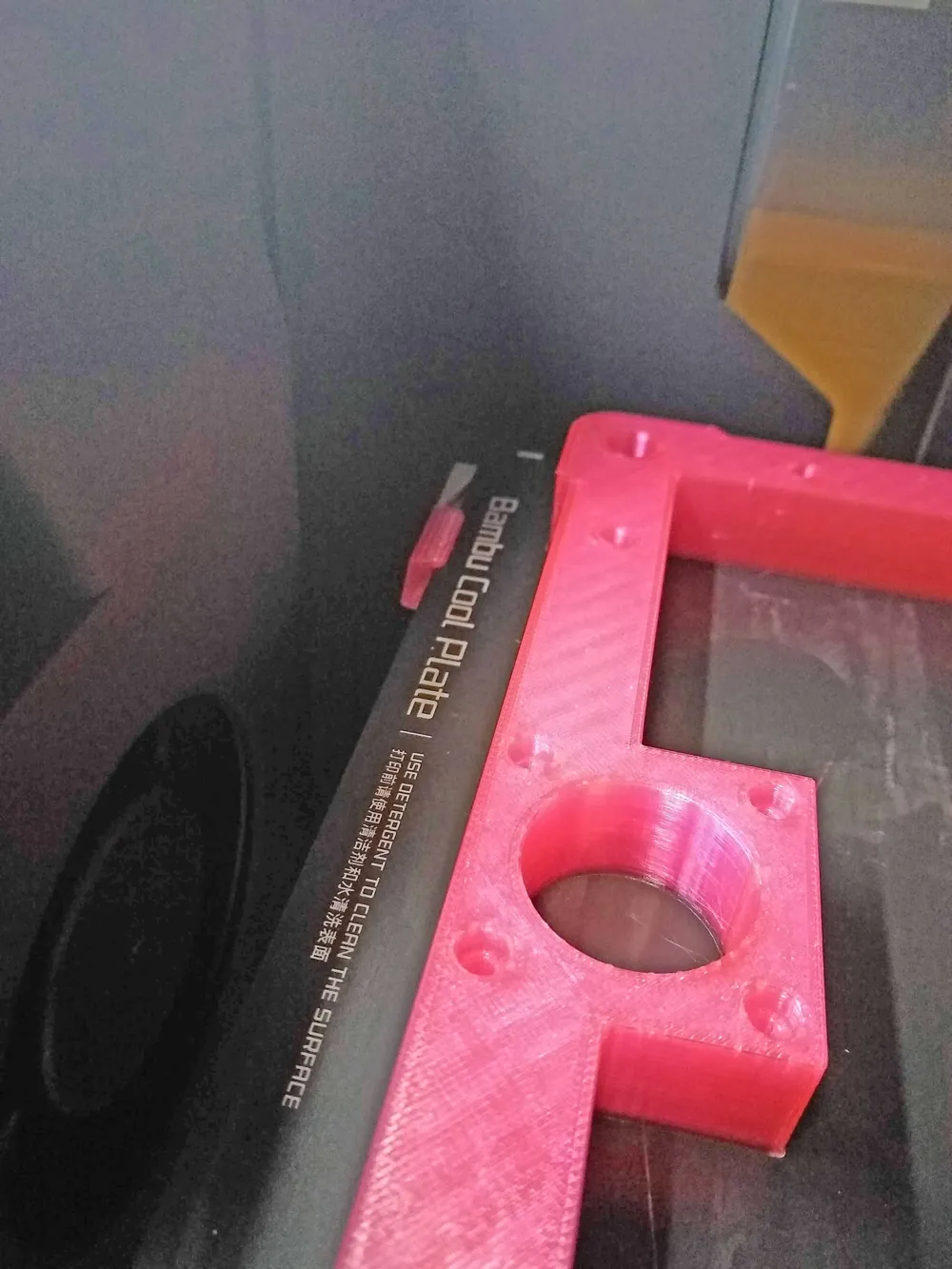
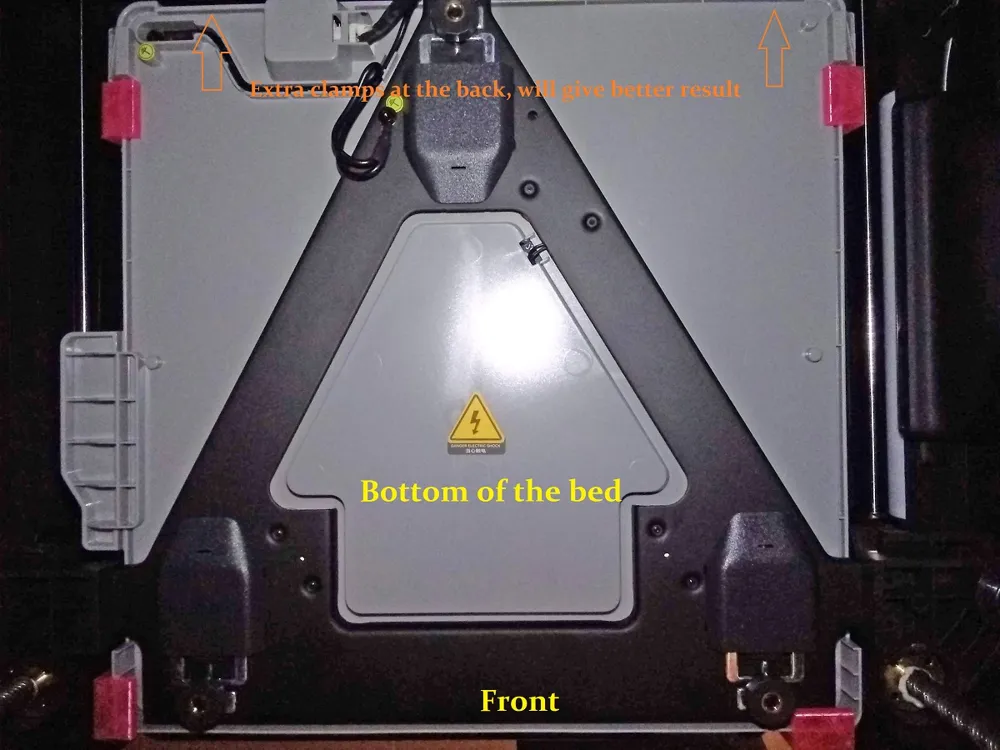
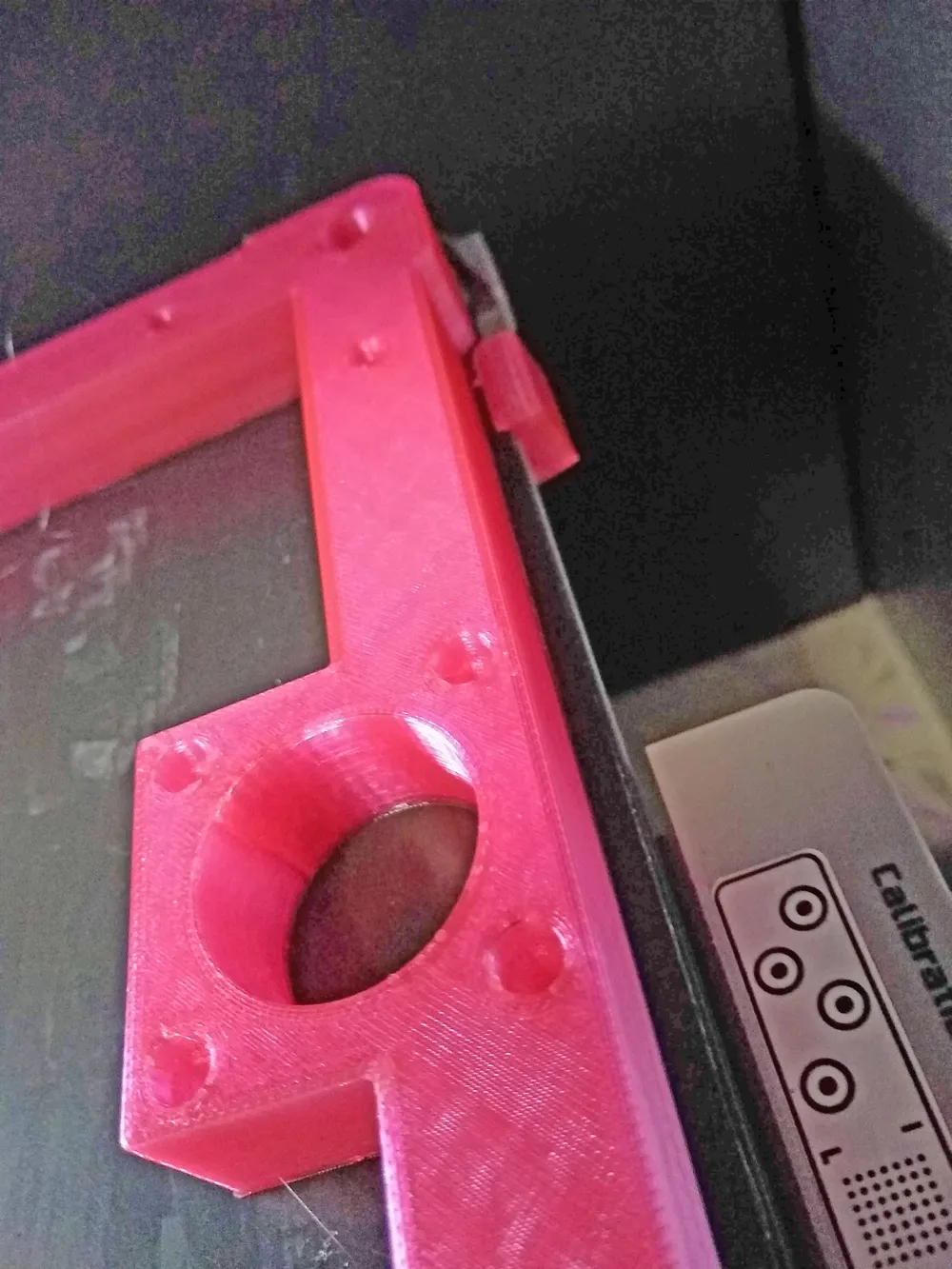
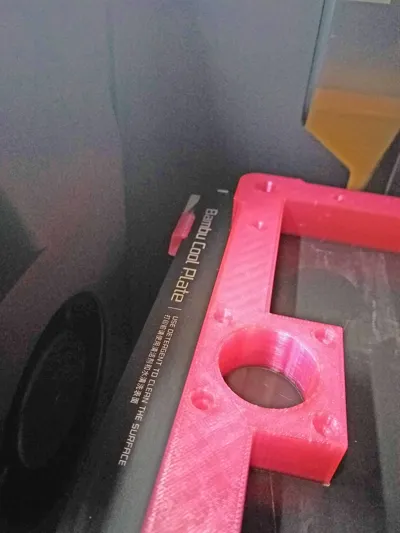
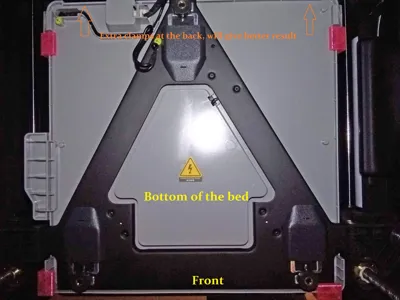
In my case, I printed the model (in PETG) in the photos that barely fit on the bed. First try without clamps gave a warping of 1.5ish mm at the corners. With the clamps the warping was almost gone. The clamps stayed at their place the whole 5 hour print without a problem. In the back you can place the (smaller) clamps at the side and/or at the back (little fiddley, be sure your bed can move freely up and down).
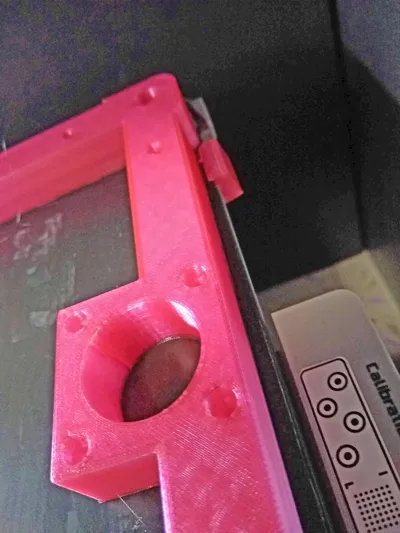
When installing, be sure your sheet is perfectly aligned. Place the clamp with the short lip at the top of the sheet and clip them around the bed.
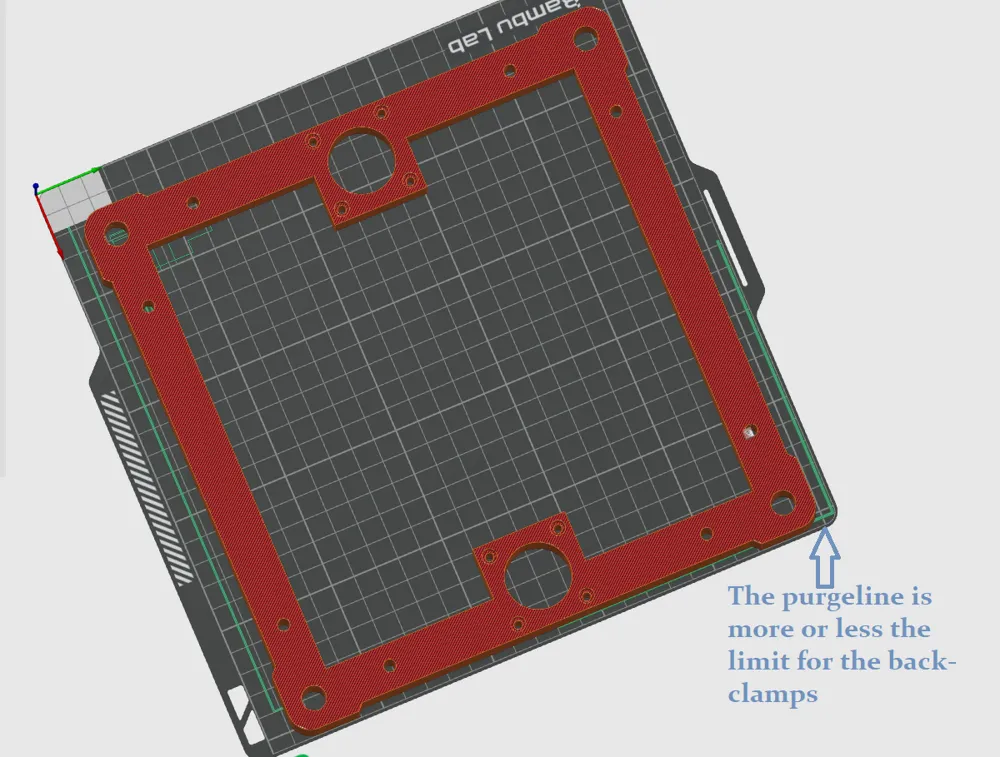
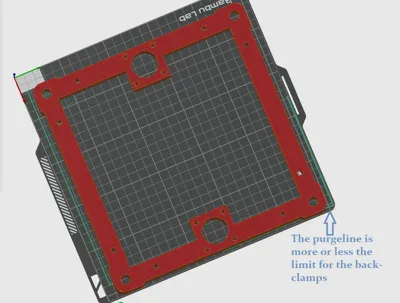
When your model even goes beyond the purgeline at the back, you have to take care. The lips are low enough to go below the silicon sock (no guarantee, test it) but the 2 (back) or 3 mm (front) lips can be to much.
If you are using high bedtemps, choose the right filament.
And as always, use it at your own risk.
Printing: 2 walls and 2 top and bottom layers, low infill (15% or so). The model needs to be printed with a low wall count to keep it a little flexible.
Happy clamping :)
License



Comment & Rating (14)