Search models, users, collections, and posts

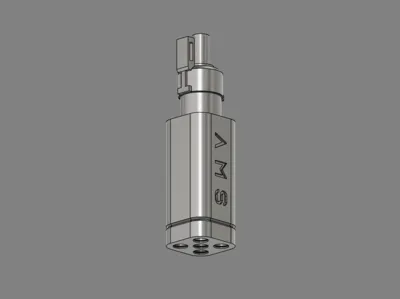
A1/A1Mini AMS Lite 5 Ports Filament Hub
IP Report
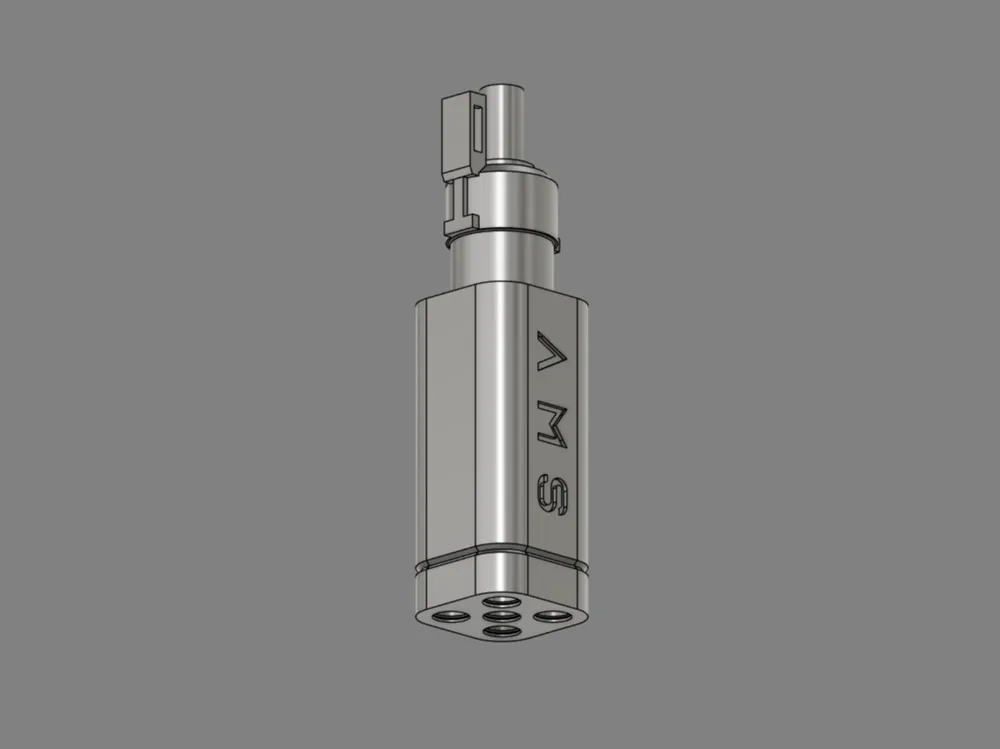
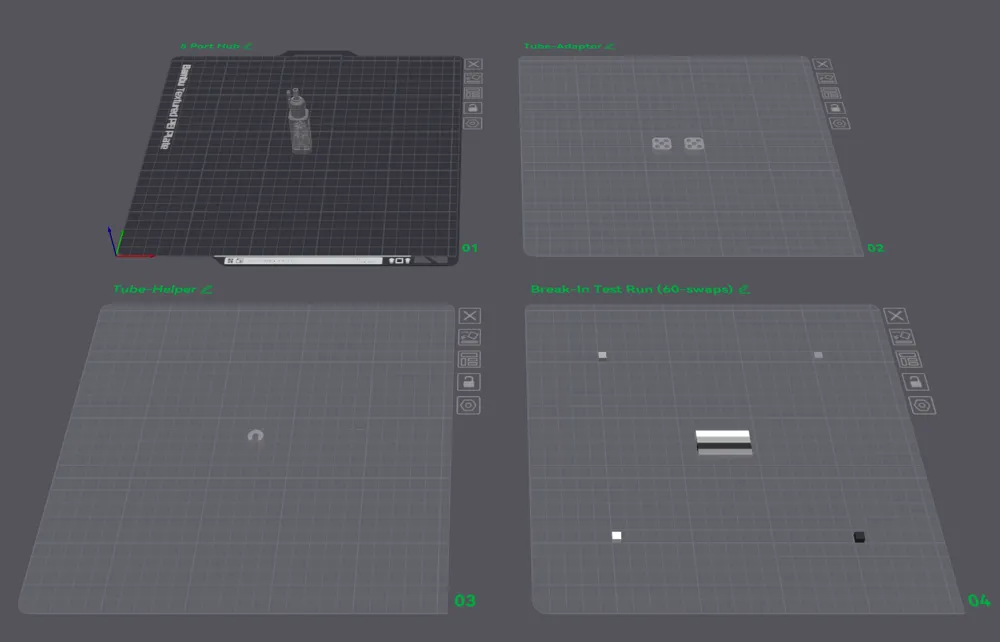
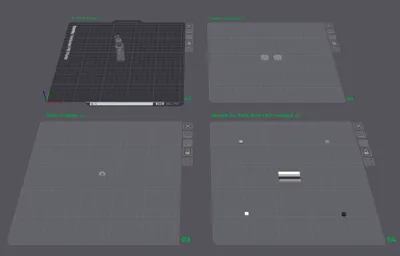
Print Profile(4)

V1
Designer
3.3 h
4 plates
All ports in size large
Designer
3.5 h
5 plates
Single Port Adapter (for V1)
Designer
14 min
1 plate
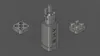
All ports in size small
Designer
3.6 h
5 plates
Open in Bambu Studio
Boost
1595
4507
180
37
1.8 k
1.2 k
Released
Description
Features:
- Plug & Play
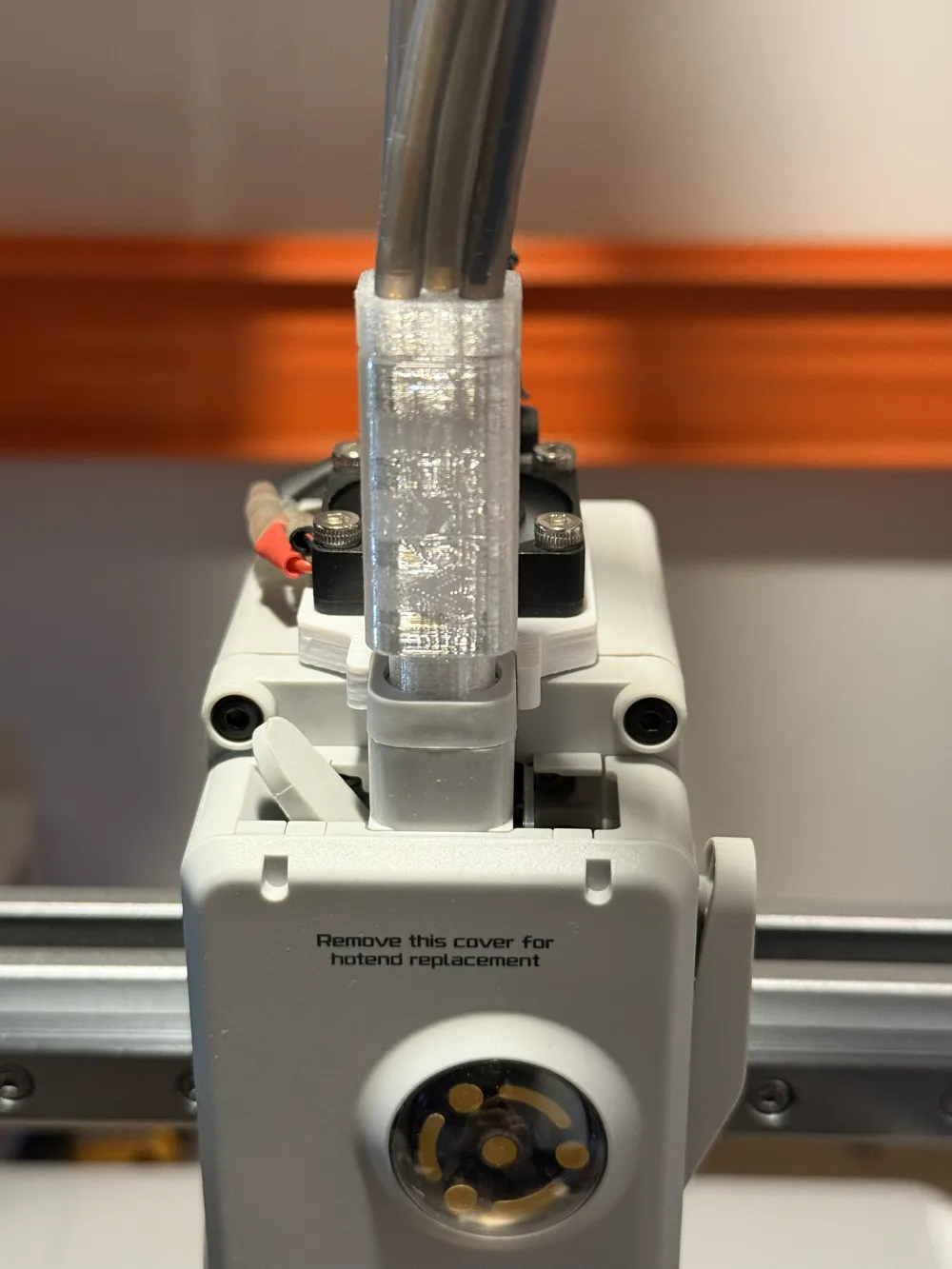
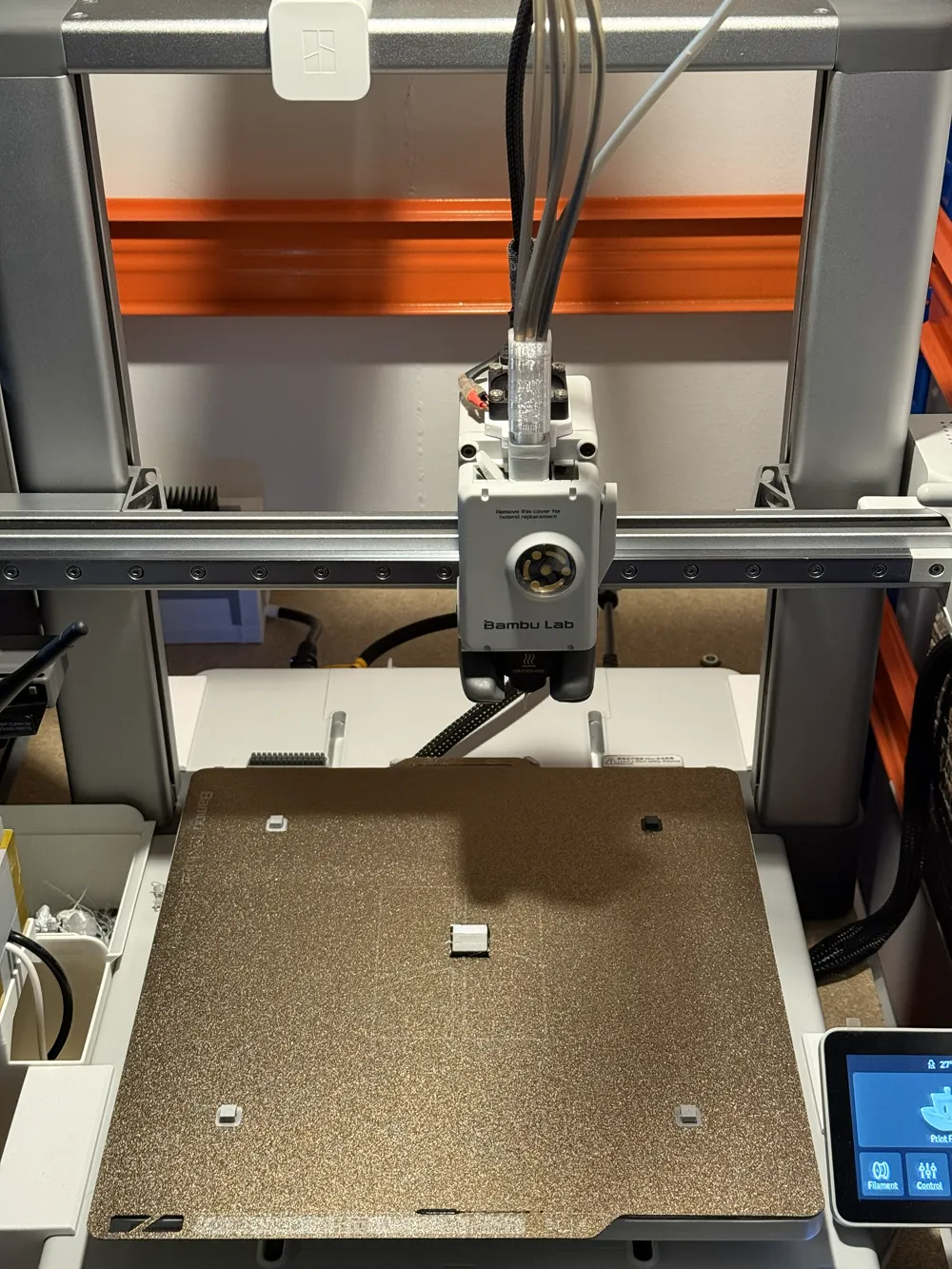
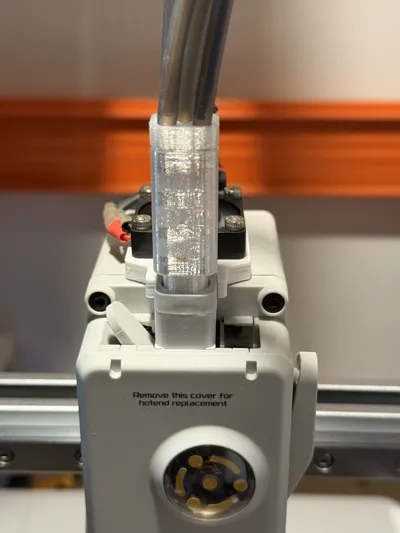
- Neat & tidy design - Using existing filament hub top lid to secure the 5 ports hub.
- No compromise - Kept filament detection function from the existing hub.
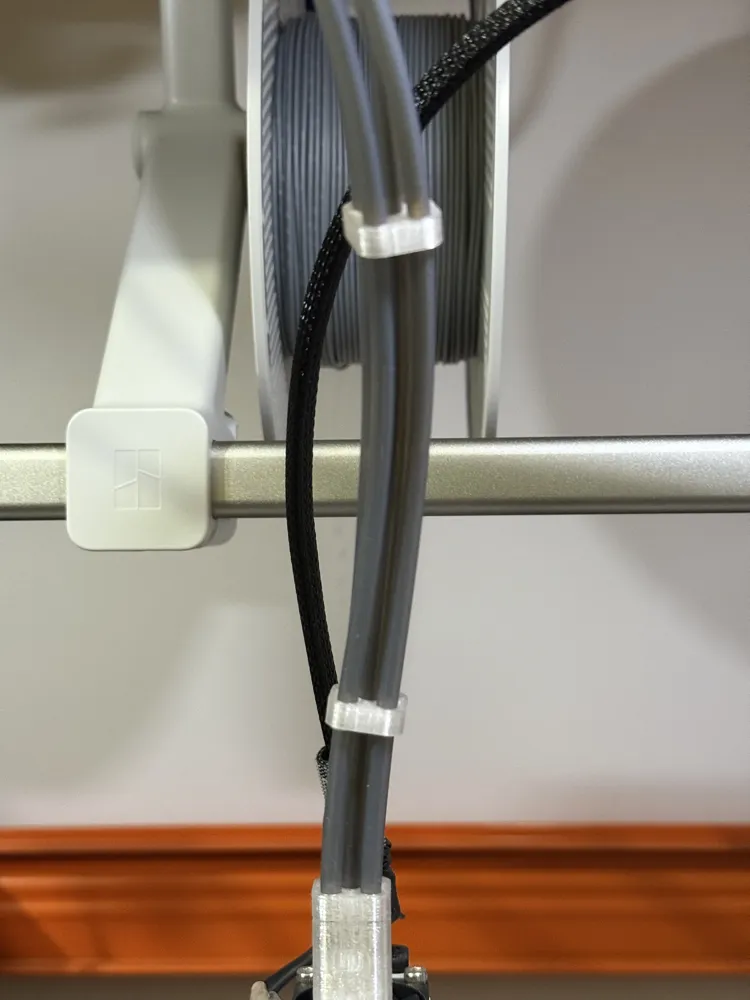
- No other extras required - No tube fitting clip required.
- Break-In Test Run (60-swaps) - A break-in print plate is included to ensure that the printed hub is functional as intended.
- Tube helper - Included a clamping tool for easy tube insert.
Printing and installations:
- Print the model. (Please print them one at a time, do not print them all at once.)
- Run a filament to all slots to smooth out any imperfections.
- Remove the existing hub from the printer by following the official process - https://wiki.bambulab.com/en/a1/maintenance/filament_hub_cleaning
- Remove the sensor magnet from the existing hub with a toothpick or a sized flat-screwdriver, then insert into the printed hub. (Please handle it cautiously, as the magnet's polarity is critical. Please make a mark with a pen or a tape inside the magnet before removing it from the existing hub.)
- Insert the printed tube adaptor into the PTFE tubing.
- Insert AMS PTFE tubing - to ensure all tubes are at least 10mm inside the hub. Please use the included tube helper clamping tool with plier to insert the tube. (Please note: Bambu shipped AMS PTFE tubing diameter are not consistent. They are ranging between 4.1mm and 3.9mm. To mitigate this discrepancy, two of the insert holes (facing you) were designed slightly larger than the other three.)
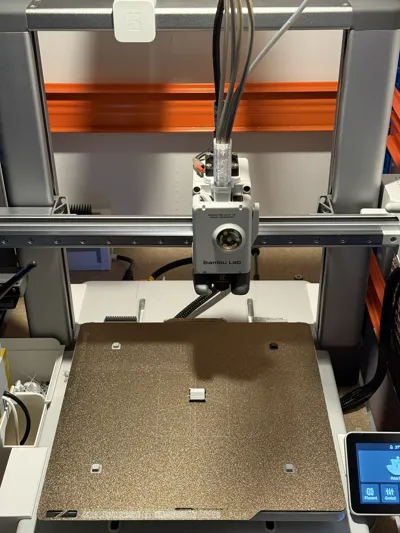
- Insert the printed hub with the top lid back to the device.
- Run the Break-In Test Run (60-swaps) for testing. (Run at least once to ensure optimum results.)
Tested filaments:
- Bambu PLA NOT recommended
- Bambu PETG HF Recommended
- Bambu PETG Translucent HIGHLY recommended
License

This user content is licensed under a Standard Digital File License.
You shall not share, sub-license, sell, rent, host, transfer, or distribute in any way the digital or 3D printed versions of this object, nor any other derivative work of this object in its digital or physical format (including - but not limited to - remixes of this object, and hosting on other digital platforms). The objects may not be used without permission in any way whatsoever in which you charge money, or collect fees.


Comment & Rating (180)