
klicky auto-leveling, bed mesh compensation, for i3 mega(s)
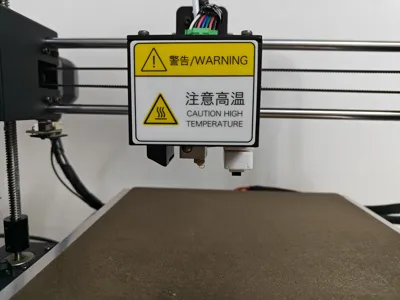
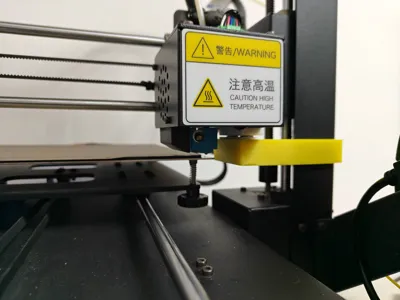
Print Profile(1)

Description
Klicky auto-leveling device for i3 mega(s).
Bill of Materials:
| No. | Name | Specification | Quantity | Remarks |
| 1 | Heat-set insert | M3*3*4 (Inner dia. 3, Length 3, Outer dia. 4) | 4 | Optional |
| 2 | Countersunk screw | M3*5 (Dia. 3, Length 5) | 4 | Required. Head diameter recommended to be 5.2mm |
| 3 | Countersunk magnet | D10*3*3 (Outer dia. 10, Thickness 3, Countersunk M3) | 4 | Required. Two S-pole and two N-pole countersunk magnets. |
| 4 | Wire | - | Approx. 50cm | Required |
| 5 | Micro switch | - | 1 | Required. If it has a metal leaf spring, it must be removed. |
| 6 | XH2.54 terminal, female header | 2pin | 1 | Optional. If using G1 and G3 points (Method 2 below) to solder the female header, do not use XH2.54. Please measure the pin spacing yourself and purchase suitable female headers and terminals. |
Installation Steps:
1. Assemble the klicky extruder connector
Using heat-set inserts:
Heat-set the inserts into the klicky extruder connector (heat them in from the side away from the magnet slot). After heating, screw in M3 screws from the heated side (it is recommended to use the long hex screws removed from the extruder) to push out the plastic inside the nut. (When heat-setting, ensure the inserts are centered, otherwise it will affect magnet installation)
Clean the magnet slots to prevent plastic squeezed out during heat-setting from affecting magnet installation.
Place the magnets into the magnet slots (it is recommended to use two magnets with different polarities) and secure them with M3 countersunk screws.
Solder two wires to the heat-set inserts, route them through the side opening on the connector, and then attach the connector terminals.
Without using heat-set inserts:
Strip the wire insulation, pass the wire core through the through-hole from the side away from the magnet slot into the magnet slot, place the magnets into the magnet slot, and secure them with M3 countersunk screws.
Route the wires out through the side opening on the connector, and then attach the connector terminals.
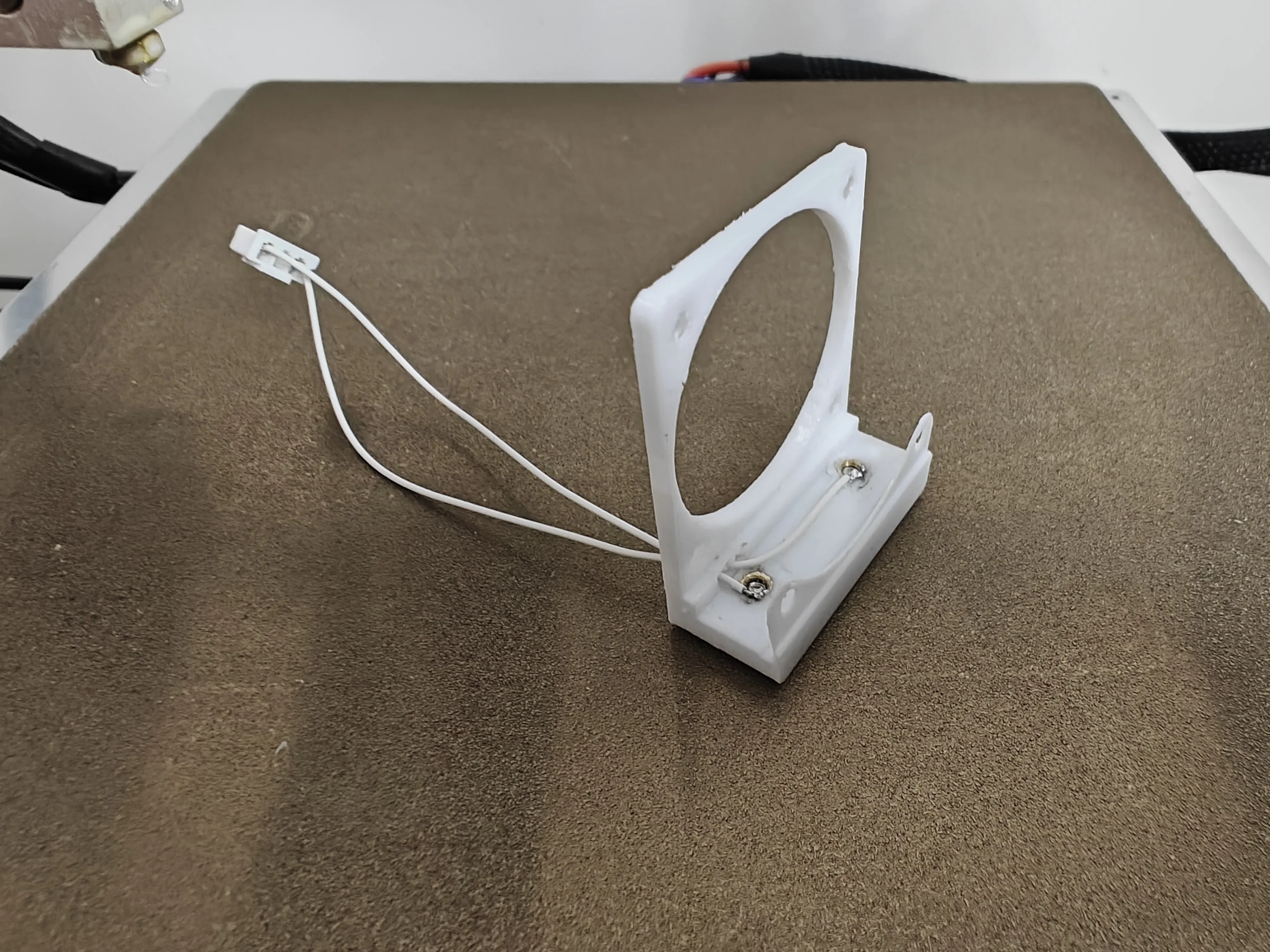
2. Klicky connector female header soldering
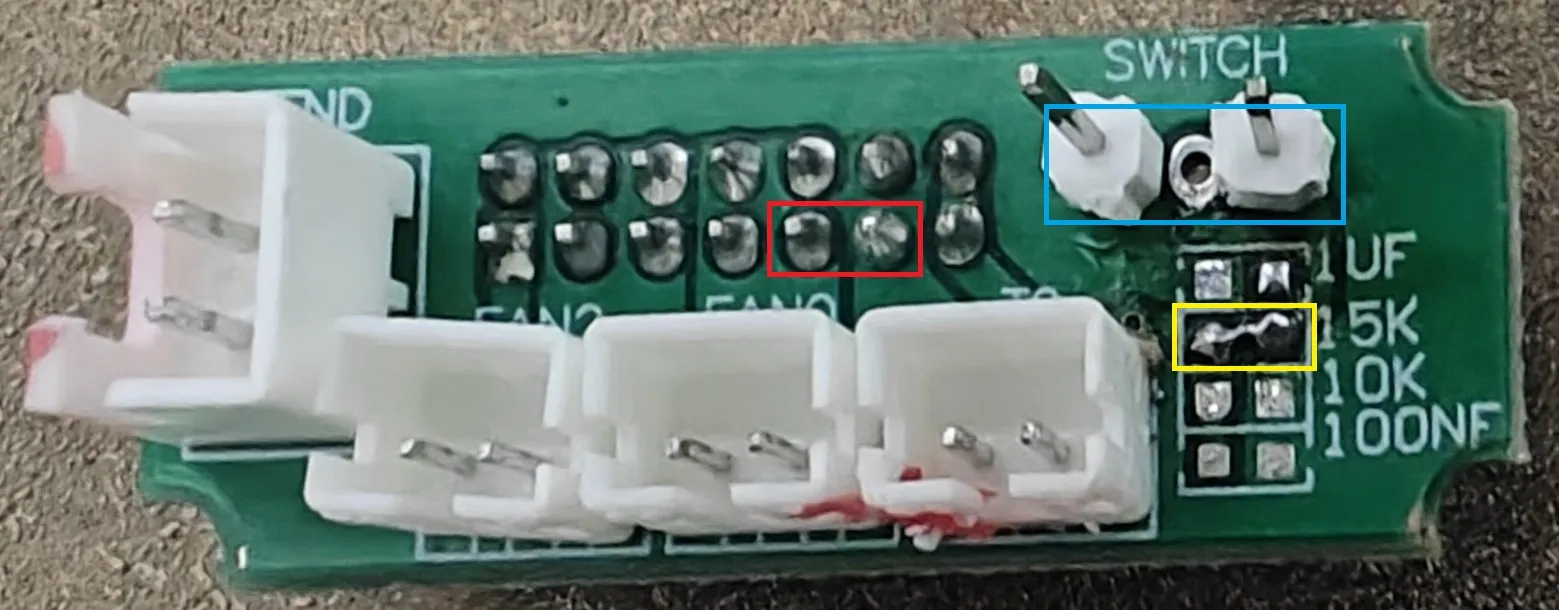
Remove the small board from the upper inside of the extruder head, and solder the female header onto the board. There are two methods:
Method 1
Solder the XH2.54 female header to the two red pins.
Method 2
Short-circuit 15K (yellow box in the diagram), solder the female header to the pins on both sides of the blue box in the diagram, the middle pin can be left empty.
The diagram shows a soldering example for Method 2. The pin spacing of the female header for Method 2 is not 2.54 mm, so XH2.54 is not suitable. Please measure the pin spacing yourself and purchase suitable female headers and terminals (3pin).
3. Install the extruder connector
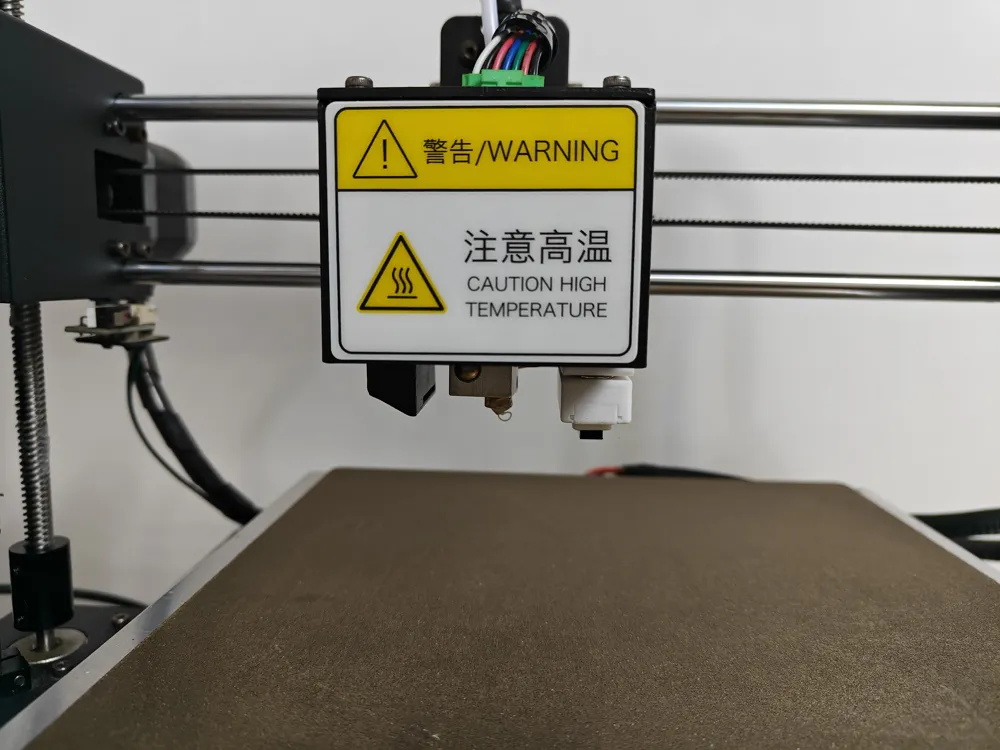
Remove the fan from the extruder housing (there are 4 washers between the fan and the housing, be careful not to lose them). Install the four hex nuts removed from the original machine into the pre-drilled nut holes on the side of the klicky extruder connector. Install the fan, washers, and klicky extruder connector onto the extruder housing, and secure them with the original 4 screws.
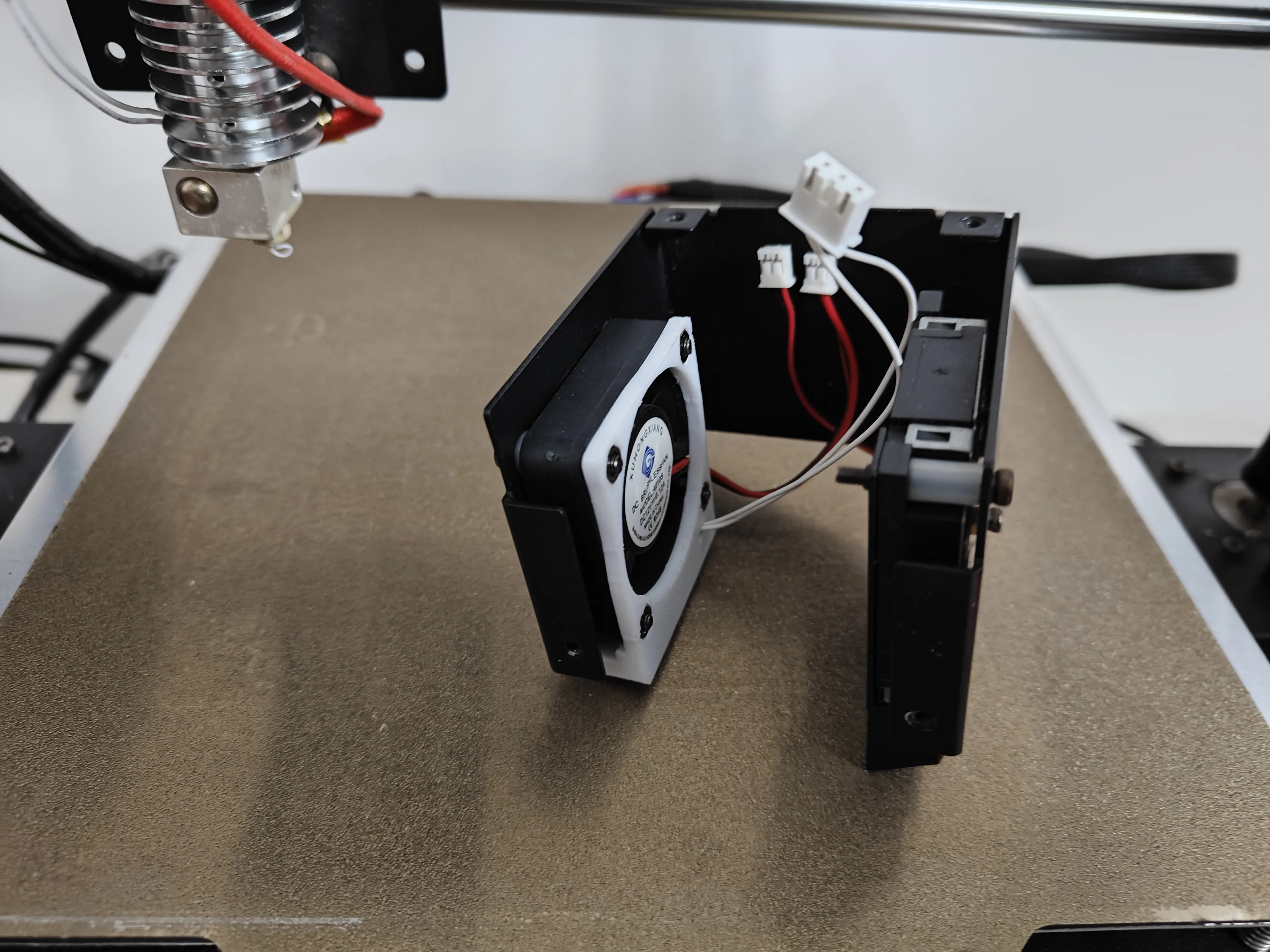
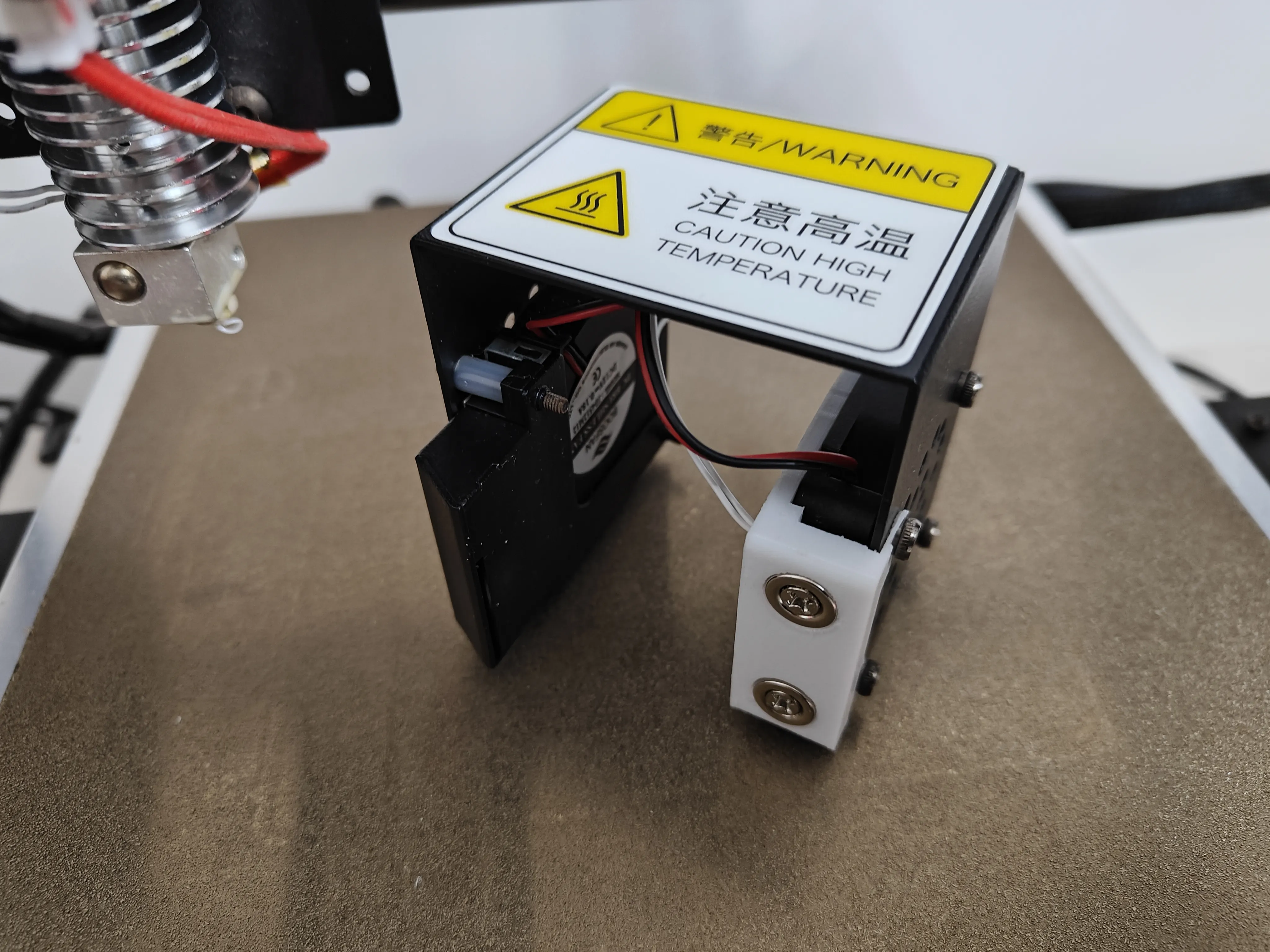
Connect the female header and terminals (judge the klicky probe status by continuity, pin polarity does not matter), and install the housing.
4. Assemble the klicky probe
Pass two wires through the openings on both sides of the klicky probe to the micro switch slot. Solder the wires to the pins on both ends of the micro switch (the middle pin can be left empty). Install the micro switch into the micro switch slot (a small amount of glue can be used to secure the micro switch).
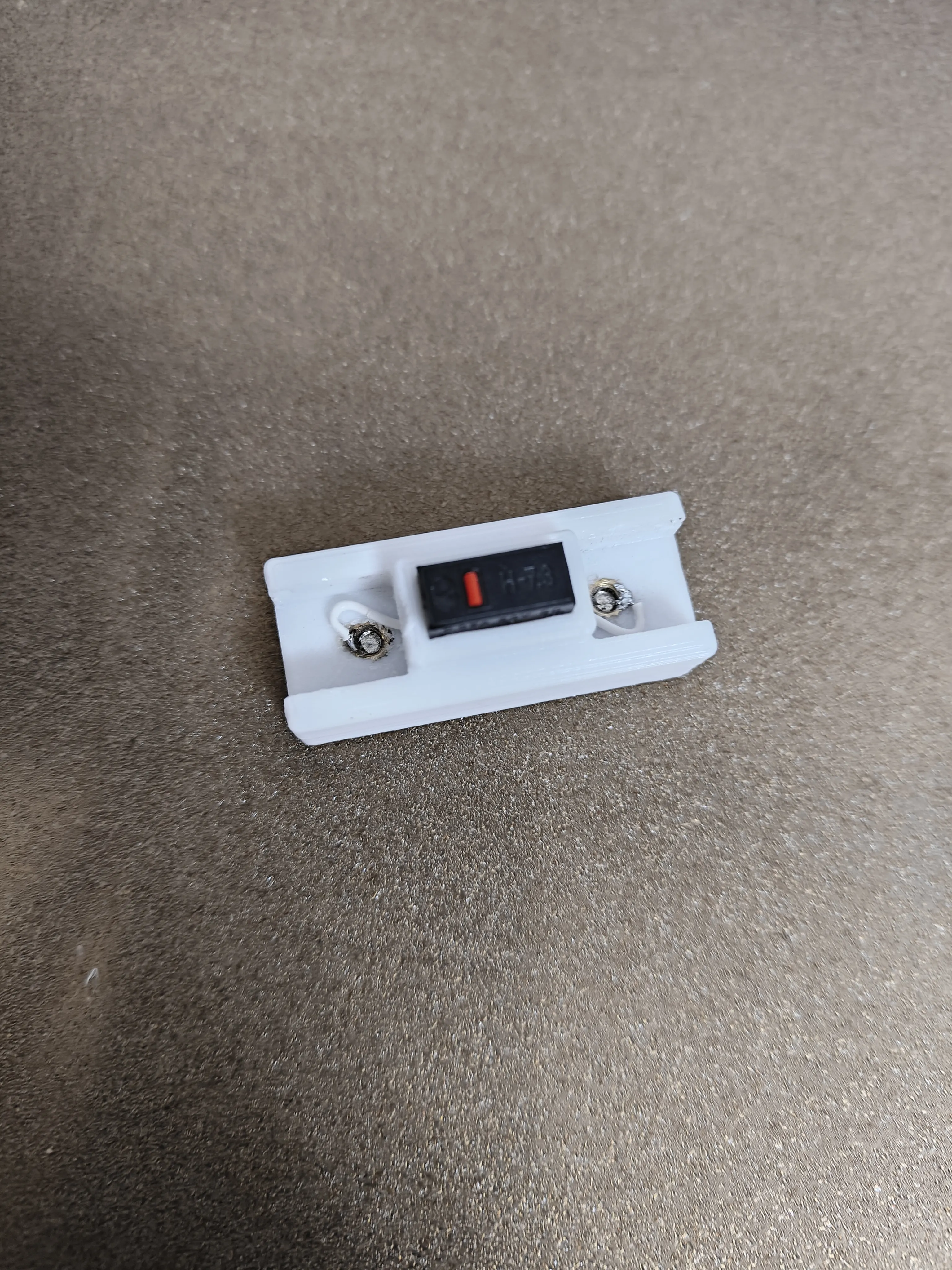
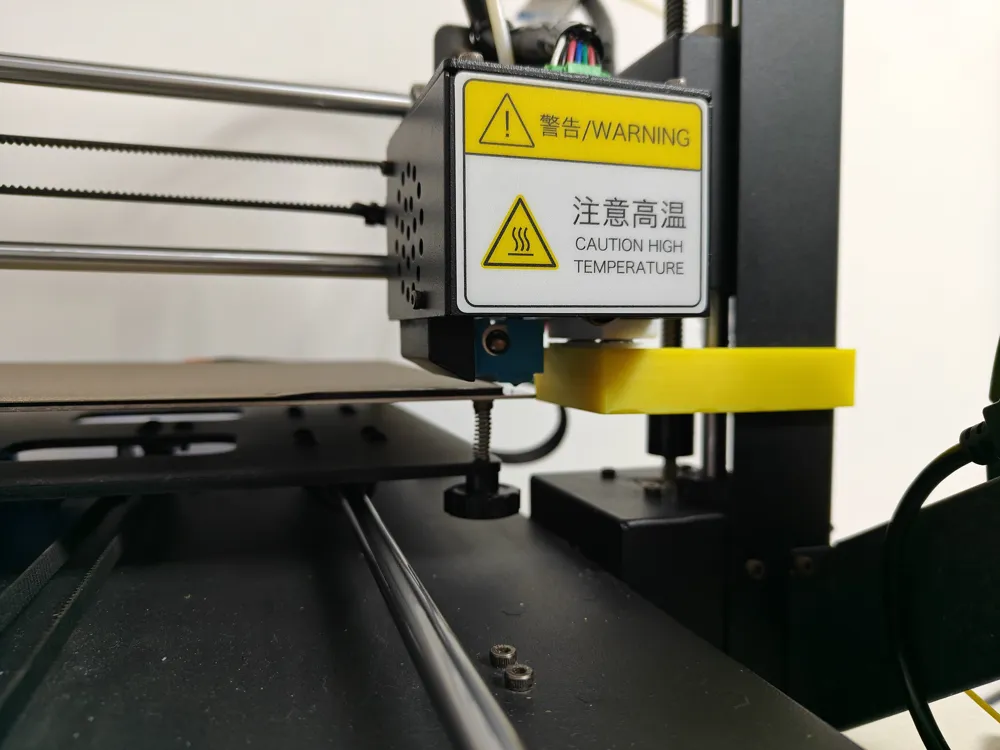
Install the klicky probe magnets following the installation method for the extruder connector in Step 1, and connect the wires. (When installing the magnets, pay attention to their polarity. The klicky probe should be magnetically attached to the klicky extruder connector such that the side closer to the micro switch's trigger point is near the back of the 3D printer: at this point, the distance between the trigger point and the nozzle in the Y-axis direction is minimized, which is beneficial for bed mesh compensation).
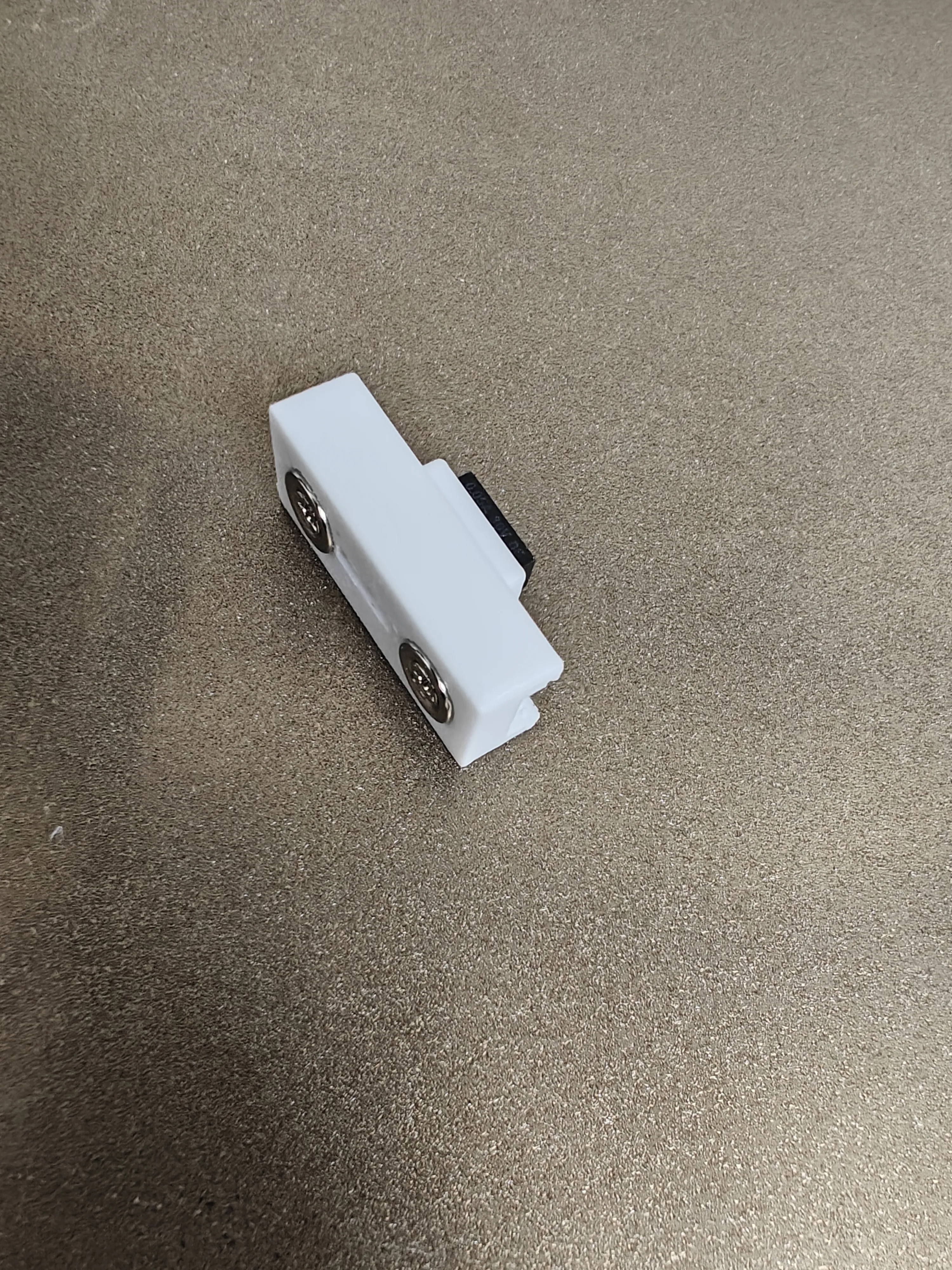
Install the klicky probe enclosure.
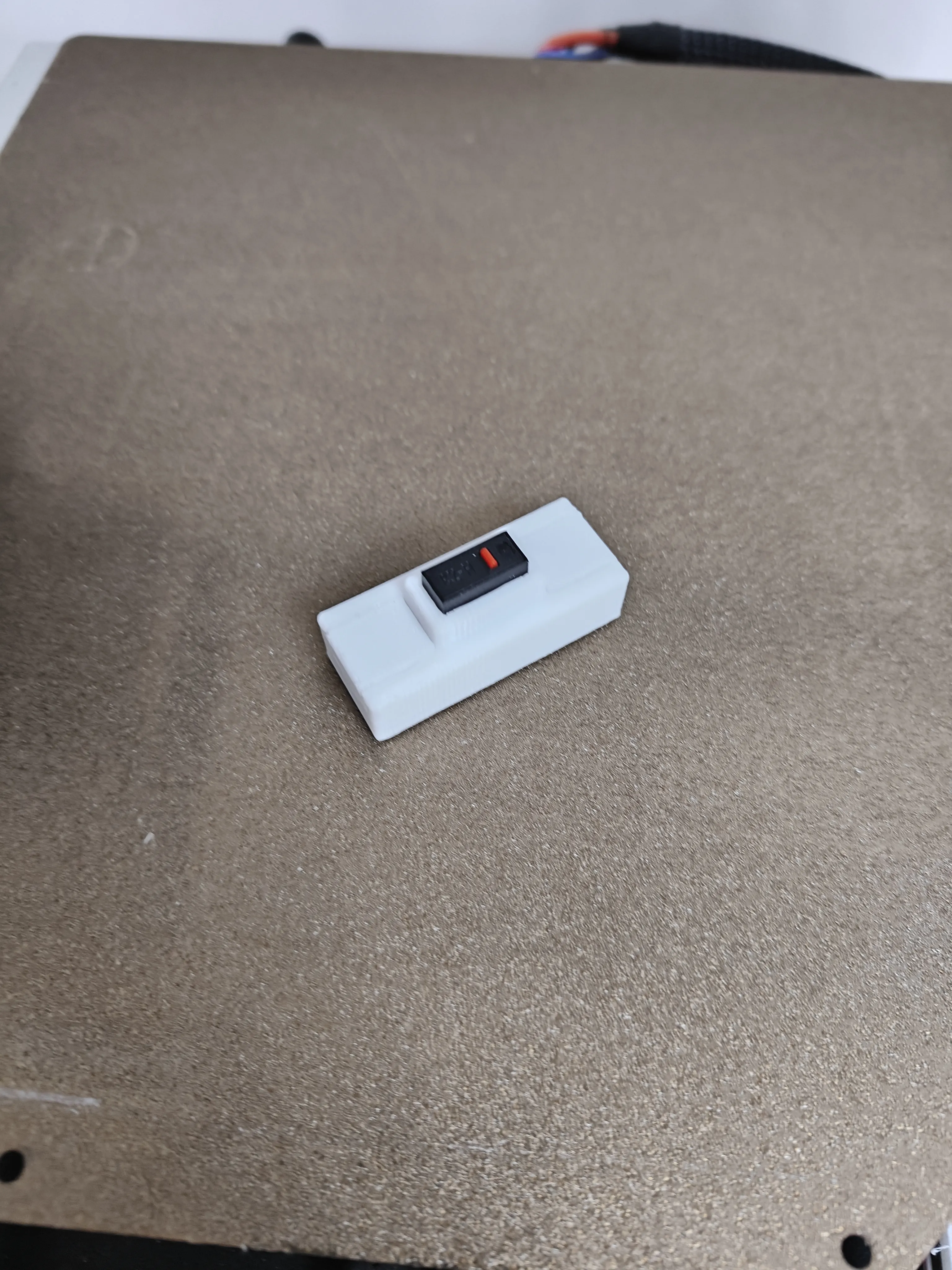
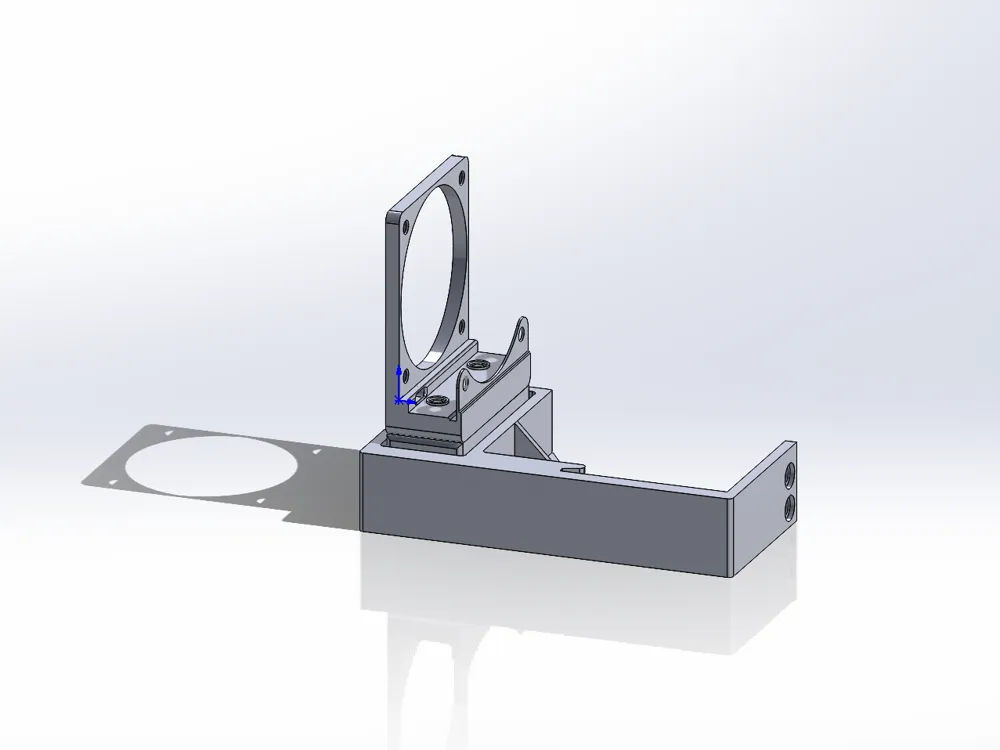
5. Install the klicky dock. Unscrew the two screws at the Z-axis limit switch on the right side of the printer, install the dock onto the frame, and secure it with the original screws.
6. Import klicky configuration files
Import both printer.cfg and klicky_probe.cfg files.
See https://github.com/wzn556/Klicky-for-i3-MEGA-S.
Note: The printer.cfg file has also been modified. Importing only klicky_probe.cfg will not work.
7. Calibrate Z-axis
See https://makerworld.com.cn/zh/models/2005739-z-zhou-xiao-zhun-jian-gua-yong-yu-i3-mega-s.
Note:
Errors are inevitable during installation. After installation, it is recommended to recalibrate the probe offset (x, y, z). See Probe Calibrate - Klipper Docs.
Demo video:
[i3 MEGA S Klicky achieves auto-leveling and bed mesh compensation]
Acknowledgements:
The probe pin connection references https://github.com/knutwurst/Marlin-2-0-x-Anycubic-i3-MEGA-S/wiki/BLTouch-Installation-(english).
The writing of the klicky_probe.cfg configuration file references[Open Source] Nanny-level Klicky Configuration Guide! Directly usable with Dayu TT 3D printer!_bilibili_bilibili.
Thanks to the above authors for their sharing. If there is any infringement, please contact us for removal.
License

You shall not share, sub-license, sell, rent, host, transfer, or distribute in any way the digital or 3D printed versions of this object, nor any other derivative work of this object in its digital or physical format (including - but not limited to - remixes of this object, and hosting on other digital platforms). The objects may not be used without permission in any way whatsoever in which you charge money, or collect fees.


Comment & Rating (0)