
Ampoule Opener
Print Profile(3)

Description
Boost Me (for free)
Did the print work out and bring a smile to your face? Then feel free to leave a boost 🚀 - that's guaranteed to bring a grin to my face too 😘
Boost Me (for free)
I would really appreciate a like or boost :)
UPDATE 3.5.26 (Ampoule opener 2.0 with additional function)
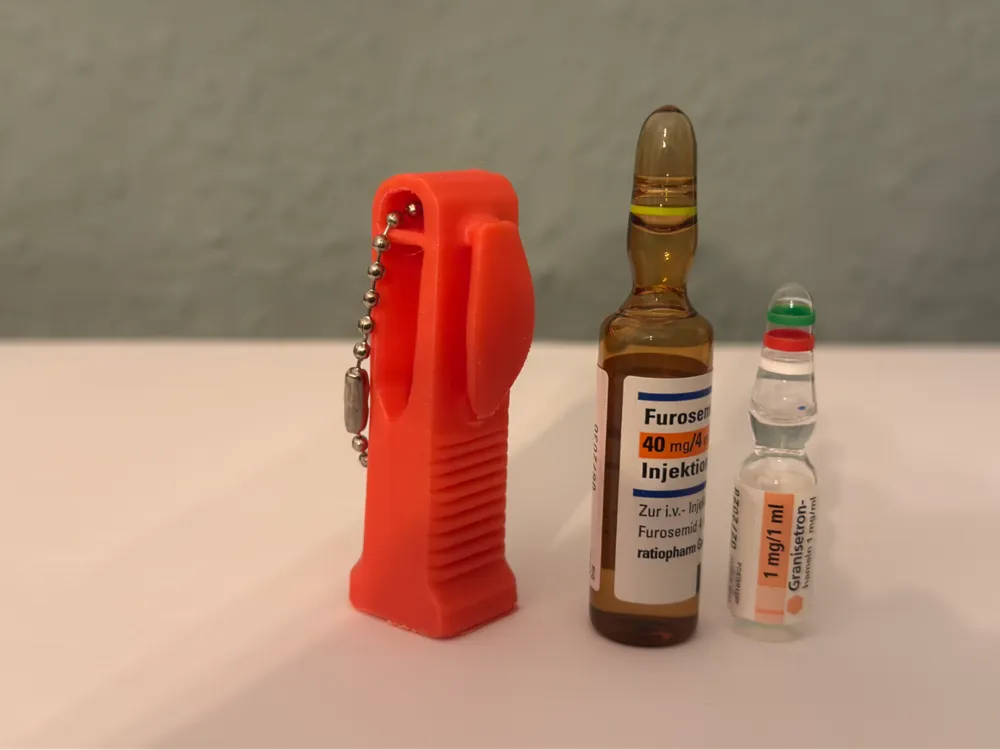
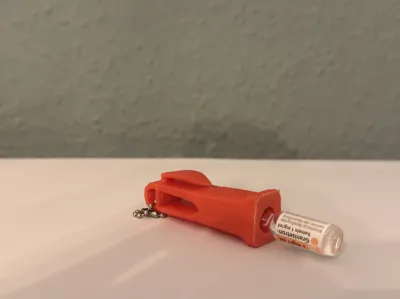
Here is a great help for anyone working in the medical field
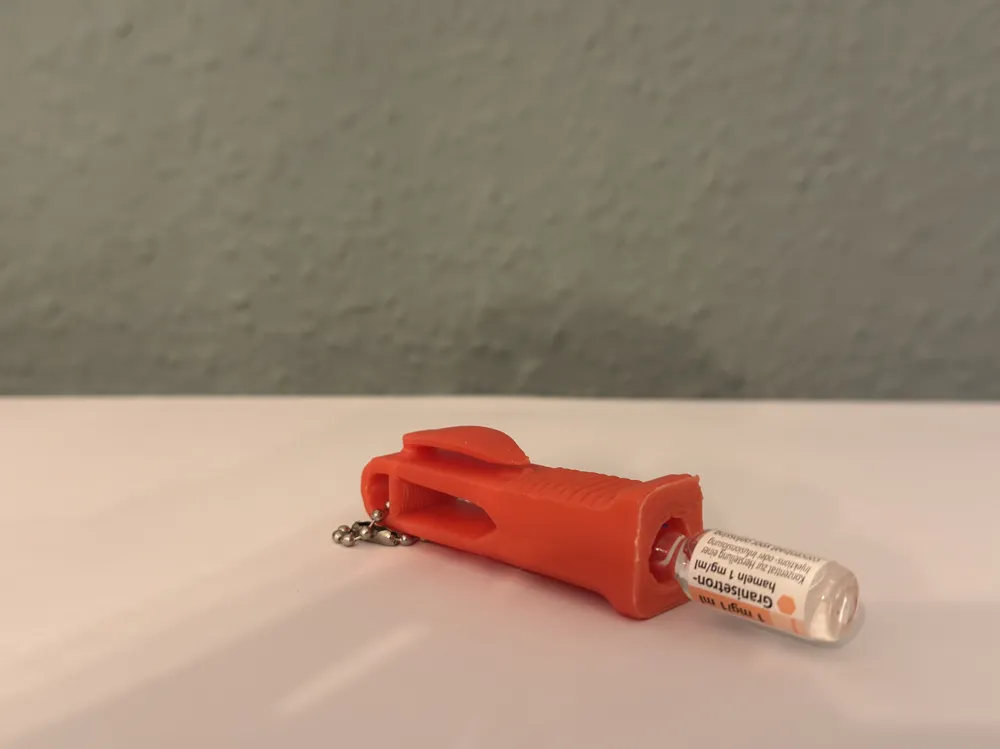
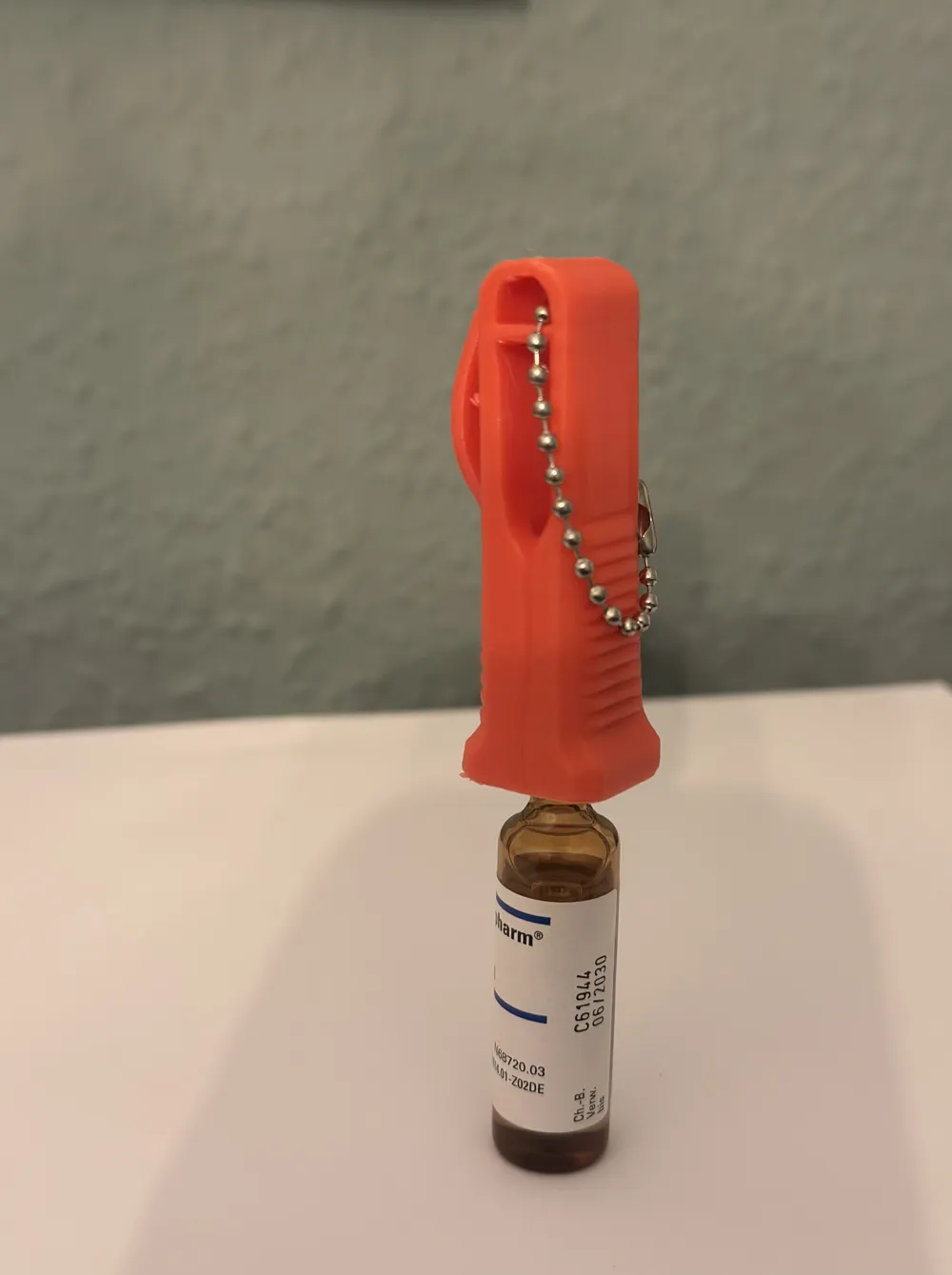
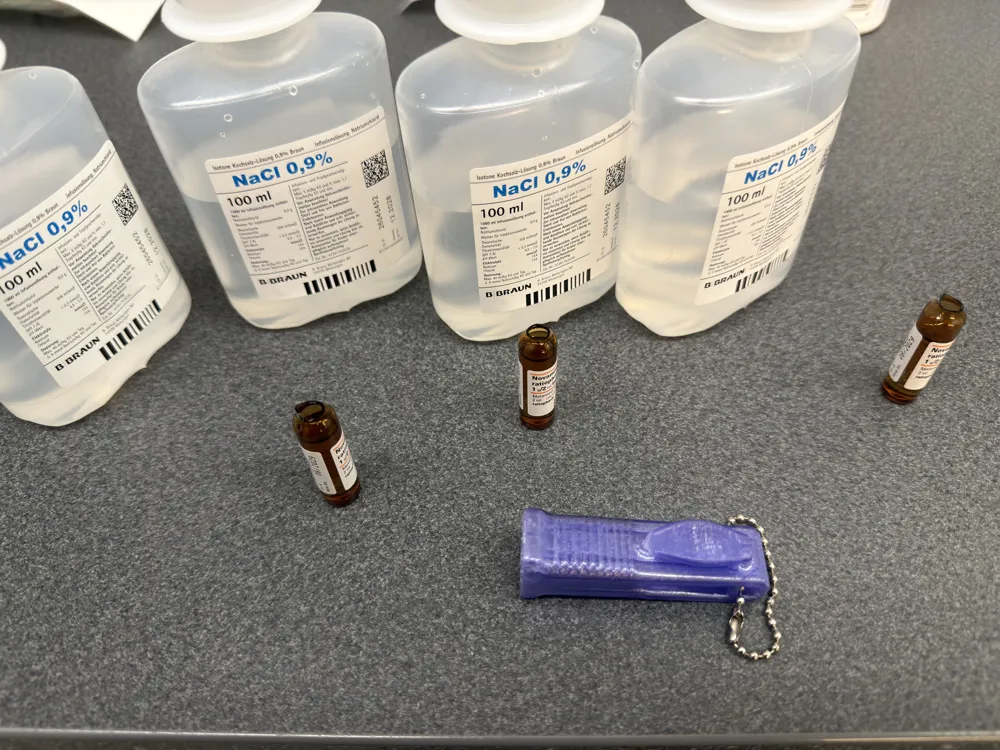
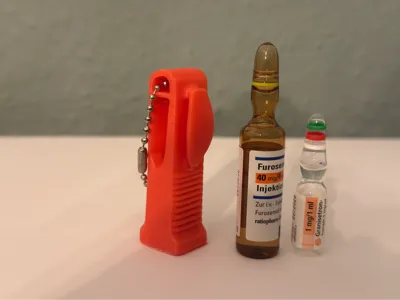
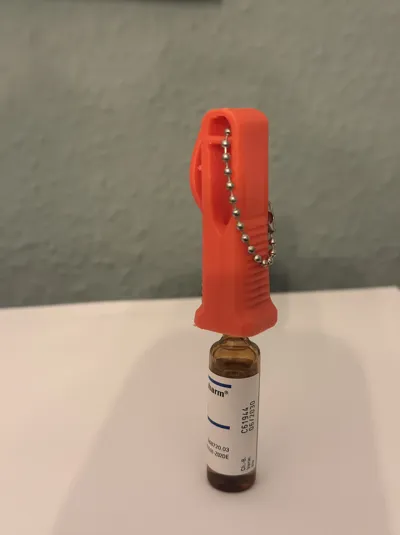
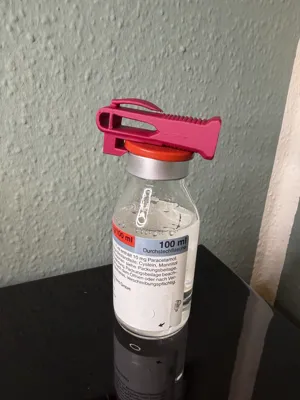
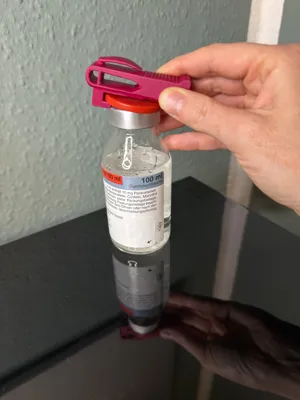
With this little helper, ampoules can be easily opened at the breaking point without the risk of cutting your fingers. How often do you just want to quickly open an ampoule, no gripper for finger protection is available, and suddenly the ampoule breaks or you slip awkwardly... with this, that no longer happens
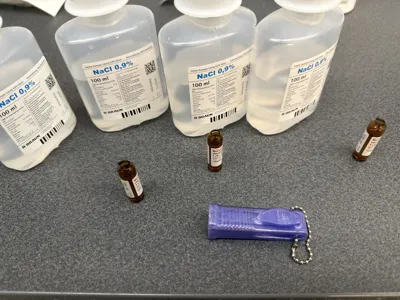
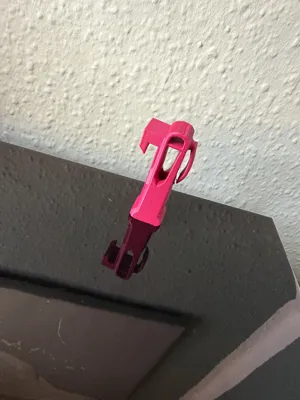
You can easily clip this ampoule opener to your lab coat pocket or attach it to your keychain with the keyring. You can effortlessly open 1ml - 10ml ampoules with it
The print profile is set for PETG, and I would also recommend printing the opener in PETG because of the clip for attaching the opener to your lab coat. PLA would not be as flexible and robust
However, if you attach it to a keychain, PLA is not a problem
Have fun printing... and here's to cut-free fingers in the future :)
Update
New print profile, with new function
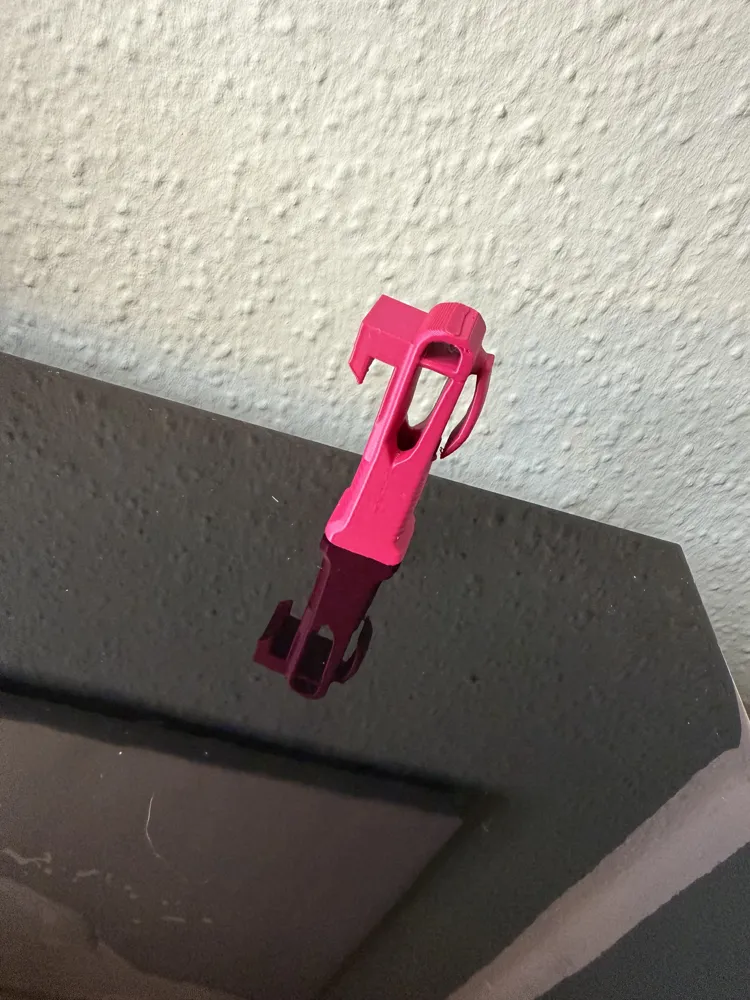
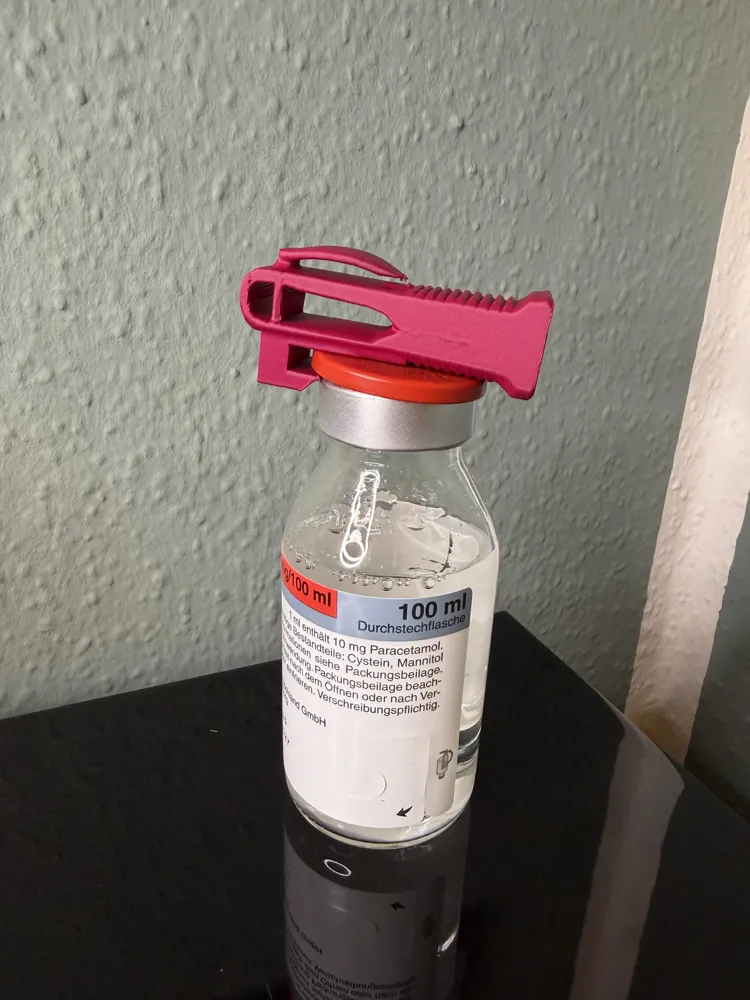
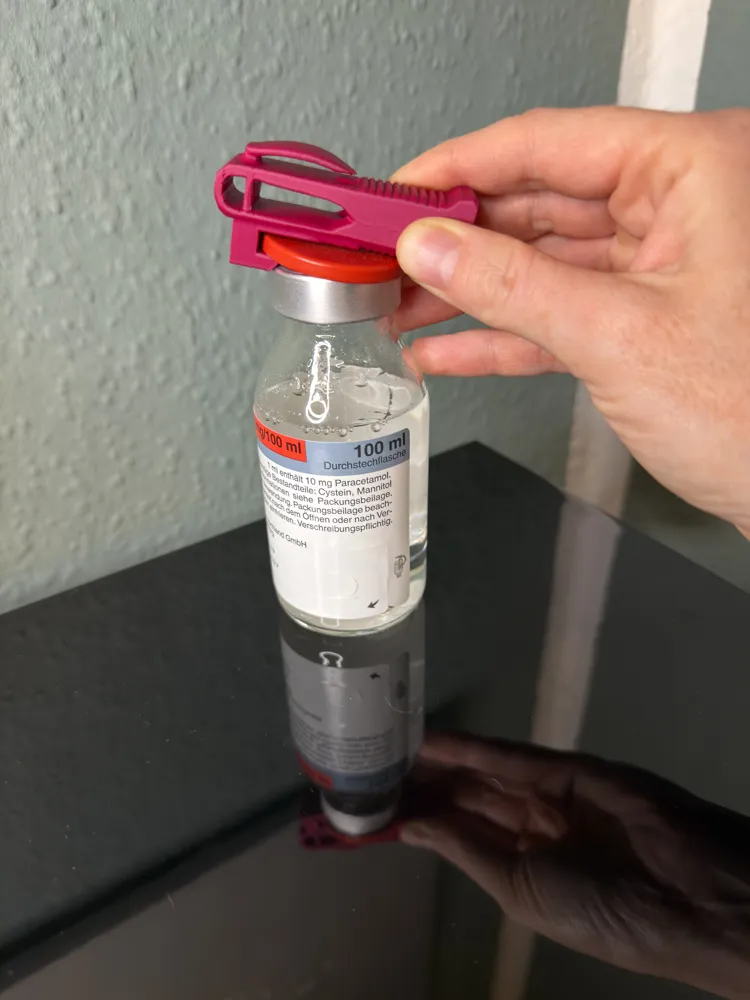
It includes a tool that helps remove the caps from, for example, antibiotics more easily
My fingers sometimes really hurt after removing a few caps in a row, as some caps are quite stubborn. Here is the remedy
Printing Information & Tips
The file already contains tuned settings, so there's no need for lengthy adjustments and you can start right away
Material Recommendation
You can find out which filament type is best suited in the provided print profile.
Support Material
If support structures are included, they have been placed appropriately.
Please proceed carefully when removing them to avoid damaging fine details.
Typical Printing Problems
If you encounter difficulties, it's usually not due to the file itself.
- Does the model adhere poorly? ➡️ Clean the print bed thoroughly.
- Is the material stringing? ➡️ Check filament, recalibrate, or dry it.
Feedback
I would greatly appreciate a short rating or feedback!
Best regards :
Ela-Fant86 your Nerdy Nurse
License

You shall not share, sub-license, sell, rent, host, transfer, or distribute in any way the digital or 3D printed versions of this object, nor any other derivative work of this object in its digital or physical format (including - but not limited to - remixes of this object, and hosting on other digital platforms). The objects may not be used without permission in any way whatsoever in which you charge money, or collect fees.


Comment & Rating (69)