
Thrustmaster T-LCM Bass Shaker Mount Haptic
Print Profile(1)

Description
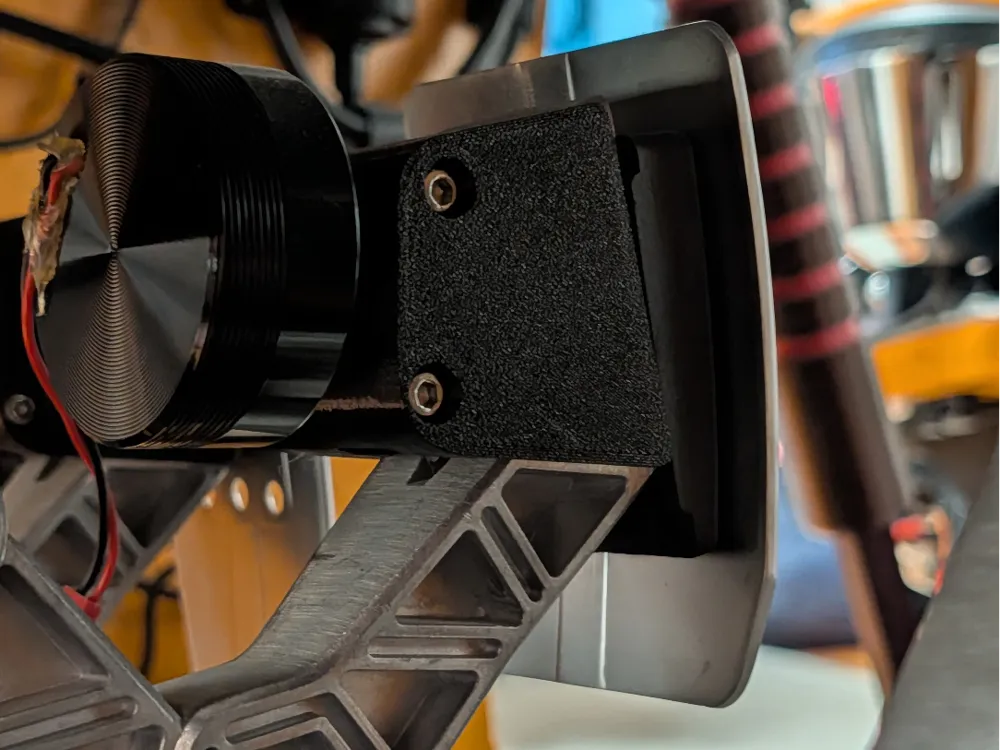
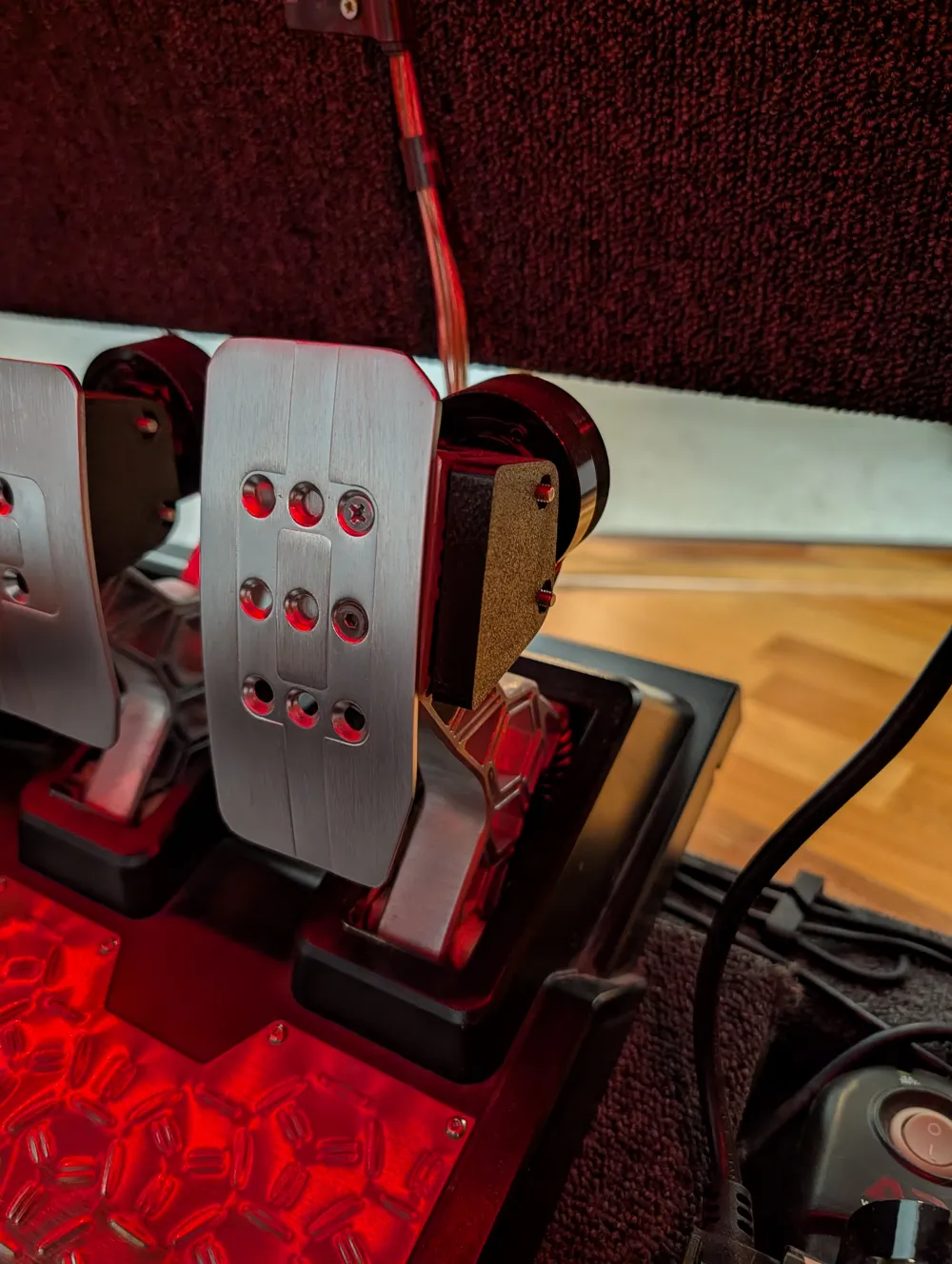
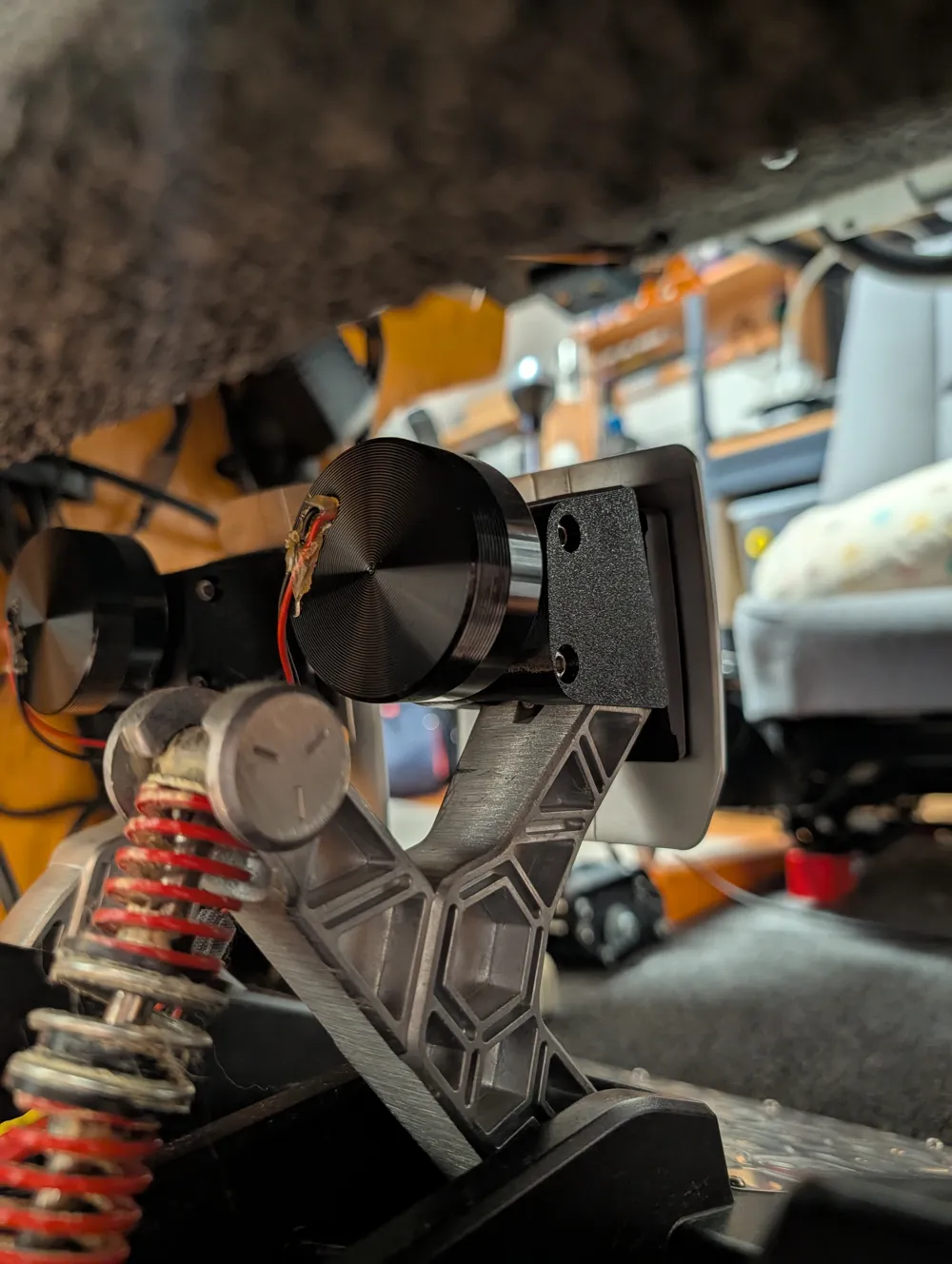
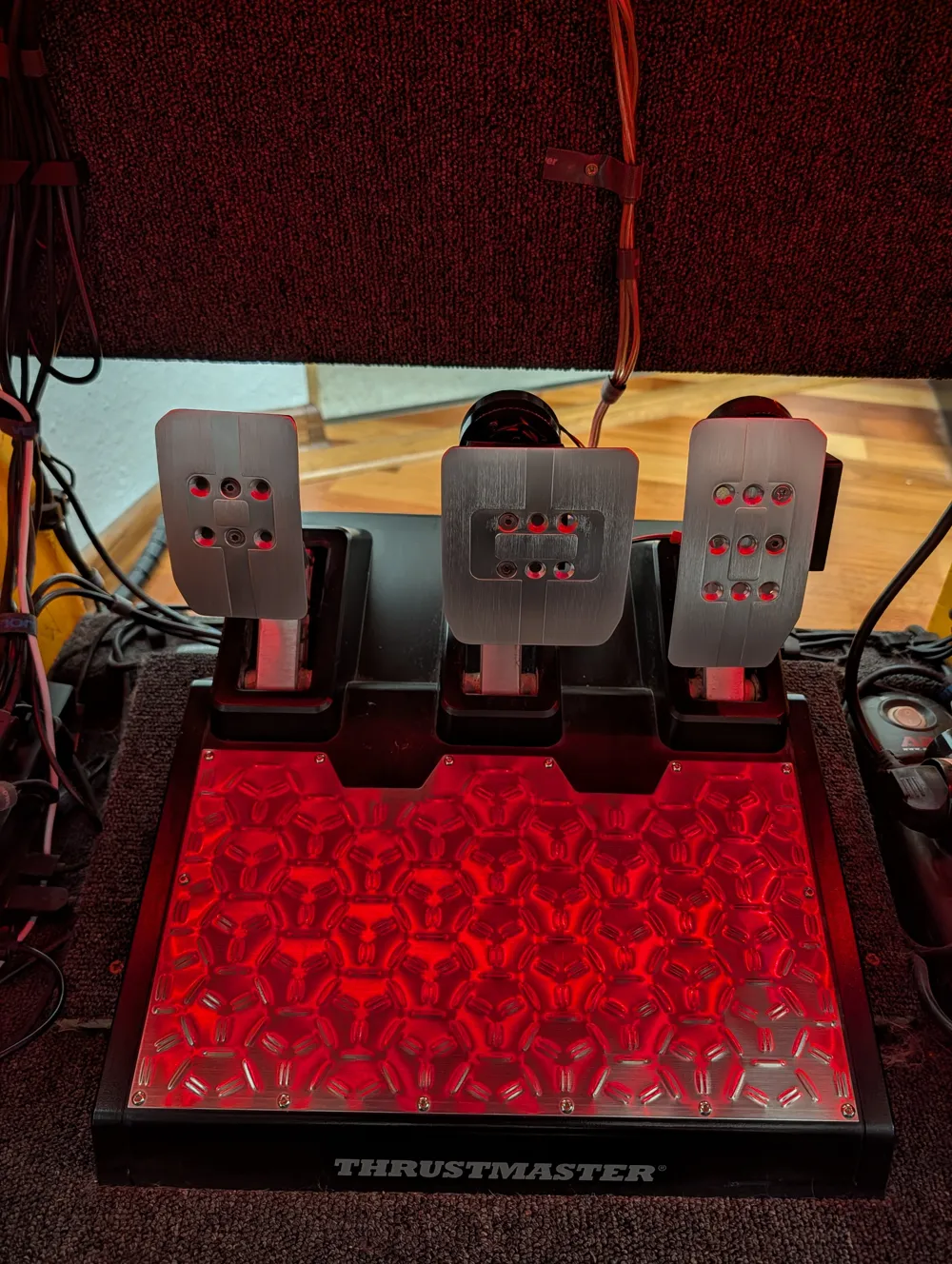
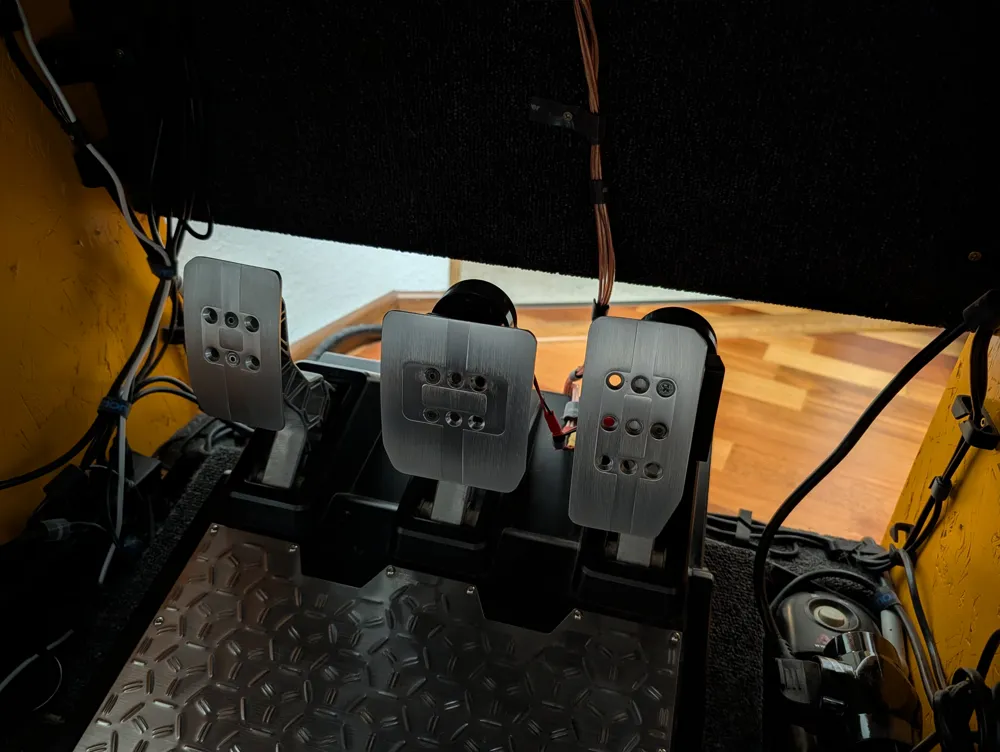
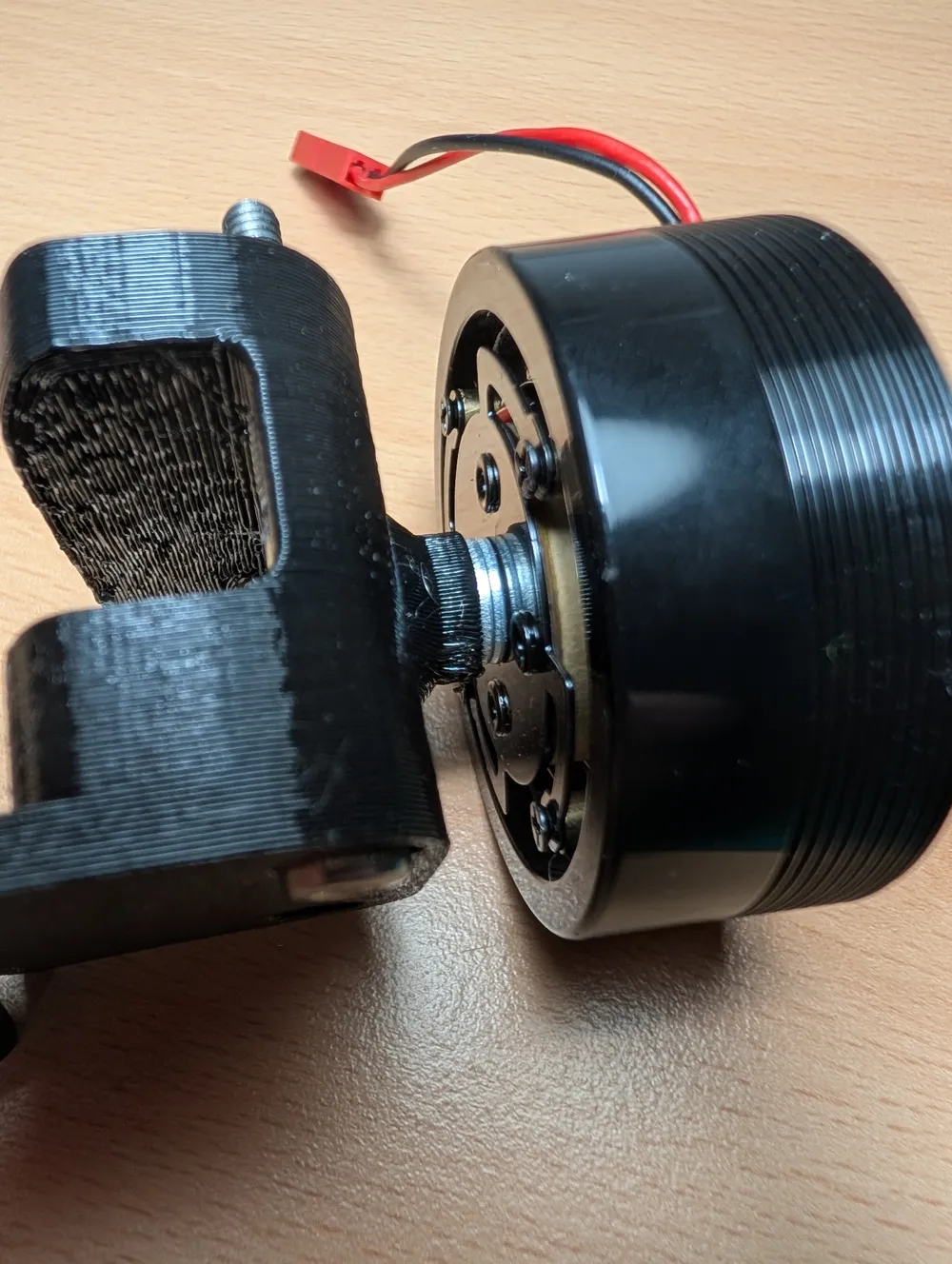
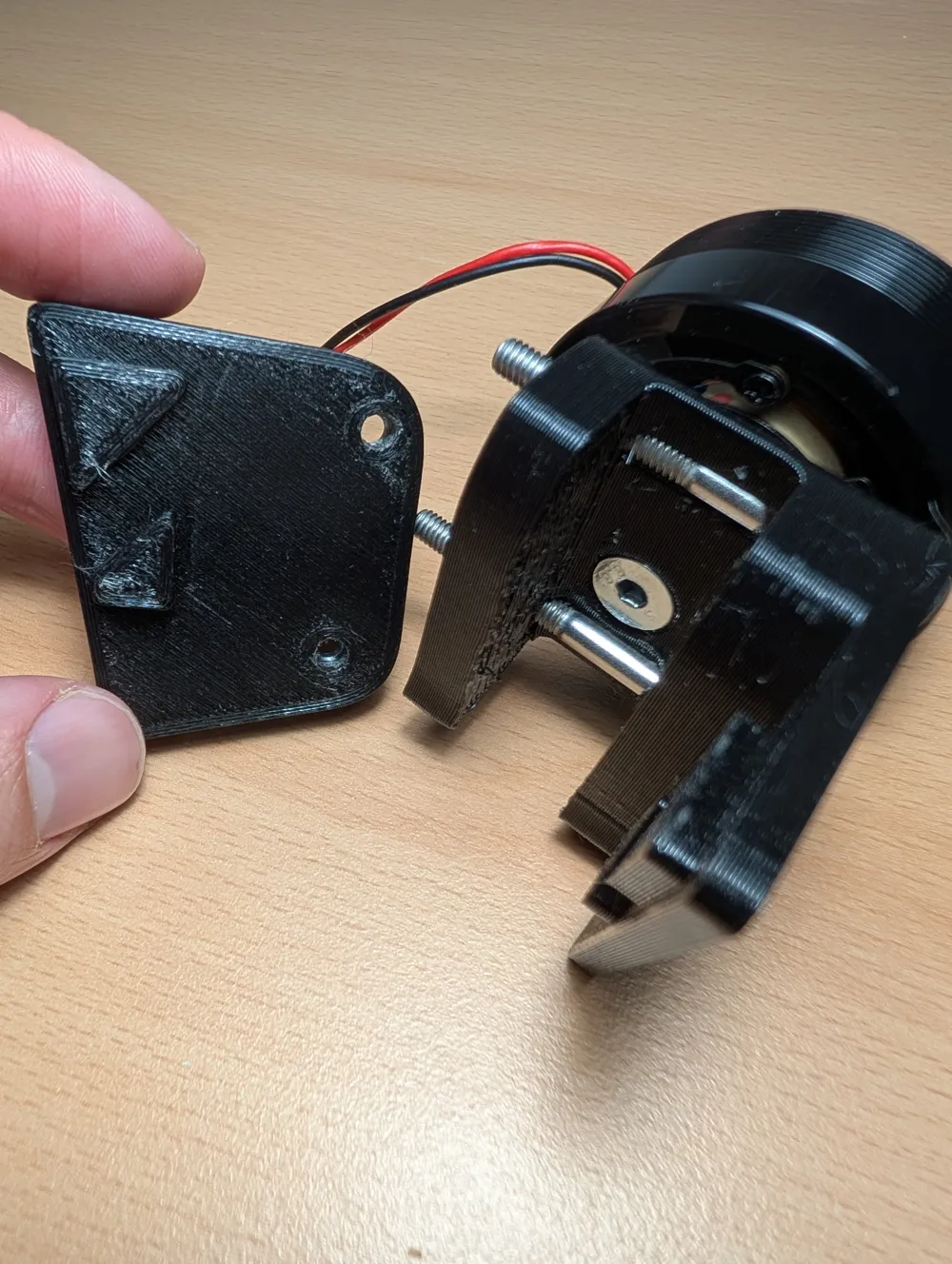
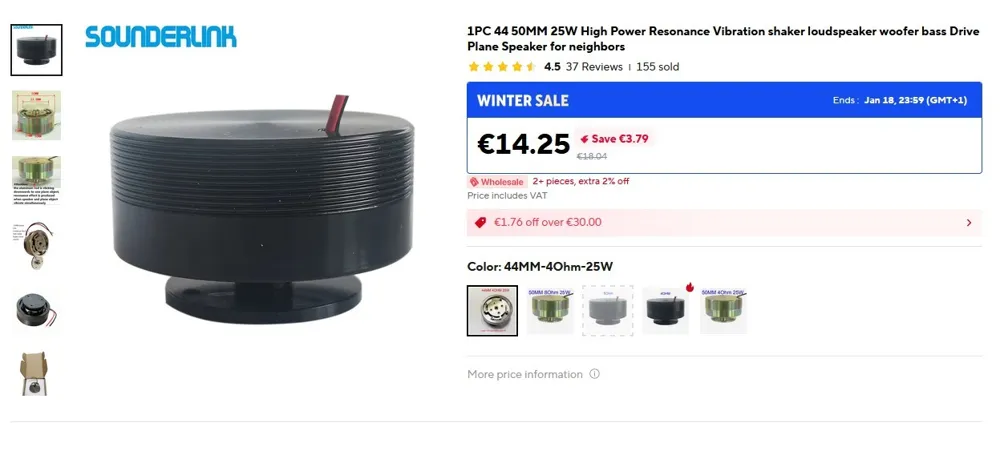
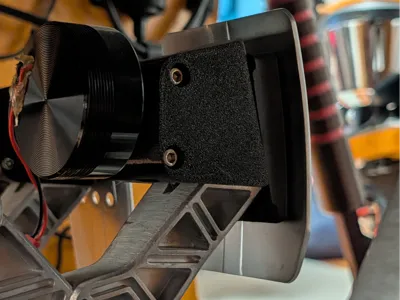
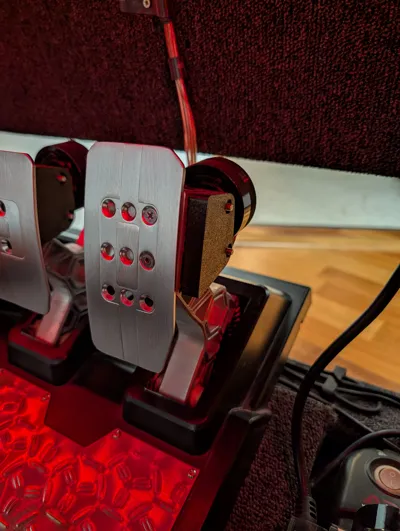
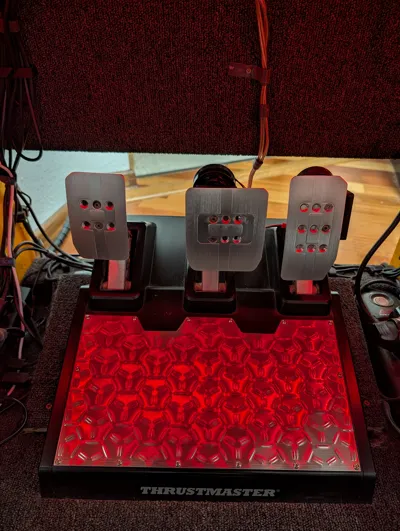
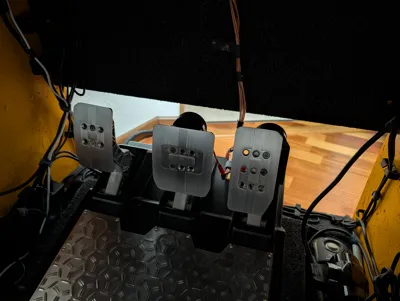
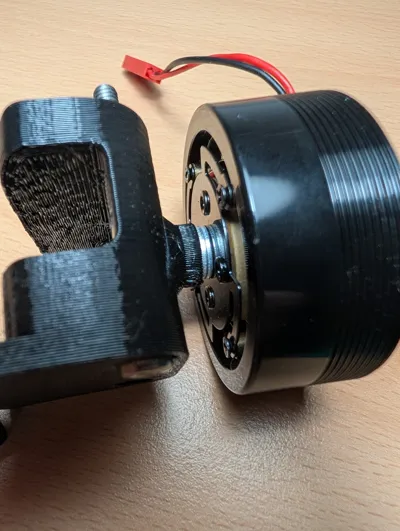
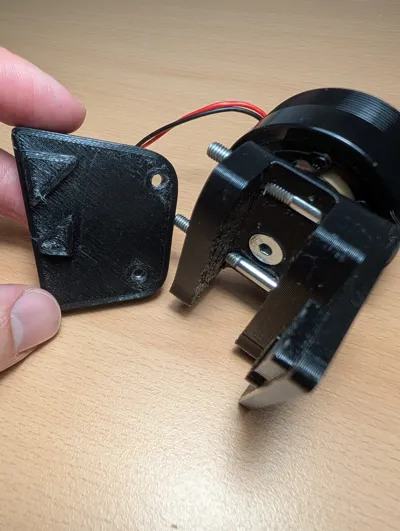
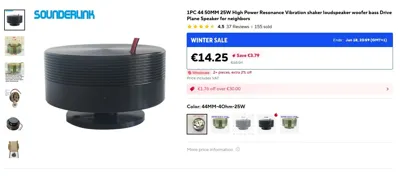
Enhance your sim racing immersion by adding haptic feedback directly to your Thrustmaster T-LCM pedals. These custom-designed mounts allow you to attach standard 25W / 50mm Resonance Speakers (Bass Shakers) to your brake, throttle, or clutch.
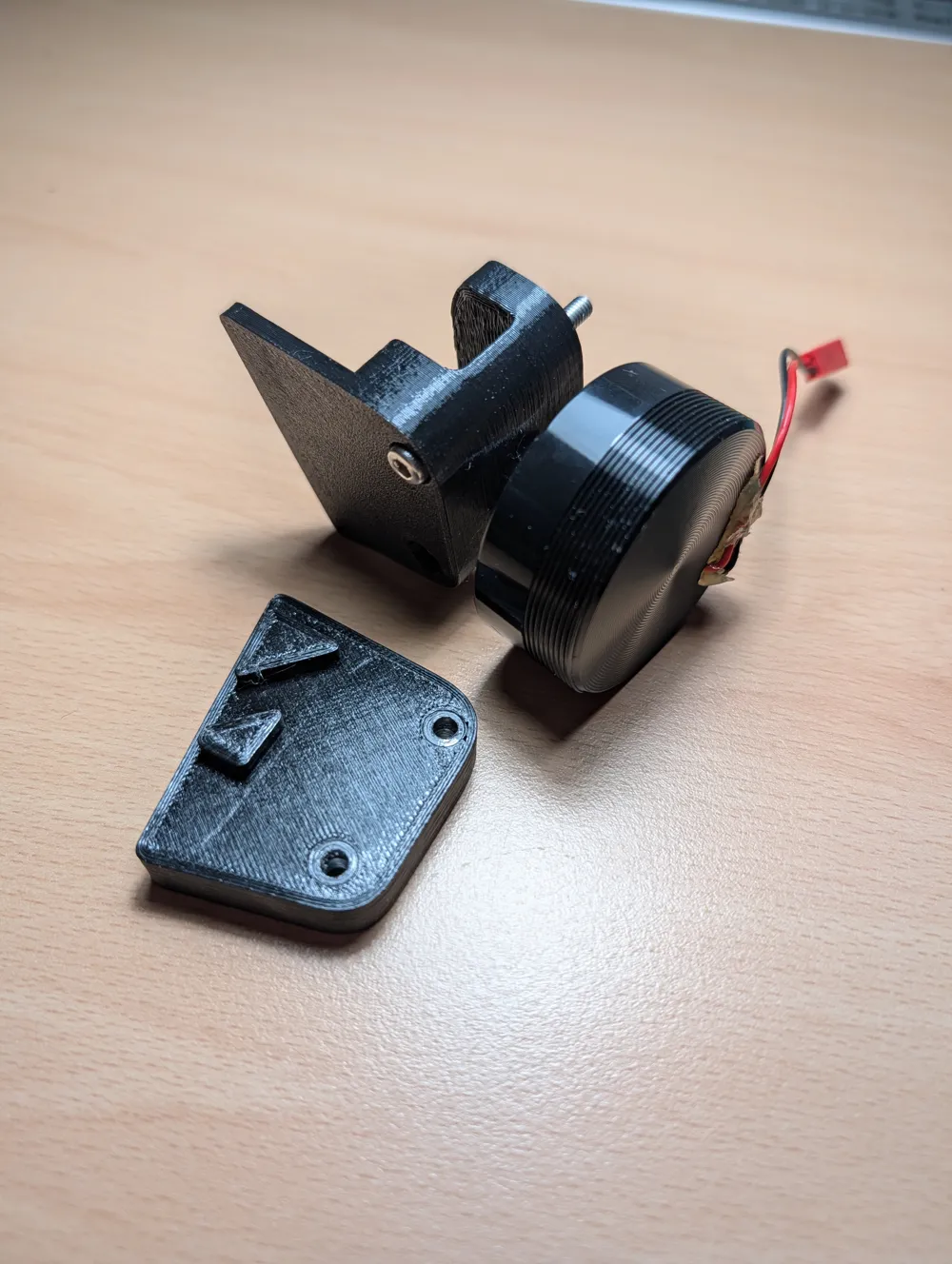
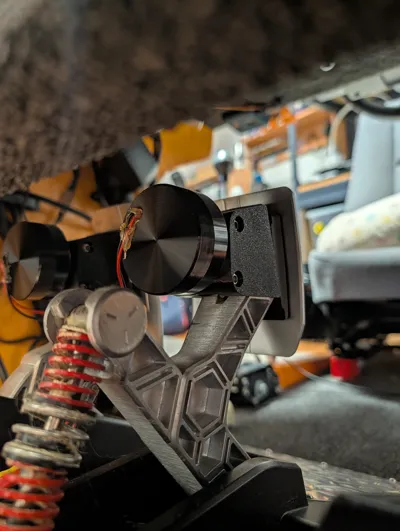
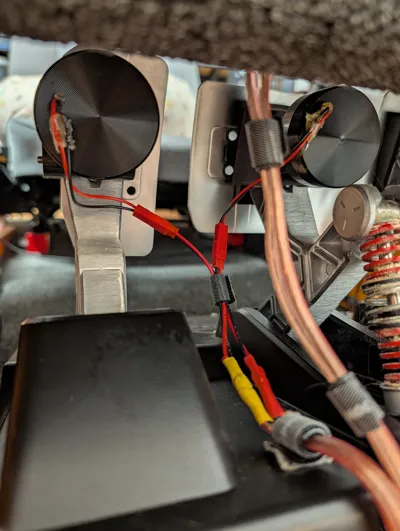
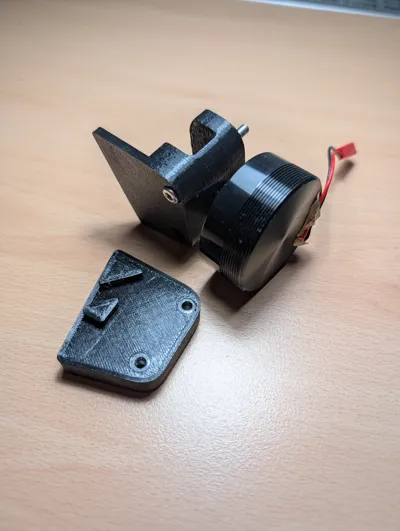
The mounts are specifically engineered to "lock" into the structural geometry of the T-LCM pedal arms, ensuring maximum vibration transfer without any wobble or interference with your foot movement.
Features:
- Perfect Fit: Contoured to match the T-LCM pedal arm shape.
- Low Profile: Designed to stay out of the way of your feet and surrounding rig components.
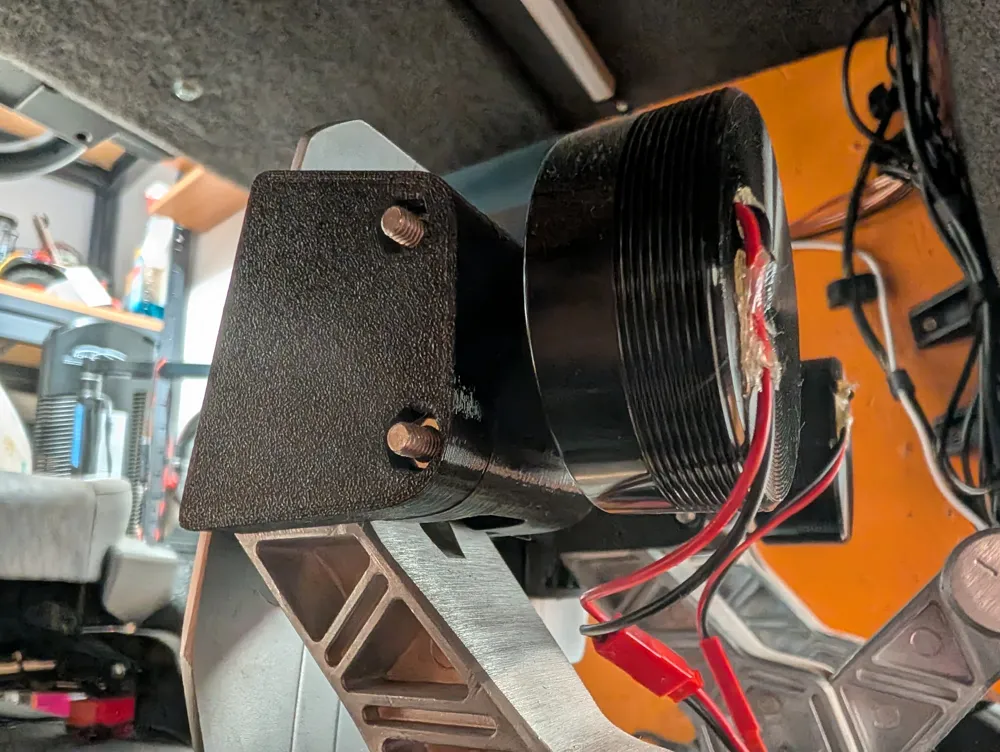
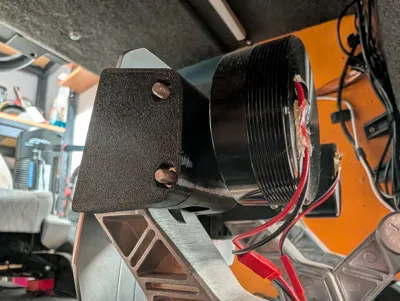
- Integrated Cable Management: Designed so that wires can be routed cleanly to the back of the pedal set.
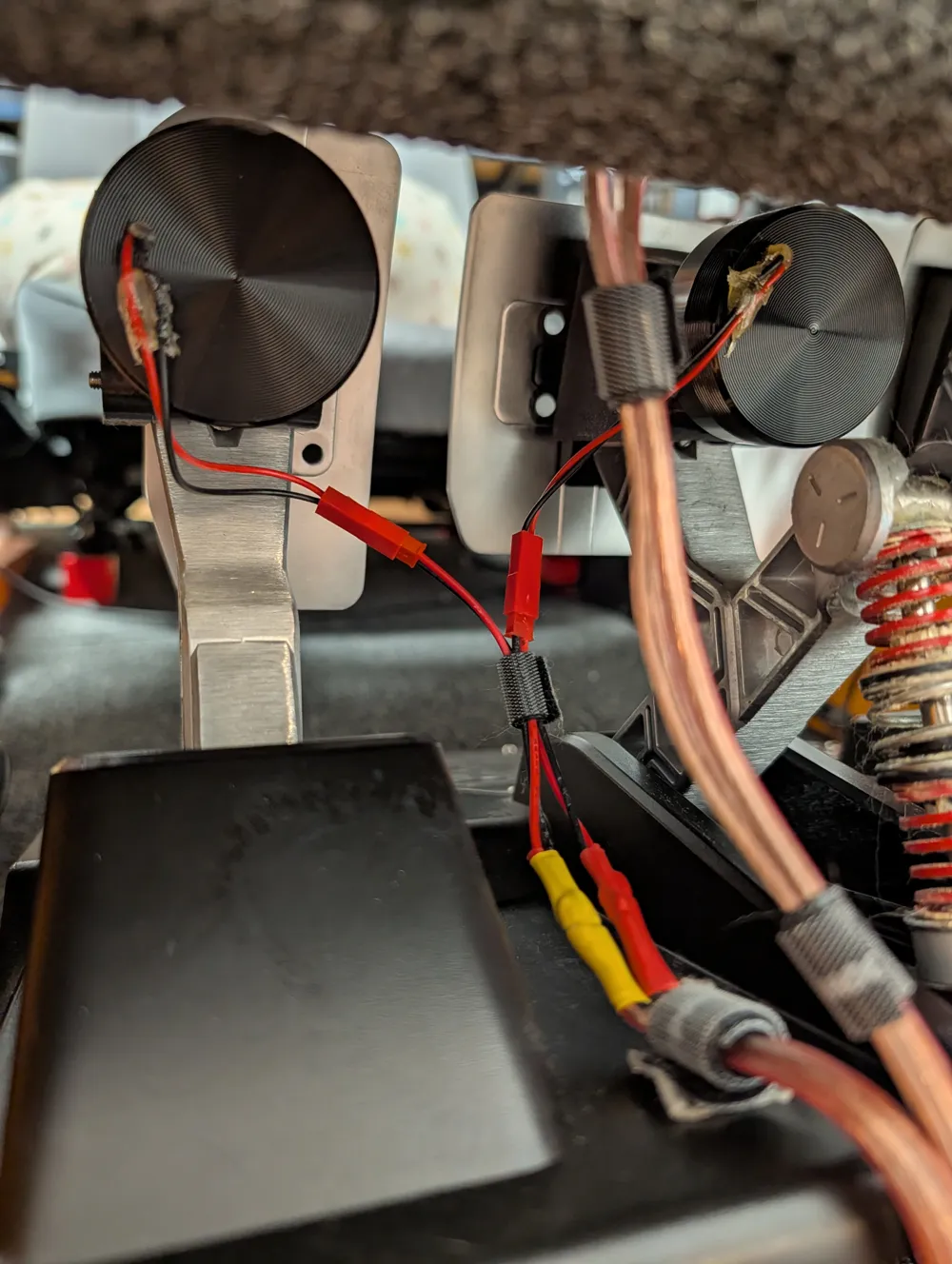
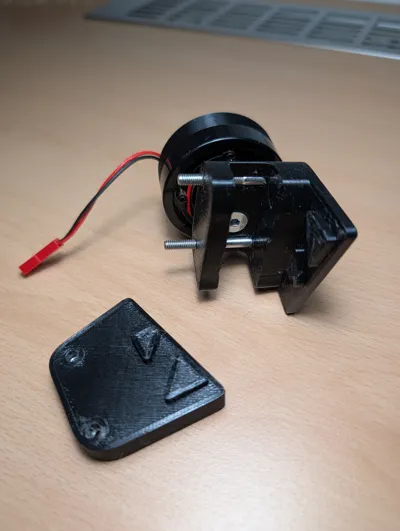
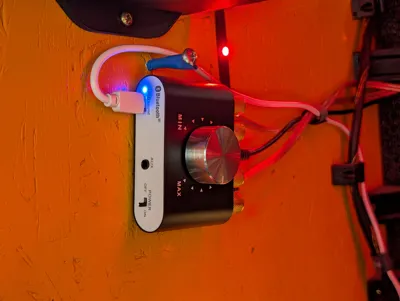
- Modular: I recommend adding quick-connectors to the wiring (as shown in photos) for easy removal or maintenance.
Recommended Print Settings:
- Material: PETG (Recommended for durability and vibration resistance).
- Walls: 3-4 perimeters for strength.
- Infill: 25-40% (Grid or Gyroid) to ensure solid vibration conduction.
Hardware Required (Per Pedal):
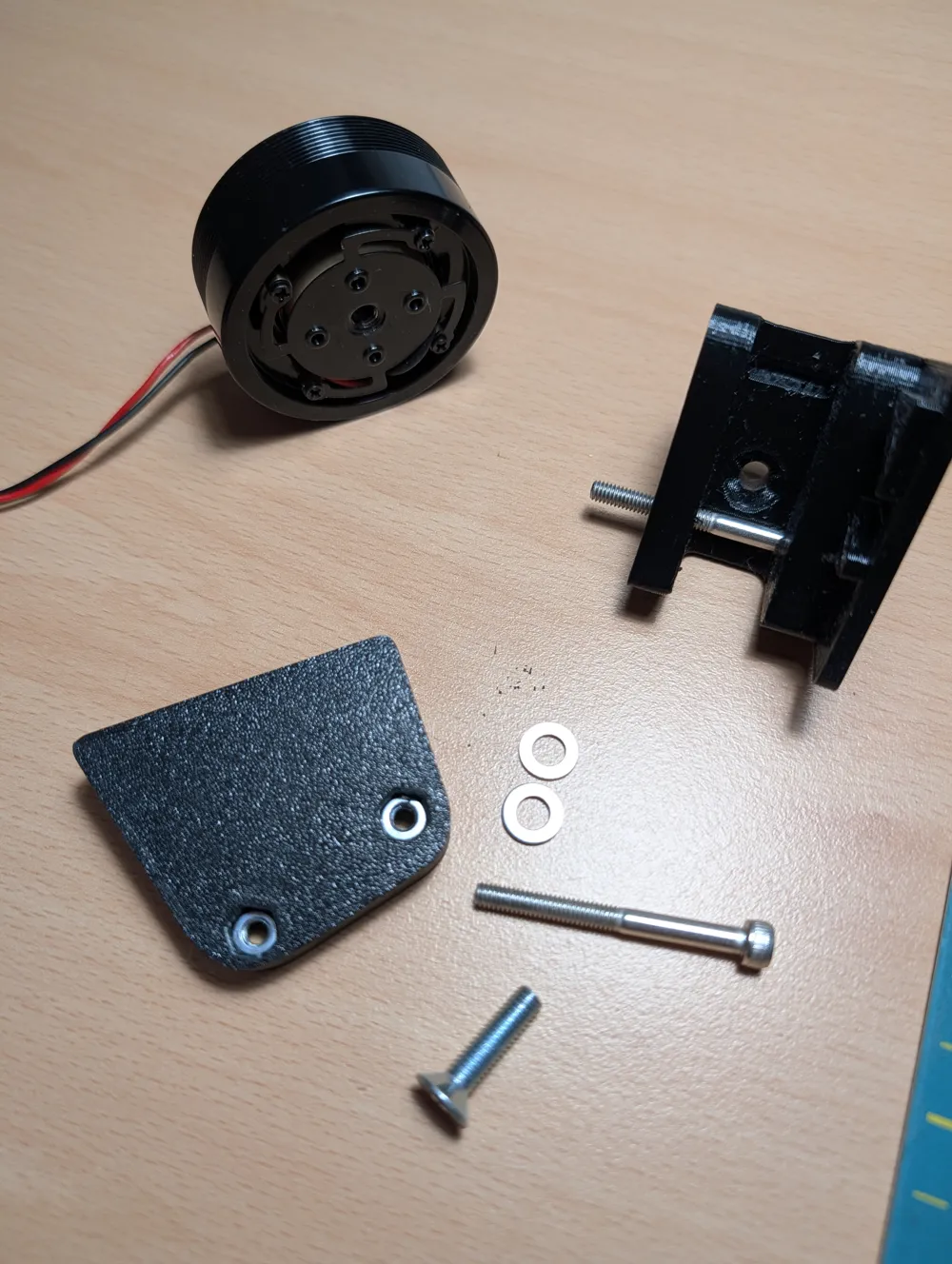
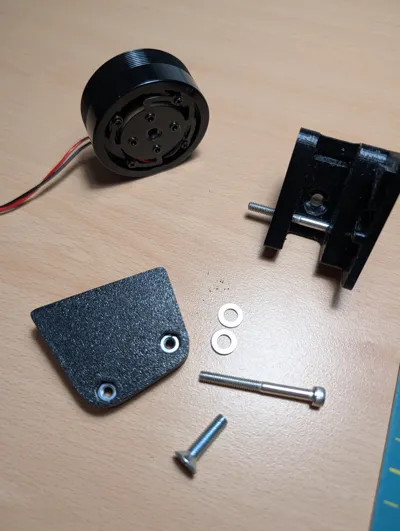
- Motor Mount: 1x M5 x 16mm screw (I used two washers for a perfect fit).
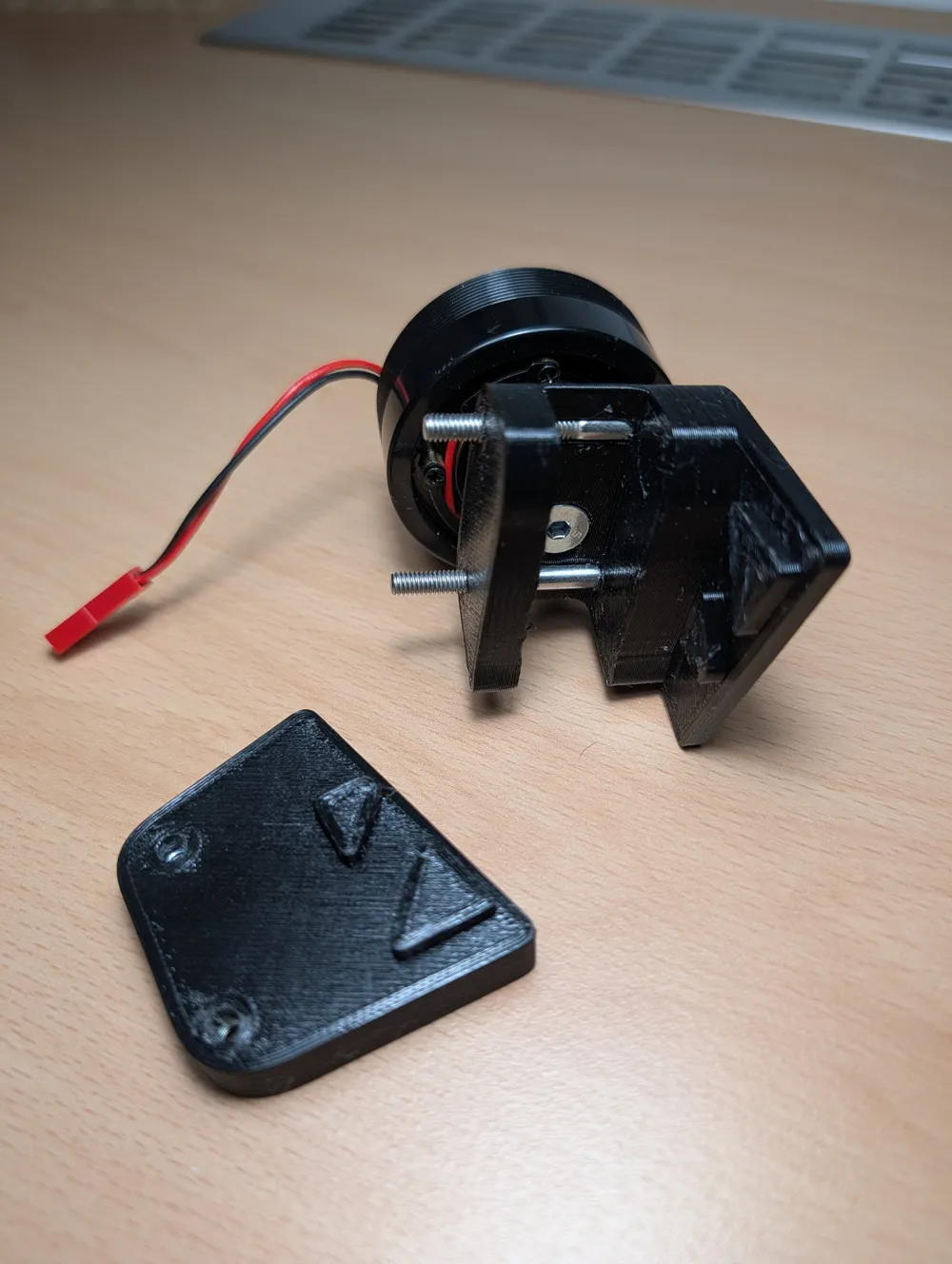
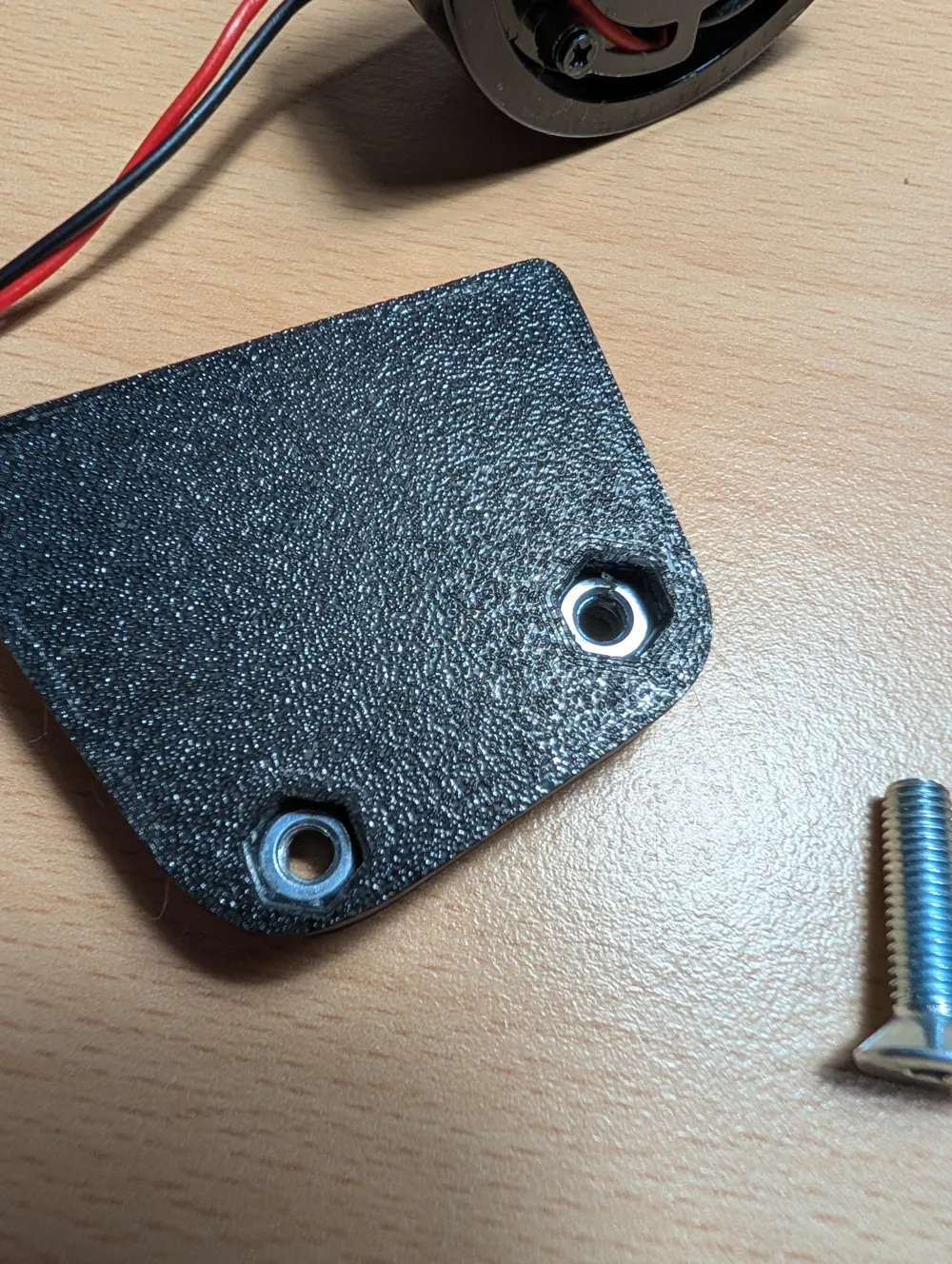
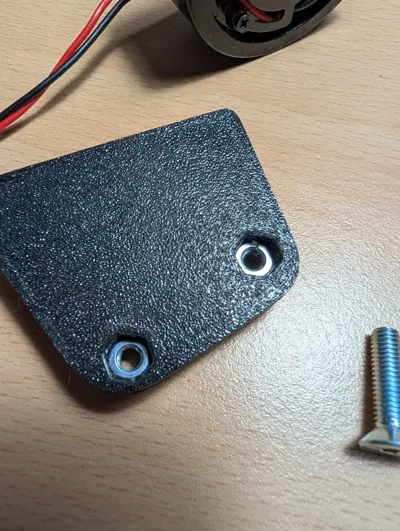
- Pedal Clamp: 2x M4 nuts and 2x M4 x 40mm screws.
Assembly Instructions:
- Attach the Motor: First, screw the bass shaker into the 3D-printed mount using the M5 screw.
- Prepare the Nuts: Insert the M4 nuts into the designated slots on one side of the mount.
- Mount to Pedal: Place the mount onto the pedal arm (it will slot into the shape). Secure it by tightening the M4 x 40mm screws through the holes.
- Wiring: Route the cables behind the pedals. Using quick-disconnect plugs is highly recommended!
Software Setup:
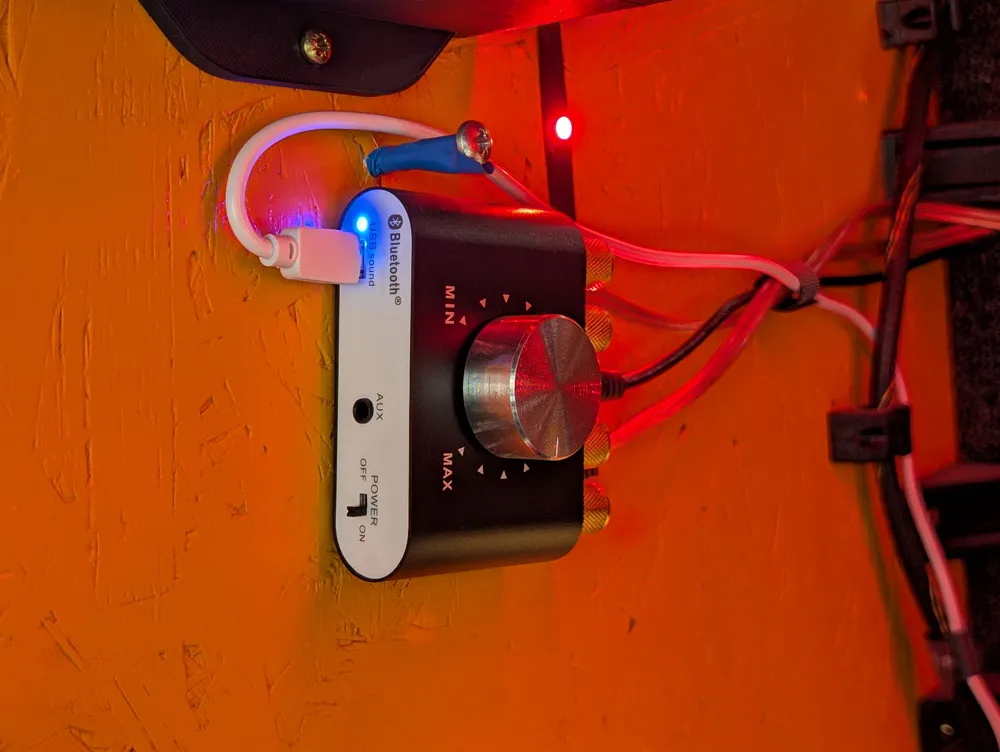
Control and effects (like ABS, RPM, wheel slip) are managed via the SimHub software. I recommend searching on YouTube for "SimHub bass shaker setup," where you will find many detailed tutorials on how to configure everything for your specific games.
License

You shall not share, sub-license, sell, rent, host, transfer, or distribute in any way the digital or 3D printed versions of this object, nor any other derivative work of this object in its digital or physical format (including - but not limited to - remixes of this object, and hosting on other digital platforms). The objects may not be used without permission in any way whatsoever in which you charge money, or collect fees.


Comment & Rating (5)