
8mm Dial Indicator Mount For P1 / X1 Dial Gauge
Print Profile(3)


Description
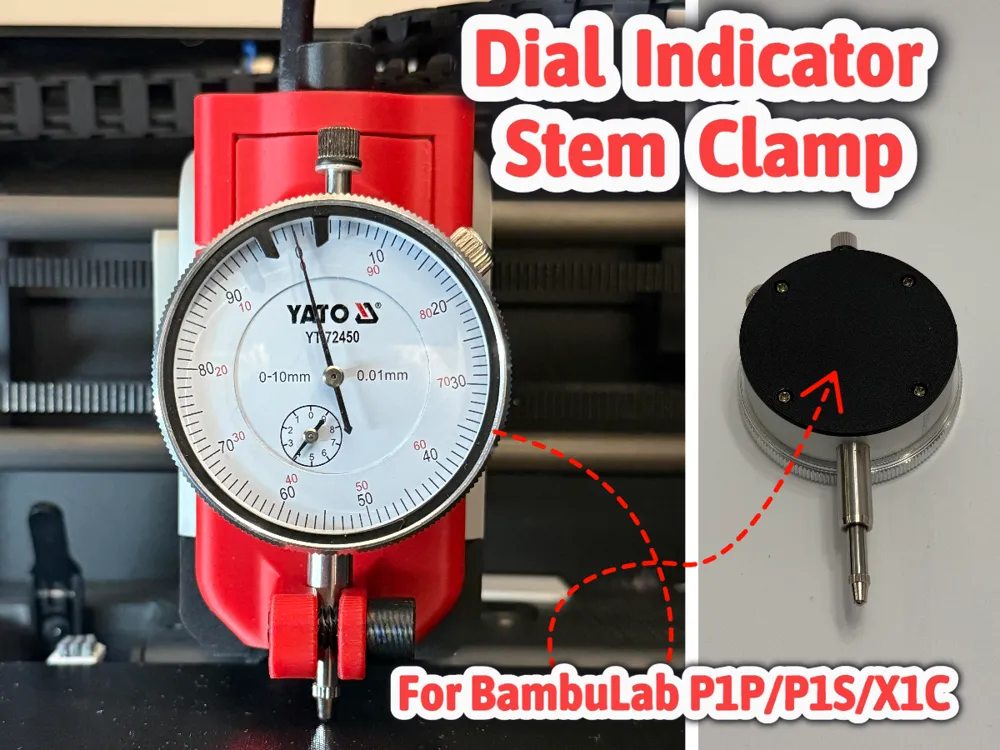
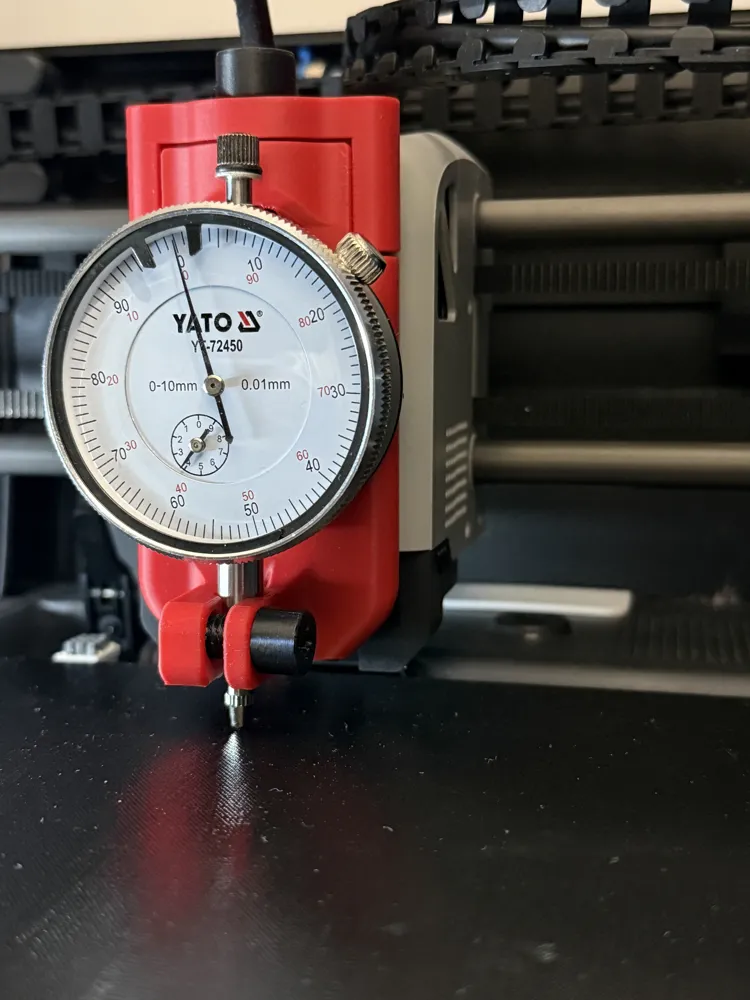
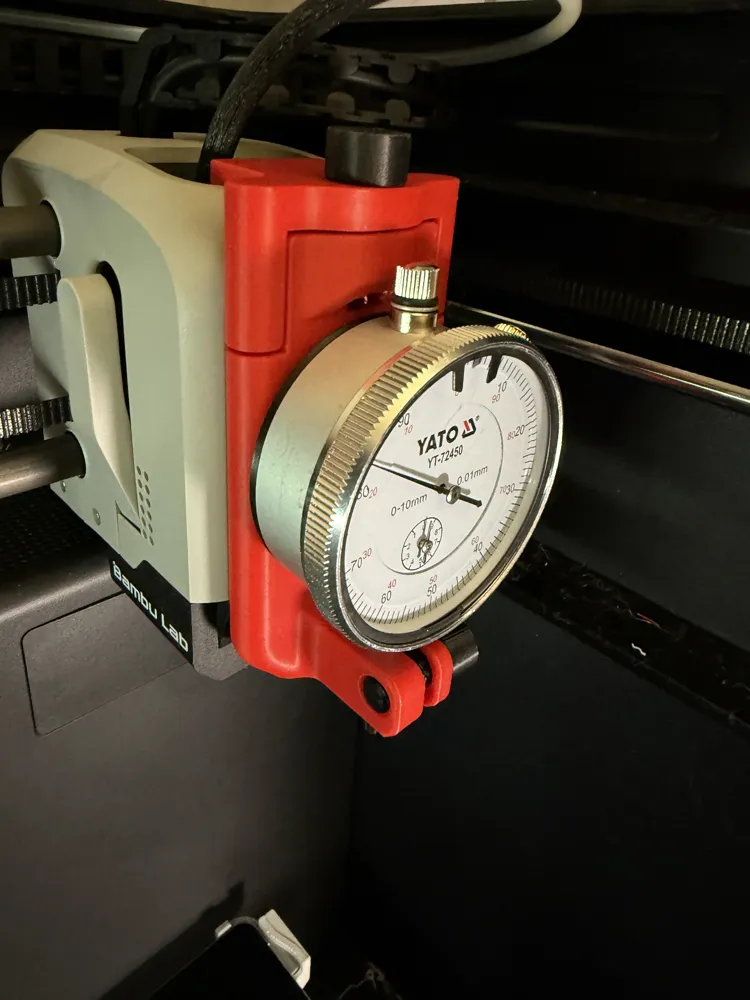
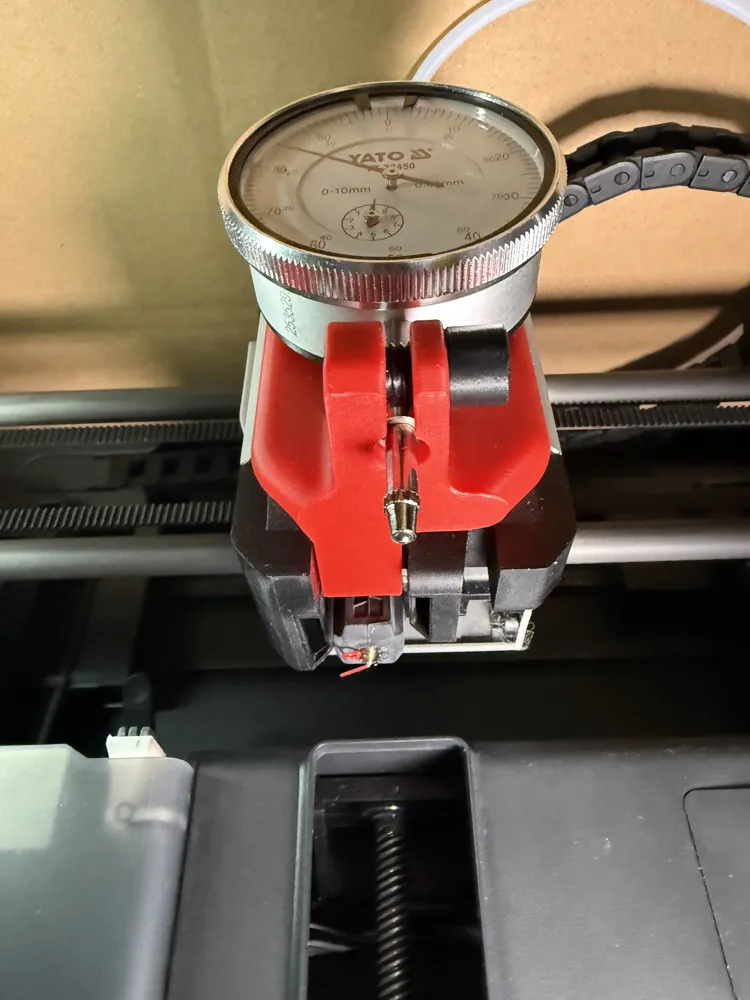
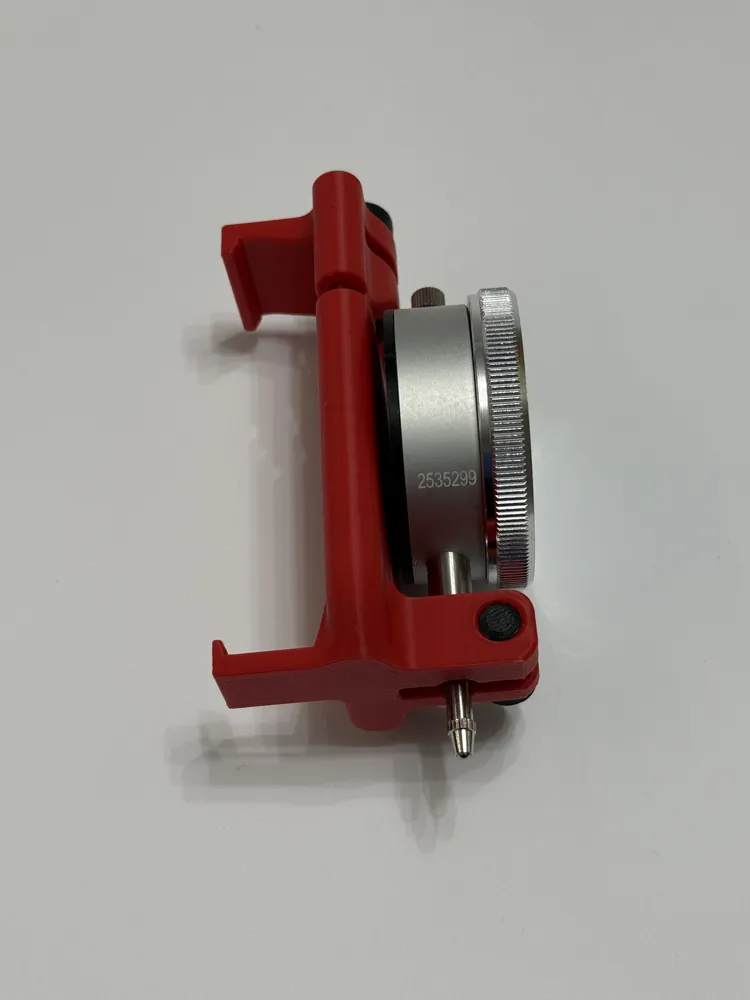
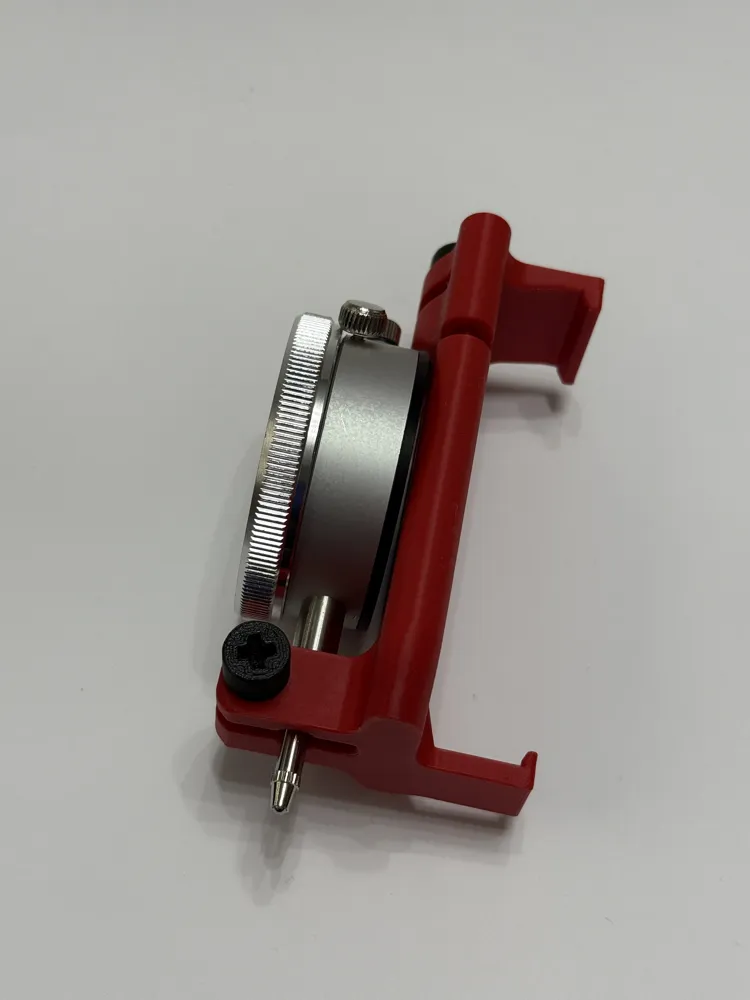
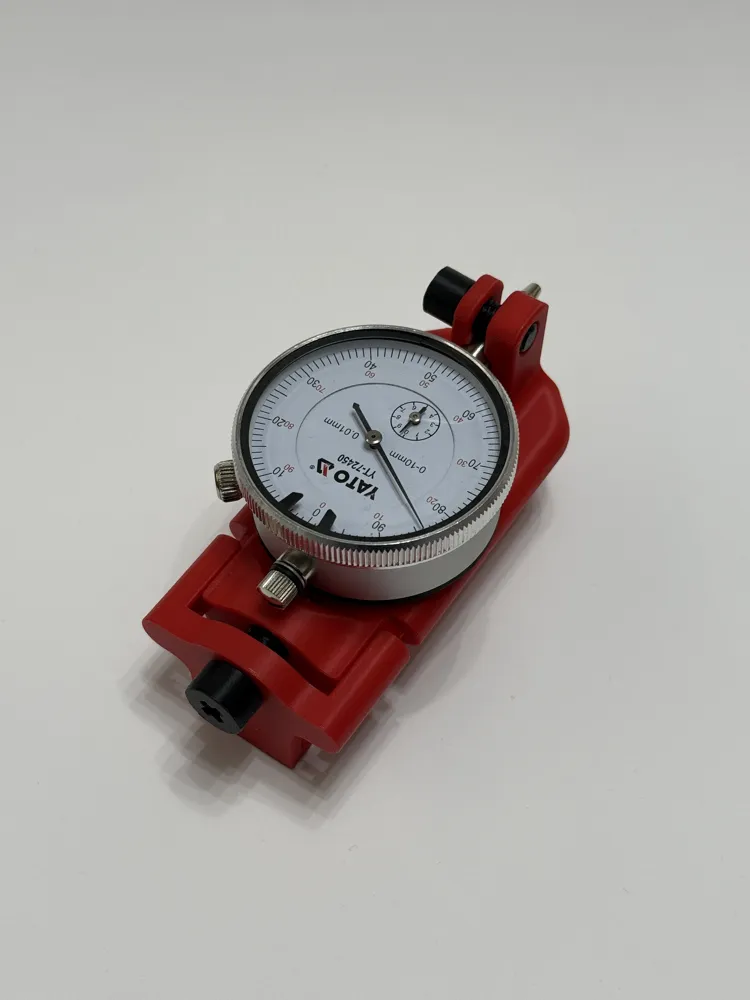
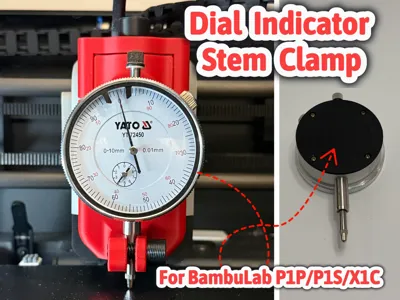
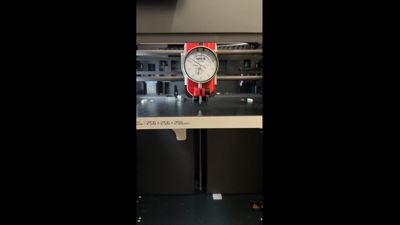
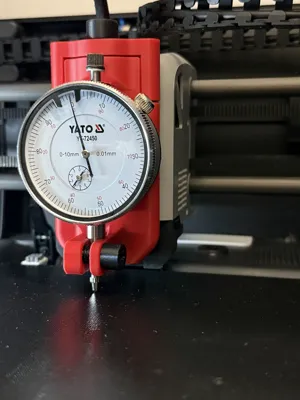
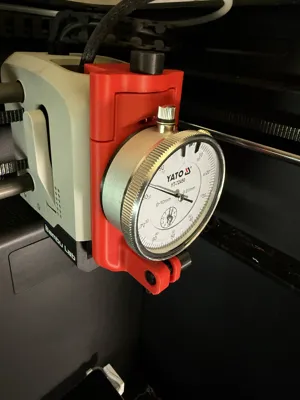
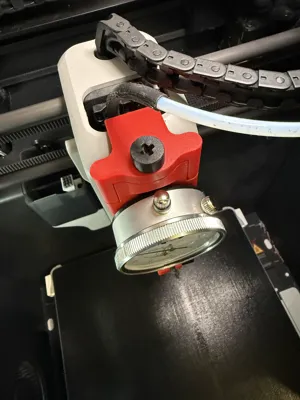
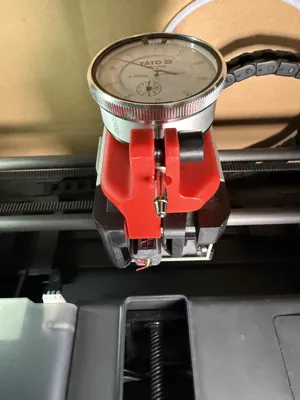
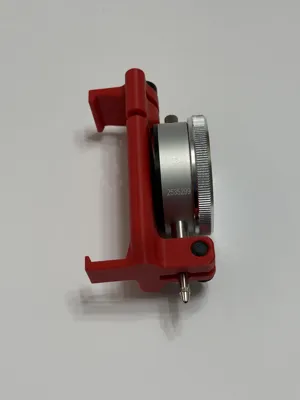
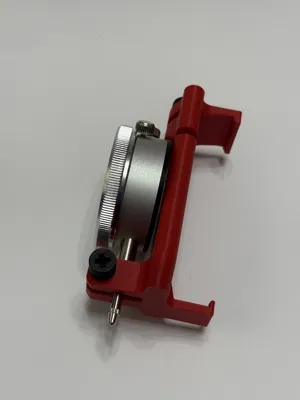
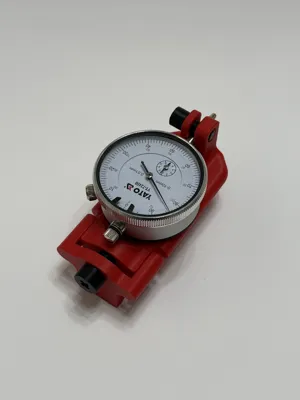
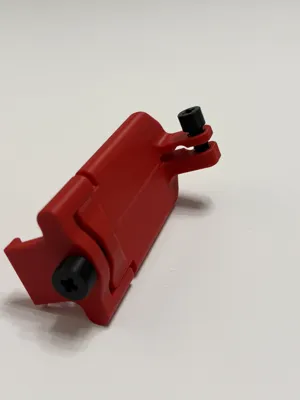
This project is a dial indicator holder designed for Bambu Lab P1P, P1S, and X1C 3D printers, intended for dial indicators without a rear mounting lug. The indicator is mounted by clamping the stem near the measuring probe, which in most cases has a diameter of 8 mm. This allows precise manual bed leveling, improving first layer quality and overall printer calibration.
By leveling the bed accurately, the printer does not need to compensate for large height differences across the build plate, resulting in more stable, repeatable and reliable prints.
Advantages
- Supports dial indicators without rear mounting
- Stem clamp mounting
- Vertical adjustment to fine-tune the measuring range
- Highly accurate manual bed leveling
- Improved first layer adhesion and consistency
- Reduced Z-axis compensation during printing
- Quick installation with no printer modifications
- Fully removable and reusable
Compatibility
Compatible with the following printers:
- Bambu Lab P1P
- Bambu Lab P1S
- Bambu Lab X1C
Designed for dial indicators:
- Without rear mounting lug
- Stem diameter: typically 8 mm
This project was tested using the Yato YT-72450 dial indicator (0–10 mm range).
Required Parts
- No additional hardware required
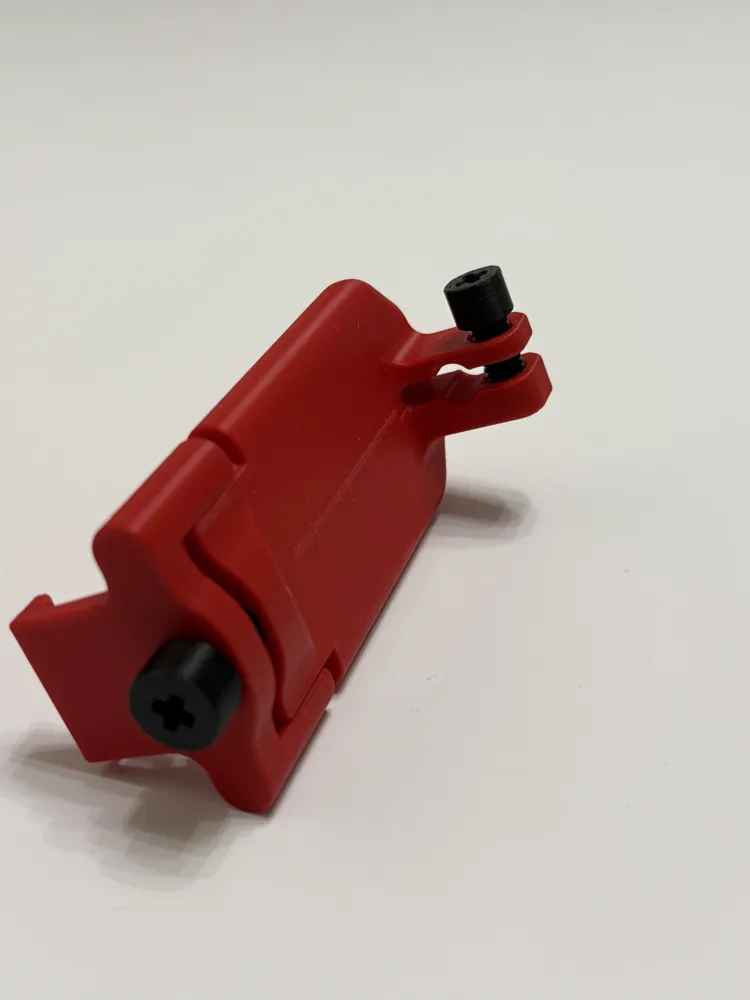
- Includes a printed M8 clamping screw
- Optionally, a metal M8 screw can be used instead
Installation
Installation is simple and requires no modification of the printer:
- Insert the dial indicator into the holder
- Adjust the vertical position to match the measuring range
- Tighten the M8 clamping screw until the indicator is secure

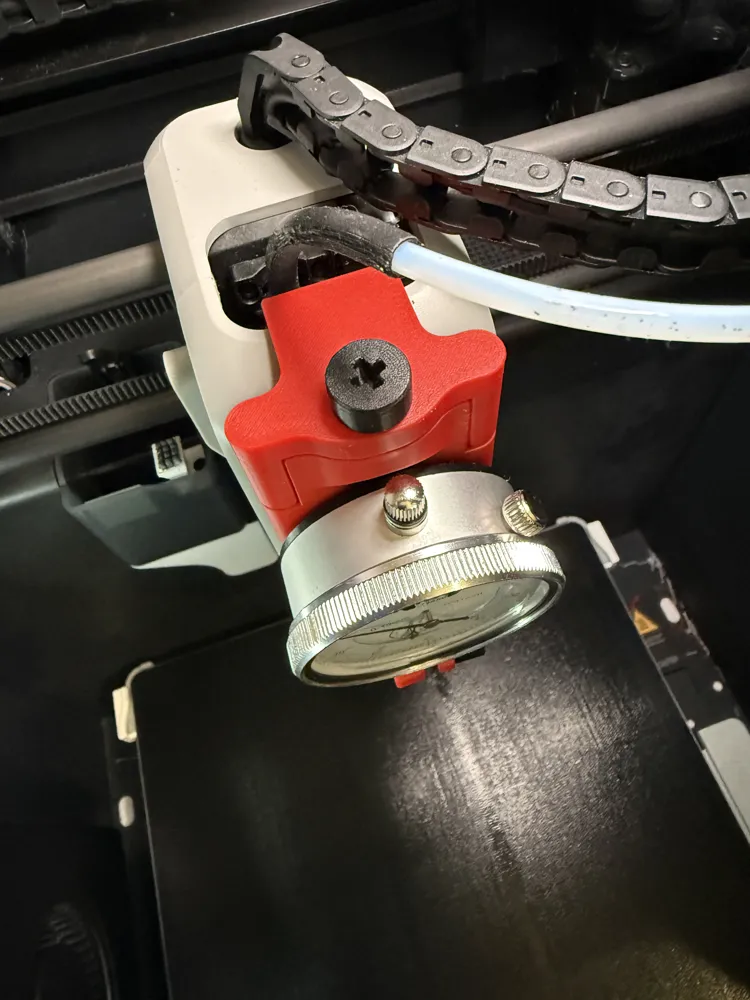
- Mount the holder onto the printer toolhead
- Gently tighten the top mounting screw until resistance is felt
⚠️ Do not overtighten – this may damage the printed part or the dial indicator.
Usage and Bed Leveling
- Home the printer
- Move the toolhead using printer controls or the Bambu Handy app
- Read the dial indicator values
- Adjust the bed using the three leveling knobs under the build plate
🚀 Check out more awesome tools, gadgets & upgrades:
- Printer Upgrades – [View]
- AMS Upgrades & Accessories – [View]
- Accessories & Handy Tools – [View]
- Covers / Cases for Accessories - [View]
- Home accessories / Decorations - [View]
- Battery Organizer – [View]
- Gadgets for Apple Stuff – [View]
- Gadgets for Samsung Stuff – [View]
- Smartwatch Accessories – [View]
- Cable & Charger Organizers – [View]
- Spool Upgrades – [View]
- Measuring Tools – [View]
- Sanding & Finishing Tools – [View]
- Photo & Video Gear / Tools – [View]
- SD Card Organizers – [View]
- Pet Gadgets – [View]
- Milwaukee Gadgets & Accessories - [View]
- Milwaukee Packout Accessories - [View]
📦 Your printer called…
👉 It wants more of my 3D designs! Explore clever organizers, tools, and printer upgrades in one place. [Click here]
Keep the 3D Fun Going! 🎉
If you enjoyed this model, leave a 👍 like and 📌save it to your collection. It’s completely free for you, but it really helps me improve visibility and reach more makers 🚀📈
Boost Me (for free)
If you’d like to support my work for free, leave a Boost! Every Boost counts! 🚀
Membership
Don’t have a Boost but want to support my work? Become a Supporter and help fund new 3D models! ❤️
Documentation (3)


License

You shall not share, sub-license, sell, rent, host, transfer, or distribute in any way the digital or 3D printed versions of this object, nor any other derivative work of this object in its digital or physical format (including - but not limited to - remixes of this object, and hosting on other digital platforms). The objects may not be used without permission in any way whatsoever in which you charge money, or collect fees.


Comment & Rating (101)