
openConnect - openGrid's own connector system
Print Profile(3)

Description

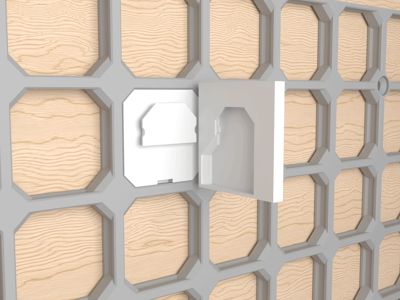
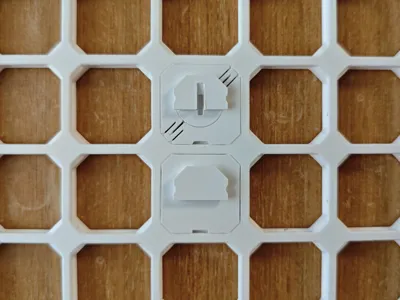
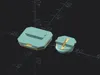
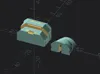
An open-source connector system, designed specifically for openGrid. I asked David's permission to use the name "openConnect", and I hope this can become openGrid's official connector system.
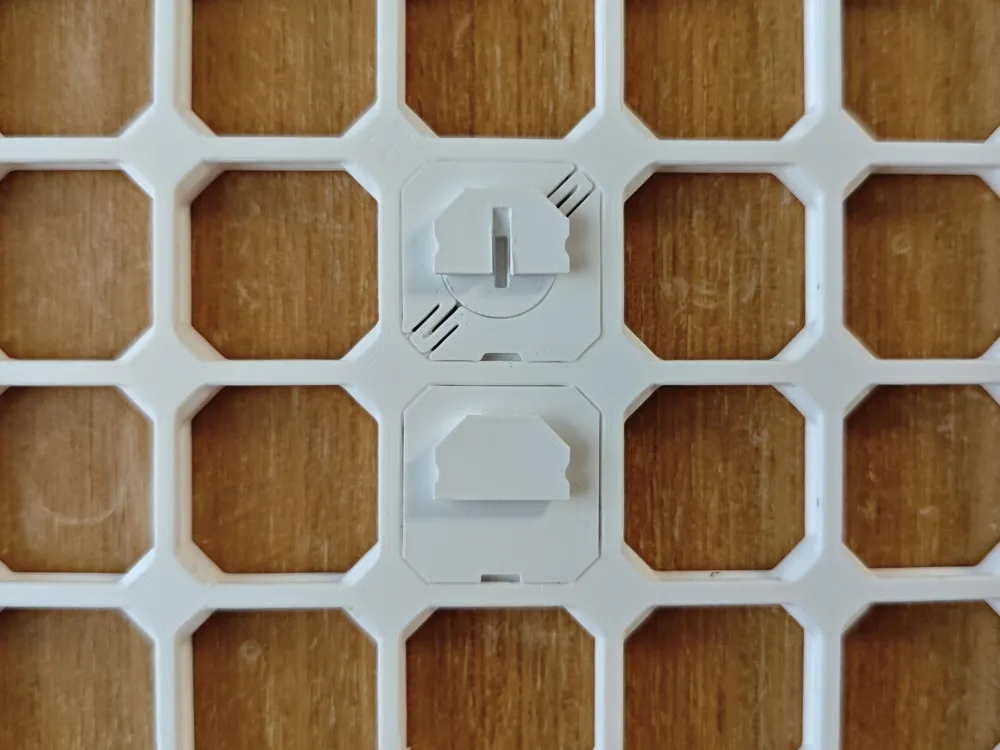
This model page includes openConnect slots, snaps, and screws in .stl format, along with their source files in .scad format. Some parts are also provided in .f3d and .step formats. The Customizer (openconnect_plate.scad) generates plates of openConnect slots. It is mainly for designers who want to add openConnect slots to their own models, so I recommend most users start with one of the ready-made generators first.
My openConnect models:
General Holder Generator - versatile wall-mounted holders, single-compartment or multi-compartment, with many customization options.
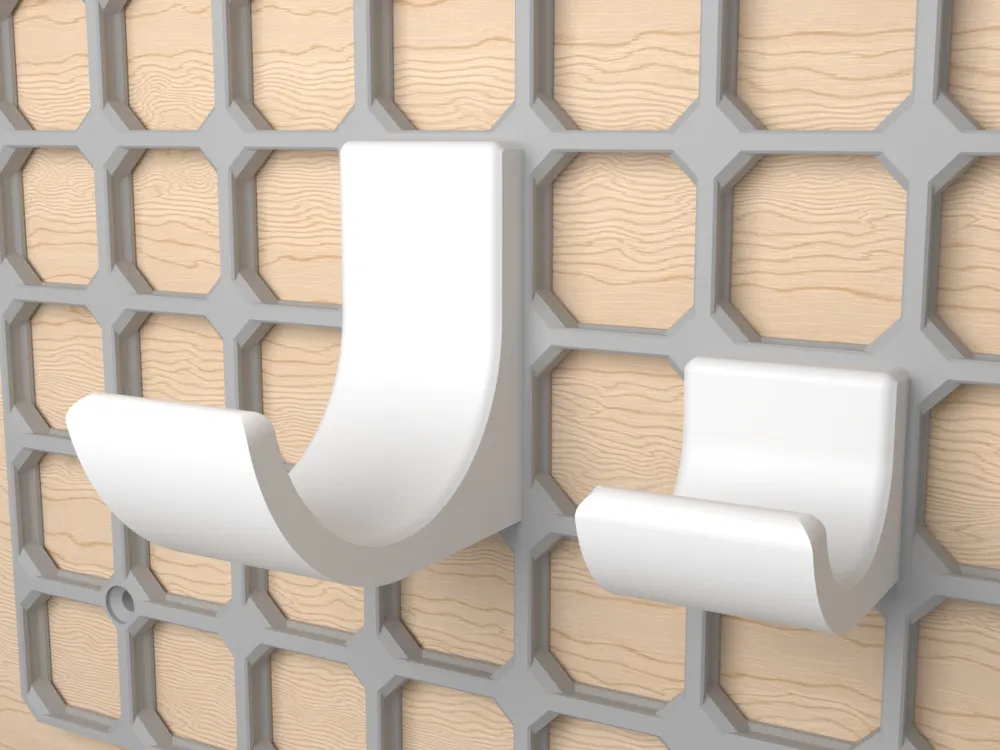
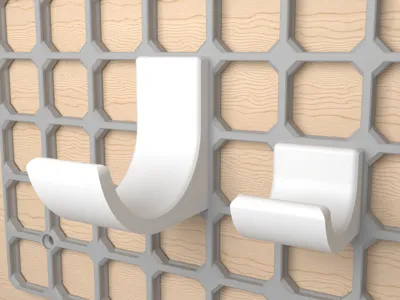
Sturdy Hook Generator - strong side-printed hooks for heavier wall-mounted items.
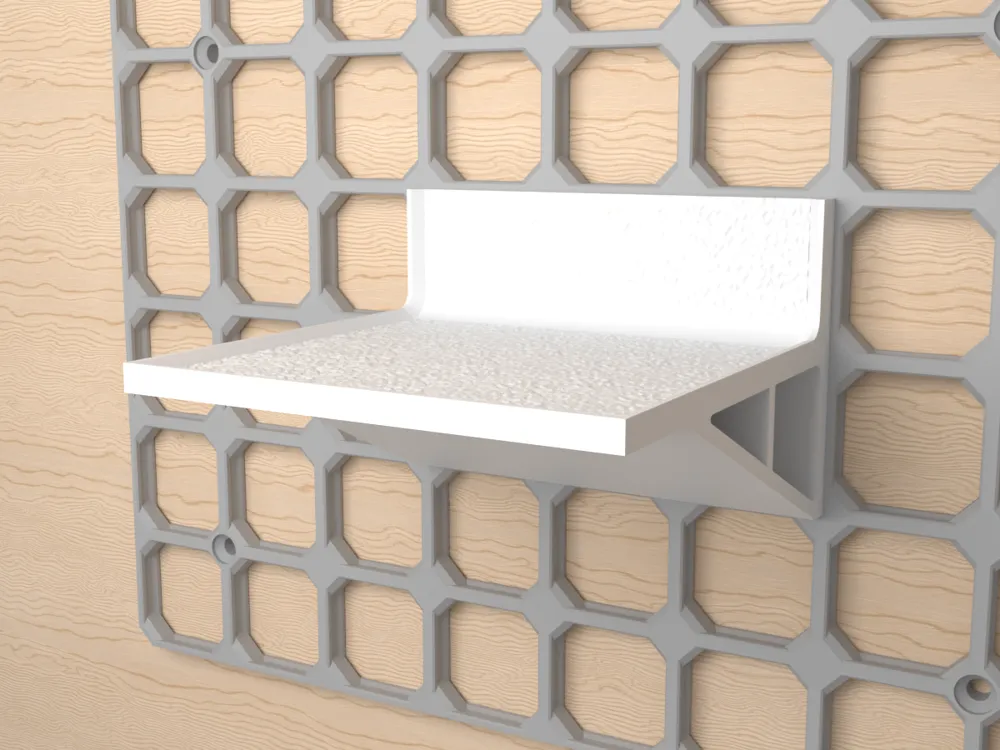
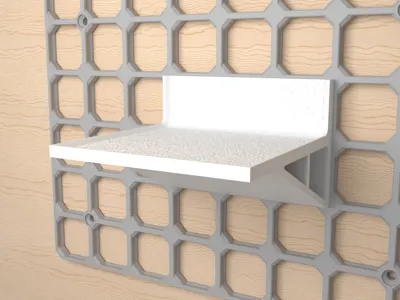
Sturdy Shelf Generator - strong side-printed shelves with Standard and Slim variants.
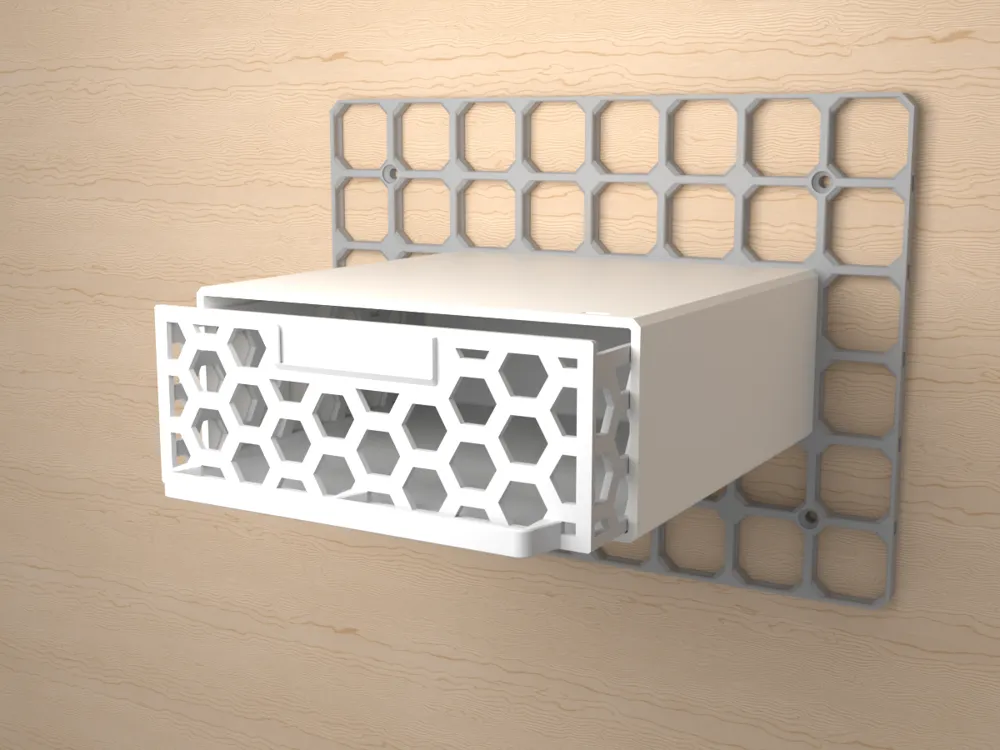
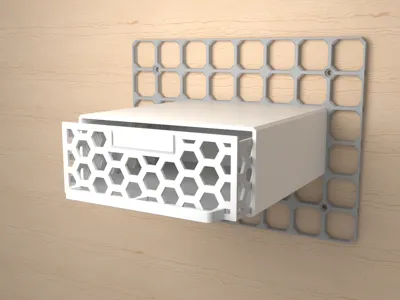
Drawer Generator - wall-mounted or under-desk drawers with dividers, label holders, stoppers, and magnet options.
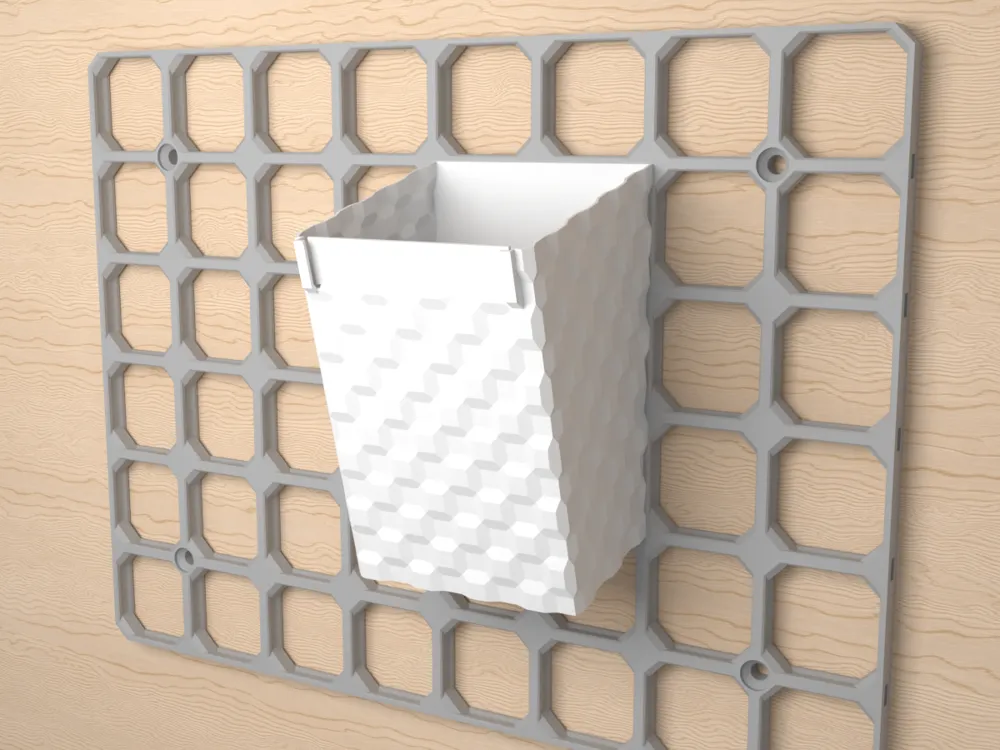
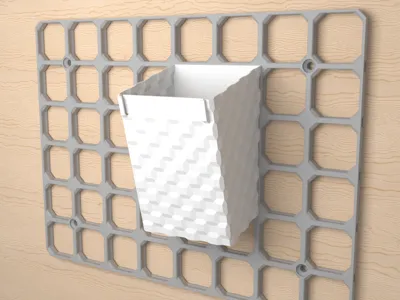
Vase Mode Container Generator - lightweight bins printed in Vase mode, with customizable line width, texture, and label holder options.
Clamshell Holder Generator - holders often used to mount items like power strips. It has customizable side openings.
Why openConnect instead of MultiConnect?
- Print Orientation: openConnect slots can be printed on their sides. This is not possible with MultiConnect, as its circular shape creates overhangs greater than 45 degrees. Supporting more printing orientations opens up new design possibilities, while also significantly increasing strength for certain models. For example, check out the Sturdy Hook and Sturdy Shelf generators.
- Size: openConnect is smaller: 17 x 10.6 mm compared to MultiConnect's 20 x 20 mm. This allows each slot to fit entirely within a single 28 mm openGrid tile. MultiConnect is too large for this, which often results in only the topmost slot being weight-bearing.
- Depth: openConnect is thinner: 2.6 mm compared to MultiConnect's 4 mm. Aside from saving filament and space, this keeps the center of mass closer to the wall, reducing leverage on the mount. Combined with having a slot in every tile, openConnect can be stronger than MultiConnect in practical use, despite being less bulky.
- Vase mode: openConnect includes a slot variant for models designed to print in Vase mode. Check out the Vase Mode Container Generator for an example, and feel free to design your own Vase mode models with the files.
- Backward Compatibility (Partial): openConnect is partially backward compatible with MultiConnect. For example, if you already have a MultiConnect round holder generated by BlackjackDuck's MultiConnect Part Generator, you can slide it onto openConnect connectors. This is not a perfect solution, but it should work well enough for many use cases and make the transition easier.
- Intent: As you can tell from the name, MultiConnect was originally designed for Multiboard. While it was later adapted to openGrid, the two board systems use different tile sizes (openGrid's 28mm vs Multiboard's 25mm), so parts designed for one system are incompatible with the other. That is very confusing and often leads to users printing models they cannot use. openConnect gives openGrid its own connector language, so we can be sure models with "openConnect" in the name will always work with openGrid.
For community designers: feel free to include these snaps and screws in your print profiles when it makes your models easier to use.
The Customizer ("openconnect_plate.scad") generates a plate of openConnect slots that you can attach to your own models. There are three types to choose from: "Standard" slots for adding to models, "Negative" slots for subtraction, and "Vase Mode" slots for models designed around Vase mode.
Customizer guide for the slot plate:
- Set "slot_type".
- "Standard" creates a slot plate that can be attached to another model.
- "Negative" creates slot geometry that can be subtracted from another model.
- "Vase Mode" creates a vase-compatible slot variant for models designed to print in Vase mode.
- Set "plate_size_unit". The default is "mm" for specific physical sizes, but you can change it to "grid" if you want the plate to be an exact multiple of the openGrid tile size (28 mm).
- Set the plate size. Use "plate_horizontal_size" and "plate_vertical_size". When you use "mm" as the unit and the plate size is not a multiple of 28, you may want to adjust "plate_slot_horizontal_alignment" and "plate_slot_vertical_alignment" to change the alignment of the slot grid.
- Set "plate_extra_thickness". Use 0 when your model already provides the wall thickness, or increase it when you want the generated plate to include extra backing material. This option does not affect Negative slots.
- Optional: round the plate corners. Adjust "plate_corner_rounding" and "plate_corner_rounding_size" if you want chamfered or filleted plate corners.
- Optional: Set miscellaneous slot options:
- "slot_lock_distribution" - add locks to more slots for a tighter mount, or fewer locks for easier installation.
- "slot_position" - choose whether slots appear in every tile or only selected tile positions.
- "slot_entryramp_flip" - change the slot entry ramp direction, which can matter in tight spaces or side-printing orientations.
- "slot_side_clearance" and "slot_depth_clearance" - increase these if the fit is too tight, or reduce them if the fit is too loose.
- "slot_edge_feature_widen", "slot_edge_bridge_min_width", and "slot_edge_wall_min_width" - tune small printable features, sometimes needed for larger nozzles.
The openConnect connector system is open-source under the CC-BY license. The related openConnect model generators are open-source under the CC-BY-SA license. Like all the OpenSCAD models I've designed for openGrid, they can be found in this GitHub repository. Feel free to use the code; feedback and suggestions are welcome.





Comment & Rating (97)