
Riser feet for Cooler Master MasterBox Q300L
Print Profile(1)

Description
Description
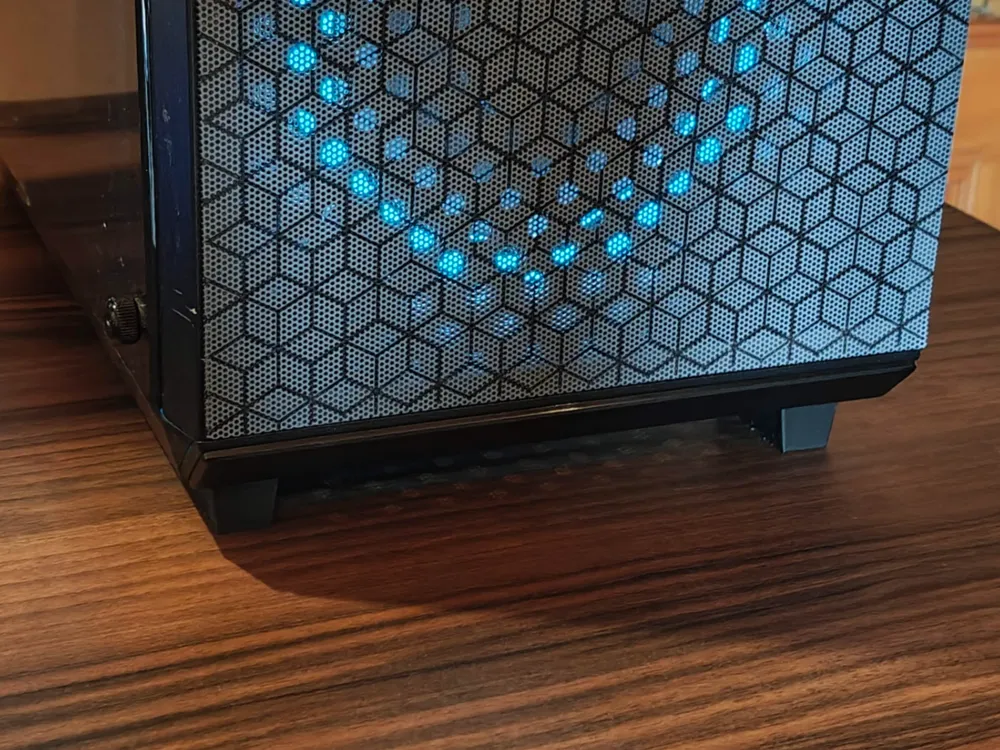
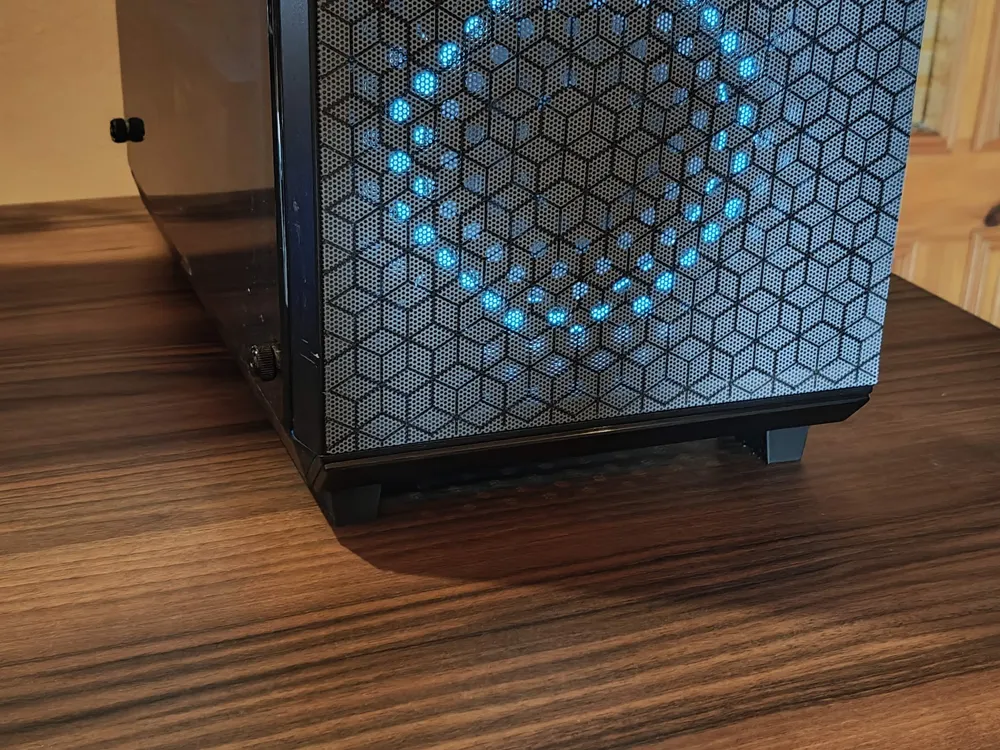
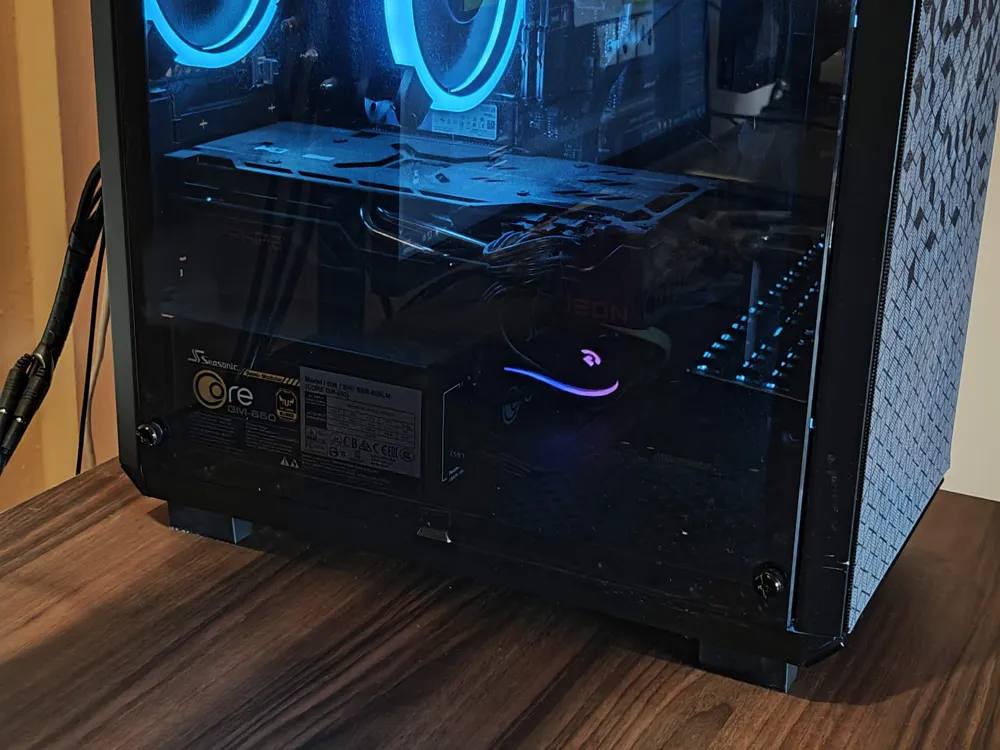
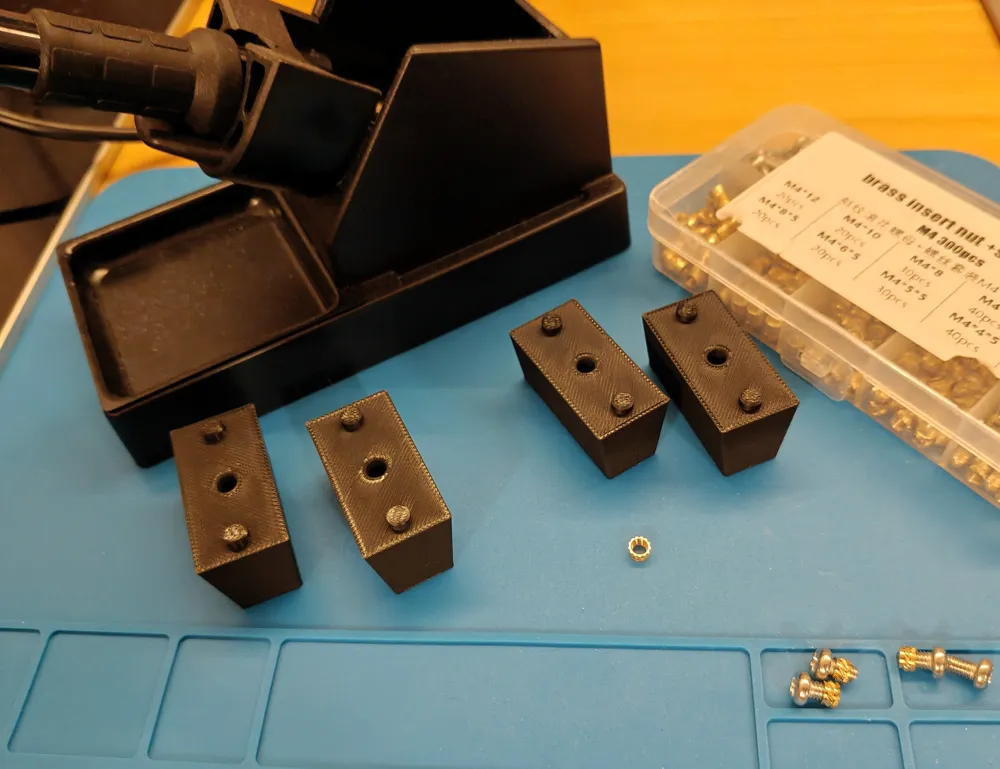
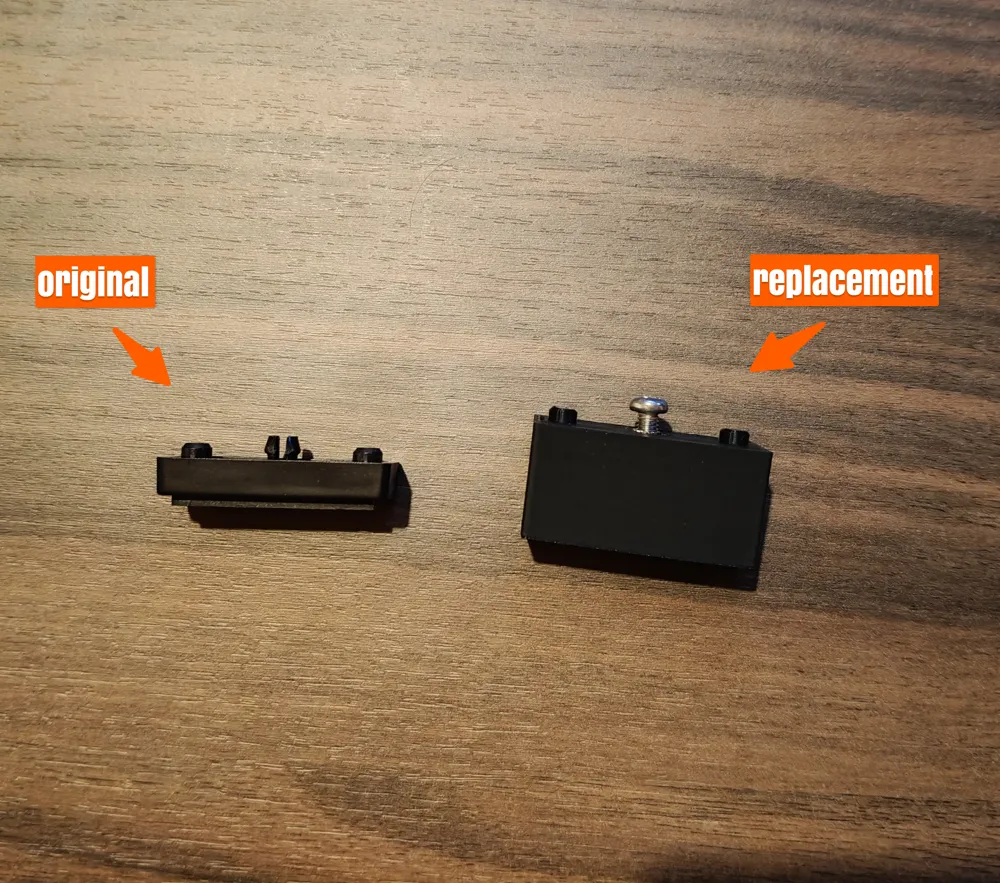
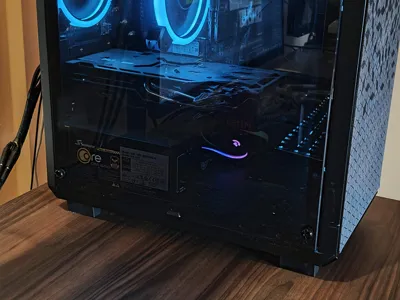
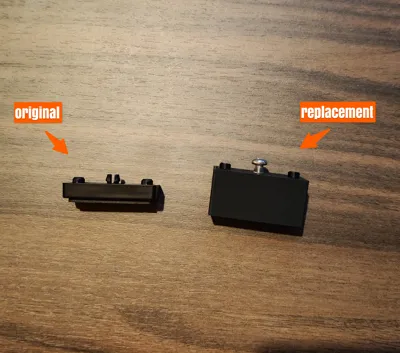
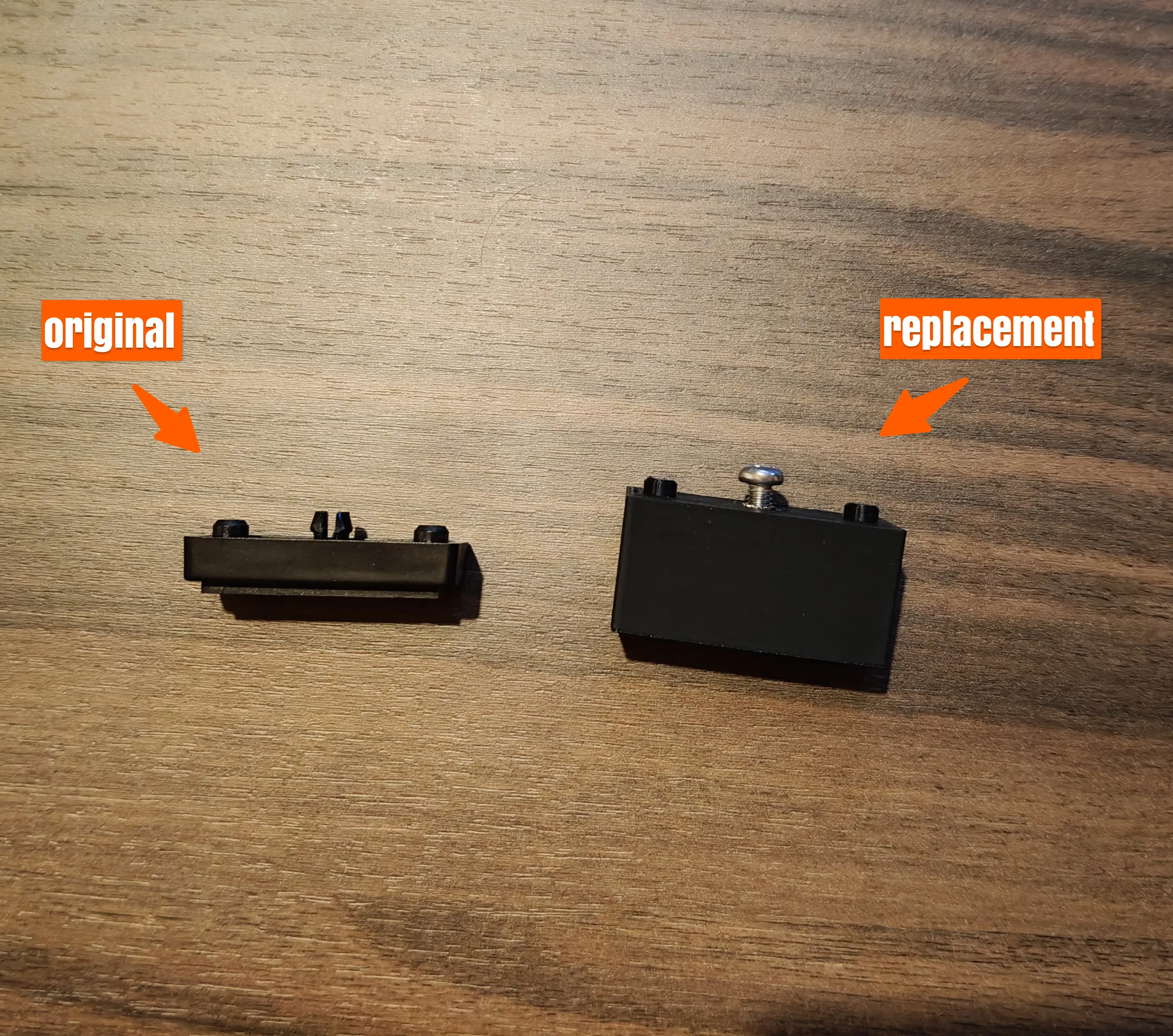
Those are replacement feet for the Cooler Master MasterBox Q300L. The stock feet give you only a few mm clearance, while those replacement feet raise your PC about 2 cm from your desk.
The goal is to:
- improve the airflow for the PSU
- make it easier to keep the desk clean under the case
---
Assembly
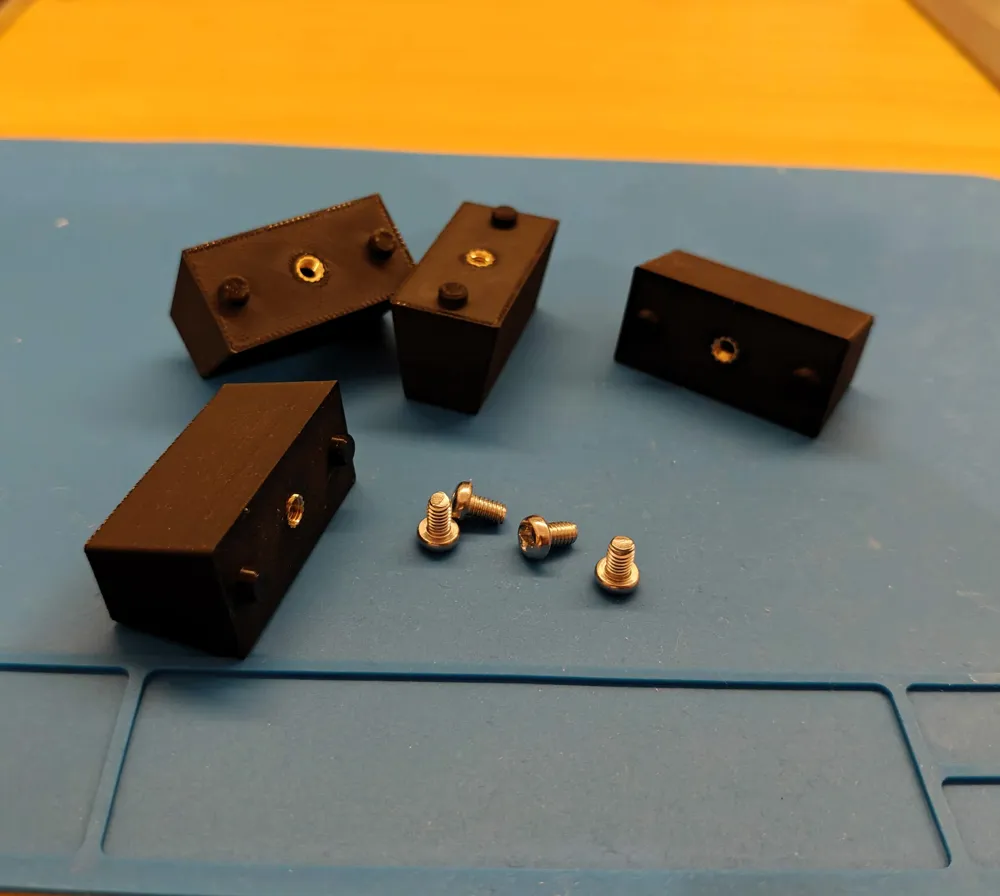
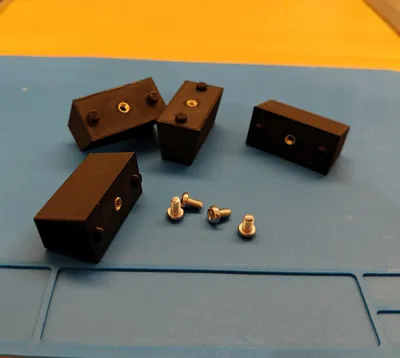
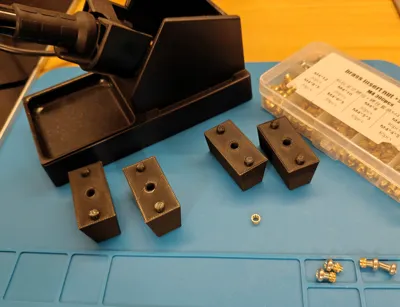
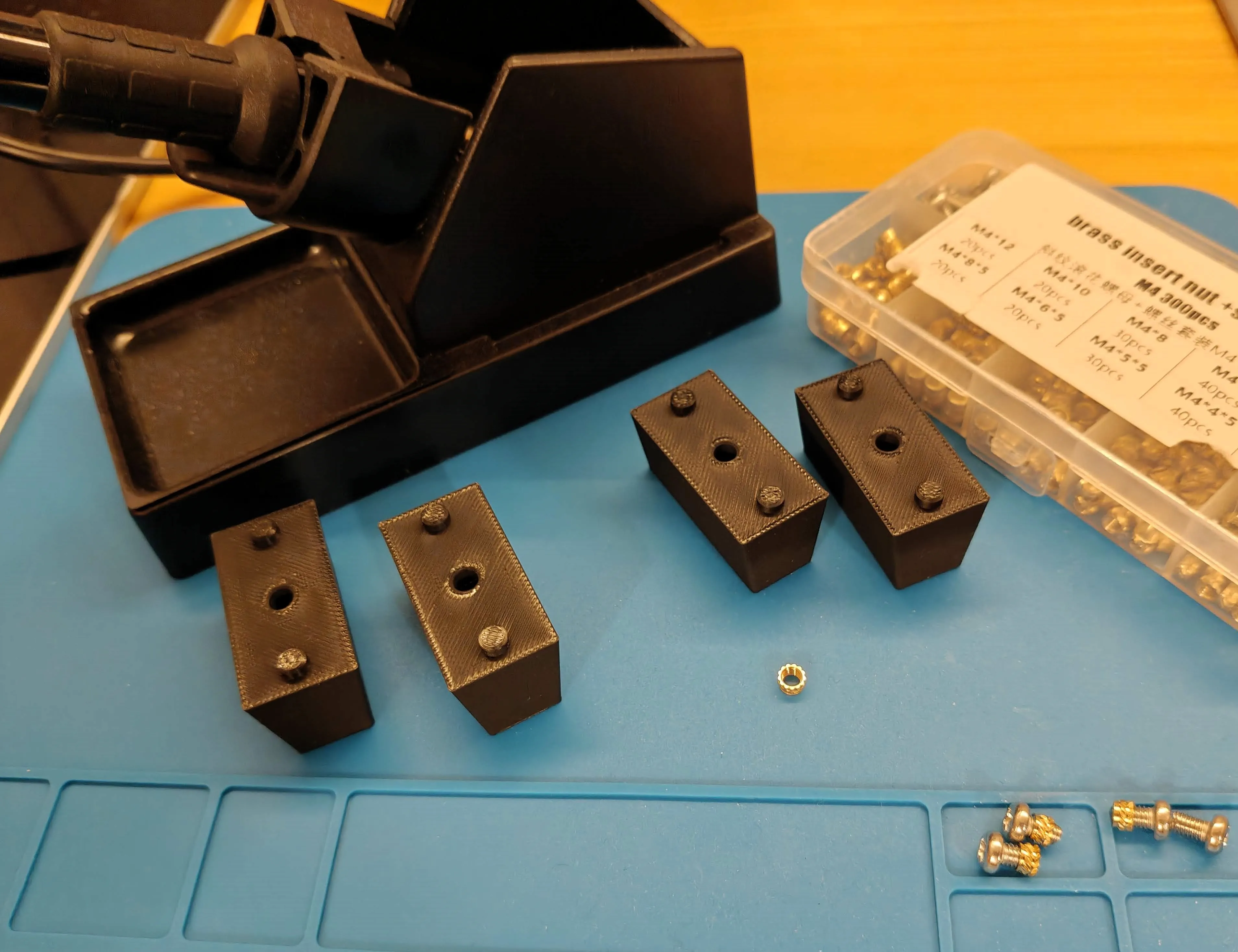
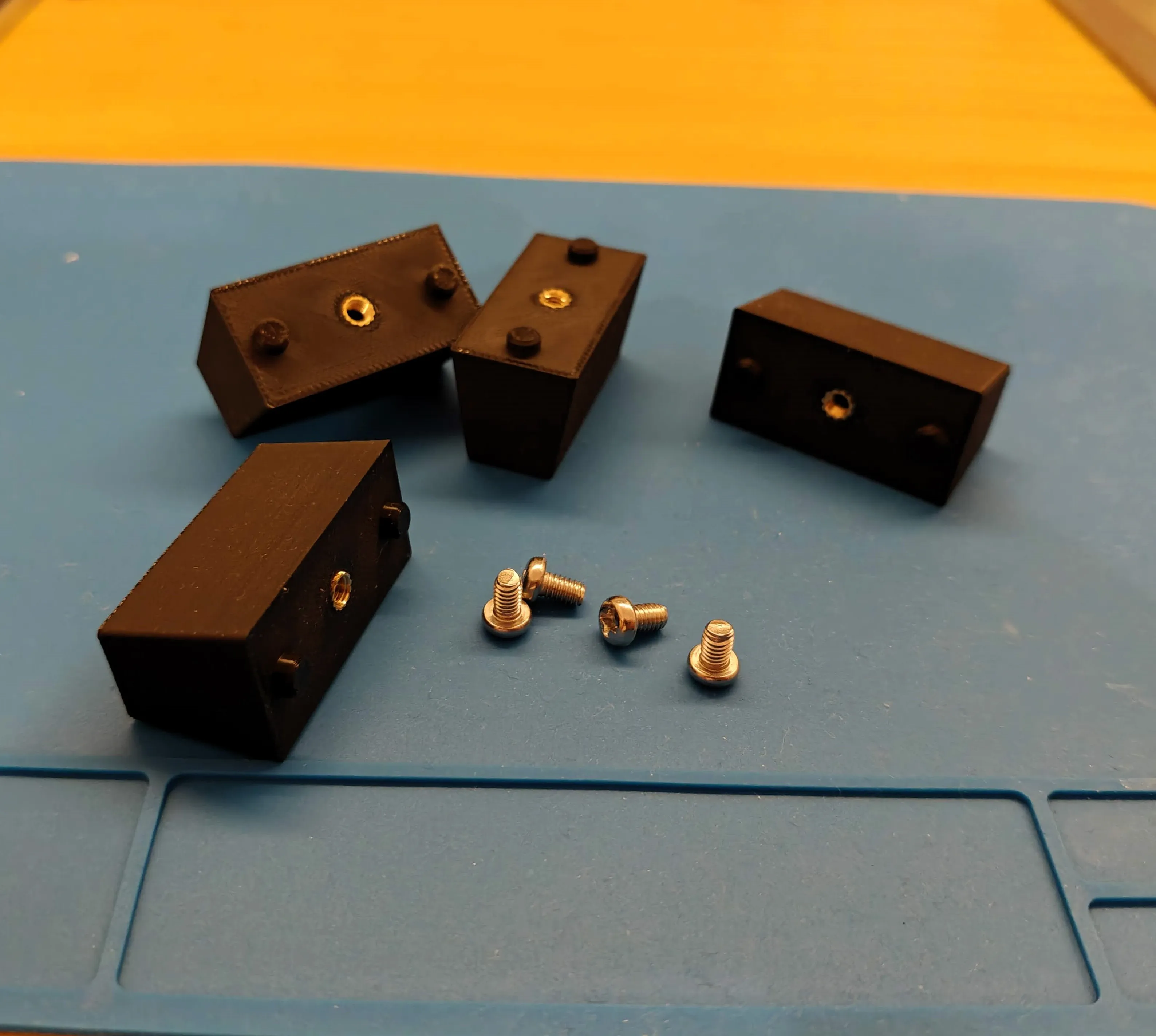
To install the replacement feet, you are going to need the brass inserts that you can press into your print using the soldering iron. I recommend using M4 inserts (5mm diameter, 3mm depth) along with M4 screws (6mm lenght will be optimal).
Yoy are going to need 4 pcs of each.
---
Installation
This process is fairly easy - just pop out the stock feet, put the replacements and screw them from the inside the PC. You probably will not have to disassemble your computer in any way - I did't even turn my off.
---
Printing
Printing process should be also easy, pick either 0,16mm or standard 0,20mm layer height + 15% infill.
PLA or PETG, both are fine.
License



Comment & Rating (0)