
Illuminated Name Tag




Print Profile(1)





Description
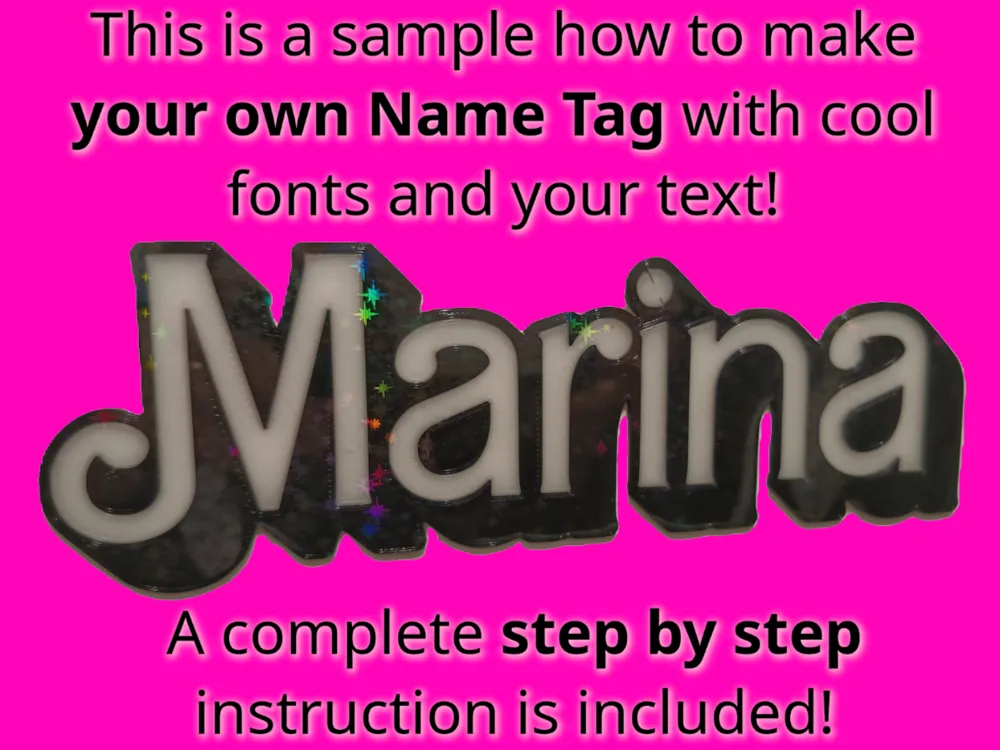
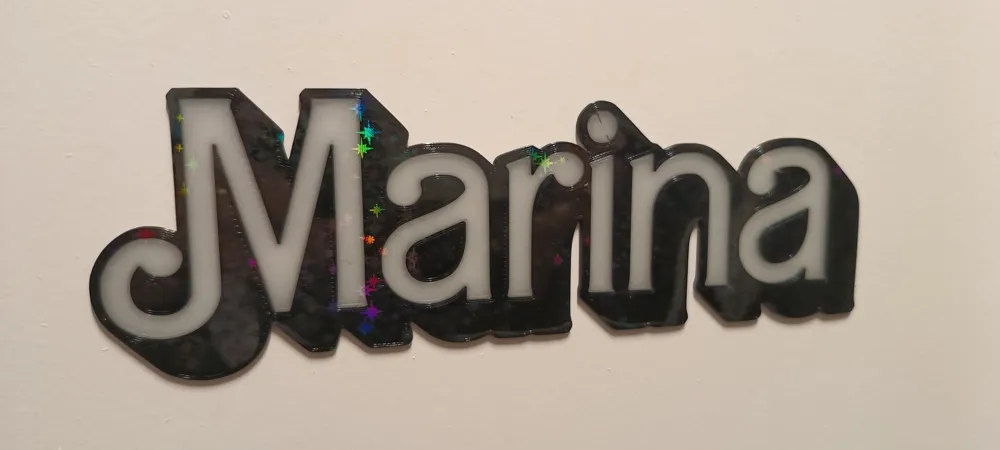
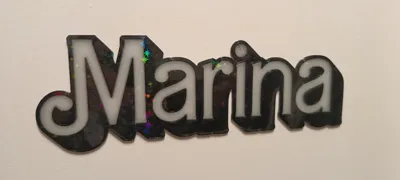
This name tag sample shows how to create a name tag for any name or text you like.
Step by Step:
- Go to web site fontbolt
Select your font
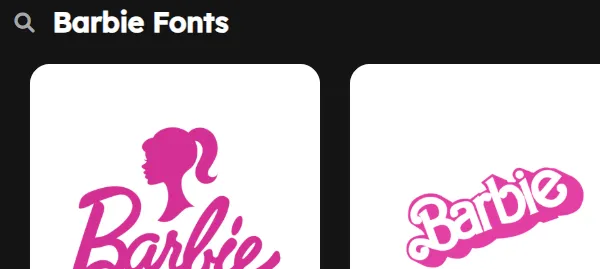
www.fontbolt.com 3. Edit your text, e.g. name and select large font size and generate it.
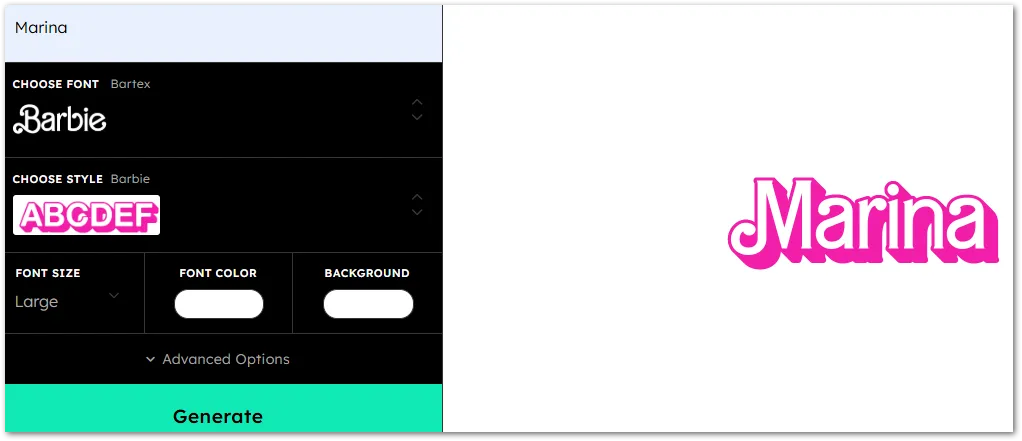
4. Export / Download the picture (png format)
5. Open Bambi Studio and go to Home → Makerlab (or Library) and select “Image to Keychain”
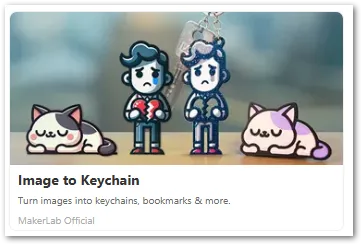
Within “Bambi Studio” 6. Create a new "Image to Keychain” from blank and open the previous saved picture and confirm
7. Select the number of colors for auto matching (4 colors should be enough for a simple name tag)
8. Go to download (right upper corner) and open in studio
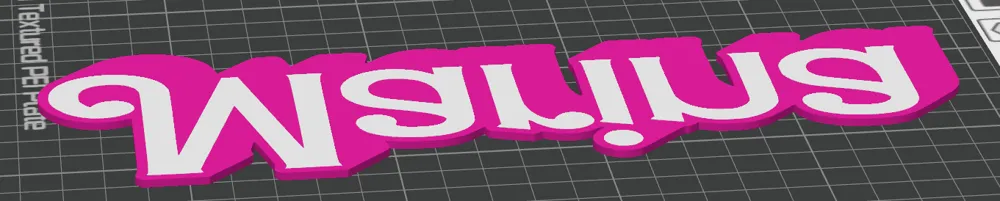
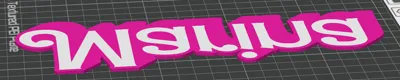
8. Prepare the print, e.g. scale the model, lay it on the top face to get best quality results (e. g. effect texture plate), select the fitting filament and print!
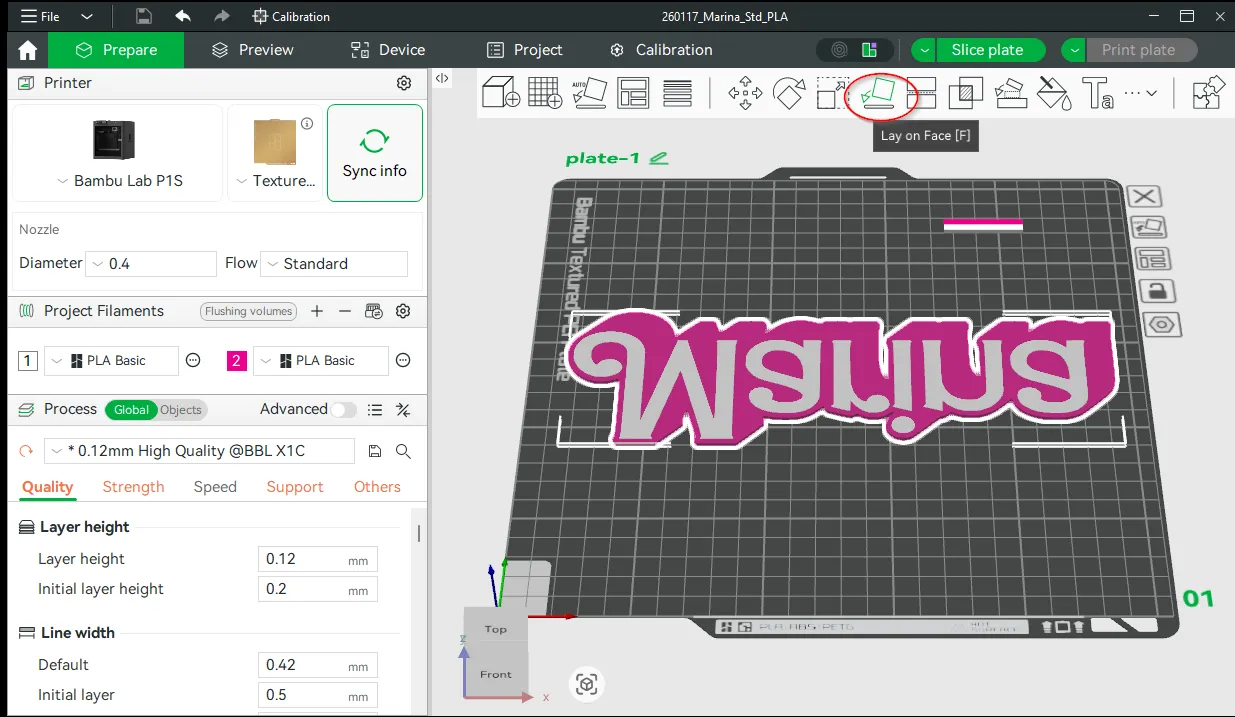
Bambu Studio - Lay on Face 9. Be happy to have a name tag with your favorite font and text
Boost Me (for free)
If you like the decription you can just give me a boost. :-)
License

You may create derivative works based on this object, provided that all such derivative works are published exclusively on the MakerWorld platform and include proper attribution to the original creator. You may not share, upload, host, distribute, or publish this object—or any derivative work of this object—on any other digital platform, marketplace, or distribution channel. Commercial use of this object and any derivative works is strictly prohibited. This includes, but is not limited to, selling, renting, sublicensing, or using the object in any context in which you receive monetary compensation or other financial benefits.


Comment & Rating (0)