Search models, users, collections, and posts


Open glue Titebond 3 with roller
IP Report
GIF
GIF

Print Profile(1)

All
P2S
X1E
A1
A1 mini
P1S
X1 Carbon
H2D
H2D Pro
X1
H2S
P1P
H2C
X2D
A2L

0.2mm layer, 4 walls, 25% infill
Designer
1.4 h
1 plate
4.5(33)

Open in Bambu Studio
Boost
350
1511
47
16
543
415
Released 

Description

Content has been automatically translated.
Show original

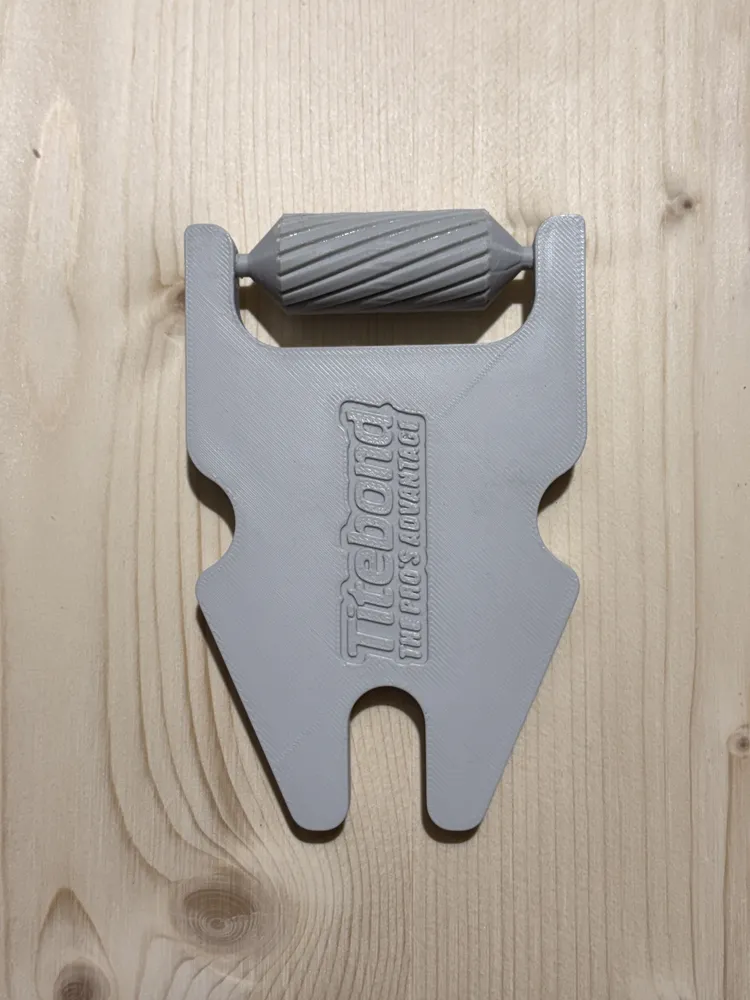

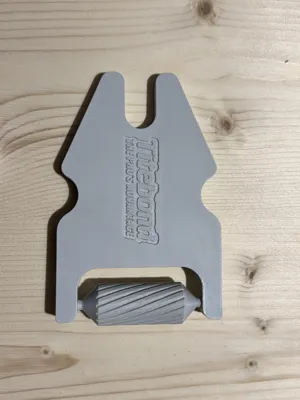
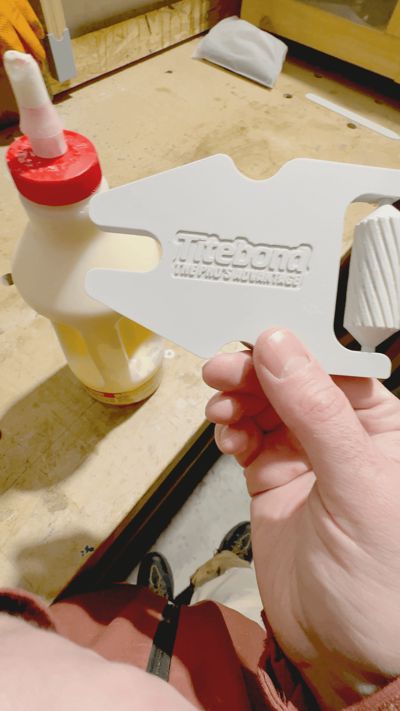
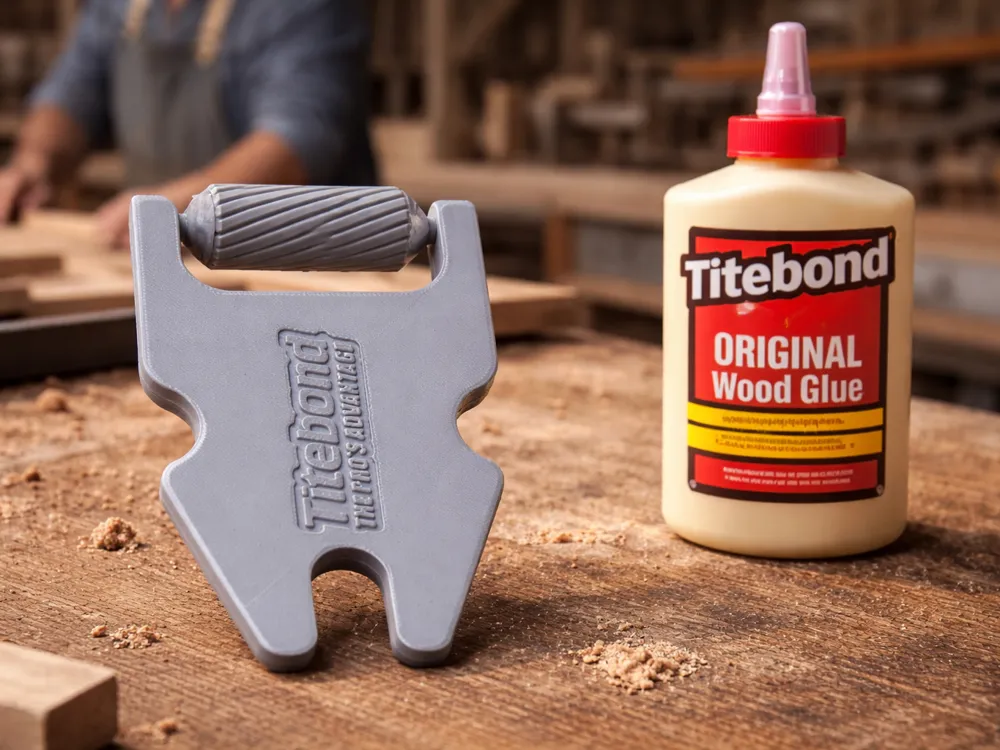
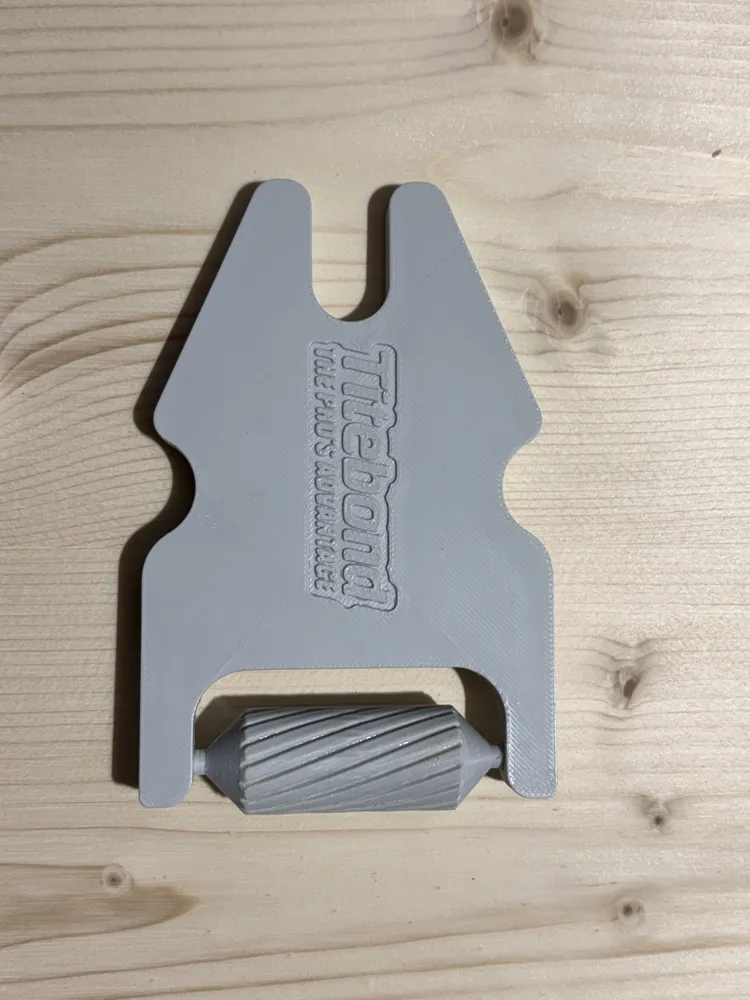

Do you always struggle when trying to open Titebond glue jars Well, I do, and since I hate ruining the nozzles with pliers or other tools when trying to open them, I designed this simple tool that allows you to lever on the base of the cap and pull the nozzle with little effort

This allows you to open the jar even if the nozzle is encrusted with glue residue and does not damage the opening, so you can use the jar multiple times, perhaps refilling it from larger, less convenient packages


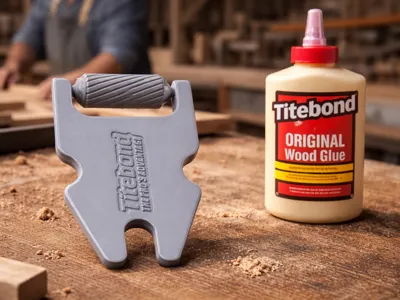
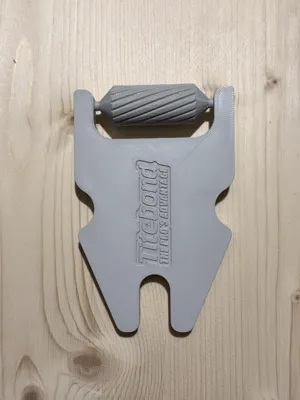
This new version has the new feature of having a roller on the opposite side of the bottle opener so that the glue can be spread once deposited on the wood, creating an ideal layer for joining the pieces to be glued


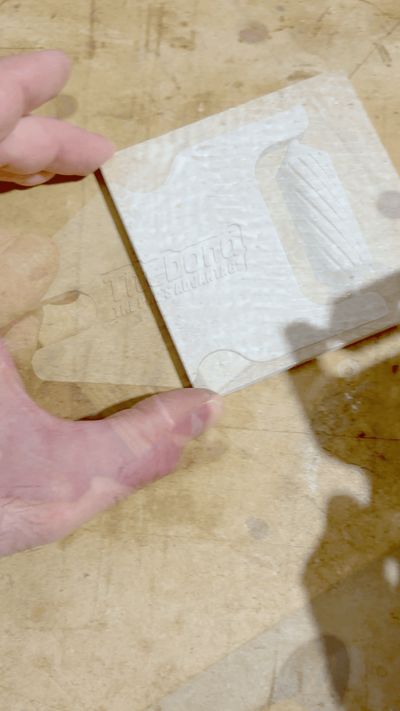
To insert the roller into its place, simply push it firmly into its seat. The roller should glide perfectly (remove the brim very well) because I have done numerous tests. 

If it doesn't, slide it back and forth a few times to get the right play.


I remember the other two variants at the following links:

https://makerworld.com/en/models/882911-apply-titebond-glue-cap#profileId-837430

https://makerworld.com/en/models/1434259-open-glue-titebond#profileId-1491889

https://makerworld.com/en/models/2549235-open-titebond-glue-with-a-spatula#profileId-2807378


Boost Me (for free)

For you, the Boost is free, but for me, it makes a big difference because it encourages me to share my projects for free... I will be immensely grateful if you decide to give me one

Comment & Rating (47)

(0/1000)

Using the 10mm brim as recommended, it's going well :D
GIF
designer
1
Reply
Print Profile
0.2mm layer, 4 walls, 25% infill
Support Issue:I've only been able to print a single roller successfully. I've tried a few different support settings, but printing them vertically results in spaghetti. The one that did print is great. I just think the little pin isn't enough to hold the roller stable enough to print correctly.
The profile uploader has replied
0
Reply
the model must be printed with a brim of at least 10 mm... if you haven't printed from my profile it's possible it will detach... clean the plate well and add the brim... I've printed about ten and haven't had any problems
(Edited)
Show original
1
Reply
Replying to @Maker_space_3D :
10mm wide or thick? This just has been my experience printing from the app. I added a ton of tree support and I have printed a few successfully. Thank you, I use these at work and they're great.
0
Reply
no supports are needed but the 10 mm Brim… a single 10mm wide layer is printed which prevents the print from detaching
Show original
0
Reply
Print Profile
0.2mm layer, 4 walls, 25% infill
Other Issues:I used the default print profile and the main piece printed great, the roller took three attempts at various settings that resulted in spaghetti, bad adhesion and finally a successful print using a very short layer, supports and slow movement settings.
0
Reply
Print Profile
0.2mm layer, 4 walls, 25% infill
Support Issue:the little roller bit fell over twice, I’m on a mini so maybe it doesn’t like the moving base?
0
Reply
Print Profile
0.2mm layer, 4 walls, 25% infill
Had some trouble with roller where turned to a mess of filament twice but P2S caught it and stopped. This was printing from phone. Printed fine from computer by adding more support.
The profile uploader has replied
profile
1
Reply
hello thank you for the comment, I have printed some with a 10 mm brim and I have had no problems
Show original
0
Reply
Works great, thanks
The designer has replied
designer
1
Reply
Thanks for the boost and for the comment
Show original
0
Reply
Print Profile
0.2mm layer, 4 walls, 25% infill
Printed perfect. I used TPU for the roller. Thanks
profile
2
Reply
Print Profile
0.2mm layer, 4 walls, 25% infill
Printed in 2 Color PETG
profile
1
Reply
Print Profile
0.2mm layer, 4 walls, 25% infill
Like a couple of others I had a couple of issues getting the roller portion to print from my phone but for whatever reason it printed perfectly from my laptop without a single change to the profile.
0
Reply
Print Profile
0.2mm layer, 4 walls, 25% infill
roller wheel pops off too easy, but the opener works great
0
Reply

License

This user content is licensed under a Standard Digital File License.

You shall not share, sub-license, sell, rent, host, transfer, or distribute in any way the digital or 3D printed versions of this object, nor any other derivative work of this object in its digital or physical format (including - but not limited to - remixes of this object, and hosting on other digital platforms). The objects may not be used without permission in any way whatsoever in which you charge money, or collect fees.