
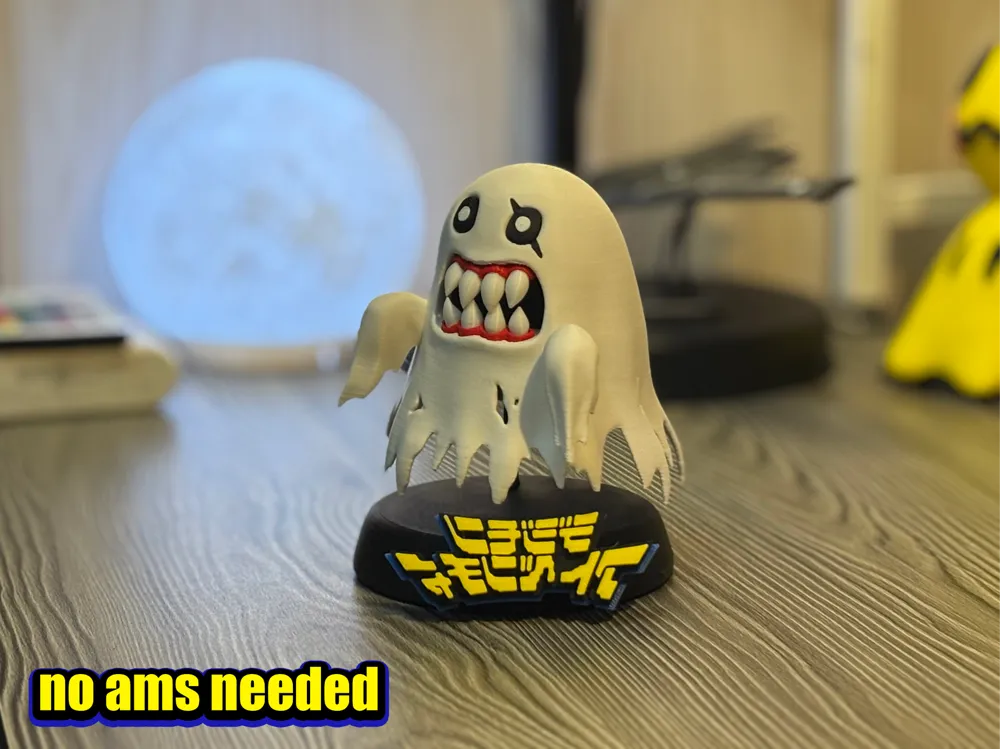
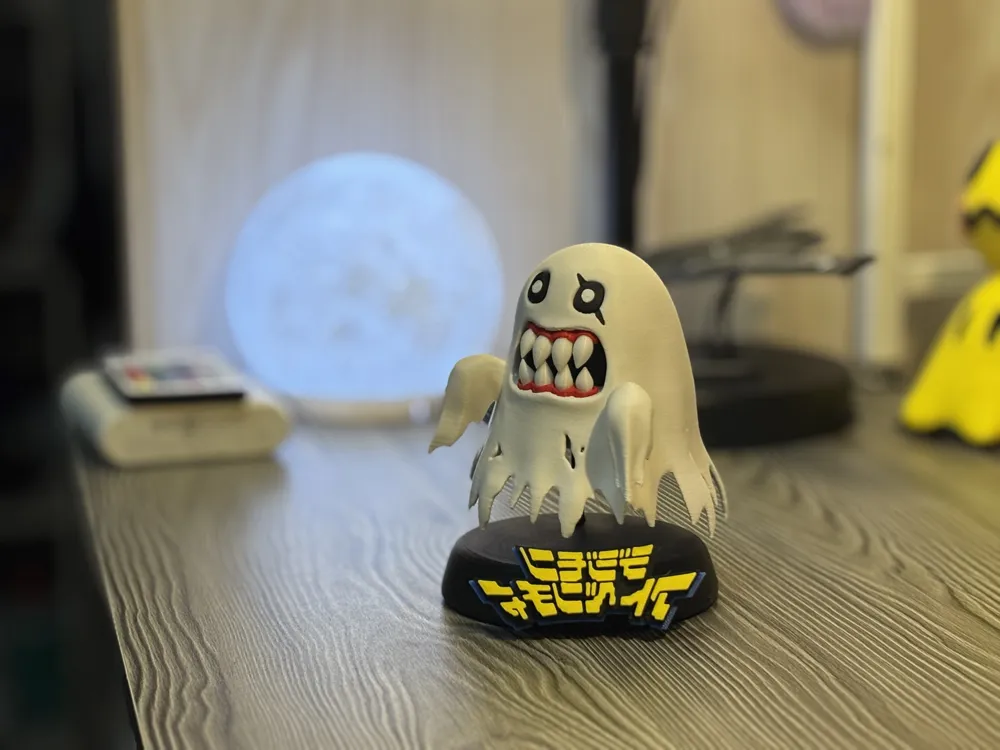
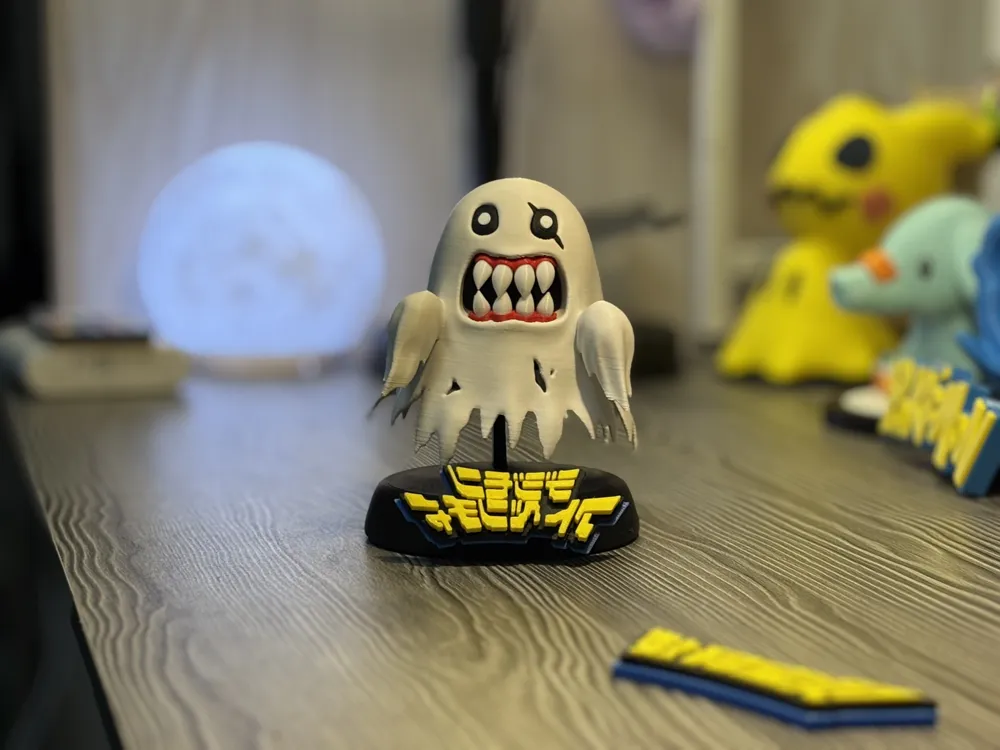
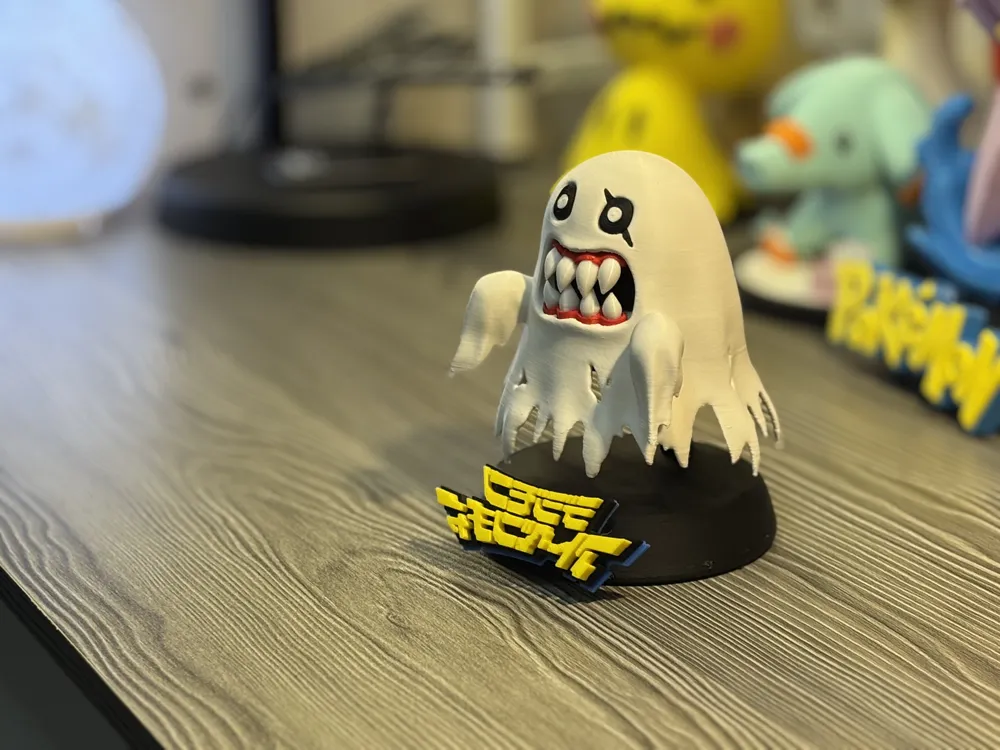
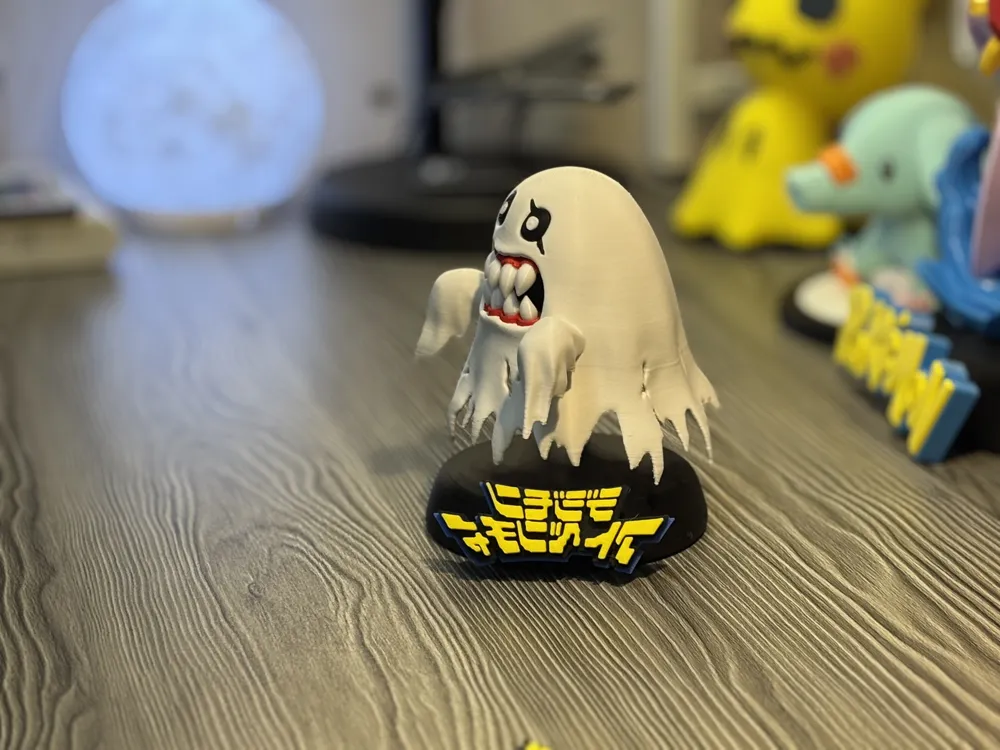
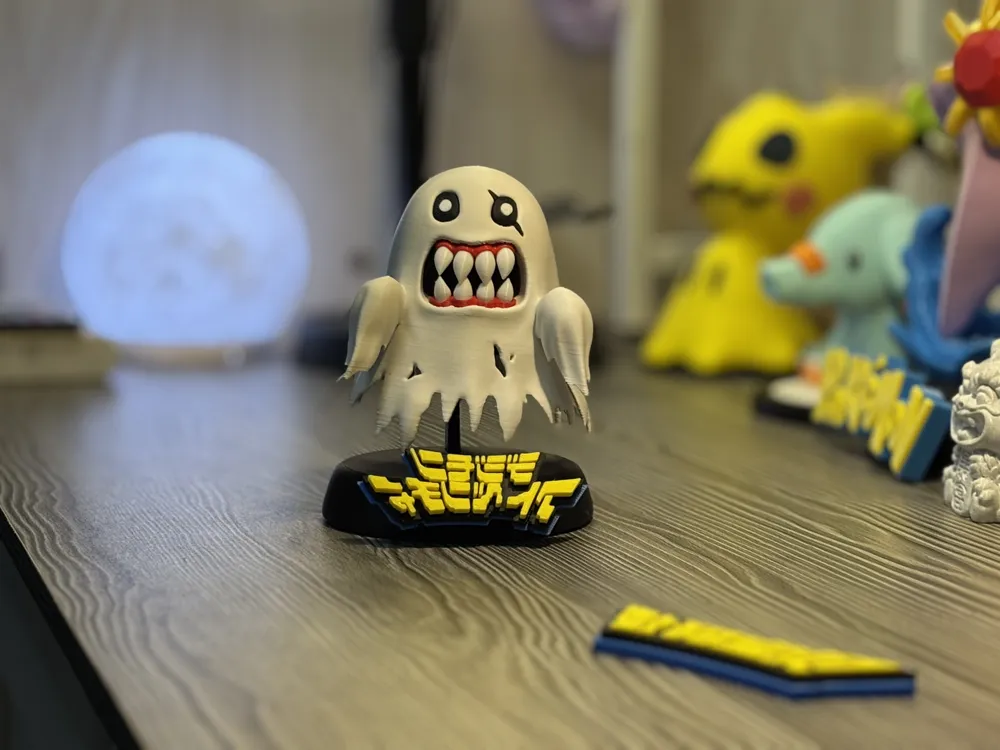
Digimon Phantomon figure model, no AMS multi-part assembly required
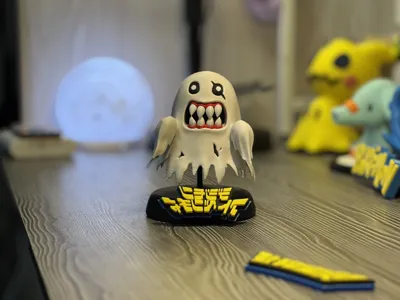
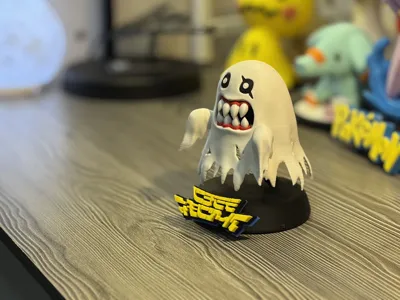
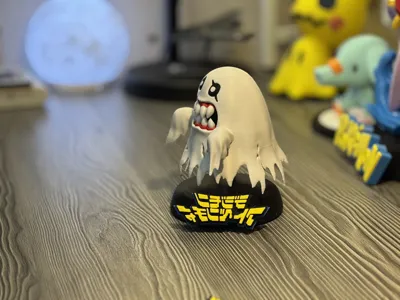
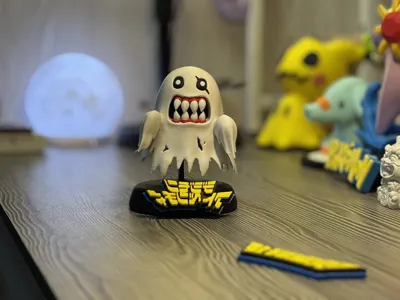
Print Profile(1)

Description
This model presented three challenges during production, along with their solutions, as follows
1. When removing supports, the draped cloth part of the main body is very fragile and can easily break along with the support. Therefore, remove supports as gently as possible, paying attention to whether the model breaks. If it does, carefully save the broken parts, and you can use super glue to restore the broken area to its original state
2. Assembling the teeth can be a bit difficult. I marked the bottom of the teeth, but they are too small to be recognizable when printed. My suggestion is to arrange all the teeth neatly after printing, and you will find four large ones and four small ones. The large ones are the upper teeth, and the small ones are the lower teeth. Then, match them one by one to the grooves in the gums, note the order, and secure them with glue
3. Installing the mouth can be a bit difficult because the mouth opening is very small, making it hard to apply force when inserting the gum and teeth parts. I have two suggestions for this: the first is to use tweezers instead of fingers to place the parts into the grooves; the second suggestion is to install the gums first, then paste the teeth one by one according to the previously noted order. Note that the lower teeth go inside and the upper teeth go outside, so install the lower teeth first, then the upper teeth
The following are simple instructions for mouth installation
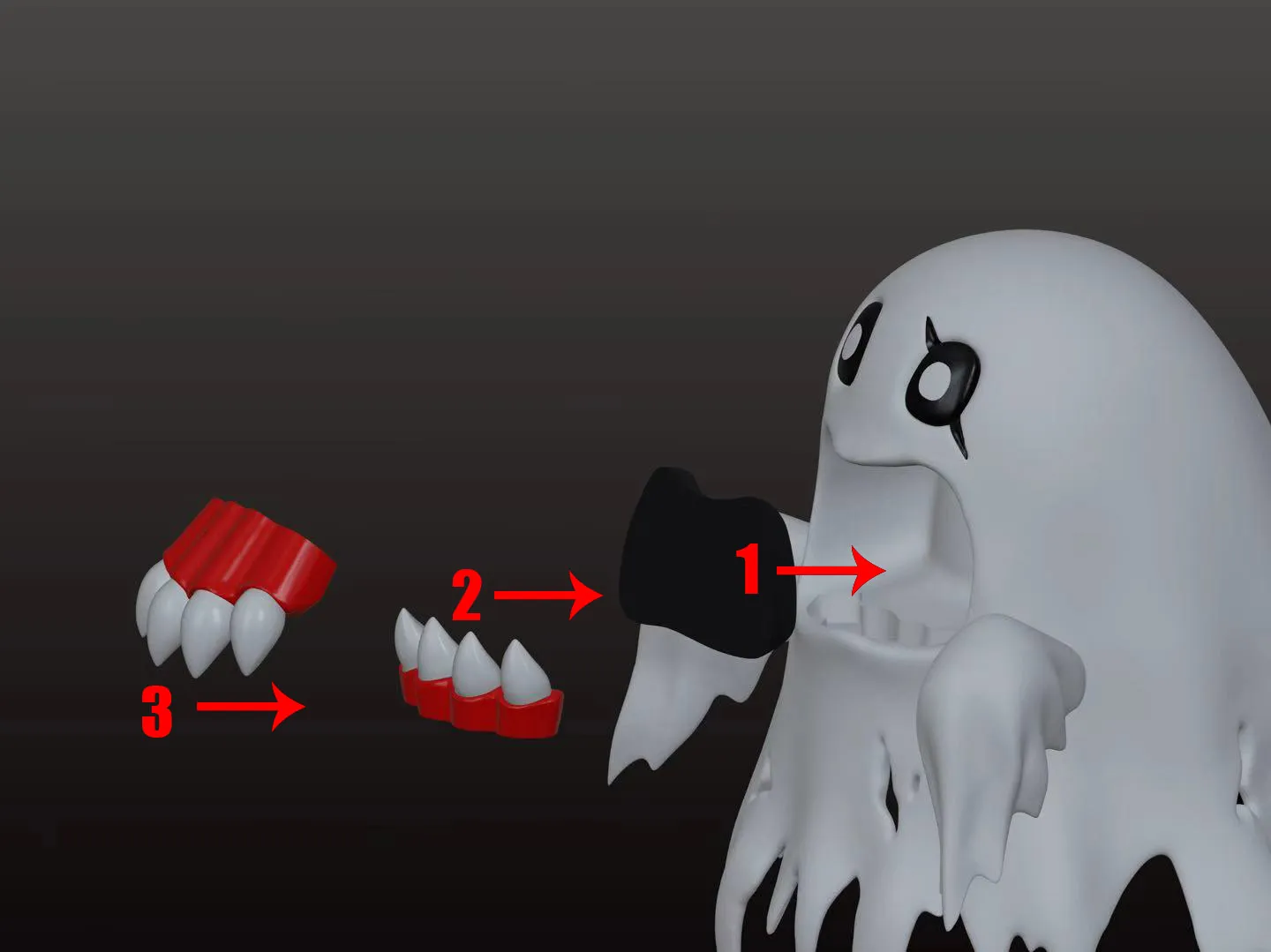
ps. Regarding the base, I didn't want to fix the Phantom Beast, so I created a tray structure that simply holds the model, making the Ghoulmon appear to float in the air to some extent. This might make the model easily knocked off. If you don't like this design, you can directly glue the model and the base together. Finally, the Digimon logo has an AMS solution and an auto-pause manual color change solution. After printing, it might be a bit loose when installed on the base, requiring glue
Boost Me (for free)
Your support means a lot to me! Thank you!
License

You shall not share, sub-license, sell, rent, host, transfer, or distribute in any way the digital or 3D printed versions of this object, nor any other derivative work of this object in its digital or physical format (including - but not limited to - remixes of this object, and hosting on other digital platforms). The objects may not be used without permission in any way whatsoever in which you charge money, or collect fees.


Comment & Rating (8)