
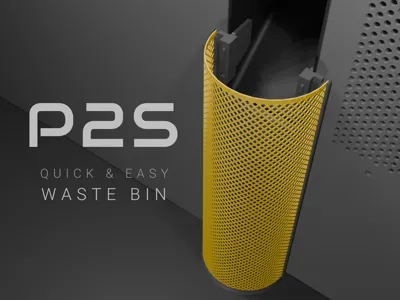
P2S Waste Bin
Print Profile(2)


Description
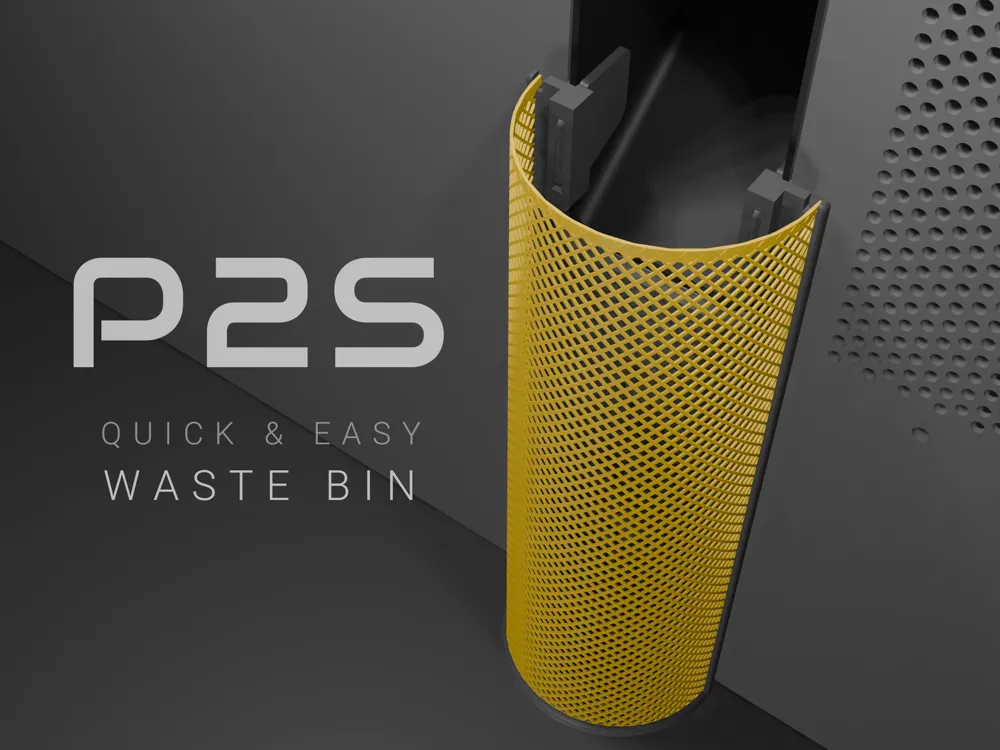
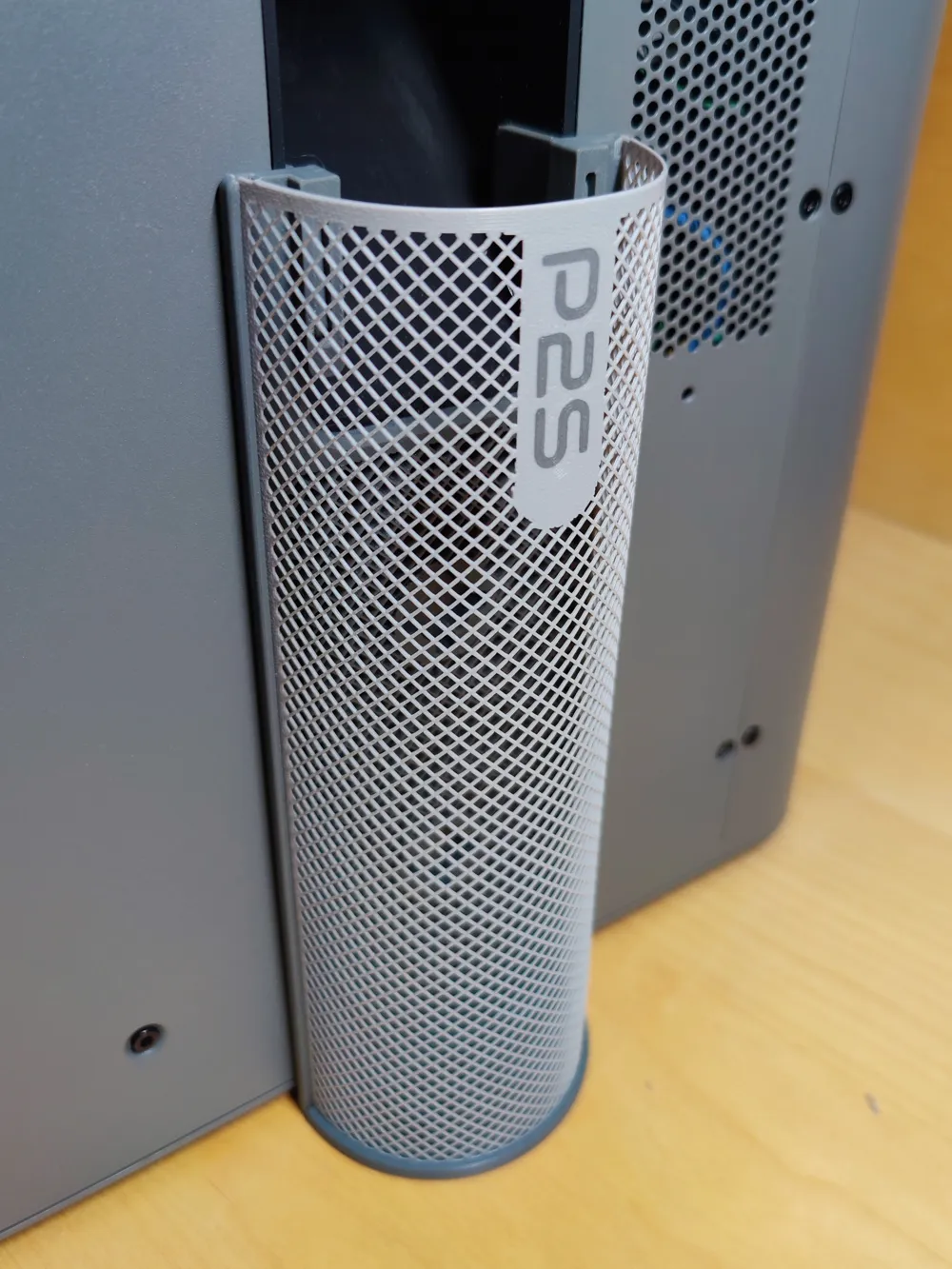
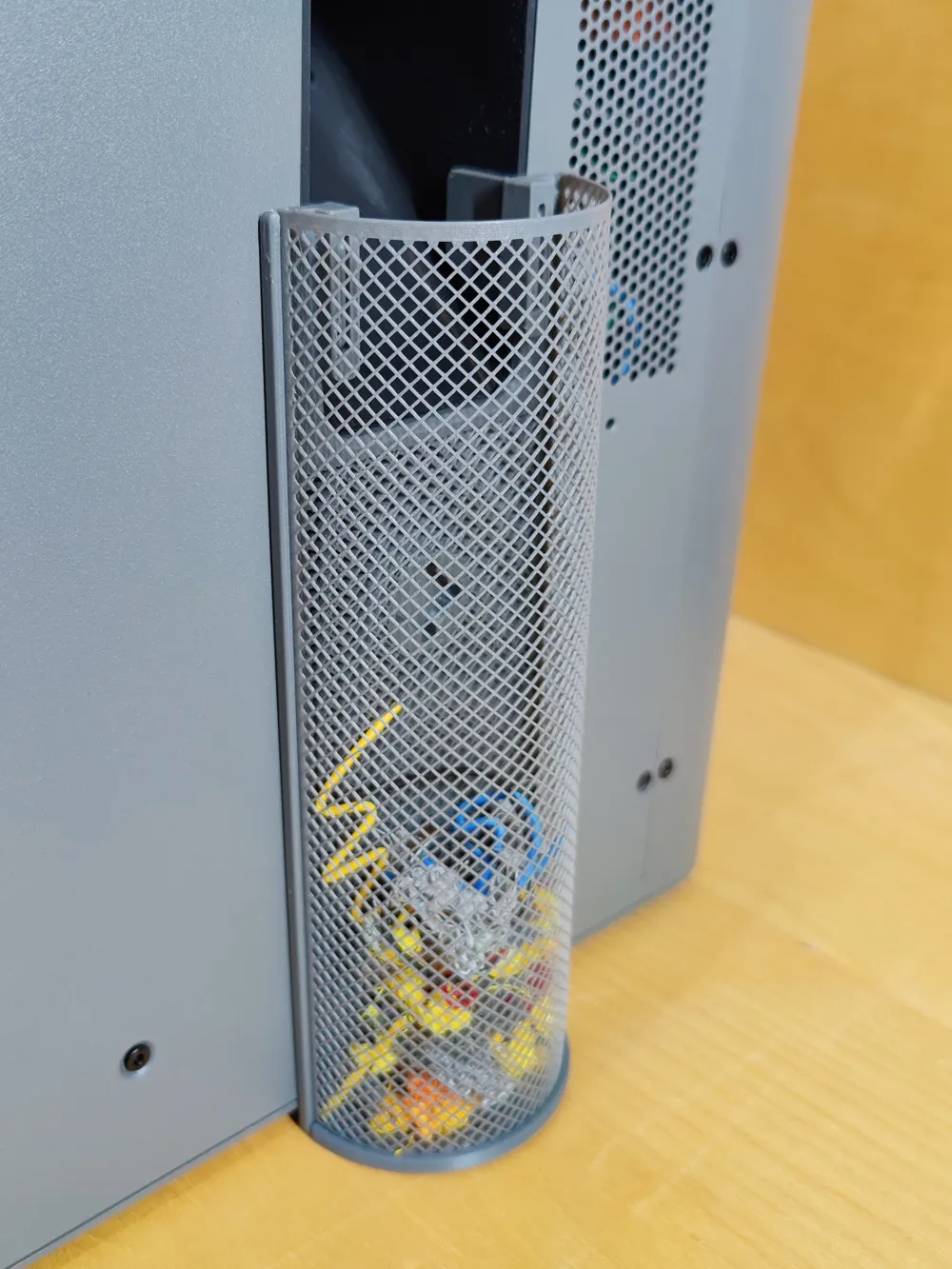
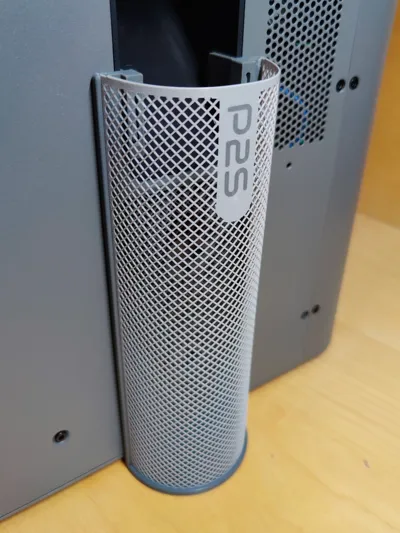
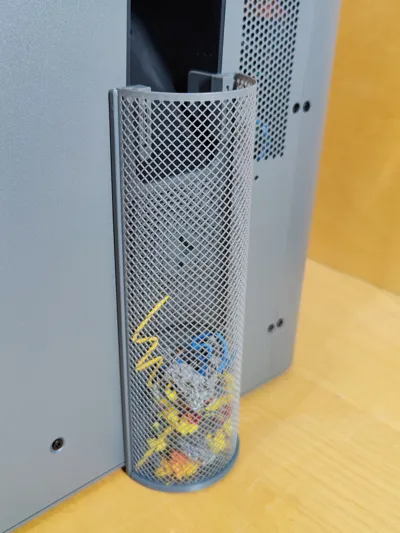
A quick and easy to print waste bin ( 1h / 38g )
If you want a container with a mesh it takes usually much longer to print.

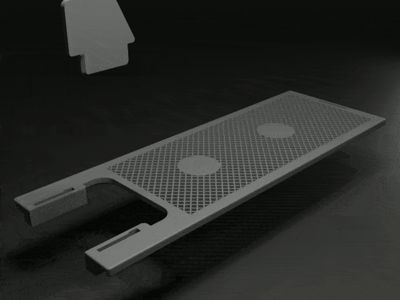
Spliting it into parts makes it easier and faster to print ( no supports and overhangs )
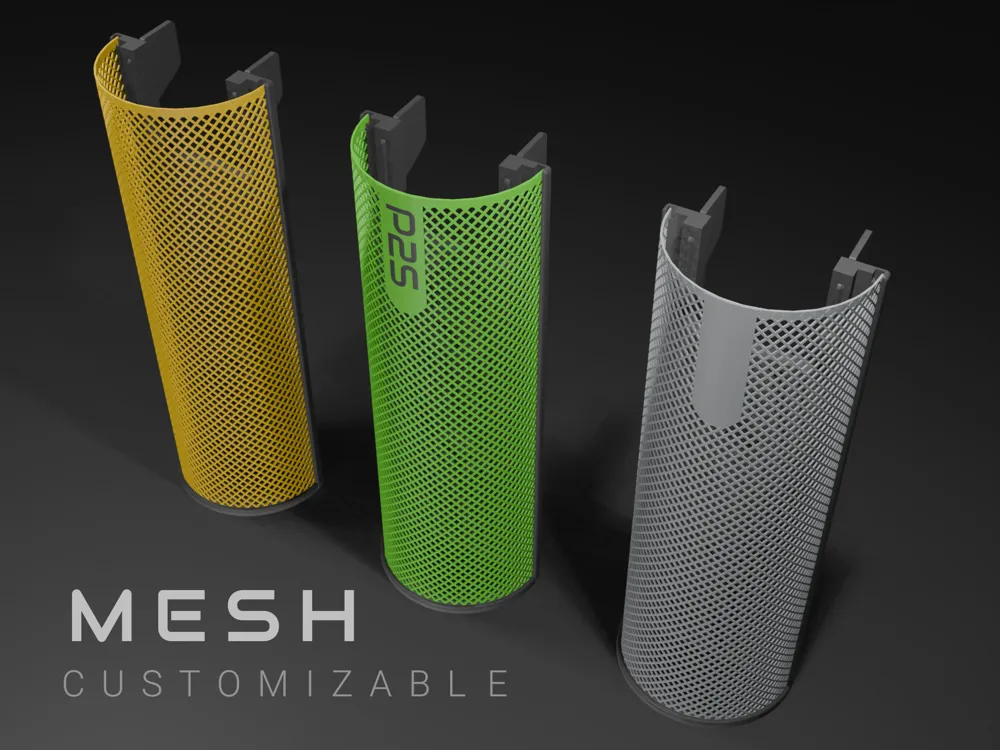
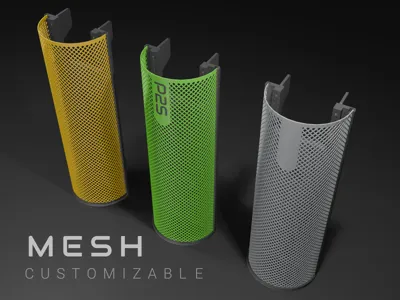
but gives you also more freedom in design ( colors, modifications ).
I recommend to print this in PETG simply because it is more flexible than PLA.
During my test prints I also used PLA Basic and it printed without problems but
I do not recommend printing in PLA variations like PLA Silk ( more brittle )
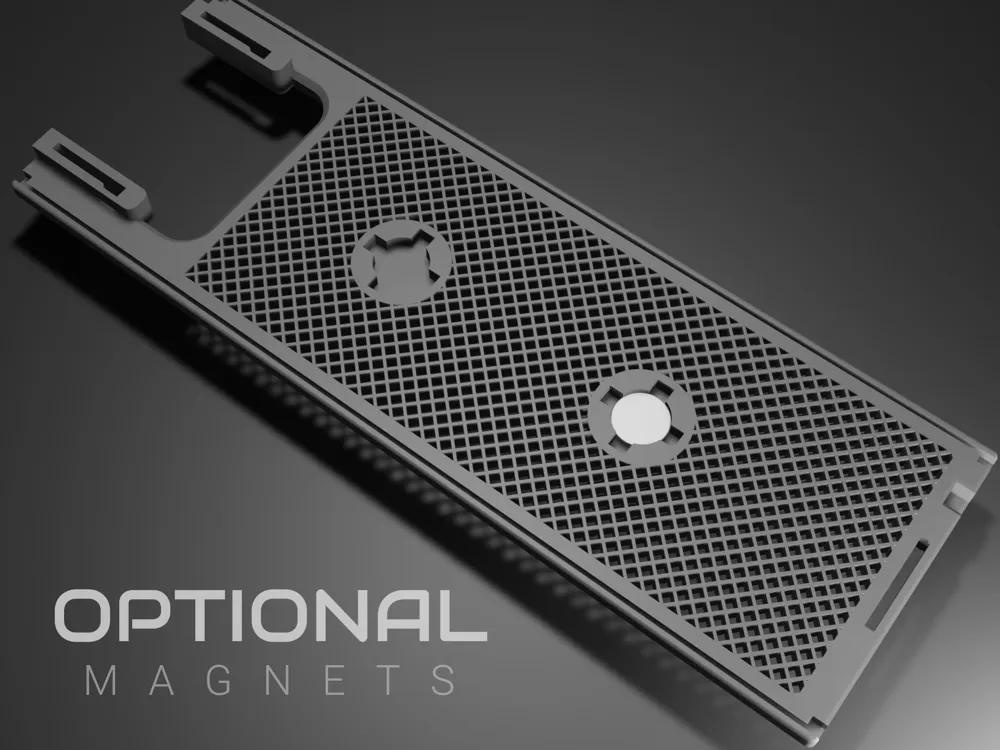
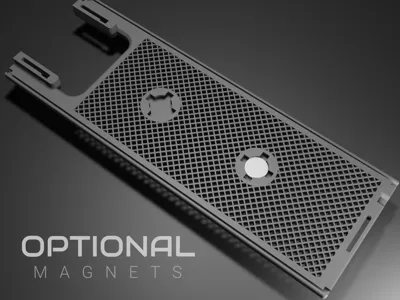
There is also the option to use one or two magnets.
Magnets with a diameter of 12 mm fits directly, smaller ones can be clued.
Plate 1
The whole waste bin in one color
Plate 2 ( Optional )
Only the mesh with an empty label ( text can be added by the text tool of the slicer )
Plate 3 ( Optional )
Only the mesh with a P2S text on the label
Note that there are 2 print profiles available just because I don't mind if the print takes 10 min longer but
don't really like the heavy shaking.
Normal - default P2S printer settings
No shake - reduced P2S printer acceleration ( takes a little bit longer )
Have fun
Documentation (1)
License

You shall not share, sub-license, sell, rent, host, transfer, or distribute in any way the digital or 3D printed versions of this object, nor any other derivative work of this object in its digital or physical format (including - but not limited to - remixes of this object, and hosting on other digital platforms). The objects may not be used without permission in any way whatsoever in which you charge money, or collect fees.


Comment & Rating (120)