Search models, users, collections, and posts

Personalized Pencil Topper with Name
IP Report
This model is created by Parametric Model Maker
Make Your Model

Print Profile(1)

All
A1
X1
H2D
H2S
H2C
X1E
P2S
X1 Carbon
A1 mini
P1S
H2D Pro
P1P
X2D
A2L

0.2mm layer, 2 walls, 15% infill
Designer
31 min
1 plate
5.0(1)

Open in Bambu Studio
Boost
481
1227
31
20
2 k
914
Released 

Description

Content has been automatically translated.
Show original

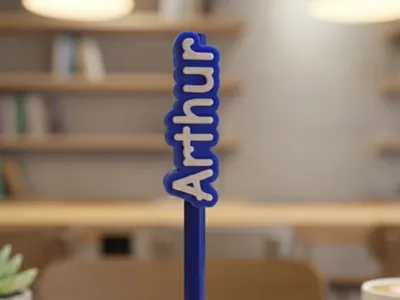
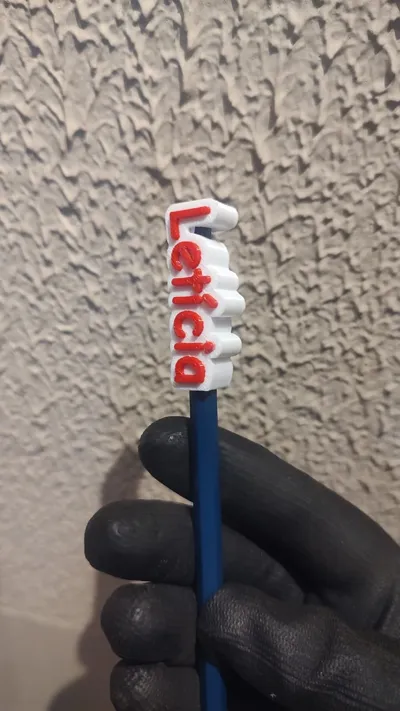
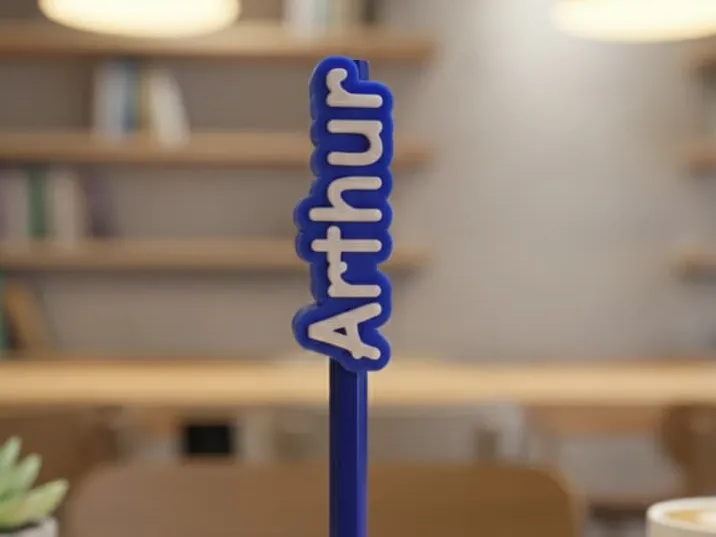
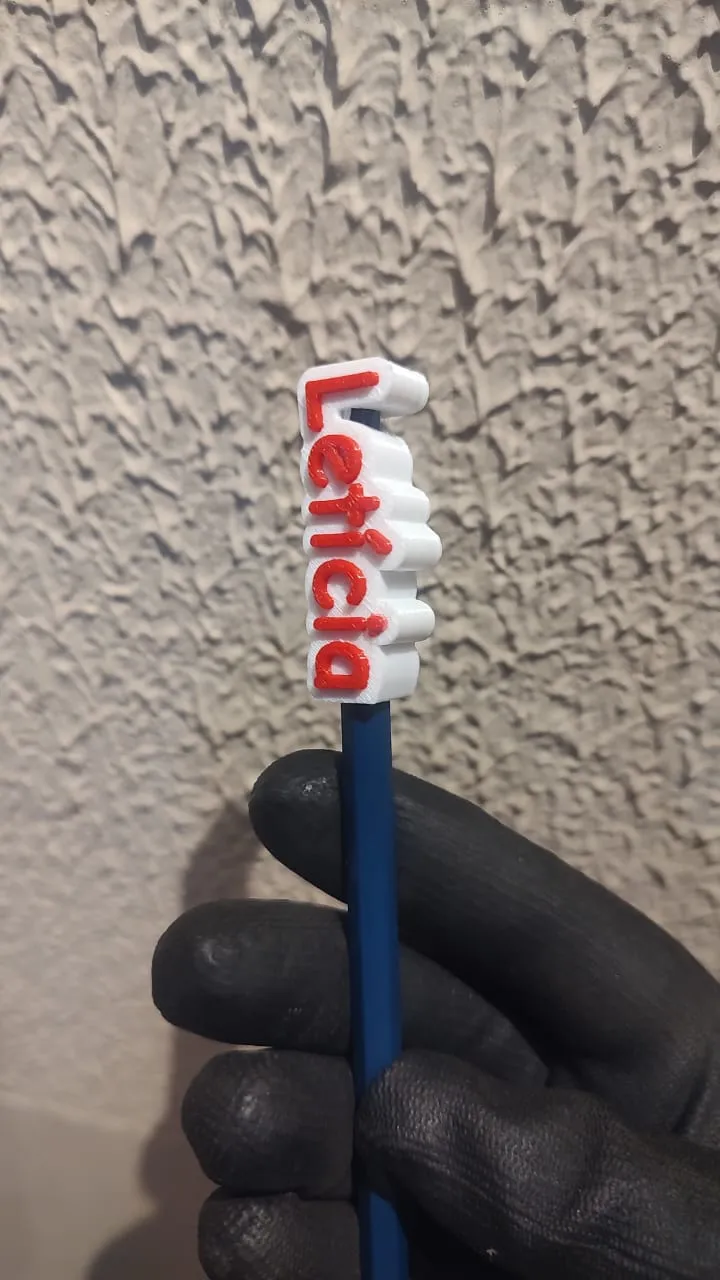
Personalized Pencil Topper with Embossed Name – Parametric 3D Model

Parametric 3D model created from scratch in OpenSCAD, ideal for personalizing school pencils.
It allows you to insert any name, adjust size, thickness, and fit, making the topper perfect for children's use, school, or as a personalized souvenir.

The design features an embossed name, is easy to print, and compatible with single or multi-color printing (AMS/MMU).
A great option to identify school supplies, prevent loss, and encourage creative personalization.

Comment & Rating (31)

(0/1000)

Boosted
Great file. My grandkids will love these for school. I didn't adjust anything in the parametric tool other than the names. They fit the ANKO (Kmart) grey lead pencils perfectly.
The designer has replied
designer
2
Reply
It turned out wonderful
Show original
designer
1
Reply
Boosted
Cara. It turned out marvelous. What an incredible model. Thank you very much!!!
The designer has replied
Show original
designer
1
Reply
It turned out amazing
Show original
designer
1
Reply
perfeito
The designer has replied
0
Reply
show 😀
0
Reply
This happened in several prints, has anyone experienced this
Show original
0
Reply
hey my names Arthur
designer
2
Reply
davi Alice name of my children
Show original
0
Reply
my children are also Davi and Alice 😍
Show original
0
Reply
When I download, its comming with one collor only (not separating the name in white). anyone is having this issue too?
The designer has replied
0
Reply
You will download it in 3MF format.
0
Reply
credit one that says matteo ❤️
Show original
0
Reply
matteo ❤️
0
Reply
where do I edit it
Show original
0
Reply
In the Customize option to the right of "download"
Show original
0
Reply
how do I edit
Show original
0
Reply
In the Customize option to the right of "download"
Show original
0
Reply